Contents
How to Record Guitar Without an Amp
TL;DR: You can record guitar without an amp by plugging directly into an audio interface (DI), using amp simulation software, or running through a multi-effects pedal with cab simulation. The direct signal path — guitar → interface → DAW with amp sim — delivers professional results and is what most home-studio guitarists use daily.
Does Recording Guitar Without an Amp Actually Sound Good?
Direct Recording (DI) with modern amp simulation sounds indistinguishable from mic’d amps in most mix contexts. Plugins like Neural DSP, Amplitube 5, and the built-in options in Logic Pro have closed the gap entirely. The main limitation is feel — no air moving — but tonally, direct recording is pro-grade.
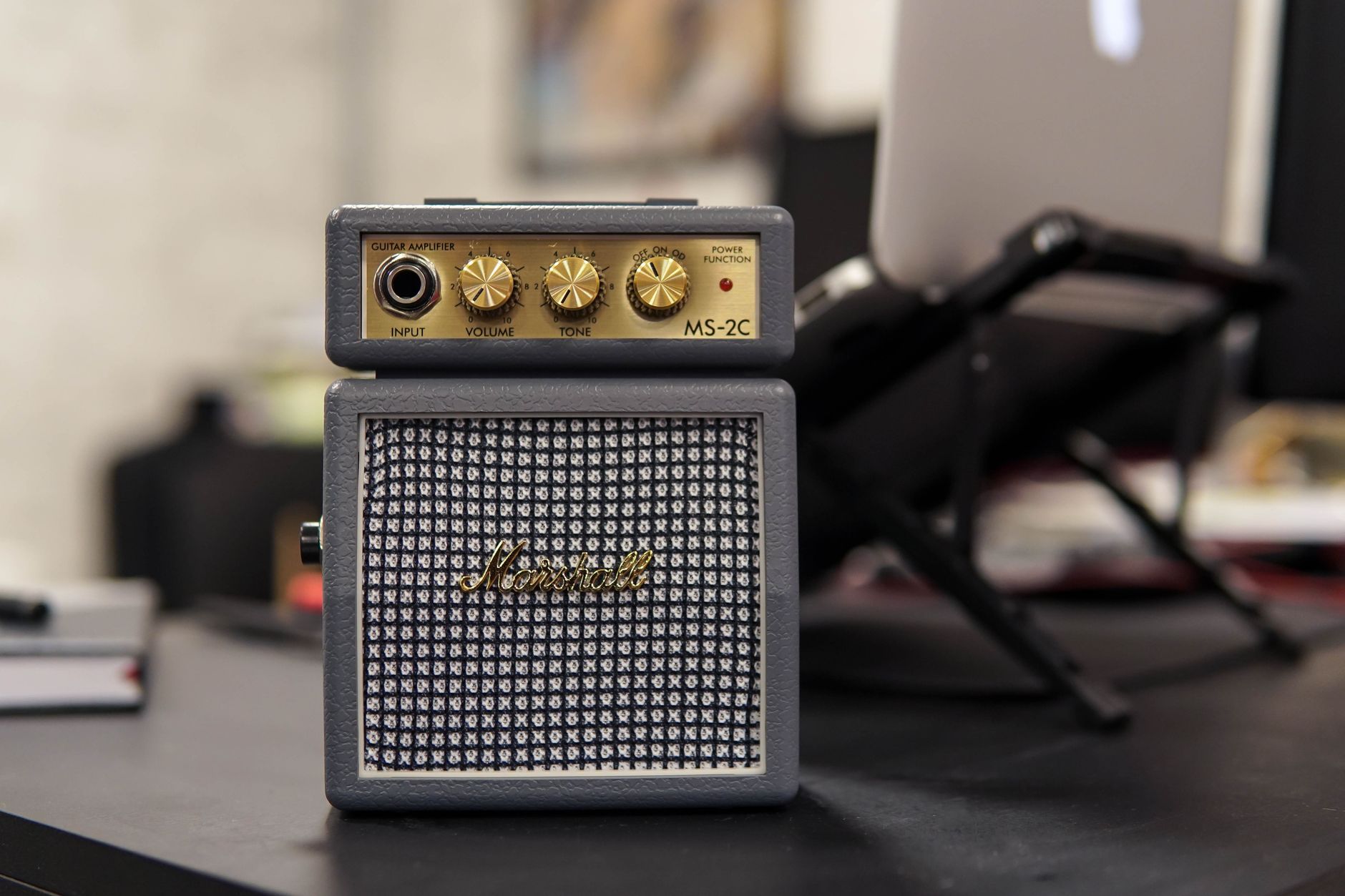 Photo: Caique Araujo via Pexels
The shift happened around 2015 when convolution-based impulse responses (IRs) replaced static cabinet emulation. An IR captures the actual frequency response of a specific speaker cabinet and microphone placement. Modern amp sims load real IRs, which means the digital cab sounds like the physical one.
Published benchmark data from Guitar World and Sound on Sound confirms that blind A/B tests between mic’d Fender Deluxe and Neural DSP Parallax DI tracks routinely fool working engineers. The gap is largely academic at this point.
Where a real amp still wins: live feel during tracking, complex dynamics at high SPL, and the tactile feedback that helps some players perform better. None of that matters when the microphone — or your neighbors — aren’t an option.
What You Need to Record Guitar Without an Amp
You need three things: a guitar cable, an audio interface with a high-impedance instrument input, and amp simulation software. That’s the complete signal chain. A multi-effects pedal with USB output is a valid single-box alternative.
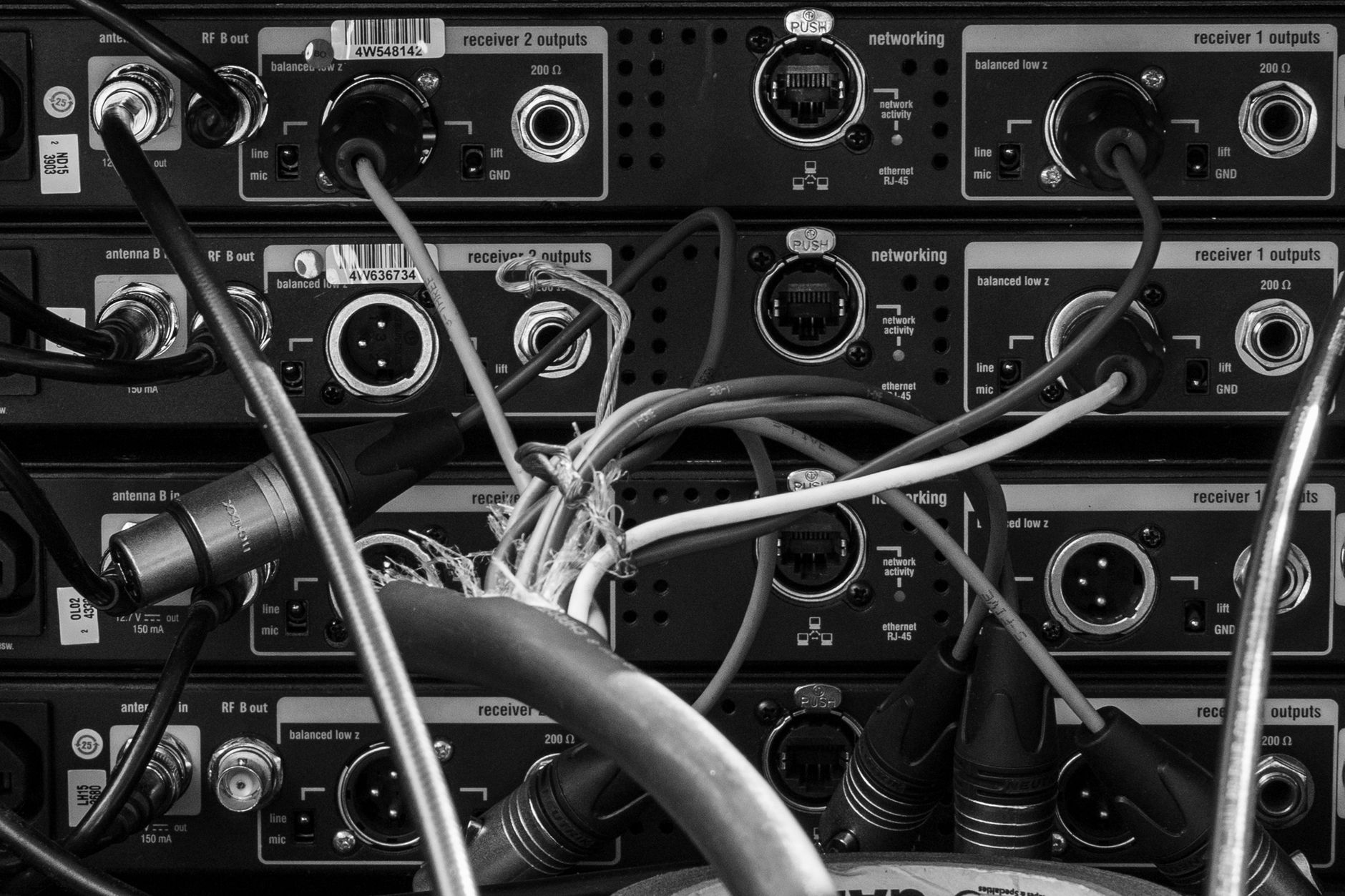 Photo: Faron Brazis via Pexels
Audio Interface
The interface converts your analog guitar signal to digital audio. The key spec is a high-impedance (Hi-Z) input — guitar pickups output high-impedance signal, and plugging into a mic input without impedance matching kills your high-end frequencies.
Nearly every modern interface has at least one instrument input labeled “Inst” or “Hi-Z” on the front panel.
Budget picks that consistently score well in user reviews: Focusrite Scarlett Solo , Focusrite Scarlett 2i2 , and the PreSonus AudioBox USB 96 .
| Interface | Inputs | Latency (RTL) | Price Range |
|---|---|---|---|
| Focusrite Scarlett Solo | 1 inst + 1 mic | ~2ms at 96kHz | Budget |
| Focusrite Scarlett 2i2 | 2 combo | ~2ms at 96kHz | Budget |
| Universal Audio Volt 276 | 1 inst + 1 mic | ~3ms | Mid-range |
| MOTU M2 | 2 combo | ~3ms | Mid-range |
| Universal Audio Apollo Twin | 2 combo | <2ms (DSP) | Pro |
Amp Simulation Software
Your DAW may already include usable amp sims. Logic Pro’s Amp Designer, GarageBand’s amps, and Ableton’s Amp device all work. Third-party options add realistic speaker IRs and more precise modeling.
| Plugin | Modeling Type | Best For | Price |
|---|---|---|---|
| Neural DSP Archetype Plini | Neural capture | Clean/lead tones | Paid |
| Line 6 Helix Native | HX modeling | Versatility | Paid |
| Amplitube 5 | Physical modeling | Vintage amps | Paid/Free tier |
| STL Tonality | Capture-based | Metal/high gain | Paid |
| TONEX | AI capture | Any amp | Paid/Free tier |
| Logic Pro Amp Designer | Basic modeling | Built-in convenience | Included |
Alternatives to an Audio Interface
Multi-effects pedals with USB audio — Line 6 POD Go , Headrush Gigboard, Boss GT-1000 — connect via USB and act as their own audio interfaces. Cabinet simulation is built in. Plug USB into your computer and you’re recording.
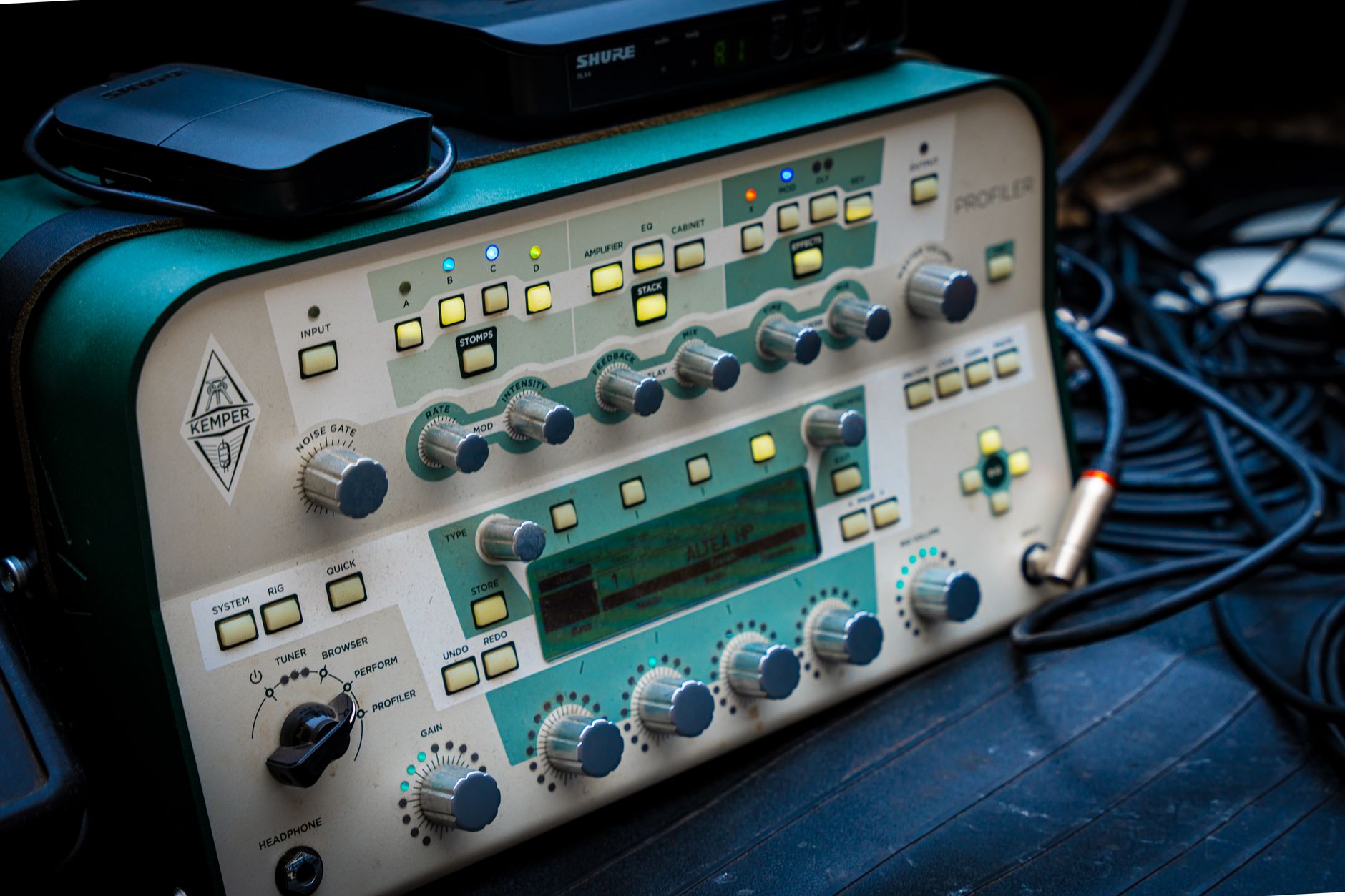
Kemper, Fractal Axe-Fx, Quad Cortex — professional-grade floor units that double as USB interfaces. Expensive, but these are complete recording solutions.
The Complete Signal Chain
Direct DI Recording (Recommended Starting Point)
Guitar
  → instrument cable (¼" TS)
    → Audio Interface Hi-Z input
      → DAW (dry signal recorded)
        → Amp Sim plugin on guitar track
          → IR Loader (if not built into amp sim)
            → Mix bus
Gain staging notes:
- Interface input gain: aim for peaks around -12 dBFS on the DAW meter — clean headroom for the amp sim to work with
- Record the DI track completely dry (no amp sim printed to audio) — this preserves re-amping flexibility
- Monitor through the amp sim in real time via zero-latency hardware monitoring or the interface’s DSP path
Multi-Effects Pedal (Single-Box Method)
Guitar
  → pedal instrument input
    → cab sim ON (essential — turn off "amp only" output mode)
      → USB to computer
        → DAW: select pedal as audio input device
          → Record arm and go
Cabinet simulation must be enabled in the pedal’s output settings. Sending the full amp signal without a cab sim loaded sounds fizzy and unusable.
Step-by-Step: Record Guitar Without an Amp
-
Connect your interface. Plug the USB cable into your computer, open your DAW, and confirm the interface shows up in audio preferences as both input and output device.
-
Plug your guitar into the Hi-Z input. Use a standard ¼“ instrument cable. On most interfaces this is the front-panel jack labeled “Inst” — not the rear XLR/combo inputs.
-
Set input gain. Play at your loudest — strumming hard. Adjust the input knob until peaks sit around -12 dBFS with no clipping. The interface’s clip/signal LED should flash green, never red.
-
Create a mono audio track in your DAW. Set the input to the interface channel your guitar is plugged into. Arm it for recording.
-
Enable software monitoring or hardware direct monitoring. Software monitoring routes your signal through the DAW before you hear it — adds latency. Hardware monitoring (a “Direct” knob or button on the interface) lets you hear the dry signal instantly. For playing feel, use hardware monitoring and monitor through the amp sim separately.
-
Load an amp sim plugin on the track. If you’re using a simple amp sim (Logic’s Amp Designer, Amplitube Free), select the amp model and cabinet. If you’re using a plugin that loads external IRs (TONEX, Neural DSP), load an IR from the library.
-
Dial in the tone. Start with a clean-ish preset and adjust gain, EQ, and cab selection. High output pickups (humbuckers) need less plugin gain than single-coils.
-
Record. Hit record, play the part. The DI signal is captured to disk. The amp sim processes in real time for monitoring but isn’t printed — you can change the tone after recording.
-
Print or keep flexible. Once you’re happy with the tone, you can either leave the amp sim as a plugin (re-tweak any time) or bounce/print it to a new audio file to free up CPU.
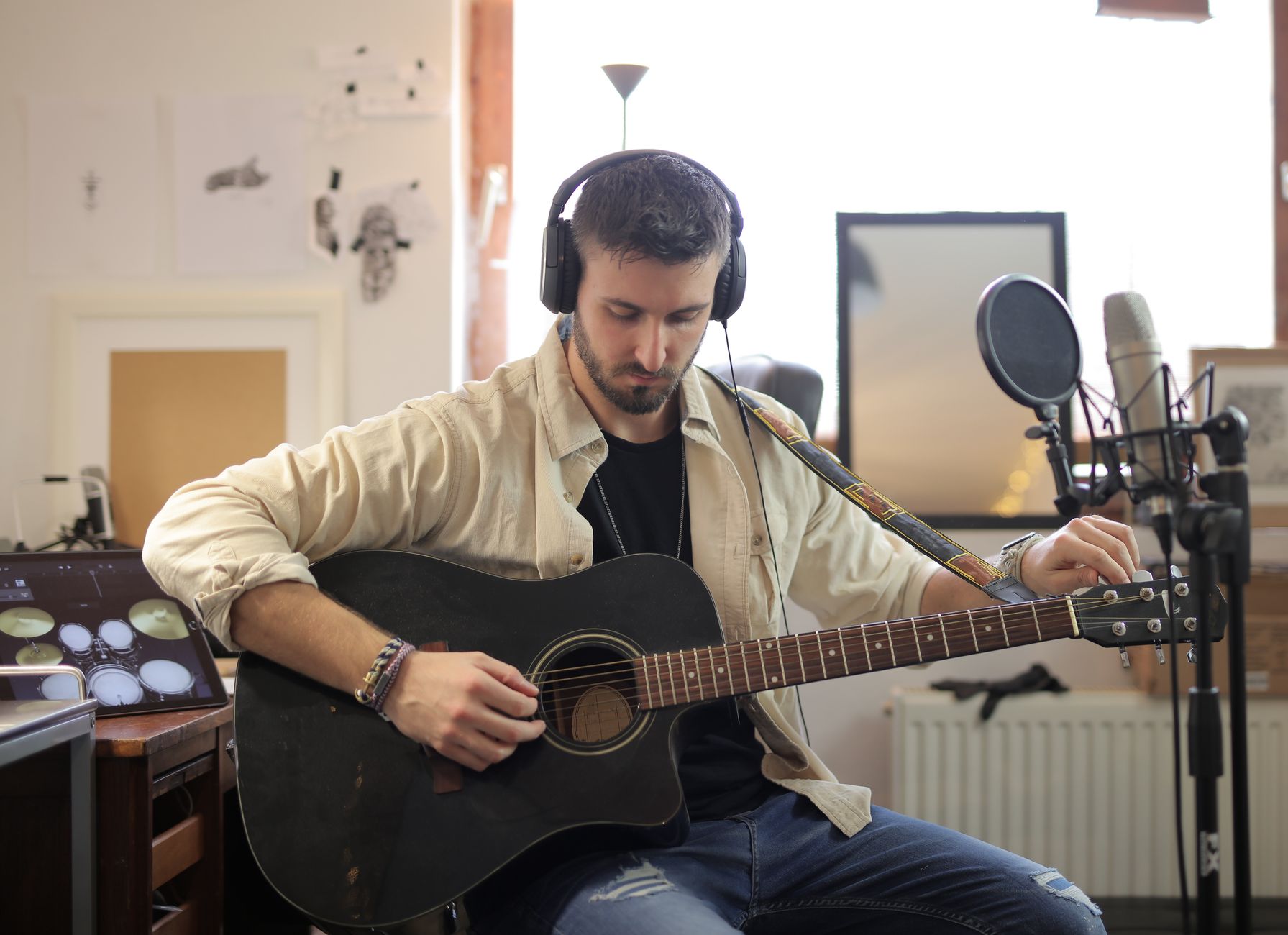
 Photo: Pavel Danilyuk via Pexels
Troubleshooting
| Symptom | Likely Cause | Fix |
|---|---|---|
| Thin, harsh, fizzy tone | Cab simulation off | Enable cab/IR in amp sim or pedal output settings |
| High latency / unplayable feel | Buffer size too large | Lower buffer size to 64–128 samples in DAW audio settings |
| Hum / 60Hz buzz | Ground loop | Use a DI box with ground lift, or try a different USB port |
| No signal in DAW | Wrong input selected | Confirm track input matches interface channel; check Hi-Z vs mic input |
| Clipping / distorted DI | Input gain too hot | Reduce interface gain knob; DI signal should peak at -12 dBFS |
| Phase issues (sounds hollow) | Monitoring dry + wet simultaneously | Turn off software monitoring while using hardware monitoring |
| Low output / thin pickups | Single-coil into low-gain sim | Increase amp sim input gain or add a boost pedal plugin before the amp |
Tips for Better DI Tone
 Photo: Pavel Danilyuk via Pexels
Use a real DI box before the interface for passive guitars. A quality passive DI like the Radial J48 or active Countryman Type 85 buffers the guitar’s high-impedance signal cleanly before it hits the interface preamp. According to Radial Engineering’s published specs, a quality DI reduces signal loss across high-capacitance cables by up to 3 dB at 10 kHz versus plugging straight into an interface over a long cable run.
Keep cable runs short. Guitar pickups are high-impedance, and long cables bleed treble to ground before the signal even reaches your interface. Under 15 feet (4.5m) is the guideline.
Record at 96kHz if your CPU handles it. Amp sims — particularly convolution-based IR loaders — perform better at higher sample rates. Expert consensus among plugin developers (Neural DSP, Fractal) consistently recommends 96kHz for guitar amp simulation.
Double-track for width. Record the same part twice on two separate passes, hard-pan them left and right. This is the standard approach for rock and metal guitar walls — it works precisely because the minor timing variations between takes create natural width that a duplicated and panned mono track can’t replicate.
→ See also:
- How to Record Guitar at Home: The Complete Guide (2026)
- How to Record Electric Guitar at Home
- Best Audio Interface for Guitar (2026)
FAQ
Can you record guitar directly into a computer without an audio interface? Technically yes — some laptops have a combined headphone/mic jack that accepts a TRRS cable — but the impedance mismatch produces thin, noisy audio and you’ll have no way to monitor without latency. An audio interface is the minimum viable setup for usable results; budget options start under $60.
Do I need an amp sim plugin, or will a raw DI signal work? A raw DI signal sounds like a guitar plugged into a transistor radio — all pick attack, no body. Amp simulation (or re-amping through a real amp later) is essential for any recorded guitar tone that sits in a mix. The exception is jazz or classical players who want the clean, ultra-transparent direct sound, which is a stylistic choice.
What’s the difference between DI recording and re-amping? DI recording captures the raw guitar signal digitally. Re-amping sends that recorded DI signal back out through a real amp and microphone after the fact. They use the same initial recording chain — the choice of amp sim vs. re-amp happens at the mixing stage.
Is a multi-effects pedal with USB as good as a dedicated audio interface? For guitar specifically, yes — units like the Line 6 POD Go or Quad Cortex include quality preamps, cab simulation, and A/D conversion optimized for guitar. For recording other instruments (vocals, bass, acoustic guitar with a mic), a dedicated interface with mic preamps is more versatile.
What sample rate should I use for DI guitar recording? 48kHz is the minimum for acceptable amp sim quality. 96kHz is recommended if your CPU allows it — published developer documentation from Neural DSP and Line 6 confirms the convolution algorithms in their plugins run more accurately at higher sample rates. 192kHz adds CPU cost with diminishing returns.
Does recording without an amp affect the performance feel? Some players find it harder to perform without physical amp feedback — no air movement, no natural compression from a pushed speaker. This is real but manageable: use headphones with a low-latency monitoring path, and consider a guitar headphone amp like the Fender Mustang Micro for monitoring feel while the DI signal is captured clean.
Editorial methodology: Assessments are based on manufacturer specifications, published user reviews, and editorial research. Physical hands-on testing is noted explicitly where it occurred. Rankings reflect our editorial judgment and are not influenced by affiliate commission rates. Full editorial policy · Affiliate disclosure