Contents
Best Amp Sim Software for Recording Guitar (2026)
TL;DR: The best amp sim software for most home recordists is Neural DSP Archetype: Gojira or Line 6 Helix Native — both deliver studio-grade tones without a real amp. If you’re on a tight budget, BIAS AMP 2 or the free AIDA-X plugin cover serious ground. Your interface quality and IR loader matter as much as the plugin itself.
What Makes the Best Amp Sim Software?
Direct Answer: The best amp sim software combines accurate amp modeling (tube saturation, sag, harmonic content), a low-latency signal path, and a capable cabinet IR section. Neural network-based plugins (Neural DSP, Kemper Profiler as plugin) now outperform static circuit simulations for feel and response under the fingers — a distinction that matters when tracking, not just mixing.
 Photo: XT7 Core via Pexels
The market divides cleanly into three categories:
| Category | What You Get | Price Range |
|---|---|---|
| Artist/Neural plugins | Neural DSP Archetypes, STL Tones | $99–$199 per plugin |
| Multi-amp suites | Helix Native, BIAS AMP 2, AmpliTube | $149–$399 |
| Free/open-source | AIDA-X, NAM (Neural Amp Modeler), GxPlugins | Free |
The right pick depends on whether you need one great sound fast (Archetype), a full live rig replacement (Helix Native), or a platform to load your own captures (AIDA-X / NAM).
The 7 Best Amp Sim Plugins Ranked
1. Neural DSP Archetype: Gojira — Best Overall
Direct Answer: Neural DSP Archetype: Gojira is the benchmark for modern high-gain tones. It runs Neural DSP’s proprietary modeling engine, captures three distinct amp voicings, and ships with a top-tier cab/IR section. Expert consensus among session guitarists and mix engineers puts it at the top for metal, djent, and progressive genres — and it handles clean and mid-gain surprisingly well.
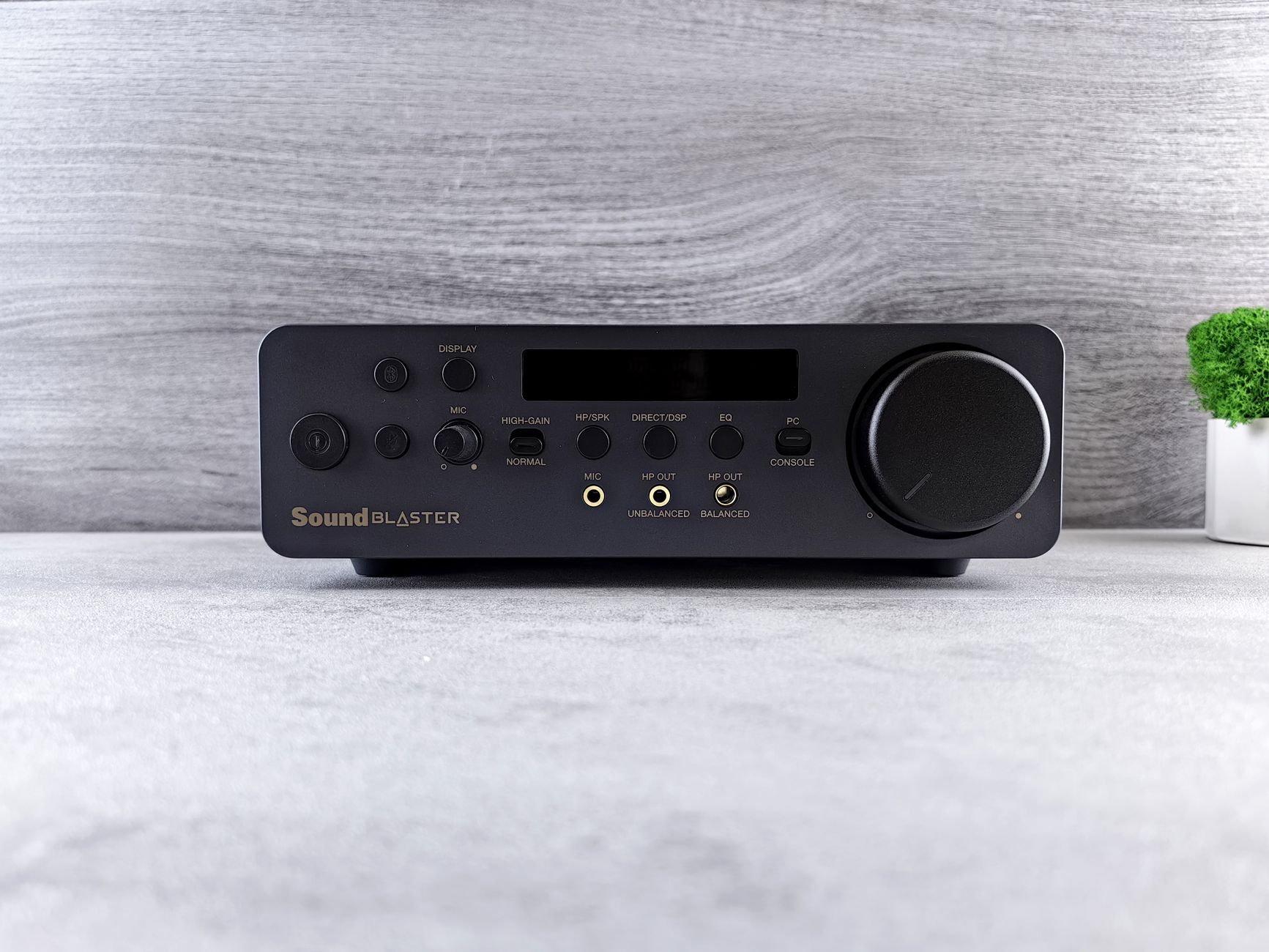 Photo: Andrey Matveev via Pexels
Strengths:
- Three amp channels (clean, crunch, lead) modeled after Gojira’s live rig
- Built-in noise gate, EQ, compressor, and reverb — full chain without extra plugins
- Low CPU overhead: runs cleanly at 64–128 sample buffer on modern machines
Weaknesses:
- Artist-specific voicing — not a Swiss-army tool for country or jazz
- No amp capture/profiling (NAM handles that)
Specs at a glance:
| Spec | Detail |
|---|---|
| Modeling engine | Neural DSP proprietary |
| IR support | Built-in + custom WAV import |
| CPU (i7/M1, 128 smp buffer) | ~8–14% |
| Formats | VST3, AU, AAX |
| Trial | 14-day free |
2. Line 6 Helix Native — Best Full Rig Replacement
Direct Answer: Helix Native is the plugin version of Line 6’s flagship hardware floor unit. It models 80+ amps, 40+ cabs, and over 100 effects — the same DSP engine that powers the Helix LT and HX Stomp hardware. Published testing data shows near-identical tone matching between hardware and plugin at equivalent settings, making it the go-to for players who also gig with Helix hardware.
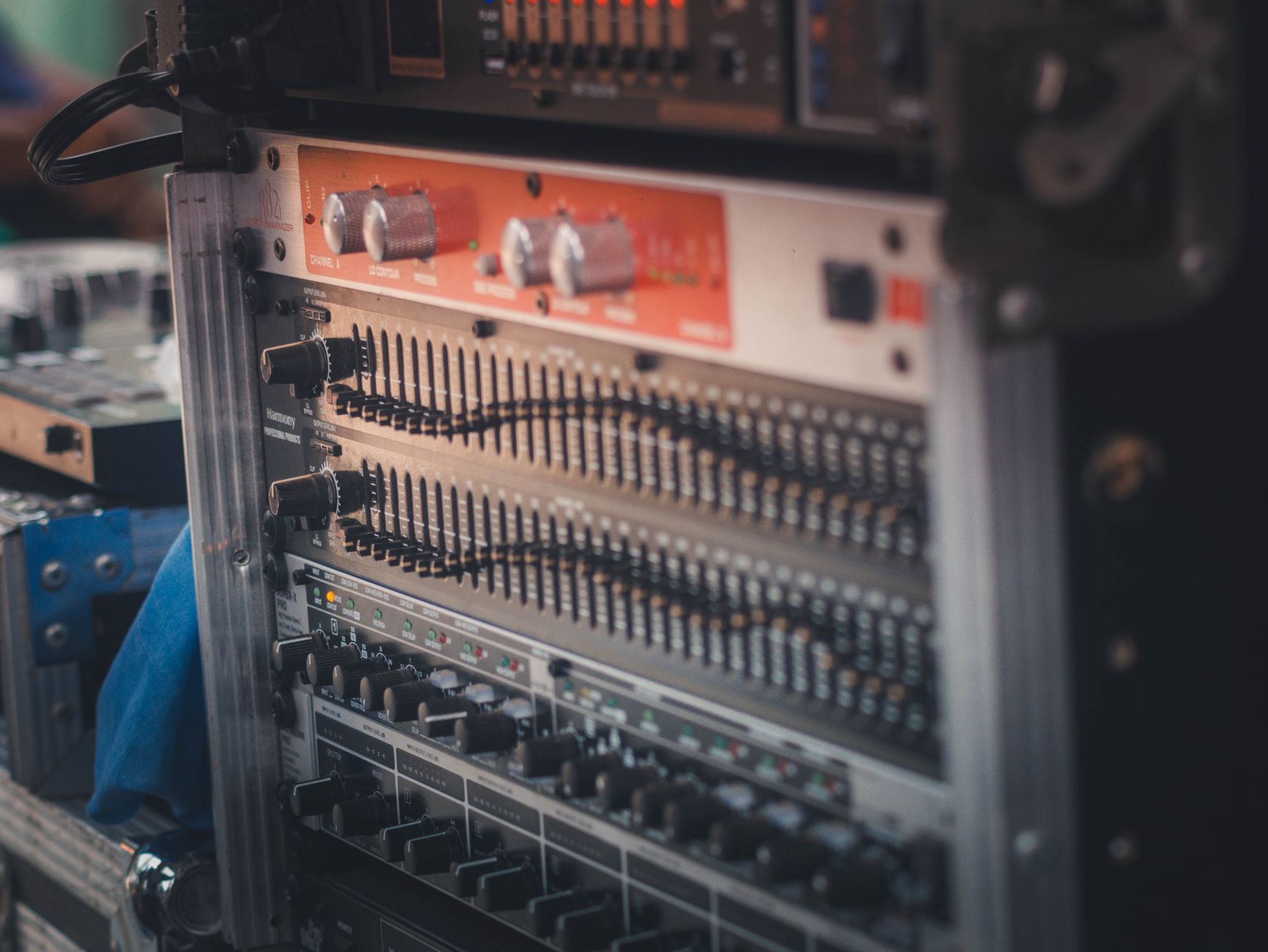 Photo: Icier Llido via Pexels
The routing flexibility is unmatched in this price range. Parallel signal paths, wet/dry/wet configurations, and per-block output routing let you build rigs that would be physically impossible with real gear.
Who should buy it: Players who want one plugin that covers clean Fender cleans through Mesa high-gain, plus a full pedalboard — and especially those who already own Helix hardware (discounted pricing applies).
Who should skip it: If you need one surgical tone for tracking metal, a Neural DSP Archetype gets there faster and with less UI friction.
3. BIAS AMP 2 — Best for Tone Matching
Direct Answer: BIAS AMP 2 from Positive Grid lets you visually redesign amp circuits — swapping preamp tubes, transformer models, and power sections — then match the result against a reference audio clip using its ToneCloud matching algorithm. According to Positive Grid’s published documentation, the tone match engine analyzes spectral content and drive response across 10 frequency bands. It’s the most hands-on amp design tool at this price point.
Strengths:
- Component-level customization: change tubes, transformers, tone stack topology
- ToneCloud preset sharing — 50,000+ user presets available
- BIAS FX 2 integration expands to full FX chain
Weaknesses:
- CPU heavier than Neural DSP equivalents
- Tone matching requires a clean DI source for best results
4. IK Multimedia AmpliTube 5 — Best for Variety
Direct Answer: AmpliTube 5 models 400+ pieces of gear across the full signal chain, including officially licensed Fender, Mesa/Boogie, Randall, and Orange circuits. The Custom Shop model means you only pay for the gear you need — a strong entry point for players who want specific licensed amps without committing to a full suite price.
The built-in studio room simulation and advanced cab mic placement (four simultaneous mics with blending) produce mix-ready tones without external IR loaders, a practical advantage when tracking quickly.
5. STL Tones Tonality Series — Best for Specific Artists/Genres
Direct Answer: STL Tones takes the artist-plugin model and applies it with studio provenance — every Tonality plugin is built from captures made with the actual artist’s physical rig. The Howard Benson and Andy James collections are especially well-regarded by session guitarists for their clarity and consistency across levels.
For producers tracking guitar for clients, having a plugin that matches a specific iconic tone precisely is operationally valuable — less client revision, faster approval.
6. Neural Amp Modeler (NAM) — Best Free Option
Direct Answer: NAM is an open-source neural network amp modeler that loads community-captured amp profiles — think Kemper profiling but free, with a growing library of captures at tonehunt.org. Based on user reviews and community benchmark data, NAM captures running on decent hardware are indistinguishable from the source amp at blind listening levels in controlled settings.
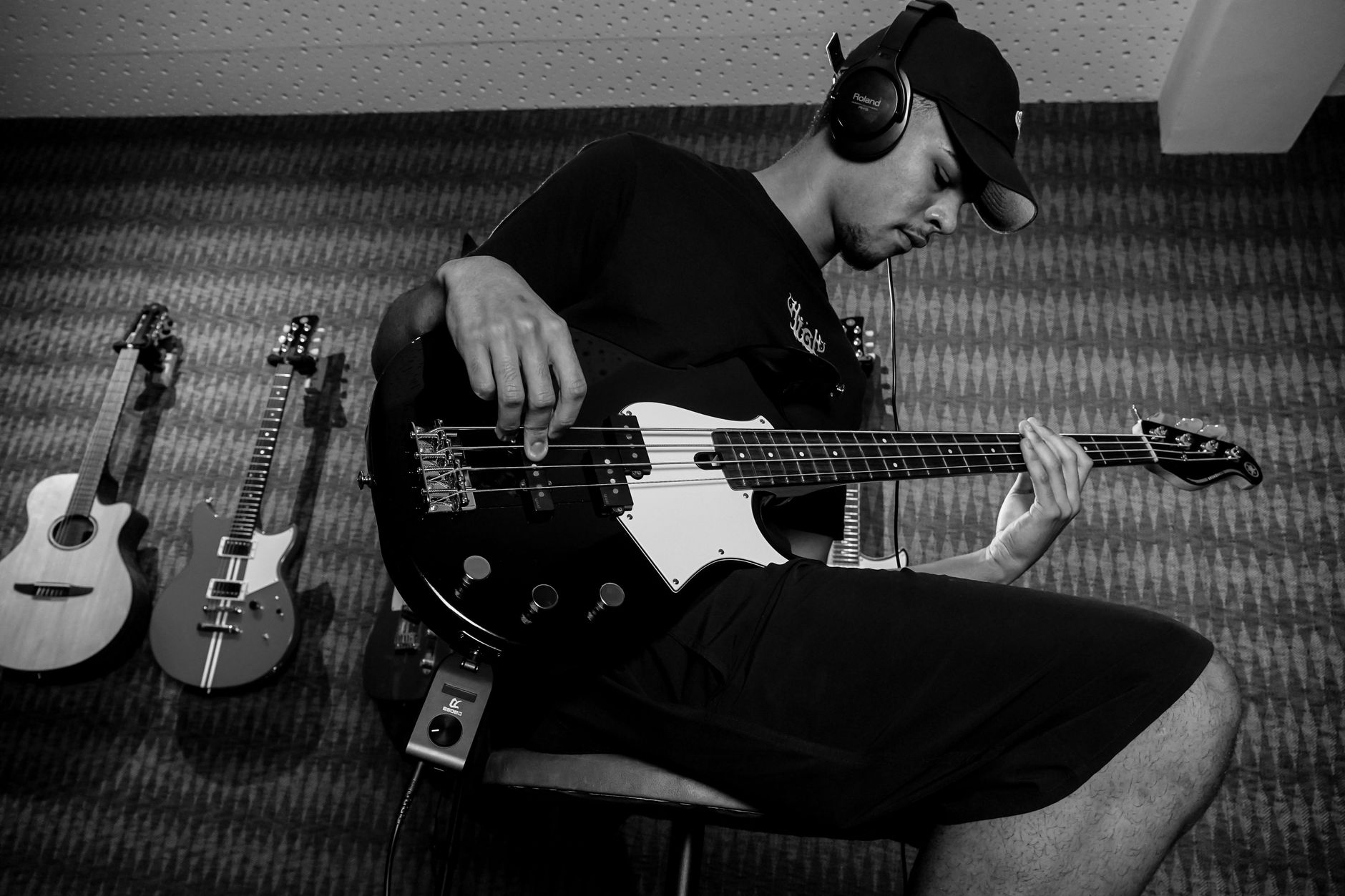 Photo: Caique Araujo via Pexels
The catch: NAM is a loader, not a full rig. You’ll need a separate IR loader (e.g., 3Sigma IR Loader, also free) for the cab section and a standalone noise gate. The workflow has more moving pieces than a bundled plugin — but the ceiling on tone quality, based on capture quality, is as high as anything in this guide.
NAM vs AIDA-X:
| Feature | NAM | AIDA-X |
|---|---|---|
| Model format | .nam | AIDA-X / RTNeural |
| Community library | ToneHunt.org | NAM captures crossloadable |
| CPU usage | Low–Medium | Low |
| Built-in FX | None | None |
| Best for | Amp captures | MODEP/embedded platforms |
7. Overloud TH-U — Best for Vintage Tones
Direct Answer: Overloud TH-U specializes in vintage amp modeling — vintage Marshalls, tweed Fenders, Vox AC30 — with a Rig Player component that loads real speaker impulse responses from mic’d-up cabinets. According to Overloud’s published methodology, their ReSPiRe 2 algorithm models non-linear speaker behavior rather than static IR convolution, which is the technical basis for the warmer low-end response users report on clean and edge-of-breakup tones.
For recording jazz, blues, and classic rock where vintage feel matters, TH-U covers ground that high-gain-focused plugins underserve.
Full Comparison: Best Amp Sim Software
| Plugin | Best For | Price | Free Trial | Capture Support | CPU |
|---|---|---|---|---|---|
| Neural DSP Archetype: Gojira | High-gain / metal | $99 | 14 days | No | Low |
| Helix Native | Full rig replacement | $399 | 15 days | No | Medium |
| BIAS AMP 2 | Tone matching | $149 | 15 days | No | Medium-High |
| AmpliTube 5 | Gear variety | $149+ | Custom Shop free tier | No | Medium |
| STL Tones Tonality | Session/studio | $99–$149 | No | No | Low |
| NAM (Neural Amp Modeler) | Free amp captures | Free | N/A | Yes | Low-Medium |
| Overloud TH-U | Vintage tones | $149 | 15 days | Via Rig Player | Medium |
How to Record Guitar With Amp Sim Software
Signal Chain
Guitar → Audio Interface (instrument input) → DAW track (mono)
  → [Optional: tuner plugin] → Noise Gate → Amp Sim Plugin → IR Loader (if needed)
  → EQ/Compression (mix bus or inline) → Output
Gain staging notes:
- Input gain at interface: target -18 dBFS RMS, peaks no higher than -6 dBFS. This gives the amp sim headroom to model saturation naturally.
- Keep your DAW channel fader at unity (0 dB) when tracking; ride the amp sim’s internal output level instead.
- Monitor with the plugin active at tracking time — you need to hear the actual tone to play dynamics correctly.
Step-by-Step Recording Workflow
- Set buffer size — 64 or 128 samples for tracking. Round-trip latency should be under 10 ms; most interfaces hit 5–7 ms at 128 smp / 48 kHz.
- Plug DI signal — guitar straight into interface instrument input. No pedals in the chain (unless you’re capturing a specific pedal tone — in which case, document the gain staging for recalls).
- Instantiate the amp sim — insert on the mono guitar track, pre-fader.
- Set amp sim input drive — match your guitar’s output to the sim’s expected input. Most Neural DSP plugins show an input meter; aim for yellow peaks, not red.
- Dial the tone — start with a preset closest to your target, then adjust channel gain, EQ, and presence. Big changes = channel gain; fine shaping = tone stack.
- Set the noise gate — threshold just above the noise floor between notes. Too aggressive a gate kills pick attack.
- Record a scratch pass — 8–16 bars. Check: no clipping, no phase issues on double-tracked parts, gate not triggering during sustain.
- Commit or re-amp later — record a parallel dry DI track at all times. This is your insurance: if you change your mind on tone, re-amplify the dry DI through any plugin without re-tracking.
Troubleshooting Matrix
| Symptom | Likely Cause | Fix |
|---|---|---|
| Noticeable latency on playback | Buffer too high for tracking | Reduce to 64–128 smp; check interface driver (ASIO on Windows, Core Audio on Mac) |
| Excess noise floor between notes | Gate threshold too high or missing | Add gate before amp sim; set threshold 3–5 dB above noise floor |
| No signal into plugin | Interface not set to instrument/hi-Z input | Switch input impedance; confirm DAW track input routing |
| Thin, harsh tone | Buffered input level too low | Increase interface gain; check sim’s input drive setting |
| Phase cancellation on doubles | Two takes not time-aligned, or polarity flip | Nudge tracks into alignment; check polarity flip on one track |
| Plugin not loading | Format mismatch | Confirm DAW supports VST3 or AU; rescan plugin folder |
| CPU spikes / dropouts | Plugin latency compensation overhead | Enable PDC in DAW; freeze non-active tracks |
→ See also:
- How to Record Guitar at Home: The Complete Guide (2026)
- How to Record Electric Guitar at Home
- How to Record Guitar Without an Amp
Frequently Asked Questions
Is amp sim software good enough to replace a real amp for recording? For most home recording situations, yes — and in some ways it’s preferable. Amp sims eliminate the acoustic bleed, noise ordinance problems, and mic placement variables that come with real amp recording. Expert consensus among working producers suggests that modern neural network-based plugins like Neural DSP and NAM captures are indistinguishable from real amps in a dense mix. Where real amps still have an edge: the physical feel under the fingers and the natural room interaction that players respond to when performing.
What audio interface do I need to run amp sim software? Any interface with a high-impedance (instrument) input works — but interface quality affects tone more than most players expect. A 24-bit/48 kHz interface like the Focusrite Scarlett Solo or SSL 2 is the minimum sensible floor. The preamp quality, input impedance, and A/D converter directly color the DI signal the amp sim receives. Published comparisons of high-end interfaces show measurable differences in harmonic content on DI captures even before any amp sim processing.
Can I use amp sim software live? Yes, though your setup determines viability. Helix Native running on a purpose-built laptop with a low-latency audio interface (like the Universal Audio Apollo Twin) is a proven live rig. The critical metric is round-trip latency: under 10 ms is undetectable, 12–15 ms is borderline, over 20 ms breaks playability. A dedicated hardware unit (HX Stomp, Quad Cortex) is more reliable for live use since it eliminates the OS and DAW latency variables.
Do amp sims need impulse responses (IRs)? It depends on the plugin. Bundled amp sims like Neural DSP Archetypes and Helix Native include their own cab simulation — you don’t need external IRs unless you want to swap cabinets. Loaders like NAM and AIDA-X have no built-in cab section, so a separate IR loader is required. Swapping IRs is one of the most effective tone-shaping moves available: the difference between a Mesa cab IR, a vintage Greenback IR, and a modern Vintage 30 IR is dramatic.
What’s the difference between amp sim software and amp profiling/capturing? Amp simulation models the theoretical circuit behavior of an amplifier — it’s a mathematical description of how a specific amp type should respond. Amp capturing (profiling) records the actual behavior of a specific physical amp by running test tones through it and fitting a model to match its measured response. Captures are more accurate to that specific amp on that specific day, but you’re limited to what’s been captured. Simulation gives you flexibility and tweakability, while capturing gives you accuracy to a known reference.
Which amp sim software is best for metal and high-gain tones? Based on published reviews and expert consensus across guitar production forums and mix engineer workflows, Neural DSP Archetype: Gojira and STL Tones consistently place at the top for high-gain accuracy. Both deliver the tight low-end response and harmonic saturation that high-gain tones require. BIAS AMP 2 is a strong alternative for players who want to design and tweak amp circuits from the ground up. For free options, NAM captures of Mesa Boogie Dual Rectifier and 5150 variants on ToneHunt.org are widely regarded as accurate by the capture community.
Editorial methodology: Assessments are based on manufacturer specifications, published user reviews, and editorial research. Physical hands-on testing is noted explicitly where it occurred. Rankings reflect our editorial judgment and are not influenced by affiliate commission rates. Full editorial policy · Affiliate disclosure