Contents
How to Record Two Guitars in Stereo
TL;DR: Stereo guitar recording uses two sources — two mics, two amps, or a combination — panned left and right to create width. The most reliable method is dual-amp panning or double-tracking: record the same part twice and pan each take hard left/right. You get natural width without phase problems.
Why Stereo Guitar Recording Matters
Direct Answer: A single mono guitar track lives in one place in the mix. Two guitars panned wide carve out left and right simultaneously, giving your mix space for vocals, keys, and bass in the center. The technique is foundational in rock, pop, and country production.
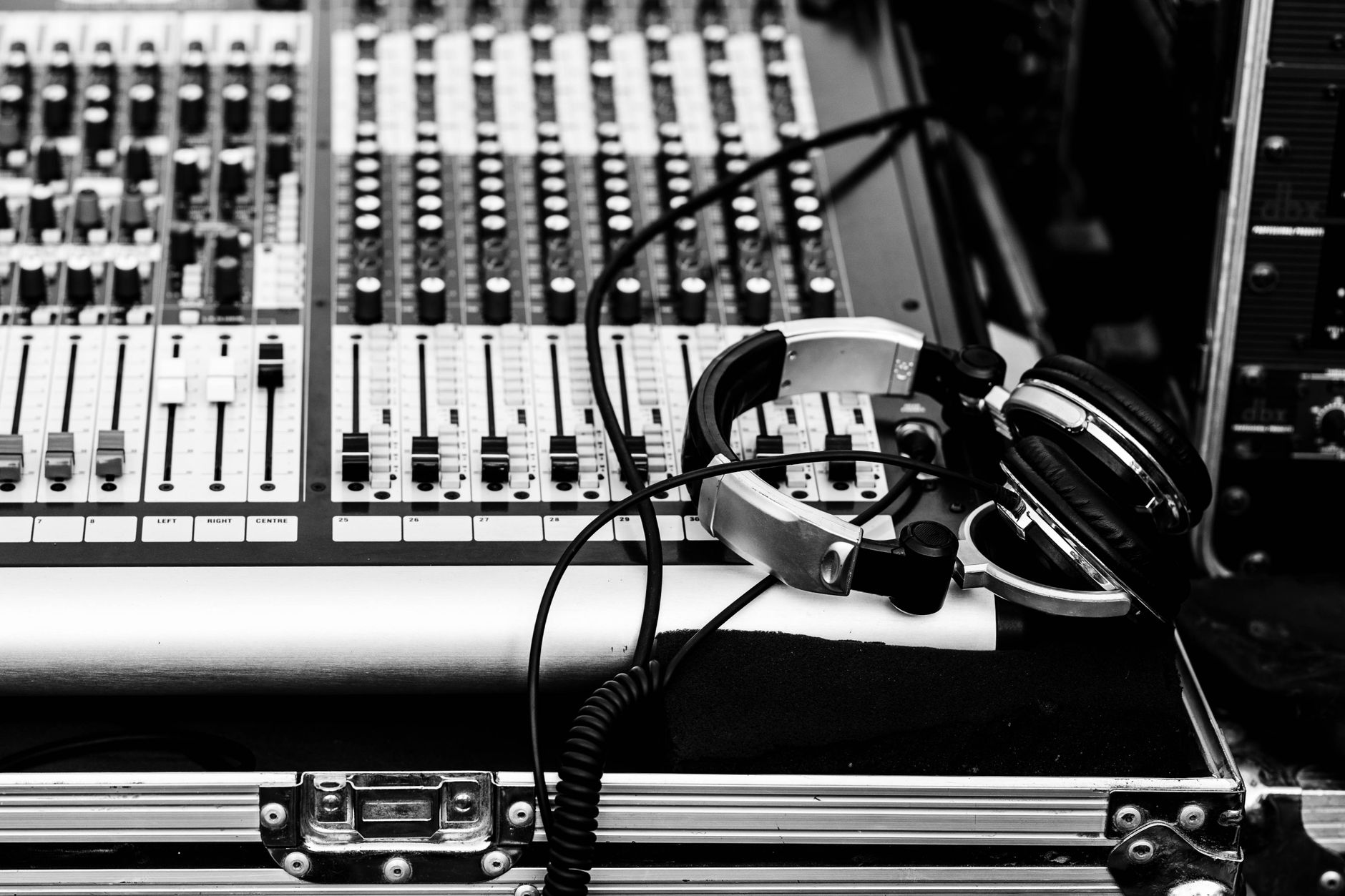
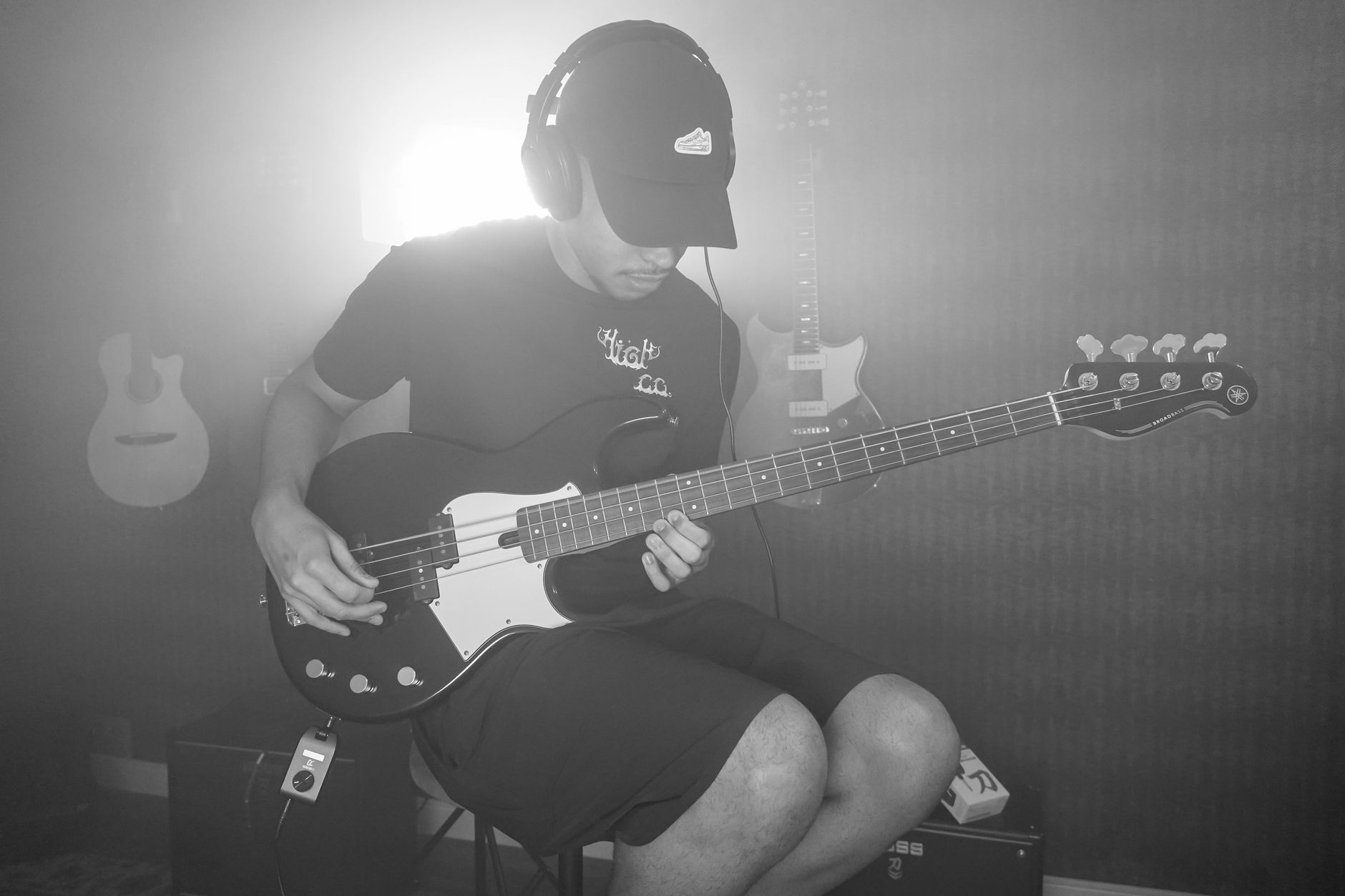 Photo: Caique Araujo via Pexels
Mono guitar works fine for jazz or stripped-back folk — one track, dead center, intimate. But the moment you add a full band, a single guitar gets buried or forces you into heavy EQ. Two guitars in stereo solve the width problem before it starts.
The three practical approaches:
| Method | Width | Phase Risk | Gear Needed |
|---|---|---|---|
| Double-tracking (same player) | Widest — natural variation | None | 1 interface input |
| Dual-amp panning | Wide, consistent | Low | 2 amps + 2 inputs |
| Two-mic on one amp | Moderate | High | 2 mics + 2 inputs |
| Two players, two guitars | Wide, true stereo | None | 2 inputs |
Method 1: Double-Tracking (Best for Most Situations)
Direct Answer: Record the guitar part once, then record it again on a second track. Pan track 1 hard left, track 2 hard right. Natural timing and picking variations between takes create organic stereo width — no phase cancellation, no extra gear.
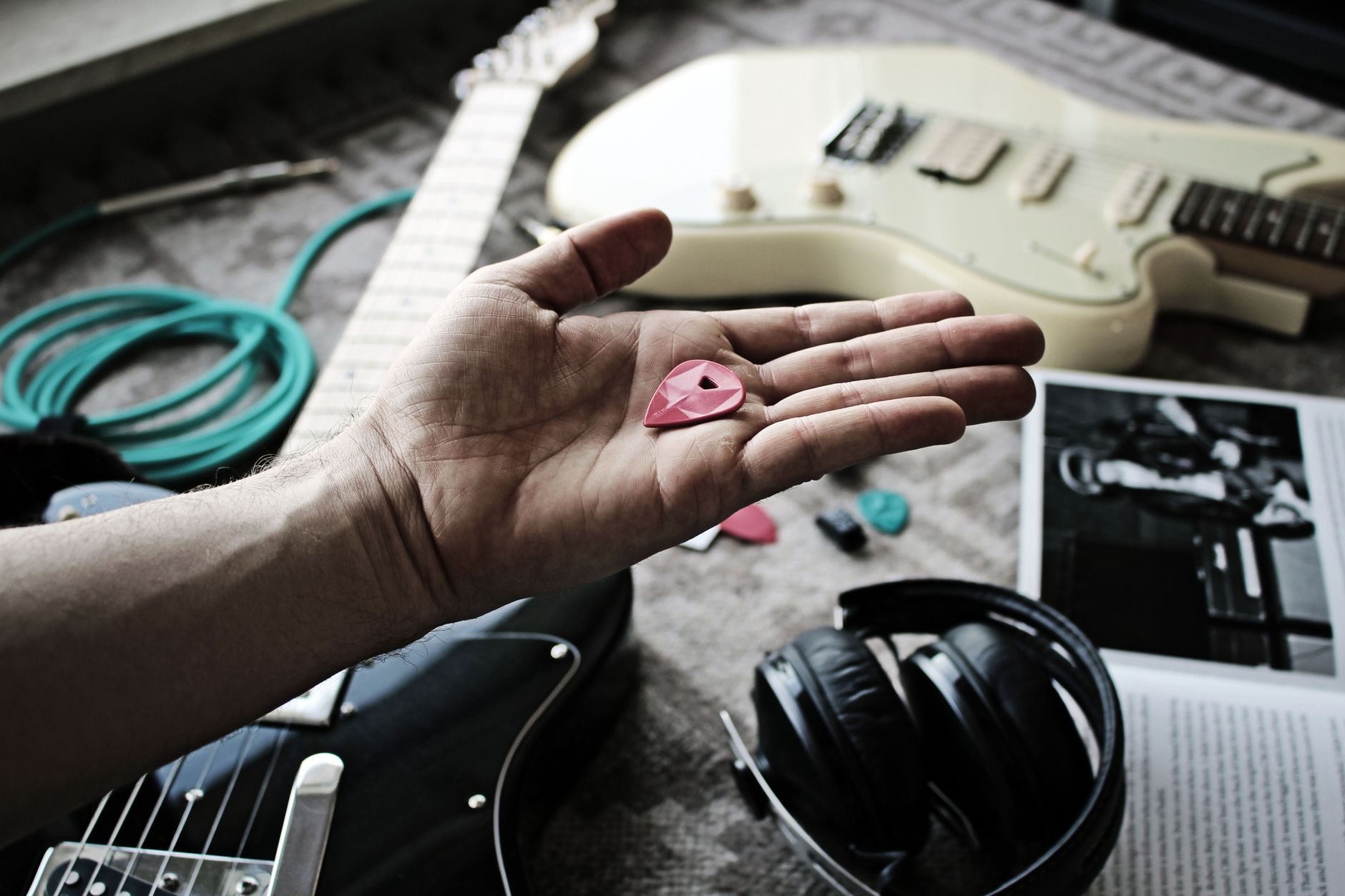
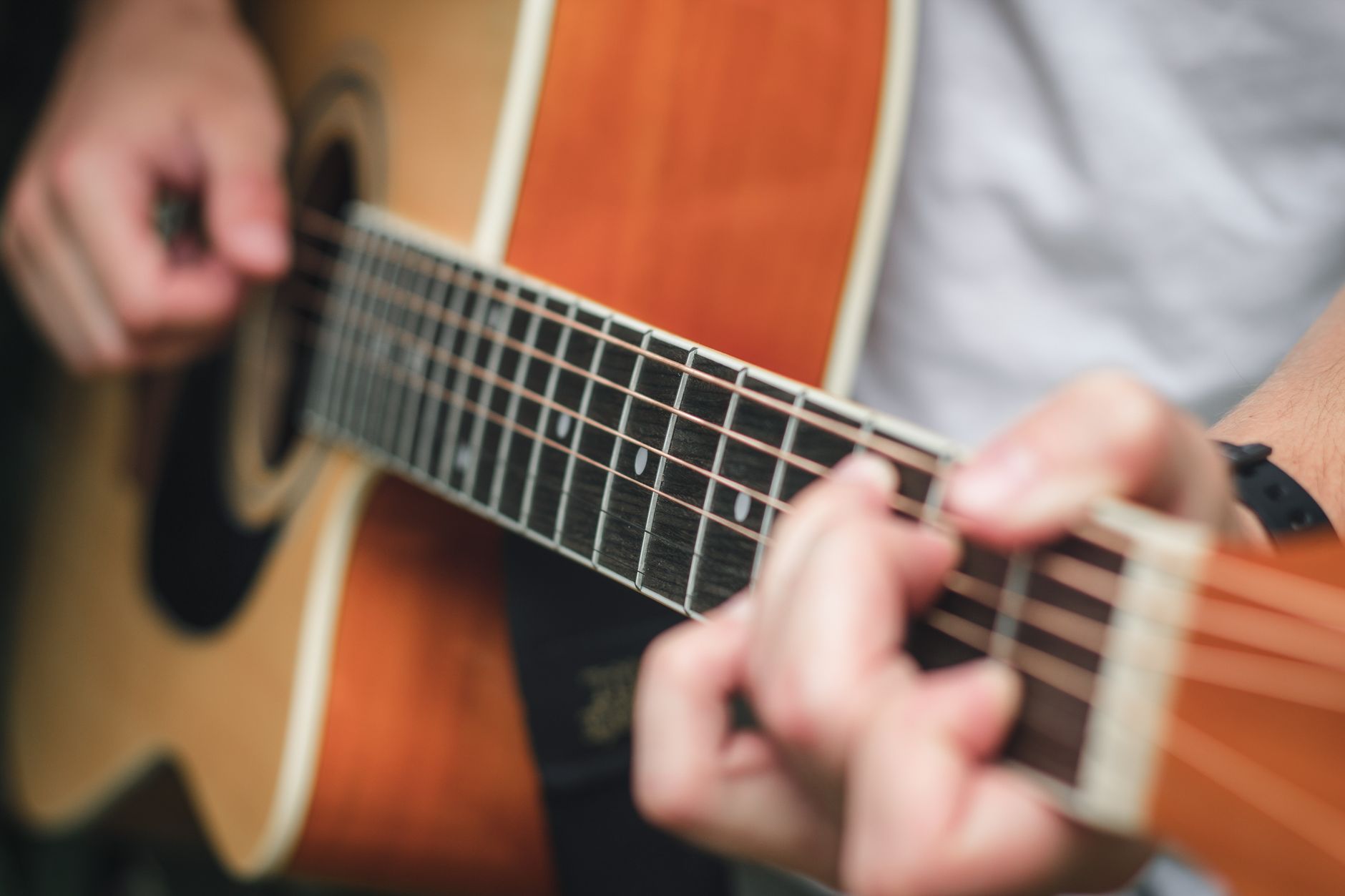 Photo: Ashford Marx via Pexels
This is the technique behind most radio rock you’ve heard. Slash does it. Every session guitarist does it. It sounds bigger than a single track with stereo plugins because the variation is real — two slightly different performances, not a processed copy.
Step-by-Step: Double-Tracking Workflow
- Record your guitar part as normal to a click track — call it GTR L
- Rewind, arm a new track — call it GTR R
- Record the exact same part again, same tone, same settings
- Pan GTR L hard left (fully left or -90), GTR R hard right (+90)
- Trim both tracks to the same region start point
- Listen back — do not nudge timing to make them match. The micro-variation is the width
- If one take has a flubbed note, punch-record that bar only on that track
What to avoid: Don’t copy-paste one take and pan it. That’s dual-mono — it collapses to center in mono and adds no real width. Always record twice.
Gain Staging for Double-Tracking
Guitar → Cable → Amp → Dynamic mic (SM57) → XLR → Interface input 1 (GTR L)
                                                  → Interface input 2 (GTR R)  [second pass]

Interface gain: -18 dBFS average, peaks no higher than -6 dBFS
DAW track fader: unity (0 dB) during tracking
Both takes should hit the interface at the same level. If your amp volume shifted between takes, level-match in the DAW before committing to the pan position.
Method 2: Two Guitars, Two Players
Direct Answer: Two different players playing the same part on two different guitars gives you the widest, most natural stereo image possible. Each player’s timing, attack, and tone vary organically. Pan each track opposite. Works especially well when the two guitars have different tonal characters.
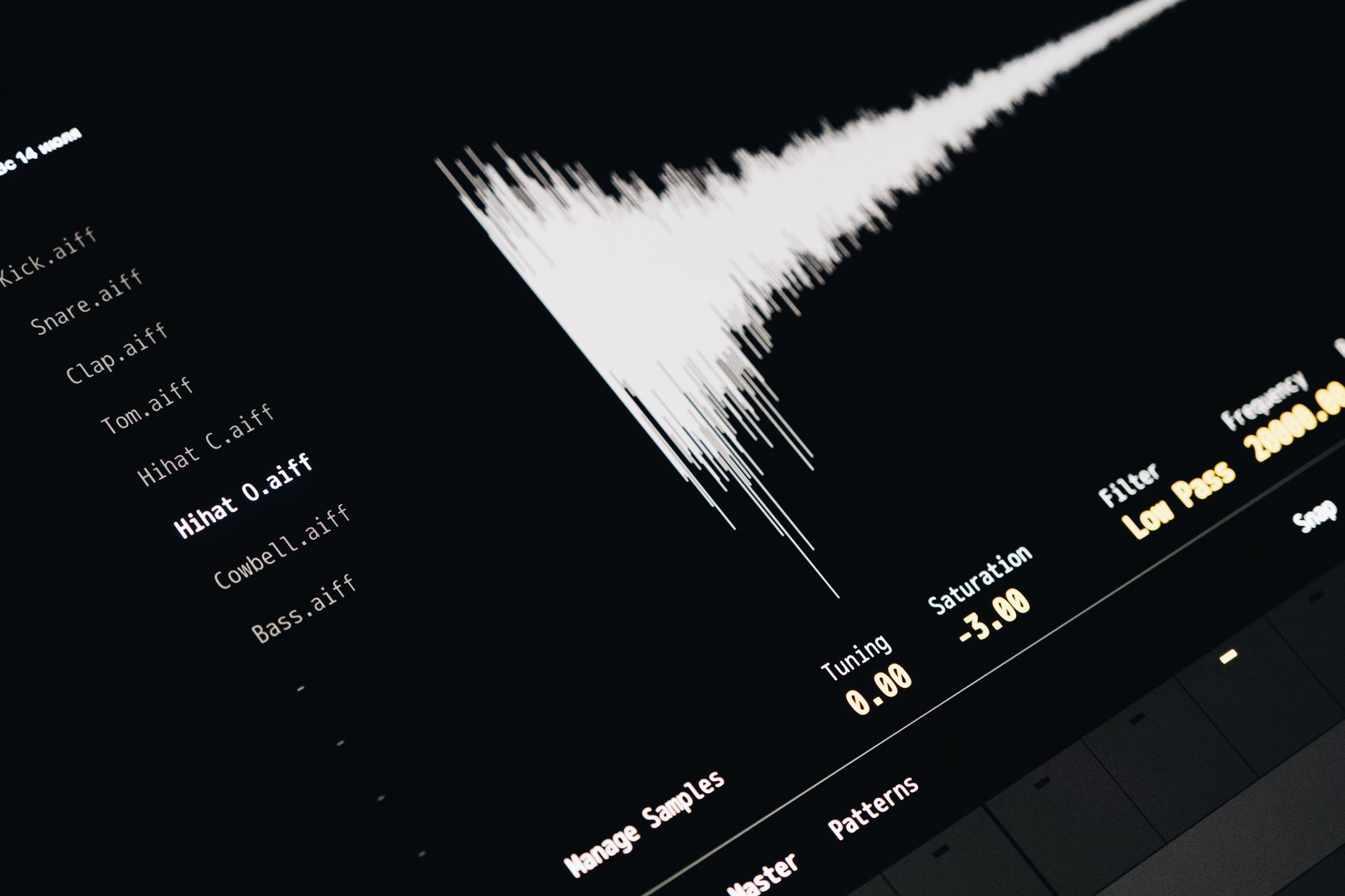
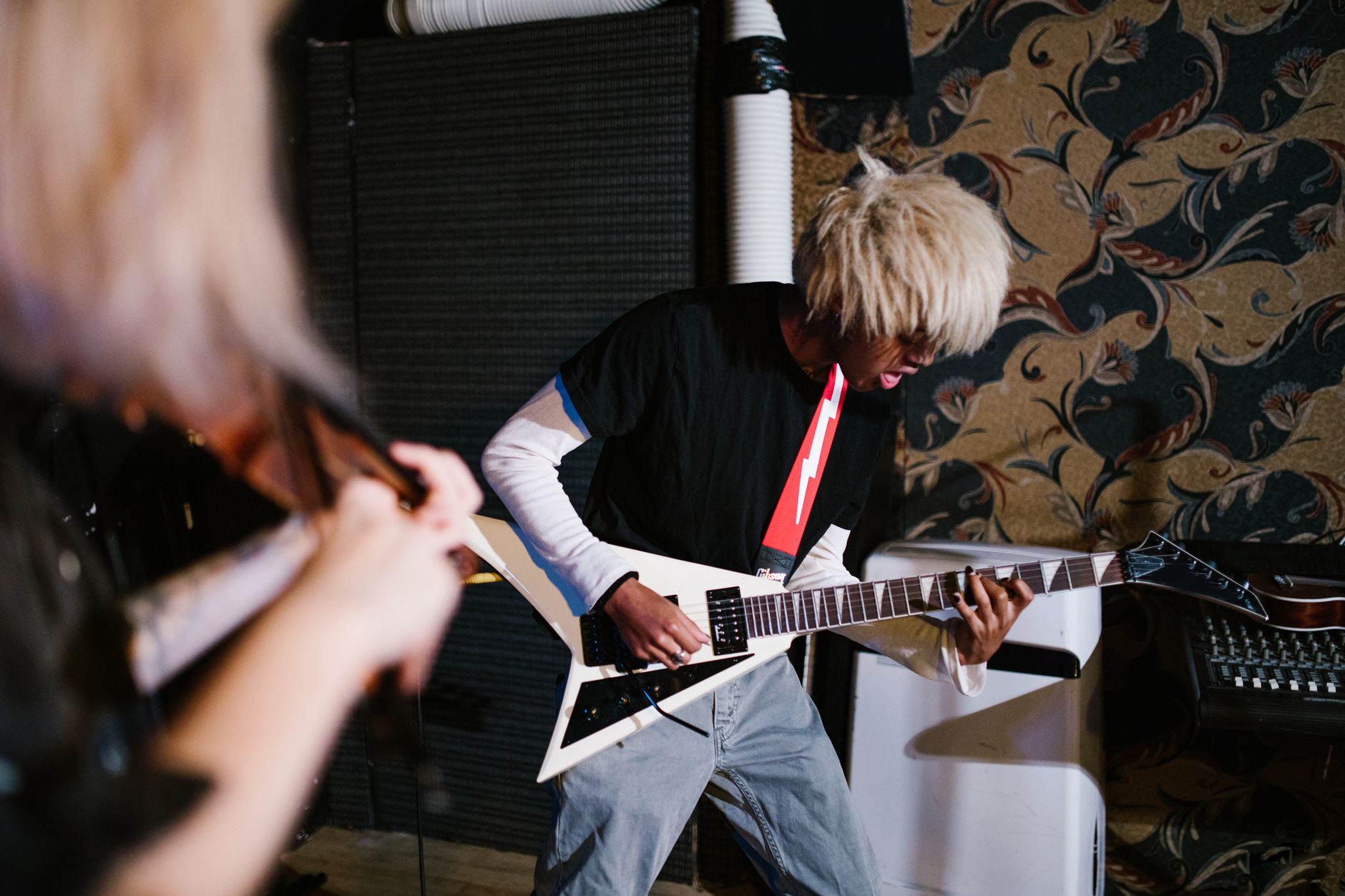 Photo: RDNE Stock project via Pexels
Use this when you have a second guitarist in the session or when you want the subtle tonal difference between, say, a Telecaster and an SG to add texture. The blend of two different pickups, two different string attacks — it’s the texture that studio engineers spend hours trying to recreate with plugins.
Setup: Two-Guitar Session
| Guitar | Pan | Amp | Mic |
|---|---|---|---|
| Guitar 1 (e.g., humbucker) | Hard left | Amp 1 | SM57 on cone |
| Guitar 2 (e.g., single-coil) | Hard right | Amp 2 | SM57 on cone |
Both players need to hear each other — route headphone mixes from your interface. Keep bleed between rooms to a minimum; if you’re recording in the same room, the mics will pick up both amps. Consider baffling or recording in separate takes if bleed is audible.
Method 3: Two Mics on One Amp
Direct Answer: Place two microphones on the same amp cabinet — different positions or different mic types — and pan them left and right. This creates stereo width from a single performance. The tradeoff: phase cancellation is a real risk any time two mics share a source.
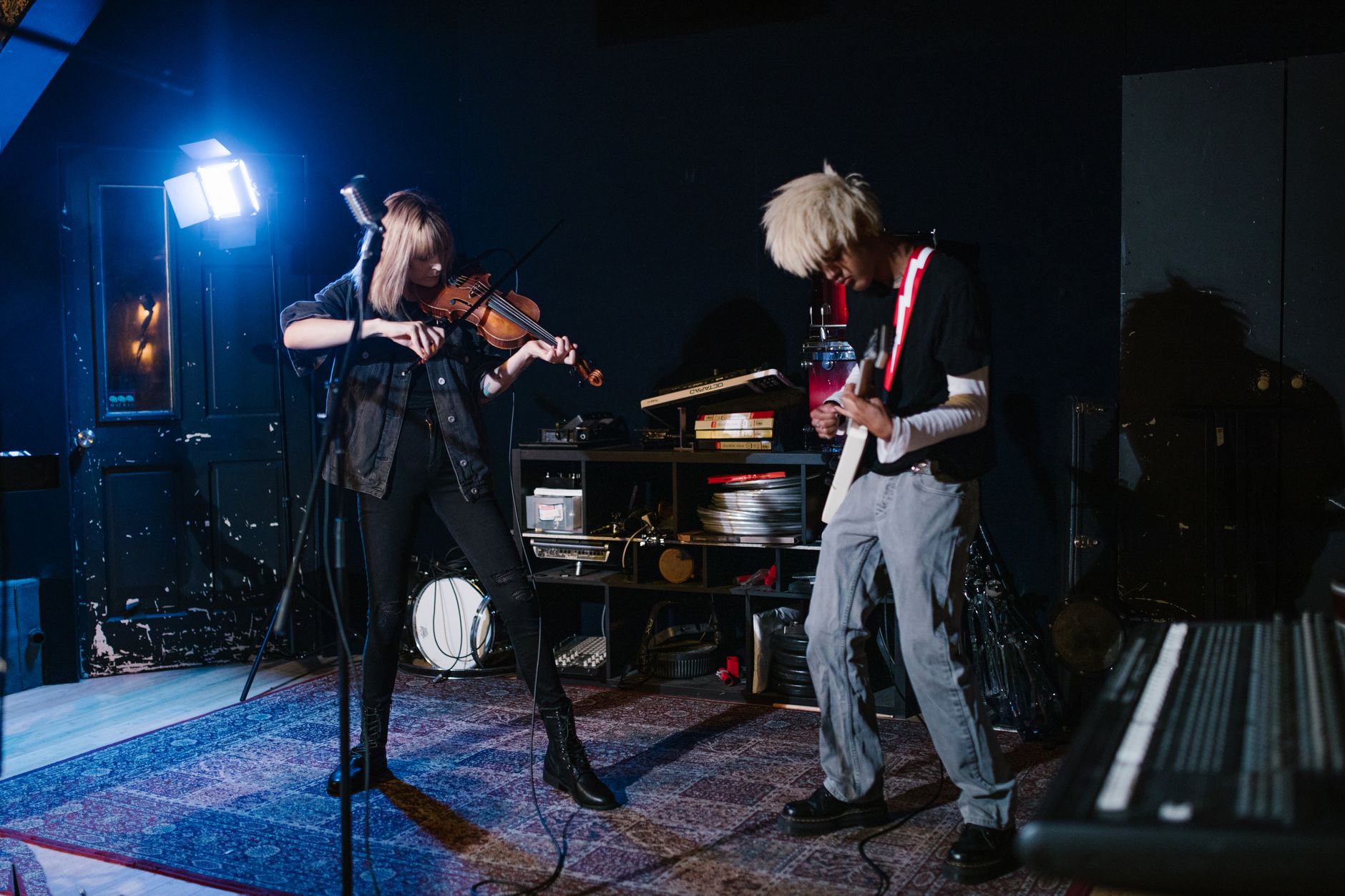 Photo: RDNE Stock project via Pexels
Common Two-Mic Configurations
| Config | Mic 1 | Mic 2 | Character |
|---|---|---|---|
| On-axis + off-axis | SM57 at cone center | SM57 at cone edge | Bright + warm |
| Dynamic + ribbon | SM57 on cone | Royer R-121 slightly off | Punchy + silky |
| Mid-Side (M/S) | Cardioid at cab | Figure-8 at same point | Mono-compatible, adjustable width |
Phase check is mandatory. After positioning, sum both mics to mono in your DAW and listen. If the low end collapses or the signal gets thin, you have phase problems. Fix by adjusting mic distance — move one mic closer or farther until mono sounds full.
Mid-Side is the most phase-safe two-mic approach because it’s inherently mono-compatible. Record the mid and side signals, then decode in your DAW (most DAWs have an M/S plugin, or use a dedicated tool like the free Voxengo MSED ).
Interface and Routing: What You Actually Need
For double-tracking: any interface with a single instrument input works — record one take at a time. A Focusrite Scarlett Solo handles this fine.
For simultaneous two-guitar recording (two players or two mics at once): you need an interface with at least two simultaneous inputs. The Focusrite Scarlett 2i2 is the practical minimum. If you’re micing two amps with room mics too, a four-input interface like the PreSonus AudioBox 44VSL gives you headroom.
Two-guitar simultaneous setup:
Guitar 1 → Amp 1 → Mic → XLR → Interface Input 1 → DAW Track 1 (GTR L)
Guitar 2 → Amp 2 → Mic → XLR → Interface Input 2 → DAW Track 2 (GTR R)

Gain per channel: set independently — aim for -18 dBFS average
Monitor: use headphones during tracking to avoid bleed into mics
Troubleshooting Matrix
| Symptom | Likely Cause | Fix |
|---|---|---|
| Mix sounds mono even with tracks panned | Tracks are identical copies, not separate takes | Delete one, re-record as a second performance |
| Thin, hollow sound when summed to mono | Phase cancellation (two-mic setup) | Check polarity, adjust mic position, run mono check before committing |
| One side sounds brighter than the other | Different mic position or gain between takes | Match gain in DAW; re-mic or re-record if tonally mismatched |
| Tracks feel “flammy” or rushed on one side | Double-track timing too loose | Keep subtle variation; tighten only if it sounds like two separate parts |
| Low end is boomy on one side only | Proximity effect on one mic more than the other | Pull that mic back slightly or high-pass at the same point on both channels |
| Stereo image is wide but no center | Guitars are too similar in tone, no mono anchor | Add a third mono guitar track centered, or blend a DI signal to center |
Panning Conventions
Hard panning (fully L/R) works for rock and country. Pop production often uses a narrower spread — 80% L/R or even 60% — to keep the image tight on smaller speakers and earbuds.
A useful rule: pan to where the sound sits on a real stage. Two guitarists standing at 10 o’clock and 2 o’clock positions land at roughly 70–80% L/R, not hard edge.
For a three-guitar arrangement (rhythm left, rhythm right, lead center), keep the lead guitar mono at center or very slightly off. Three hard-panned guitars collapse to mush.
→ See also
- Best Audio Interface for Guitar (2026) — two-input interface picks optimized for stereo guitar recording
- How to Record Guitar at Home: The Complete Guide (2026)
- How to Record Electric Guitar at Home
- How to Record Guitar Without an Amp
FAQ
Do I need two audio interfaces to record two guitars simultaneously? No — you need one interface with two or more inputs. Most two-input interfaces (Scarlett 2i2, PreSonus AudioBox iTwo) handle this natively. Two separate interfaces on the same computer introduce sample-clock sync issues that cause drift over time.
Is double-tracking or dual-amp panning better for stereo guitar recording? Double-tracking wins for most home studios because it requires no extra gear and produces the widest, most natural image. Dual-amp panning is better when you need a single, consistent performance (live tracking, one-take sessions) and have the equipment.
Will stereo guitar recording fold down correctly to mono? Double-tracking folds cleanly — two separate performances sum without cancellation. Two-mic setups require a mono compatibility check before committing. Always check your mix in mono; most streaming listeners hear music through a single phone speaker at some point.
How loud should each guitar track be relative to each other? Start with both faders at unity and the tracks panned L/R. They should balance naturally if the takes were recorded at the same level. If one side sounds louder, level-match with the fader — don’t re-record unless the tone is mismatched.
Can I use a stereo guitar plugin instead of recording twice? You can — stereo wideners and doubler plugins (like Waves Doubler or the free Auburn Sounds Graillon) create a pseudo-stereo effect from one mono take. Published testing data shows these collapse more noticeably in mono than true double-tracks. For a rough demo they’re fine; for a finished release, take the time to record twice.
What’s the best microphone for recording two guitars at once? Two SM57s is the industry standard for two-amp setups — consistent, affordable, and the matching pair behavior is predictable. If you want tonal variety between sides, pair an SM57 with a large-diaphragm condenser: the condenser adds air and detail on the right side while the dynamic handles punch on the left.
Editorial methodology: Assessments are based on manufacturer specifications, published user reviews, and editorial research. Physical hands-on testing is noted explicitly where it occurred. Rankings reflect our editorial judgment and are not influenced by affiliate commission rates. Full editorial policy · Affiliate disclosure