Contents
Best DI Box for Guitar Recording: Top Picks for Every Setup
TL;DR: The best DI box for guitar recording depends on your signal source — passive guitars need an active DI with clean gain, while active pickups and preamp outputs work fine into a passive unit. For most home studios, the Radial J48 covers both cases. Budget pick: Behringer DI100 . Amp-sim workflows: Radial JDI for its transformer-isolated tone.
What Is a DI Box and Why Does It Matter for Guitar?
A DI (Direct Injection) box converts your guitar’s high-impedance, unbalanced signal into a low-impedance, balanced signal your audio interface or console can receive cleanly over long cable runs without noise or tone loss. Without one, you’re leaving headroom and clarity on the table — especially with passive single-coil pickups.
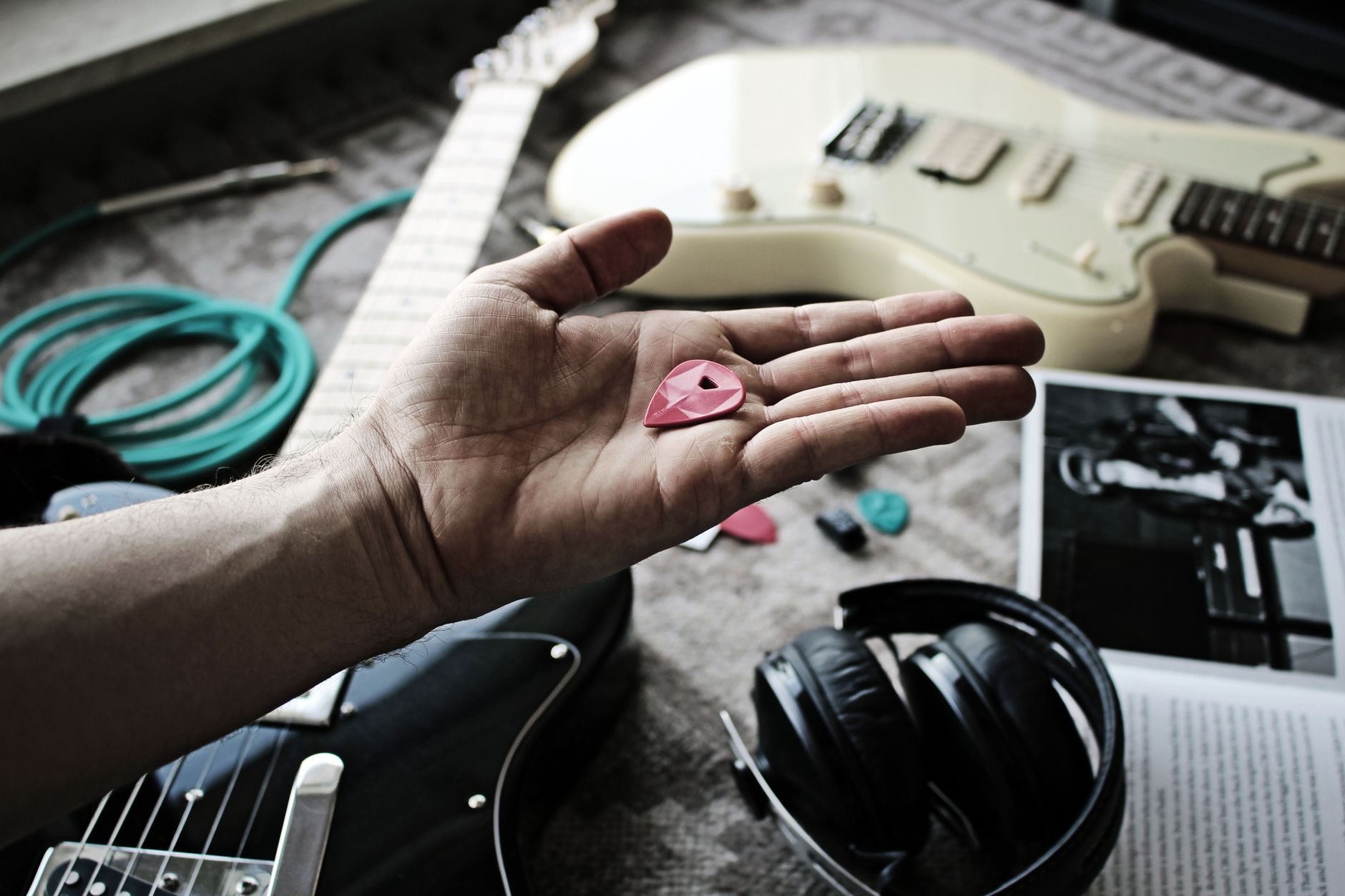
 Photo: AI25.Studio AI GENERATIVE via Pexels
Most audio interfaces have instrument inputs (Hi-Z) that do this conversion internally. A dedicated DI box does it better — lower noise floor, better impedance matching, transformer isolation that kills ground loops. For home recording, the difference is audible when you stack tracks or run long cable runs.
Two types dominate:
| Type | How It Works | Best For |
|---|---|---|
| Passive | Transformer only, no power needed | Hot sources: active pickups, amp send/line-level |
| Active | Powered buffer + transformer | Passive instruments: vintage guitars, basses, piezo acoustics |
Best DI Boxes for Guitar Recording at a Glance
| Model | Type | Best For | Price Range |
|---|---|---|---|
| Radial J48 | Active (phantom) | Passive guitars, studio workhorse | $$$ |
| Radial JDI | Passive (transformer) | Amp outputs, re-amping, purists | $$$ |
| Rupert Neve RNDI | Active (phantom) | High-end studio, tone-forward signal chain | $$$$ |
| Countryman Type 85 | Active (phantom) | Live + studio, acoustic guitar | $$$ |
| Behringer DI100 | Active (battery/phantom) | Budget home studio | $ |
| LR Baggs Para Acoustic DI | Active (battery) | Acoustic/piezo, built-in EQ | $$ |
| Radial ProDI | Passive | Keyboards, amp outputs, value pick | $$ |
Best Overall: Radial J48
The J48 is the standard active DI in professional recording studios for good reason: its discrete Class-A circuit and 48V phantom-powered design delivers exceptional headroom and a flat, honest response from 20 Hz to 40 kHz. Published specifications show a dynamic range exceeding 123 dB — among the widest of any DI in its class.
 Photo: AI25.Studio AI GENERATIVE via Pexels
The J48 handles passive electric guitars, acoustic-electrics with passive undersaddle pickups, and bass without coaxing. Its ground-lift switch eliminates hum from ground loops — critical when running direct into a console or interface with other gear in the chain.
Signal chain for passive electric guitar:
Guitar → J48 (balanced XLR out) → Interface mic/line input → DAWGain staging note: set your interface preamp gain with the guitar playing at its loudest — peaks should hit around −18 dBFS to leave headroom for dynamics and bus processing.
What the J48 doesn’t do: it won’t improve a guitar that needs a preamp or amp character. It’s a transparent utility — if you want transformer coloration, look at the JDI.
Best Passive DI: Radial JDI
The JDI’s Jensen JT-DB-EPC transformer is the reason it costs what it does — it imparts a subtle, warm low-mid character that sits recordings in a mix without EQ. According to manufacturer specifications, its 10 MΩ input impedance preserves the full resonance of passive pickups better than most active designs.
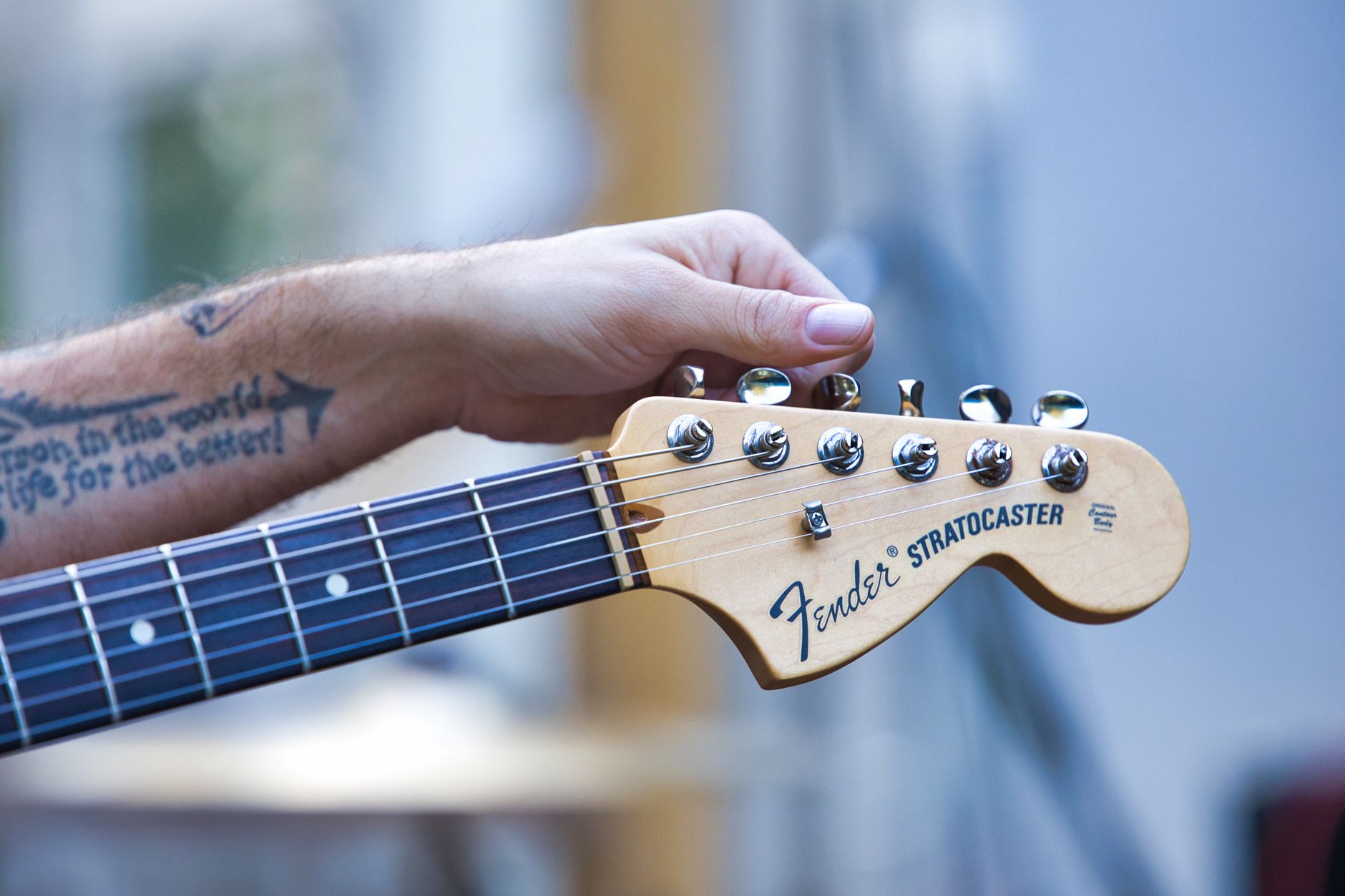
 Photo: COPPERTIST WU via Pexels
Radial JDI is the go-to for:
- Running the parallel/thru output of an amp DI feed (record the DI and the amp mic simultaneously; re-amp later)
- Hot active pickups where a passive design avoids any risk of clipping the active circuit
- Players who want transformer “character” rather than pure transparency
Re-amping workflow with the JDI:
- Record dry DI signal to a dedicated DAW track (no plugins)
- Route that track’s output to a DAW output → interface output
- Connect interface output → Radial X-Amp or JDI reverse-wired → amp input
- Mic the amp, record the result to a new track
This is standard practice in professional studios — you commit the performance, experiment with amp and mic choice later.
Best Budget DI: Behringer DI100
For under $30, the DI100 delivers a functional active DI that won’t embarrass you on a home recording. Expert consensus and long-running user reviews confirm it’s a clean enough signal path for tracking demos, practice recordings, and situations where a second DI is needed without the spend.
The DI100 runs on 48V phantom or a 9V battery. Its noise performance doesn’t match Radial or Countryman, but the gap is smaller than the price gap would suggest for typical home-studio signal levels.
Where it falls short: at high gain settings (high-output pickups into an interface running high preamp gain), the noise floor becomes audible. Keep preamp gain moderate and use gain staging discipline to get the most out of it.
Best High-End DI: Rupert Neve RNDI
The RNDI uses a custom Rupert Neve Designs transformer that adds the same silky, harmonically rich character associated with Neve consoles. Published measurements and professional studio consensus consistently place it among the best-sounding DI boxes available — the transformer “color” is musical rather than distorting.
The RNDI justifies its price if you’re tracking high-value sessions where tone matters from the first stage of the signal chain. It has become a benchmark unit for session guitarists recording direct.
| Feature | Radial J48 | RNDI |
|---|---|---|
| Circuit type | Discrete Class-A, active | Transformer active hybrid |
| Frequency response | 20 Hz – 40 kHz | 10 Hz – 120 kHz |
| Transformer character | Neutral | Neve-style warmth |
| Power | 48V phantom only | 48V phantom only |
| Price range | $$$ | $$$$ |
Best DI for Acoustic Guitar: LR Baggs Para Acoustic DI
Acoustic guitars with undersaddle piezos have a notoriously harsh high-mid peak and a thin low end when recorded direct. The LR Baggs Para Acoustic DI addresses this at the source with a five-band parametric EQ and a phase switch — tools passive DIs don’t offer.
The Para Acoustic DI runs on a 9V battery (no phantom power, which matters for live use). Its sweepable mid control at around 1–6 kHz is the key feature — dial out the piezo “quack” before it hits the preamp, rather than fighting it later in the DAW.
Signal chain for acoustic guitar direct:
Acoustic (undersaddle pickup) → LR Baggs Para DI → XLR → Interface → DAW
Input EQ starting point: boost 100 Hz slightly, cut 2–3 kHz 2–3 dB, adjust mid sweep to taste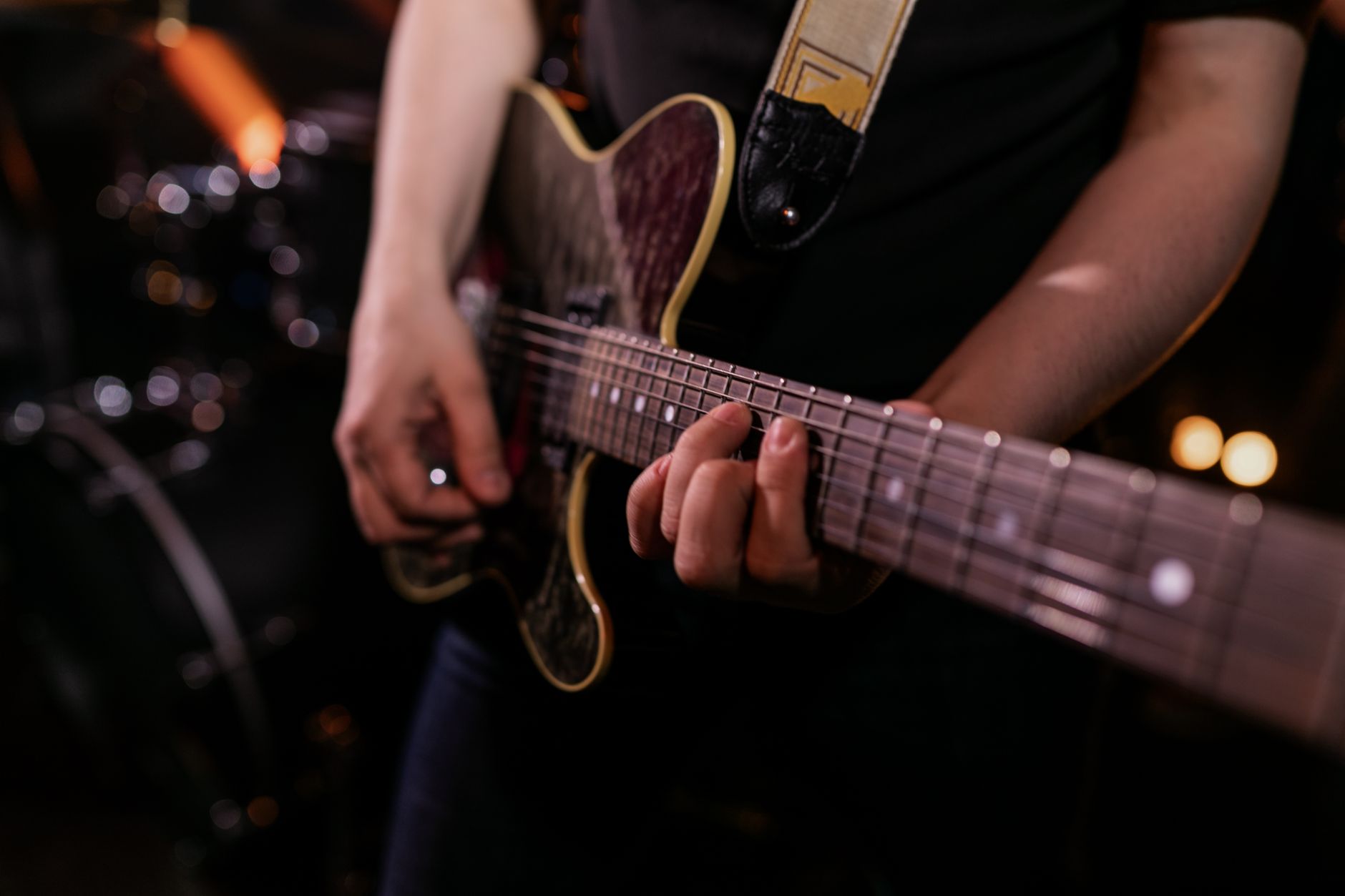 Photo: Alena Darmel via Pexels
How to Record Guitar With a DI Box: Step-by-Step
Signal Chain Overview
Guitar
  └→ DI Box (instrument input)
       ├→ Thru/Parallel output → Amp (optional, for monitoring or dual-tracking)
       └→ Balanced XLR output → Interface mic/line input → DAW (dry track)
Step-by-Step Workflow
- Connect guitar to DI instrument input — use a standard TS (mono) instrument cable, not a TRS.
- Set DI switch for source type — if your DI has a pad (usually −20 dB or −30 dB), engage it only for line-level sources like amp sends. Leave it off for passive guitars.
- Engage 48V phantom on your interface — required for active DIs. Phantom power will not harm passive DIs with Jensen-style transformers; it simply won’t be used.
- Set input gain on your interface — strum hard, set gain so peaks land at −18 to −12 dBFS. You want dynamics, not maximized level.
- Check ground lift — if you hear 60 Hz hum, flip the ground-lift switch on the DI.
- Record a dry, unprocessed DI track — no amp sims, no EQ on the way in. You can add these non-destructively in the DAW.
- Monitor through amp sim if needed — route the track through a plugin for playback; record the dry signal underneath.
- Duplicate the track for re-amping — if you want to run the signal through a real amp later, the clean DI track is your source.
Troubleshooting Matrix
| Symptom | Likely Cause | Fix |
|---|---|---|
| 60 Hz or 50 Hz hum | Ground loop | Engage ground-lift switch on DI |
| Thin, weak signal | Passive guitar into passive DI | Switch to active DI or use interface Hi-Z with phantom |
| Signal too hot, clipping | Active pickups, no pad | Engage −20 dB pad on DI; or switch to passive DI |
| No signal at interface | Phantom not enabled, or wrong input type | Enable 48V phantom; ensure XLR routed to mic/line input, not instrument |
| High-frequency harshness | Piezo source | Use LR Baggs Para DI or add a high-shelf cut at 8 kHz in DAW |
| Phase cancellation on dual-track | Mic + DI polarity mismatch | Flip phase on DI track (most DAW channel strips have a phase invert button) |
Do You Actually Need a Dedicated DI Box?
Most modern audio interfaces — Focusrite Scarlett series, Universal Audio Volt, MOTU M2 — include a Hi-Z instrument input that performs basic impedance conversion. For casual home recording, it’s often sufficient.
A dedicated DI box adds value when:
- Running cable runs over 20 feet (balanced XLR rejects noise over distance)
- Tracking with ground loop noise you can’t eliminate at the source
- You want transformer isolation and/or coloration
- Re-amping is part of your workflow
- Live recording where multiple instruments share a stage box
For pure home studio use with a modern interface and short cable runs, the built-in Hi-Z input on a Focusrite Scarlett 2i2 or similar will serve most guitarists. Upgrade to a dedicated DI when the limitations become audible.
Active vs. Passive DI: Which Do You Need?
| Situation | Recommended Type |
|---|---|
| Passive electric guitar (vintage, single-coil) | Active DI |
| Active pickups (EMG, Fishman Fluence) | Passive DI |
| Acoustic guitar with passive undersaddle | Active DI with EQ (LR Baggs Para DI) |
| Amp parallel send / speaker emulation | Passive DI (check power handling spec) |
| Bass guitar, passive | Active DI |
| Keyboard / line-level source | Passive DI |
| Re-amping (line → instrument level) | Dedicated re-amp box (or JDI reverse) |
The rule of thumb: active signal sources (pickups with onboard preamps, amp sends) go into passive DIs; passive signal sources (standard magnetic pickups) need the buffering of an active DI.
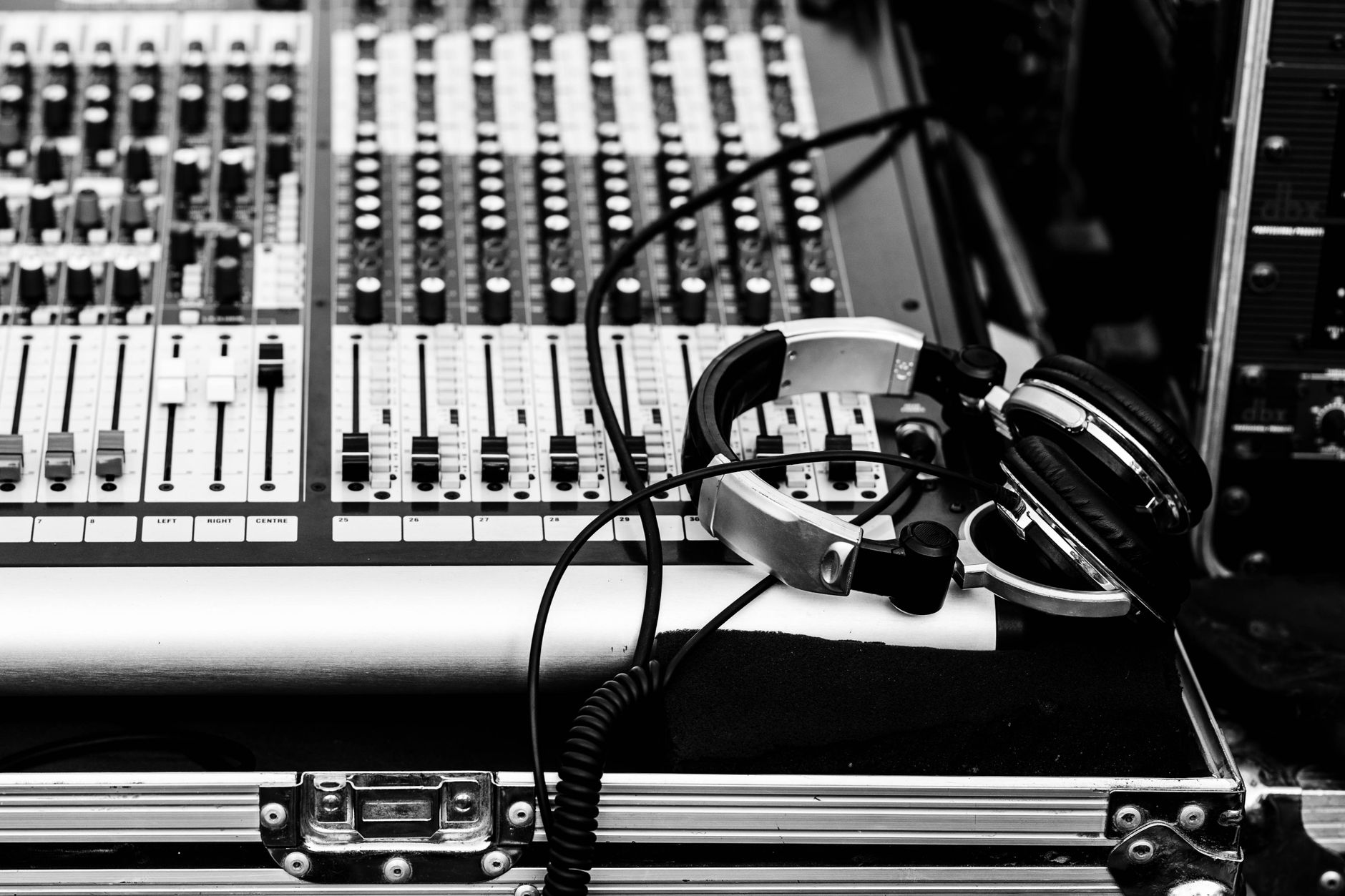
 Photo: TUAN HOANG NGUYEN via Pexels
→ See also:
- How to Record Guitar at Home: The Complete Guide (2026)
- How to Record Electric Guitar at Home
- How to Record Guitar Without an Amp
FAQ
Do I need a DI box if my audio interface has a Hi-Z input? Not necessarily. A built-in Hi-Z input on interfaces like the Focusrite Scarlett 2i2 handles impedance conversion adequately for most home studio use. A dedicated DI box adds transformer isolation (eliminates ground loops), better headroom, and optional transformer coloration — worth the upgrade if you’re hearing noise or running longer cable runs.
What’s the difference between a DI box and a preamp? A DI box converts impedance and balances the signal — it doesn’t add significant gain. A preamp amplifies a mic-level or instrument-level signal to line level. Many DI boxes include a preamp stage, but their primary function is impedance matching and signal balancing. You still run the DI’s output into your interface preamp.
Can a DI box damage active pickups? No, but a passive DI is the better choice for active pickups. The low impedance of some active DI inputs can interact with active pickup output stages. A passive transformer-based DI presents a more compatible load. Published guidance from pickup manufacturers (EMG, Seymour Duncan) recommends passive DIs or interface Hi-Z inputs for active-pickup guitars.
Why does my guitar sound thin when recording direct? Direct recording captures the pickup’s raw signal without the filtering and resonance an amp cabinet adds. Low frequencies thin out because the pickup’s natural resonance peak (usually 3–6 kHz for single-coils) is uncompensated. Fix this in the DAW: add a gentle low-shelf boost around 80–120 Hz and a high-shelf rolloff above 10 kHz, then layer an amp sim plugin to restore harmonic content.
What is a ground lift switch and when should I use it? A ground lift disconnects the signal ground at pin 1 of the XLR output, breaking the path for ground loops — the cause of 60 Hz (North America) or 50 Hz (Europe) hum in recordings. Engage it if you hear a constant low-frequency buzz after connecting the DI. Manufacturer guidance from Radial Engineering notes that ground lift does not affect audio quality or safety for recording applications.
Can I use a DI box for acoustic guitar live and in the studio? Yes, and units like the LR Baggs Para Acoustic DI and Countryman Type 85 are designed specifically for dual use. The key difference is power source: phantom-powered DIs require a phantom-capable interface or console in the studio; battery-powered units work anywhere. If you’re playing live venues with older PA systems that may not reliably provide 48V phantom, choose a DI that runs on battery as a fallback.
Editorial methodology: Assessments are based on manufacturer specifications, published user reviews, and editorial research. Physical hands-on testing is noted explicitly where it occurred. Rankings reflect our editorial judgment and are not influenced by affiliate commission rates. Full editorial policy · Affiliate disclosure