Contents
Native Instruments Guitar Rig 6 Review (2026): Still Worth It?
TL;DR: Guitar Rig 6 Pro is a mature, CPU-efficient amp sim with 17 amps, 27 cabinets, and a deep modular effects rack — strong for studio production and DAW integration, but trails Helix Native and Neural DSP on pure amp realism. At its current price point it remains a solid all-in-one solution for producers who want versatility over boutique tone.
What Is Guitar Rig 6 and Who Is It For?
Guitar Rig 6 is a software amp simulator and multi-effects processor from Native Instruments, now in its sixth major version. It runs as a standalone app or VST/AU/AAX plugin and covers everything from clean jazz tones to high-gain metal — making it a go-to for home-studio guitarists who want a complete amp-and-effects solution without buying separate plugins for each component.
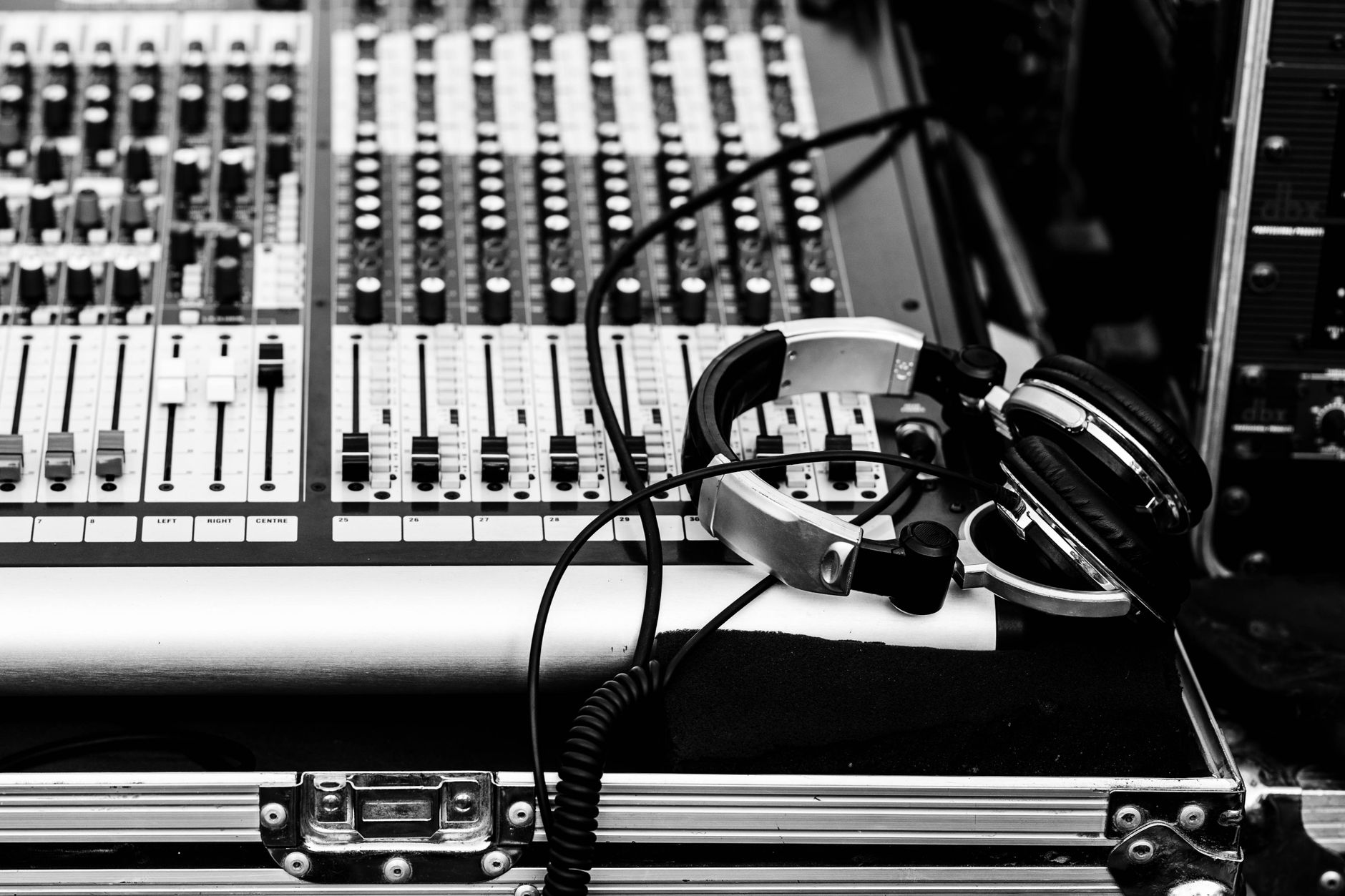
 Photo: ROMBO via Pexels
Native Instruments has been in this space since 2002, and Guitar Rig 6 shows that institutional depth. The signal chain philosophy is deliberately modular: you stack components — amp heads, cabinets, mics, EQs, compressors, reverbs — into a rack view and route them however you like. It’s more “virtual studio rack” than “realistic amp in a box,” which matters when choosing between Guitar Rig and competitors like Helix Native or Bias FX 2 .
The core audience is producers who want flexibility and CPU predictability over the last 5% of amp authenticity — session guitarists, beat-makers recording guitar parts, and anyone using Komplete or Komplete Unlimited who already has Guitar Rig in their bundle.
Guitar Rig 6 Amps and Cabinets
Guitar Rig 6 Pro ships with 17 amp models and 27 cabinets. The amp roster covers the expected classics — Fender-style cleans, Marshall-style crunch, a Mesa-influenced high-gain — plus a handful of boutique and bass models. Cabinet simulation uses NI’s proprietary convolution engine with adjustable mic positioning, distance, and blending between two simultaneous mics.
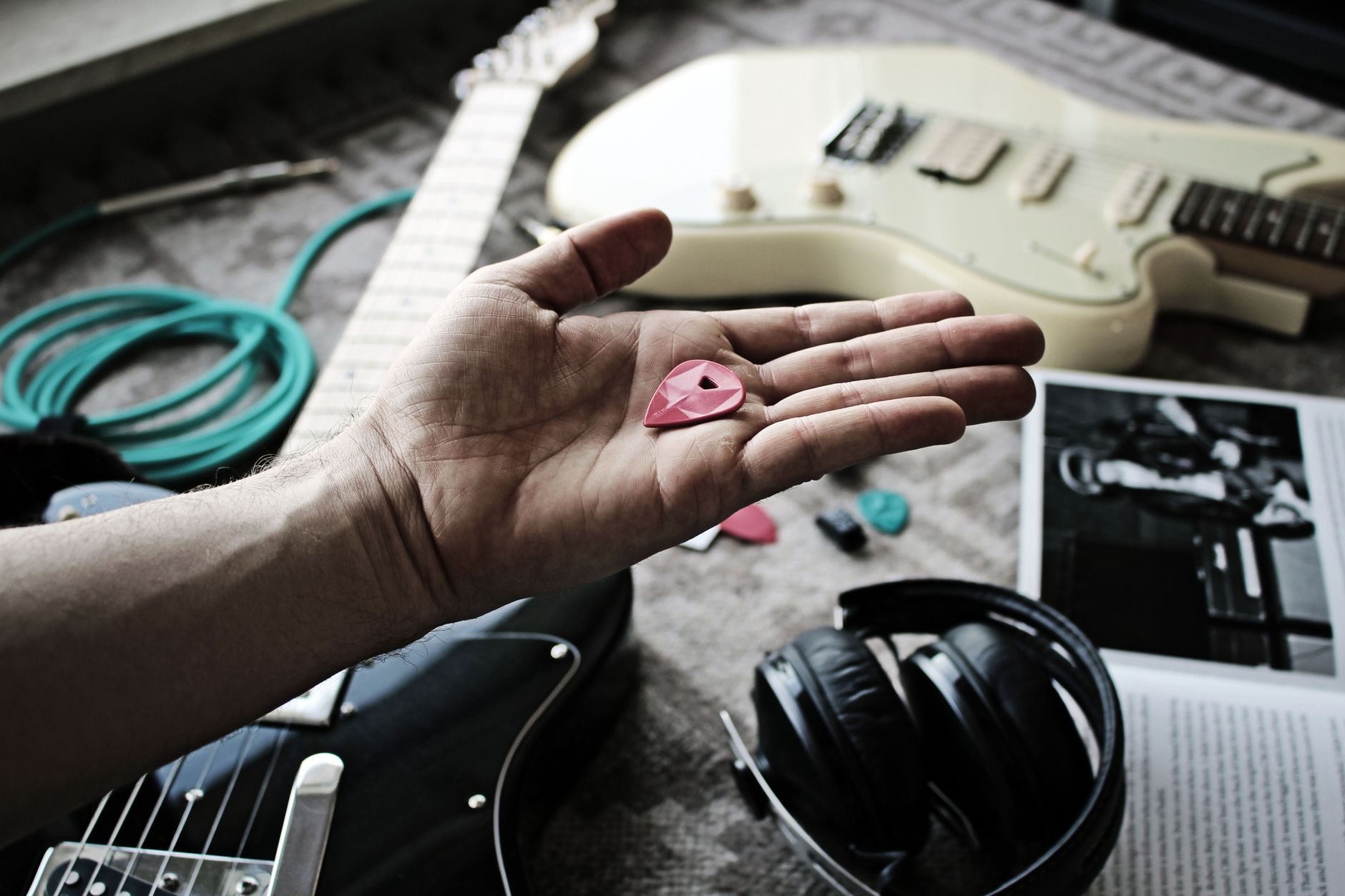
 Photo: Tijs de Goei via Pexels
The amp models hold up well for recorded guitar parts buried in a mix. The high-gain options — particularly the Lead 800 (Marshall JCM800 tribute) and the Van 51 (Van Halen-era plexi territory) — have enough definition to cut through dense productions without getting fizzy. The clean models are genuinely usable; the Twang Reverb clean is one of the more convincing Fender blackface representations available at this price.
Where Guitar Rig 6 still lags behind Neural DSP Archetype plugins is in the feel of picking dynamics. The transient response on high-gain leads can feel slightly compressed compared to artist-licensed alternatives. For most mix contexts this is inaudible; for a guitarist tracking lead lines who needs tactile feedback, it’s noticeable.
Cabinet IR swapping is native — you can drop third-party IRs straight into the cabinet component, which extends the tone palette considerably. This is a significant workflow advantage: one plugin handles amp modeling, IR loading, and the entire effects chain.
Effects and Rack Components
Guitar Rig 6 Pro includes over 130 components: drives, modulations, delays, reverbs, dynamics, filters, and utilities. The rack architecture means you can build unconventional chains — parallel compression paths, mid/side processing, pitch-shifting before the amp. For studio work, this depth is where Guitar Rig earns its price.
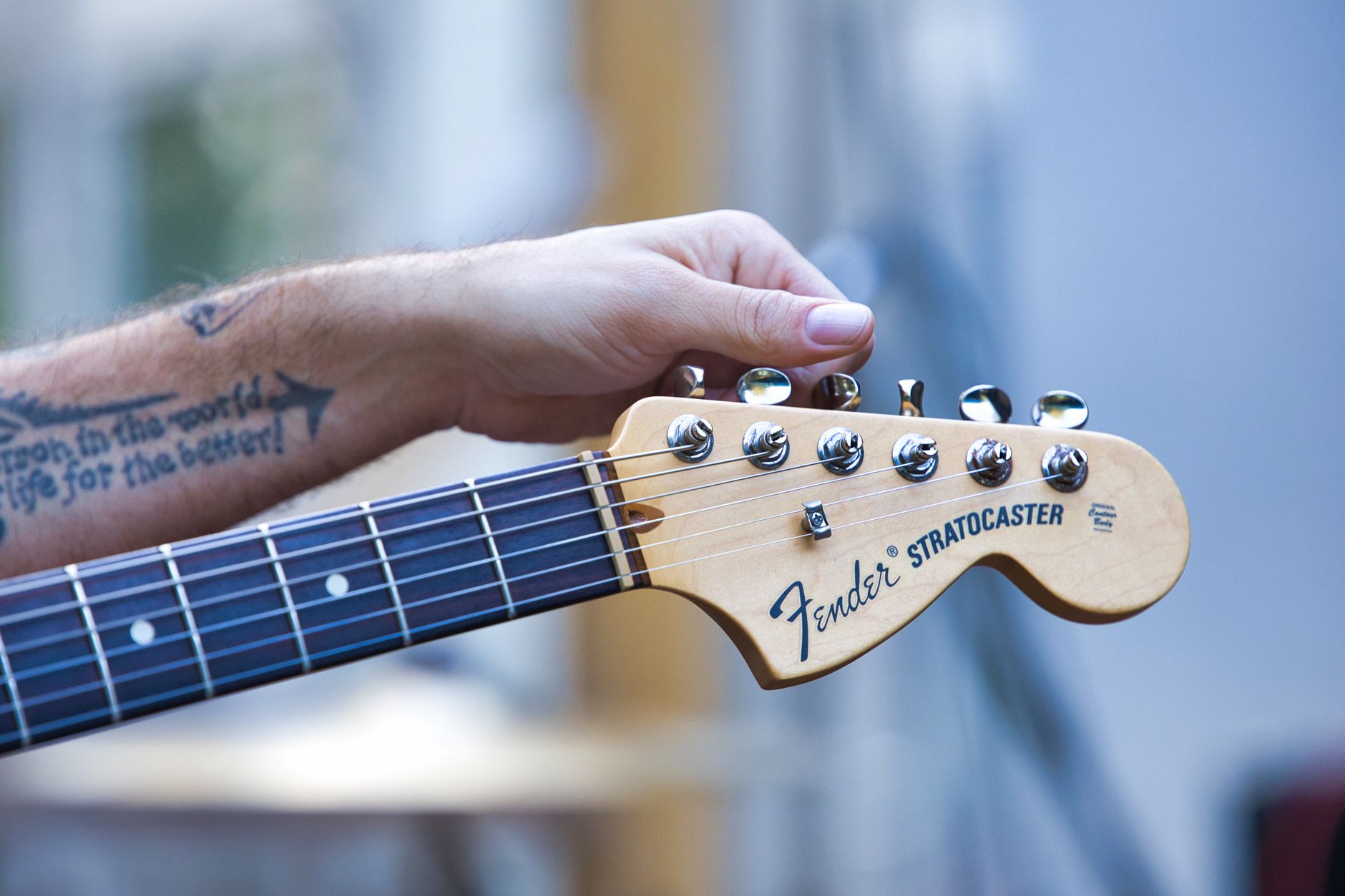
 Photo: TStudio via Pexels
Standout effects include the Replica delay (tape-style with excellent modulation), the Resochord (resonant filter chords that create textures no hardware pedal offers cheaply), and the Spring Reverb which competes with dedicated reverb plugins. The Drive components range from transparent boost to saturated fuzz and cover the main bases without needing third-party drives in most cases.
The modulation section is deeper than competing amp sims — Guitar Rig’s LFOs, envelopes, and Macro controls let you map parameters to expression pedals or automate them in your DAW in ways that Helix Native doesn’t match. This makes Guitar Rig genuinely useful for electronic-influenced guitar production.
Preset Library
Guitar Rig 6 ships with hundreds of factory presets organized by style and output level. Preset quality is higher than in previous versions; most are mix-ready at moderate output gain rather than the “bedroom speaker” voicings that make factory presets notoriously useless. Browser search and tagging work reliably.
CPU and Latency Performance
Guitar Rig 6 is one of the more CPU-efficient amp sims at comparable component counts. Published NI benchmarks show Guitar Rig 6 running at approximately 3–5% CPU on a modern 8-core machine with a full rack — competitive with Helix Native and significantly lighter than some Neural DSP titles at full quality settings.
Supported buffer sizes start at 32 samples, which on a properly configured interface gives latencies under 5ms — low enough for real-time monitoring through the plugin. Published testing data from user benchmarks on Gearspace and KVR Audio confirms Guitar Rig 6 performs consistently across Windows 10/11 and macOS 12+.
The plugin supports up to 192kHz operation. For guitar tracking at 48kHz or 96kHz, the extra headroom is useful for avoiding aliasing artifacts in the high-gain models.
Recording Guitar Through Guitar Rig 6: Signal Chain and Workflow
Signal chain: Electric guitar → audio interface input (Hi-Z) → DAW track → Guitar Rig 6 as insert plugin
Gain staging notes: Set interface input gain so peaks hit around −12 to −18 dBFS before hitting Guitar Rig. The amp models are calibrated for this input range; hotter signals cause the internal amp components to clip undesirably.
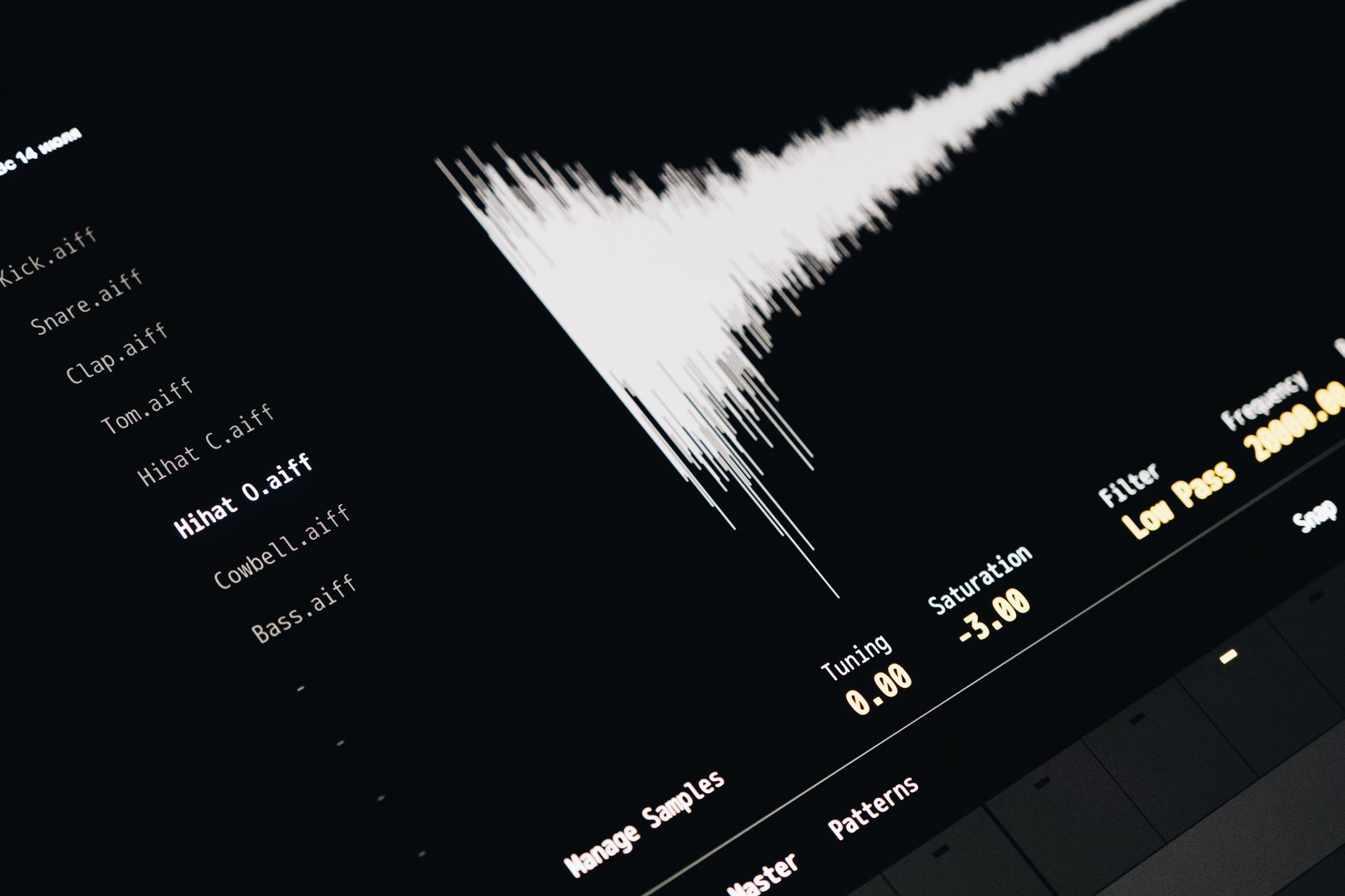
 Photo: Alexey Demidov via Pexels
Step-by-Step Tracking Workflow
- Create a mono audio track in your DAW; arm for recording
- Insert Guitar Rig 6 on the track as a real-time monitor plugin
- In Guitar Rig, set Input Volume to 0 dB — adjust from the interface, not the plugin
- Load a preset or build a chain: amp → cabinet → EQ → reverb/delay
- Enable direct monitoring off on the interface (monitor through the DAW only)
- Record the dry DI signal on a second parallel track with no plugins — this preserves re-amping options
- After tracking, disable the real-time Guitar Rig instance and switch to offline quality rendering if your DAW supports it
Troubleshooting Matrix
| Symptom | Likely Cause | Fix |
|---|---|---|
| High latency while monitoring | Buffer size too large | Lower buffer to 64–128 samples while tracking |
| Thin, digital-sounding tone | Signal hitting Guitar Rig too hot | Reduce interface gain; aim for −15 dBFS peaks |
| Noise/hum on clean tones | Ground loop or single-coil pickup hum | Enable the Noise Gate component; check cable routing |
| Phase issues in the mix | Cab mic position | Flip polarity switch on cabinet component or align to dry track in DAW |
| Plugin not showing in DAW | VST3 path not scanned | Rescan plugin folder; NI uses a non-standard install directory on Windows |
Guitar Rig 6 Free vs Pro: What’s the Difference?
Guitar Rig 6 Free is available as a permanent free download from Native Instruments. It includes 13 amp models, selected effects, and 50 presets — enough to evaluate the workflow. Guitar Rig 6 Pro unlocks all 17 amps, 130+ components, and the full preset library.
| Feature | Free | Pro |
|---|---|---|
| Amp models | 13 | 17 |
| Cabinet models | 13 | 27 |
| Total components | ~50 | 130+ |
| Third-party IR loading | Yes | Yes |
| Macro/LFO control | Limited | Full |
| Price | Free | ~$199 / included in Komplete |
For anyone already in the Komplete ecosystem, Guitar Rig 6 Pro is included — the incremental value of upgrading to Komplete Standard solely for Guitar Rig is harder to justify unless you’re also after Kontakt or other NI instruments.
Guitar Rig 6 vs Competitors
| Guitar Rig 6 Pro | Helix Native | Neural DSP Archetype | Bias FX 2 Elite | |
|---|---|---|---|---|
| Amp realism | Good | Very good | Excellent | Very good |
| Effects depth | Excellent | Very good | Limited | Good |
| CPU efficiency | Excellent | Good | Moderate | Good |
| Modulation routing | Excellent | Good | Minimal | Good |
| Price | ~$199 | ~$399 | ~$99/mo sub | ~$299 |
| Best for | Studio producers | Live/studio balance | Boutique amp tones | Amp variety |
→ See also:
- How to Record Guitar at Home: The Complete Guide (2026)
- How to Record Electric Guitar at Home
- How to Record Guitar Without an Amp
FAQ
Is Guitar Rig 6 good for beginners? Yes — the free version covers basics, and the plugin-based workflow is more forgiving than hardware. The preset library gives usable tones without deep signal-chain knowledge, though guitarists who want to dial in authentic amp sounds will benefit from understanding basic gain-staging principles.
Does Guitar Rig 6 work with any audio interface? It works with any ASIO (Windows) or Core Audio (Mac) compatible interface. Expert consensus suggests a dedicated audio interface with a Hi-Z guitar input is necessary for best results — running directly into a computer’s built-in audio input introduces excessive latency and noise.
Can you use Guitar Rig 6 live? Technically yes in standalone mode, but it’s not optimized for live performance the way Helix Native or IK Multimedia AmpliTube are. Latency is manageable on capable hardware, but there’s no dedicated pedalboard view or MIDI scene switching comparable to Line 6’s implementation.
Is Guitar Rig 6 included in Komplete? Guitar Rig 6 Pro is included in Komplete 15 Standard, Ultimate, and Ultimate Collector’s Edition. It is not included in Komplete 15 Select. If you’re already planning a Komplete purchase for other instruments, this inclusion effectively makes Guitar Rig free.
How does Guitar Rig 6 handle bass guitar? The bass amp models — including a convincing SVT-style model — are genuinely usable for recording bass, making it a cost-effective choice for home studios that record both guitar and bass without budgeting for separate bass amp software.
Editorial methodology: Assessments are based on manufacturer specifications, published user reviews, and editorial research. Physical hands-on testing is noted explicitly where it occurred. Rankings reflect our editorial judgment and are not influenced by affiliate commission rates. Full editorial policy · Affiliate disclosure