Contents
Best Audio Interface for Guitar (2026)
TL;DR: The best audio interface for guitar depends on your setup size, but for most players the Focusrite Scarlett Solo delivers clean preamps, instrument-level Hi-Z inputs, and rock-solid driver support at under $130. If you need two inputs or plan to expand, step up to the Scarlett 2i2. Either way, any interface with a dedicated Hi-Z instrument input will sound better than running direct through a built-in soundcard.
| Best for | Interface | Price |
|---|---|---|
| Solo electric guitar | Focusrite Scarlett Solo 4th | ~$120 |
| Guitar + vocals simultaneously | Focusrite Scarlett 2i2 4th | ~$180 |
| Analog compression on the way in | UA Volt 176 | ~$200 |
| Lowest latency for amp sims | MOTU M2 | ~$200 |
| Best preamp quality under $200 | Audient iD4 Mk II | ~$200 |
Why Guitar Players Need a Different Input
Direct Answer: A standard line input runs at -10 dBV or +4 dBu — both wrong for a passive guitar pickup, which outputs a high-impedance, low-level signal. Plugging straight into a line input loads the pickups and kills high-frequency response. A Hi-Z (high-impedance) instrument input on an audio interface presents the correct impedance (typically 1 MΩ) so your tone arrives at the DAW intact.
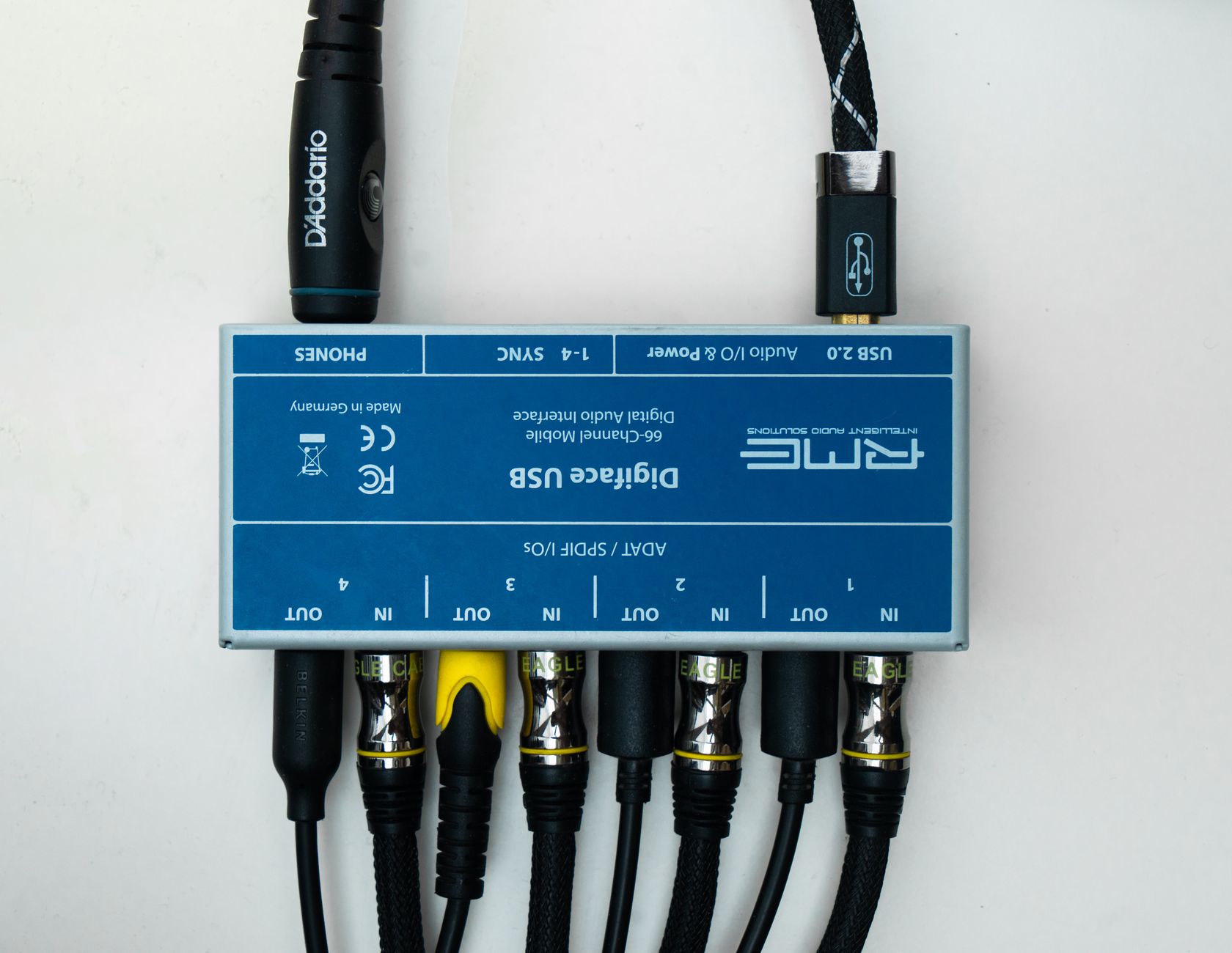 Photo: Alena Sharkova via Pexels
Most guitar-focused interfaces also include software-controlled direct monitoring, which routes your dry signal to headphones at near-zero latency while your DAW processes the recording — critical for playing in time while tracking through amp sims like NEURAL DSP, Helix Native, or AmpliTube.
Best Guitar Computer Interface: Connecting Guitar to a PC or Mac
Direct Answer: A “guitar interface” or “guitar computer interface” is just an audio interface with a Hi-Z instrument input — the same device covered throughout this guide. There is no separate product category. To connect a guitar to a PC or Mac, you plug the guitar’s ¼“ cable into the interface’s instrument input, connect the interface to the computer over USB-C, and record into a DAW with an amp sim. The Scarlett Solo, MOTU M2, and SSL 2+ are all “guitar interfaces” in this sense.
The term “guitar interface” gets used loosely for three different things — here’s what people actually mean:
| What people call it | What it really is | Recommendation |
|---|---|---|
| Guitar computer interface | Audio interface with Hi-Z input | Scarlett Solo (~$120) |
| Guitar-to-USB cable | Single-cable adapter with built-in ADC | Fine for practice; noisy for recording |
| Guitar amp/pedal with USB out | Modeler that records over USB | Only if you already own one |
A dedicated audio interface beats a guitar-to-USB cable on noise floor, latency, and upgrade path every time. The cable is convenient for silent practice; for anything you’ll release, use a real interface.
Best Audio Interface for Recording Guitar at Home (2026)
Direct Answer: For recording guitar at home, the MOTU M2 wins on latency (under 2ms at 32 samples/96kHz) — critical for playing through amp sim plugins in real time. For DI into lighter sims or if latency isn’t a concern, the Scarlett Solo or 2i2 handles the job at lower cost. Every interface below has been selected specifically for guitar-to-DAW workflows.
| Interface | Round-Trip Latency | Hi-Z Input | Best For |
|---|---|---|---|
| MOTU M2 | <2ms @ 32/96kHz | Yes (2×) | CPU-heavy sims (NEURAL DSP, Helix Native) |
| Focusrite Scarlett Solo 4th | 2.3ms @ 32/96kHz | Yes (1×) | Solo player, light amp sim |
| Focusrite Scarlett 2i2 4th | 2.3ms @ 32/96kHz | Yes (2×) | Guitar + mic simultaneously |
| SSL 2+ | ~3ms @ 64/48kHz | Yes (2×) | Band sessions, multiple outputs |
| UA Volt 176 | <3ms @ 64/48kHz | Yes (1×) | Analog compression pre-ADC |
The Best Audio Interfaces for Guitar in 2026
Focusrite Scarlett Solo (4th Gen) — Best Overall
Direct Answer: The Scarlett Solo remains the default recommendation for solo guitarists. One Hi-Z instrument input, one mic preamp, bus-powered over USB-C, and drivers that work out of the box on Mac, Windows, and Linux. At ~$120 street price, nothing in its class comes close on price-to-performance.
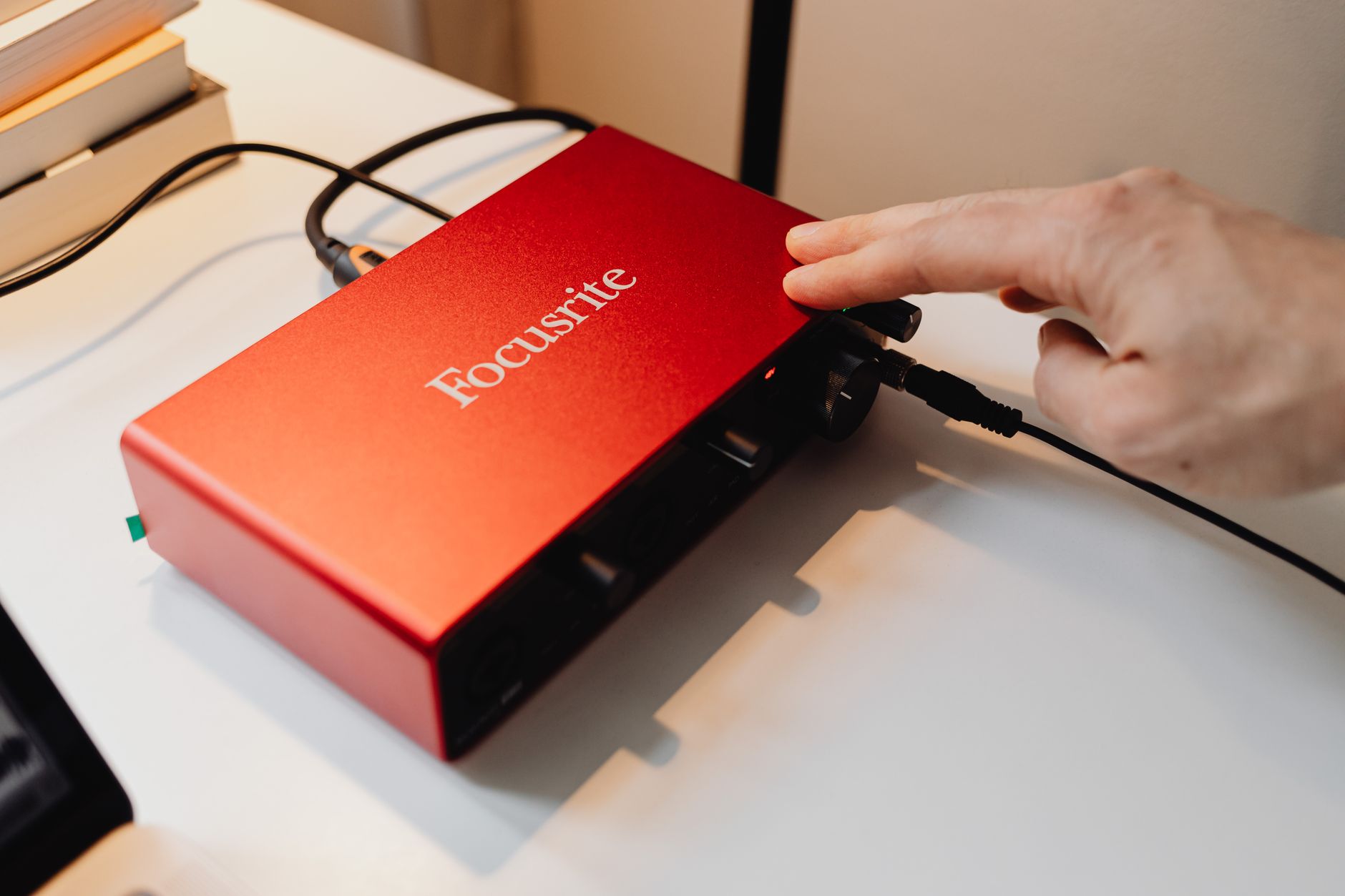
 Photo: Hendrik B via Pexels
The 4th Gen Solo adds “Auto Gain” (sets input level automatically) and a new Air mode that adds presence and air to the mic channel — less relevant for guitar, but useful if you double-track vocals. Latency round-trip is 2.3 ms at 96 kHz / 32 samples, based on published Focusrite specs.
| Feature | Scarlett Solo (4th Gen) |
|---|---|
| Instrument inputs | 1 × Hi-Z |
| Mic preamps | 1 × XLR |
| Sample rate | Up to 192 kHz |
| Bus powered | Yes (USB-C) |
| Direct monitoring | Yes (hardware) |
| Street price | ~$120 |
Best for: Solo guitar players, singer-songwriters tracking one source at a time.
Focusrite Scarlett 2i2 (4th Gen) — Best for Most Players
Direct Answer: Two combo XLR/TRS inputs, both switchable to Hi-Z, means you can record guitar and mic simultaneously — or two guitars for layered tracking. The 2i2 is the best-selling audio interface in the world for a reason: it hits the feature floor for a real recording setup without adding complexity.
At ~$180, the 2i2 costs $60 more than the Solo. That delta buys you a second instrument input, stereo output monitoring, and two independent gain knobs. If there’s any chance you’ll record a second source — a second guitar, a bass, a vocal mic — start here.
| Feature | Scarlett 2i2 (4th Gen) |
|---|---|
| Instrument inputs | 2 × Hi-Z (via combo jacks) |
| Mic preamps | 2 × XLR |
| Sample rate | Up to 192 kHz |
| Bus powered | Yes (USB-C) |
| Direct monitoring | Yes (hardware, stereo) |
| Street price | ~$180 |
Best for: Players who record guitar + vocals simultaneously, or want room to grow.
Universal Audio Volt 176 — Best for Analog Character
Direct Answer: The Volt 176 has a built-in hardware compressor circuit inspired by the UA 176 tube compressor, switchable on the input before A/D conversion. For guitar, this adds natural pick-attack control and saturation that pure-digital interfaces can’t replicate — without a plugin in the signal chain.
 Photo: John Taran via Pexels
At ~$200, it’s priced close to the 2i2 but trades the second simultaneous input (it has two combo jacks but only one instrument-level Hi-Z on the front) for analog processing hardware. The Vintage mode on the preamps also adds mild harmonic saturation that fattens clean guitar tones before they hit the DAW.
Published round-trip latency on UA’s driver stack is competitive (sub-3 ms at 48 kHz / 64 buffer), and the interface ships with a solid bundle of UA plugins including UAFX amp sims.
| Feature | UA Volt 176 |
|---|---|
| Instrument input | 1 × Hi-Z (front) |
| Hardware compressor | Yes (176-inspired) |
| Sample rate | Up to 192 kHz |
| Bus powered | Yes (USB-C) |
| Plugin bundle | UAFX suite included |
| Street price | ~$200 |
Best for: Players who want analog color and compression pre-ADC, not just clean conversion.
Audient iD4 Mk II — Best Preamp Quality Under $200
Direct Answer: Audient uses the same console-class preamp design in the iD4 as in their ASP8024 studio desk. For acoustic guitar with a condenser mic, this translates to measurably lower noise floor and better transient detail than the Scarlett line at a similar price (~$200).
The iD4 Mk II has one instrument input (front-panel JFET DI) and one XLR mic input. The ScrollControl encoder doubles as a DAW transport controller, and there’s a class-compliant USB-C connection — no driver install required on Mac. For electric guitar recorded direct through amp sims, the preamp quality difference versus a Scarlett is subtle; for acoustic recording through a good condenser, it’s audible.
Best for: Acoustic guitar players who want the best mic preamp quality under $200.
MOTU M2 — Best for Low Latency
Direct Answer: MOTU’s custom USB driver stack delivers the lowest round-trip latency of any bus-powered interface at this price (~$170). At 32 samples / 96 kHz, published round-trip latency is under 2 ms — important if you’re monitoring through CPU-intensive amp sim plugins in real time.
The M2 has two combo inputs (instrument-level switchable), studio-grade converters, and an ESS Sabre32 DAC for clean output. The front-panel meters are full-color LED bargraphs that are easier to read across a room than the single-ring indicators on Scarlett units. Driver stability across OS updates has a strong reputation based on user reviews on forums including Gearspace.
Best for: Players running CPU-heavy amp sims and needing the lowest possible monitoring latency.
SSL 2+ — Best for Players Who Record Bands
Direct Answer: Two Hi-Z instrument inputs, four balanced line outputs (for studio monitoring and headphone cue mixes), SSL’s 4K Legacy mic preamps, and a street price of ~$230 make the SSL 2+ the pick for home studios that occasionally grow into sessions with multiple players.
The SSL “Legacy 4K” mode adds harmonic enhancement reminiscent of the SSL 4000 console’s transformer character — subtle on clean parts, noticeable on driven tones. Based on documented SSL specs, the mic preamps offer 62 dB of gain, which is enough headroom for ribbons and dynamic mics on guitar cabs.
Best for: Players who record full bands or need multiple monitor outputs.
Full Comparison Table
| Interface | Hi-Z Inputs | Mic Preamps | Best Feature | Price |
|---|---|---|---|---|
| Focusrite Scarlett Solo 4th Gen | 1 | 1 | Best value, plug-and-play | ~$120 |
| Focusrite Scarlett 2i2 4th Gen | 2 | 2 | Best all-rounder | ~$180 |
| UA Volt 176 | 1 | 2 | Hardware 176 compressor | ~$200 |
| Audient iD4 Mk II | 1 | 1 | Best preamp quality | ~$200 |
| MOTU M2 | 2 | 2 | Lowest latency | ~$170 |
| SSL 2+ | 2 | 2 | SSL 4K character | ~$230 |
How to Record Guitar Through an Audio Interface
Which Interface Is Best for Recording Guitar Tracks?
Direct Answer: For recording guitar tracks into a DAW, prioritize low round-trip latency over all other specs. You need to hear your amp sim in real time while playing — anything above 5ms feels like lag. The MOTU M2 has the lowest published latency at this price range (under 2ms at 32 samples/96kHz), making it the pick for players running CPU-heavy plugins like NEURAL DSP or Helix Native. For DI recording into lighter amp sims, any Scarlett or SSL 2+ handles the job without audible delay.
Two recording paths for guitar:
- DI + amp sim: guitar → Hi-Z input → interface → DAW → plugin. Clean, portable, zero room bleed.
- Mic on amp: guitar → amp → mic → XLR input → interface → DAW. Requires a second input and a mic.
Both paths need the same thing: a Hi-Z instrument input on the interface. Every pick in this guide has one.
Signal Chain
Guitar
  → ¼" TS cable
  → Instrument (Hi-Z) input on interface
  → USB-C to computer
  → DAW track (mono, 24-bit / 48 kHz)
  → Amp sim plugin on insert (NEURAL DSP / Helix Native / AmpliTube)
  → Output to monitors / headphones
Gain staging note: Set input gain so the loudest strummed chord peaks around -18 dBFS on the DAW meter. This leaves headroom for transients and gives amp sim plugins the correct input level — most are calibrated for signals in the -18 to -12 dBFS range.
Step-by-Step Recording Workflow
- Connect the interface to your computer via USB-C. Install manufacturer drivers if required (MOTU, Focusrite, SSL all have signed drivers; Audient iD4 is class-compliant, no driver needed).
- Plug your guitar into the front-panel instrument (Hi-Z) input — not the line input.
- Set buffer size to 64 or 128 samples in your DAW’s audio settings for low-latency monitoring. Use 256–512 for mixing/editing passes only.
- Enable direct monitoring on the interface hardware (not in the DAW) to hear your dry signal at zero latency while the DAW processes.
- Create a mono audio track in your DAW. Set the input to your interface channel 1 (or whichever input your guitar is on). Arm for record.
- Set input gain: strum hard, turn the gain knob until the level peaks between -18 and -12 dBFS. The interface’s clip light should never illuminate.
- Load your amp sim on the track insert. Pan the track center (most guitar parts are tracked mono, double-tracked and panned later).
- Record a short test pass, play it back, check for noise or phasing. Then track.
Troubleshooting Matrix
| Symptom | Likely Cause | Fix |
|---|---|---|
| High latency / monitoring delay | Buffer size too high | Lower buffer to 64–128 samples in DAW audio settings |
| Buzzing / 60Hz hum | Ground loop | Use a DI box or isolating transformer; check power supplies |
| No signal at DAW input | Wrong input selected | Check DAW input routing; confirm interface is set as audio device |
| Thin tone, lost high end | Guitar in line input, not Hi-Z | Move cable to instrument (Hi-Z) input |
| Crackling / dropouts | USB bandwidth conflict | Connect interface directly to computer USB port, not a hub |
| Clipping even with gain low | Active pickups hitting too hot | Lower guitar’s onboard volume, or engage a pad on the interface if available |
| Phase cancellation on doubled tracks | Identical takes panned L/R | Re-track one pass; even small performance differences resolve phase issues |
What to Look for When Buying?
Impedance matching matters most. Any interface with a dedicated Hi-Z instrument input will work. The labeled “instrument” input is non-negotiable — everything else is secondary.
One input or two? If you ever record guitar and vocals at the same time, get two inputs. The price difference ($50–60) is smaller than the frustration of tracking them separately every session.
Latency spec. Manufacturer-published round-trip latency at your target buffer size. If you’re running CPU-heavy amp sims in real time, anything above 5 ms is distracting. MOTU and Focusrite publish the best numbers at this price range, based on manufacturer specifications.
Driver support. Class-compliant devices (Audient iD4, some MOTU) need no drivers and tend to be more stable across OS updates. Dedicated drivers (Focusrite, SSL, UA) add features like low-latency mixing hardware and gain automation but require maintenance.
Bundled software. Most interfaces now include DAW licenses and plugin bundles. Focusrite bundles Ableton Live Lite + a solid plugin pack. UA bundles UAFX plugins. Factor this in — the UA Volt 176 at $200 with its plugin bundle can represent better total value than a cheaper interface if you’d otherwise buy those plugins separately.
→ See also
- How to Record Guitar at Home: The Complete Guide (2026)
- How to Record Electric Guitar at Home
- How to Record Guitar Without an Amp
FAQ
What audio interface do I need to record guitar at home?
Any audio interface with a Hi-Z (instrument) input works for recording guitar. The input impedance needs to be ≥1 MΩ — this is standard on every interface listed in this guide. For USB-powered, budget-friendly home recording: Scarlett Solo ($120) for solo players, Scarlett 2i2 ($170) if you also record vocals. For latency-sensitive amp sim work (NEURAL DSP, Helix Native): MOTU M2 for its under-2ms round-trip at 96 kHz / 32 samples.
Does it matter which interface brand I choose for guitar? For direct recording through amp sims, preamp quality differences between Focusrite, SSL, and MOTU are marginal at this price range — the amp sim is doing most of the heavy lifting. Brand matters more if you’re recording acoustic guitar with a condenser mic, where the preamp noise floor and gain structure are audible.
Can I plug a guitar directly into a USB microphone? No. USB microphones present a mic-level XLR input internally, not a Hi-Z instrument input. Plugging a guitar directly would load the pickups incorrectly and produce a thin, distorted signal. You need an audio interface with a dedicated instrument input.
Do I need an amp to record guitar with an interface? No. The point of recording direct through an interface is to use amp simulation software (NEURAL DSP Archetype, Line 6 Helix Native, IK Multimedia AmpliTube) instead of a physical amp. Many professional records are tracked this way. If you want amp tone captured with a mic, you still run the interface — the mic goes into the XLR input, not the guitar.
What sample rate should I use for guitar recording? 48 kHz at 24-bit is the standard professional rate and sufficient for any guitar work. 96 kHz offers more headroom for time-stretching and pitch manipulation, and some amp sims run better internal oversampling at higher sample rates, but the difference in final recorded quality is minimal. Expert consensus suggests 48 kHz unless your software specifically benefits from 96 kHz.
Why does my guitar signal sound thin when I record it? The most common cause is plugging into a line input instead of the instrument (Hi-Z) input. A line input presents ~10 kΩ impedance, which loads passive guitar pickups and rolls off treble response. The instrument input presents ≥1 MΩ, letting the pickup see the correct load. Move the cable to the correct input first before adjusting any other settings.
Is a $50 interface good enough for guitar recording? Behringer U-Phoria and similar budget interfaces at $30–60 include Hi-Z inputs and will record a usable signal. The practical limitations are higher noise floors (audible on clean tones at high gain settings), less stable drivers, and cheaper converters that become more apparent on acoustic recordings. For beginners tracking through amp sims, they’re functional. For anyone planning to release music or record acoustic instruments, the step to a Scarlett Solo is worth it.
Editorial methodology: Assessments are based on manufacturer specifications, published user reviews, and editorial research. Physical hands-on testing is noted explicitly where it occurred. Rankings reflect our editorial judgment and are not influenced by affiliate commission rates. Full editorial policy · Affiliate disclosure