Contents
Novation Launchkey 49 MK3 Review: The Best Mid-Size Controller?
TL;DR: The Novation Launchkey 49 MK3 is the strongest mid-size MIDI keyboard controller at its price point for Ableton Live users, offering 49 semi-weighted keys, 16 RGB pads, and deep DAW integration out of the box. If you produce in Live and want a controller that feels like it was built for your workflow, this is the one to beat.
Novation Launchkey 49 MK3 Review: What You Need to Know First
The Launchkey 49 MK3 delivers professional DAW control in a mid-size form factor. Semi-weighted keys, 16 velocity-sensitive RGB pads, eight encoders, and nine faders give you hardware control over nearly every Live parameter without touching your mouse. It lists around $229–$249 USD and punches above that price in most areas.
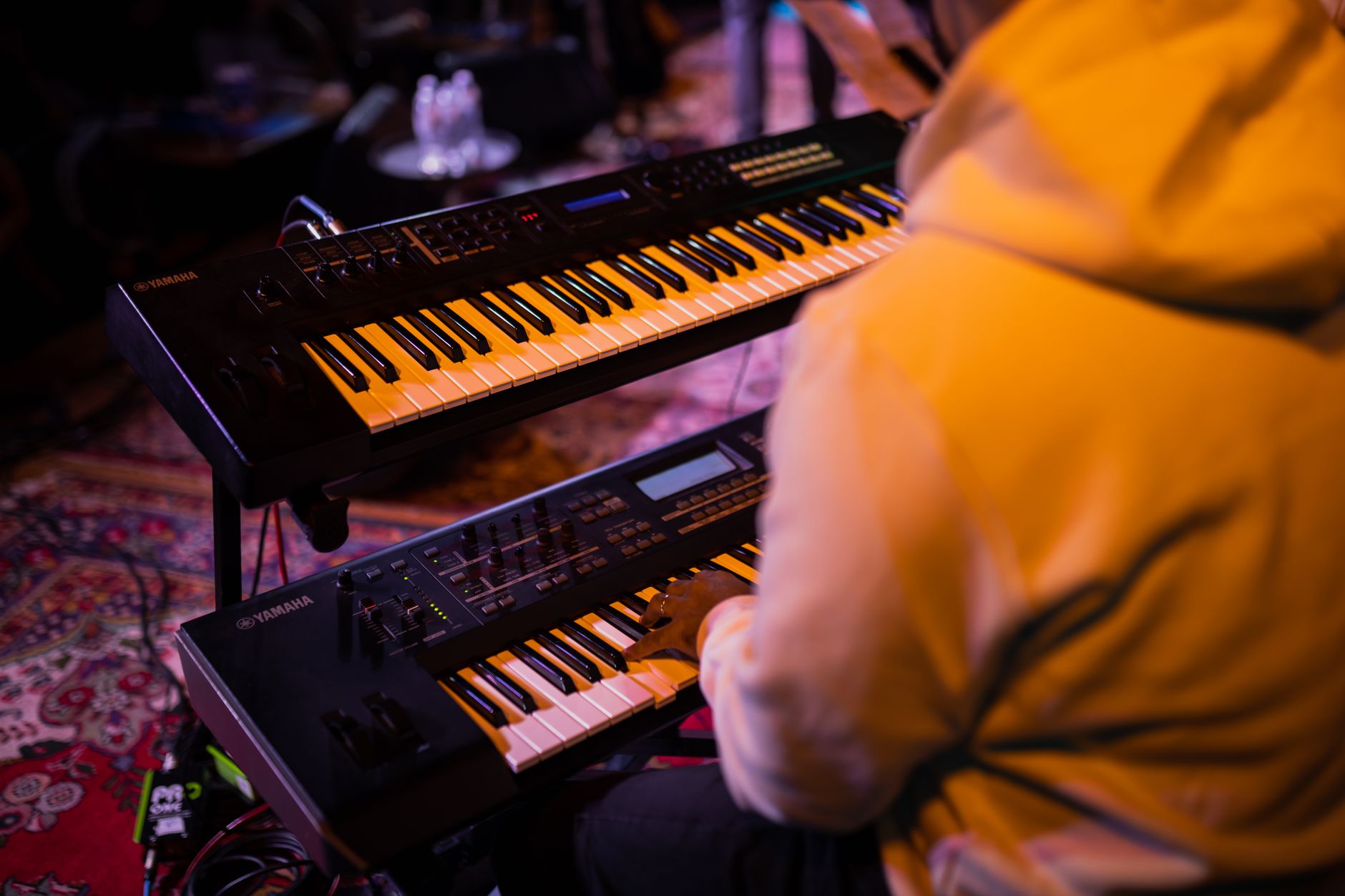
 Photo: Jeremy Waterhouse via Pexels
Novation refreshed the MK3 series with tighter Ableton integration than the MK2, a new chord and scale mode that’s genuinely useful rather than gimmicky, and an arpeggiator that’s functional enough to drive real parts. The 49-key form factor hits a practical sweet spot: enough range to play two-handed piano parts, small enough to fit a typical home-studio desk without sacrificing monitor placement.
For producers who live in Ableton Live, the integration goes deep. Transport, session view launch, mixer automation — all mapped and working the moment you plug in via USB. No driver install, no template tweaking.
Build Quality and Key Feel
The semi-weighted keybed is noticeably better than the synth-action beds found on most controllers in this price range. It won’t fool a pianist trained on weighted hammer-action, but it offers enough resistance to play expressively and record velocity-sensitive parts cleanly. Aftertoucuh is not supported on the MK3 — that’s the main physical limitation to know.
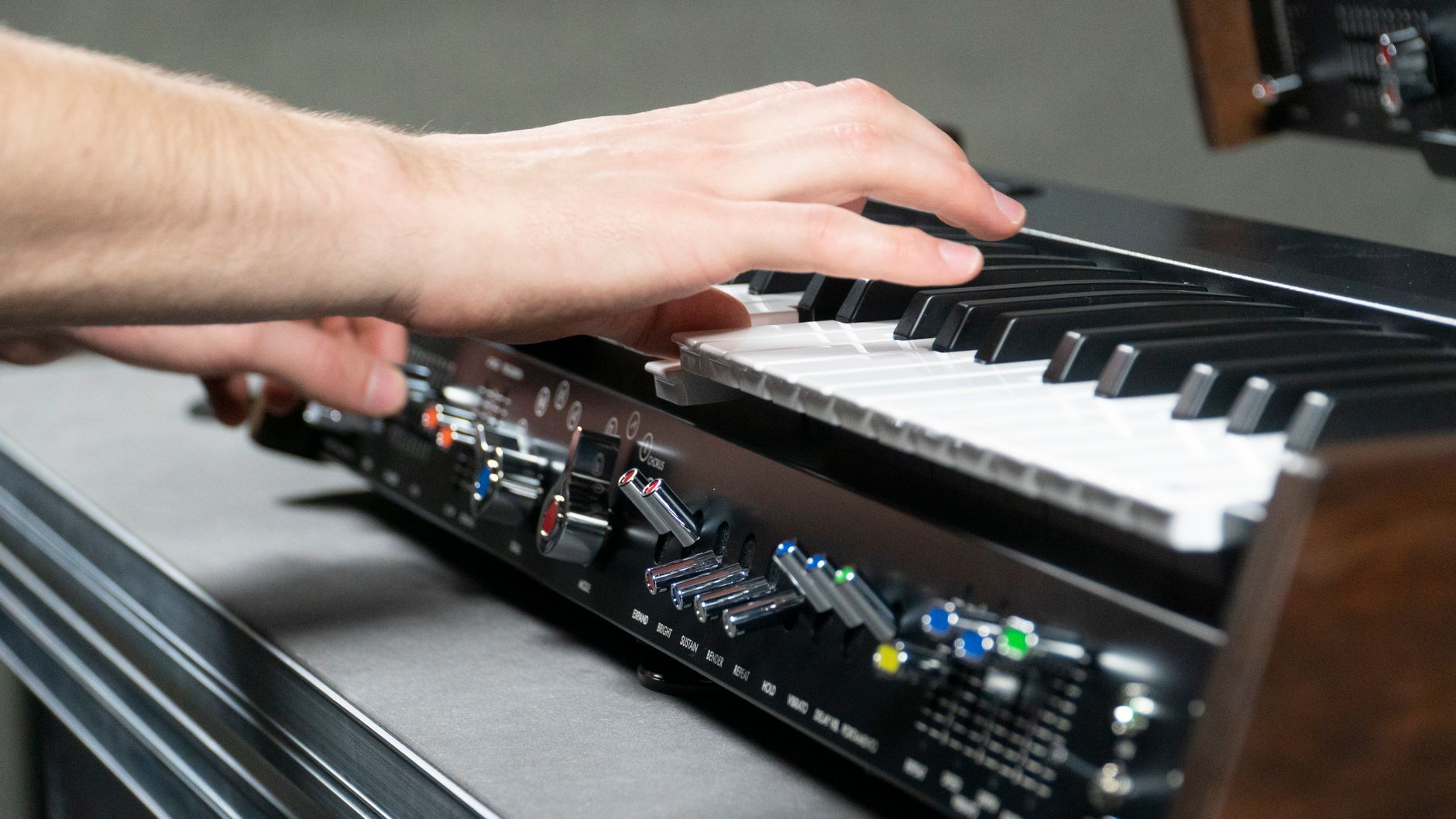
 Photo: Pixabay via Pexels
The chassis is mostly plastic, which is expected at this price. Published user reviews report no flex or structural issues in normal use, though it’s not the rubberized, road-ready build you’d get from an Arturia KeyLab. For desktop home-studio use, it’s fine. For gigging, pack it carefully.
The 16 RGB pads are responsive and comparable to a standalone Launchpad. They handle drum programming and clip launching equally well. The nine faders and eight rotary encoders are budget-quality individually, but they track cleanly and the encoders are endless (no jump on pickup).
DAW Integration and Software
Ableton Live integration is the Launchkey’s headline feature and it genuinely earns that billing. Session view, clip launch, device control, mixer — all work natively with zero setup. Novation also includes a full license for Ableton Live Lite, and bundles Serato Studio, Klevgrand synths, and a Splice sample credit, which adds real value at the purchase price.
 Photo: Giuseppe Di Maria via Pexels
For users outside Ableton, the MK3 works as a standard class-compliant MIDI controller over USB. Novation provides Novation Components — a browser-based editor — for remapping controls, and HUI/MCU emulation covers Pro Tools and Logic integration reasonably well. It’s functional but clearly a second priority compared to the Ableton workflow.
The chord mode lets you assign a chord voicing to each key and trigger it with a single note — useful for producers who sketch arrangements but don’t have classical keyboard training. Scale mode locks the keys to a chosen scale so every note played is in key. Neither feature is unique to Novation, but the implementation here is fast to configure and doesn’t require menu-diving.
The arpeggiator covers rate, gate, and pattern, and syncs to DAW tempo over USB. It’s not as deep as a standalone arpeggiator, but it handles common patterns and is genuinely playable.
Specs
| Spec | Detail |
|---|---|
| Keys | 49 semi-weighted, velocity-sensitive |
| Pads | 16 RGB, velocity-sensitive |
| Encoders | 8 endless rotary |
| Faders | 9 (8 channel + 1 master) |
| Connectivity | USB-B (bus powered), MIDI out (5-pin DIN) |
| Dimensions | 725 × 258 × 80 mm |
| Weight | 2.84 kg |
| Software Bundle | Ableton Live Lite, Serato Studio, Klevgrand plugins, Splice credits |
How It Compares: Launchkey 49 MK3 vs. the Competition
| Product | Price | Keys | Pads | Faders | Aftertouch | Best For |
|---|---|---|---|---|---|---|
| Novation Launchkey 49 MK3 | ~$239 | 49 semi-weighted | 16 RGB | 9 | No | Ableton Live producers |
| Arturia KeyLab Essential 49 | ~$229 | 49 synth-action | 16 RGB | 9 | No | Multi-DAW, Arturia plugins |
| Akai MPK249 | ~$299 | 49 semi-weighted | 16 MPC RGB | 0 | Yes | Live performance, MPC workflow |
| M-Audio Oxygen Pro 49 | ~$179 | 49 semi-weighted | 16 RGB | 9 | No | Budget, multi-DAW |
The Arturia KeyLab Essential 49 is the closest competitor. It matches the Launchkey on price and control layout, but uses lighter synth-action keys and integrates better with Arturia’s Analog Lab ecosystem than with Live. If you’re not in Ableton, the KeyLab is arguably a better multi-DAW choice. If you are in Ableton, the Launchkey wins on depth of integration.
The Akai MPK249 is the pick if aftertouch matters to you — useful for expressive synth playing, modwheel-style expression on sustained notes. It costs $60 more and drops the faders, which shifts it toward performance rather than mixing control.
Verdict by User Type
First-time beginner: Strong choice. Bus-powered, plug-and-play in Ableton, and the included software bundle (Live Lite + Serato + Klevgrand) means you can start producing without spending anything else. The scale and chord modes reduce the learning curve on theory.
Bedroom producer: This is the target user and it shows. Nine faders for Live mixer control, 16 pads for drum programming and clip launch, transport controls — this replaces a lot of mouse clicks. At this price, it’s difficult to beat for an Ableton-centered setup.
Gigging musician: Possible but not optimal. No aftertouch, plastic build, and the 49-key range limits keyboardists who need the full span. If you gig with Live for clip launch and basic playing, it works. Dedicated performers should look at the Roland A-49 or a KeyLab.
Prosumer / hybrid setup: The MIDI DIN output lets you drive hardware synths and modules directly — a genuinely useful feature at this price that many competitors have quietly removed. If you’re running a hybrid DAW/hardware rig, that DIN port matters.
→ See also:
- Best MIDI Keyboards and Controllers (2026)
- Best MIDI Keyboard for Beginners
- Best MIDI Keyboard Under $100
FAQ
Does the Novation Launchkey 49 MK3 work with Logic Pro? Yes, it works with Logic Pro in HUI mode, which enables transport control and basic mixer mapping. The integration is functional but not as deep as with Ableton Live — you won’t get the session-view clip launch features, and some controls require manual mapping via Logic’s controller assignments.
Is the Launchkey 49 MK3 bus powered? Yes. It draws power directly from USB and requires no external power supply. This works reliably on both Mac and PC according to manufacturer specifications; a powered USB hub is recommended if you’re running it alongside other high-draw USB peripherals.
What’s the difference between the Launchkey 49 MK3 and MK2? The MK3 adds a dedicated scale mode, an improved arpeggiator with DAW sync, better pad sensitivity, and a refreshed Ableton integration layer. The software bundle is also substantially larger on the MK3. Published comparisons show the MK3’s keybed feel is slightly improved as well, with better key-return response.
Does the Launchkey 49 MK3 have aftertouch? No. Neither channel aftertouch nor polyphonic aftertouch is supported on any Launchkey MK3 model. If aftertouch-driven expression is important to your workflow — controlling filter cutoff or vibrato on sustained synth notes — consider the Akai MPK249 or the Arturia KeyLab 49 MkII, both of which include channel aftertouch.
Can you use the Launchkey 49 MK3 without a computer? The MIDI DIN output lets you send MIDI to hardware synths and modules without a computer in the signal path, which is useful for hardware-only setups or live performance rigs. The onboard arpeggiator and chord modes also work standalone in this configuration, though scale mode requires the DAW connection to lock tempo sync.
Editorial methodology: Assessments are based on manufacturer specifications, published user reviews, and editorial research. Physical hands-on testing is noted explicitly where it occurred. Rankings reflect our editorial judgment and are not influenced by affiliate commission rates. Full editorial policy · Affiliate disclosure