Contents
MIDI Pads vs Keys: What Do You Actually Need?
TL;DR: If you make beats, chop samples, or trigger one-shots, get pads. If you play melodies, program chords, or need velocity-sensitive note input across multiple octaves, get keys. Most producers eventually want both — but if you’re choosing one, match the controller to how you actually compose, not how you imagine you might someday.
The Real Difference Between MIDI Pads and Keys
MIDI pads and keys send identical MIDI data — the difference is ergonomics, not capability. Pads give you a grid optimized for rhythmic hitting; keys give you a linear layout optimized for pitched playing. Neither is inherently more powerful. The question is which physical interface matches your workflow.
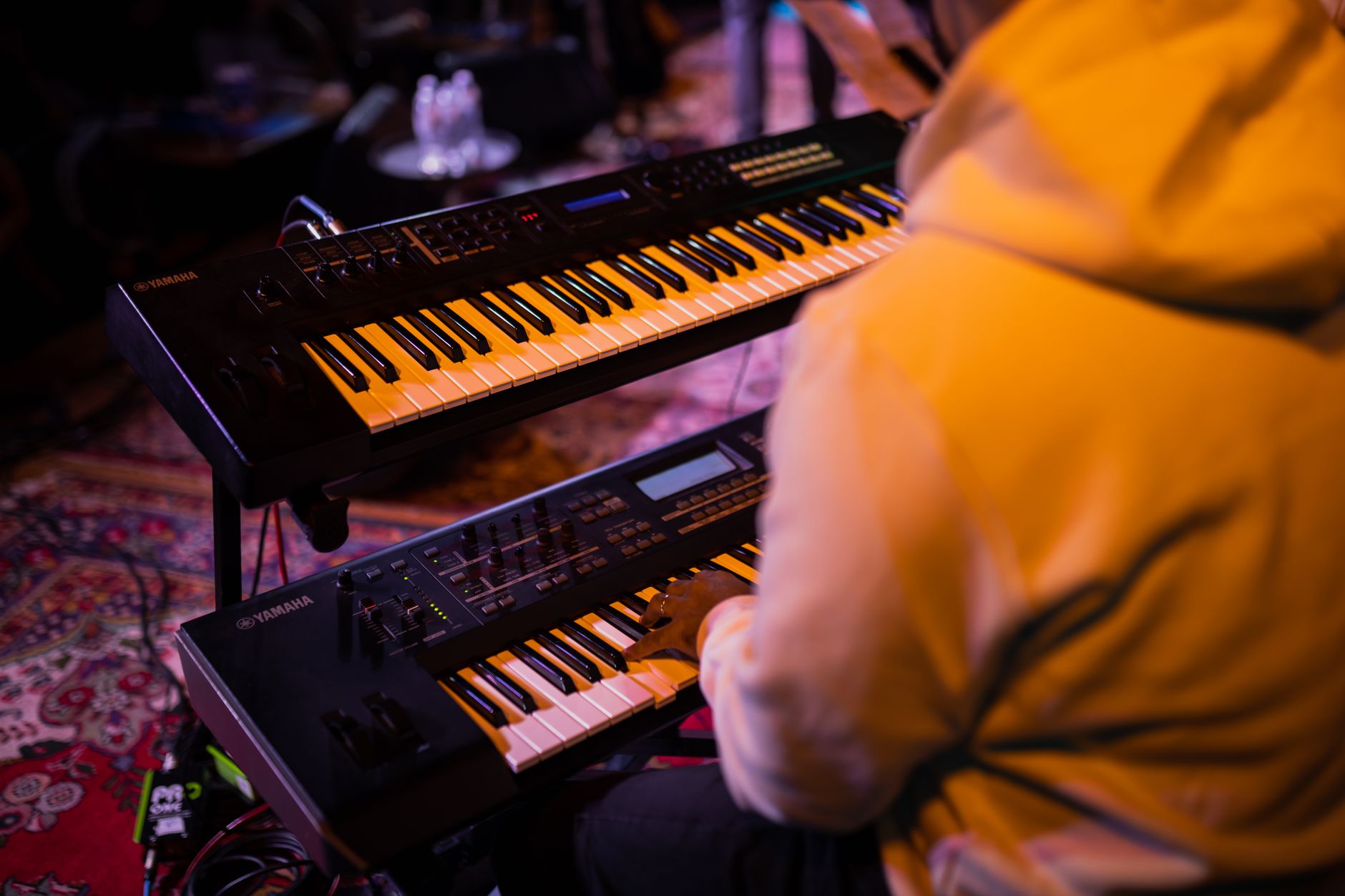
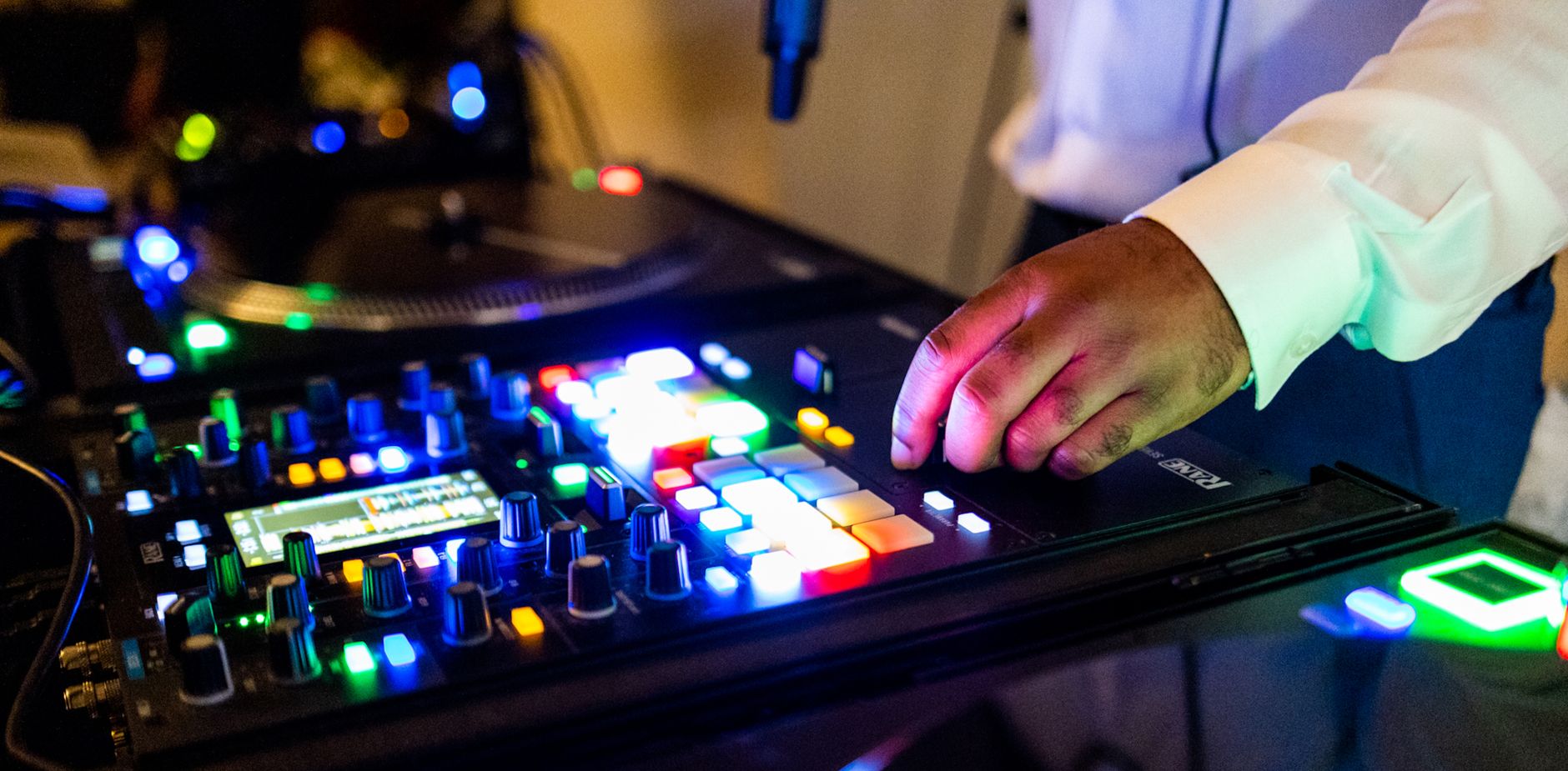 Photo: Caleb Oquendo via Pexels
Both trigger note-on/note-off messages, velocity, and aftertouch (on units that support it). A pad set to C3 and a key set to C3 are indistinguishable to your DAW. What differs is how naturally each device maps to the kind of music you’re making.
When MIDI Pads Are the Right Choice
Pads win when your primary workflow is beat-making, sample triggering, or finger drumming. The square grid is physically built for repetitive, percussive hitting — you can apply consistent velocity without looking, and most pad controllers include dedicated transport controls and scene-launch buttons that integrate tightly with Ableton Live or similar grid-based DAWs.
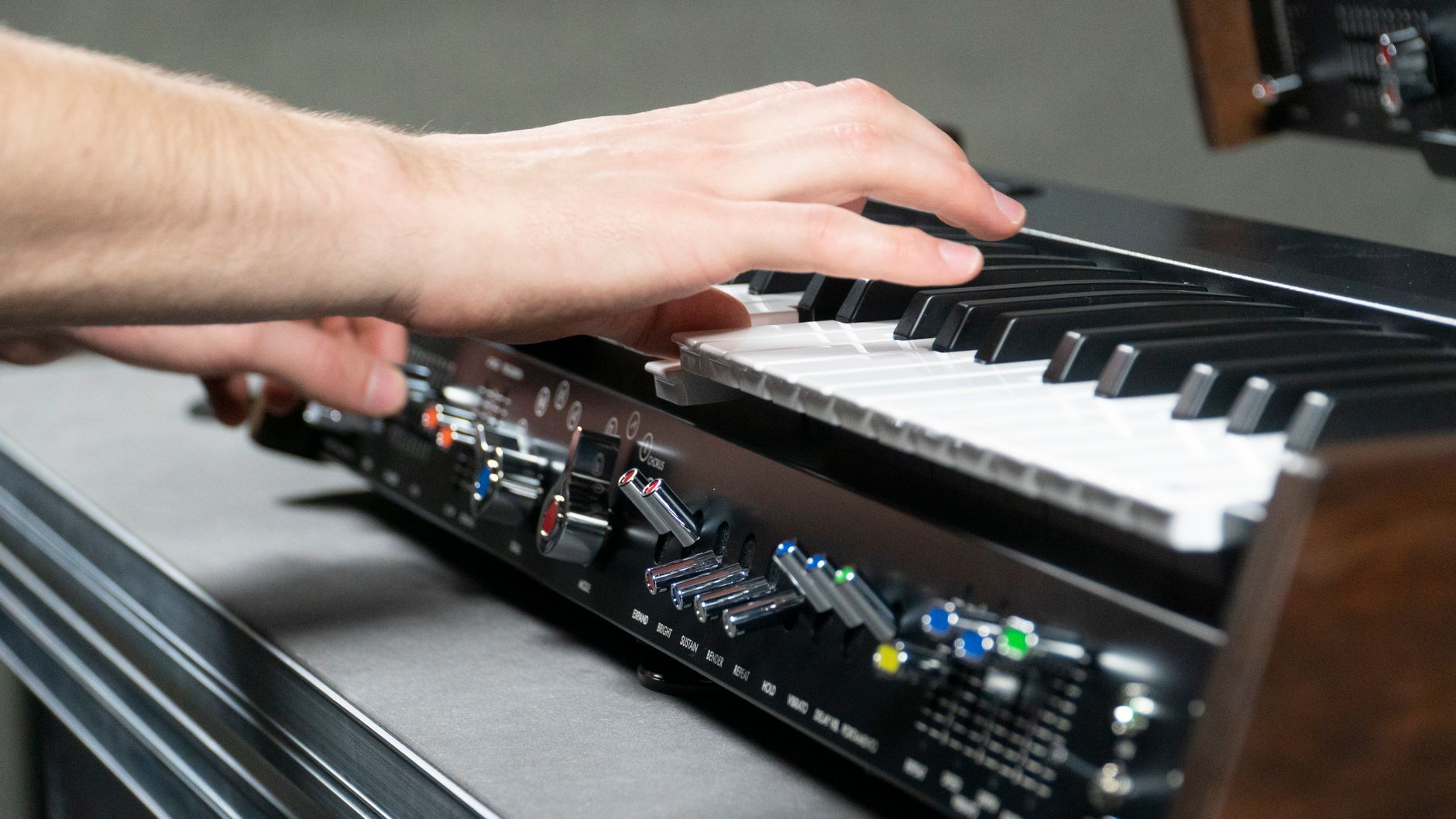
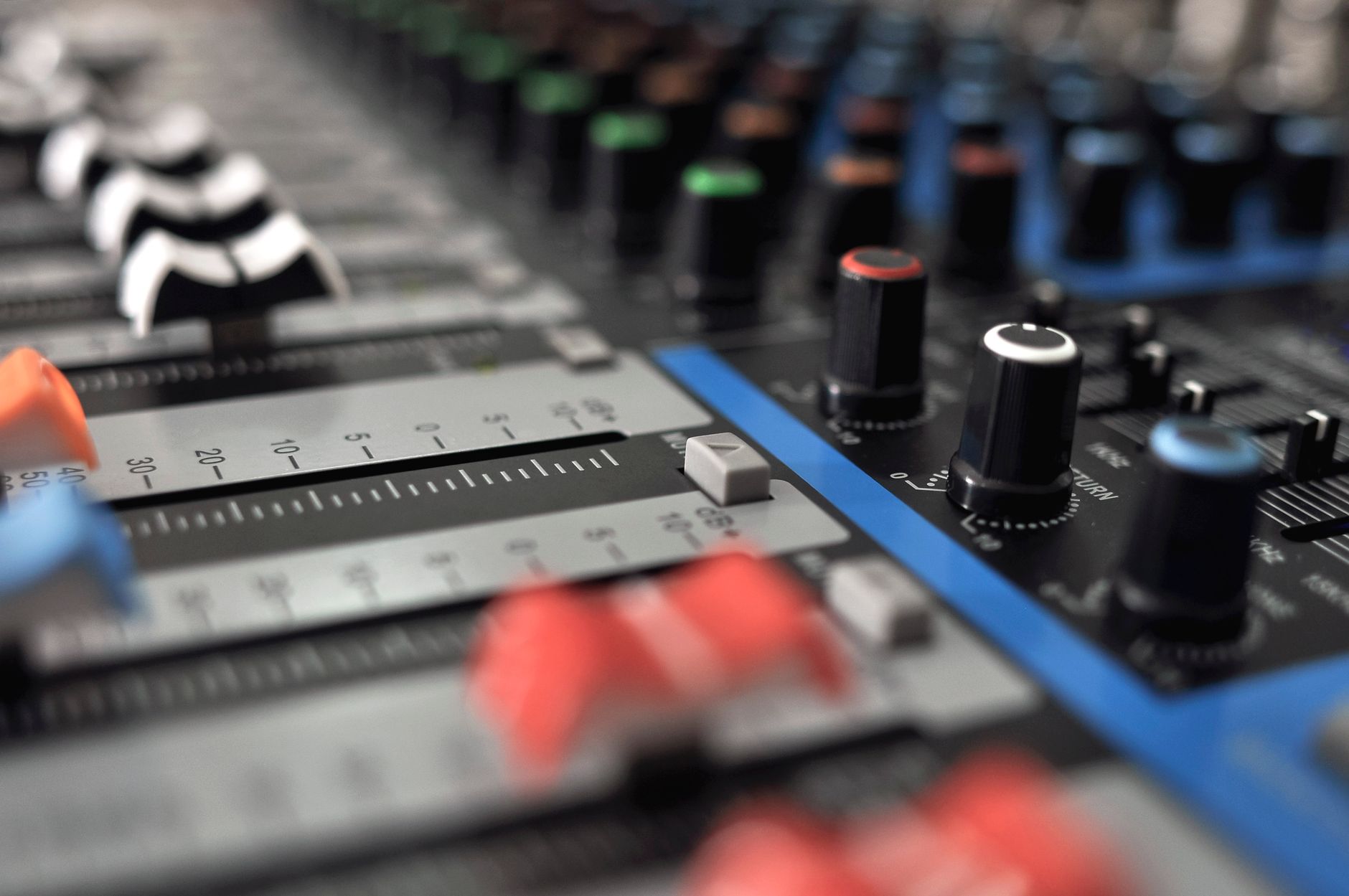 Photo: Fortal Fototeca via Pexels
Beat Production and Finger Drumming
If you’re programming drums, pads are significantly easier to work with than keys. Mapping a kick to the bottom-left pad and a snare to the center replicates the muscle memory of a physical drum kit better than hunting for C2 on a keyboard.
Dedicated pad controllers like the Akai MPC One, the Native Instruments Maschine Mk3, and the Ableton Push 3 go further — they bundle pad control with sequencers, sample engines, and DAW integration that a keyboard controller can’t replicate.
Published testing data and user reviews consistently show that beginners reach consistent hi-hat patterns faster on pads than on keys, because the physical spacing reduces the coordination overhead of alternating fingers across a linear layout.
Sample Launching and Live Performance
For live sets that involve launching clips, triggering loops, or firing one-shots, pads are the professional standard. The grid maps directly to session view in Ableton or scene rows in other DAWs. A 4×4 pad grid gives you 16 simultaneous targets without moving your hand; getting that coverage on keys requires two full octaves and a solid knowledge of the layout.
When MIDI Keys Are the Right Choice
Keys win when your work centers on melodic writing, chord progressions, basslines, or any instrument where pitch relationships matter spatially. The piano-style layout has a four-century head start as a compositional interface — if you understand music theory even at a basic level, the visual logic of a keyboard accelerates your workflow in ways a pad grid doesn’t.
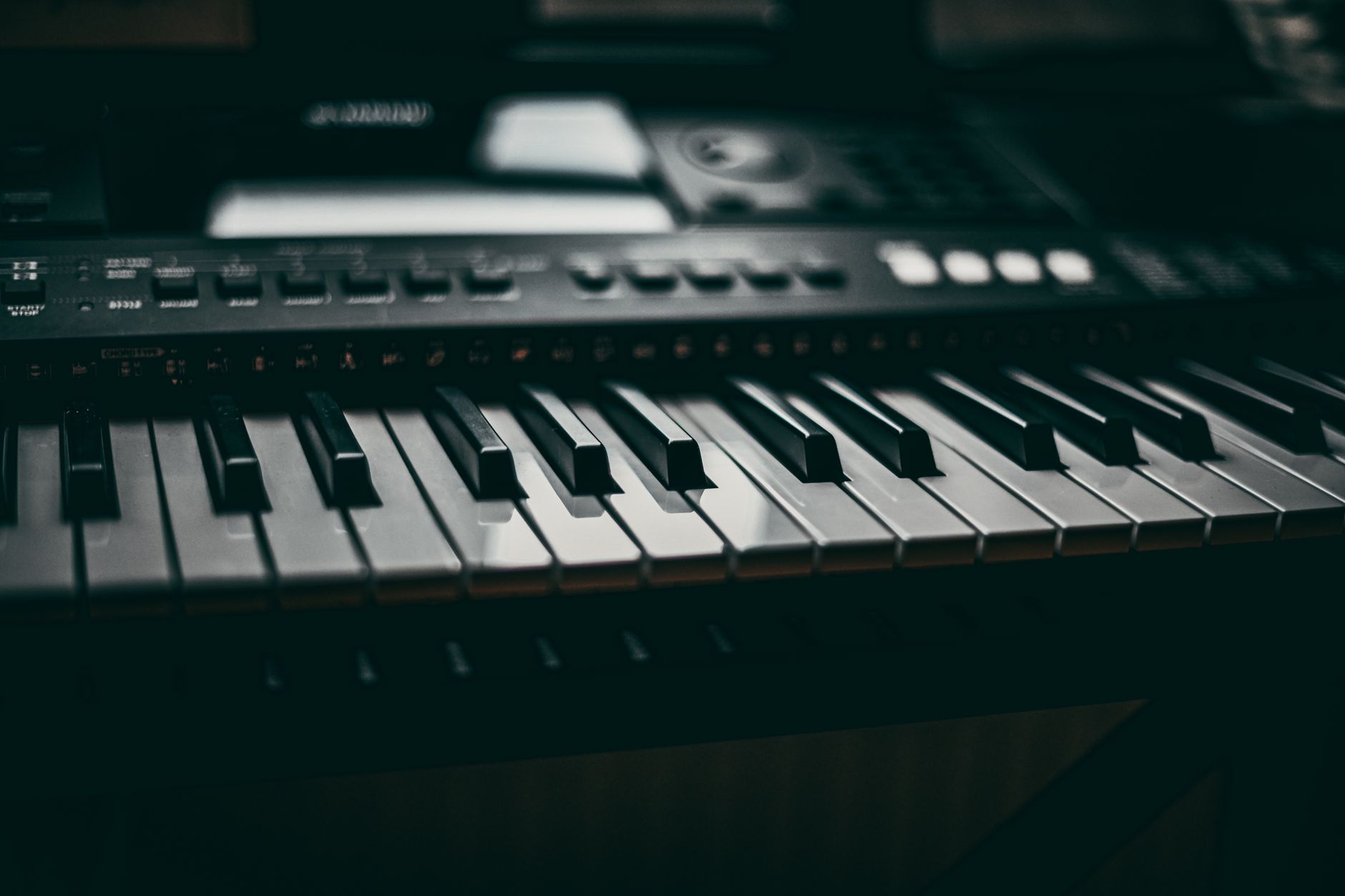
 Photo: Valentin Ivantsov via Pexels
Melodic and Harmonic Writing
Writing a chord progression or a lead synth line on pads requires either a chromatic pad layout (which most producers find non-intuitive) or constant DAW menu navigation. On keys, intervals are immediately visible — a fifth is always seven semitones to the right, a major third always four. That spatial consistency makes keys dramatically faster for anything involving pitch relationships.
Entry-level options like the Arturia MiniLab Mk3 and the Akai MPK Mini Mk3 include a small pad section alongside 25 keys, which is a reasonable compromise for producers who need both without committing to two separate controllers.
For producers who play piano or have any traditional instrument background, keys will feel immediately natural. Expert consensus suggests that players with prior keyboard training produce more harmonically complex arrangements on keybeds than on pad grids, because they’re retrieving muscle memory rather than building new mappings.
Realistic Instrument Playing and Recording
If you’re recording piano parts, realistic strings, or any instrument where you want expressive, real-time playing with proper voicing, a keybed with good velocity sensitivity and — ideally — aftertouch is hard to replace. Pad controllers technically support this, but the short travel and square surface make nuanced playing significantly harder.
For producers investing in a serious keyboard controller, the Native Instruments Komplete Kontrol S49 Mk3 and the Arturia KeyLab 49 Mk3 both offer full-size semi-weighted keys with polyphonic aftertouch and deep DAW integration. Manufacturer specifications confirm both support MPE (MIDI Polyphonic Expression), which opens expressive possibilities that no pad controller currently matches.
MIDI Pads vs Keys: Side-by-Side
| Factor | MIDI Pads | MIDI Keys |
|---|---|---|
| Best for | Beat-making, sample triggering, live performance | Melody, chords, expressive playing |
| Layout logic | Grid (spatial rhythm) | Linear (spatial pitch) |
| Learning curve | Low for drums; high for pitch | Low with any keyboard background |
| Octave range | Requires remapping | Built in, instant transpose |
| DAW integration | Scene launch, clip grid | Note input, automation recording |
| Space on desk | Compact (4×4 pads ~15cm wide) | 25–88 keys; grows with key count |
| Price floor | ~$50 (standalone pads) | ~$40 (mini 25-key) |
| Aftertouch/MPE | Rare; pressure pad only | Available on mid-range and above |
What If You Need Both?
Many controllers now bundle a small keyboard with a pad section. Based on manufacturer specifications and user reviews, the most practical hybrid options are:
| Product | Keys | Pads | Price Range | Best For |
|---|---|---|---|---|
| Akai MPK Mini Mk3 | 25 mini | 8 pads | ~$100 | Portable all-in-one |
| Arturia MiniLab Mk3 | 25 mini | 8 pads | ~$100 | Ableton/Arturia ecosystem |
| Akai MPK249 | 49 full | 16 pads | ~$250 | Studio producers |
| Native Instruments Komplete Kontrol S49 | 49 semi-weighted | None | ~$400 | Keys-focused, deep NKS integration |
| Ableton Push 3 | None | 64 pads | ~$600–$800 | Pad-focused, standalone |
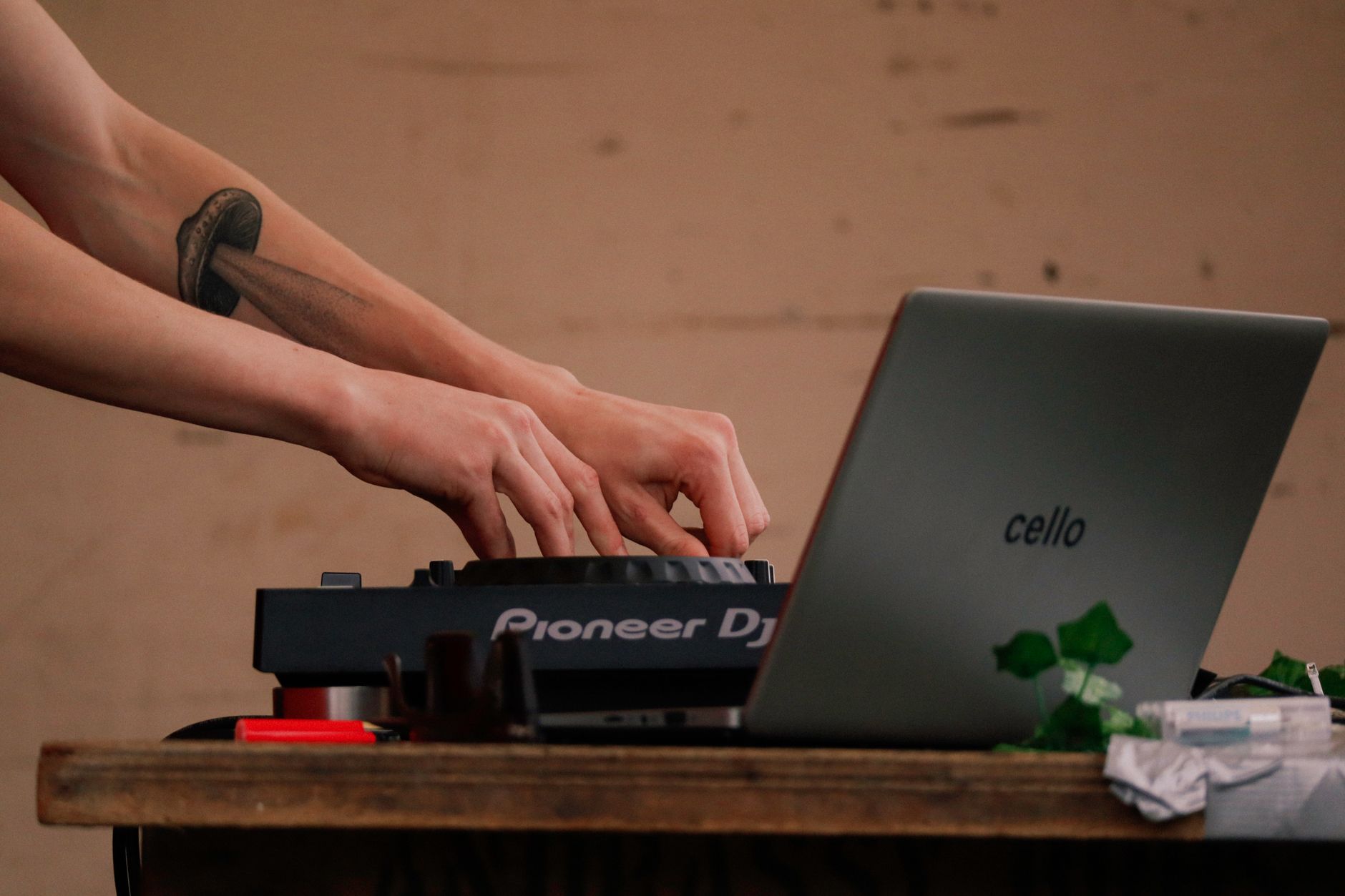 Photo: Oliver Morgan Media via Pexels
Verdict by Producer Type
First-time beginner: Start with a hybrid 25-key mini controller. The Akai MPK Mini Mk3 or Arturia MiniLab Mk3 both include enough pads for basic beat work and enough keys to start learning melody — and both fit on any desk. Under $100.
Bedroom beat producer: A dedicated pad controller is worth the investment. The Maschine Mk3 or MPC One offers a full production environment; if budget is tight, a standalone 4×4 pad controller like the Akai MPX8 handles drums and samples without the overhead.
Songwriter or instrumentalist: Go keys, minimum 49. Semi-weighted action matters for expression; full-size keys matter if you have any piano technique. The Arturia KeyLab 49 Mk3 or Komplete Kontrol S49 Mk3 are the current benchmarks.
Working hybrid producer: Own both independently rather than compromising on a hybrid. A 49-key controller at the desk plus a dedicated 4×4 or 16-pad controller covers every workflow without either device feeling underpowered.
→ See also:
- Best MIDI Keyboards and Controllers (2026) — full buyer’s guide across all categories
- Best MIDI Keyboard for Beginners — entry-level picks with hands-on value
- Best MIDI Keyboard Under $100 — budget picks that don’t compromise
FAQ
Can I use MIDI pads to play melodies? Yes — most pad controllers support chromatic layouts and scale modes that map pitches across the grid. In practice, playing melodies on pads feels unnatural to most users without piano background, and hitting the right note in real time is slower than on a keybed. For one-finger bass lines or step-sequenced melodies it works fine; for expressive real-time playing it’s a workaround, not a solution.
Do MIDI pads or keys have better velocity sensitivity? Both can be excellent or poor depending on the specific unit — this is a hardware spec, not a format spec. High-end pad controllers like the MPC One use FSR (force-sensitive resistor) technology that manufacturer specifications show is highly responsive. Premium keybeds use graded hammer action. Budget units in both categories often have mediocre velocity curves; user reviews for sub-$50 products in either category consistently flag this as the main limitation.
Is one better for Ableton Live? Pad controllers map more naturally to Ableton’s Session View clip grid — Ableton designed Push around that layout. Keys are better for Ableton’s piano roll and MIDI clip recording. Expert consensus among Ableton educators is that most serious users end up with both: Push or a pad controller for performance and arrangement triggers, a keyboard for note input.
What’s the minimum key count I should buy? 25 keys covers two octaves and handles most single-hand melody and chord work. Octave-shift buttons extend the range, but constant transposing interrupts flow. For two-handed playing or any classical/jazz technique, 49 keys is the practical minimum. 61 keys is the sweet spot for users who want full piano-style reach without committing to a full 88-key weighted instrument.
Can MIDI pads replace a drum machine? For programming patterns in a DAW, yes — pads with a good sequencer (Maschine, MPC) effectively are drum machines. For live performance without a laptop, dedicated pad controllers with standalone operation like the MPC One handle this completely. For pure hardware drum machine tone generation, a pad controller still needs to trigger external software or hardware instruments; it generates MIDI, not audio on its own.
Do I need aftertouch, and is it available on pads? Aftertouch adds expression by responding to pressure after a note is struck — useful for vibrato, filter sweeps, and modulation. It is available on some pad controllers as channel or polyphonic pressure, and on many mid-range keybeds. For most producers it is not essential; for expressive solo playing or sound design work it meaningfully expands what you can do in real time. MPE support, which requires polyphonic aftertouch, is currently more common on keyboard controllers than pad controllers based on available manufacturer specifications.
Editorial methodology: Assessments are based on manufacturer specifications, published user reviews, and editorial research. Physical hands-on testing is noted explicitly where it occurred. Rankings reflect our editorial judgment and are not influenced by affiliate commission rates. Full editorial policy · Affiliate disclosure