Contents
Best Home Recording Gear Under $500: Complete 2026 Buying Guide
TL;DR: A solid home studio under $500 is absolutely achievable. The core setup — audio interface, condenser mic, headphones, and DAW — can be assembled for under $400, leaving room for acoustic treatment or a MIDI controller. This guide breaks down the best gear at every price point so you can build smart, not just cheap.
What Can You Actually Build for a Home Studio Under $500?
Direct answer: With a $500 budget, you can build a complete recording setup capable of professional-quality vocals, acoustic instruments, podcasting, and basic music production. The sweet spot is a 2-in/2-out audio interface ($100–$150), a large-diaphragm condenser mic ($80–$150), closed-back studio headphones (~$80–$100), and a free or low-cost DAW. That covers every essential signal chain component.
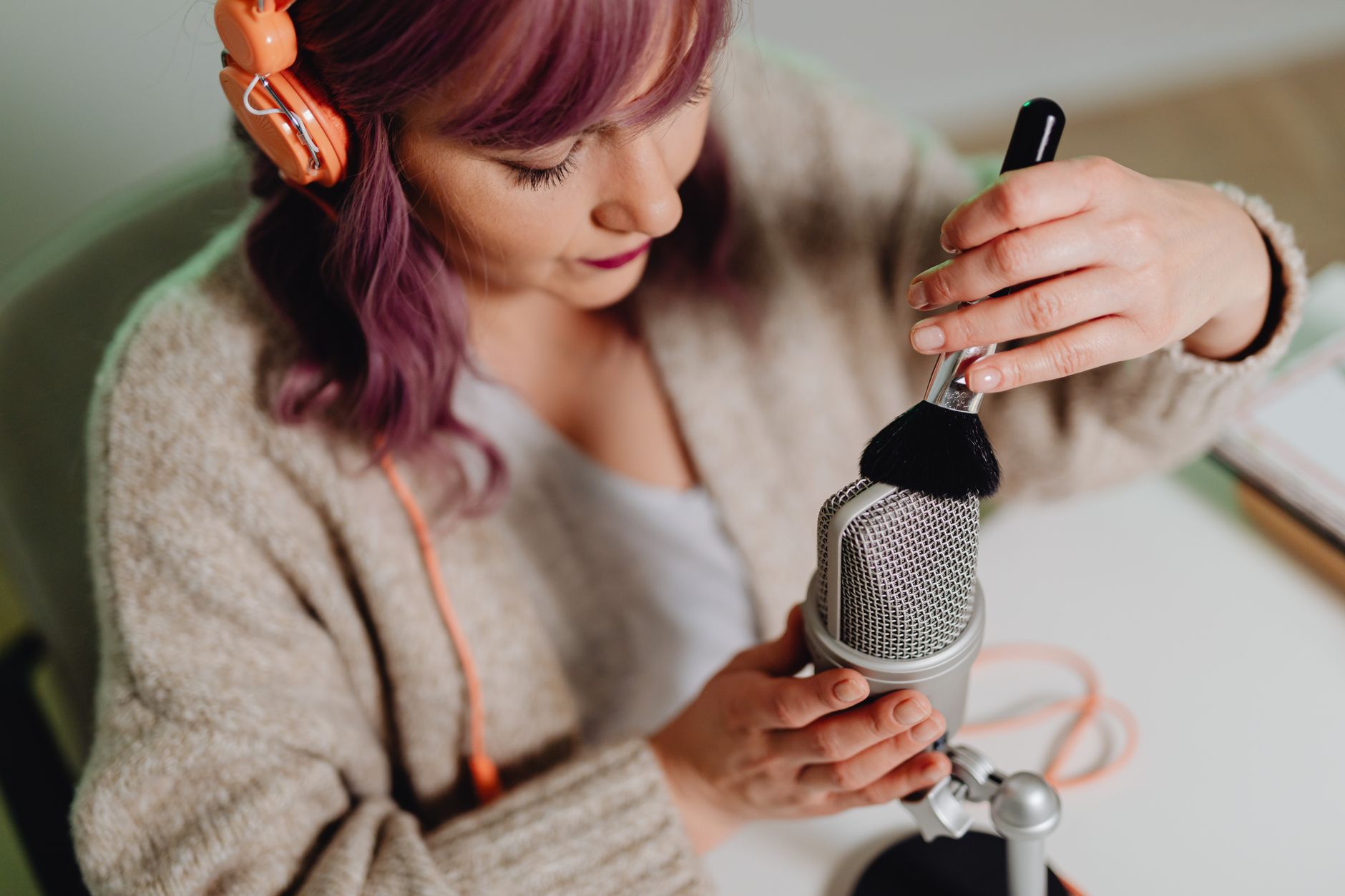
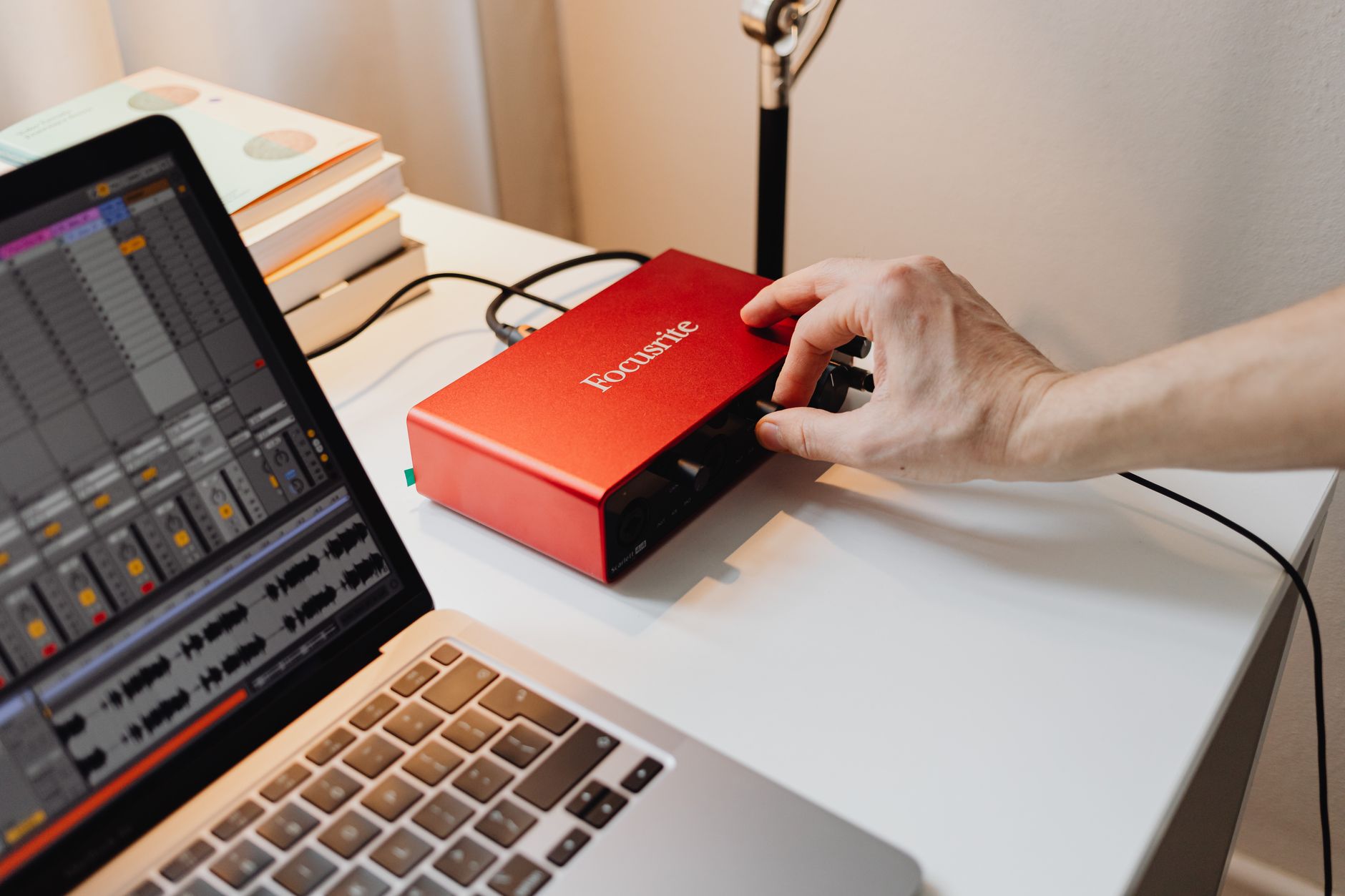 Photo: https://kaboompics.com/ via Pexels
The temptation on a tight budget is to overspend on one item. Resist it. A $400 microphone plugged into a built-in laptop soundcard will sound worse than a $100 mic into a quality interface. Balance matters more than any single flagship piece.
Here’s how the budget typically shakes out:
| Component | Budget Allocation | Why |
|---|---|---|
| Audio Interface | $100–$150 | The most critical quality multiplier |
| Microphone | $80–$150 | Condenser for studio, dynamic for noisy rooms |
| Headphones | $70–$100 | Closed-back for tracking, open-back for mixing |
| DAW | $0–$100 | GarageBand (free/Mac), Reaper ($60), or bundled |
| Cables / Accessories | $20–$40 | XLR, mic stand, pop filter |
| Total | ~$350–$540 | Build to your use case |
Best Audio Interfaces Under $200
Direct answer: The Focusrite Scarlett Solo (3rd/4th Gen) and the PreSonus AudioBox USB 96 dominate this price range and for good reason — both deliver clean preamps, low-latency drivers, and plug-and-play USB connectivity. For most solo home recorders, either is the last interface they’ll need for years.
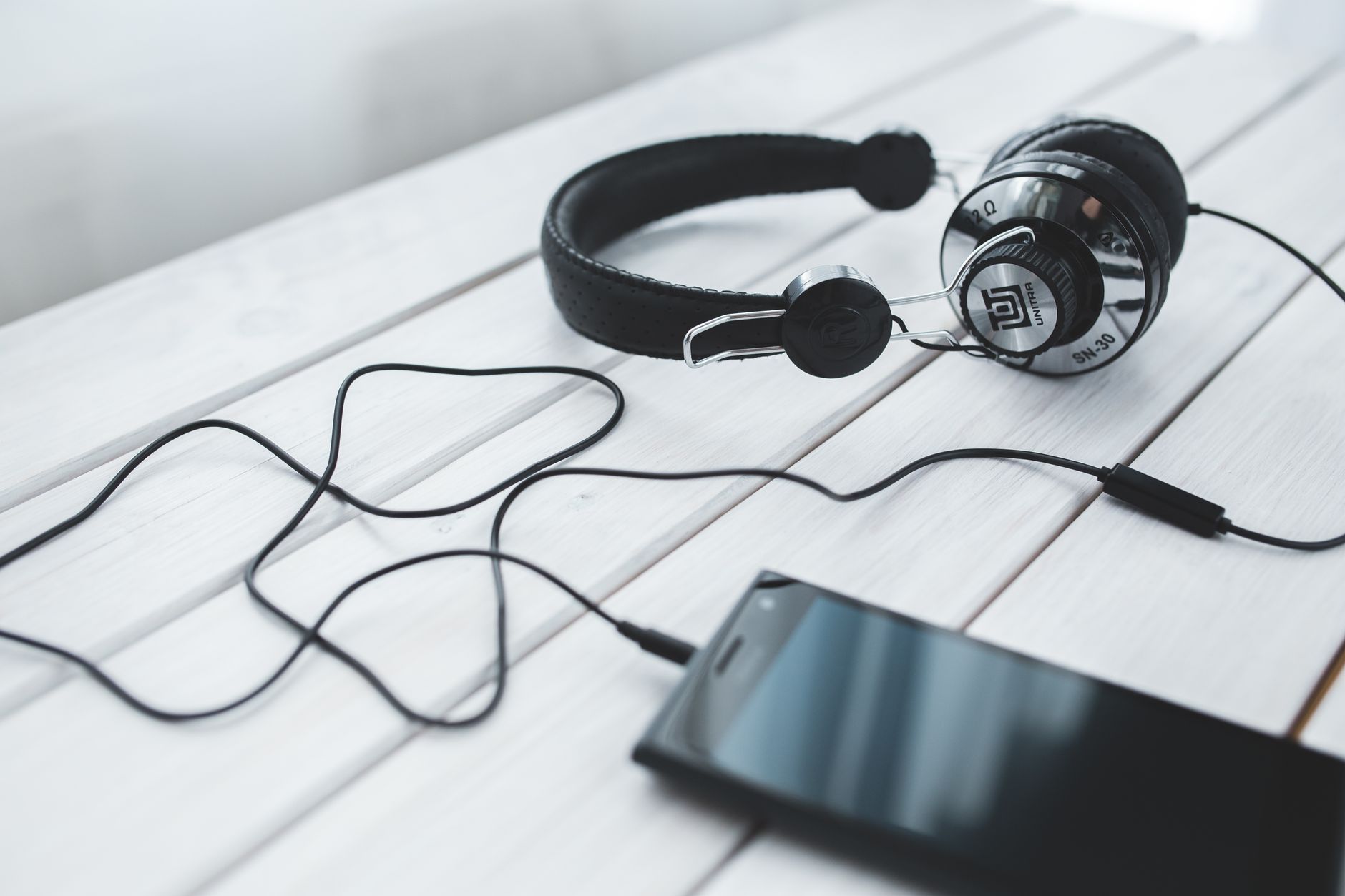 Photo: Karolina Grabowska www.kaboompics.com via Pexels
Focusrite Scarlett Solo (4th Gen)
The Solo remains the default recommendation for first-time home studio builders. The 4th Gen adds a dedicated Air mode that adds presence and top-end clarity, plus improved preamp noise performance. According to published specifications, the preamp EIN measures -131dBu — exceptionally quiet for this price.
Specs:
| Spec | Detail |
|---|---|
| Connections | 1× XLR/TRS combo, 1× instrument DI |
| I/O Count | 2-in / 2-out |
| Preamps | 1× Scarlett 4th Gen |
| Bit Depth / Sample Rate | 24-bit / 192kHz |
| Bus Power | USB bus-powered |
| Best For | Solo vocalists, singer-songwriters, podcasters |
PreSonus AudioBox USB 96
The AudioBox USB 96 is PreSonus’s entry point and bundles Studio One Artist DAW — a significant value-add. Build quality is more utilitarian than the Scarlett, but the preamps are clean and the latency performance holds up under load. Expert consensus rates it slightly behind the Scarlett for preamp quality but ahead for bundled software value.
Behringer UMC22
For the absolute budget floor, the Behringer UMC22 delivers a functional recording chain for under $40. The MIDAS-designed preamp punches above its price. Published reviews consistently note audible noise at high gain, so it suits quieter sources. If your budget is genuinely stretched thin, this is where to start — upgrade when the signal chain becomes the bottleneck, not before.
Comparison:
| Product | Price | Preamp Quality | I/O | Bundled DAW | Verdict |
|---|---|---|---|---|---|
| Focusrite Scarlett Solo 4th Gen | ~$120 | Excellent | 2-in/2-out | Ableton Live Lite | Best all-rounder |
| PreSonus AudioBox USB 96 | ~$100 | Very Good | 2-in/2-out | Studio One Artist | Best bundled value |
| Behringer UMC22 | ~$40 | Good | 2-in/2-out | None | Best budget floor |
Best Microphones for Home Recording Under $200
Direct answer: The Audio-Technica AT2020 and the Rode NT1 (5th Gen) are the benchmarks at $100 and $180 respectively. If your room has significant background noise or reflections, a dynamic like the Shure SM7dB is worth the premium.
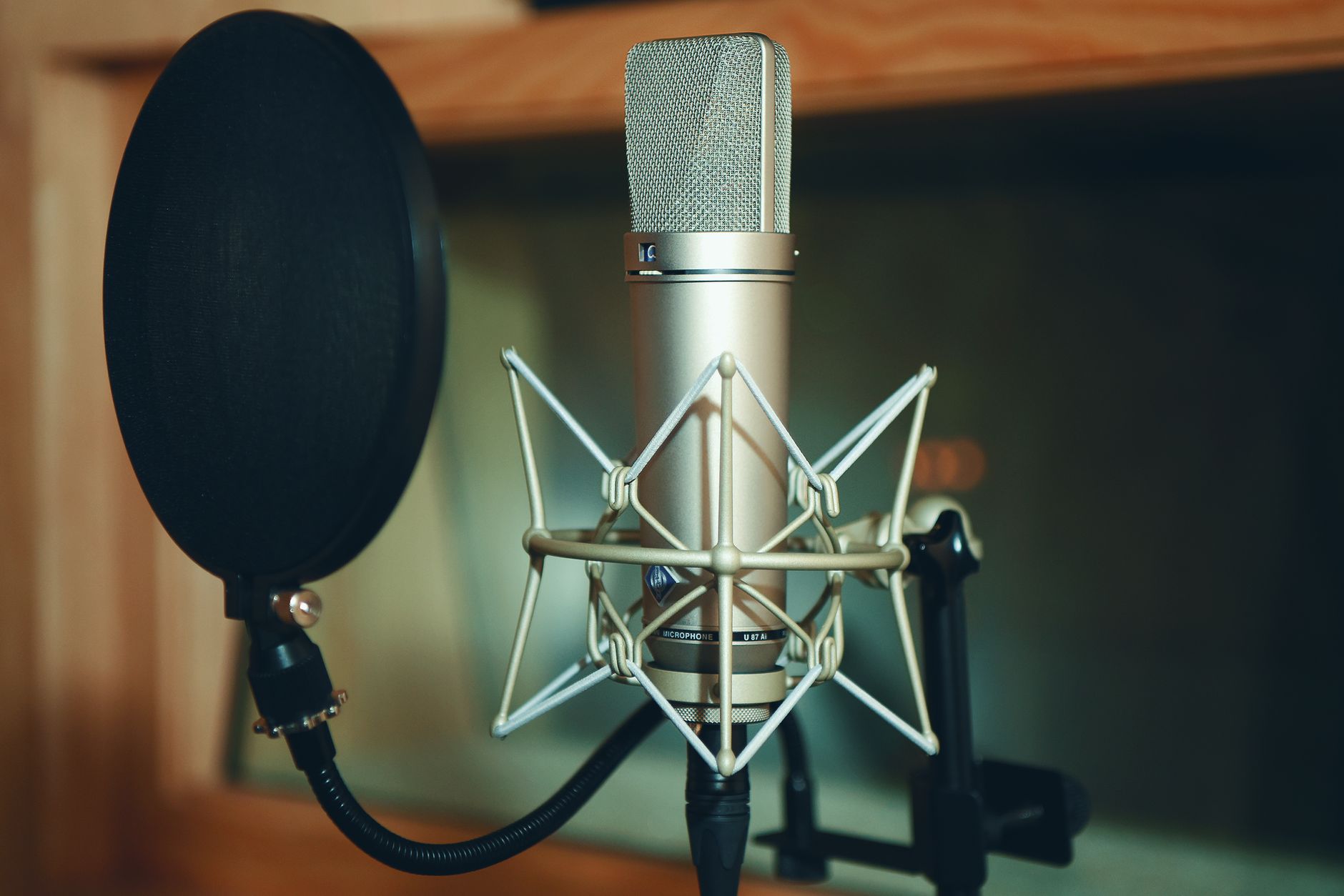
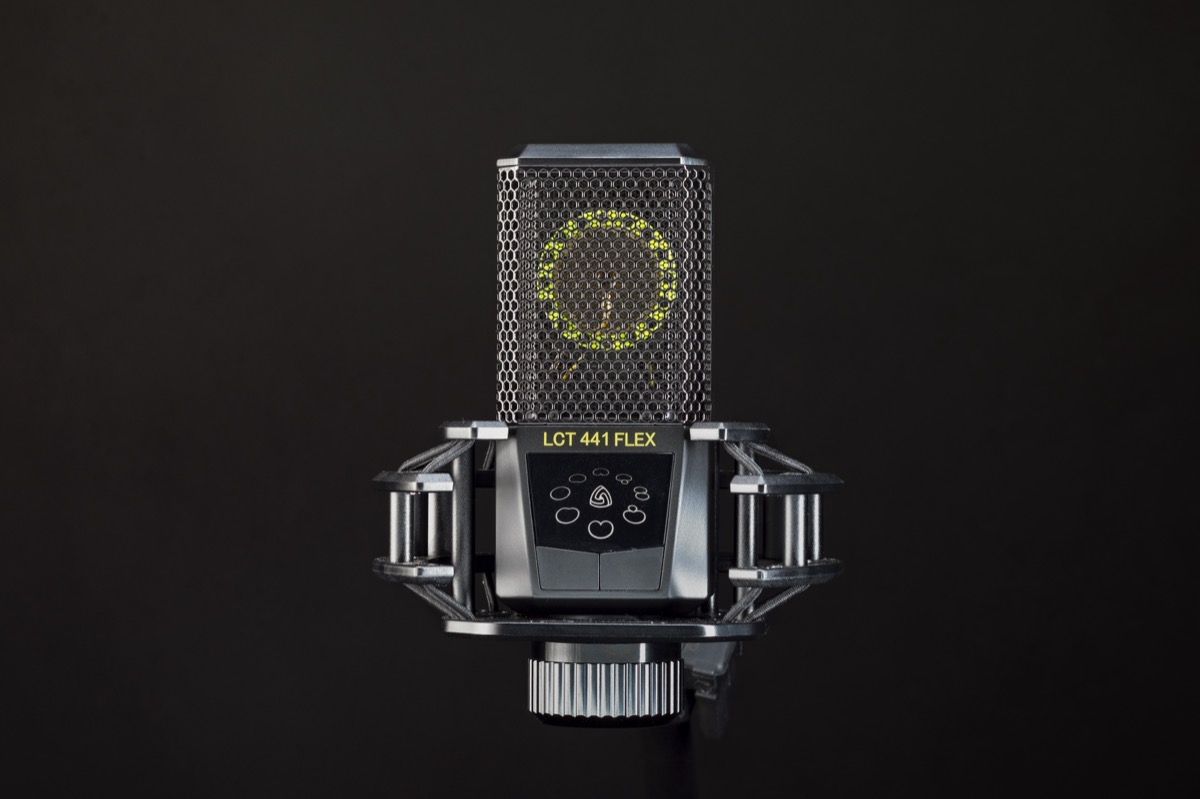 Photo: Neil Yonamine via Pexels
Audio-Technica AT2020
The AT2020 has been a home studio staple for over a decade. It’s a cardioid condenser with a wide frequency response (20Hz–20kHz) and an SPL handling of 144dB — enough for loud acoustic guitars and screaming vocalists. Based on manufacturer specs and years of documented user feedback, it’s the safest buy at the $100 mark.
Best for: vocals, acoustic instruments, YouTube voiceover, podcasting.
Rode NT1 (5th Gen)
The NT1 5th Gen added a built-in XLR/USB hybrid connector — a genuine quality-of-life upgrade. Self-noise is rated at 4dBA, which published specs confirm is class-leading for any microphone under $500. The extended low-end pickup rewards good rooms; in an untreated space, it will also faithfully capture every refrigerator hum and car passing outside.
Best for: treated rooms, detailed acoustic recordings, home vocalists who’ve already handled acoustic basics.
Shure SM7dB
The SM7dB is the dynamic mic for home recorders who’ve been told “you need a louder preamp.” It has a built-in active preamp (+28dB switchable boost) that solves the gain-staging problem most budget interfaces have with passive dynamics. Expert consensus across recording forums positions it as the go-to for podcasters and streamers in untreated rooms, and its rejection of off-axis noise is documented to be substantially better than any condenser in the same price range.
Best for: untreated rooms, loud environments, podcasters, streamers, broadcasters.
Comparison:
| Product | Price | Type | Self-Noise | Best For | Verdict |
|---|---|---|---|---|---|
| Audio-Technica AT2020 | ~$100 | Condenser | 20dBA | Vocals, acoustics | Safest first mic |
| Rode NT1 5th Gen | ~$180 | Condenser | 4dBA | Treated rooms, detail | Best condenser quality |
| Shure SM7dB | ~$400 | Dynamic | N/A | Untreated rooms, broadcast | Best for noisy spaces |
Best Studio Headphones Under $200
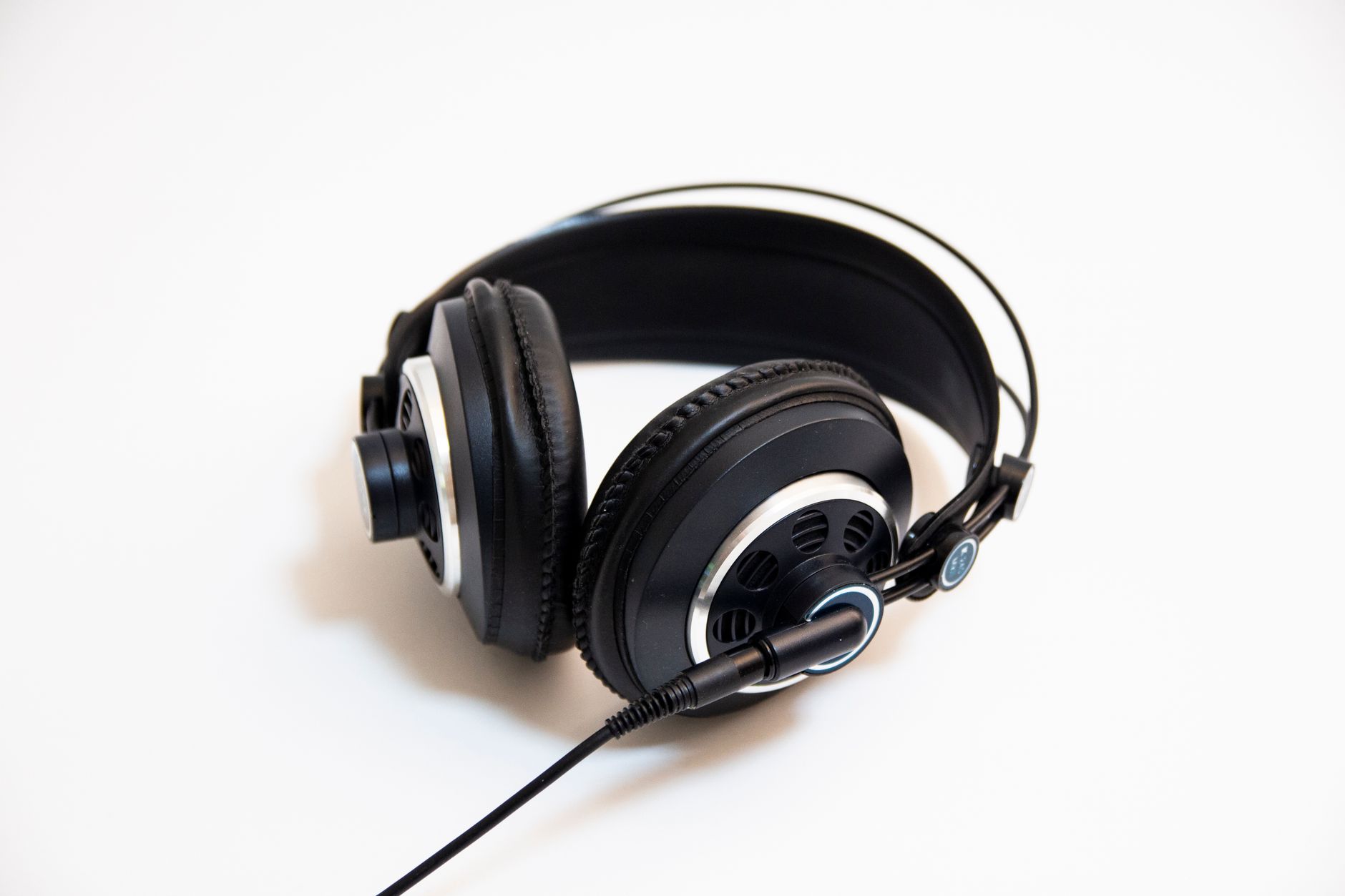
Direct answer: The Audio-Technica ATH-M50x for closed-back tracking and the Sennheiser HD 400 PRO for open-back mixing are the two workhorses at this price tier. Pick based on use case: closed for recording (isolation), open for mixing (accuracy).
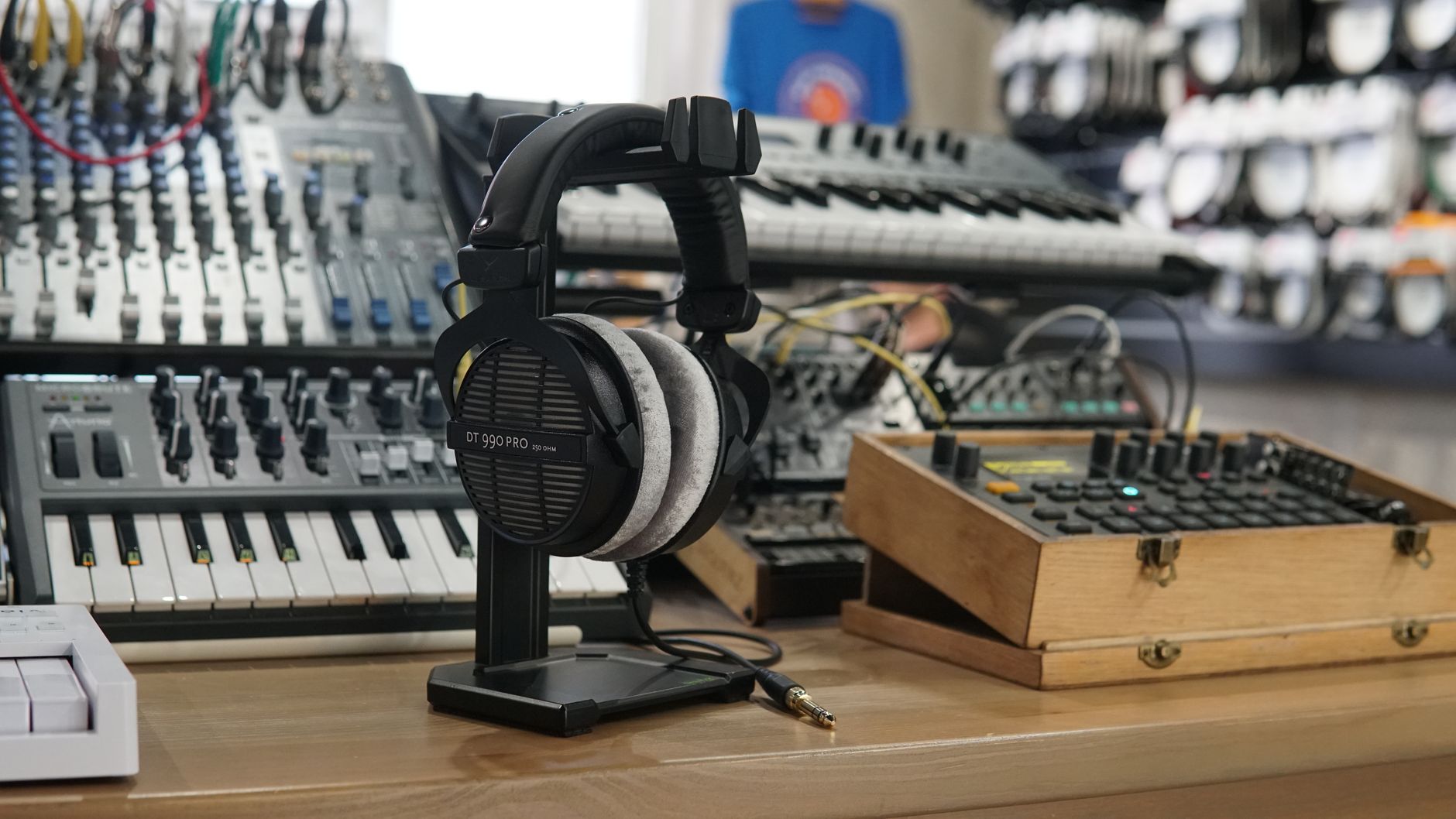 Photo: TStudio via Pexels
Audio-Technica ATH-M50x
The ATH-M50x has appeared on nearly every “best headphones for home studio” list for good reason. The 45mm driver delivers accurate reproduction with a slight low-end emphasis that doesn’t distort the mix picture. Closed-back design gives approximately 23dB of passive isolation — enough to track vocals without bleed into the microphone. Folds flat for storage; comes with three cable options.
Sennheiser HD 400 PRO
The HD 400 PRO is Sennheiser’s entry into the producer-focused open-back segment. The open-back design provides a wider soundstage than the M50x, making stereo placement more intuitive during mixing. Based on manufacturer specifications, the frequency response extends to 38kHz, capturing content well above the audible range — relevant for high-sample-rate work. Do not use these for tracking; the leakage will destroy any quiet vocal or acoustic take.
Sony MDR-7506
The Sony MDR-7506 has been the broadcast and location-recording standard since the late 1980s. They’re not the most comfortable for long sessions, and the bass is tighter (some say thin) compared to the M50x. What they offer is consistency: every engineer who has worked in professional audio knows how these cans translate. If you’re mixing for broadcast or podcast, you already know what to expect.
| Product | Price | Type | Driver | Best For | Verdict |
|---|---|---|---|---|---|
| Audio-Technica ATH-M50x | ~$150 | Closed-back | 45mm | Tracking, general use | Best all-rounder |
| Sennheiser HD 400 PRO | ~$170 | Open-back | 38mm | Mixing, reference | Best for mix accuracy |
| Sony MDR-7506 | ~$100 | Closed-back | 40mm | Broadcast, location recording | Most consistent translation |
DAWs: Free and Low-Cost Options
Direct answer: For Mac users, GarageBand is free and legitimately capable. For cross-platform, Reaper at $60 is the best value in the industry. Avoid buying a premium DAW until you’ve exhausted what the free tier offers.
| DAW | Price | Platform | Best For |
|---|---|---|---|
| GarageBand | Free | Mac/iOS only | Beginners, Apple ecosystem |
| Reaper | $60 (discounted) | Mac/Windows/Linux | Everyone who isn’t on a trial |
| Ableton Live Lite | Free (bundled) | Mac/Windows | Electronic, loop-based production |
| Studio One Prime | Free | Mac/Windows | Singer-songwriters, engineers |
| Cakewalk by BandLab | Free | Windows only | Full-featured, Windows users |
MIDI Controllers and Accessories
Direct answer: A 25-key MIDI controller and a basic acoustic treatment kit can coexist within $500 alongside the core interface/mic/headphone setup — but only if you trim from another category. Budget acoustic treatment (a few panels or a reflection filter) will improve your recordings more than any gear upgrade.
Arturia MiniLab 3
The Arturia MiniLab 3 is the go-to compact controller at ~$100. 25 velocity-sensitive keys, 8 RGB pads, and Arturia Analog Lab Intro bundled — giving access to 500+ synth presets immediately. Bus-powered via USB-C. Based on expert consensus among home producers, it’s the default MIDI controller recommendation at this price tier.
sE Electronics Reflexion Filter
In untreated rooms, a portable reflection filter dramatically reduces early reflections picked up by a condenser. The sE Electronics Reflexion Filter is the documented standard. It won’t replace room treatment, but published testing data shows it measurably reduces reverb tail in recordings made in live domestic environments.
Complete Build Recommendations
The $300 Starter Kit
- Focusrite Scarlett Solo 4th Gen — ~$120
- Audio-Technica AT2020 — ~$100
- Sony MDR-7506 — ~$100
- Reaper (discounted license) — $60
- XLR cable + mic stand + pop filter — ~$30
- Total: ~$410
The $500 Upgrade Build
- PreSonus AudioBox USB 96 — ~$100 (Studio One bundled)
- Rode NT1 5th Gen — ~$180
- Audio-Technica ATH-M50x — ~$150
- Arturia MiniLab 3 — ~$100
- Accessories — ~$30
- Total: ~$560 (trim accessories or swap NT1 for AT2020 to hit exactly $500)
The Podcast/Broadcast Build
- Focusrite Scarlett Solo 4th Gen — ~$120
- Shure SM7dB — ~$400
- Note: This build hits $520 and leaves no room for headphones — borrow or use existing cans. SM7dB’s built-in preamp boost offsets the Solo’s lower gain ceiling.
→ See also:
- The Complete Budget Home Studio Guide (2026)
- Cheapest Way to Start Recording Music
- Best Home Recording Gear Under $50
FAQ
Do I really need an audio interface for home recording? Yes, if you’re using an XLR microphone. Your laptop’s built-in audio card lacks the preamp gain and analog-to-digital conversion quality needed for clean recordings. An interface is the single highest-impact purchase in any home studio under $500 — get one before anything else.
Is a condenser or dynamic mic better for a home studio under $500? It depends entirely on your room. Condenser mics capture more detail and nuance, but they also capture every background noise and reflection. If your recording space is untreated, a dynamic mic like the Shure SM7dB or Shure SM58 will give you usable recordings where a condenser would expose every flaw.
Can I build a professional-sounding home studio under $500? Professionally competitive, yes — with caveats. The gear at this price tier is capable of release-quality recordings when used correctly. What you cannot buy at $500 is acoustic treatment for an entire room. Budget at least a reflection filter or a few panels, or record in a closet full of clothes to reduce early reflections.
What’s the biggest mistake beginners make with a home recording budget? Spending it all on the microphone. A great mic into a poor interface, bad monitoring, and untreated acoustics will always underperform a balanced rig. Distribute the budget across interface, mic, headphones, and at least minimal acoustic control — the improvement is exponential compared to over-investing in one component.
Do I need studio monitors or can I just use headphones? Headphones are sufficient for a home studio under $500, especially closed-back models for tracking and open-back for mixing. Studio monitors require acoustic treatment to be useful — in an untreated room, you’ll make worse mixing decisions on monitors than good headphones. Add monitors when you’ve addressed the room acoustics.
Is GarageBand good enough for professional home recording? For Mac users, yes — GarageBand is a fully capable DAW for recording, editing, and basic mixing. It lacks advanced mixing features (no VCA faders, limited automation) that professionals rely on, but it won’t be the bottleneck for your first year of home recording. Upgrade to Logic Pro ($200 one-time) when you’ve outgrown it.
What sample rate should I record at in a home studio? 44.1kHz or 48kHz at 24-bit covers every use case for home recording. Recording at 96kHz or 192kHz generates files roughly twice as large with no audible improvement for music production or podcasting. According to published audio engineering guidelines, 24-bit/48kHz is the broadcast standard and a safe choice across all genres and formats.
Editorial methodology: Assessments are based on manufacturer specifications, published user reviews, and editorial research. Physical hands-on testing is noted explicitly where it occurred. Rankings reflect our editorial judgment and are not influenced by affiliate commission rates. Full editorial policy · Affiliate disclosure