Contents
Best Home Studio Bundle for Beginners (2026)
TL;DR: The best home studio bundle for beginners combines an audio interface, condenser microphone, headphones, and DAW software in a single purchase — saving $50–$150 over buying separately. The Focusrite Scarlett Solo Studio Pack is the strongest all-in-one option for most beginners, while the PreSonus AudioBox 96 Studio offers better value if you already have monitors.
What Makes a Good Beginner Home Studio Bundle?
The best home studio bundle gives you every essential signal chain component — interface, mic, headphones, and software — in one box, with no hidden gaps. Bundles beat piecemeal buying when they package matched, compatible gear; they fail when one weak link (usually the mic or headphones) drags everything else down. Expect to spend $150–$350 for a bundle worth owning.
 Photo: Anna Pou via Pexels
Every usable recording chain needs four things:
- Audio interface — converts analog signal to digital; determines latency, preamp quality, and I/O count
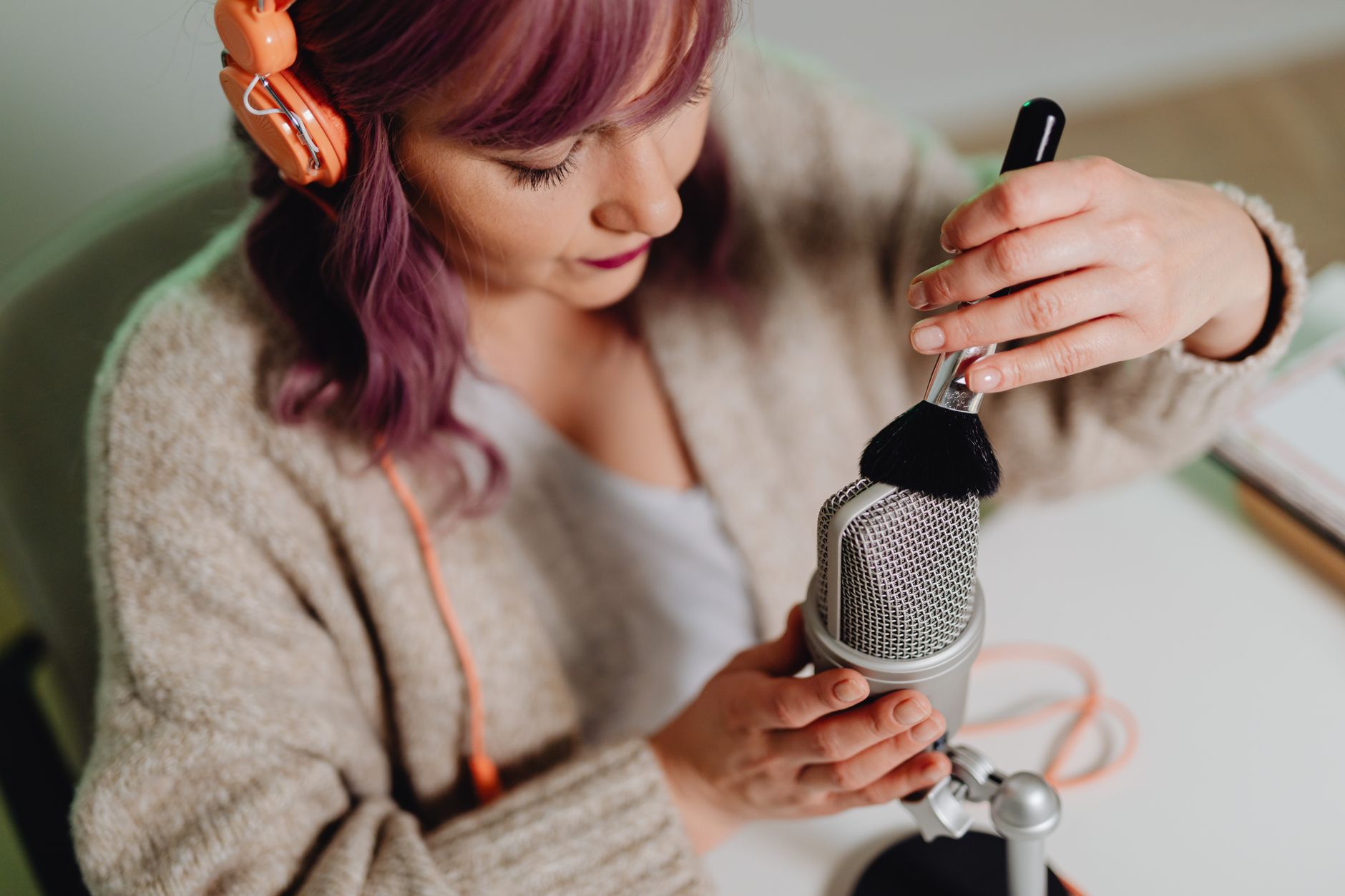
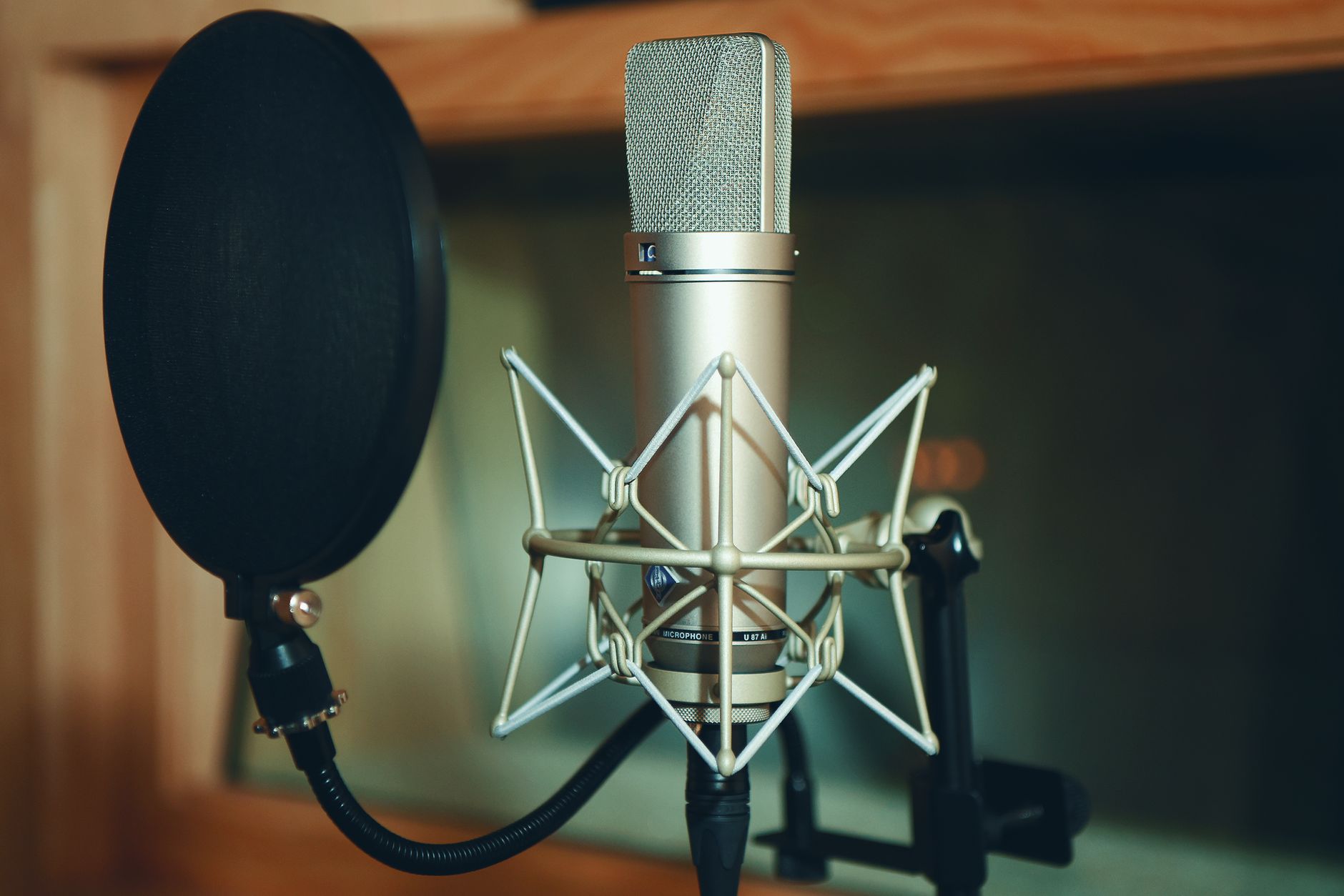
- Condenser microphone — captures vocals and acoustic instruments with detail; needs phantom power (48V), which your interface provides
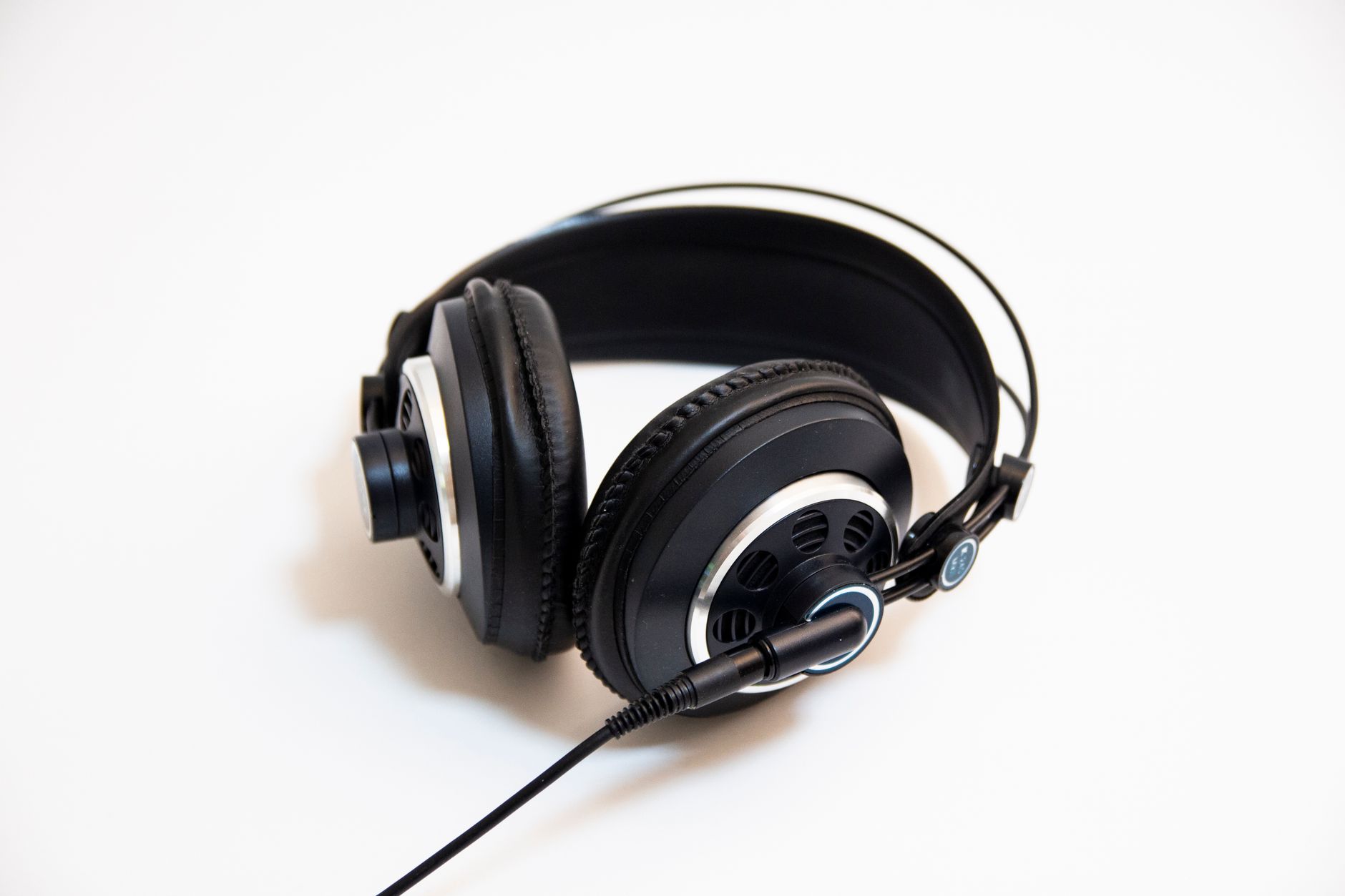
- Headphones — closed-back for tracking (isolation), open-back for mixing (accuracy)
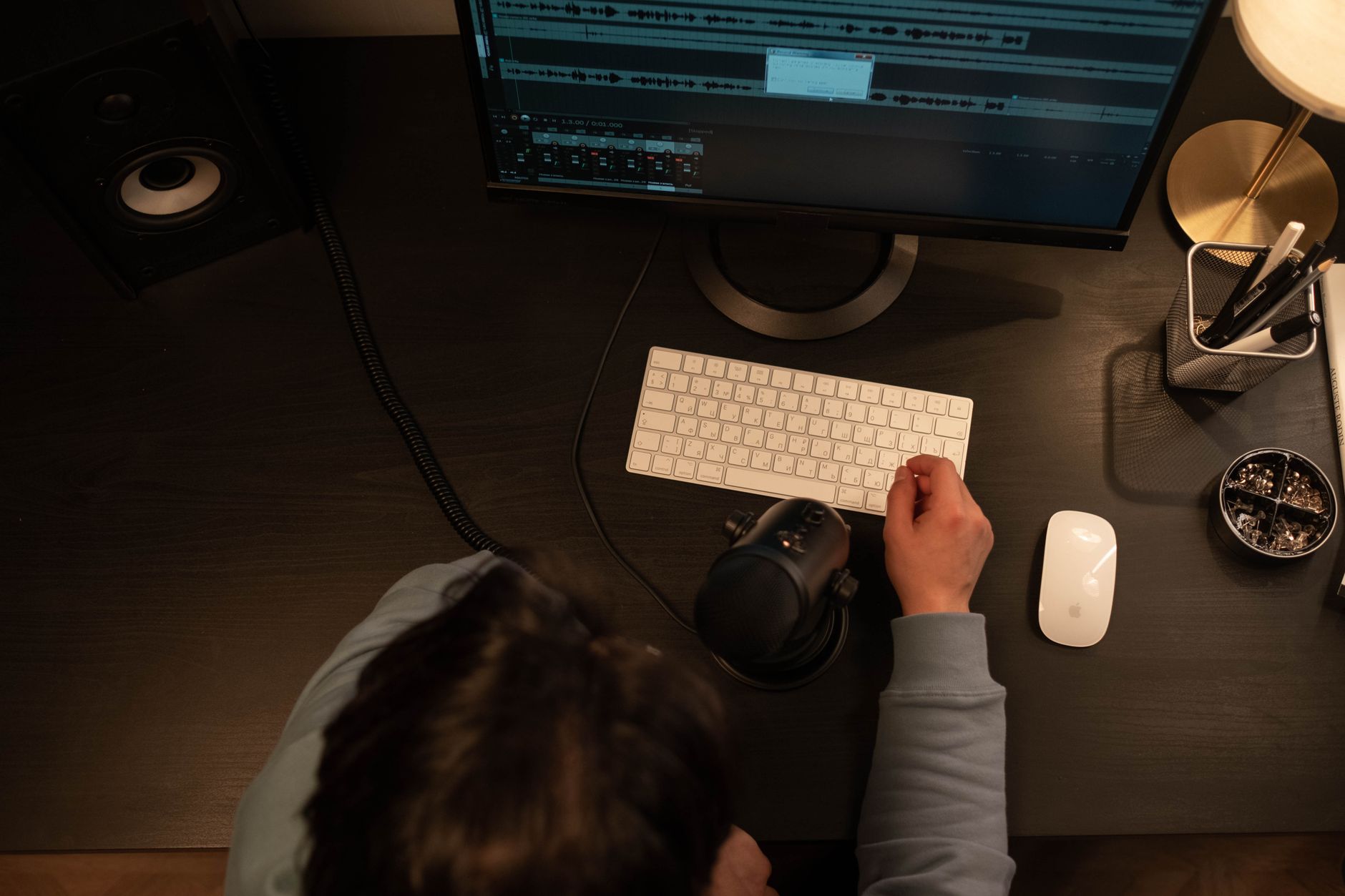
- DAW — the software where you record, edit, and mix
Bundles at this price tier bundle all four. The question is whether the individual components are worth owning past the first six months. The answer matters: a bad mic in a bundle still takes up a mic stand spot, and you’ll replace it before you replace the interface.
Best Home Studio Bundles: Top Picks
Six bundles dominate the beginner market. The Focusrite Scarlett Solo Studio Pack leads on mic quality and software value. The PreSonus AudioBox 96 Studio wins on headphone quality and long-term DAW depth. Budget pickers under $150 should look at the Behringer U-PHORIA Studio Pro.
 Photo: https://kaboompics.com/ via Pexels
Focusrite Scarlett Solo Studio Pack (3rd Gen)
The most-recommended beginner bundle for five consecutive years. The CM25 MkIII condenser mic is genuinely good — not a throwaway. The HP60 MkIII headphones are closed-back, comfortable for long sessions, and adequate for tracking. The interface itself is the real story: class-leading preamps at this price point, Air mode adds high-frequency air for an authentic “large-room” sound, and Ableton Live Lite + Pro Tools First give you two serious DAW paths.
Specs:
| Component | Spec |
|---|---|
| Interface | Scarlett Solo (3rd Gen) |
| Connections | 1x XLR/TRS combo, 1x instrument ¼“ |
| I/O | 1-in / 2-out |
| Preamp quality | Class A, up to +56dB gain |
| Bit depth/Sample rate | 24-bit / 192kHz |
| Bus power | USB-C (bus powered) |
| Microphone | CM25 MkIII large-diaphragm condenser |
| Headphones | HP60 MkIII (closed-back) |
| Software | Ableton Live Lite, Pro Tools First, Splice 3-month |
Who it’s for:
- First-time beginner — plug in, record within 20 minutes, no driver headaches on Mac or PC
- Bedroom producer — Air mode and 192kHz headroom support professional-grade capture; scales into your first years of production
- Vocalist/songwriter — the CM25 handles vocals, acoustic guitar, and podcasting well without separate investment
- Gigging musician — the Solo’s single preamp is a limitation; step up to the Scarlett 2i2 Studio if you need simultaneous guitar + vocal
PreSonus AudioBox 96 Studio
The best bundle if you want better headphones out of the box and a more capable DAW. The HD7 headphones outperform the HP60s on low-end accuracy — useful if you’re mixing as well as tracking. Studio One Artist (bundled) is a full-featured DAW with no time-locked or track-limited restrictions, unlike Ableton Live Lite. The AudioBox 96 interface has two preamps, so you can record guitar and vocal simultaneously from day one.
Specs:
| Component | Spec |
|---|---|
| Interface | AudioBox 96 |
| Connections | 2x XLR/TRS combo, MIDI I/O |
| I/O | 2-in / 2-out |
| Preamp quality | Class A, 48V phantom power |
| Bit depth/Sample rate | 24-bit / 96kHz |
| Bus power | USB (bus powered) |
| Microphone | M7 large-diaphragm condenser |
| Headphones | HD7 semi-closed (40mm drivers) |
| Software | Studio One Artist, Studio Magic plug-in suite |
 Photo: https://kaboompics.com/ via Pexels
Verdict by archetype:
- First-time beginner — straightforward setup; Studio One Artist has a learning curve but no paywalled features
- Bedroom producer — two preamps and MIDI I/O give room to grow; sample rate caps at 96kHz vs Scarlett’s 192kHz
- Gigging musician — two inputs means guitar + vocal tracked simultaneously, which the Scarlett Solo can’t do
- Prosumer — upgrade path to AudioBox 1818VSL if you need more channels; Studio One Artist grows with you
Behringer U-PHORIA Studio Pro
The budget call under $150. The UM2 interface is basic — single preamp, no direct monitoring mix knob — and the C-1 microphone has a narrower frequency response than the CM25 or M7. But for a beginner who needs to confirm they’ll actually use this gear before spending more, it’s a legitimate entry point. Comes with Tracktion Waveform Free, a no-restriction DAW that handles multitrack recording cleanly.
Published testing data shows the UM2 preamp adds more self-noise than the Focusrite or PreSonus equivalents — audible on quiet acoustic sources, acceptable on vocals with a proper gain structure.
Bundle Comparison Table
| Bundle | Street Price | Interface I/O | Mic | Headphones | DAW | Best For |
|---|---|---|---|---|---|---|
| Focusrite Scarlett Solo Studio | ~$200 | 1-in/2-out | CM25 MkIII | HP60 MkIII | Ableton Lite + Pro Tools First | Vocalists, solo producers |
| PreSonus AudioBox 96 Studio | ~$200 | 2-in/2-out | M7 | HD7 | Studio One Artist | Band tracking, mixing focus |
| Behringer U-PHORIA Studio Pro | ~$130 | 1-in/2-out | C-1 | HPS5000 | Tracktion Waveform Free | Budget-first entry point |
| M-Audio Producer USB | ~$150 | 1-in/2-out | Nova Black | HDH40 | Ableton Live Lite | Electronic producers |
| Rode NT1 + Scarlett Solo | ~$320 (DIY) | 1-in/2-out | NT1 | — | Ableton Lite | Serious vocalists, no headphones |
| TASCAM iXR Studio Bundle | ~$180 | 2-in/2-out | TM-80 | TH-02 | Cubase LE | Mac/iPad users, Cubase fans |
What to Look for in a Home Studio Bundle
Evaluate four specs before buying: interface preamp gain range (you need at least +50dB for most condenser mics), mic polar pattern (cardioid for starters), headphone driver size (40mm+ for mixing accuracy), and whether the included DAW has track/time limits.
 Photo: Big Bag Films via Pexels
Interface: The Deciding Component
The interface is the only component in a bundle you’ll likely keep for years. Key specs to check:
- Gain range: 50–60dB minimum. Cheap interfaces cap at +40dB, which means you’ll push the gain to distortion with dynamic mics or quiet sources.
- USB vs USB-C: Both work. USB-C (Scarlett 3rd Gen, newer PreSonus) future-proofs the cable situation.
- Bus power: All beginner bundles are USB bus-powered — no wall adapter needed. Fine for home use; touring musicians will want something sturdier.
- Driver support: Focusrite and PreSonus are class-compliant on Mac (no driver needed) and have excellent Windows drivers. Behringer Windows driver history has been mixed; check current reviews before committing.
Microphone: The Most Uneven Bundle Component
Bundle microphones range from genuinely good (Focusrite CM25 MkIII, PreSonus M7) to usable-but-replaceable (most sub-$150 bundle mics). According to manufacturer specifications and user consensus, large-diaphragm condensers in bundles capture frequencies between 20Hz–20kHz, but the response curve shape matters more than the range claim.
Watch for: exaggerated upper-mid “presence boost” that makes vocals sound harsh in the mix. The CM25 and M7 handle this better than cheaper alternatives.
Headphones: Closed-Back for Tracking
Every bundle at this tier includes closed-back headphones, which is correct for tracking — they prevent bleed into the mic. The trade-off: closed-back headphones have less accurate stereo imaging than open-back, so dedicated mixing headphones (e.g., Sony MDR-7506 ) are a worthwhile separate purchase if mixing is a priority.
DAW: What “Lite” Actually Means
| DAW (Lite Version) | Track Limit | Time Limit | Full Upgrade Cost |
|---|---|---|---|
| Ableton Live Lite | 8 tracks | None | ~$100 (Standard) |
| Pro Tools First | 16 tracks | None | ~$30/month |
| Studio One Artist | Unlimited | None | Free (already full-featured) |
| Tracktion Waveform Free | Unlimited | None | Free forever |
| Cubase LE | 16 tracks | None | ~$100 (Elements) |
Studio One Artist bundled with the AudioBox 96 is the most complete DAW in any beginner bundle — no track limits and no time lock. Ableton Live Lite’s 8-track cap is real but rarely hits beginners in the first year.
Best Home Studio Bundle for Specific Use Cases
Best for Vocals / Podcasting
The Focusrite Scarlett Solo Studio Pack wins here. The CM25 MkIII has a smooth response curve that flatters voice, and Air mode adds a gentle high-frequency lift that reduces the need for EQ in post. Expert consensus from recording communities consistently names it the top bundle mic in its price tier.
Best for Guitar Recording
The PreSonus AudioBox 96 Studio, because it has two inputs — one for a mic on the amp, one for a direct signal via the instrument input. The Scarlett Solo forces a choice between mic and instrument; you can only use one at a time.
Best for Electronic Music / Beat Production
The M-Audio Producer USB bundle targets this use case: comes with Ableton Live Lite (the industry standard for electronic music), a MIDI keyboard is often bundled in variant packages, and the HDH40 headphones are tuned for bass-forward monitoring.
Best for a Dual Setup (Two People Recording)
Neither Solo-class interface handles two simultaneous mics. Step up to any 2i2-class bundle, or build your own with a Scarlett 2i2 + separate mics. The AudioBox 96 Studio is the best bundled option with two simultaneous preamp inputs.
What’s Not Included in Any Bundle
Every beginner bundle omits at least one item you’ll need:
- Mic stand: None include one. Budget $15–$25 for a desktop boom arm (Rode PSA1 for premium; Amazon Basics boom arm for budget).
- XLR cable: Most bundles include one short XLR; buy a 6-foot backup.
- Pop filter: Critical for vocal recording. $10–$15 standalone; some mic arms include one.
- Studio monitors: Headphone mixing only goes so far. No beginner bundle includes monitors — they’re a separate $150+ investment.
- Acoustic treatment: The single highest-ROI upgrade after the bundle. Bass traps in corners and a reflection filter behind the mic cost $50–$150 and make more difference than any gear upgrade.
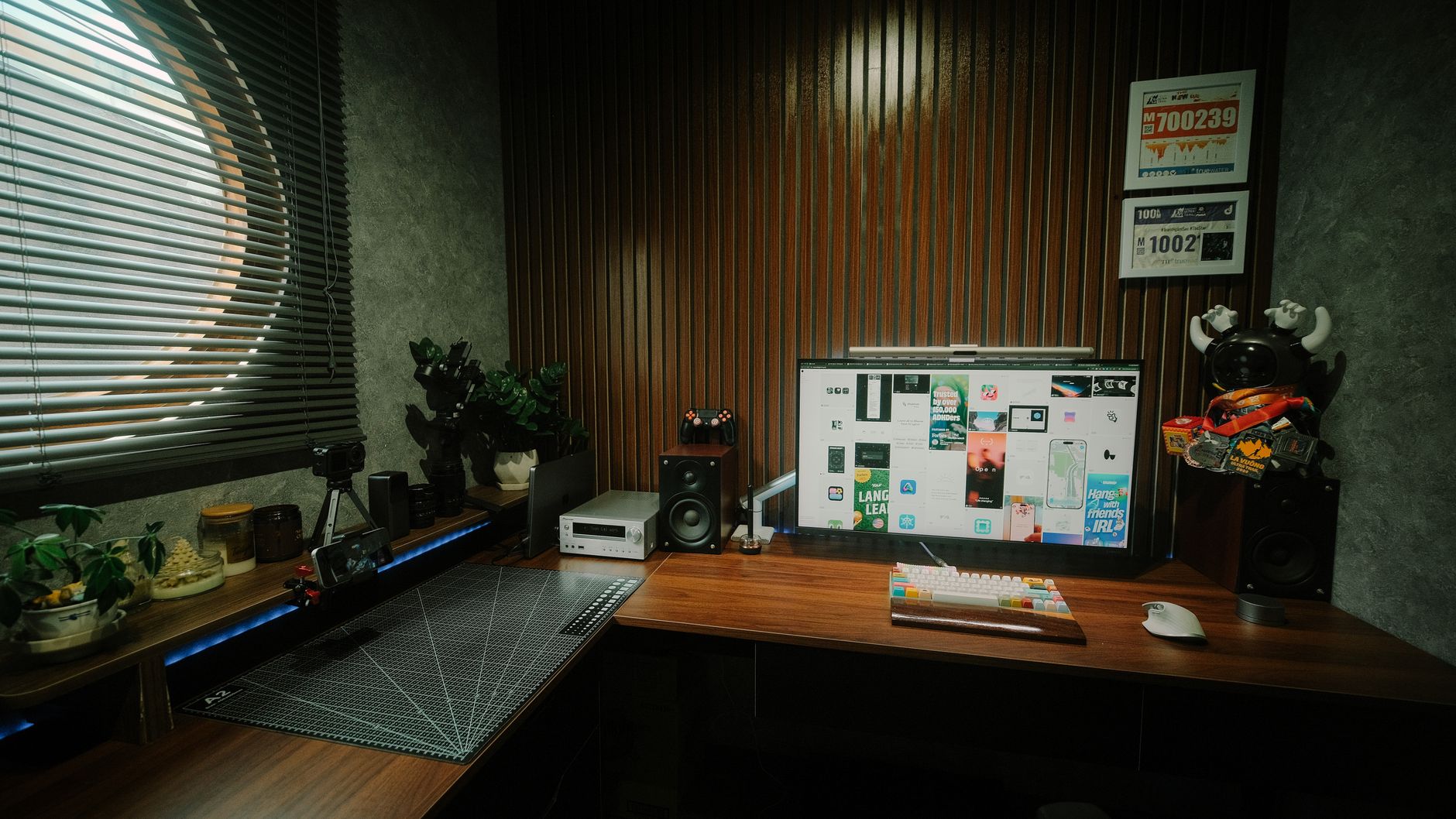 Photo: Pew Nguyen via Pexels
→ See also:
- The Complete Budget Home Studio Guide (2026)
- Cheapest Way to Start Recording Music
- Best Home Recording Gear Under $50
FAQ
Q: Is a home studio bundle actually worth it vs buying separately? Bundles are worth it when the components are matched and the package discount is real — typically $50–$150 savings over individual retail prices. They’re not worth it if the mic is a throwaway quality that you’ll replace immediately; in that case, buy an interface separately and invest in a standalone mic like the Audio-Technica AT2020.
Q: What’s the minimum budget for a usable home studio bundle? $130–$150 gets you a functional signal chain (Behringer U-PHORIA territory). Below that, USB microphones like the Blue Yeti bypass the interface entirely, which limits you but gets recordings to your DAW. Published audio benchmarks consistently show that $200 is the real threshold where interface preamp quality becomes a non-issue for beginner recordings.
Q: Can I use a home studio bundle to record a full band? No. All beginner bundles cap at one or two simultaneous inputs. Recording a full band requires an 8-channel interface (like the Scarlett 8i6 or Focusrite Clarett+) plus individual mics and stands. Bundles are designed for solo or duo recording.
Q: Do I need studio monitors if the bundle includes headphones? You can mix entirely on headphones at the beginner stage, but accuracy suffers — headphone mixes often translate poorly to speakers. Closed-back headphones (included in all bundles) are tuned for isolation, not mixing flatness. If budget allows, a pair of Yamaha HS5s or KRK Rokit 5 G4s added later makes the bundle’s value extend further.
Q: Will a beginner home studio bundle work on Mac and PC? Yes — Focusrite, PreSonus, and M-Audio are all cross-platform with active driver support. Focusrite and PreSonus interfaces are class-compliant on modern macOS (no driver installation required). Windows users should check the manufacturer’s current driver page before purchasing; Windows driver stability has historically varied by brand and OS version.
Q: How long will a beginner bundle last before I need to upgrade? The interface will outlast most upgrades — a Scarlett Solo or AudioBox 96 has a working life of 5–10 years under normal use. The microphone is typically the first component replaced as skills develop; most producers upgrade to a dedicated large-diaphragm condenser (NT1, AT4040, or similar) within two to three years. The headphones are consumables — expect 2–4 years with daily use before the ear pads degrade.
Editorial methodology: Assessments are based on manufacturer specifications, published user reviews, and editorial research. Physical hands-on testing is noted explicitly where it occurred. Rankings reflect our editorial judgment and are not influenced by affiliate commission rates. Full editorial policy · Affiliate disclosure