Contents
Best Budget Podcast Setup: Full Rig for Under $200
TL;DR: A solid budget podcast setup needs four things — a USB microphone, headphones, free recording software, and acoustic treatment. For most beginners, the Samson Q2U or Audio-Technica AT2005USB paired with Audacity covers everything. You can be recording broadcast-quality audio for under $150.
What Makes a Budget Podcast Setup Actually Work
The core of any functional budget podcast setup is a dynamic USB microphone, closed-back headphones, and a treated recording space. Everything else is optional. Spend $100–$150 on those three things and you’ll outperform most podcasters who spent five times more but ignored acoustics.
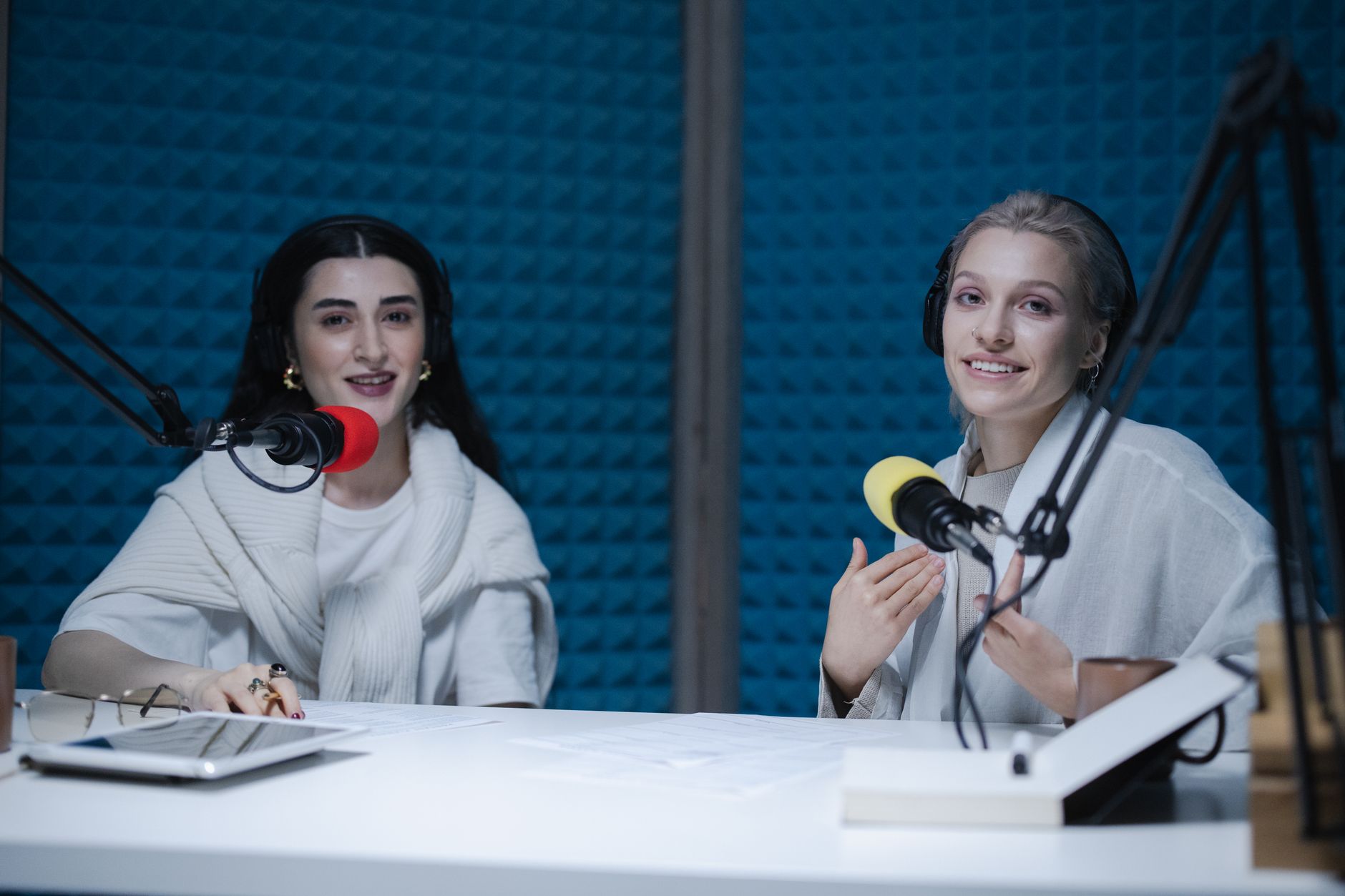 Photo: cottonbro studio via Pexels
The biggest money sink in podcasting isn’t gear — it’s buying the wrong gear twice. A $400 condenser mic in an untreated spare bedroom sounds worse than a $60 dynamic mic in a closet full of clothes. Room acoustics are free if you record in the right spot, and they matter more than any spec on a product page.
Here’s what the signal chain looks like for a budget solo podcaster:
Voice → Microphone → USB (direct to computer) → Recording Software → Finished Audio
No audio interface needed. No mixer. No rack gear. USB microphones collapse that chain to three parts.
Best Budget Podcast Microphones
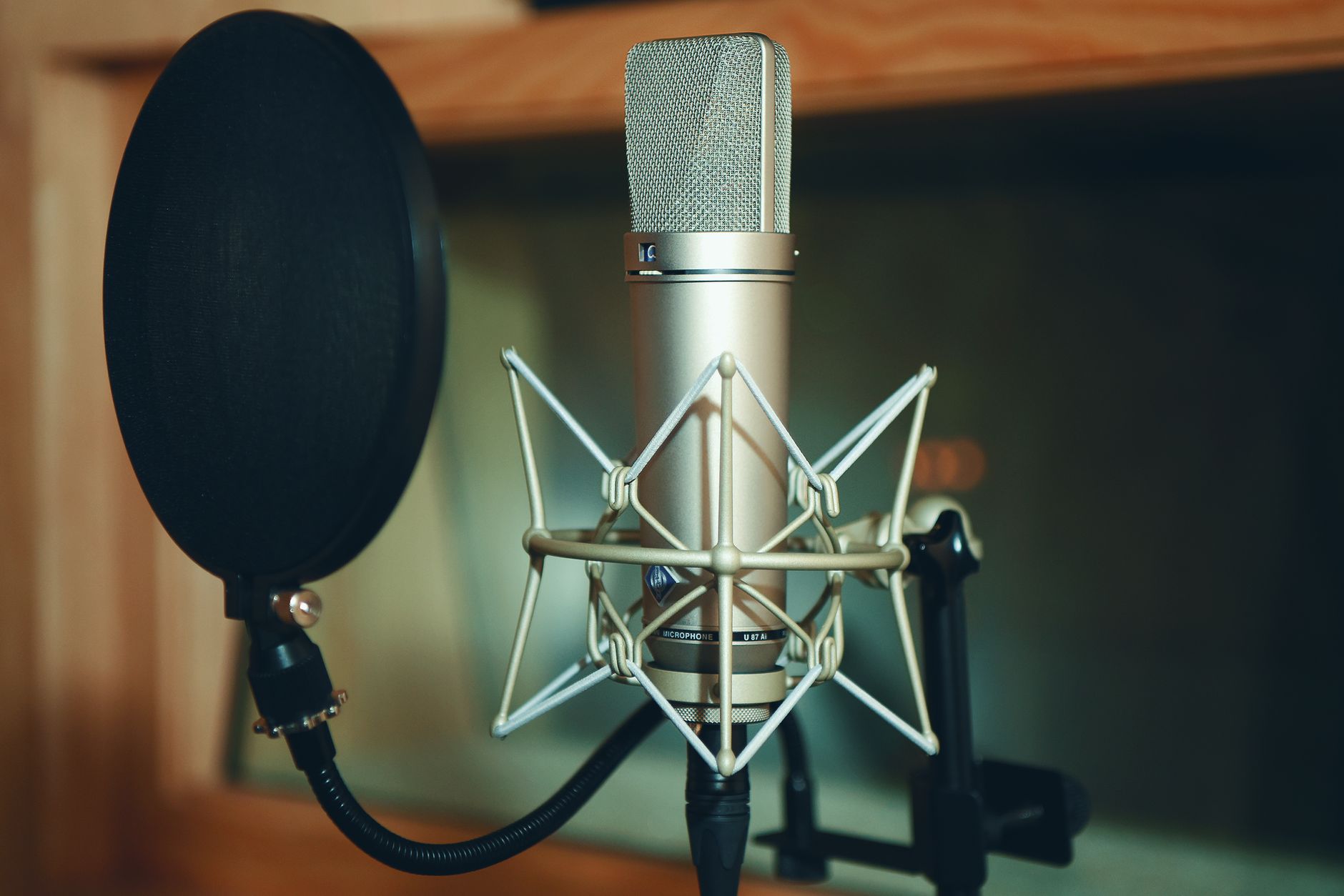
For under $100, the Samson Q2U and Audio-Technica AT2005USB are the two microphones worth buying. Both are dynamic, both offer USB and XLR outputs (future-proofing), and both handle untreated rooms far better than any condenser at this price.
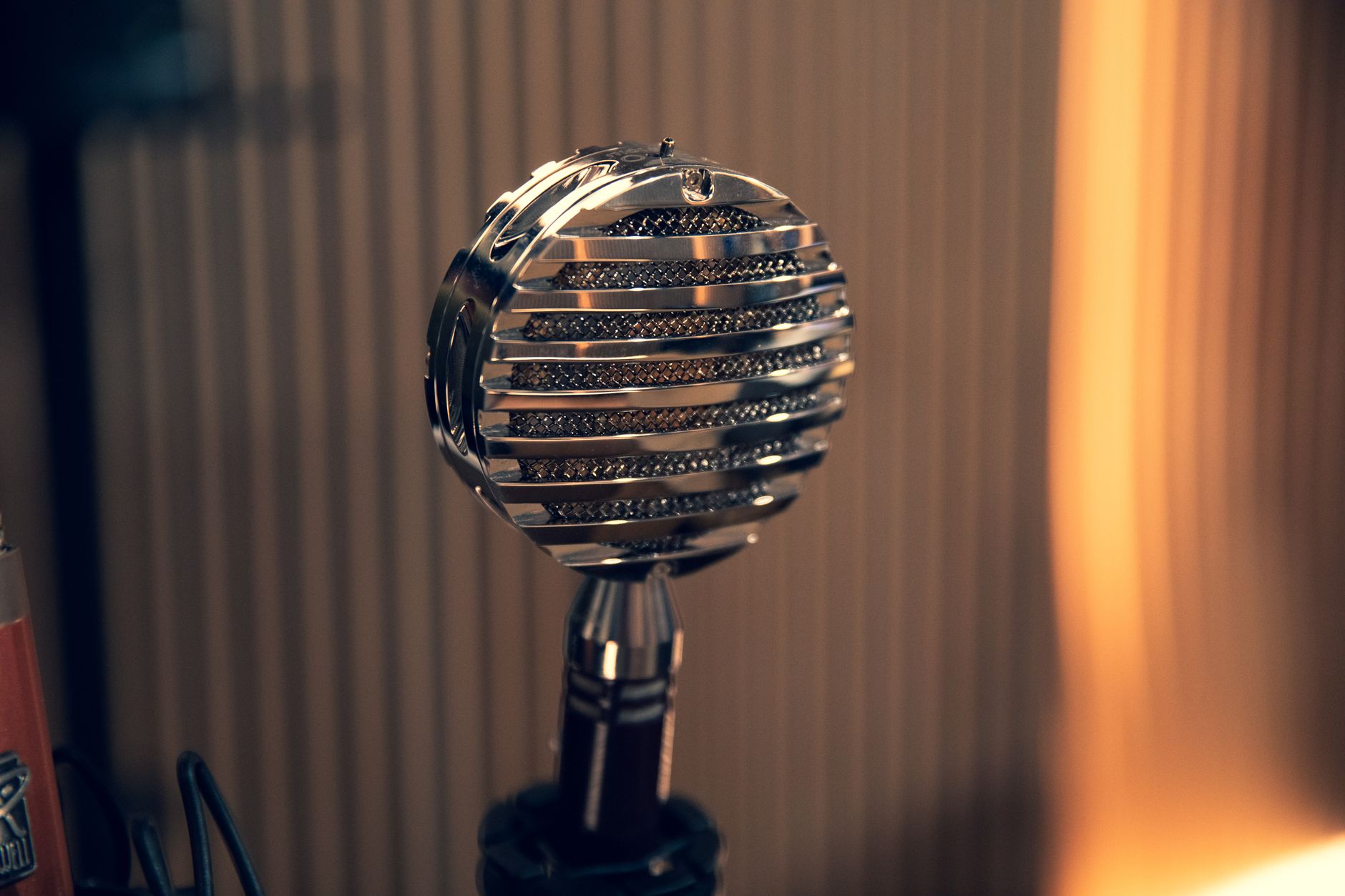 Photo: Clement Lepetit via Pexels
Dynamic microphones reject background noise — HVAC, street sound, keyboard clicks — by design. Condensers pick up everything, which is great in treated studios and a disaster in living rooms. At the budget tier, stick with dynamic.
Samson Q2U
The Q2U is the default recommendation for first-time podcasters. Published user reviews consistently cite its forgiving nature: even poor mic technique and average rooms produce acceptable audio. The dual USB/XLR output means you can plug it into a computer today and an audio interface later if your setup grows.
Street price: ~$60–70. Includes a desk stand, headphone jack for zero-latency monitoring, and a clip.
Audio-Technica AT2005USB
Marginally tighter off-axis rejection and slightly more present midrange than the Q2U, according to published frequency response data. Both are excellent — the AT2005USB rewards slightly better mic technique while the Q2U is more forgiving. If you’re recording solo, either works. If you’re comparing on price, whichever is cheaper that week wins.
Street price: ~$80.
Fifine T669 / Fifine AM8
If $60 is still too much, the Fifine T669 (~$30) is the entry floor. USB-only, no XLR, cardioid condenser rather than dynamic — which means it’s more sensitive to room noise. Expert consensus suggests it’s usable in quiet spaces with soft furnishings. Don’t record near an open window.
| Microphone | Type | USB/XLR | Price | Best For |
|---|---|---|---|---|
| Samson Q2U | Dynamic | Both | ~$65 | First-time buyers, any room |
| AT2005USB | Dynamic | Both | ~$80 | Solo hosts, slightly treated space |
| Fifine T669 | Condenser | USB only | ~$30 | Tightest budgets, quiet rooms |
| Shure MV7+ | Dynamic | USB-C/XLR | ~$180 | Upgrade path, professional finish |
Recording Software: Free Is Fine
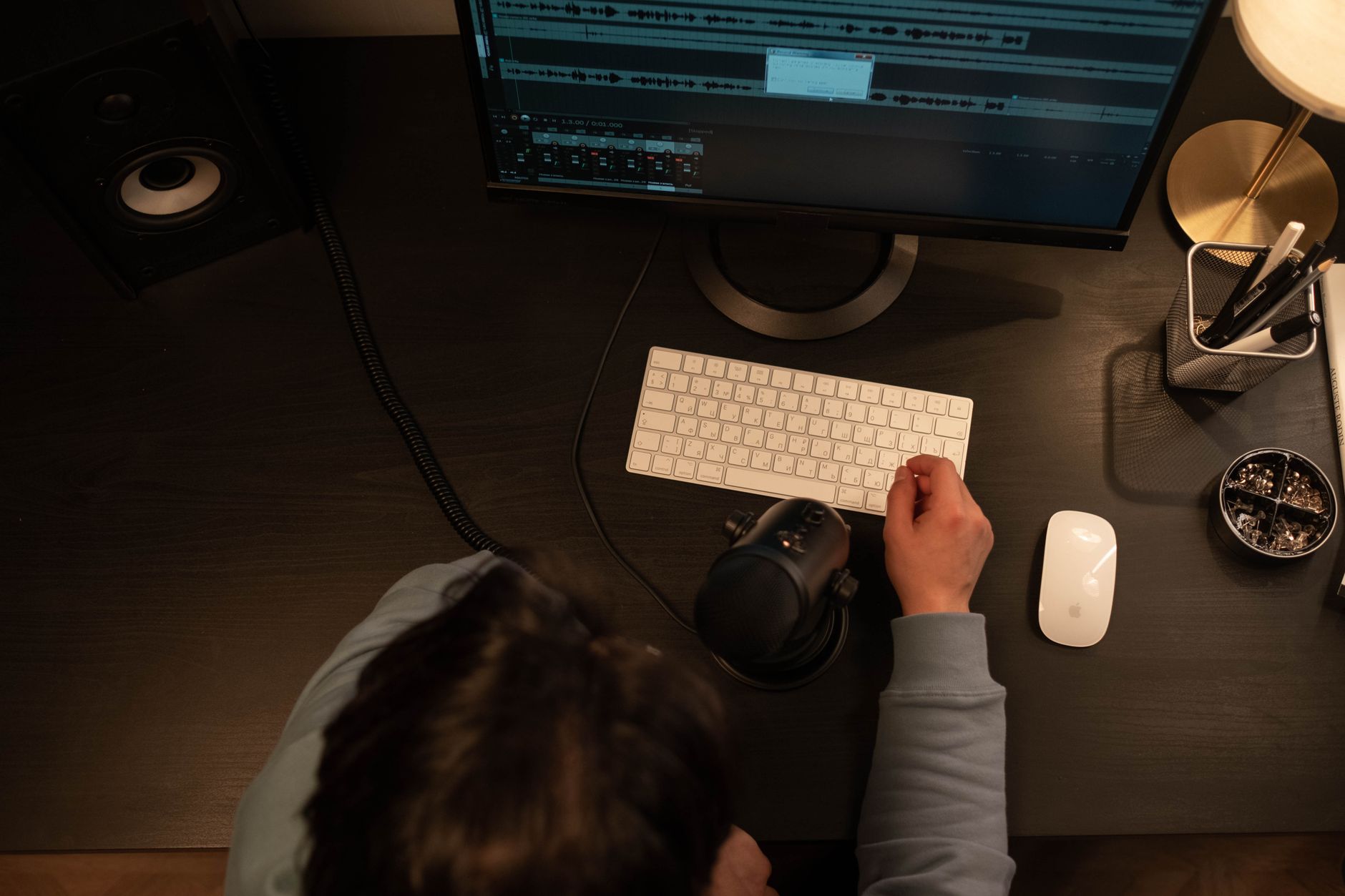
Audacity is free, cross-platform, and capable of everything a podcast needs — noise reduction, compression, EQ, export to MP3. There is no reason to pay for recording software at the budget tier.
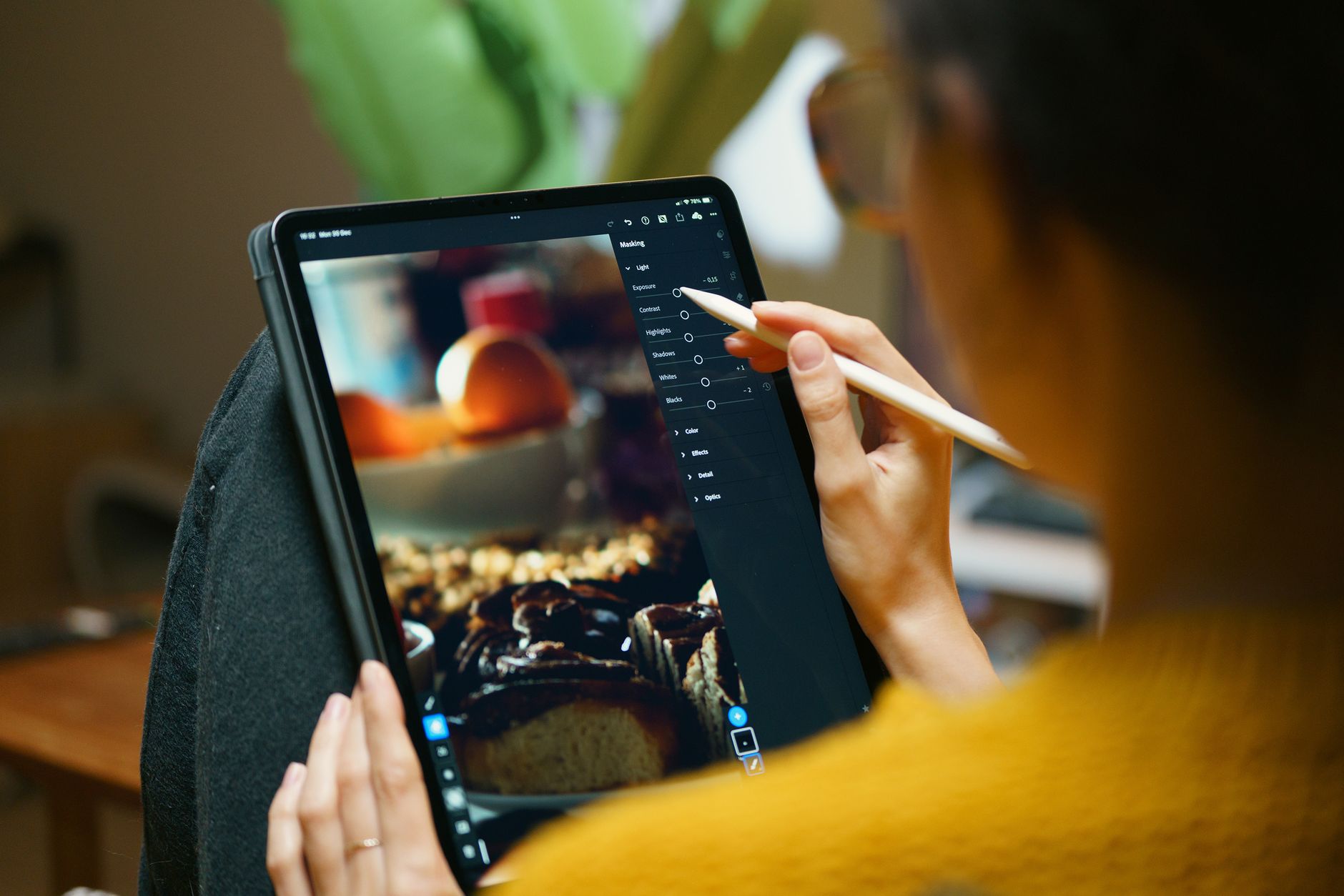 Photo: Jakub Zerdzicki via Pexels
Audacity covers:
- Multi-track recording
- Noise reduction (the built-in effect is effective for consistent background hum)
- Dynamic compression via the Compressor effect
- Export to MP3, WAV, FLAC
GarageBand (Mac only, free) has a more approachable interface and includes stock compressor and EQ plugins that sound professional. If you’re on a Mac, start here.
Reaper (~$60, technically) comes with an indefinite free trial with no feature restrictions. It’s more complex than Audacity but handles multi-guest recording and more advanced processing. Worth it if you’re recording two or more people locally.
Remote guest recording is a separate question. Riverside.fm and Zencastr record each participant locally and sync the files — both have free tiers that cover 1–2 hours of recording per month, which is enough for most new shows.
Headphones for Podcast Monitoring
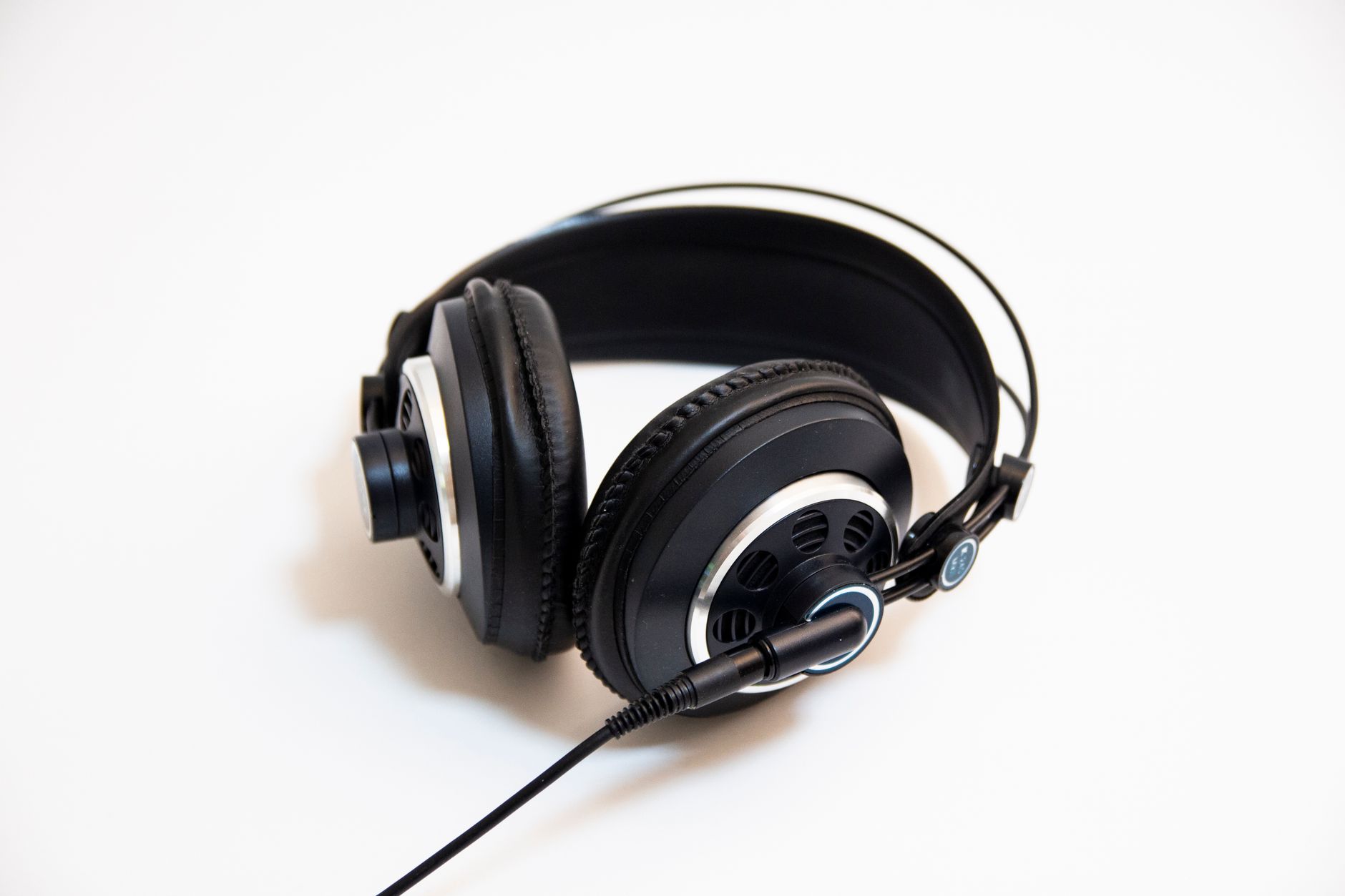
Closed-back headphones serve two functions in podcasting: monitoring your own voice in real time (catching clipping, room noise, and plosives as they happen) and editing your finished audio. The Sony MDR-7506 ($80) is the industry default at this price; the Audio-Technica ATH-M20x ($45) covers the budget tier.
Headphone monitoring while recording — plugged into the mic’s headphone jack — lets you hear problems immediately. Without it, you finish a 40-minute episode and discover in post that you were clipping for the first 20 minutes.
Earbuds work in a pinch for editing but don’t provide enough bass extension or isolation to accurately judge low-frequency buildup (the rumble that cheap microphones sometimes add to voice recordings).
| Headphone | Type | Price | Best For |
|---|---|---|---|
| Audio-Technica ATH-M20x | Closed-back | ~$45 | Budget monitoring |
| Sony MDR-7506 | Closed-back | ~$80 | Standard studio monitoring |
| Beyerdynamic DT 770 Pro | Closed-back | ~$140 | Prosumer, extended sessions |
Acoustic Treatment on a Zero Budget
The single highest-ROI improvement in any budget podcast setup is recording in the right space, not buying better gear. A closet with hanging clothes, a car interior, or a carpeted room with a couch and bookshelves will sound dramatically better than a bare concrete or hardwood room with any microphone.
 Photo: Caique Araujo via Pexels
What you’re fighting: parallel hard surfaces that create flutter echo and standing waves. What kills those: soft, irregular surfaces — clothes, cushions, carpet, curtains, bookshelves.
Practical free options:
- Record in a walk-in closet (clothes absorb reflections)
- Hang a heavy blanket or moving blanket behind you (not just in front of the mic)
- Pull the couch away from the wall and sit near it
- Record in your car (the soft seats, headliner, and irregular shape make it acoustically excellent)
Budget paid options (~$30–50):
- 12-pack acoustic foam panels: effective for high-frequency absorption but won’t fix a genuinely bad room
- Reflection filter (mic-mounted isolation shield): useful for condenser mics, less necessary for dynamics
If you can record in a closet and it sounds acceptable without any foam, skip the foam. Spend the $30 on a better pop filter.
Complete Budget Podcast Gear: Specs at a Glance
| Component | Recommended Option | Budget Option | Price Range |
|---|---|---|---|
| Microphone | Samson Q2U | Fifine T669 | $30–$70 |
| Headphones | Sony MDR-7506 | ATH-M20x | $45–$80 |
| Software | GarageBand / Audacity | Audacity | Free |
| Pop filter | Generic mesh pop filter | Foam windscreen | $8–$20 |
| Mic stand | Desktop boom arm | Included desk stand | $0–$30 |
| Total | $75–$200 |
Gear Review: Samson Q2U
| Spec | Detail |
|---|---|
| Connections | USB-A, XLR |
| I/O | Headphone monitoring output |
| Polar pattern | Cardioid |
| Frequency response | 50Hz–15kHz |
| Bit depth / Sample rate | 16-bit / 44.1kHz (USB) |
| Bus power | USB powered |
| Best For | First-time podcasters, untreated rooms |
Verdict by archetype:
- First-time beginner: Start here. Nothing beats it at $65 for forgiveness and quality.
- Bedroom producer: Use the XLR output into your interface for more control; the USB mode gets you started without one.
- Gigging musician: Not designed for live use — look at the Shure SM58 instead.
- Prosumer: Upgrade to the Shure MV7+ or Rode PodMic when you outgrow it.
Two-Person and Multi-Host Budget Setups
Recording two people in the same room cheaply requires either two USB microphones (with some routing workarounds in software) or one USB audio interface with two XLR microphones.
The cleanest budget two-host option: Focusrite Scarlett 2i2 ($120) + two Samson Q2Us using their XLR outputs ($130 combined). Total: ~$250. Each host gets their own track, which makes post-production dramatically easier.
For remote guests, skip the hardware complexity entirely — use Riverside.fm’s local recording feature. Each participant records on their own machine; you download the individual tracks after.
→ See Also
- The Complete Budget Home Studio Guide (2026)
- Cheapest Way to Start Recording Music
- Best Home Recording Gear Under $50
FAQ
Do I need an audio interface for a budget podcast setup? No. USB microphones connect directly to a computer and bypass the need for an interface. An interface becomes worthwhile when you need two or more XLR microphones, want analog gain control, or are recording instruments alongside voice. For solo podcasting, USB is the right call.
Is a condenser or dynamic microphone better for podcasting? Dynamic microphones are better for most podcast environments because they reject background noise and room reflections. Condenser microphones are more sensitive and pick up detail — ideal in treated rooms but problematic in untreated spaces. Budget condensers in untreated rooms are the leading cause of “sounds like a phone call” podcast audio.
Can I podcast with just my laptop microphone or phone? Technically yes, practically no. Built-in laptop microphones capture too much background noise and have narrow frequency responses that make voices sound thin. A $60 USB dynamic mic is a night-and-day improvement. Phone recordings are acceptable for very short clips but not for episode-length content.
How much acoustic treatment do I actually need? For a dynamic microphone, very little. Recording in a furnished room with carpet, curtains, and soft furniture is often sufficient. A bare room with hardwood floors and parallel walls is the problem case — in that scenario, a $30 bag of acoustic foam panels on the walls behind and beside you will make an audible difference.
What’s the biggest mistake beginners make with budget podcast setups? Buying a condenser microphone. Condensers are marketed as “professional” and “studio-quality,” which is accurate — in studios. In untreated rooms, they pick up every room resonance, HVAC hum, and street noise. A dynamic microphone at the same price point will sound cleaner in a typical home environment every time.
Does bit depth or sample rate matter for podcasting? Not at the budget tier. 16-bit / 44.1kHz (standard audio CD quality) is more than sufficient for voice recording. The Q2U records at this spec over USB. The practical ceiling for podcast quality is room acoustics and mic placement, not digital resolution.
Editorial methodology: Assessments are based on manufacturer specifications, published user reviews, and editorial research. Physical hands-on testing is noted explicitly where it occurred. Rankings reflect our editorial judgment and are not influenced by affiliate commission rates. Full editorial policy · Affiliate disclosure