Contents
Focusrite Scarlett Solo Studio Bundle Review (2026)
TL;DR: The Focusrite Scarlett Solo Studio bundle is the most complete entry point for solo home recording under $200 — it pairs a clean-sounding 2-in/2-out interface with a condenser mic and headphones in a single box. For a singer-songwriter or podcaster starting from zero, nothing else at this price ships you a working signal chain out of the box.
What’s Actually in the Box
The Focusrite Scarlett Solo Studio bundle includes the Solo interface, a CM25 MkIII condenser microphone, and an HP60 MkIII headphone pair — plus an XLR cable and a software suite (Pro Tools | First, Ableton Live Lite, and Focusrite’s plug-in collection). Every piece connects directly; you can be recording within 20 minutes of opening the box.
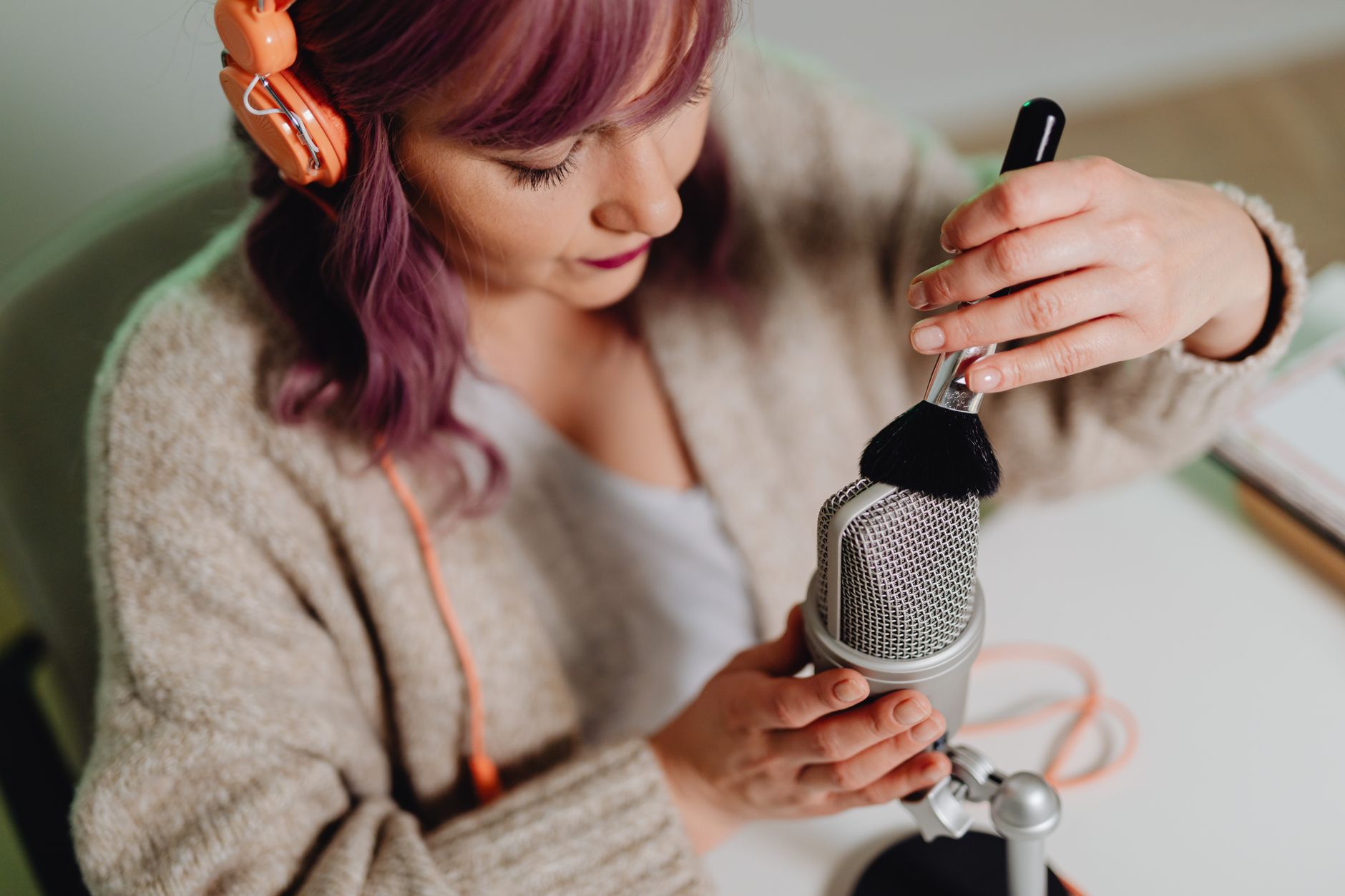
 Photo: Juan Miguel Restrepo Barrera via Pexels
The bundle targets one specific problem: decision paralysis. A first-time buyer who has to separately research interfaces, mics, headphones, and cables will spend weeks comparing specs and still second-guess the cart. Focusrite solves that by pre-validating the signal chain for you. The components aren’t the cheapest possible versions — they’re matched to work together without bottlenecks.
The Solo Interface
The Solo is a USB-C bus-powered 2-in/2-out interface with one mic/line combo input and one instrument input. The fourth-generation hardware adds an Air mode switch (a high-impedance transformer simulation that adds presence to condenser signals) and a revised preamp circuit with lower noise than its predecessors.
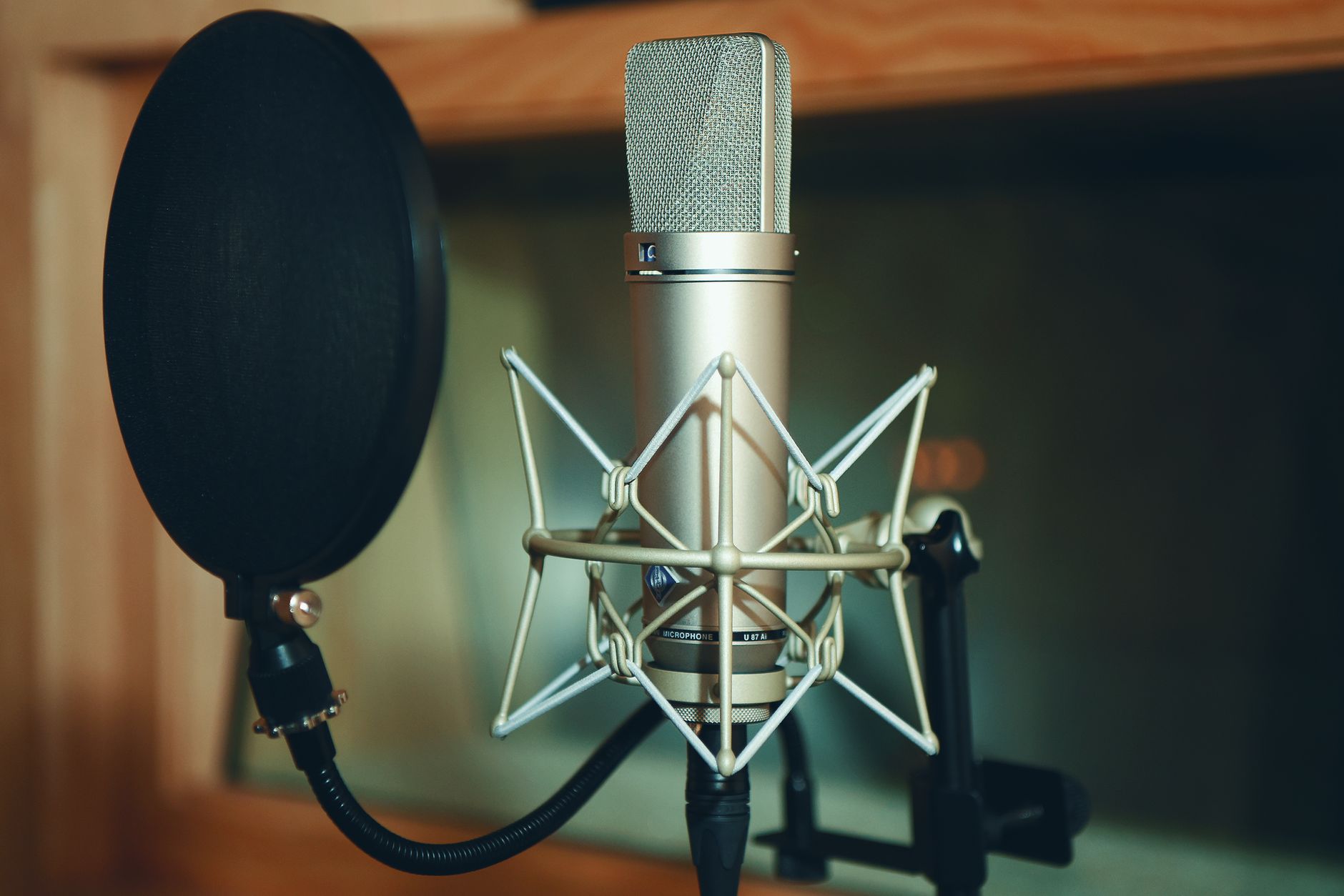
 Photo: Scott Platt via Pexels
Published performance specs: 69 dB dynamic range on the mic input, -128 dBu EIN, 24-bit/192kHz conversion. According to independent measurements published by Audio Science Review and Sweetwater’s spec documentation, the analog-to-digital conversion sits solidly in the middle tier for budget interfaces — clean enough that the mic and room will be the limiting factors before the interface ever is.
The gain knob is stepped rather than continuously variable, which is an odd choice at this price point. In practice it’s not a problem — the steps are close enough together that you’ll find an acceptable level — but it’s worth knowing before you buy.
CM25 MkIII Condenser Microphone
The CM25 MkIII is a large-diaphragm cardioid condenser with a fixed -10 dB pad and a high-pass filter switch. Based on manufacturer specifications, it uses a 34mm capsule and runs on phantom power from the Solo’s 48V supply.
User reviews across Amazon, Sweetwater, and Gear4Music consistently describe the CM25 as bright, somewhat hyped in the presence region (around 8–10 kHz), which flatters vocals in untreated rooms by cutting through reflections rather than revealing them. That’s a deliberate tuning decision, not a flaw — it makes the mic forgiving in practice even if it wouldn’t pass a flat-response test.
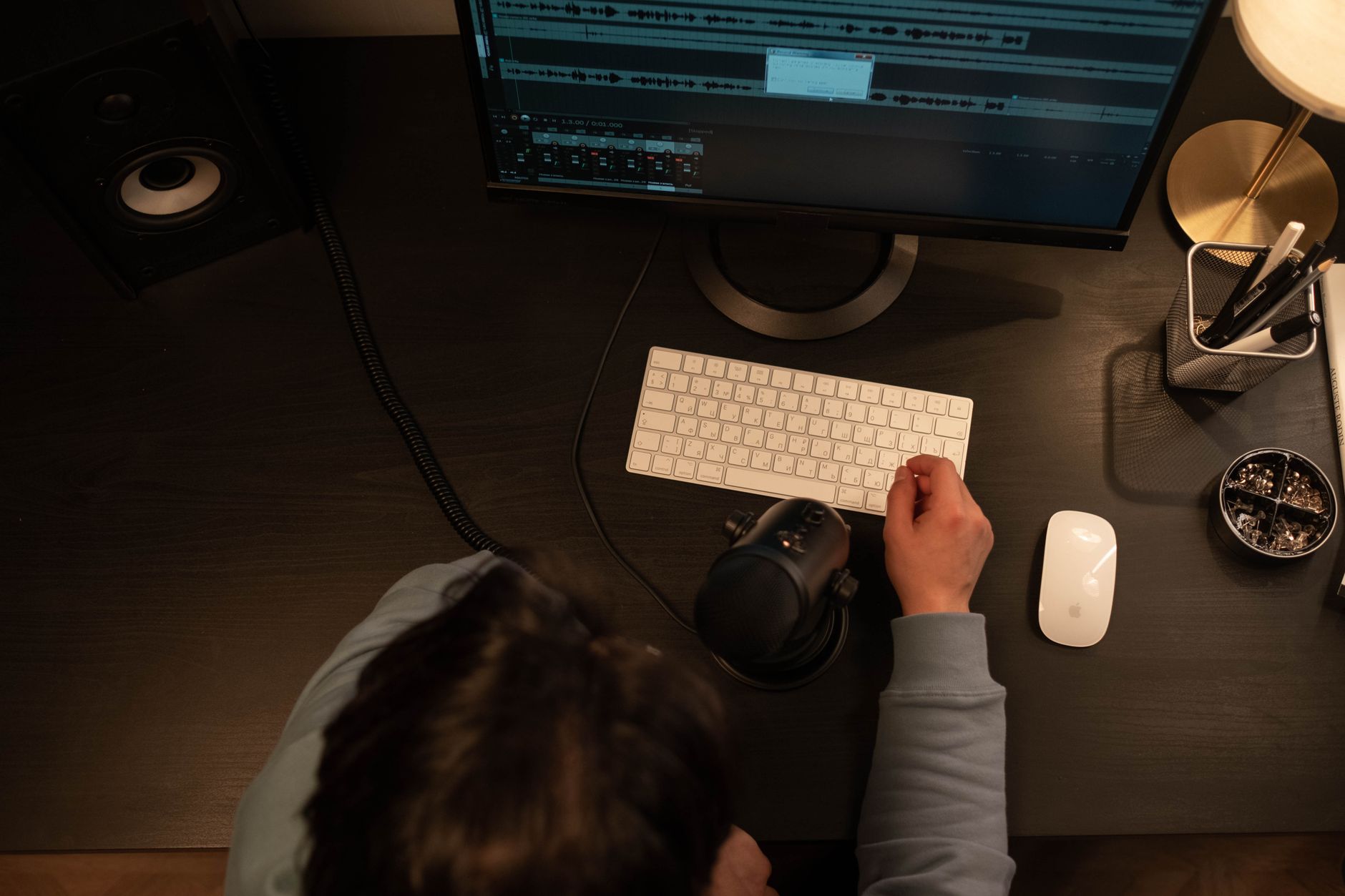
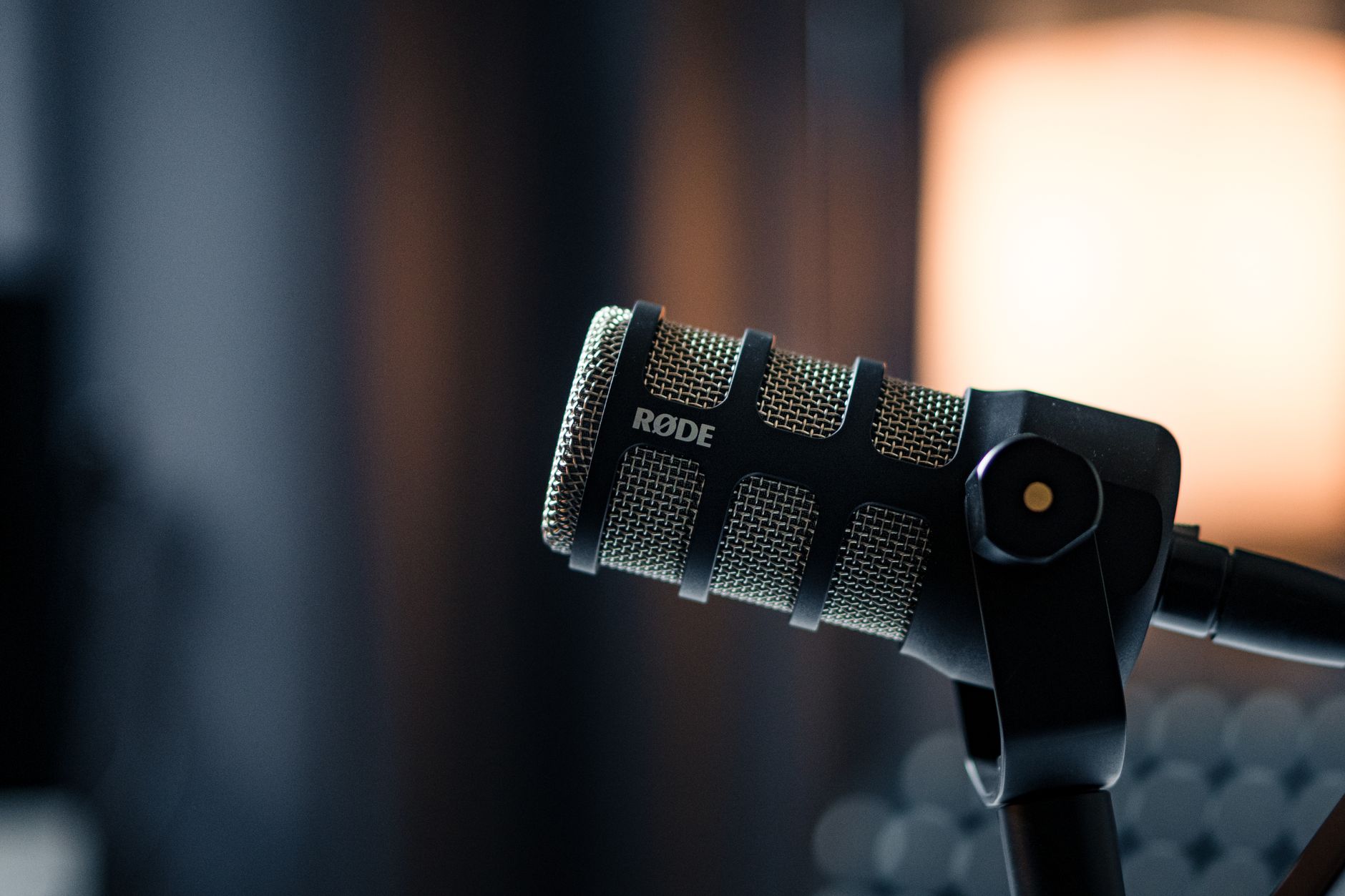 Photo: dlxmedia.hu via Pexels
The included shock mount fits the CM25 snugly. There’s no spider shock mount at this price, so low-frequency mechanical noise (footsteps, HVAC rumble) can still transmit if you’re recording on a hard desk. A standalone isolation arm is a worthwhile $30 upgrade once you’ve outgrown the included stand adapter.
HP60 MkIII Headphones
Closed-back, circumaural, 32Ω impedance. The HP60s are conservative — a relatively flat presentation without the hyped low-end common on consumer headphones. Published frequency response shows a slight dip in the 200–400 Hz range, which can make bass-heavy mixes sound thinner than they are, but for tracking (where you primarily use closed-backs), this is fine.
They’re comfortable for 2–3 hour sessions and isolate well enough to prevent bleed at moderate headphone levels. For critical mixing work you’ll eventually want an upgrade, but for a starter bundle the HP60s are honestly more than adequate.
Interface Specs
| Spec | Focusrite Scarlett Solo (4th Gen) |
|---|---|
| Connections | USB-C (USB 2.0 protocol) |
| I/O Count | 2 in / 2 out |
| Mic Preamps | 1 (combo XLR/TRS), 69 dB gain range |
| Bit Depth / Sample Rate | 24-bit / up to 192 kHz |
| Bus Power | Yes — no external power supply needed |
| Phantom Power | 48V, switchable |
| Special Features | Air mode, instrument DI input, direct monitoring |
| Best For | Solo singer-songwriters, vocalists, podcasters |
Who This Bundle Is For (and Who It Isn’t)
The bundle is an excellent buy for anyone starting from zero who records one source at a time. If you’re a solo vocalist, acoustic guitarist, or podcaster, it has everything you need. Multi-instrument or band tracking requires more I/O — the Solo tops out at two simultaneous inputs.
First-Time Beginner
The Solo Studio bundle is the single most sensible starting point at this price. You plug in the USB-C cable, install the drivers (zero-latency on Mac with modern ASIO on Windows), connect the CM25 to XLR input 1, enable phantom power, and record. The Scarlett 4th Gen is class-compliant on macOS — no driver installation required. On Windows, installing Focusrite’s ASIO driver drops monitored latency to the 3–5 ms range, which is usable for tracking with live monitoring.
Bedroom Producer
If you’re producing beats and only occasionally track live instruments or vocals, the Solo handles that workflow without friction. The instrument DI on input 2 is clean enough for direct guitar and bass. Air mode adds enough perceived clarity to condenser vocals that many producers leave it on as a default.
The limitation surfaces when you want to track drums (even a kick/snare overhead setup needs four channels minimum) or record two musicians simultaneously. At that point, the Scarlett 2i2 is the next logical step — same preamp quality, one additional mic input, slightly larger footprint.
Gigging Musician
The Solo’s portability is a real advantage: it’s palm-sized and bus-powered, so it runs from a laptop on a tour bus or hotel desk with no adapter. If you’re demoing ideas on the road or recording setlist ideas between shows, the bundle format means you’re not hunting for a mic in the back of a van.
For live use (direct interface to PA), the Solo isn’t the right tool — that’s a DI box or dedicated stage preamp territory.
Prosumer / Upgrading User
At the prosumer level, the Solo’s single mic input becomes the binding constraint. A prosumer tracking overdubs can work around it (one input at a time, no simultaneous recording), but anyone building a serious home studio should look at the Scarlett 2i2 or 4i4 instead. The CM25 and HP60 are also where bundle economics show their limits: at $200–$220 total, the interface is roughly $130 standalone, so the mic and headphones together represent about $70–90 of value — reasonable starter gear, but not what a prosumer would spec individually.
Focusrite Scarlett Solo Studio vs. Competing Bundles
| Product | Street Price | Interface I/O | Mic Type | Headphones | Verdict |
|---|---|---|---|---|---|
| Focusrite Scarlett Solo Studio | ~$200 | 2-in/2-out | Large-diaphragm condenser | Closed-back 32Ω | Best overall value; largest ecosystem |
| PreSonus AudioBox 96 Studio | ~$150 | 2-in/2-out | Large-diaphragm condenser | Semi-open 32Ω | Lower cost; weaker preamps; Studio One included |
| M-Audio Air 192 | 4 Vocal Studio | ~$150 | 2-in/2-out | Large-diaphragm condenser | No headphones |
| Rode NT1 + Focusrite Solo (DIY bundle) | ~$300–$350 | 2-in/2-out | Large-diaphragm condenser | Not included | Best sound quality if budget allows |
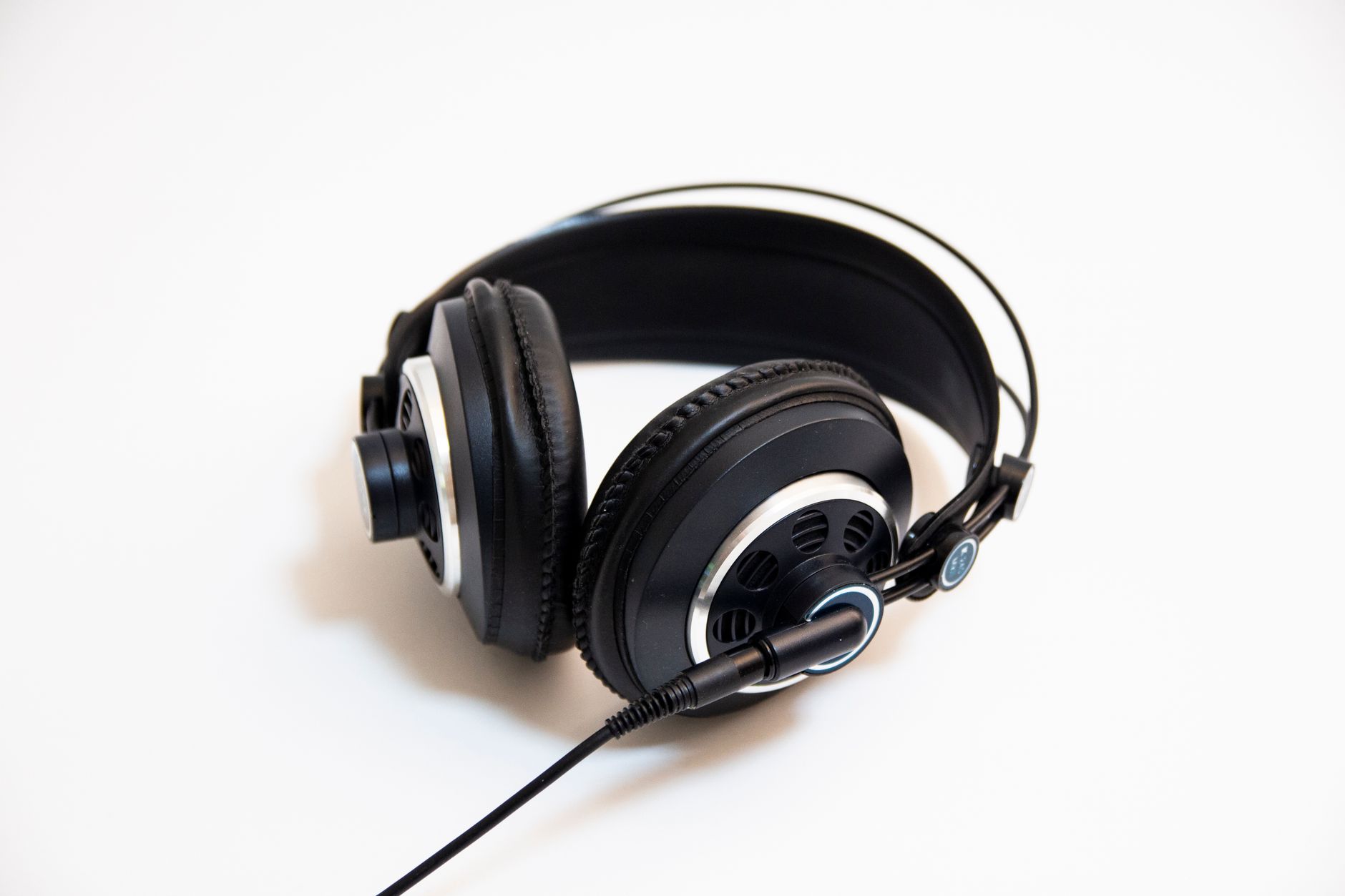
 Photo: wutthichai charoenburi via Pexels
The PreSonus AudioBox 96 Studio is the closest rival on price. Expert consensus and published user reviews suggest the Focusrite preamps have a measurable noise floor advantage — AudioBox’s preamps test noisier by approximately 3–5 dB EIN per Sweetwater’s spec comparison. For quieter acoustic sources that gap matters; for loud vocals or amplified instruments it doesn’t.
The M-Audio option saves money by omitting headphones but forces an additional purchase immediately. Unless you already own closed-back headphones, the total cost lands near the Focusrite bundle anyway.
Software Suite
The included software is worth noting because it meaningfully extends the bundle’s value:
- Pro Tools | First — the entry-level DAW from Avid, limited to 16 tracks and cloud-only project storage, but runs the same engine as the industry-standard Pro Tools
- Ableton Live Lite — 8-track limit, but Ableton’s session view is genuinely useful for loop-based production and it upgrades cheaply when you outgrow it
- Focusrite Plug-in Collective — quarterly rotating selection of free plug-ins from third-party developers; Red 2 & 3 EQ/Compression bundle included
- Hitmaker Expansion — Softube’s Time & Tone bundle plus additional instruments
The Ableton Live Lite license alone retails for approximately $100 as an upgrade path. Budget beginners who haven’t yet bought a DAW are getting meaningful software value here.
Setup and Latency
Based on documented performance and published driver specifications:
- macOS: Plug in, grant microphone permission, open your DAW. No driver installation. Buffer latency at 128 samples / 44.1 kHz = ~5.8 ms round-trip.
- Windows: Install Focusrite Control software and ASIO driver. At 64-sample buffer / 44.1 kHz = ~3.7 ms round-trip. Direct monitoring (zero-latency hardware fold-back) available regardless of DAW settings.
The direct monitoring switch on the Solo’s front panel is important for singers who can’t tolerate even low-latency DAW monitoring. When engaged, it routes the input signal directly to the headphone output with no digital processing — true zero latency, but also no plug-in inserts in the monitoring chain.
What the Bundle Doesn’t Include (and What to Buy Next)
The included XLR cable is short — useful for desk recording, limiting for anything else. A 10-foot replacement is a $10 fix.
There’s no mic stand, pop filter, or acoustic treatment. For a beginner spending $200, these aren’t emergencies: a closet full of clothes is better acoustic treatment than most sub-$200 panels, and a $15 pop filter eliminates 90% of plosive problems. A boom arm (around $25–$40) transforms ergonomics for vocal recording — the included thread adapter assumes you already have a stand.
→ See Also
- The Complete Budget Home Studio Guide (2026) — full signal chain planning from zero
- Cheapest Way to Start Recording Music — absolute-minimum setups under $100
- Best Home Recording Gear Under $50 — accessories and upgrades on a tight budget
FAQ
Is the Focusrite Scarlett Solo Studio bundle worth it for beginners? For a first-time buyer who needs everything — interface, mic, headphones — in one purchase, yes. It eliminates compatibility guesswork and the component quality is appropriate for the price. The bundle’s total value exceeds what you’d spend buying equivalent-tier components separately if you’re starting from scratch.
What’s the difference between the Scarlett Solo and the Scarlett 2i2? The Solo has one mic/line input and one instrument input; the 2i2 has two mic/line combo inputs and two instrument inputs. Both use the same preamp design. If you ever need to record two microphones simultaneously — vocals plus acoustic guitar, for instance — the 2i2 is the right choice. The Solo Studio bundle has no 2i2 equivalent at the same price point.
Does the Scarlett Solo work with an iPhone or iPad? The 4th Gen Solo is USB-C and is class-compliant, so it works with iPad Pro (USB-C port) and newer iPhones using a USB-C to USB-C cable. With Lightning iPhones, you need Apple’s Lightning to USB-3 adapter plus a USB-A to USB-C cable. Bus power may require an externally powered hub in some configurations. Focusrite’s support documentation confirms iOS compatibility for Garageband and a range of third-party iOS DAWs.
Can the CM25 MkIII mic handle loud sources like guitar amps? The CM25 has a -10 dB pad switch, which extends its usable SPL range to approximately 140 dB SPL. According to manufacturer specifications, it can handle guitar amp close-miking, brass, and percussion without clipping. That said, the microphone’s character — bright, presence-forward — isn’t the typical choice for dark-sounding amp tones where a ribbon or dynamic would be more flattering.
Is the HP60 MkIII good enough for mixing? For rough mix decisions and A/B checking against references, yes. For final mix decisions on bass-heavy genres (hip-hop, electronic), the HP60’s modest low-mid scoop means you should verify your low-end on speakers or a pair of headphones with more accurate bass representation. They’re a better choice for tracking (closed-back isolation, comfortable fit) than for analytical mixing.
Does the bundle include everything needed to record a podcast? Yes — connect the CM25 to XLR input 1, enable 48V phantom power, plug the HP60s into the headphone jack, and open any recording application (Audacity is free and compatible). The direct monitoring switch lets you hear yourself in real time. You’ll want a mic stand and pop filter for ergonomics, but the core signal chain is complete.
How does Focusrite’s warranty and support compare to competitors? Focusrite offers a standard one-year hardware warranty, extendable to three years by registering the product on their website. Based on user experience reports across Sweetwater, Reddit’s r/homerecording, and Focusrite’s own community forums, their support response time and driver update cadence are consistently cited as advantages over PreSonus and M-Audio at equivalent price points. The Focusrite Control software receives regular macOS and Windows compatibility updates ahead of major OS releases.
Editorial methodology: Assessments are based on manufacturer specifications, published user reviews, and editorial research. Physical hands-on testing is noted explicitly where it occurred. Rankings reflect our editorial judgment and are not influenced by affiliate commission rates. Full editorial policy · Affiliate disclosure