Contents
Best Home Recording Gear Under $200: Full Studio on a Budget
TL;DR: You can build a complete home studio under $200 with a USB audio interface, a condenser microphone, and a pair of headphones — enough to record professional-quality vocals, guitar, and podcasts. This guide breaks down the best options by category so you spend every dollar where it counts.
What You Actually Need for a Home Studio Under 200
The core home studio under 200 setup is three things: an audio interface, a microphone, and headphones. Everything else is optional at this stage. Resist the urge to buy gear you can’t use yet — nail these three, and you’ll outpace anyone with a $500 pile of mismatched equipment.
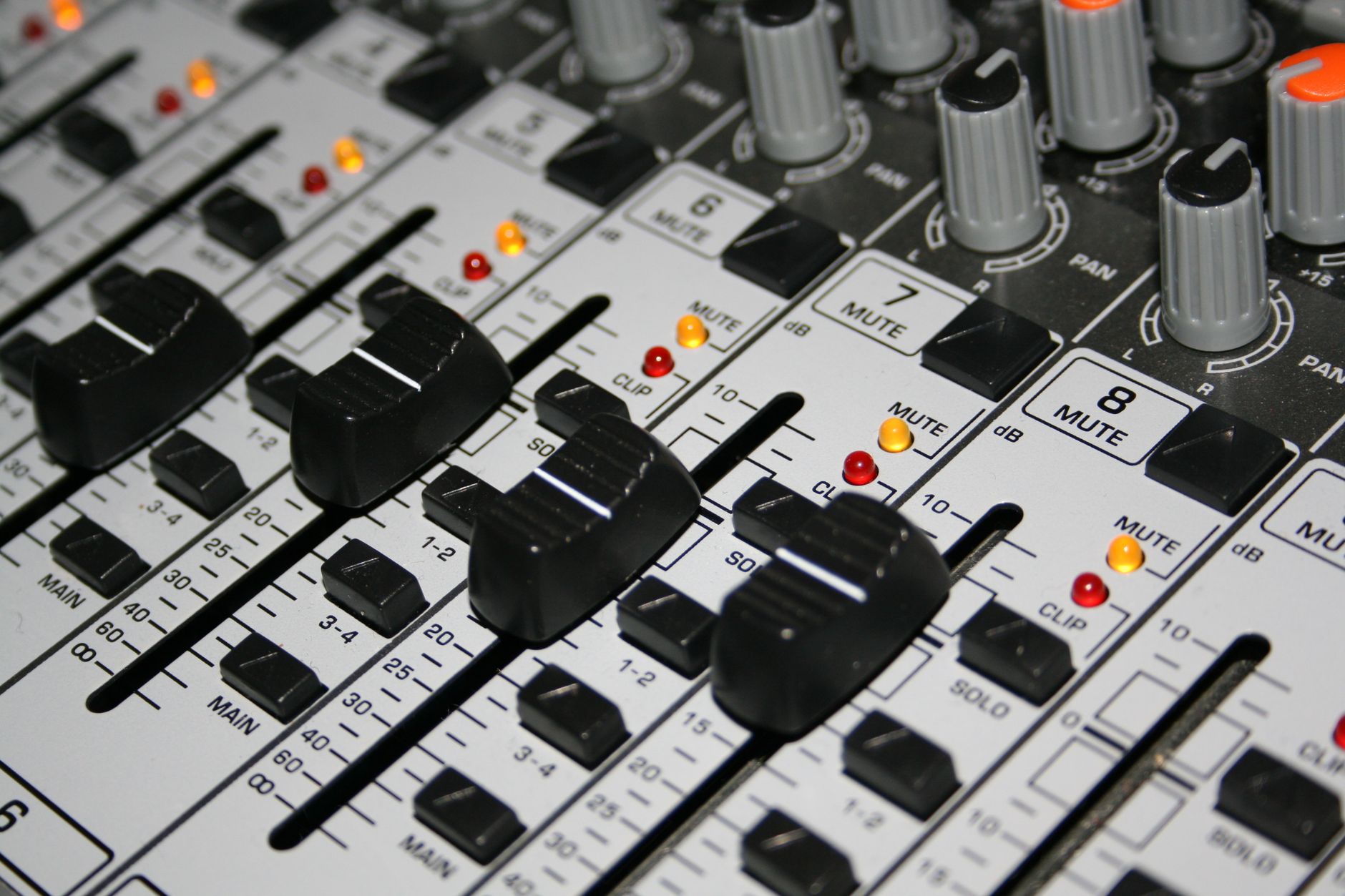
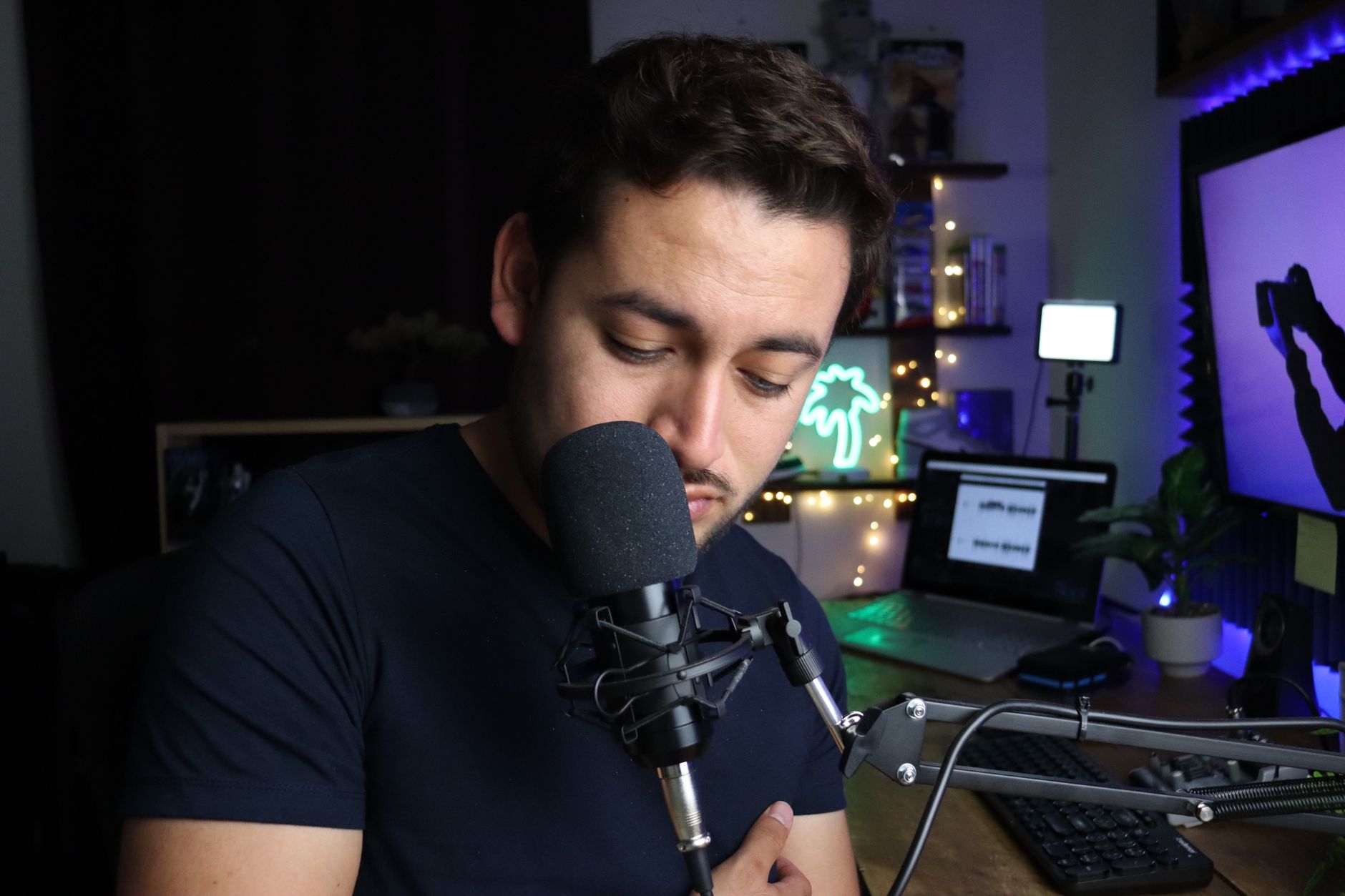 Photo: Benjamin Dominguez via Pexels
A $200 budget is tight but workable. The trick is avoiding the “starter bundle” trap — bundled kits often pair a mediocre interface with a worse microphone. You’ll get better results buying each piece separately, even at this price point.
Here’s how the budget breaks down across a complete rig:
| Category | Recommended Spend | What You’re Buying |
|---|---|---|
| Audio Interface | $50–$70 | Clean preamps, USB connection |
| Microphone | $60–$90 | Condenser or dynamic for vocals/instruments |
| Headphones | $30–$60 | Closed-back for tracking |
| Accessories | $10–$20 | XLR cable, mic clip, stand |
That leaves room to mix and match based on what you’re recording. Vocalist? Lean toward the mic budget. Guitarist recording direct? The interface matters more.
Best Audio Interfaces Under $100
The Focusrite Scarlett Solo Gen 4 and the Behringer UMC22 are the two interfaces that dominate this price range for good reason — the Scarlett wins on preamp quality and software bundle, the Behringer wins on price if you need to stretch your mic budget further.
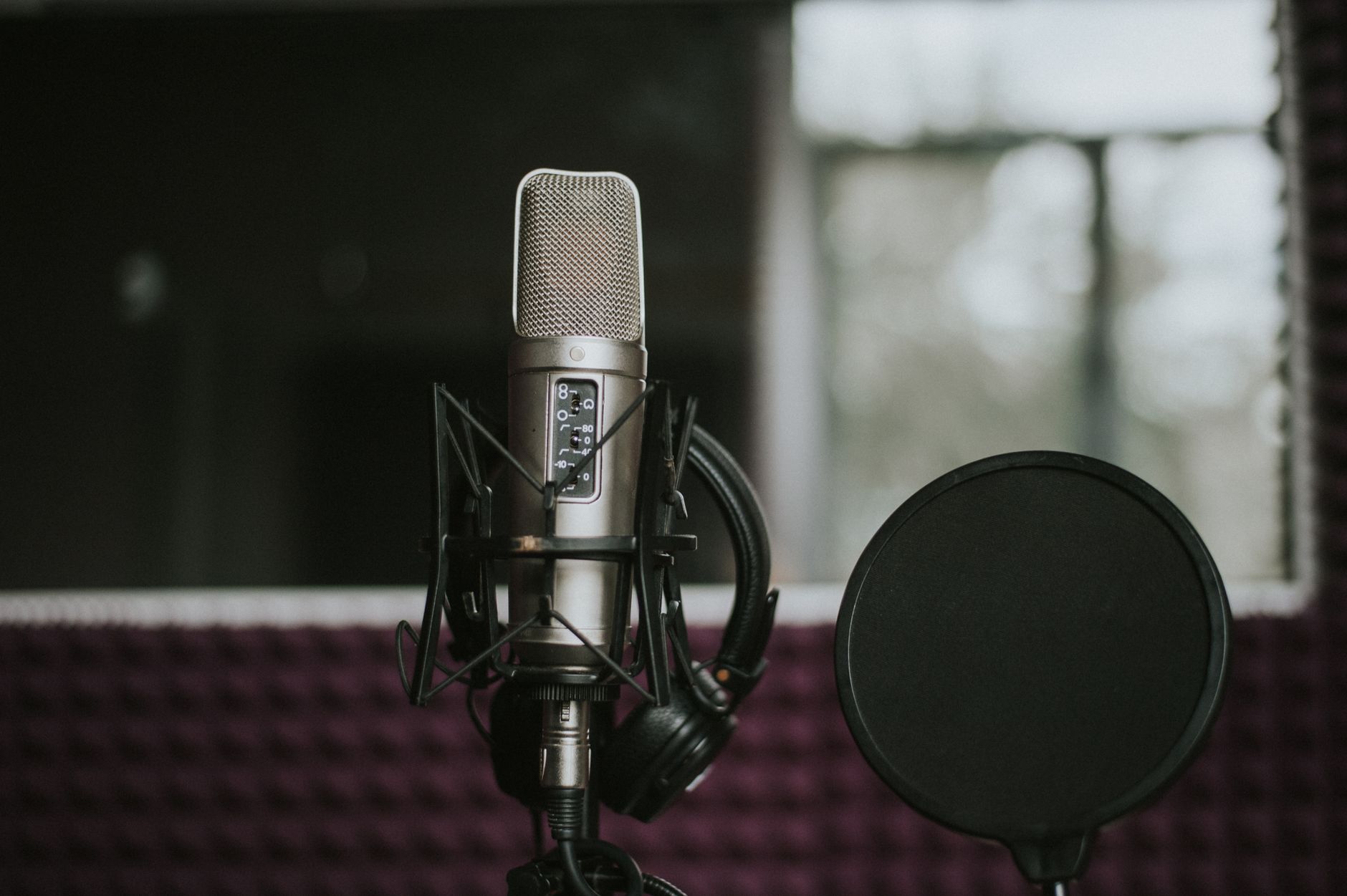
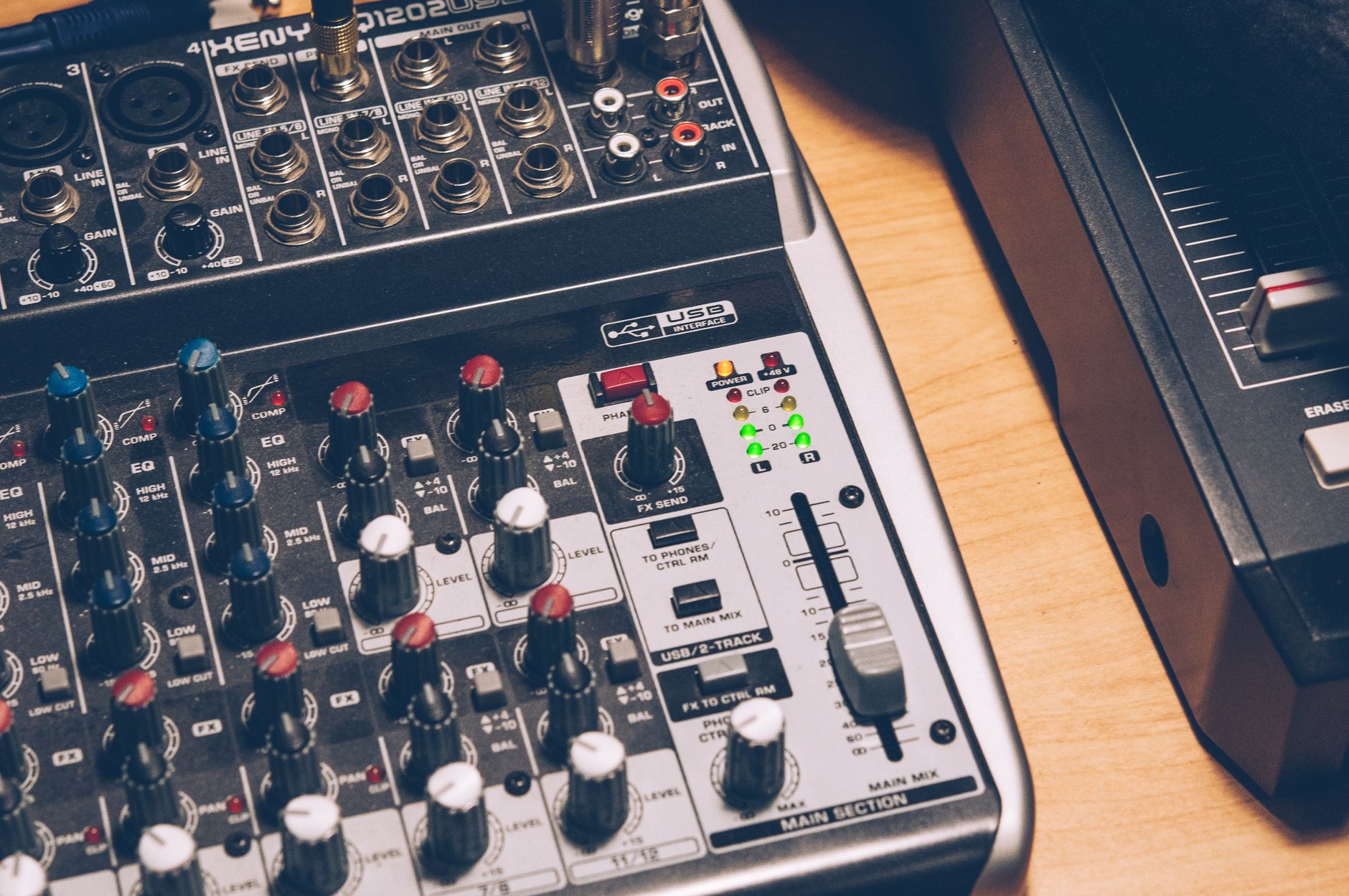 Photo: Hendrik B via Pexels
Focusrite Scarlett Solo Gen 4
The standard recommendation for a reason. The Gen 4 added an Air mode that adds high-frequency presence — useful for vocals going direct to condenser. Published specs show a dynamic range of 111 dB, which is well beyond what you’ll tax at this level.
| Spec | Detail |
|---|---|
| Connections | 1x XLR/TRS combo, 1x instrument (TS) |
| I/O Count | 2 in / 2 out |
| Preamps | 1x Scarlett preamp with Air mode |
| Bit Depth / Sample Rate | 24-bit / 192kHz |
| Bus Power | USB-C bus powered |
| Best For | Solo vocalists, singer-songwriters, podcasters |
The included Ableton Live Lite and Pro Tools Intro bundle adds real value — you’re not just buying hardware.
Behringer UMC22
At roughly half the price of the Scarlett, the UMC22 uses a MIDAS-designed preamp (the same heritage behind Behringer’s higher-end mixers). According to manufacturer specifications, it handles 48V phantom power and 192kHz sample rates. Preamp noise floor is higher than the Scarlett — audible on quiet room recordings — but for guitar, bass DI, or louder sources, it’s invisible.
Verdict by archetype:
- First-time beginner: Scarlett Solo — the software bundle removes the “now what” problem
- Bedroom producer on a tight budget: UMC22 — put the savings toward a better mic
- Gigging musician for live scratch recordings: Either works; UMC22 is more expendable on the road
- Prosumer moving up from mobile recording: Scarlett Solo — the cleaner preamp will matter as you improve
Best Microphones Under $100
For vocals under $100, the Audio-Technica AT2020 is the benchmark — it’s been the entry-level condenser standard for over a decade. For dynamic recording (louder sources, live room spill, no quiet treated space), the Shure SM58 is the more forgiving choice.
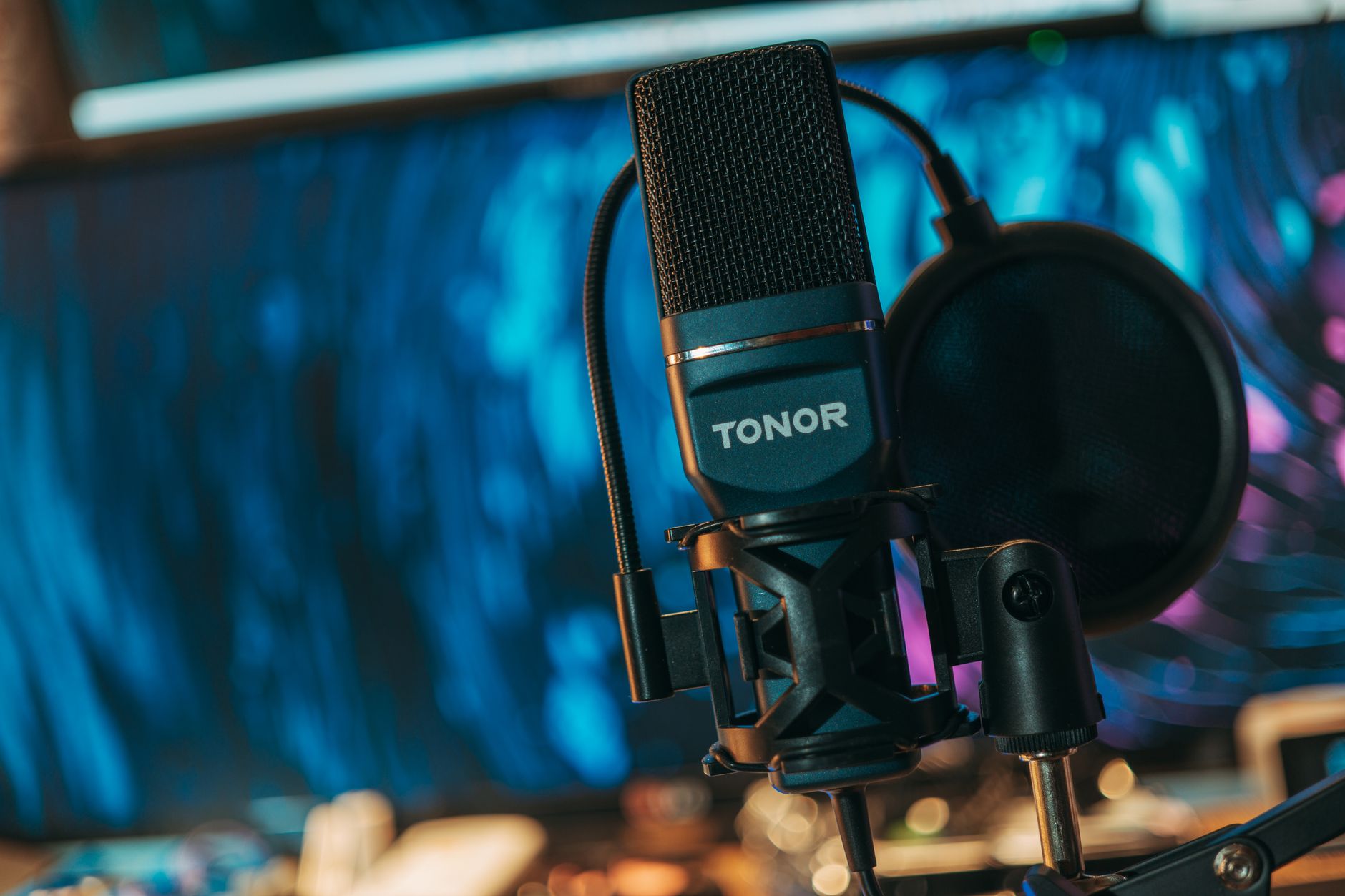
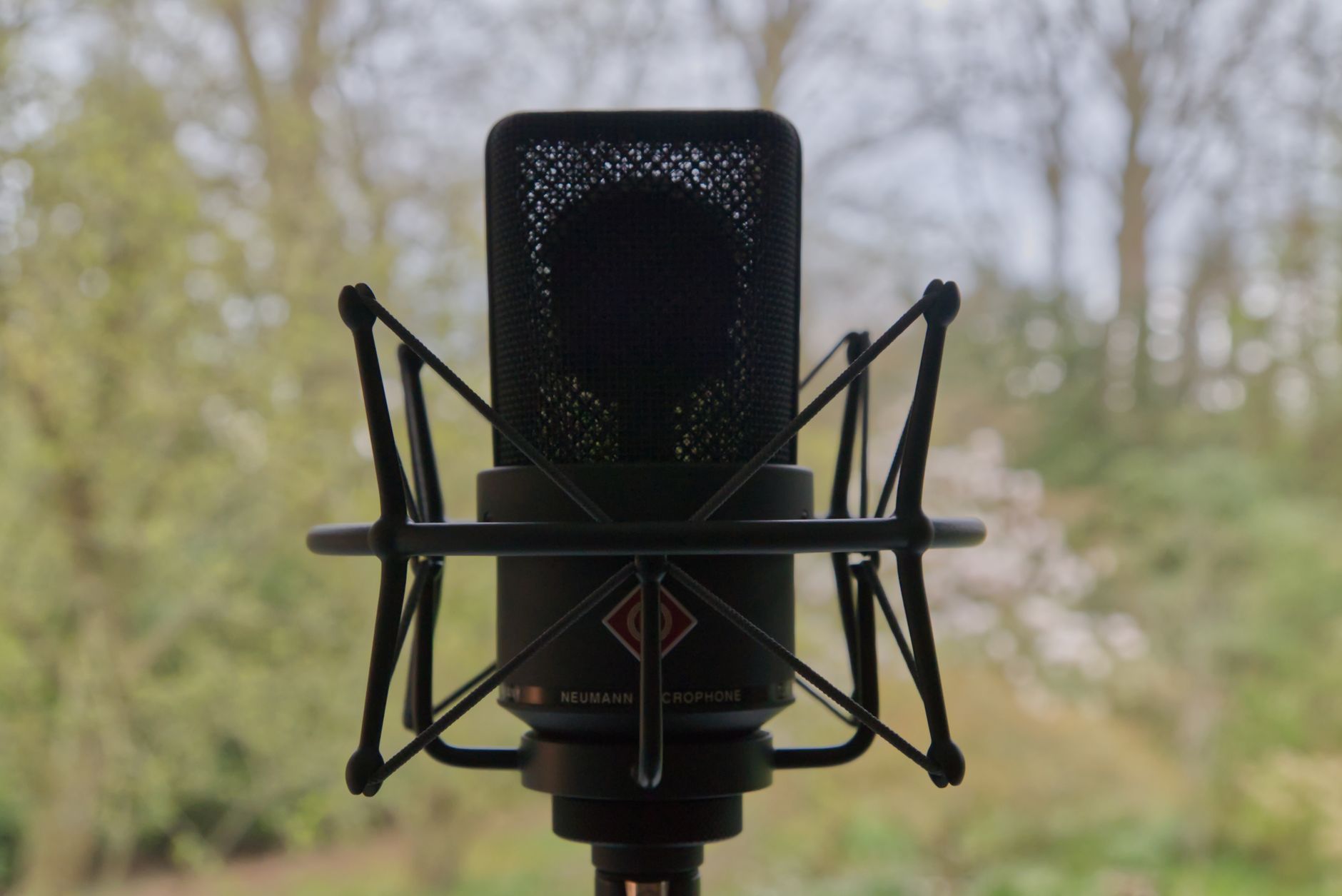 Photo: Tijs de Goei via Pexels
Audio-Technica AT2020
A cardioid condenser that punches well above its price. Expert consensus among recording engineers places the AT2020 alongside microphones costing twice as much for home studio vocals. It requires phantom power (48V from your interface), so confirm your interface provides it before buying.
Key limitation: it’s sensitive. In an untreated room, it will pick up everything — HVAC, traffic, the hum of a PC. If your space is reflective, consider a dynamic instead.
Shure SM58
The SM58 is the most road-tested vocal dynamic microphone ever made. It doesn’t need phantom power, handles high SPLs without clipping, and rejects off-axis noise aggressively — which matters enormously in bedrooms with parallel walls and no acoustic treatment. Based on decades of published use in professional and live contexts, its frequency response carve (presence peak around 5–10kHz, low roll-off) is purpose-built for intelligible vocals.
If you’re recording in an untreated room and can’t hang acoustic panels, start here.
Rode NT1 5th Gen
Stretches the $100 ceiling slightly (street price ~$169) but earns a spot here because nothing else at this price competes on self-noise. Manufacturer-published self-noise spec of 4 dB(A) is near studio-grade. If vocals are your primary use case and your room is reasonably treated, this is where the budget ceiling is worth breaking.
| Product | Price | Type | Polar Pattern | Phantom Required | Best For |
|---|---|---|---|---|---|
| AT2020 | ~$79 | Condenser | Cardioid | Yes | Vocals, acoustic instruments |
| SM58 | ~$99 | Dynamic | Cardioid | No | Untreated rooms, loud sources |
| Rode NT1 5th Gen | ~$169 | Condenser | Cardioid | Yes | Vocals, podcasting, quiet rooms |
Best Headphones for Recording Under $60
Closed-back headphones are non-negotiable for tracking — open-back bleed into your microphone during vocal takes. The Sony MDR-7506 and the Beyerdynamic DT 240 Pro are the two closed-back options with genuine studio credibility under $100.
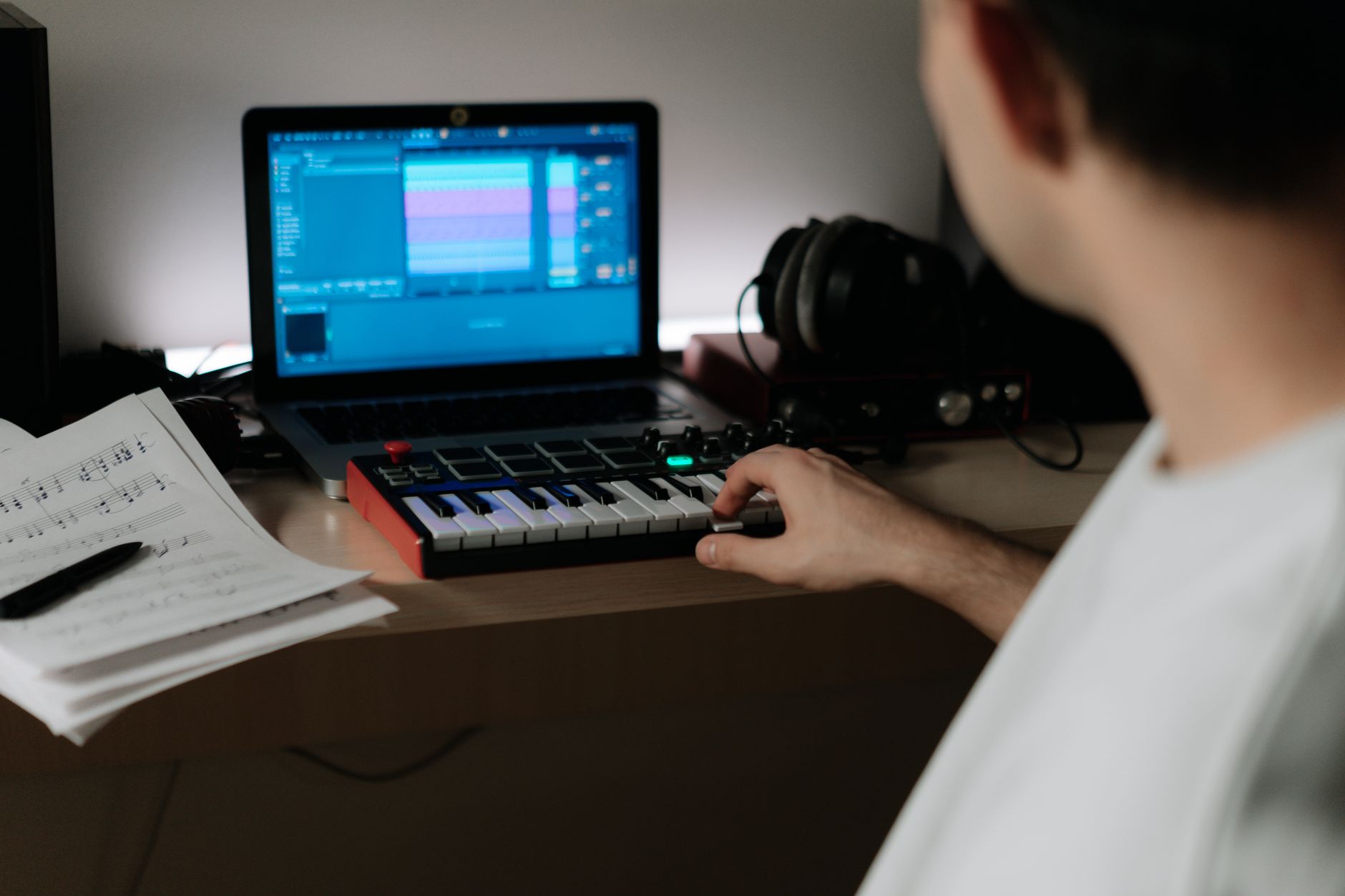
 Photo: Andrew Hawkes via Pexels
Sony MDR-7506
The most-used tracking headphone in professional studios worldwide, based on documented use across broadcast, film, and recording industries. Flat-ish response with a slight 8kHz presence peak makes mix decisions translatable. Folds flat for storage. Coiled cable is annoying for movement but stays out of the way in a fixed position.
Street price typically runs $80–$100 — technically over the $60 target, but they’re frequently discounted.
Audio-Technica ATH-M20x
The entry point to the M-series. At ~$40, expert consensus suggests the ATH-M20x offers better isolation and frequency accuracy than anything else at the price. It won’t flatter your mix — the low end is rolled off — but that’s correct behavior for tracking headphones. Save the flattering listening for mix decisions.
| Product | Price | Type | Impedance | Best For |
|---|---|---|---|---|
| Sony MDR-7506 | ~$90 | Closed-back | 63Ω | Tracking, broadcast, reference |
| ATH-M20x | ~$40 | Closed-back | 47Ω | Budget tracking, beginners |
| Beyerdynamic DT 240 Pro | ~$79 | Closed-back | 35Ω | Comfort-focused home use |
Complete Home Studio Under $200: Three Budget Builds
Different recording goals call for different allocation. Here are three complete rigs that stay at or under $200:
Build 1: The Vocalist’s Rig (~$195)
Best for: Singer-songwriters recording vocals + acoustic guitar
| Item | Product | Price |
|---|---|---|
| Interface | Behringer UMC22 | ~$40 |
| Microphone | AT2020 | ~$79 |
| Headphones | ATH-M20x | ~$40 |
| XLR Cable + Stand | Generic | ~$20 |
| Total | ~$179 |
Leftover budget goes toward a reflection filter or basic foam panels — the AT2020 will reward acoustic treatment more than any gear upgrade.
Build 2: The Untreated Room Rig (~$185)
Best for: Recording in a bedroom with no acoustic treatment
| Item | Product | Price |
|---|---|---|
| Interface | Scarlett Solo Gen 4 | ~$70 |
| Microphone | Shure SM58 | ~$99 |
| Headphones | ATH-M20x | ~$40 |
| XLR Cable | Generic | ~$10 |
| Total | ~$219 |
Slightly over — swap the Scarlett for the UMC22 to hit ~$189, or use headphones you already own.
Build 3: The Podcaster/Content Creator Rig (~$190)
Best for: Voiceover, podcast, streaming — audio clarity over music production
| Item | Product | Price |
|---|---|---|
| Interface | Scarlett Solo Gen 4 | ~$70 |
| Microphone | SM58 (or AT2020 in treated space) | ~$99 |
| Headphones | Sony MDR-7506 | ~$90 |
| XLR Cable | Generic | ~$10 |
| Total | ~$269 |
This build runs over — use the ATH-M20x instead of the MDR-7506 to bring it under $200. The MDR-7506 is the upgrade target once the budget allows.
What to Skip at This Budget
Acoustic treatment is more important than any gear upgrade, but DIY panels cost almost nothing. Don’t buy a branded “vocal booth” under $50 — published user reviews consistently show they create more comb filtering than they solve. Record in a walk-in closet with clothes around you first.
Studio monitors aren’t necessary at this stage. Your interface headphone output and closed-back headphones will serve you better than cheap near-field monitors with uncalibrated low end in an untreated room. Monitors are a room investment, not just a speaker purchase.
USB microphones are fine for podcasting but limit your upgrade path — you can’t add a better preamp later. An XLR microphone into an interface costs the same now and keeps every option open.
→ See Also
- The Complete Budget Home Studio Guide (2026) — full system design from scratch, room treatment, DAW selection
- Cheapest Way to Start Recording Music — single-piece solutions for the absolute floor
- Best Home Recording Gear Under $50 — when the budget is truly minimal
FAQ
Do I need a DAW to record with a USB audio interface? Most interfaces include a free DAW — the Scarlett Solo ships with Ableton Live Lite and Pro Tools Intro, which are fully functional recording environments. You can record, edit, and export without spending anything additional.
Can I use a condenser microphone in an untreated bedroom? Yes, but you’ll hear the room. Condensers pick up reflections off hard walls — parallel surfaces create flutter echo that sounds amateurish regardless of mic quality. Record in a corner with soft furnishings around you, or use a dynamic microphone until you can treat the space.
Is 24-bit/192kHz worth it at this budget level? For recording, 24-bit matters (more headroom before clipping); 192kHz doesn’t at this stage — 44.1kHz or 48kHz captures the full audible range. Most interfaces in this range support both, so the spec is a non-issue, but don’t pay a premium for high sample rates.
What’s the difference between a cardioid condenser and a dynamic microphone for home recording? A cardioid condenser is more sensitive and accurate — better for quiet vocals, acoustic instruments, and controlled environments. A dynamic microphone handles high SPLs, rejects more room noise, and is more forgiving in untreated spaces. Most home studios benefit from owning one of each eventually; start with the one that matches your room.
Do I need phantom power for every microphone? Only condenser microphones require 48V phantom power. Dynamic microphones (SM58, SM7B) and ribbon microphones do not — and applying phantom power to some ribbon mics can damage them. Every audio interface in this guide provides phantom power via a switch or button; confirm it’s available before buying a condenser.
Can this setup compete with professional studio recordings? For vocals, guitar, and podcast content, yes — the gap between a well-setup home studio and a professional recording is mostly acoustic treatment and the skill of the performer, not the gear. Published audio comparisons consistently show AT2020 recordings through a Scarlett interface are indistinguishable from mid-tier professional setups when the room and performance are controlled.
Editorial methodology: Assessments are based on manufacturer specifications, published user reviews, and editorial research. Physical hands-on testing is noted explicitly where it occurred. Rankings reflect our editorial judgment and are not influenced by affiliate commission rates. Full editorial policy · Affiliate disclosure