Contents
Guitar Recording Equipment: What You Actually Need (2026)
TL;DR: To record electric guitar at home you need: an audio interface with a Hi-Z instrument input (~$120), a ¼″ cable, a DAW, and either an amp sim plugin or a microphone + mic stand. Acoustic guitar needs the same interface plus a condenser mic and XLR cable. Everything else — preamps, compressors, external gear — comes later.
| Budget | Electric Guitar Setup | Approximate Cost |
|---|---|---|
| $0 | Phone + free DAW (GarageBand) | $0 |
| Starter | Focusrite Scarlett Solo + amp sim | ~$200 total |
| Mid | Scarlett 2i2 + SM57 + stand | ~$350 total |
| Full | UA Volt 176 + SM57 + AT2020 | ~$500 total |
The Core Guitar Recording Gear Chain
To record guitar you need four things in sequence: instrument → interface → computer → DAW. Everything else is optional. The interface is the only specialized piece of equipment — it converts your guitar’s analog signal to digital and gives you a Hi-Z instrument input that matches a guitar pickup’s impedance.
Here’s the signal path for a direct (DI) electric guitar recording:
Guitar → ¼″ instrument cable → Audio interface (Hi-Z input) → USB → DAWAnd for a mic’d amp setup:
Guitar → amp → microphone → XLR cable → audio interface (mic preamp) → USB → DAWFor acoustic guitar, the path is almost always mic-based:
Acoustic guitar → microphone (condenser) → XLR cable → audio interface → USB → DAWAudio Interface: The One Non-Negotiable Piece
An audio interface is required for any serious guitar recording. A standard computer line input or USB port has the wrong impedance for a guitar pickup and adds noise. An interface with a Hi-Z instrument input presents the correct load (~1 MΩ), preserves your tone, and gives you low-latency monitoring while you play.
| Interface | Price | Inputs | Best For |
|---|---|---|---|
| Focusrite Scarlett Solo (4th Gen) | ~$120 | 1 instrument + 1 line | Solo guitar, one mic |
| Focusrite Scarlett 2i2 (4th Gen) | ~$160 | 2 combo (mic or instrument) | Guitar + vocals simultaneously |
| UA Volt 176 | ~$200 | 2 combo | Analog compression on the way in |
| MOTU M2 | ~$200 | 2 combo | Lowest latency for amp sim playing |
For most players, the Scarlett Solo handles everything. Step up to the 2i2 only if you want to record guitar and vocals at the same time — the Solo physically cannot do two simultaneous combo inputs.
→ Full comparison: Best Audio Interface for Guitar (2026)
Cables
You need two types of cable depending on your setup:
- ¼″ instrument cable — connects guitar to interface instrument input. Any standard guitar cable works; length matters less than shielding quality.
- XLR cable — needed only if you’re using a microphone. Required for condenser mics and to mic a guitar amp. The interface end accepts XLR; the mic end is XLR female.
A $10–15 instrument cable and a $10–15 XLR cable are sufficient. There is no audible difference at home-studio monitoring levels between a budget and premium cable once shielding is adequate.
DAW (Recording Software)
A DAW (Digital Audio Workstation) is the software that records, edits, and mixes your guitar tracks. Most DAWs cost $0–$300; the free options are fully functional for guitar recording.
| DAW | Price | Platform | Notes |
|---|---|---|---|
| GarageBand | Free | Mac / iOS | Built-in amp sims, easy to learn |
| Reaper | $60 (indie) | Win / Mac / Linux | Full-featured, low CPU |
| Logic Pro | $200 (one-time) | Mac only | Best amp sims built-in |
| Ableton Live Intro | Free (limited) | Win / Mac | Better for loops/production |
| Pro Tools | Subscription | Win / Mac | Industry standard; overkill for home |
GarageBand is the fastest starting point on Mac. Reaper has the best value at $60 for a full license. Logic Pro’s built-in amp sims are competitive with third-party options at much higher prices.
Amp Sim vs. Microphone: Which Should You Use?
Direct (DI) recording with an amp sim plugin is the default for home electric guitar recording. Miking a real amp gives more authentic tone but requires treatment, isolation, and more gear. For acoustic guitar, a condenser microphone is almost always the better path.
| Method | Pros | Cons | Best For |
|---|---|---|---|
| DI + amp sim | Silent, zero bleed, infinite tone options | Requires learning the plugin | Home recording, apartments |
| Mic’d amp | Authentic speaker breakup, room sound | Noise, needs treatment | Dedicated space, tracking sessions |
| Acoustic mic | Natural acoustic tone, captures room | Needs quiet environment | Acoustic guitar, classical |
The best free amp sims: Amplitube Custom Shop (free tier), Neural DSP Quad Cortex (paid), Line 6 Helix Native (paid). For most guitarists, the free tier in GarageBand or Logic Pro outperforms many dedicated amp sims at the same price point.
→ For acoustic guitar DI (piezo pickup → interface): How to Record Acoustic Guitar Direct (DI) → For recording without an amp at all: How to Record Guitar Without an Amp
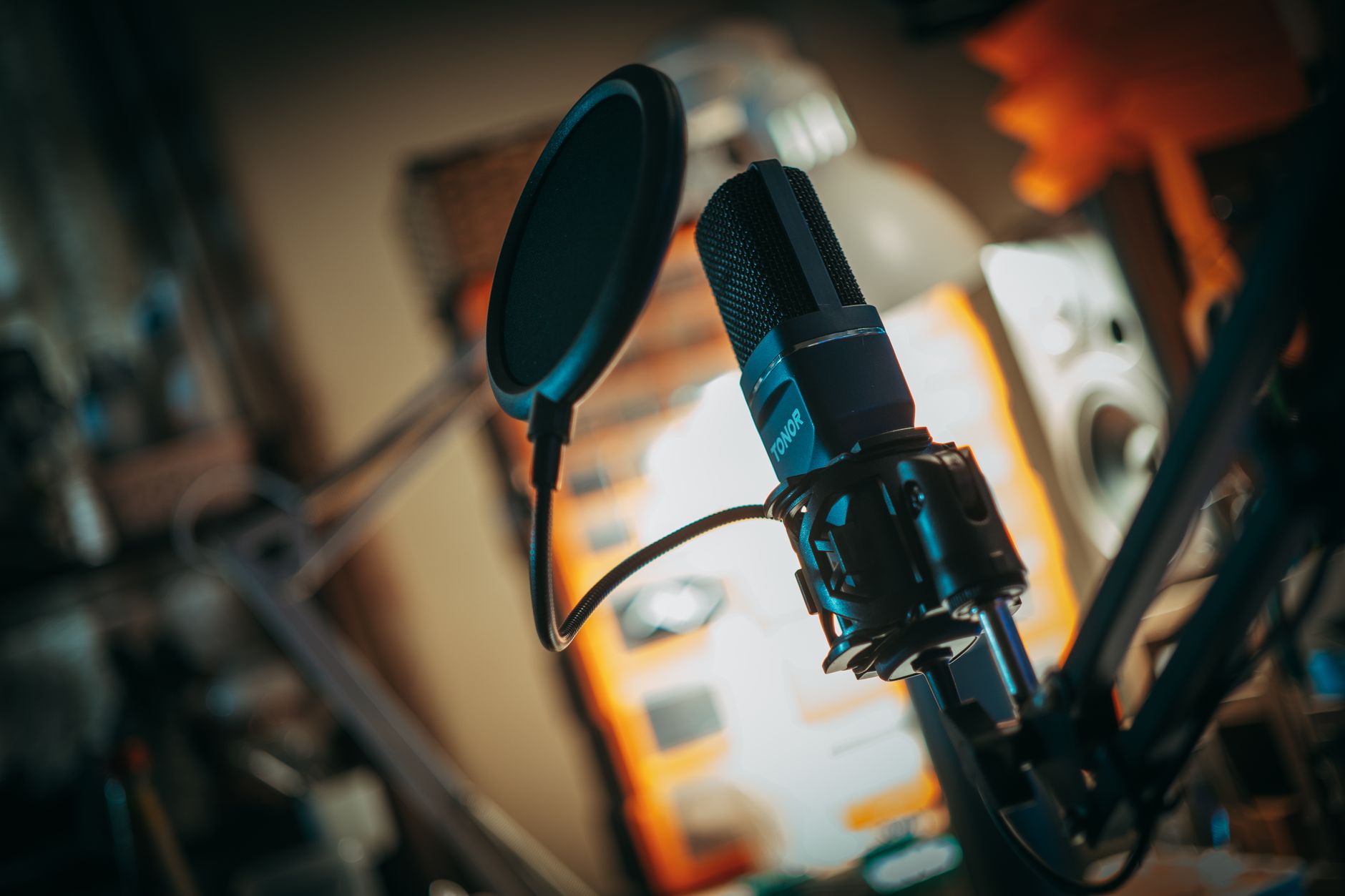
Microphone (Optional for Electric, Required for Acoustic)
For electric guitar, a microphone is optional — you need one only if you’re miking a real amp. For acoustic guitar, a condenser microphone is the standard approach because acoustic pickups rarely capture the full body tone.
| Microphone | Price | Type | Best For |
|---|---|---|---|
| Shure SM57 | ~$99 | Dynamic | Close-miking electric guitar amps |
| Audio-Technica AT2020 | ~$89 | Condenser | Acoustic guitar, vocals, reference |
| Rode NT1 5th Gen | ~$169 | Condenser | Studio acoustic guitar, low-noise vocals |
| AKG P170 | ~$70 | Small-diaphragm condenser | Acoustic guitar (more precise off-axis) |
The SM57 is the industry standard for guitar amp miking — on a cab, close-miked at the edge of the dust cap or slightly off-axis. For acoustic guitar, an AT2020 captures the full frequency range including string attack and body resonance.
Headphones and Monitors
You need headphones or studio monitors to hear what you’re recording. Consumer earbuds and laptop speakers add frequency coloring that makes mixing decisions unreliable.
- Budget headphones: Sony MDR-7506 (~$90) — flat response, long-standing studio standard
- Mid-range: Audio-Technica ATH-M50x (~$150) — wider soundstage, good for tracking
- Studio monitors (speakers): Yamaha HS5 (~$400/pair) or Yamaha HS7 — requires treated room
For tracking (recording), closed-back headphones prevent bleed. For mixing, open-back headphones or monitors with acoustic treatment give more accurate imaging.
Full Starter Setup by Budget
$200 starter (electric guitar, DI):
- Focusrite Scarlett Solo (~$120)
- ¼″ instrument cable (~$15)
- GarageBand (free)
- Stock headphones you own
$350 mid (electric guitar, mic + DI options):
- Focusrite Scarlett 2i2 (~$160)
- Shure SM57 (~$99)
- XLR cable (~$15)
- Instrument cable (~$15)
- Reaper DAW ($60)
$500 full (electric + acoustic):
- UA Volt 176 (~$200)
- Shure SM57 (
$99) + Audio-Technica AT2020 ($89) - XLR cables × 2 (~$30)
- Instrument cable (~$15)
- Sony MDR-7506 headphones (~$90)
→ See also
- Best Audio Interface for Guitar (2026)
- Record Guitar Without an Amp
- How to Record Guitar at Home
- DI Guitar Recording: Getting Great Tone Direct
Editorial methodology: Gear selections are based on published specifications, long-running user consensus, and editorial research. Rankings reflect our editorial judgment and are not influenced by affiliate commission rates. Full editorial policy · Affiliate disclosure