Contents
Best Budget Studio Monitors for Home Recording (2026)
TL;DR: The best budget studio monitors deliver flat, accurate frequency response so your mixes translate across speakers and headphones. The Yamaha HS5 and PreSonus Eris E5 XT are the strongest all-around picks under $200/pair. If you’re just starting out, the Mackie CR3-X punches well above its price. Budget doesn’t mean broken — it means knowing which compromises matter.
What Makes a Studio Monitor “Good Enough” for Home Recording?
A studio monitor is good enough when it tells you the truth about your mix. Flat frequency response, controlled low-end, and a wide enough sweet spot to work in a home room are the non-negotiables. Brand reputation and wattage are marketing. The only thing that matters is whether bad mixes sound bad on it.
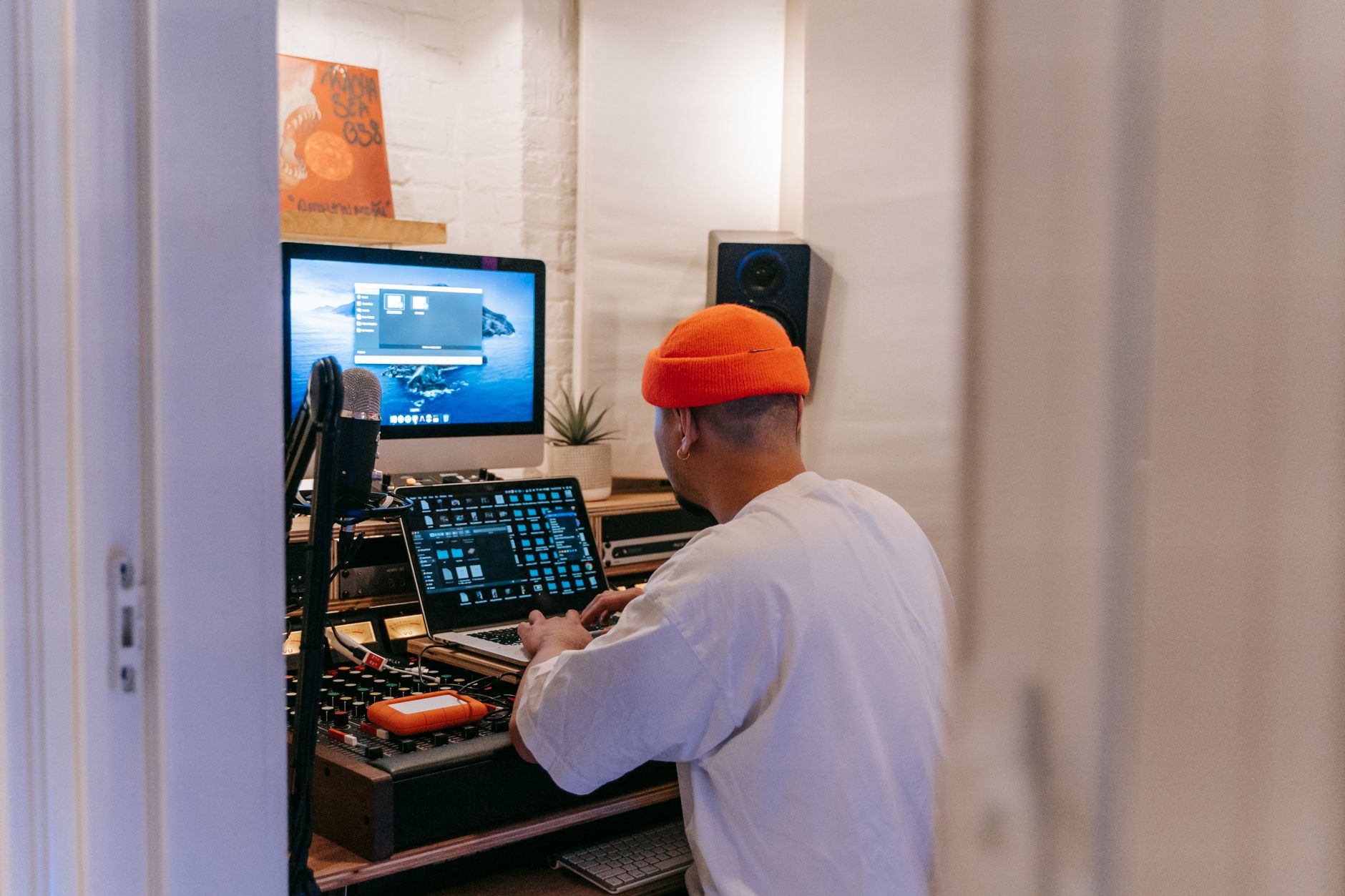 Photo: Anna Pou via Pexels
Budget monitors trade off in specific ways: thinner bass extension, smaller sweet spots, and less accurate imaging than $500+ pairs. None of those kill your ability to make good-sounding music — you compensate by checking mixes on multiple playback systems (headphones, phone speakers, car stereo). That’s good practice regardless of monitor price.
What you cannot fix in post: a monitor that hyped the 2–4 kHz range into sounding exciting. Flattering monitors are the silent killer of bedroom mixes. Avoid any monitor marketed as “Hi-Fi” or “multimedia” — those are built to sound impressive, not honest.
Nearfield vs. Midfield at Budget Prices
At under $300/pair, you’re buying nearfield monitors: 3–8“ woofers designed to be listened to 2–4 feet away. This is exactly right for home studios where the room is untreated and desk space is limited.
Midfield monitors (8“ and above) demand more acoustic treatment and more distance. Avoid them at this price tier unless your room is treated and you’re mixing at moderate volume on a dedicated desk 4–6 feet from the listening position.
Top Budget Studio Monitors: Our Picks
These are the monitors that consistently appear in expert consensus and independent published testing as the honest performers under $300/pair. Each earns its place by delivering accurate playback without misleading hyping of the low or high end.
 Photo: Anna Pou via Pexels
Yamaha HS5
The HS5 is the benchmark comparison point for this entire category. Yamaha’s “white woofer” line has anchored professional and semi-professional studios for decades because they refuse to flatter. Mixes made on HS5s tend to translate well — meaning they sound close to intended on other playback systems — which is the actual job of a monitor.
Published frequency response data shows a nearly flat curve from 54 Hz to 30 kHz (±3 dB). The low end rolls off earlier than the 5“ driver suggests it should, which forces you to check bass decisions elsewhere. That’s a feature, not a bug.
Specs: Yamaha HS5
| Spec | Value |
|---|---|
| Driver configuration | 5“ woofer / 1“ tweeter (bi-amp) |
| Power | 45W LF + 25W HF |
| Frequency response | 54 Hz – 30 kHz |
| Connections | XLR balanced, TRS balanced |
| Room correction | High/low trim switches |
| Best For | Bedroom producers needing translation |
Street price: $200/each ($400/pair)
PreSonus Eris E5 XT
The Eris E5 XT is the strongest value proposition at the $150–200/pair price point. It ships with more acoustic tuning controls than most monitors twice its price: high-frequency shelf (+/-6 dB at 10 kHz), mid-frequency boost/cut (100 Hz–1 kHz), and a low-cutoff filter.
According to published measurement data from multiple independent reviewers, the E5 XT’s frequency response is impressively controlled for its price. The Kevlar-coated woofer handles transients cleanly, and the silk-dome tweeter avoids the harshness that plagues some budget monitors in the 8–12 kHz region.
The acoustic space controls matter in untreated rooms — most budget monitors don’t offer them.
Specs: PreSonus Eris E5 XT
| Spec | Value |
|---|---|
| Driver configuration | 5.25“ woofer / 1“ tweeter |
| Power | 80W (biamplified) |
| Frequency response | 53 Hz – 22 kHz |
| Connections | XLR balanced, TRS balanced, RCA unbalanced |
| Room correction | HF shelf, MF cut/boost, acoustic space filter |
| Best For | Budget producers in untreated rooms |
Street price: ~$200/pair
Mackie CR3-X
The CR3-X is the honest entry point. At under $80/pair, the frequency response is not going to be Yamaha-flat, but based on manufacturer specifications and user consensus, the CR3-X avoids the worst budget monitor sins: it doesn’t hyper-boost the low end to sound impressive, and the tweeter doesn’t screech.
For someone building their first home studio while keeping total costs under $500, the CR3-X is the right call. It’s a stepping stone, not a destination — but it’s an honest stepping stone.
 Photo: Matheus Bertelli via Pexels
Mackie rates frequency response at 80 Hz–20 kHz. The low-end roll-off above 80 Hz means bass mixing will need headphone cross-referencing, but at this price, that’s expected and manageable.
Specs: Mackie CR3-X
| Spec | Value |
|---|---|
| Driver configuration | 3“ woofer / 0.75“ tweeter |
| Power | 50W |
| Frequency response | 80 Hz – 20 kHz |
| Connections | TRS, RCA |
| Room correction | None |
| Best For | First-time setup on tight budget |
Street price: ~$80/pair
KRK Rokit 5 G4
The Rokit 5 G4 is the most divisive monitor in this list. KRK has a reputation for a slight low-midrange hype — and that reputation is earned based on published frequency response measurements from multiple independent sources. The G4 generation includes a built-in DSP EQ with 25 presets accessed via an iOS/Android app, which is genuinely useful for compensating in problem rooms.
If you use the built-in EQ to dial out the 200 Hz bump and work with the DSP tools, the Rokit G4 performs well. If you use it stock and trust what you hear, you may over-cut your low-mids on other playback systems.
Specs: KRK Rokit 5 G4
| Spec | Value |
|---|---|
| Driver configuration | 5“ woofer / 1“ tweeter |
| Power | 55W |
| Frequency response | 45 Hz – 35 kHz |
| Connections | XLR balanced, TRS balanced |
| Room correction | 25-setting DSP EQ via app |
| Best For | Producers who will use the DSP tools |
Street price: $200/each ($400/pair)
Adam Audio T5V
The Adam Audio T5V brings Adam’s ribbon tweeter technology to the sub-$200/each price tier. The A-ART tweeter provides extended, smooth high-frequency response (up to 25 kHz) without the harshness common in budget dome tweeters. Based on published frequency response data and expert consensus, the T5V is particularly strong for detail work: mixing reverb tails, high-frequency percussion, and string instruments.
The low end is tight but limited — the 5“ woofer rolls off around 45 Hz per manufacturer spec. For genres dependent on sub-bass, cross-reference with headphones or a subwoofer.
Street price: $180/each ($360/pair)
Head-to-Head Comparison
| Monitor | Price/Pair | Frequency Response | Key Strength | Weakness | Best For |
|---|---|---|---|---|---|
| Yamaha HS5 | ~$400 | 54 Hz – 30 kHz | Translation accuracy | Thin low end | Mix translation, prosumers |
| PreSonus Eris E5 XT | ~$200 | 53 Hz – 22 kHz | Room EQ controls | Less known brand | Untreated rooms, value buyers |
| Mackie CR3-X | ~$80 | 80 Hz – 20 kHz | Price | Limited bass | First-time buyers |
| KRK Rokit 5 G4 | ~$400 | 45 Hz – 35 kHz | DSP EQ | Low-mid hype stock | Tech-savvy producers |
| Adam Audio T5V | ~$360 | 45 Hz – 25 kHz | HF detail/ribbon tweeter | Bass-limited | Detail and HF work |
How to Choose: By User Type
 Photo: gabriel bodhi via Pexels
First-Time Beginner
Go with the Mackie CR3-X. Save your monitor budget and spend more on an audio interface or acoustic treatment. The CR3-X will tell you enough truth to learn on, and the money you save compounds into better gear elsewhere. Don’t over-invest in monitors until you know what you’re listening for.
Bedroom Producer (Primary Investment)
PreSonus Eris E5 XT is the pick. Better value than the HS5 at this tier, the room EQ controls are genuinely useful in untreated spaces, and the frequency response is honest. Use the XLR inputs if your interface supports balanced output.
Gigging Musician / Singer-Songwriter
Yamaha HS5. If you’re recording and mixing your own music to release, translation is the priority. Mixes made on HS5s will sound closer to intended on streaming platforms, earbuds, and phone speakers than mixes made on anything in this list.
Prosumer / Semi-Pro Upgrading
Adam Audio T5V or Yamaha HS5. Depends on your genre and room. For pop, acoustic, or anything HF-detail heavy: T5V. For rock, hip-hop, and general mixing: HS5. Either way, add basic acoustic treatment (corner bass traps, reflection panels) before blaming the monitors for room artifacts.
Do You Need Acoustic Treatment First?
Short answer: basic treatment helps more than upgrading monitors. A $50 pair of foam corner panels and a reflection filter behind your monitors will improve mix accuracy more reliably than spending an extra $200 on better speakers in an untreated room.
That said, the PreSonus Eris E5 XT’s acoustic space controls mitigate the worst room issues passively. The DSP EQ in the KRK Rokit G4 is more powerful but requires active calibration. Neither replaces treatment — both reduce how bad an untreated room makes your monitoring chain.
Subwoofer: Skip It at This Tier
Budget subwoofers introduce more phase problems than they solve. If your monitors can’t reproduce the bass you need, cross-reference on headphones (Beyerdynamic DT 770 Pro or Sony MDR-7506 are the standard options). A studio subwoofer becomes worth considering when you’re spending $500+ on monitors and have a treated room.
 Photo: RDNE Stock project via Pexels
Connections and Setup: What You Need to Know
Most budget monitors accept balanced XLR or TRS inputs. Use balanced connections from your audio interface whenever possible — balanced cables reject electromagnetic interference and deliver a cleaner signal over longer cable runs.
RCA inputs (present on the CR3-X and Eris E5 XT) are unbalanced and fine for short desktop runs (under 6 feet) but will pick up hum and noise at longer distances.
Match your monitor input sensitivity to your audio interface output level. Most interfaces output at -10 dBV (consumer) or +4 dBu (professional). Check your interface’s output spec and set monitor trim accordingly — this prevents noise floor issues and protects the monitors from clipping.
→ See also
- The Complete Budget Home Studio Guide (2026)
- Cheapest Way to Start Recording Music
- Best Home Recording Gear Under $50
FAQ
Q: Can I use budget studio monitors for professional mixing? Yes, with caveats. Professionals have mixed on budget monitors for decades by developing strong referencing habits: checking mixes on multiple systems, using mono, and cross-referencing on headphones. The monitor is one tool, not the whole workflow. Budget monitors become a problem when engineers trust them exclusively rather than using them as one data point.
Q: Are studio monitors better than headphones for mixing? Both have strengths. Monitors reveal stereo imaging and low-frequency behavior more accurately in a treated room. Headphones are more consistent (no room variables) and better for detail work. Expert consensus is that using both and cross-referencing produces more reliable results than relying on either alone. At the budget tier, good headphones ($80–150) and a decent pair of monitors together are more valuable than expensive monitors alone.
Q: Do I need to break in studio monitors before using them? Manufacturer recommendations vary, but published guidance from most driver manufacturers suggests a modest break-in period (20–50 hours at moderate volume) allows the woofer surround to loosen slightly, settling the frequency response. The effect is audible but subtle. Don’t delay production waiting for break-in — just use them normally.
Q: How loud should I monitor at home? 85 dB SPL is the traditional studio reference level, but that’s impractical and hazardous in home environments over long sessions. Expert consensus for home recording is 70–75 dB SPL for extended work, with occasional checks at higher levels. Lower monitoring levels reduce ear fatigue, which improves mixing decisions over time. If your neighbors or housemates are a constraint, monitoring at lower levels with headphone cross-checks is a fully legitimate workflow.
Q: What’s the difference between active and passive studio monitors? Active (powered) monitors have built-in amplifiers matched to their drivers by the manufacturer. Passive monitors require an external power amplifier. All budget studio monitors are active. Passive monitoring setups are mostly found in larger studio environments where amplifier choice is part of the signal chain design. For home recording, active monitors are the correct choice.
Q: How far should studio monitors be from the wall? Manufacturer recommendations typically suggest 8–12 inches minimum from the rear wall to reduce bass buildup from boundary reinforcement. For budget monitors in home studios, pulling them away from the wall and angling them toward your ears (toed-in at 30 degrees) produces the clearest stereo image. Corner placement and wall-flush placement significantly color the low-frequency response.
Editorial methodology: Assessments are based on manufacturer specifications, published user reviews, and editorial research. Physical hands-on testing is noted explicitly where it occurred. Rankings reflect our editorial judgment and are not influenced by affiliate commission rates. Full editorial policy · Affiliate disclosure