Contents
Do You Need a Mixer for a Home Studio?
TL;DR: Most home recording setups don’t need a mixer. An audio interface handles gain control, routing, and DAW connectivity — the core jobs a mixer does — in a smaller, cheaper package. You only need a mixer if you’re recording 8+ simultaneous sources, mixing a live band to front-of-house, or running a hardware-heavy hybrid setup where analog summing matters.
Do I Need a Mixer for Home Recording?
No. A USB audio interface replaces a mixer for the vast majority of home studio work. Interfaces handle mic preamps, phantom power, analog-to-digital conversion, and DAW routing in one unit. Mixers add cost, desk space, and signal-chain complexity without improving your recordings unless you have a specific use case — live performance, large channel counts, or analog summing.
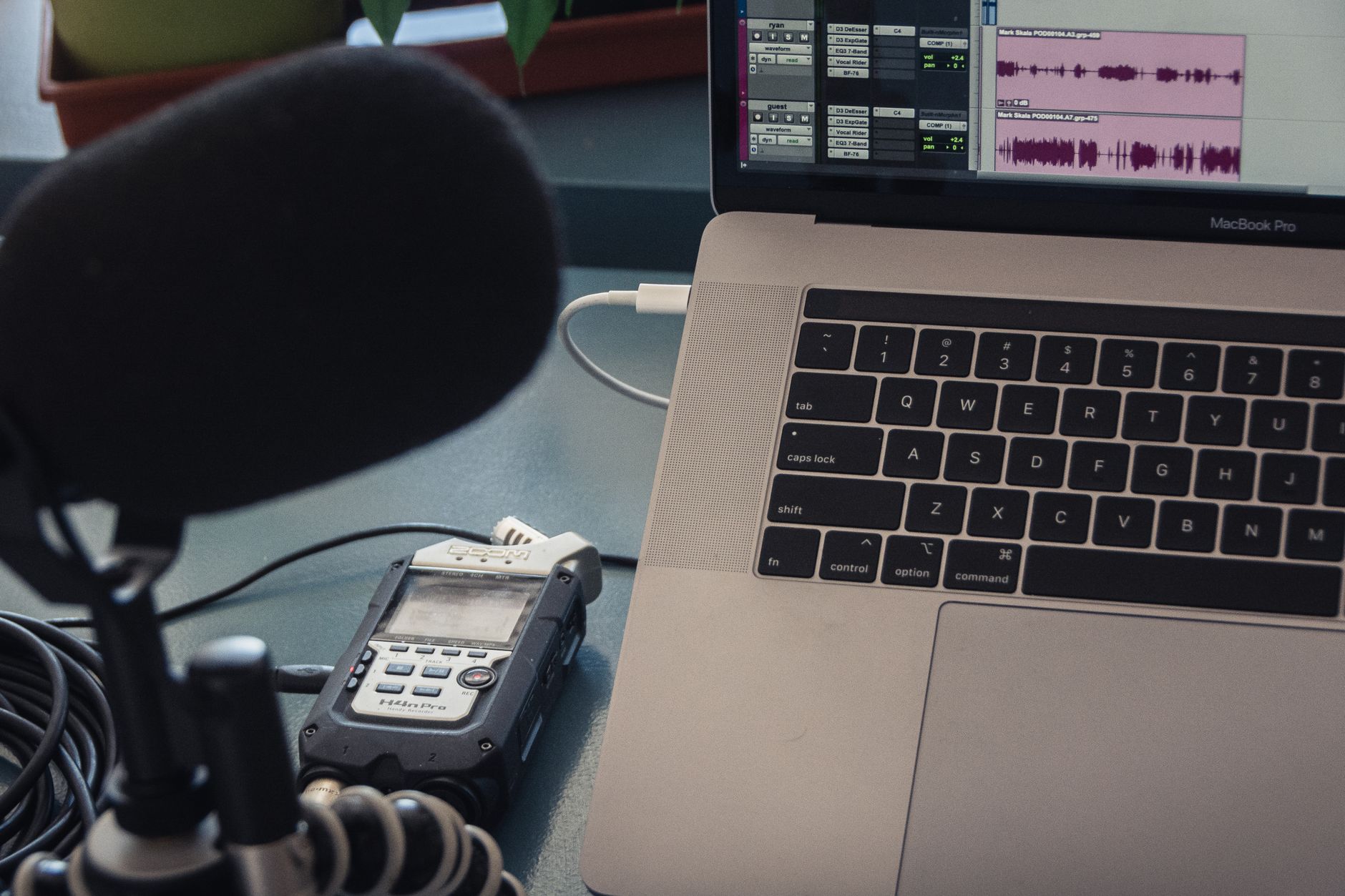
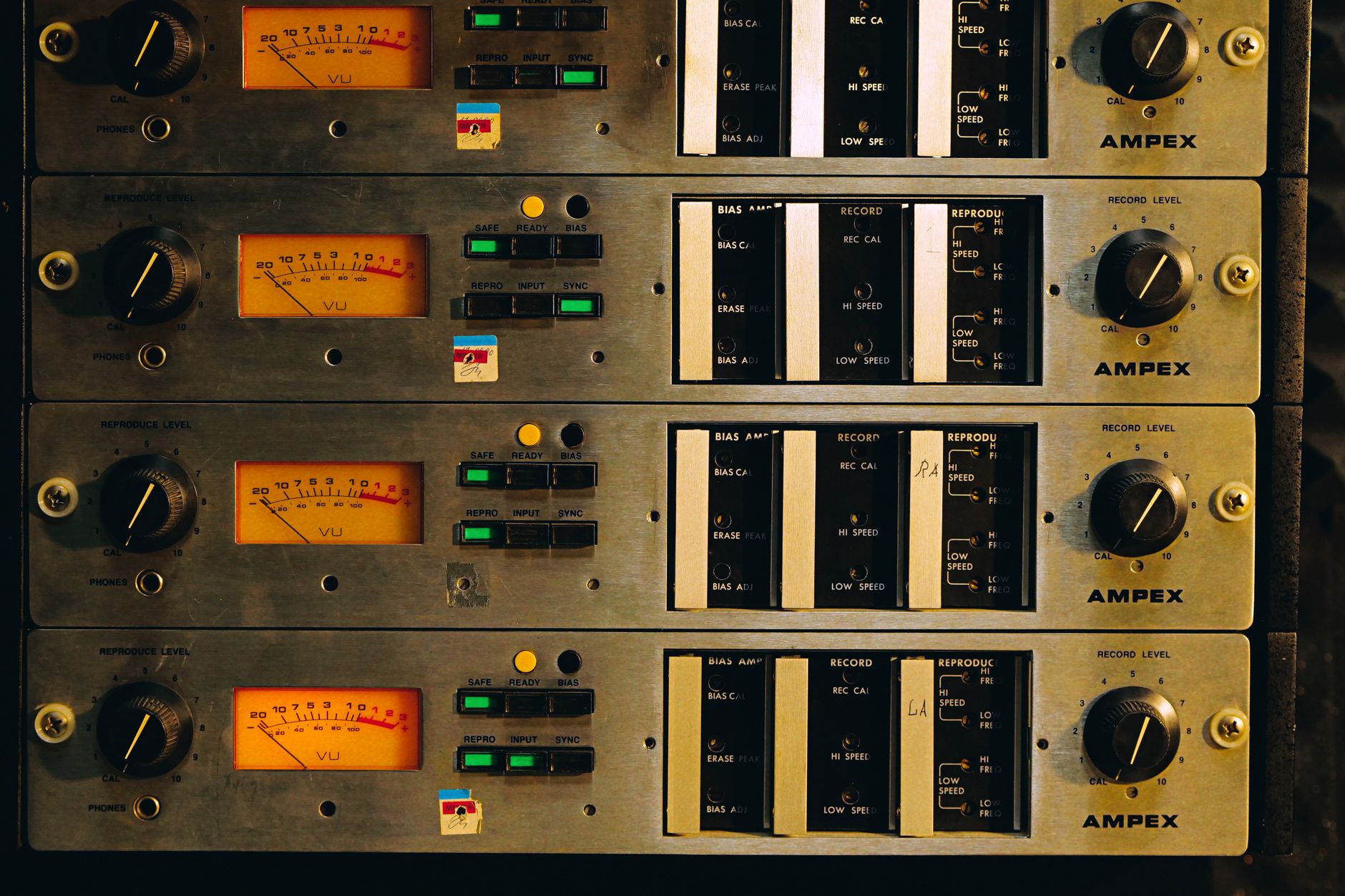 Photo: Nikita Korchagin via Pexels
The confusion is understandable. Mixers look like “the thing you use to record music.” They have faders, EQ knobs, channel strips — the works. But that mental image comes from commercial studios built around tape machines, where the mixer was the routing hub.
In a DAW-centered home studio, your software is the mixer. Every fader, pan, bus, and aux send lives inside your session. The audio interface is just the on-ramp: it gets signal from your microphone or instrument into the DAW cleanly, with enough gain and low enough noise to work with.
A typical interface like the Focusrite Scarlett Solo gives you one mic preamp with phantom power, one instrument input, direct monitoring, and USB bus power for under $120. That covers: vocals, acoustic guitar, electric guitar DI, voiceover, and podcast recording — all without a mixer in the chain.
What a Mixer Actually Does
A mixer combines multiple audio signals into a summed output, applies gain and EQ per channel, and routes to destinations like monitors, recorders, or PA systems. In a home studio, the DAW does all of this in software — which is more flexible, cheaper, and non-destructive.
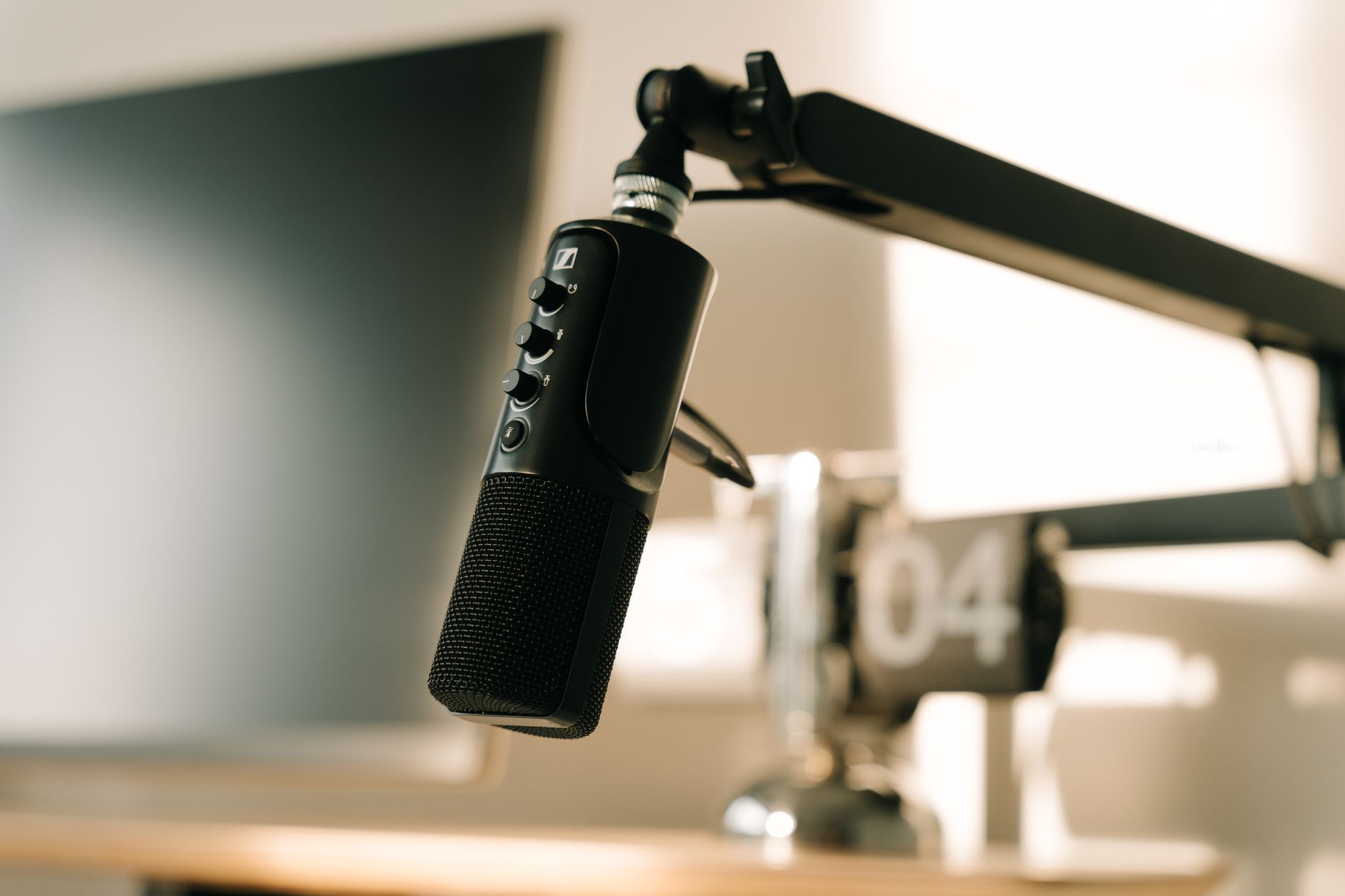
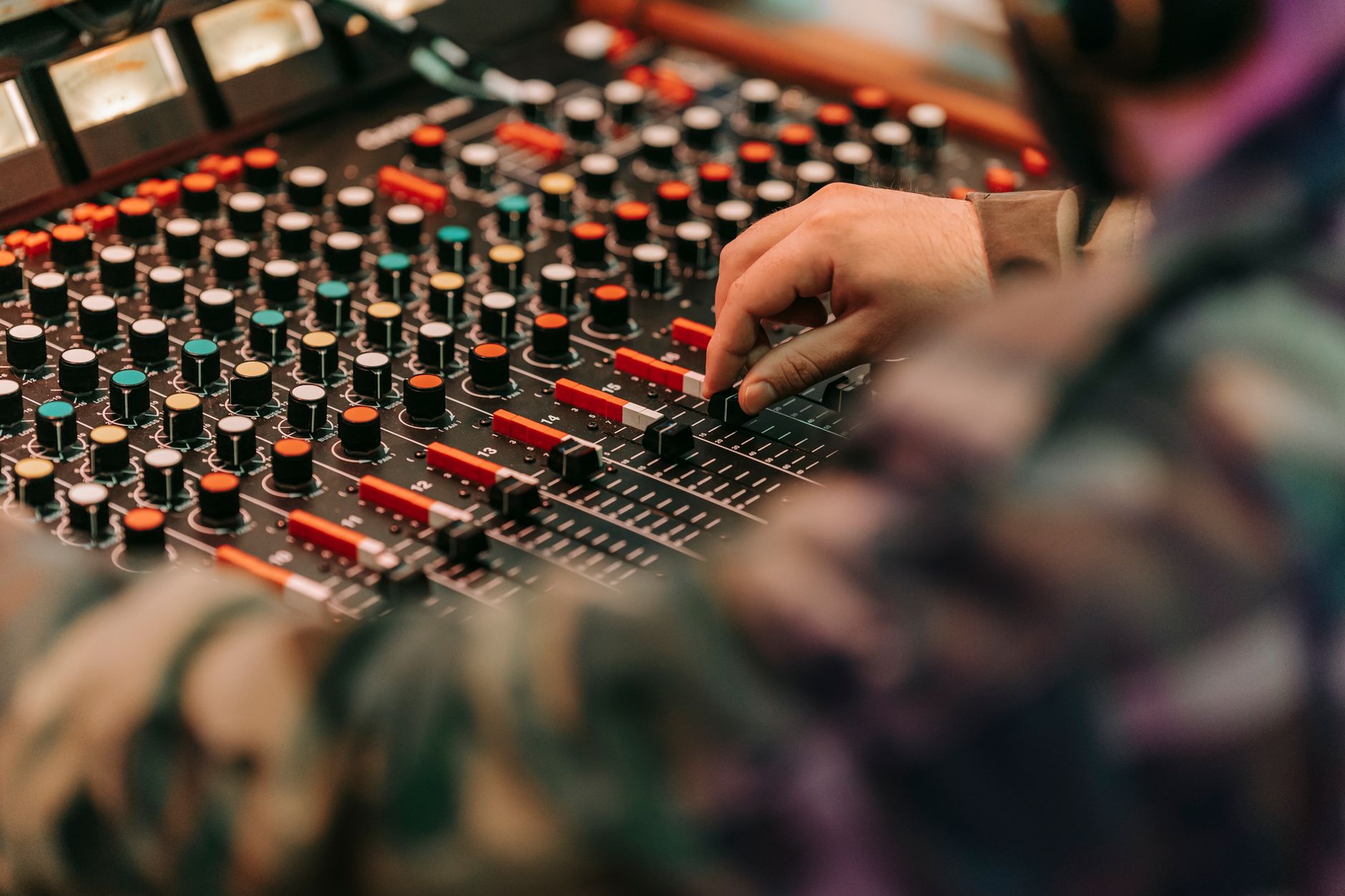 Photo: Anna Pou via Pexels
Here’s the actual job list of a mixer:
| Function | Mixer | DAW + Interface |
|---|---|---|
| Mic preamp + phantom power | Yes | Yes (interface) |
| Gain staging per channel | Yes | Yes (software) |
| EQ per channel | Yes | Yes (plugins) |
| Routing to buses/sends | Yes | Yes (software) |
| Analog summing | Yes | No (digital) |
| Real-time hardware monitoring | Yes | Yes (interface) |
| DAW integration | Limited | Native |
The only column where a mixer wins without qualification is analog summing — and that’s a nuance that matters only when you’re working at a high enough level that the difference between analog and digital summing is audible and worth the workflow cost.
When You Actually Do Need a Mixer
You need a mixer when your session requires more simultaneous inputs than your interface provides, you’re doing live sound reinforcement, or you want to run external hardware through an analog summing bus. These are real use cases — they’re just uncommon in a typical home studio.
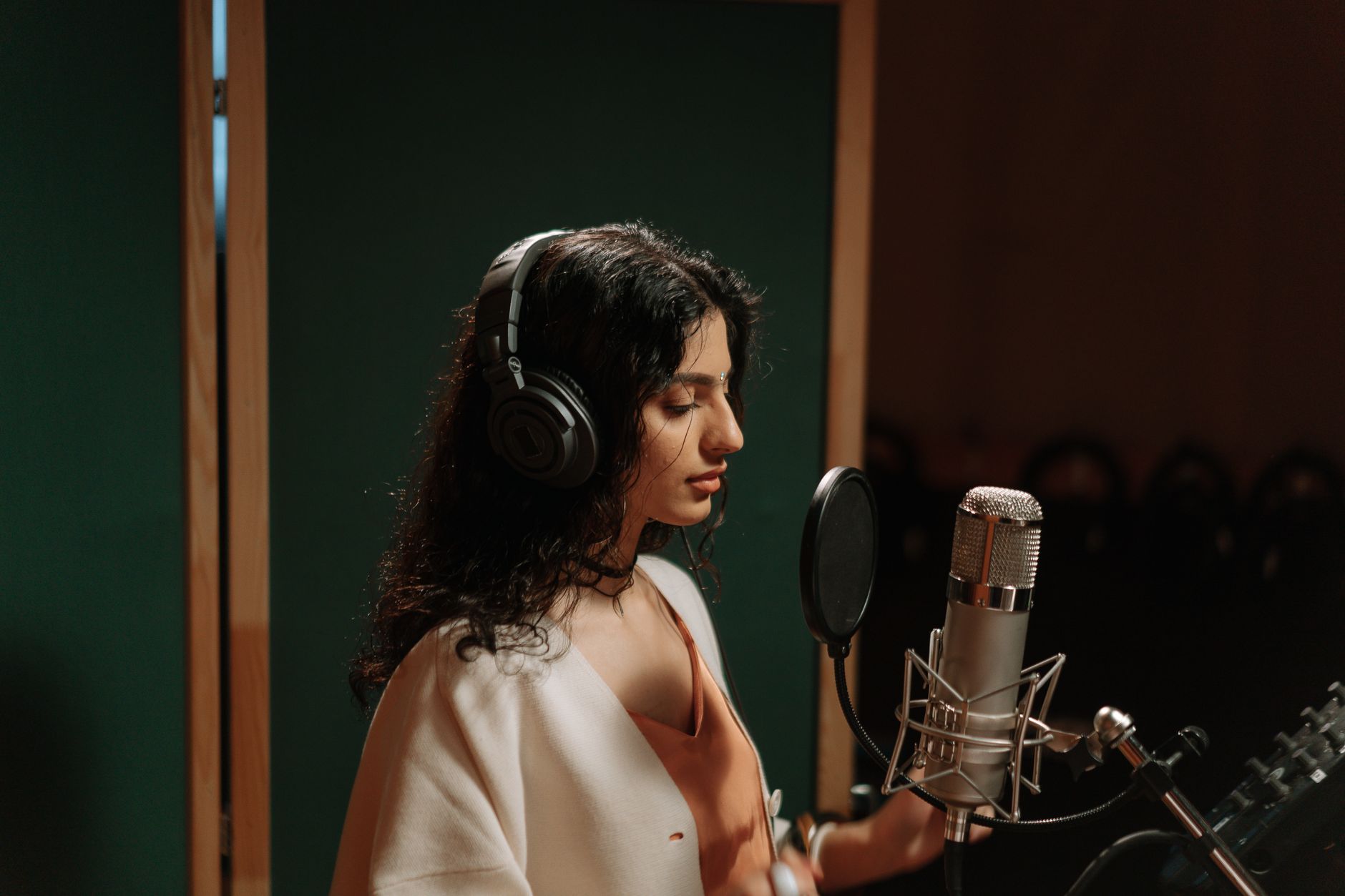
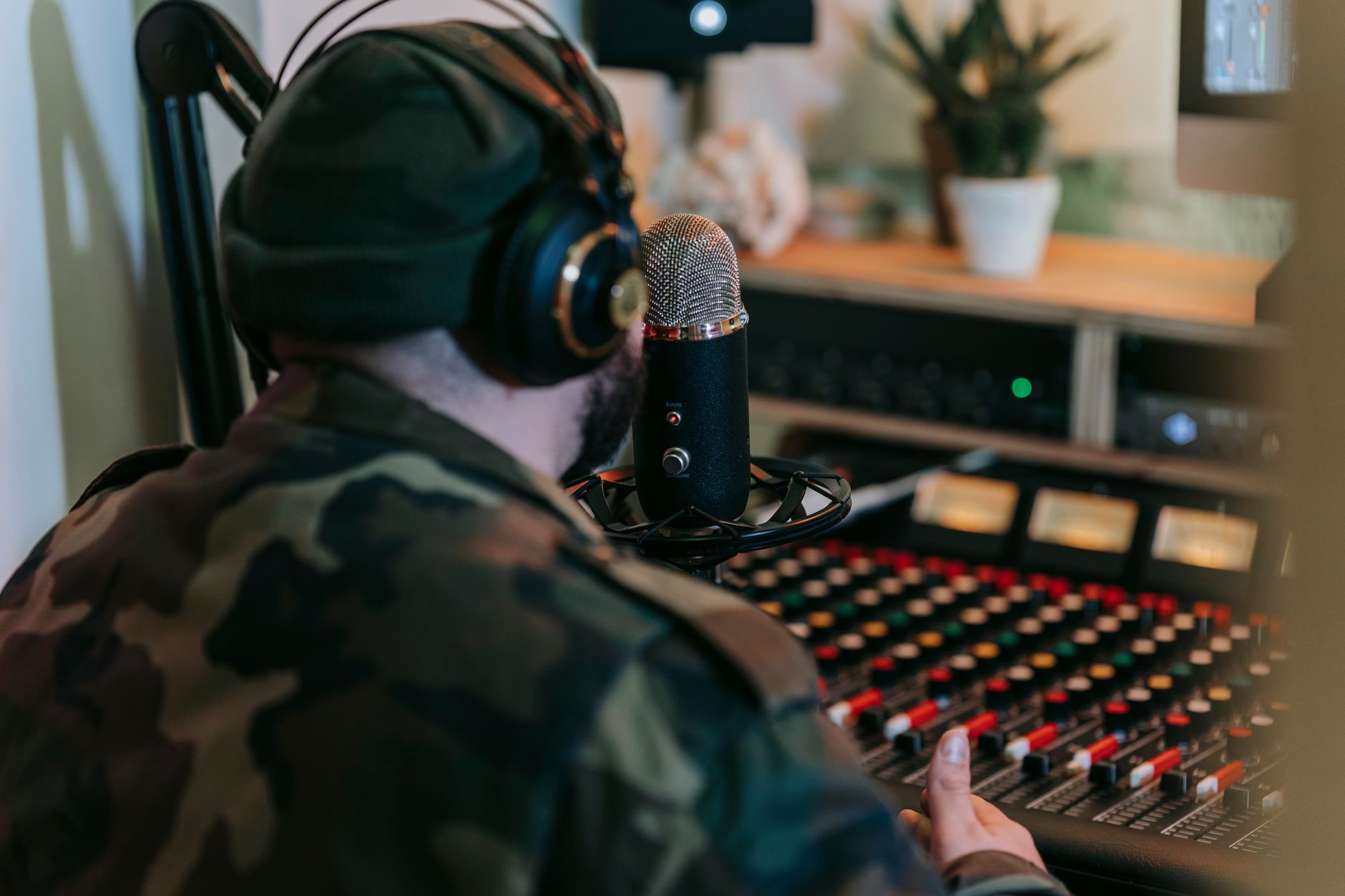 Photo: Anna Pou via Pexels
Specific cases where a mixer earns its place:
Live band recording. Recording a full band live — drums (7–10 mics), bass DI, two guitars, keys, and a scratch vocal — requires 12–16 simultaneous inputs. A mixer with a USB multitrack output, like the Yamaha MG16XU , can handle this and function as an audio interface simultaneously.
Live performance and PA work. Running monitors, front-of-house, and in-ear mixes for a live show is exactly what mixers are designed for. A digital console like the Behringer X32 Compact makes sense here. It doesn’t belong in a bedroom studio for recording overdubs.
Hardware-heavy hybrid rigs. If your workflow centers on outboard compressors, hardware synths, and analog gear running through a summing bus, a small analog mixer or a dedicated summing mixer provides a convenient patching hub. This is an advanced use case, not a beginner need.
Podcast/streaming with multiple guests. Recording 4+ people simultaneously with individual control is where a small mixer shines over a basic interface — though a multi-channel interface like the Focusrite Scarlett 18i20 can cover this too.
Interface vs. Mixer: Side-by-Side
| Factor | Audio Interface | Mixer |
|---|---|---|
| Price (entry level) | $50–$150 | $100–$400 |
| Desk footprint | Small | Large |
| DAW integration | Seamless | Varies |
| Channel count (typical) | 1–4 inputs | 8–32 channels |
| Phantom power | Yes | Yes |
| Analog EQ per channel | No | Yes |
| Software control | Via DAW | Limited |
| Ideal for | Home recording, podcasting | Live sound, large sessions |
For 95% of home studios, the interface column wins. The mixer’s analog EQ is a nice-to-have that plugin EQs replace without noise or signal degradation.
How to Set Up a Home Studio Without a Mixer
Signal Chain
Microphone → XLR cable → Audio Interface (preamp + phantom power)
                                    ↓
                            USB / Thunderbolt
                                    ↓
                                  DAW
                                    ↓
                         Mix bus → Interface outputs → Studio monitors
Gain staging notes:
- Set interface input gain so peaks hit -18 dBFS to -12 dBFS in the DAW — headroom for dynamics, no clipping
- Enable 48V phantom power before plugging in a condenser mic
- Use direct monitoring (zero-latency) on the interface for tracking; switch to DAW monitoring for playback with plugins
Step-by-Step Setup
- Connect studio monitors to the interface’s main outputs (balanced TRS or XLR)
- Connect interface to computer via USB — install drivers if required
- Set interface as your system’s audio output and input device in your OS
- Open your DAW and select the interface as the audio device
- Set buffer size: 64–128 samples for tracking (low latency), 512–1024 for mixing (CPU headroom)
- Create a new audio track, set input to the interface channel your mic is on
- Enable input monitoring on the track
- Set input gain on the interface — speak/sing/play at performance level and aim for peaks around -18 dBFS
- Record
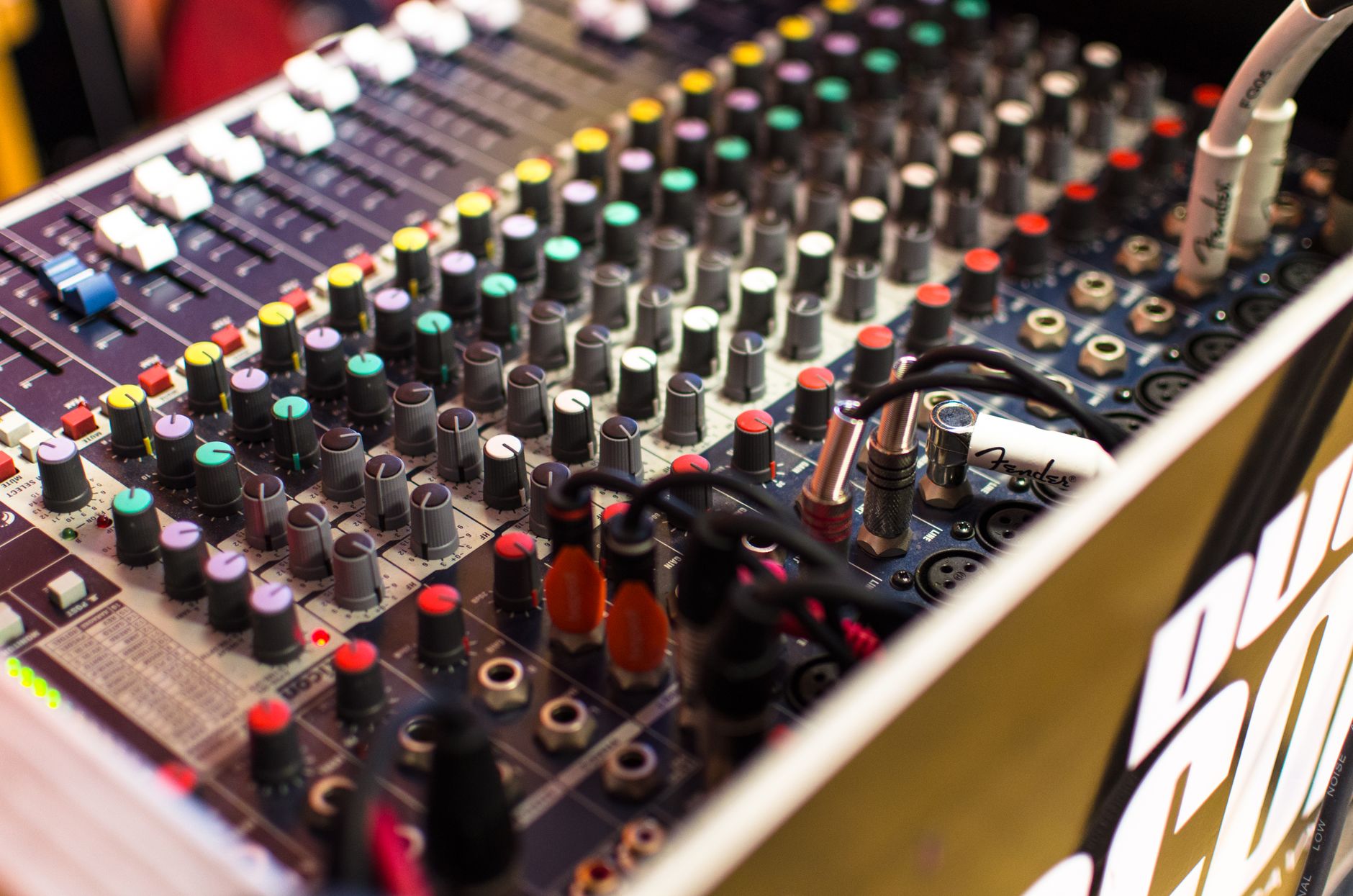
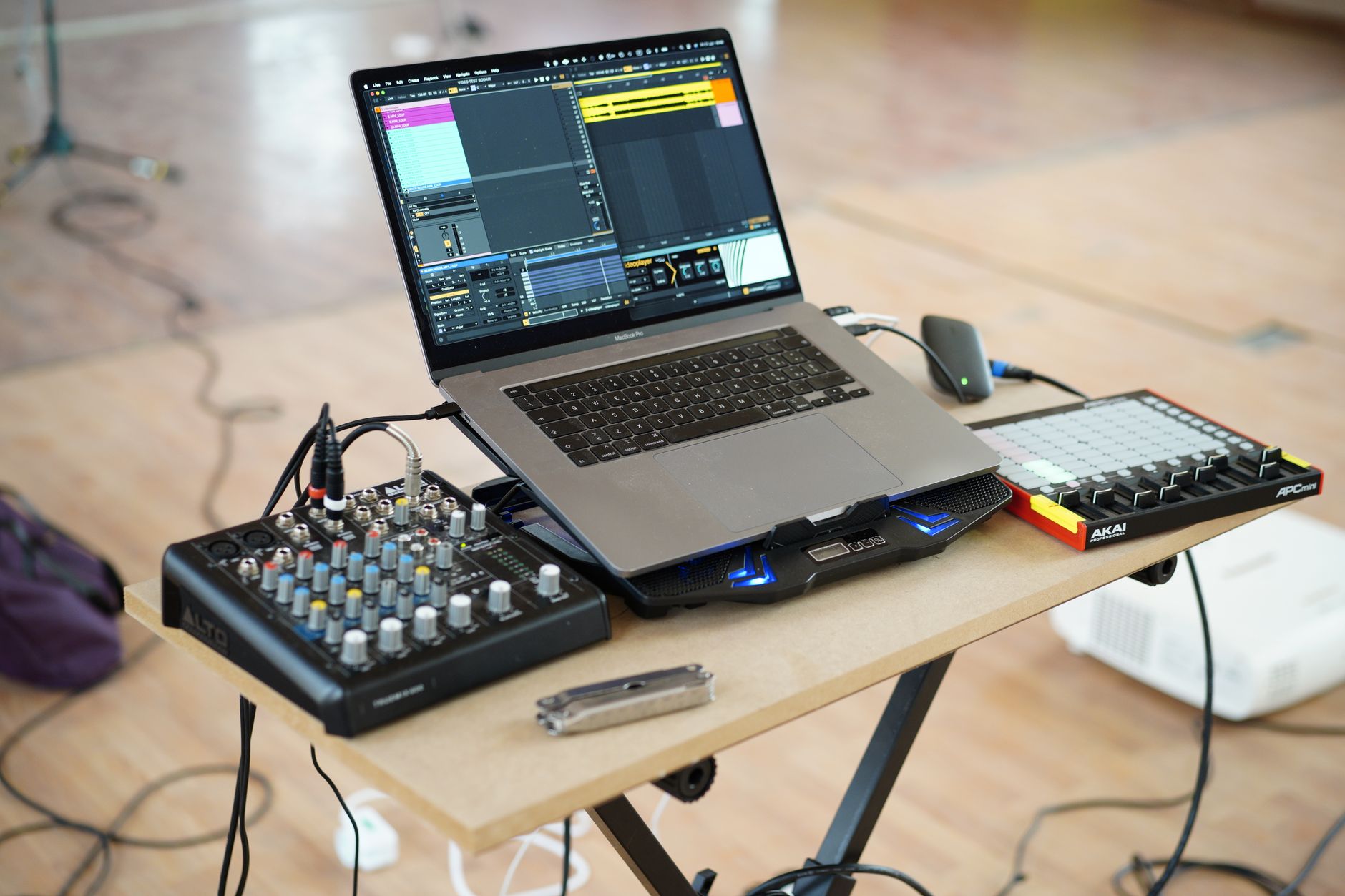 Photo: Giuseppe Di Maria via Pexels
Troubleshooting Matrix
| Symptom | Likely Cause | Fix |
|---|---|---|
| No signal in DAW | Wrong input selected | Check DAW audio device settings and track input assignment |
| Loud hum/buzz | Ground loop or unbalanced cable | Use balanced cables; try a DI box for instruments |
| High latency | Buffer size too large | Reduce buffer to 64–128 samples; use direct monitoring |
| Clipping on loud sources | Gain too high | Turn down interface input gain; move mic back |
| Condenser not working | Phantom power off | Enable 48V on the interface channel |
| Phase cancellation | Two mics on one source | Flip phase on one track; adjust mic placement |
What If I Already Have a Mixer?
If you own a mixer and it has a USB output, you can use it as your audio interface — route the main mix bus into the USB output and record a stereo sum into the DAW. The limitation is that you’ll capture the premixed signal rather than individual tracks. For full multitrack flexibility, you still need either a multitrack-capable mixer (one with individual USB sends per channel) or a dedicated interface.
A basic analog mixer without USB is usable as a preamp stage feeding into a separate interface, but that adds a conversion step and introduces more noise. It works, but it’s not an upgrade over a dedicated interface.
→ See also:
- The Complete Home Recording Studio Setup Guide (2026) — full gear chain from room treatment to mastering
- How to Build a Home Studio for $500 (2026) — interface picks, monitor recommendations, and budget allocation
- How to Build a Home Studio for $300 (2026) — minimum viable studio that still sounds professional
FAQ
Do I need a mixer if I’m just recording vocals? No. A single-channel audio interface and a condenser microphone is everything you need for vocals. The DAW handles all mixing, effects, and routing. A mixer adds nothing to a single-source recording workflow.
Can a mixer replace an audio interface? Only if the mixer has a USB audio interface built in. Basic analog mixers have no way to send audio to a computer on their own — they need a separate interface. Mixers with USB output (Yamaha MG series, Mackie ProFX series) can function as interfaces, but typically only send a stereo mix rather than individual channels.
Is a mixer better for podcasting than an audio interface? For two hosts and a guest, a small mixer can be convenient — each person gets their own channel strip and you can monitor the mix in real time. But a multi-channel interface like the Focusrite Scarlett 2i2 or a dedicated podcast interface like the Rodecaster Pro II handles the same scenario with better DAW integration and less setup complexity.
Will a mixer improve my sound quality? Not in most home studio contexts. The preamps in a mid-range audio interface are comparable to those in a similarly-priced mixer. Sound quality at this tier is determined more by mic placement, room acoustics, and gain staging than by whether a mixer is in the chain. High-end outboard preamps are a different conversation — but those bypass the mixer entirely.
What’s the minimum gear I need to start recording at home? Computer + audio interface + microphone + headphones or monitors. That’s it. An interface in the $100–$150 range (Focusrite Scarlett Solo, PreSonus AudioBox USB 96 ) paired with a dynamic or condenser mic covers vocals, acoustic instruments, and DI guitar. Add room treatment when sound quality plateaus.
Do producers who use hardware synths need a mixer? Often yes, but a small passive or active summing mixer serves better than a full console. If you’re running 4–6 hardware synths and want to sum them to stereo before the interface, a compact mixer like the Mackie 402VLZ4 or a dedicated summing mixer keeps the signal chain tidy without the overhead of a 16-channel board.
Editorial methodology: Assessments are based on manufacturer specifications, published user reviews, and editorial research. Physical hands-on testing is noted explicitly where it occurred. Rankings reflect our editorial judgment and are not influenced by affiliate commission rates. Full editorial policy · Affiliate disclosure