Contents
Cheapest Way to Start Recording Music at Home
TL;DR: The cheapest way to record music is a USB microphone plugged into free DAW software — total cost can be under $50. For anything beyond voice memos, a basic audio interface ($30–$60), a dynamic microphone ($20–$60), and free DAW software covers 90% of what most bedroom producers need.
What you need (under $60 total):
- Microphone — FIFINE K669B USB ($30) or dynamic mic + interface
- Interface — Behringer UM2 ($30) if using XLR mic; skip if using USB mic
- DAW — Audacity, GarageBand, or Reaper trial (free)
- Headphones — any closed-back pair you own ($0)
What You Actually Need to Start Recording
Direct answer: Four things — a microphone, a way to get audio into your computer, software to record it, and headphones to monitor. You can cover all four for under $100, and you can cut that in half by choosing carefully.
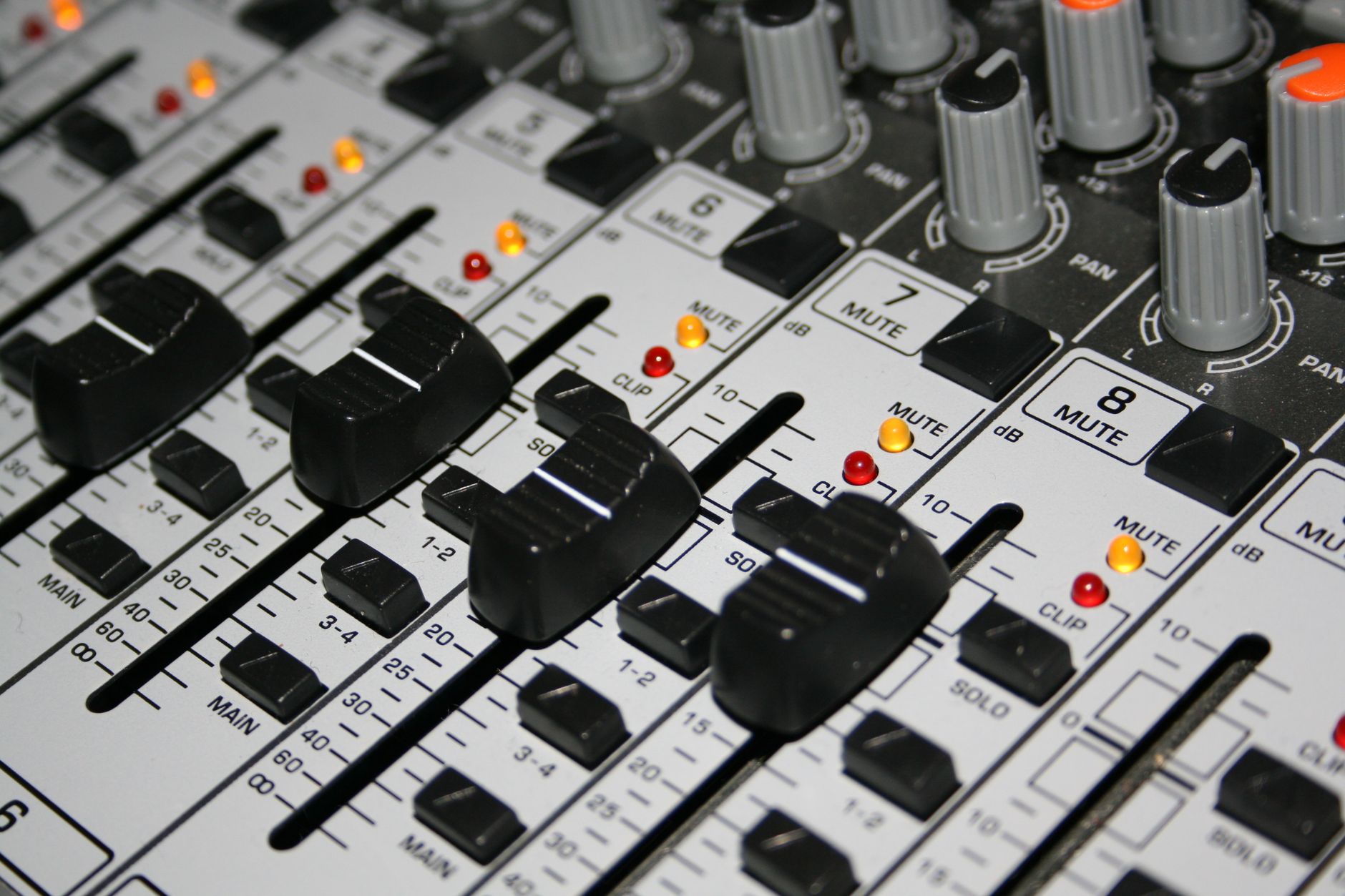
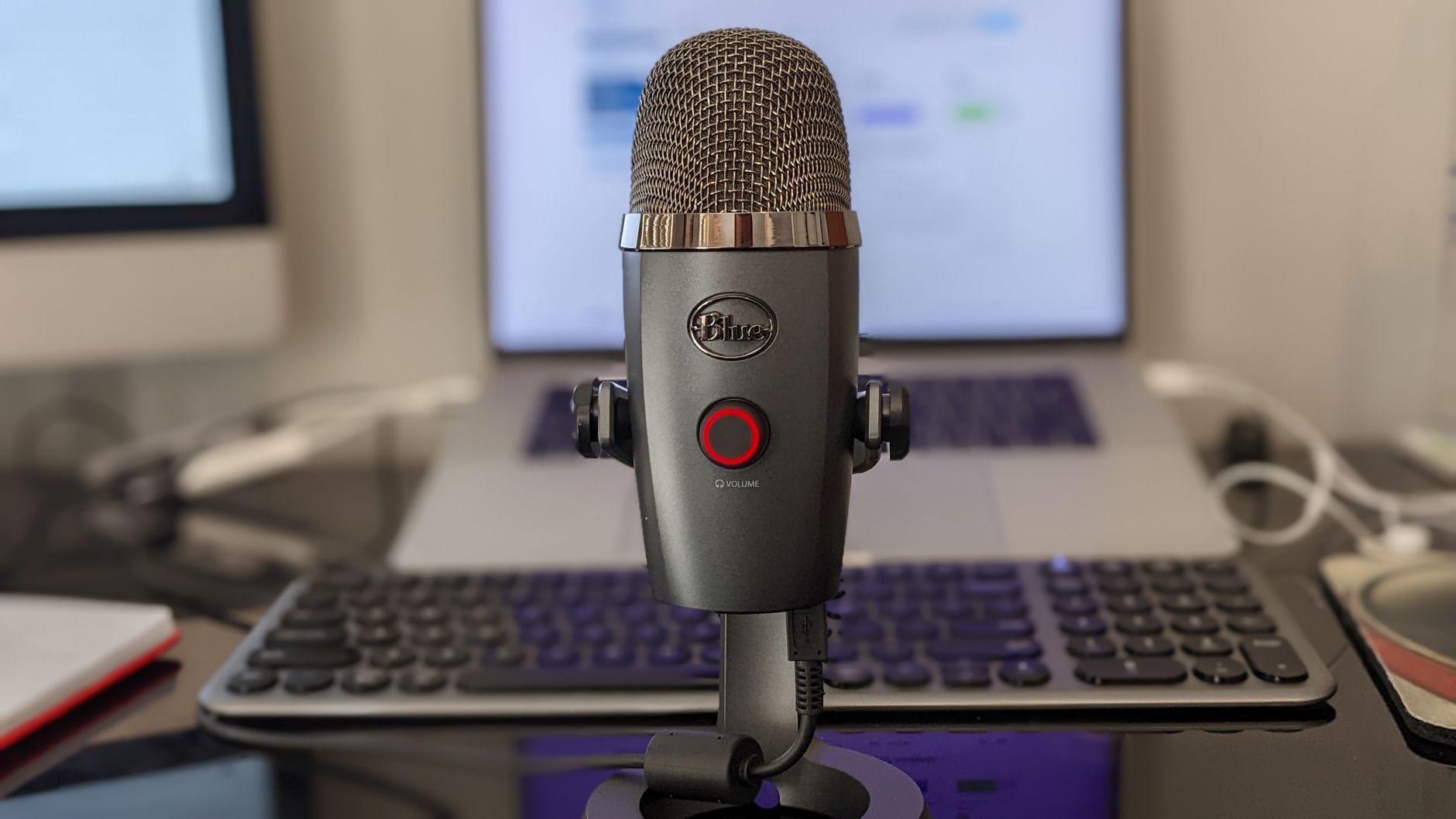 Photo: Robert Carnes via Pexels
Most beginners over-buy. A $500 interface doesn’t make better recordings than a $60 one if the limiting factor is room acoustics or mic placement. Start minimal, then upgrade the thing that’s actually causing problems.
The Minimum Viable Setup
| Item | Budget Option | Approx. Cost |
|---|---|---|
| Microphone | USB mic or dynamic + interface | $20–$60 |
| Audio interface | Behringer UM2 or similar | $30–$60 |
| DAW software | Audacity / GarageBand / Reaper | Free–$60 |
| Headphones | Any closed-back pair you own | $0–$30 |
| Cables | XLR (if using interface) | $8–$15 |
Total: $60–$165 depending on what you already have.
Path 1: USB Microphone — Cheapest Entry Point
Direct answer: A USB microphone is the fastest, cheapest way to record music. No interface needed — plug it into any USB port and it works. The FIFINE K669B runs under $30 and is good enough to record vocals, acoustic guitar, and podcasts.
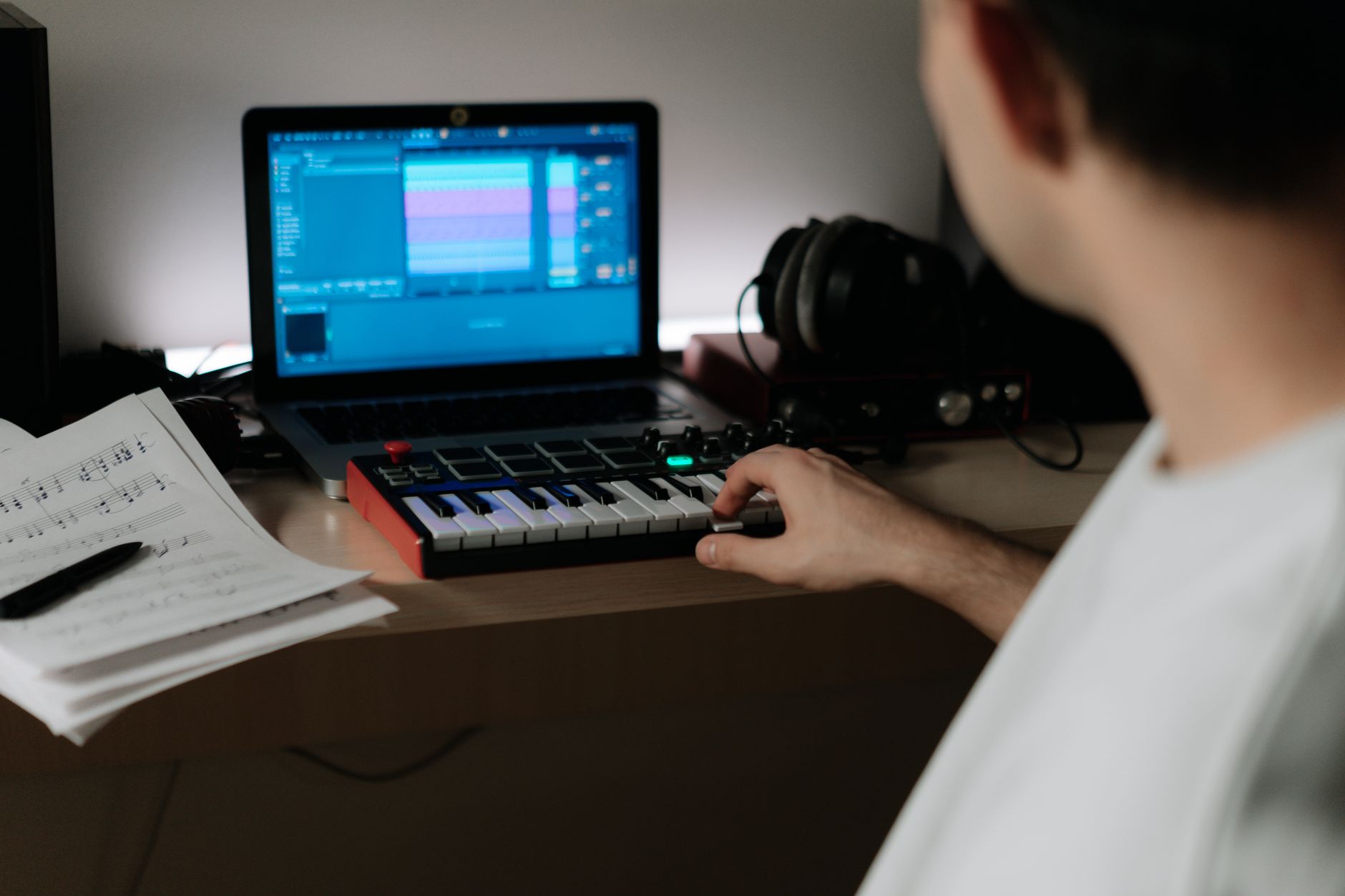
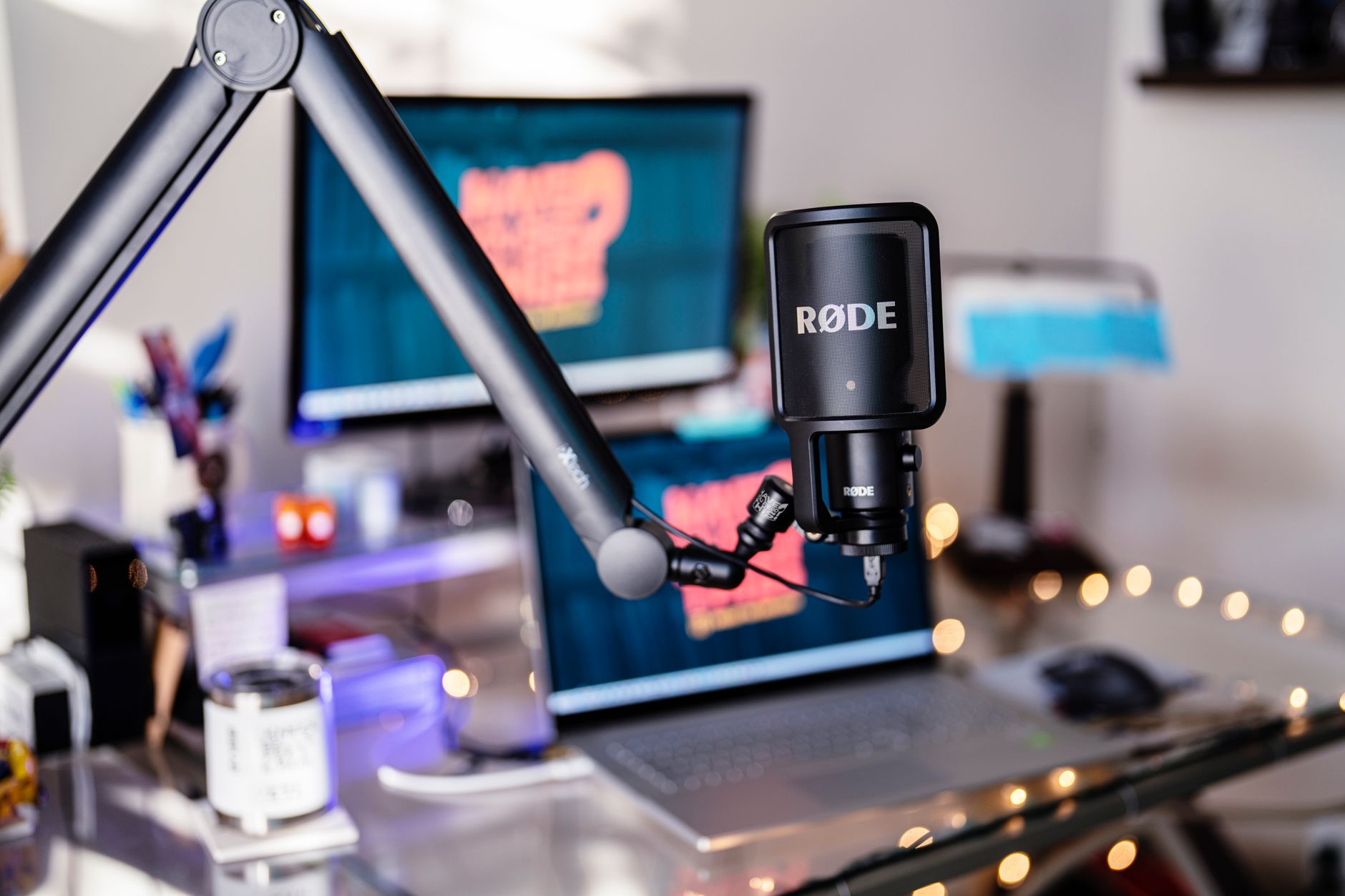 Photo: Jason Morrison via Pexels
USB mics encode audio to digital internally, so they skip the interface entirely. The tradeoff: you can’t run two USB mics simultaneously without workarounds, and you’re locked into whatever preamp the manufacturer built in.
When USB makes sense:
- Vocals or single-instrument recordings only
- No XLR gear in your collection
- Laptop-only workflow with no desire to expand
The Audio-Technica AT2020USB+ is the step-up option at around $100 — it adds a headphone jack for zero-latency monitoring, which USB mics at this price rarely include.
Path 2: Basic Audio Interface + Dynamic Mic — More Flexible
Direct answer: A $40–$60 audio interface paired with a $20–$50 dynamic mic gives you a proper XLR signal chain that scales as your setup grows. The Behringer UM2 is the most commonly recommended entry-level interface; it includes one XLR/TRS combo input with phantom power.
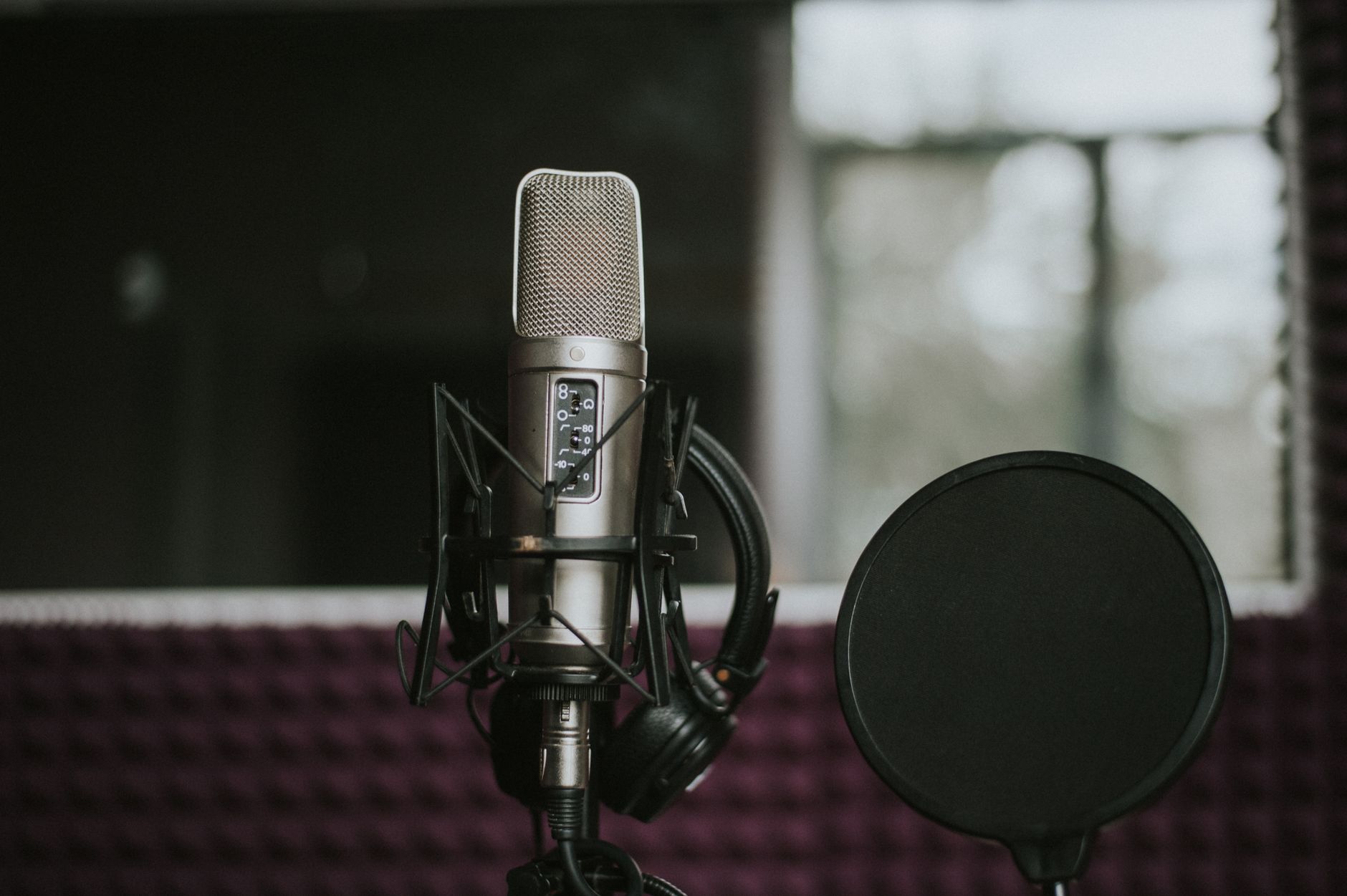
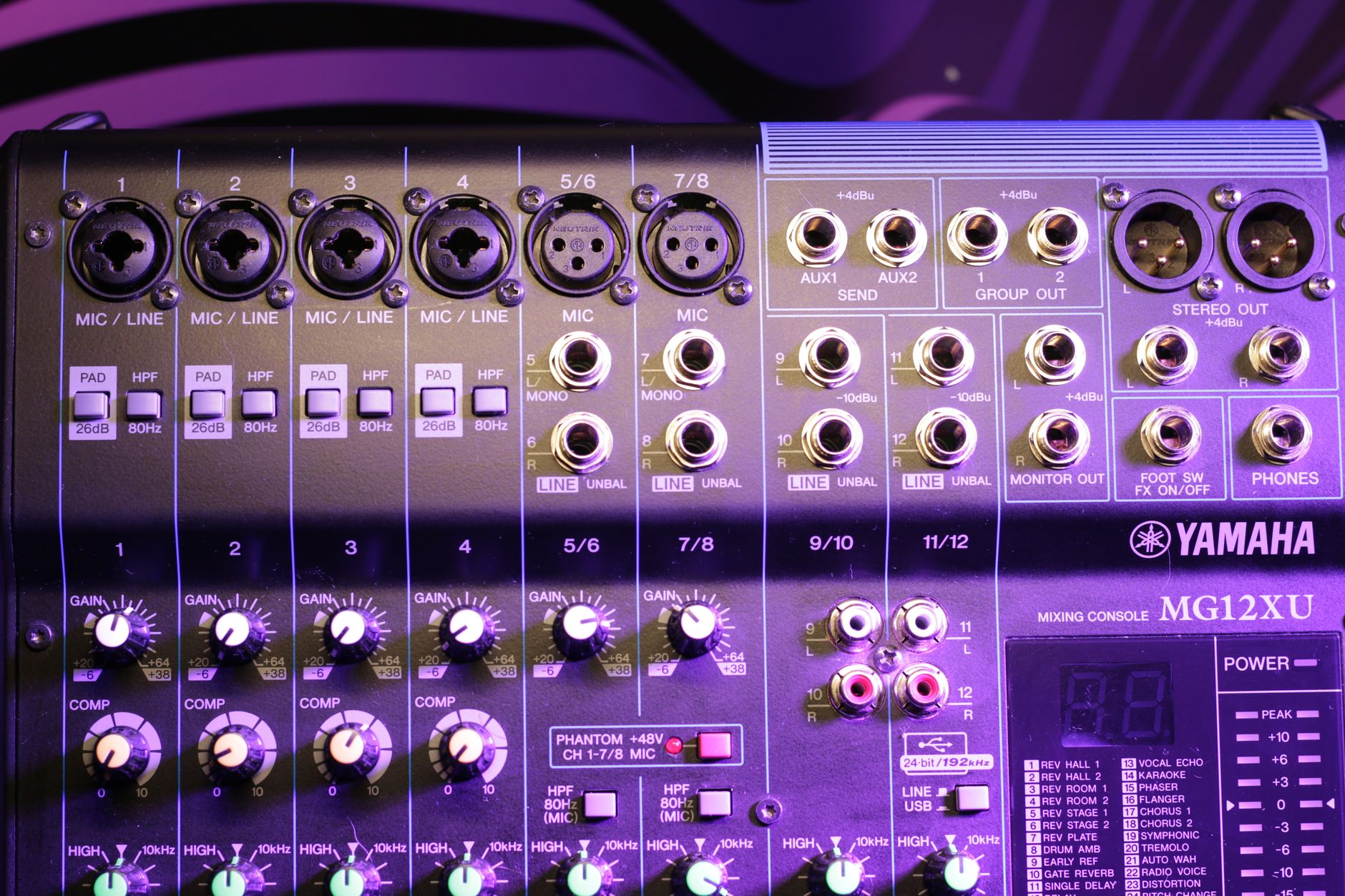 Photo: Антон Леонардович Варфоломеев via Pexels
Dynamic microphones are more forgiving in untreated rooms than condensers — they reject more room noise and don’t need phantom power. The Behringer XM8500 costs around $20 and has been used on professional records. The AKG D5 steps up to $60 and handles louder sources well.
Interface Comparison: Under $60
| Product | Price | Inputs | Phantom Power | Bus Powered | Best For |
|---|---|---|---|---|---|
| Behringer UM2 | ~$40 | 1x XLR/TRS | Yes | Yes | Solo vocals, single instrument |
| Focusrite Scarlett Solo (3rd Gen) | ~$60 | 1x XLR, 1x inst | Yes | Yes | Vocals, guitar, step-up quality |
| Behringer UMC22 | ~$50 | 1x XLR/TRS, 1x inst | Yes | Yes | Guitar direct + vocals |
Specs (Behringer UM2):
| Spec | Value |
|---|---|
| Connections | 1x XLR/TRS combo, 1x RCA stereo in |
| I/O count | 2-in / 2-out |
| Preamps | XENYX preamp |
| Bit depth / Sample rate | 16-bit / 48 kHz |
| Bus power | Yes (USB) |
| Best For | First-time beginner, budget vocalist |
Free and Near-Free DAW Software
Direct answer: Audacity is free, cross-platform, and handles multitrack recording. GarageBand is free on Mac and better for music production. Reaper costs $60 but runs forever on an unevaluated trial — it’s the most capable DAW at this price point.
| DAW | Cost | Platform | Best For |
|---|---|---|---|
| Audacity | Free | Mac/Win/Linux | Simple recording, editing |
| GarageBand | Free | Mac/iOS | Full music production |
| Reaper | $60 (trial unlimited) | Mac/Win | Pros on a budget |
| Cakewalk | Free | Windows only | Full-featured DAW |
| LMMS | Free | Mac/Win/Linux | Beat-making, MIDI |
GarageBand includes a large library of loops, virtual instruments, and amp simulators — for Mac users, it removes any reason to pay for a DAW until you outgrow it.
Recording Electric Guitar: The Cheapest Way
Direct answer: The cheapest way to record electric guitar is a direct inject (DI) box or a ¼“ to USB adapter, feeding signal into a free amp simulator like TONEX SE or Guitar Rig 7 Player. No microphone, no interface preamp noise — just a clean DI signal processed in software.
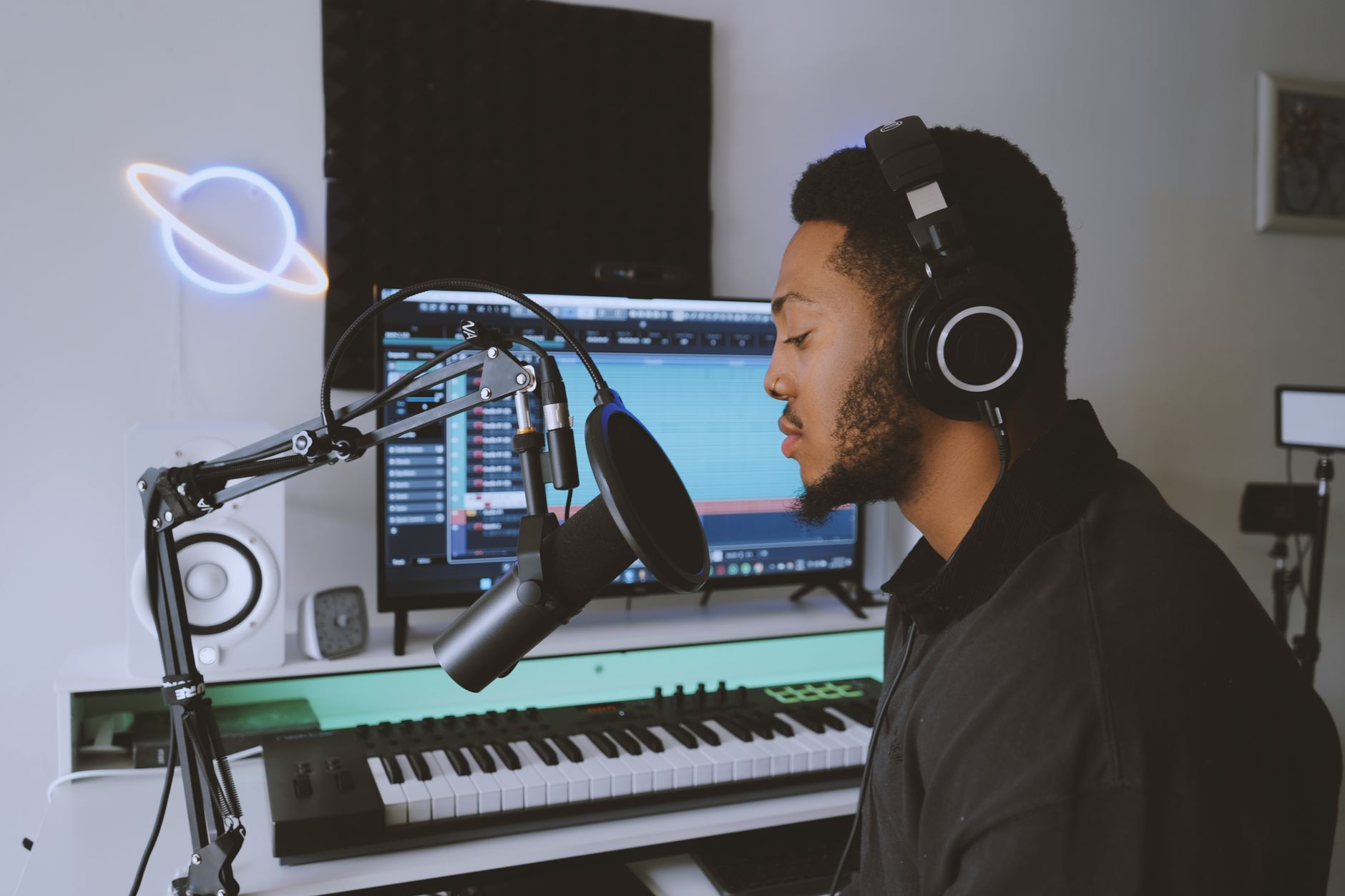
 Photo: Paulo Victor via Pexels
A basic passive DI box like the Behringer DI20 costs around $20. Combined with your audio interface, it handles both instrument and balanced line signals. Amp sims have improved to the point that published testing data from sites like GuitarWorld and Sweetwater suggests plugin processing is indistinguishable from mic’d cab recordings for most listeners at home-listening levels.
Acoustic Treatment on Zero Budget
Sound absorption matters more than gear for recordings that sound professional. You don’t need acoustic panels — heavy curtains, a closet full of clothes, or recording under a duvet all reduce room reflections meaningfully. User reviews and home-recording forum consensus consistently point to blankets and closet recording as more impactful than upgrading from a $30 to a $80 mic.
Total Cost Breakdown: What You’ll Actually Pay
Three builds, itemized. Prices as of mid-2026; check current Amazon price before buying.
Build A — Under $50 (USB only, zero interface)
| Item | Product | Price |
|---|---|---|
| Microphone | FIFINE K669B USB | ~$30 |
| DAW | Audacity (free) | $0 |
| Headphones | Any closed-back pair you own | $0 |
| Total | ~$30 |
Best for: Vocals, voice-over, demos. Not expandable — if you outgrow USB, you buy again.
Build B — Under $100 (XLR chain, scales up)
| Item | Product | Price |
|---|---|---|
| Audio interface | Behringer UM2 | ~$40 |
| Microphone | Behringer XM8500 dynamic | ~$20 |
| XLR cable | Amazon Basics XLR | ~$8 |
| DAW | Audacity or GarageBand (free) | $0 |
| Total | ~$68 |
Best for: Vocals + acoustic guitar. The interface takes future mic upgrades without replacing anything.
Build C — Under $200 (bedroom producer, release quality)
| Item | Product | Price |
|---|---|---|
| Audio interface | Focusrite Scarlett Solo 4th Gen | ~$130 |
| Microphone | Audio-Technica AT2020 | ~$89 |
| XLR cable | Amazon Basics XLR | ~$8 |
| DAW | GarageBand (free) / Reaper ($60) | $0–$60 |
| Total (free DAW) | ~$227 | |
| Total (Reaper) | ~$287 |
Best for: Vocals, acoustic instruments, anything you plan to release. This setup records a full album without another gear purchase.
Verdict by Archetype
First-time beginner: Buy the FIFINE K669B USB mic and use Audacity or GarageBand. You’ll spend under $30 and know within two weeks if you want to go deeper.
Bedroom producer: Behringer UM2 + AKG D5 + GarageBand or Reaper. This setup scales — the interface handles future mic upgrades without another purchase.
Gigging musician wanting demos: Focusrite Scarlett Solo + SM58 you probably already own. One cable, bus-powered, records anywhere with a laptop.
Prosumer stepping up from USB: Focusrite Scarlett 2i2 (if you need two inputs) or Solo (if you don’t). Spend the saved money on a better condenser mic.
→ See also:
- The Complete Budget Home Studio Guide (2026)
- Best Home Recording Gear Under $50
- Best Home Recording Gear Under $100
FAQ
What is the absolute cheapest way to record music at home? A smartphone with a free app like GarageBand for iOS or BandLab is technically free, and published testing data shows modern smartphone microphones record acceptably for demos and reference recordings. For anything you want to release, a $30 USB microphone is the cheapest meaningful upgrade.
Do I need an audio interface to record music? No — USB microphones bypass the interface entirely. You need an interface only if you’re using a microphone with an XLR connector, a guitar with a ¼“ jack, or any gear without a built-in USB connection. Most entry-level interfaces cost $40–$60 and are worth it once you own any XLR gear.
Can I record music on a laptop without any extra gear? Yes. Built-in laptop microphones capture audio, and free DAWs like Audacity or GarageBand can multitrack that signal. The quality will be limited — built-in mics pick up fan noise, keyboard clicks, and room reflection — but it’s a valid starting point for learning the workflow before spending anything.
What free DAW is best for beginners? GarageBand for Mac users — it includes virtual instruments, loops, amp sims, and a straightforward interface that matches how most beginners think about music. Windows users should try Cakewalk (free, full-featured) or LMMS for beat-making. Audacity is best for simple recording and editing rather than full production.
Is a condenser or dynamic microphone better for budget home recording? Dynamic microphones are better for untreated rooms. They reject room reflections and background noise more effectively than condensers, which pick up everything — including your HVAC system and neighbor’s car. Expert consensus from home-recording communities consistently recommends starting with a dynamic mic and upgrading once you have some acoustic treatment in place.
How much does it cost to record a professional-quality song at home? “Professional quality” depends more on acoustics, performance, and mixing than gear price. A $150–$250 setup — interface, dynamic mic, closed-back headphones, and a free DAW — is sufficient to record, mix, and release music that competes with professionally produced tracks, according to documented case studies from independent artists. The ceiling isn’t gear cost; it’s learning time.
Can you record music at home for free? Yes. A smartphone mic or laptop mic fed into Audacity (free, Windows/Mac/Linux) or GarageBand (free on Mac/iOS) is a zero-cost recording chain. The quality ceiling is low — built-in mics add fan noise and room reflections — but it’s a real starting point. For vocals or instruments you’ll actually release, a $30 USB mic is the smallest meaningful investment.
What’s the cheapest audio interface? The Behringer UMC22 (~$30–$35) is the practical floor for a standalone interface with an XLR input and Hi-Z instrument input. Below that, USB microphones ($20–$30) skip the interface entirely and plug directly into a computer — workable for voice but not expandable. Avoid generic no-name “USB sound cards” under $20; driver stability is poor and noise floors are audible.
Editorial methodology: Assessments are based on manufacturer specifications, published user reviews, and editorial research. Physical hands-on testing is noted explicitly where it occurred. Rankings reflect our editorial judgment and are not influenced by affiliate commission rates. Full editorial policy · Affiliate disclosure