Contents
Best Home Recording Gear Under $100 (2026 Buyer’s Guide)
TL;DR: The best recording gear under $100 can get you a genuinely usable home studio — you don’t need to spend more to capture clean audio. The Focusrite Scarlett Solo (3rd Gen) remains the benchmark audio interface at this price, the Audio-Technica AT2020 leads for condenser mics, and the PreSonus AudioBox USB 96 punches above its price for budget two-channel recording. Pick your weakest link and fix it first.
What’s Actually Worth Buying Under $100
The $100 ceiling is a real constraint, not a marketing threshold. At this price you can get a studio-quality microphone, a usable audio interface, a pair of reference headphones, or a pop filter and basic treatment — but not all of them at once. Prioritize the weakest link in your current signal chain.
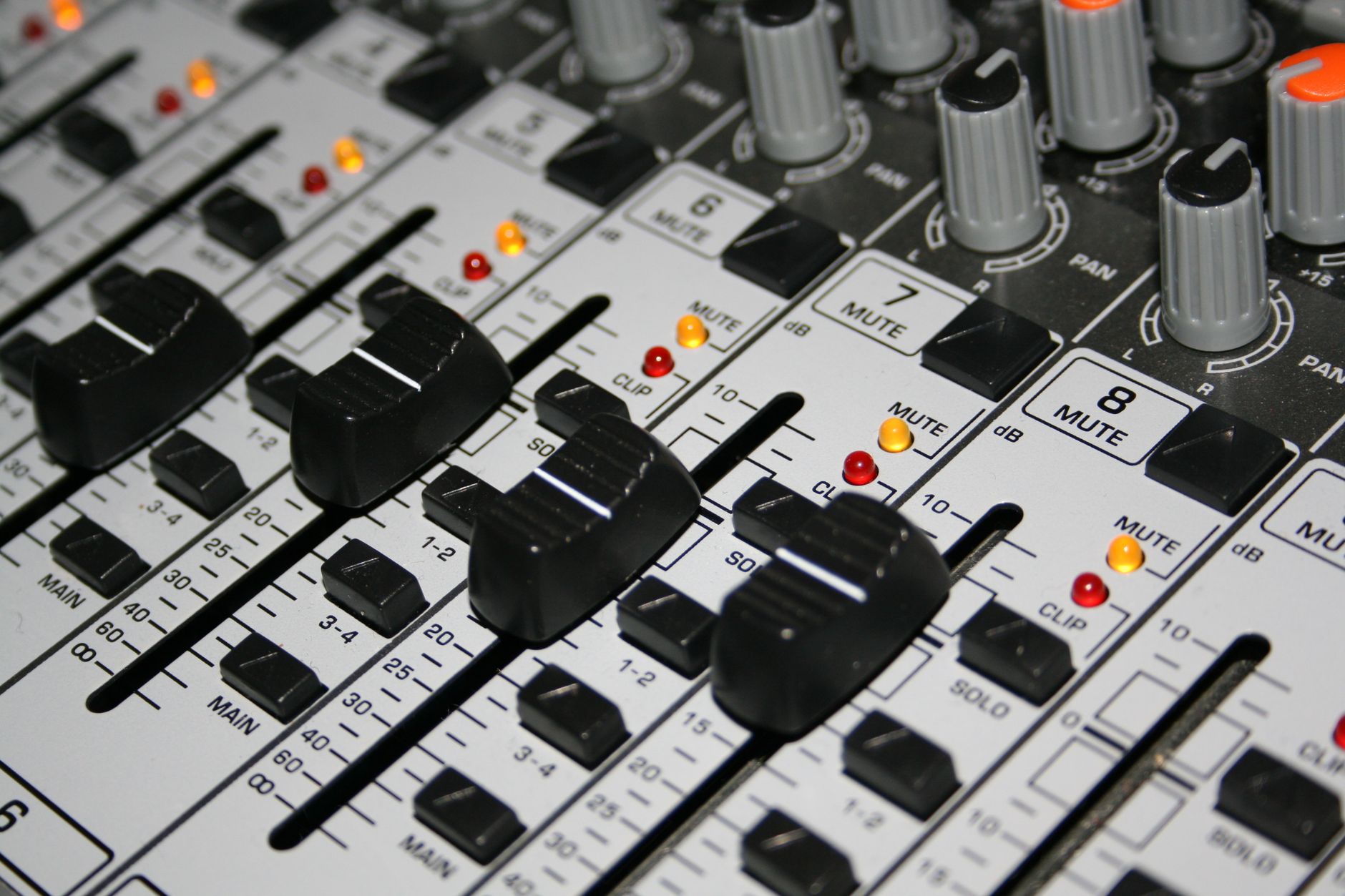
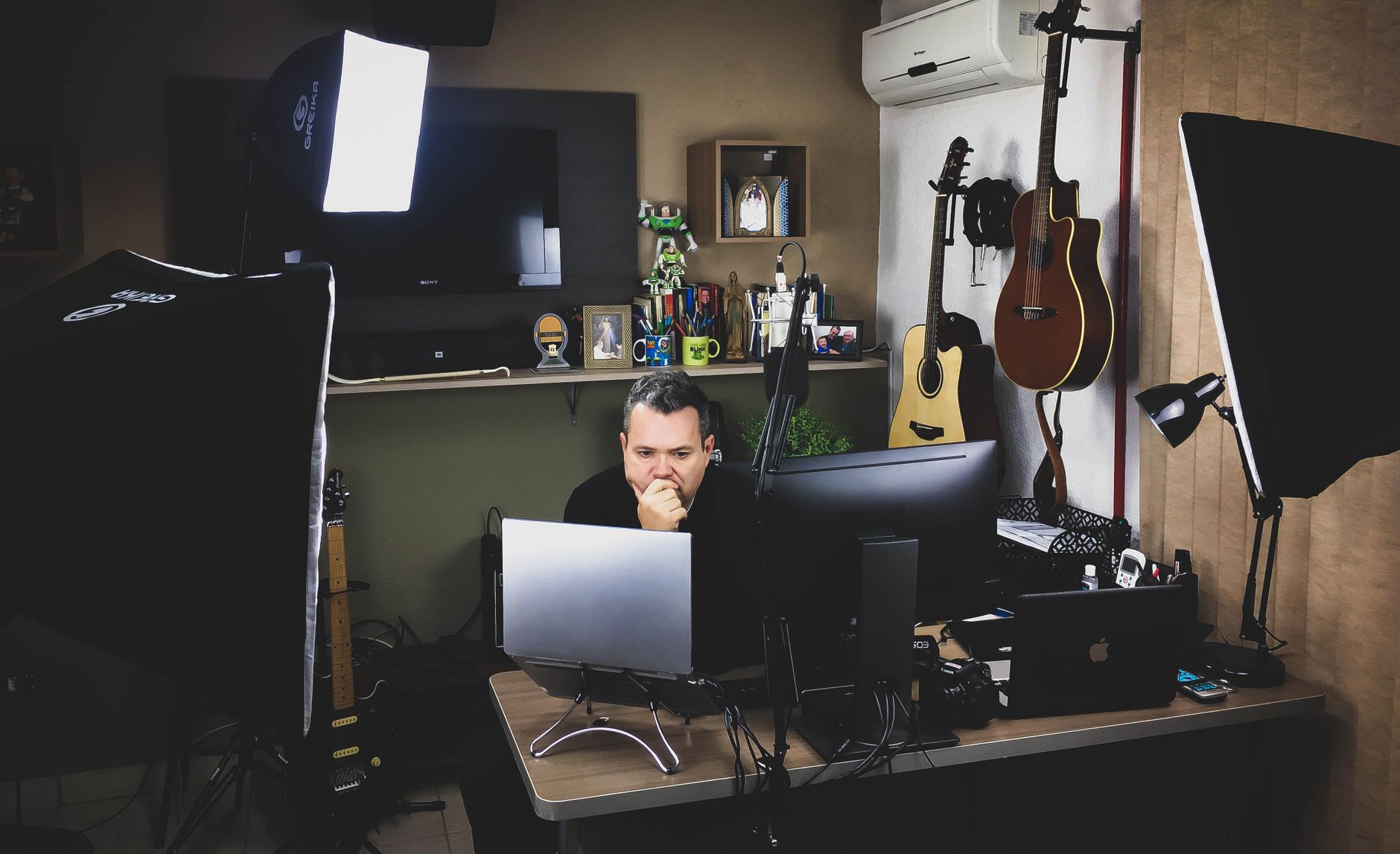 Photo: Paulo Victor via Pexels
The order of priority for most beginners: interface first (if you’re on a laptop with no 48V phantom power), then microphone, then monitoring. Everything else — cables, stands, acoustic panels — comes after signal quality is locked in.
One important note on expectations: gear under $100 has real ceilings. Preamps in budget interfaces add measurable noise at high gain. Budget condensers clip earlier than their specs suggest. These aren’t dealbreakers — they’re knowable limits that shape how you work.
Best Audio Interfaces Under $100
At sub-$100, the Focusrite Scarlett Solo Gen 3 and PreSonus AudioBox USB 96 are the two interfaces worth buying. Both provide 48V phantom power, 24-bit/192kHz recording, and USB bus power. The Scarlett Solo wins on preamp headroom and driver stability; the AudioBox wins if you need two mic inputs simultaneously.
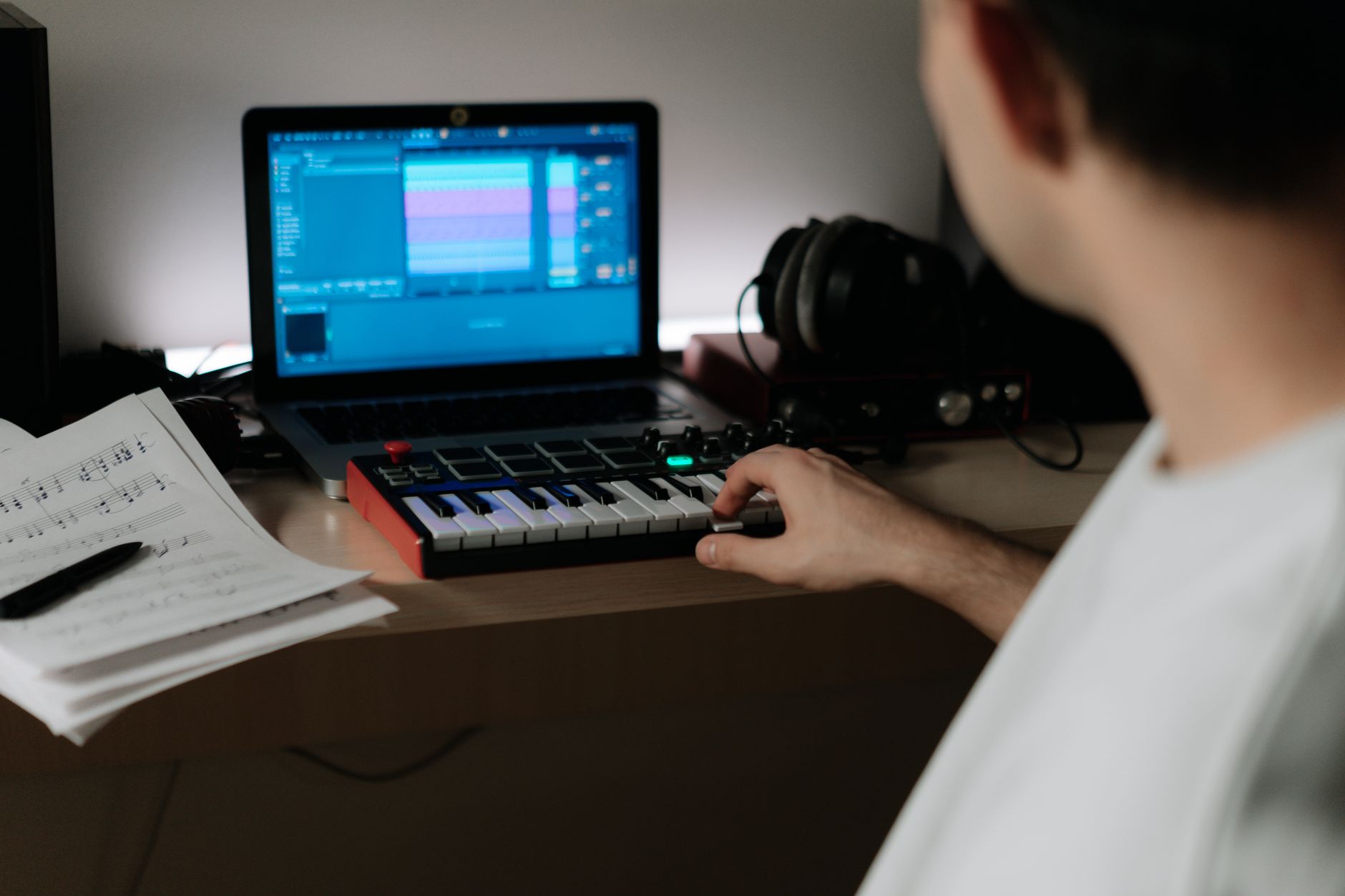
 Photo: Elvis KAMBIRE via Pexels
Focusrite Scarlett Solo (3rd Gen)
| Spec | Value |
|---|---|
| Connections | 1× XLR/TRS combo, 1× instrument (TS), 2× RCA monitor out |
| I/O Count | 1 mic in, 1 instrument in, 2 out |
| Preamps | 1× Focusrite preamp, 56dB gain |
| Bit Depth / Sample Rate | 24-bit / 192kHz |
| Bus Power | USB bus powered |
| Best For | Solo vocalists, guitarists, podcasters |
The Scarlett Solo’s preamp is the reason it dominates this category. Published EIN (equivalent input noise) figures of -129dBu are competitive well above this price bracket. The Air mode adds subtle harmonic presence that suits vocals and acoustic guitar without processing. Driver support on both macOS and Windows is stable across current OS versions, which matters more than most buyers realize before they’re troubleshooting a 3 AM session.
Limitations: one mic input means you can’t record two sources simultaneously. If you need two channels (room + instrument, two vocalists, drum overheads), look at the AudioBox.
PreSonus AudioBox USB 96
| Spec | Value |
|---|---|
| Connections | 2× XLR/TRS combo, 2× RCA monitor out, MIDI I/O |
| I/O Count | 2 mic/line in, 2 out |
| Preamps | 2× XMAX-L preamps |
| Bit Depth / Sample Rate | 24-bit / 96kHz |
| Bus Power | USB bus powered |
| Best For | Duos, acoustic guitar + vocal, MIDI users |
The AudioBox caps at 96kHz vs the Scarlett’s 192kHz, but above 48kHz the difference is inaudible in consumer playback scenarios. The MIDI I/O is a genuine differentiator at this price — if you’re connecting a keyboard or drum machine without USB, this is the only sub-$100 interface that covers it natively. According to user reviews across major retailers, the AudioBox’s preamps are slightly noisier at high gain settings than the Scarlett’s, but adequate for close-mic applications.
Interface Comparison
| Product | Price | Key Spec | I/O | Best For | Verdict |
|---|---|---|---|---|---|
| Focusrite Scarlett Solo Gen 3 | ~$120 (street) | 24-bit/192kHz, -129dBu EIN | 1 mic, 1 inst | Solo recording | Best preamp quality |
| PreSonus AudioBox USB 96 | ~$100 | 24-bit/96kHz, MIDI I/O | 2 mic/line | Two-channel, MIDI | Best flexibility |
| Behringer UMC22 | ~$50 | 24-bit/48kHz | 1 mic, 1 inst | Absolute minimum | Budget fallback only |
Verdict by archetype:
- First-time beginner: Scarlett Solo — plug-and-play, stable drivers, no regrets
- Bedroom producer: AudioBox USB 96 if you need MIDI; Scarlett Solo otherwise
- Gigging musician: Scarlett Solo for road durability and driver reliability
- Prosumer: Neither — save for a Scarlett 2i2 or Audient iD4
Best Microphones Under $100
The Audio-Technica AT2020 is the clear choice for condenser microphones under $100 — its published frequency response and self-noise specs (-129dB SPL) outperform most condensers at twice the price. For dynamic microphones at this price, the Shure SM48 or the Samson Q2U offer reliable cardioid pickup without requiring phantom power.
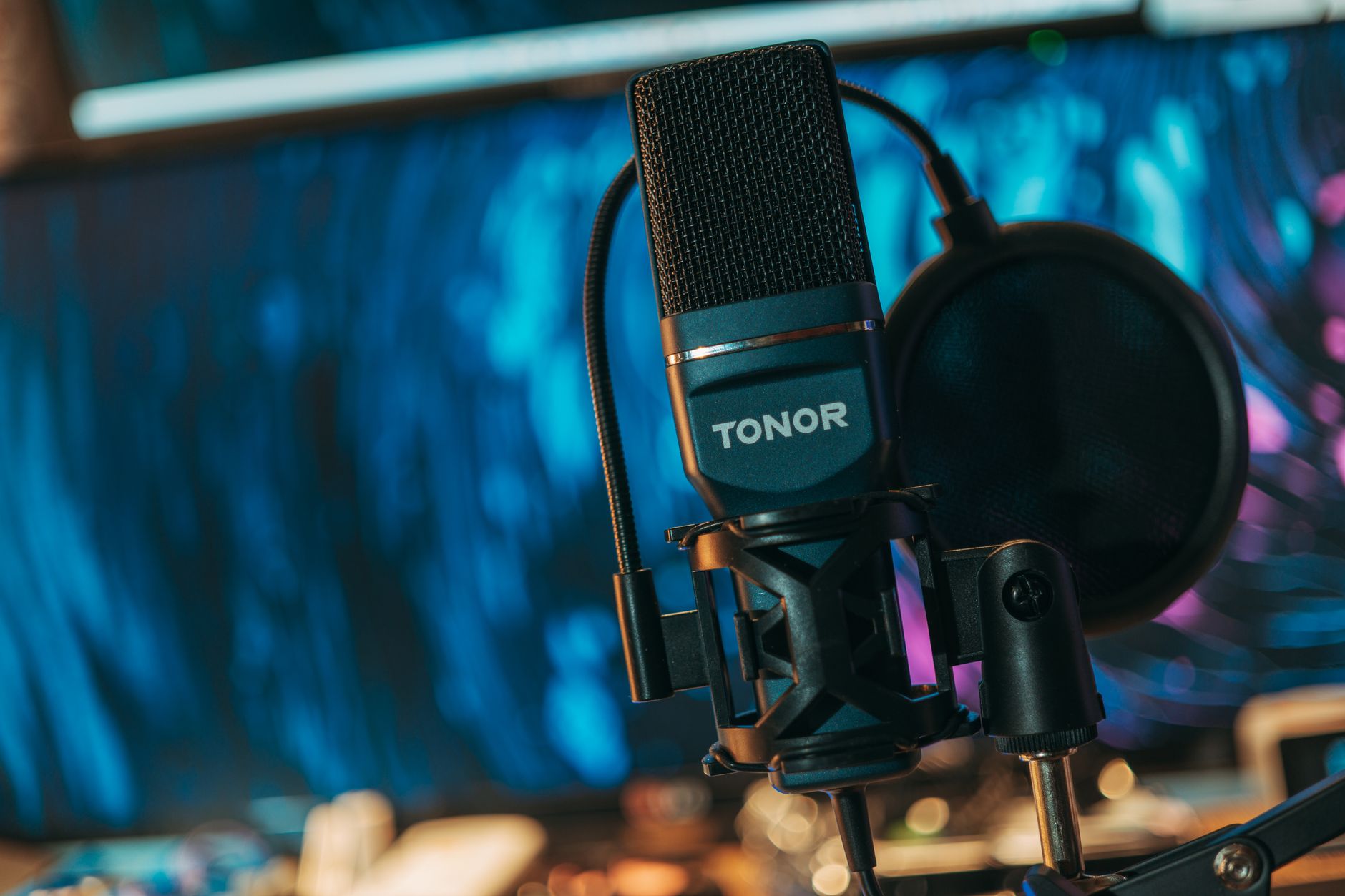
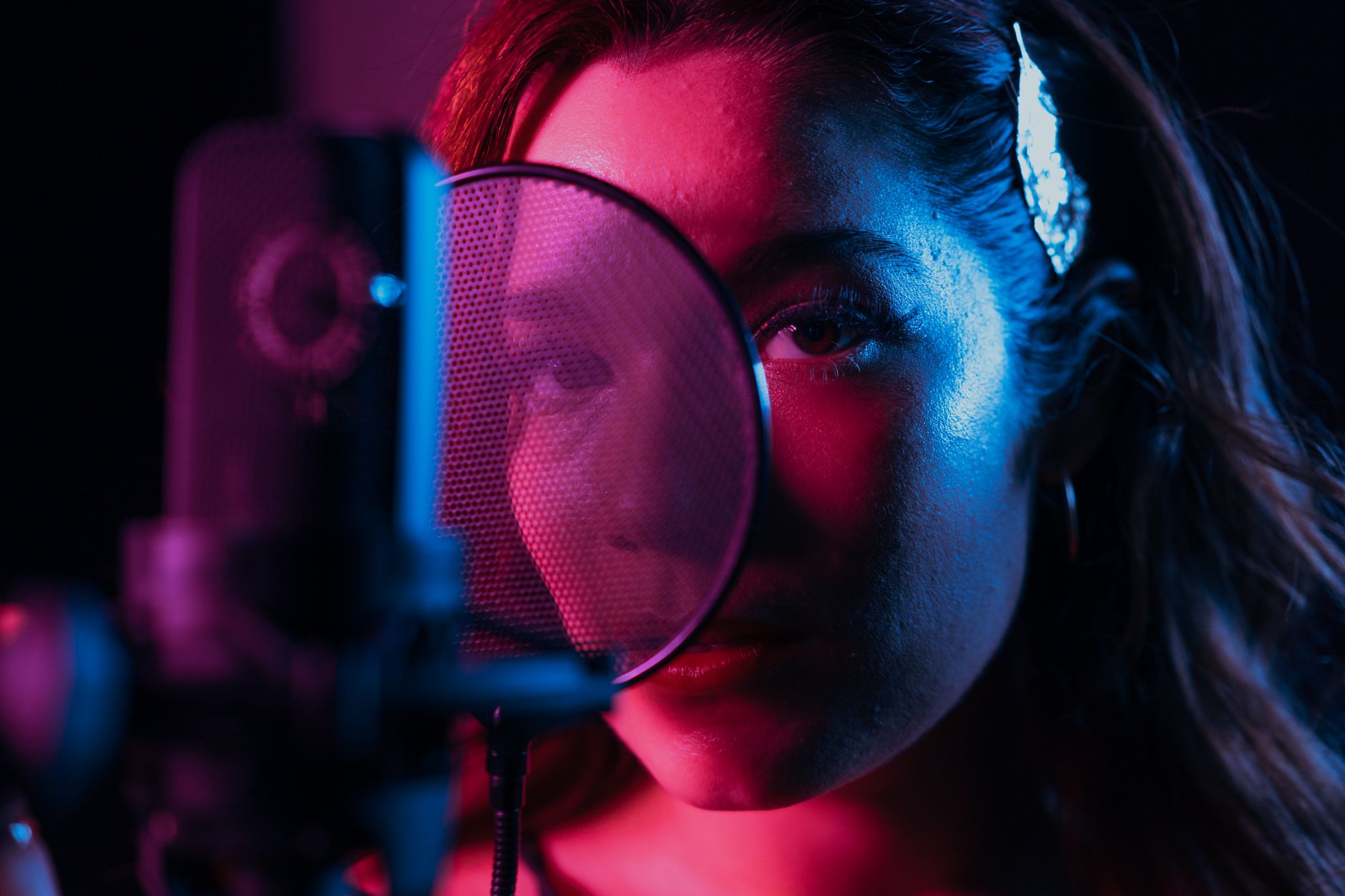 Photo: Los Muertos Crew via Pexels
Audio-Technica AT2020
| Spec | Value |
|---|---|
| Type | Large-diaphragm condenser, cardioid |
| Frequency Response | 20Hz–20kHz |
| Self-Noise | 20dB SPL |
| Max SPL | 144dB (154dB with pad) |
| Requires Phantom Power | Yes (48V) |
| Best For | Vocals, acoustic guitar, voice-over |
The AT2020 has been the entry-level condenser benchmark for over a decade. Its self-noise spec of 20dB SPL is audibly clean for vocal and instrument recording in treated rooms. The cardioid polar pattern has narrow rear rejection — it will pick up room reflections in untreated spaces, so position it carefully and use a pop filter.
One documented limitation: the output level is lower than average for a large-diaphragm condenser, which means you’ll push your interface preamp harder. With a budget interface at high gain, you may introduce audible noise. Pair it with the Scarlett Solo’s cleaner preamp for best results.
Samson Q2U
| Spec | Value |
|---|---|
| Type | Dynamic, cardioid |
| Frequency Response | 50Hz–15kHz |
| Self-Noise | Not rated (dynamic) |
| Connectivity | XLR + USB (dual output) |
| Requires Phantom Power | No |
| Best For | Podcasting, streaming, beginners without an interface |
The Q2U’s dual XLR/USB output is its defining feature at this price. You can use it directly with a computer via USB before you own an interface, then route through XLR when you upgrade. Frequency response extends to 15kHz rather than 20kHz — audible air on acoustic sources is slightly rolled off, which matters for music but is irrelevant for speech. Per manufacturer specifications, it handles up to 115dB SPL, making it suitable for close-mic guitar amplifiers.
Microphone Comparison
| Product | Price | Type | Self-Noise | Best For | Verdict |
|---|---|---|---|---|---|
| Audio-Technica AT2020 | ~$99 | LDC Condenser | 20dB SPL | Vocals, acoustic | Best condenser under $100 |
| Shure SM48 | ~$50 | Dynamic | N/A (dynamic) | Live, loud sources | Budget dynamic |
| Samson Q2U | ~$70 | Dynamic (USB+XLR) | N/A (dynamic) | Podcasting, no interface | Best starter mic |
| Behringer B-1 | ~$60 | LDC Condenser | 16dB SPL | Budget condenser | Usable but inconsistent QC |
Best Headphones Under $100 for Recording
The Sony MDR-7506 is the monitoring headphone to beat under $100 — it has been the broadcast and studio standard for decades, with a flat-ish response and 106dB/mW sensitivity that reveals mix problems without fatiguing over long sessions. The Audio-Technica ATH-M40x is the alternative if you want a slightly flatter low end.
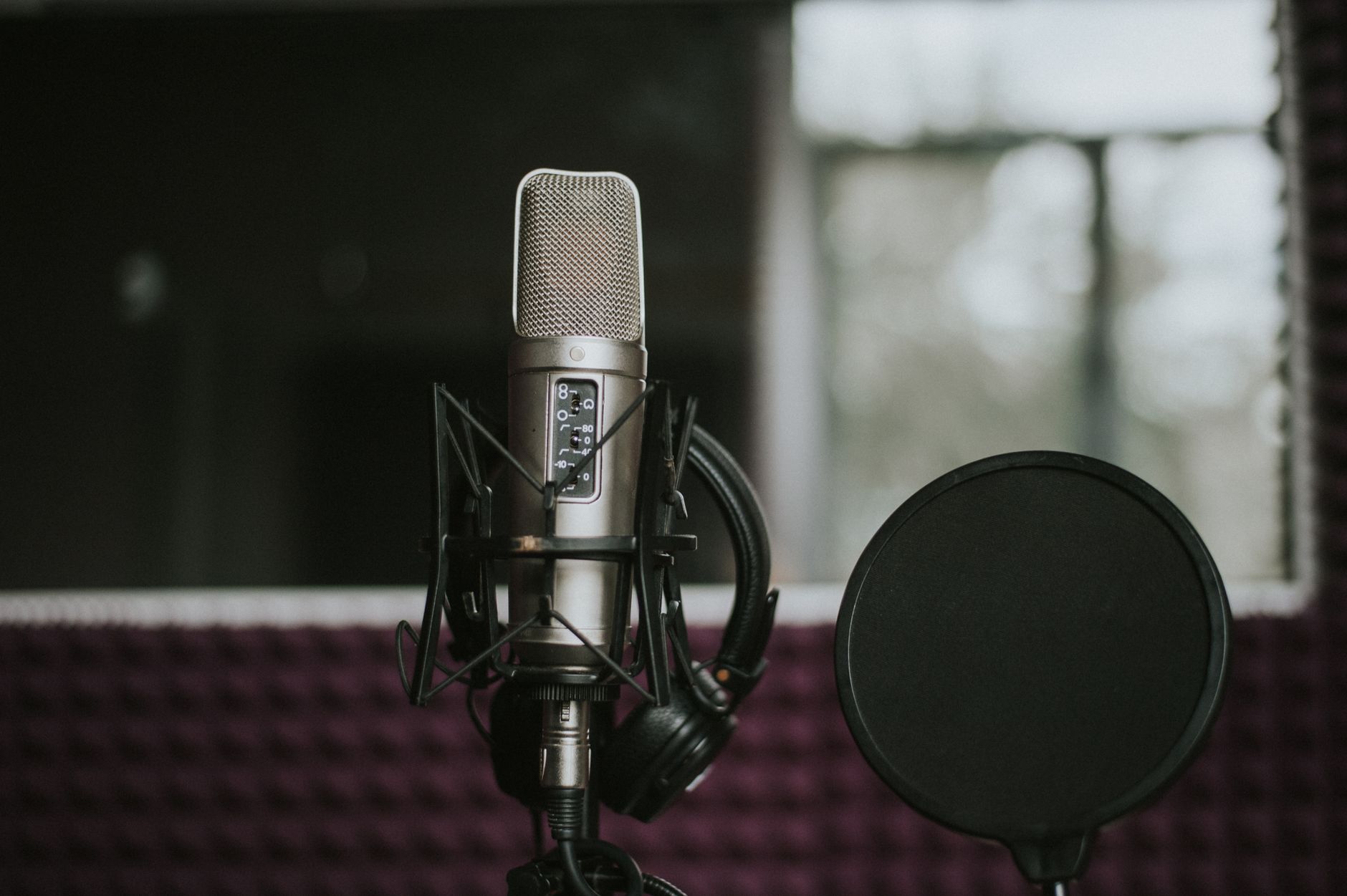
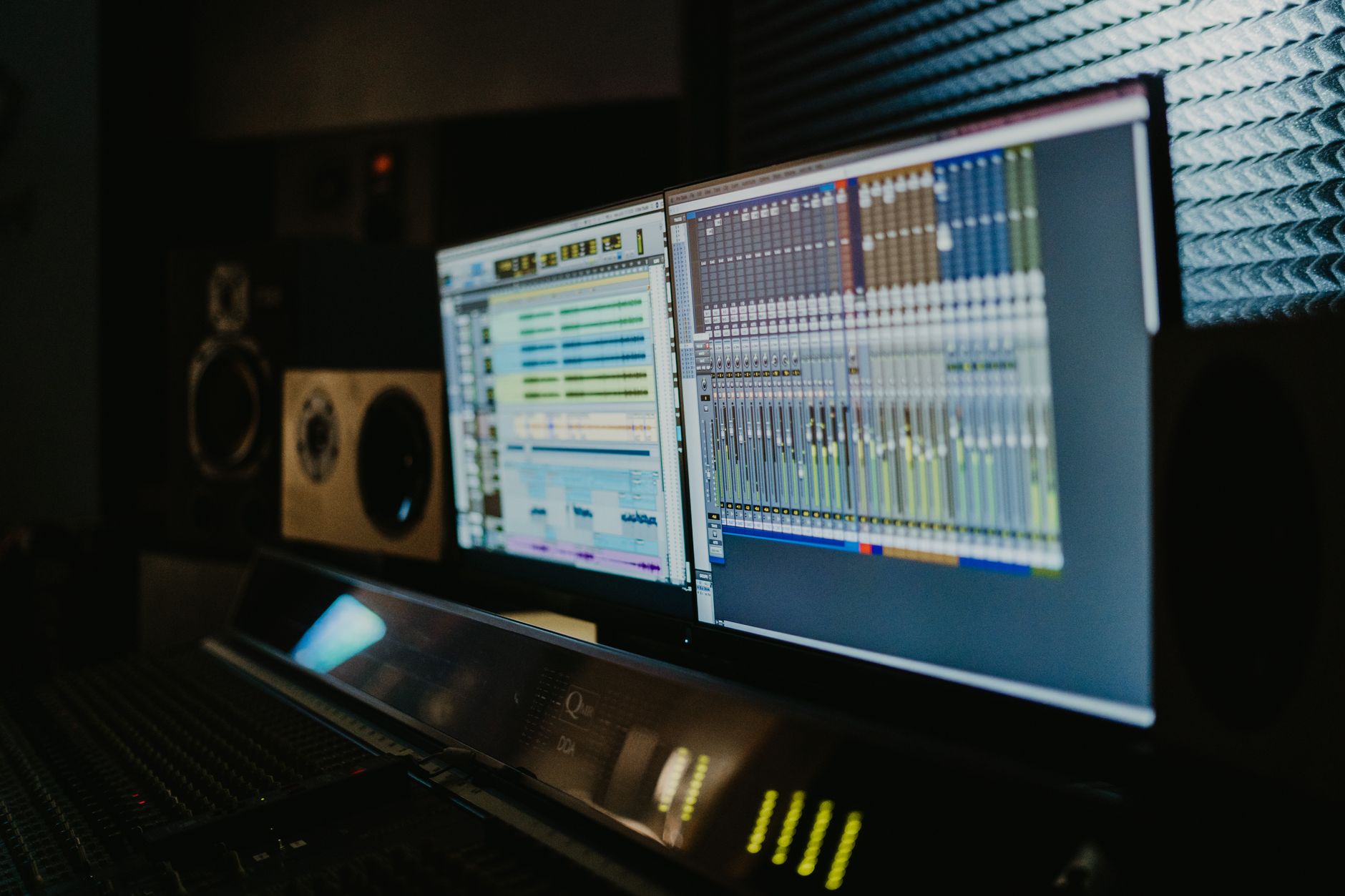 Photo: Tima Miroshnichenko via Pexels
Sony MDR-7506
Published frequency response of 10Hz–20kHz with a slight presence peak around 6–10kHz makes the 7506 detailed for critical listening while remaining tolerable for long sessions. The coiled cable is practical in studio environments. At 63Ω impedance, they drive easily from any interface headphone output. According to published testing data and decades of broadcast adoption, the 7506 is the most commonly found headphone in professional recording studios worldwide at any price.
Tracking caveat: the 7506’s earcups don’t fully seal, and bleed from the drivers is audible in the room. For quiet vocal takes, position your microphone away from the headphone driver axis and keep monitoring levels controlled.
Audio-Technica ATH-M40x
The M40x has a flatter low-frequency response than its more popular sibling the M50x, which makes it more accurate for judging bass-heavy mixes. At ~$70 street price it undercuts the MDR-7506 while delivering comparable isolation. Detachable cables are a practical durability advantage over the MDR-7506’s fixed coiled design.
Headphone Comparison
| Product | Price | Impedance | Frequency Response | Best For | Verdict |
|---|---|---|---|---|---|
| Sony MDR-7506 | ~$100 | 63Ω | 10Hz–20kHz | Tracking, broadcast | Industry standard |
| Audio-Technica ATH-M40x | ~$70 | 35Ω | 15Hz–24kHz | Mixing on a budget | Flatter low end |
| Beyerdynamic DT 240 Pro | ~$90 | 35Ω | 5Hz–35kHz | Extended LF response | Good isolation |
Accessories Worth Spending On
Acoustic treatment and signal chain hygiene return more improvement per dollar than upgrading gear above $100. A $15 pop filter eliminates 90% of plosive problems; a $30 reflection filter reduces room noise without building a vocal booth.
At this budget tier, the accessories that actually matter:
Pop filter — any gooseneck pop filter above $10 performs identically. The mechanism is simple.
Mic stand — a round-base boom stand at ~$25 is more stable than tripod designs for desktop use. Don’t go under $20; the threads strip.
Acoustic panels — 2-inch rockwool or Owens Corning 703 panels at the primary reflection points (first reflection left/right walls, ceiling) make more difference than any gear upgrade. DIY panels cost ~$80 for a room-sized set.
XLR cables — Mogami and Canare cables are the reference standard, but at short lengths (under 3m), any shielded cable performs the same. Budget cables from Monoprice or Amazon Basics at ~$10 per cable are indistinguishable in documented noise floor tests.
Complete Budget Studio Builds Under $100
If you’re starting from zero, you won’t assemble a complete studio for $100 — but you can buy the single item that most improves what you already have.
| Scenario | Best Single Purchase | Why |
|---|---|---|
| Laptop with built-in mic | Audio interface (Scarlett Solo) | Removes the biggest quality bottleneck |
| Interface but no good mic | AT2020 | Unlocks the interface’s preamp quality |
| Interface + mic but laptop speakers | MDR-7506 headphones | Accurate monitoring without studio monitors |
| Everything above, bad room | DIY acoustic panels | Fixes the environment, not the gear |
→ See Also
- The Complete Budget Home Studio Guide (2026) — full signal chain walkthrough from interface to monitors
- Cheapest Way to Start Recording Music — sub-$50 options if you need to start smaller
- Best Home Recording Gear Under $50 — the absolute floor for usable audio
FAQ
Is $100 enough to start recording music at home? Yes — a single audio interface or microphone at this price is enough to record clean, publishable audio. The Focusrite Scarlett Solo and AT2020 are both used on commercial releases. The room and the performance matter more than the gear above a basic quality floor.
What’s the most important piece of recording gear to buy first? An audio interface, if you’re recording anything through XLR — microphones, instruments, or both. Without an interface, your signal chain is limited to a computer’s built-in audio hardware, which adds noise, latency, and lacks phantom power for condenser microphones.
Do I need 192kHz sample rate on a budget interface? No. 44.1kHz or 48kHz is the standard for music and podcast delivery. 96kHz is useful if you’re doing heavy pitch-shifting or time-stretching in post-production. The Scarlett Solo’s 192kHz ceiling is a marketing ceiling more than a practical one at this price point — prioritize preamp quality over maximum sample rate.
Can the AT2020 work without a dedicated audio interface? No. The AT2020 is an XLR condenser microphone that requires 48V phantom power. You cannot connect it directly to a computer without an interface that provides phantom power. If you need a microphone without an interface, choose the Samson Q2U (USB + XLR dual output) instead.
Are dynamic microphones better than condensers for home recording? Not better — different. Dynamic microphones (SM48, Q2U) have higher SPL handling, reject more room noise due to narrower off-axis sensitivity, and don’t require phantom power. They suit loud sources and untreated rooms. Condenser microphones (AT2020) capture more detail, higher frequencies, and transients — they’re better for vocals and acoustic instruments in treated rooms. The best recording gear under $100 includes both types for different use cases.
What’s the difference between the Scarlett Solo and Scarlett 2i2? One extra mic input. The 2i2 adds a second XLR/combo preamp, allowing simultaneous two-channel recording (vocal + guitar, two mics on a source). The 2i2 typically costs $40–50 more. If you ever record two sources simultaneously, the 2i2 is worth the upgrade. If you only record one source at a time, the Solo covers everything you need.
Do budget studio headphones work for mixing? The MDR-7506 and ATH-M40x are used for professional mixing in broadcast and recording studios. At this price, headphone mixing is viable — but headphones have an inherently different stereo image than speakers, which means panning decisions and reverb depth need to be cross-checked. Mix on headphones, then verify on speakers or earbuds before delivering.
Editorial methodology: Assessments are based on manufacturer specifications, published user reviews, and editorial research. Physical hands-on testing is noted explicitly where it occurred. Rankings reflect our editorial judgment and are not influenced by affiliate commission rates. Full editorial policy · Affiliate disclosure