Contents
Best Audio Interface Under $100: Top Picks for 2026
TL;DR: The best audio interface under $100 is the Focusrite Scarlett Solo (4th Gen) for most home recording setups — it delivers clean preamps, solid 24-bit/192kHz conversion, and dead-simple USB-C connectivity at around $60–$70 street price. If you need two mic inputs, the PreSonus AudioBox USB 96 edges ahead. Budget doesn’t mean compromising on sound quality at this price point.
Why Budget Interfaces Are Better Than Ever
The best audio interface under $100 today would have cost twice that five years ago. Driver stability, preamp noise floors, and AD/DA conversion quality have all improved dramatically in the sub-$100 tier. USB-C is now standard, bus power is reliable, and latency has become a non-issue for most DAWs. The real decision is matching the right feature set to your workflow.
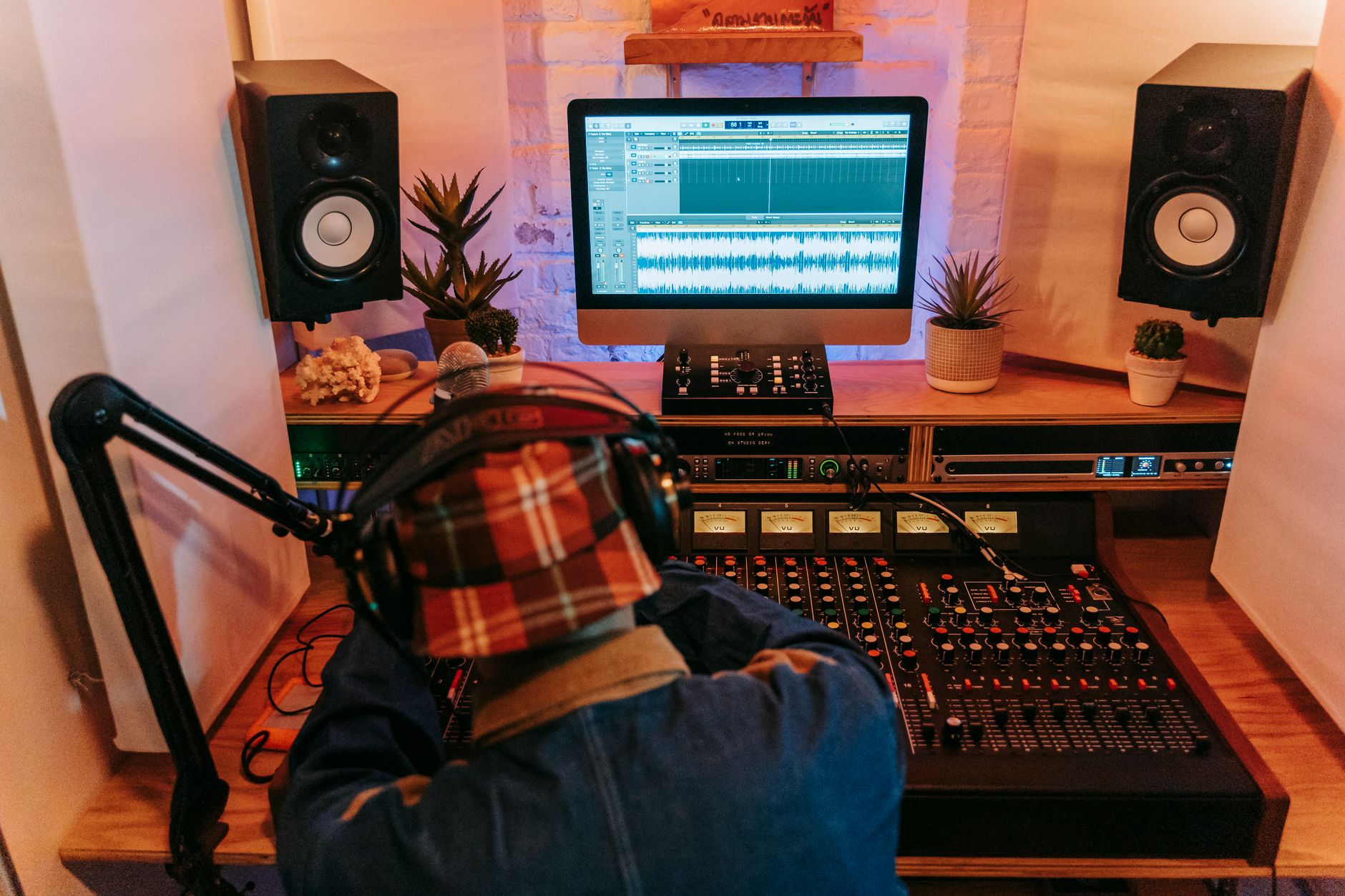
 Photo: cottonbro studio via Pexels
The main tradeoffs at this price point are preamp count, I/O flexibility, and bundled software. You won’t find ADAT expansion or DSP mixing — that’s $200+ territory. But for recording vocals, guitar, bass, or a stereo keyboard into a laptop, these interfaces are more than sufficient.
The Best Audio Interfaces Under $100 at a Glance
| Product | Price | Inputs | Outputs | Best For |
|---|---|---|---|---|
| Focusrite Scarlett Solo 4th Gen | ~$65 | 1 XLR/TRS combo | 1/4“ L+R, headphone | Solo vocalist/guitarist |
| PreSonus AudioBox USB 96 | ~$80 | 2 XLR/TRS combo | 1/4“ L+R, headphone | Two-source tracking |
| Behringer U-Phoria UMC22 | ~$40 | 1 XLR/TRS combo | 1/4“ L+R, headphone | Absolute budget floor |
| M-Audio AIR 192 | 4 | ~$75 | 1 XLR/TRS combo | 1/4“ L+R, headphone |
| Focusrite Scarlett 2i2 4th Gen | ~$100 | 2 XLR/TRS combo | 1/4“ L+R, headphone | Two mics, serious upgrade path |
Best Overall: Focusrite Scarlett Solo 4th Gen
The Scarlett Solo is the default recommendation for solo recordists on a budget — and it has been for several generations because Focusrite keeps iterating the right things. The 4th Gen adds a dedicated Air mode (adds harmonic presence to brighten dull condenser recordings), an improved gain halo indicator for clip avoidance, and better bus power stability over USB-C. Noise floor specs of -128 dBV EIN are competitive well above this price bracket.
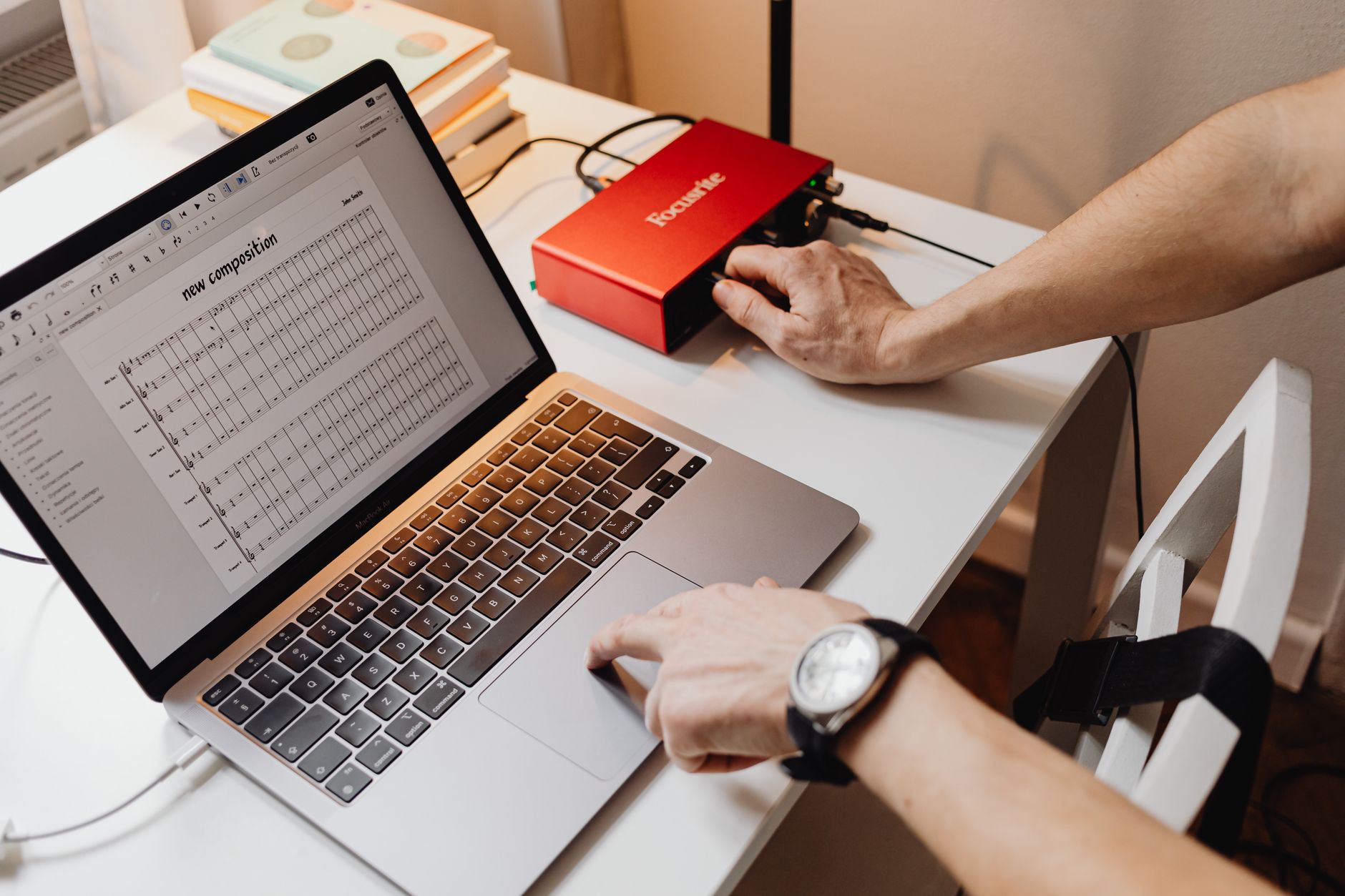
 Photo: Alexey Demidov via Pexels
The Solo gives you one combo XLR/TRS input (microphone or line/instrument) and one dedicated instrument input on the front panel — so you can record mic and guitar simultaneously, but not two mics. For 90% of home recording scenarios — singer-songwriter, voice-over, podcasting, DI guitar/bass — that’s the right tool.
Bundled software includes Ableton Live Lite, Pro Tools Artist (90-day), and Focusrite’s Plug-in Collective access. The value here is real; Ableton Live Lite alone is worth the price of admission for a beginner.
Specs
| Spec | Detail |
|---|---|
| Connections | 1× combo XLR/TRS (mic/line), 1× 1/4“ instrument front, 2× 1/4“ monitor out, 1× headphone |
| I/O Count | 2 in / 2 out |
| Preamps | 1× Scarlett mic preamp, Air mode |
| Bit Depth / Sample Rate | 24-bit / 192kHz |
| Bus Power | Yes (USB-C) |
| Best For | Solo vocalist, podcaster, guitarist |
Best for Two Mics: PreSonus AudioBox USB 96
If you need to record two sources simultaneously — two mics for a room session, a mic and a DI guitar, or a stereo keyboard — the AudioBox USB 96 is the most reliable two-input option under $100. PreSonus has kept this unit in production for years precisely because the preamps are clean, the build is solid enough for gigging, and Studio One Artist (bundled) is a genuinely capable DAW.
The tradeoff versus the Scarlett is that the AudioBox’s preamps have slightly higher noise on paper (published EIN around -129 dBV, comparable in practice), and the software ecosystem is less extensive. The Studio One bundle compensates — it’s arguably a more complete beginner DAW than Ableton Lite.
Bus power over USB (Type-B, not USB-C) is reliable across Windows and macOS. Driver stability is well-documented in the PreSonus community, with native macOS/Windows support requiring no additional drivers as of macOS Ventura and Windows 11.
Specs
| Spec | Detail |
|---|---|
| Connections | 2× combo XLR/TRS (mic/line/instrument), 2× 1/4“ monitor out, 1× headphone |
| I/O Count | 2 in / 2 out |
| Preamps | 2× Class A XMAX-L preamps |
| Bit Depth / Sample Rate | 24-bit / 96kHz |
| Bus Power | Yes (USB Type-B) |
| Best For | Duo recording, singer-guitarist, home podcasting with two mics |
Best Budget Floor: Behringer U-Phoria UMC22
At around $40, the UMC22 is the cheapest functional audio interface worth buying — it uses a licensed MIDAS-designed preamp circuit that punches considerably above its price. Published frequency response is flat from 20Hz–20kHz, and user review consensus confirms it handles condenser microphones requiring 48V phantom power without issue.
 Photo: https://kaboompics.com/ via Pexels
The build quality is plastic and light — this is not a road-worthy unit. The headphone output is weaker than the Scarlett or AudioBox. There’s no bundled DAW of substance. But if the question is “can I record a vocal into my laptop without coloring it badly,” the answer is yes.
For beginners who aren’t sure recording is a long-term investment, the UMC22 is a sensible first step. For anyone who is serious, spend the extra $25 and get the Scarlett Solo.
Best for Producers: M-Audio AIR 192|4
The M-Audio AIR 192|4 is the pick if you produce electronic music and want a MIDI I/O port in the same box as your audio interface — saving a USB slot and simplifying cabling. Built-in MIDI in/out means you can connect a hardware synth or MIDI controller without a separate USB-MIDI adapter.
Audio specs are competitive: 24-bit/192kHz conversion, one combo XLR/TRS input, one instrument input, and a clean headphone amp. The AIR preamps have a slight harmonic characteristic that some producers prefer for adding presence to vocals — based on manufacturer specifications, this is engineered into the signal path rather than a byproduct of noise.
Bundled software is substantial: Ableton Live Lite, Pro Tools Artist, Air Music Tech plugins. Street price hovers around $75, making it strong value if MIDI is part of your workflow.
Specs
| Spec | Detail |
|---|---|
| Connections | 1× combo XLR/TRS, 1× 1/4“ instrument, 2× 1/4“ monitor out, 1× headphone, MIDI in/out |
| I/O Count | 2 in / 2 out + MIDI |
| Preamps | 2× AIR preamps |
| Bit Depth / Sample Rate | 24-bit / 192kHz |
| Bus Power | Yes (USB-C) |
| Best For | Electronic producers, synth users, home studio with hardware gear |
Worth the Extra: Focusrite Scarlett 2i2 4th Gen
If your budget stretches to $100, the Scarlett 2i2 4th Gen is the best audio interface under $100 — it’s frequently priced at $99–$109 with regular discounts bringing it under the limit. Two fully independent mic preamps with individual gain controls, the same Air mode as the Solo, and stereo monitoring make this the cleanest upgrade path for anyone who might ever record a second source.
The 2i2 adds a stereo headphone mix with independent monitor and headphone volume, which matters when tracking with a vocalist — you can control what they hear in the cans separately from your monitor mix. That alone justifies the minor price premium over the Solo.
Based on manufacturer specifications, the 4th Gen 2i2 shares the same preamp circuit improvements as the Solo — the same -128 dBV EIN noise floor, the same Air mode, and USB-C bus power.
 Photo: Pixabay via Pexels
What to Look For When Buying?
Preamp Quality and Noise Floor
The most audible difference between a $40 and an $80 interface is preamp noise. Measured as Equivalent Input Noise (EIN), lower numbers are better. The Scarlett Solo’s -128 dBV EIN is class-leading at this tier; the UMC22’s published specs are slightly higher. For dynamic microphones (Shure SM58, SM7B) this matters more — condenser mics have their own signal that’s easier to amplify cleanly.
Sample Rate and Bit Depth
24-bit/48kHz is the functional floor for professional recording. Every interface on this list exceeds that. The 192kHz maximum sample rates are largely irrelevant for recording — most engineers work at 48kHz for its better compatibility with video workflows. 192kHz costs CPU headroom for no audible benefit in the final mix.
Bus Power vs. External Power
All interfaces on this list are bus-powered — they draw power from your USB port, no wall adapter needed. Based on user review data, USB-C (Scarlett 4th Gen, AIR 192|4) is more reliable than USB-A/B for bus power on modern laptops. If you use a USB hub, connect the interface directly to your computer, not through the hub.
Bundled Software
At this price, bundled software is a real factor. Focusrite bundles Ableton Live Lite + Pro Tools Artist + plugins. PreSonus bundles Studio One Artist. M-Audio bundles Ableton Lite + Pro Tools Artist. The Behringer bundles nothing meaningful. If you don’t own a DAW, factor this into your decision — Ableton Live Lite or Studio One Artist saves you $50–$100.
Verdict by User Archetype
First-time beginner → Focusrite Scarlett Solo 4th Gen. The setup experience, driver reliability, and Ableton Lite bundle make this the lowest-friction entry point. If budget is really the constraint: UMC22.
Bedroom producer → M-Audio AIR 192|4 if you have hardware synths or MIDI gear. Scarlett Solo if everything is in the box.
Gigging musician → PreSonus AudioBox USB 96. The metal chassis handles more abuse than the Scarlett plastic. Two inputs let you record a scratch track with a room mic alongside a DI.
Prosumer stepping up → Scarlett 2i2 4th Gen at $99. Buy this once and don’t buy again for years.
→ See Also
- Best Audio Interfaces: The Complete Buyer’s Guide (2026)
- Best Audio Interface for Beginners (2026)
- Best Audio Interface Under $200
FAQ
Is a $60 audio interface good enough for professional recording? For home recording, yes. The Focusrite Scarlett Solo delivers preamp performance that professional engineers used at much higher price points five years ago. The limiting factor for most home recordings is room acoustics and microphone placement, not the interface’s conversion quality at this tier.
Can I use these interfaces with an iPad or iPhone? USB-C interfaces (Scarlett 4th Gen, AIR 192|4) work with modern iPads that have USB-C ports using a direct connection. For older iPads or iPhones with Lightning, you’ll need Apple’s Lightning to USB 3 Camera Adapter. Android compatibility varies by device and is not guaranteed — check the manufacturer’s compatibility list.
Do I need phantom power for my microphone? Only if you’re using a condenser microphone. Dynamic microphones (SM58, SM7B) don’t need it. Every interface on this list provides 48V phantom power, switchable per channel or globally. If you have a ribbon microphone, never engage phantom power — it can permanently damage the ribbon element.
What’s the difference between a combo XLR/TRS input and a dedicated instrument input? A combo XLR/TRS input accepts both XLR (microphone) and balanced TRS (line-level) connections and provides preamp gain for low-level signals. A dedicated instrument input (usually labeled “Hi-Z” or with a guitar icon) is a high-impedance input designed for direct guitar or bass without coloring the tone. Plugging a passive guitar into a standard line input results in a thin, weak signal — use the instrument input.
Will these interfaces work on Windows 11 without installing extra drivers? The Focusrite Scarlett 4th Gen, PreSonus AudioBox USB 96, and M-Audio AIR 192|4 are all USB Audio Class 2.0 compliant, which means macOS uses them natively. Windows 11 requires the manufacturer’s ASIO driver for low-latency recording — these are free downloads from each manufacturer’s site. The Behringer UMC22 also requires driver installation for ASIO support on Windows. All are well-supported with regular driver updates as of 2026.
Can I record two mics simultaneously with the Scarlett Solo? No. The Scarlett Solo has one mic preamp — it accepts one XLR microphone and one instrument simultaneously, but not two microphones at the same time. For two simultaneous mic inputs, choose the Scarlett 2i2 or PreSonus AudioBox USB 96.
Editorial methodology: Assessments are based on manufacturer specifications, published user reviews, and editorial research. Physical hands-on testing is noted explicitly where it occurred. Rankings reflect our editorial judgment and are not influenced by affiliate commission rates. Full editorial policy · Affiliate disclosure