Contents
Best Cheap Microphone for Recording: Top Picks Under $100
TL;DR: The best cheap recording microphone for most people is the Audio-Technica AT2020 — it delivers studio-grade condenser performance at an entry-level price. If you’re on an even tighter budget, the Samson Q2U gives you a solid dynamic mic with both USB and XLR connections for under $70. You don’t need to spend $200+ to record vocals, podcasts, or instruments that sound professional.
What Makes a Good Cheap Recording Microphone?
A cheap recording microphone worth buying has a flat-enough frequency response to capture your source accurately, low self-noise (under 20 dB-A for condensers), and enough output gain that your interface or preamp isn’t straining. Budget mics fail most often on self-noise, off-axis coloration, and flimsy build — these are the specs that separate the keepers from the junk drawer occupants.
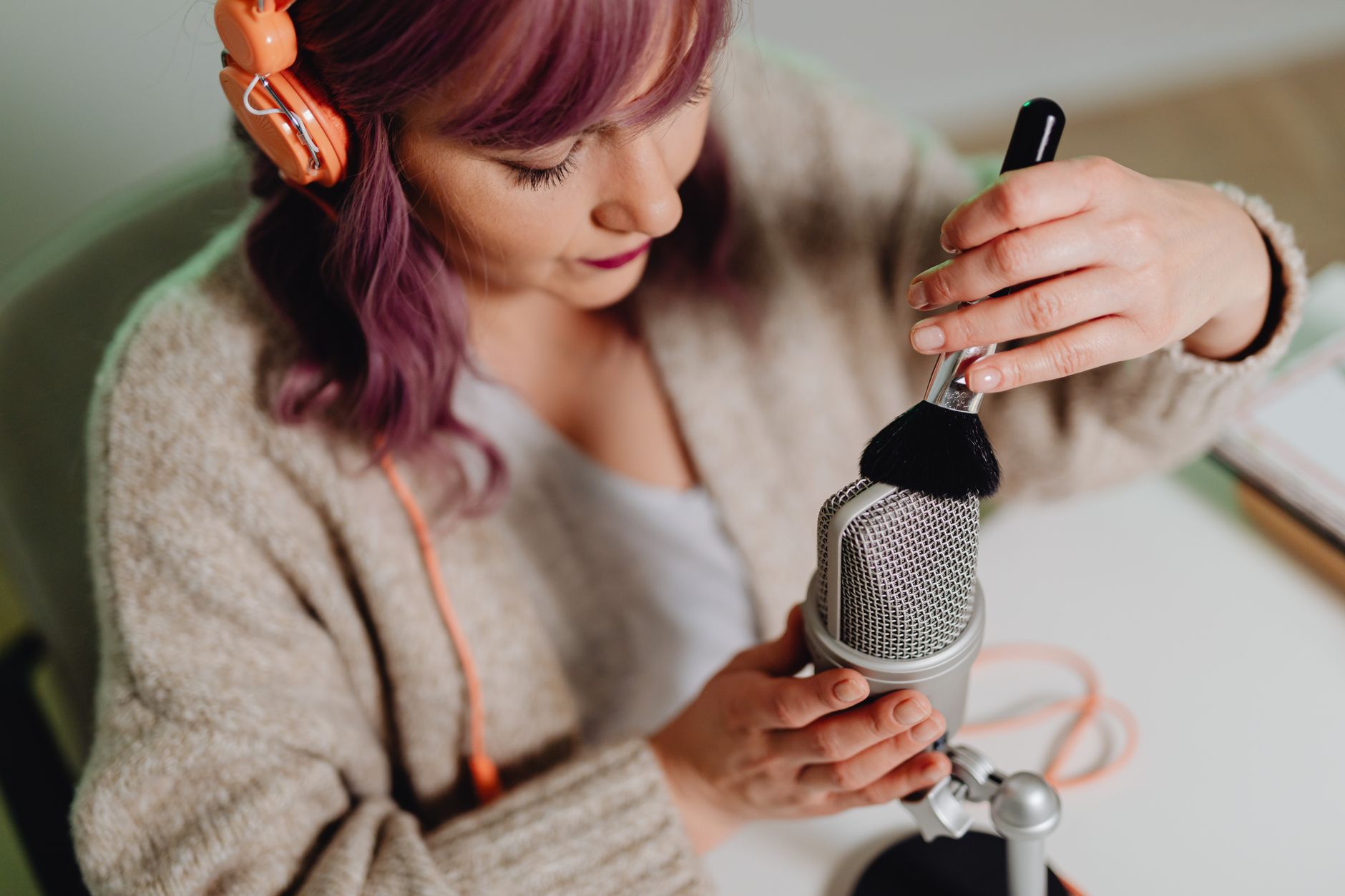
 Photo: RDNE Stock project via Pexels
The price ceiling for this guide is $100. Below that, you’ll find workable condensers, handy USB/XLR hybrids, and a handful of dynamic mics that punch above their weight. Above $100 — gear like the Shure SM7B or Rode NT1 — belongs in a different conversation.
Key specs to prioritize:
| Spec | Why It Matters | Budget Target |
|---|---|---|
| Self-noise | Determines how quiet your clean signal is | ≤20 dB-A for condenser |
| Frequency response | Flat = more versatile; colored = genre-specific | 20Hz–20kHz |
| Polar pattern | Cardioid for solo recording | Cardioid |
| SPL handling | Loud sources need headroom | ≥120 dB SPL |
| Connection | XLR needs interface; USB is plug-and-play | Match your setup |
Best Overall: Audio-Technica AT2020
The AT2020 is the default recommendation for first-time studio builds because it has genuinely low self-noise (20 dB-A), a cardioid polar pattern that rejects off-axis bleed, and a clean frequency response without the hyped upper-mids many budget mics use to fake “presence.” It ships for around $99 new.
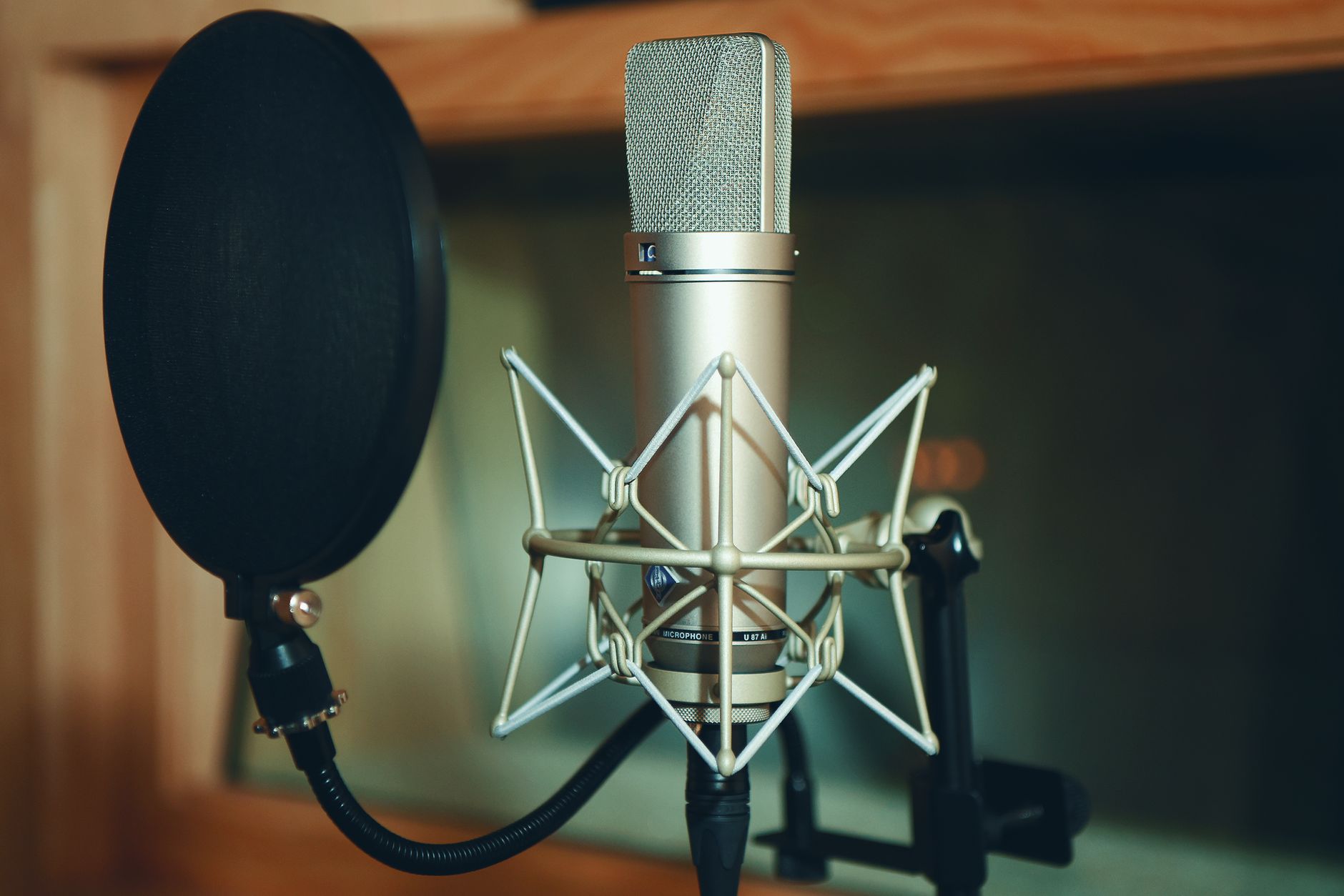
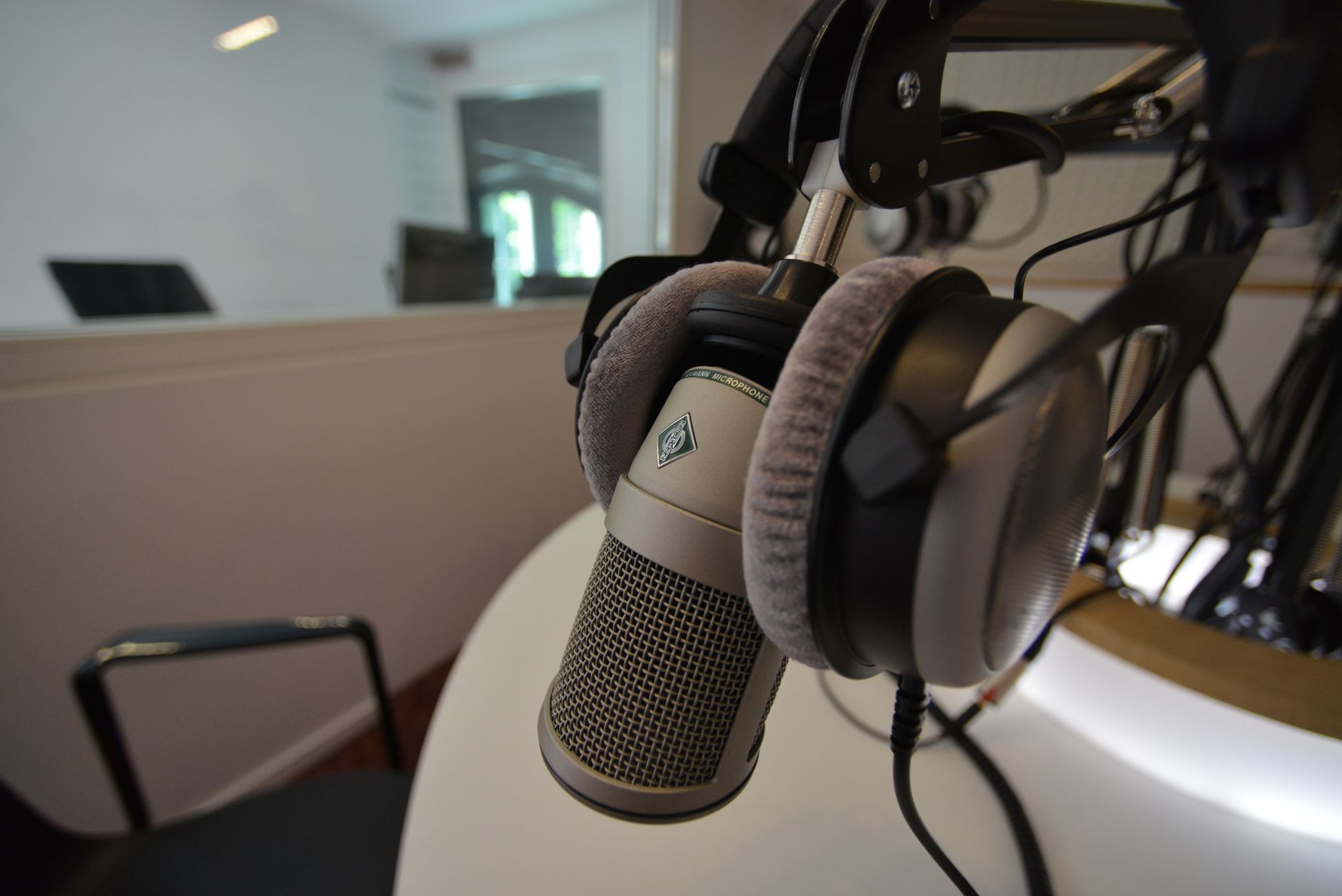 Photo: Guillaume Pierre LEROY via Pexels
Specs
| Spec | Value |
|---|---|
| Type | Large-diaphragm condenser |
| Polar pattern | Cardioid |
| Frequency response | 20 Hz – 20 kHz |
| Self-noise | 20 dB-A |
| Max SPL | 144 dB (with pad) |
| Requires | 48V phantom power |
| Connection | XLR |
The AT2020 needs an audio interface with 48V phantom power — if you don’t have one yet, budget an extra $50–60 for something like the Focusrite Scarlett Solo. That’s still under $160 for a complete chain. For raw recording quality per dollar, that pairing is hard to beat.
Where it falls short: No built-in pad or high-pass filter on the standard XLR version. It’s also on the bright side — which flatters vocals but can make acoustic guitar a little thin if you’re close-micing.
Best USB Microphone: Blue Yeti
The Blue Yeti is the most popular USB microphone ever made, and for good reason — it’s plug-and-play, ships with a desk stand, has four selectable polar patterns (cardioid, bidirectional, omnidirectional, stereo), and has a headphone jack for zero-latency monitoring. Street price is around $99.
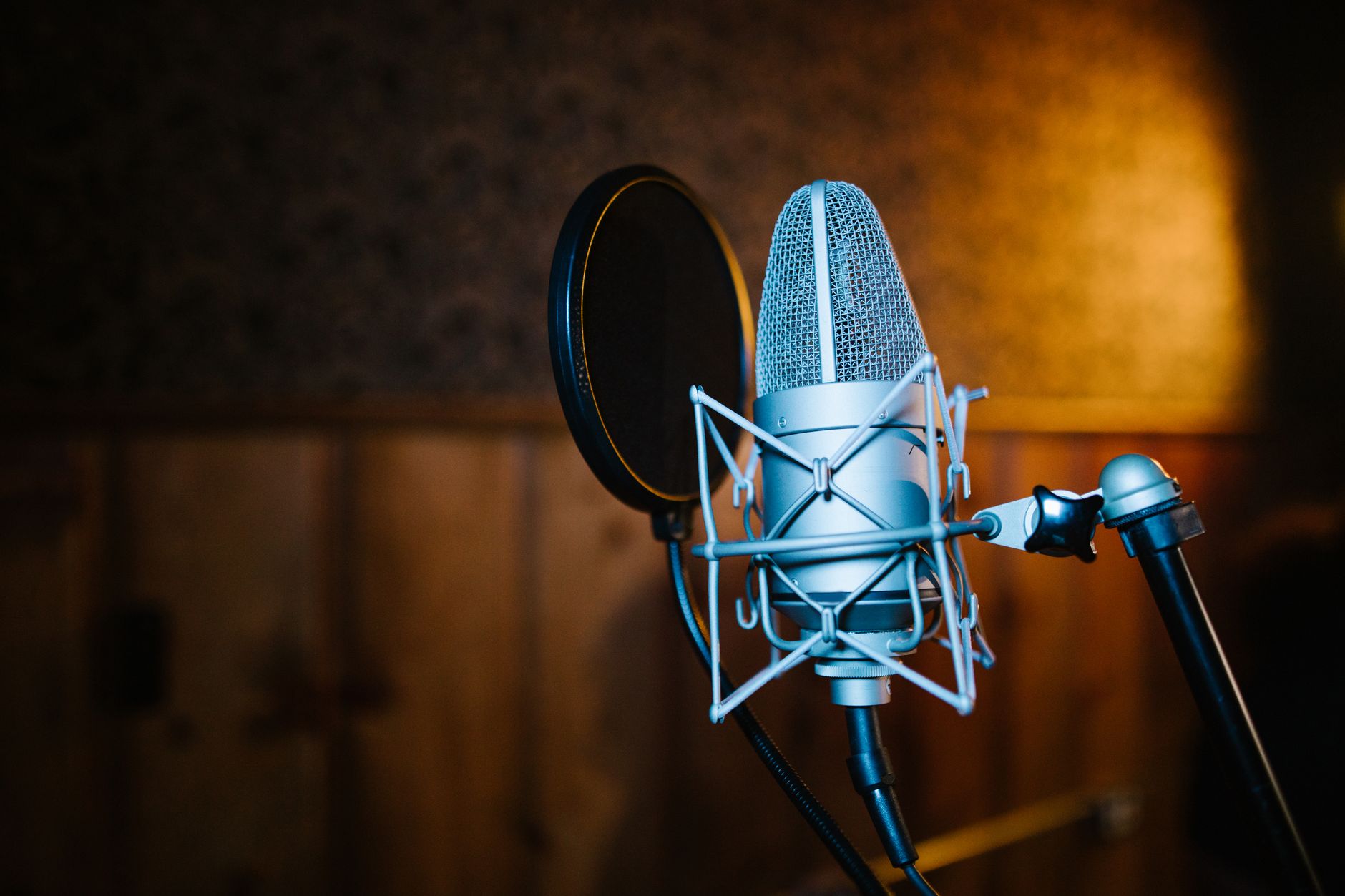
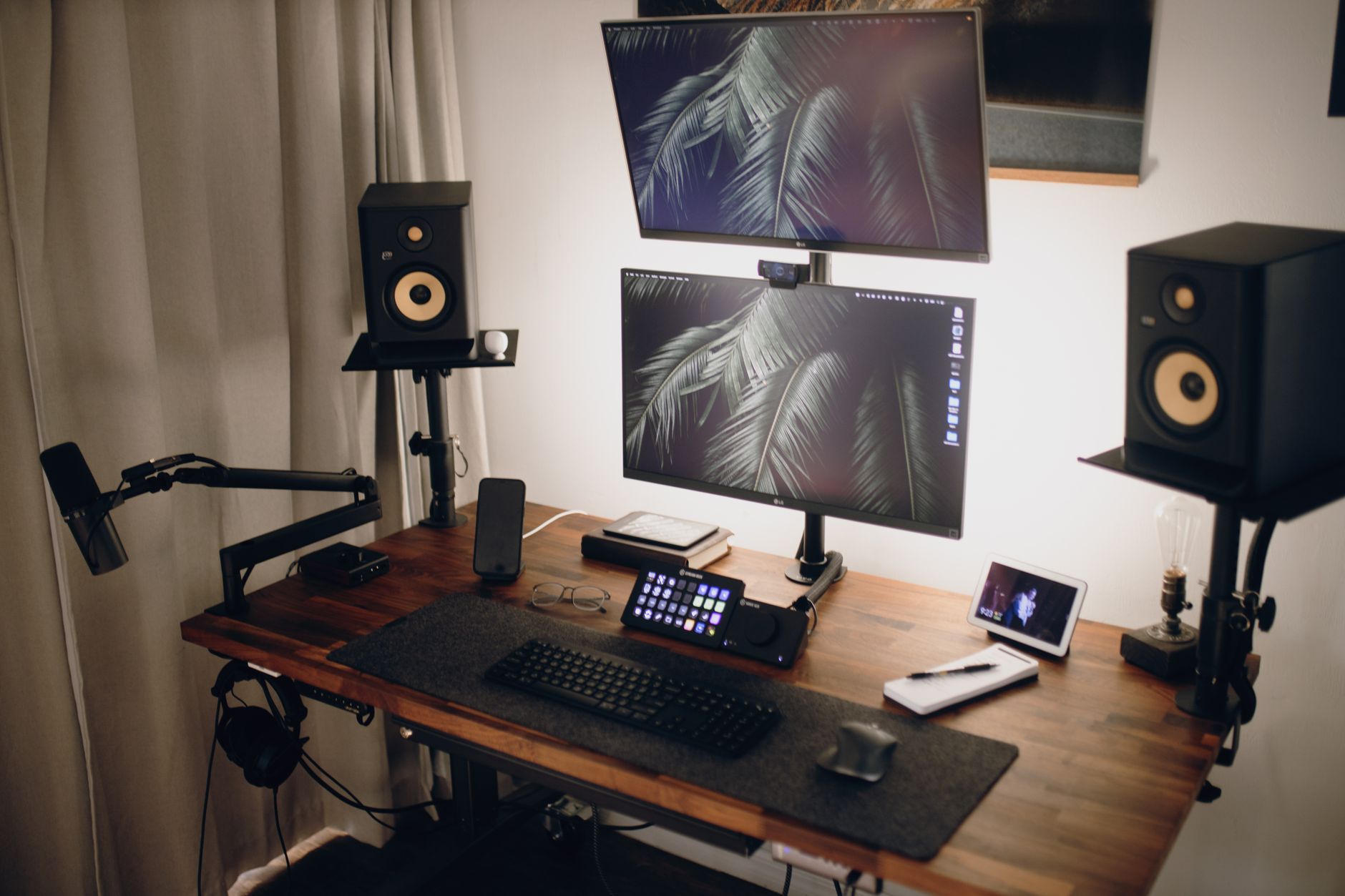 Photo: Josh Sorenson via Pexels
It’s larger and heavier than most competitors, which is either a pro or a con depending on your desk space. Published specs show self-noise around 20 dB-A — competitive for USB, though analog signal chains with the AT2020 still have a measurable edge in clean headroom.
The Yeti is best for:
- Podcasting and streaming, where convenience matters
- Voiceover work at a fixed desk setup
- Video calls, lectures, or interviews
If you want just the cardioid pattern without the extra mass, the Blue Yeti Nano runs about $20 cheaper and is genuinely pocketable.
Best Budget XLR Dynamic: Samson Q2U
The Samson Q2U is the sleeper pick here — a dynamic mic with both USB and XLR outputs, under $70, with a cardioid pattern that handles room noise aggressively. Dynamic mics are more forgiving in untreated rooms than condensers because they’re less sensitive by design.
The dual-output design means you can start recording into a laptop USB port today and upgrade to an XLR interface tomorrow without buying a new mic. That kind of flexibility is rare below $100.
User reviews consistently note the Q2U handles harsh home-studio acoustics — parallel walls, no treatment — far better than same-priced condensers. Manufacturer specs list a 50 Hz–15 kHz frequency response, which rolls off the extremes but suits spoken word and electric instruments well.
Where it falls short: The high-end roll-off that helps in bad rooms also means acoustic instruments and hi-hats lose air. If you’re recording acoustic guitar or full drum overheads, reach for the AT2020 instead.
Best for Vocals on a Tight Budget: Rode NT1-A vs. Behringer B-1 vs. MXL 990
If you’re shopping below $80 and need XLR-only condensers, these three come up constantly in the sub-$100 conversation.
| Product | Price | Self-Noise | Frequency Response | Best For | Verdict |
|---|---|---|---|---|---|
| MXL 990 | ~$65 | 20 dB-A | 30 Hz–20 kHz | Vocals, acoustic | Solid entry point, slightly hyped 8–12kHz |
| Behringer B-1 | ~$60 | 15 dB-A | 20 Hz–20 kHz | Vocals, voice-over | Surprisingly low noise, plastic build |
| Rode NT1-A | ~$99 | 5 dB-A | 20 Hz–20 kHz | Vocals, singer-songwriters | Best self-noise in class; worth stretching for |
The Rode NT1-A is technically above the spirit of “cheap” but it’s priced under $100 and has a 5 dB-A self-noise rating — lower than mics costing five times as much. Expert consensus across studio forums consistently ranks it as the most cost-effective condenser purchase you can make. If you can stretch the budget to $99, buy this over anything else on the list for clean vocal recording.
XLR vs. USB: Which Should You Buy?
XLR mics sound better and scale better — adding a better preamp, interface, or processor downstream is possible. USB mics are simpler and cheaper to start with because you skip the interface entirely. For serious recording, go XLR. For streaming, podcasting, or occasional use, USB is fine.
 Photo: Donatello Trisolino via Pexels
Quick decision guide:
- You own an audio interface already → XLR every time
- You’re recording on a laptop with no interface → USB is pragmatic
- You want to upgrade your chain later → XLR (or dual-output like the Q2U)
- You’re streaming / podcasting → USB is purpose-built for this
The hidden cost of USB: you’re locked into the mic’s built-in preamp and A/D converter. Budget USB preamp sections are acceptable, not exceptional. With an XLR mic and a Focusrite Scarlett or similar $50–60 interface, you have more gain, lower noise floor, and a path to upgrading either piece independently.
Condenser vs. Dynamic for Home Recording
Condensers are more sensitive and capture more detail — ideal for vocals and acoustic instruments in a treated room. Dynamic mics are less sensitive, reject room noise better, and handle high SPL well — better for untreated bedrooms, loud amps, and broadcast voices. Most first-time setups benefit from a condenser, but bad acoustics can flip that calculus entirely.
If your room has:
- No acoustic treatment, parallel walls, hard surfaces → start with a dynamic (Q2U or Shure SM58 )
- Some treatment or a vocal booth → condenser (AT2020, NT1-A)
- A closet full of clothes → condenser works fine; the clothes absorb reflection
A condenser mic doesn’t make a bad room sound good — it makes it sound worse because it captures more of it.
Full Comparison: Best Cheap Recording Microphones Under $100
| Product | Price | Type | Connection | Self-Noise | Best For | Verdict |
|---|---|---|---|---|---|---|
| Audio-Technica AT2020 | ~$99 | Condenser | XLR | 20 dB-A | Vocals, acoustic | Best all-around under $100 |
| Rode NT1-A | ~$99 | Condenser | XLR | 5 dB-A | Clean vocals, SSW | Best noise floor in class |
| Blue Yeti | ~$99 | Condenser | USB | 20 dB-A | Podcast, streaming | Best USB option |
| Samson Q2U | ~$70 | Dynamic | USB + XLR | N/A | Untreated rooms | Best flexibility |
| MXL 990 | ~$65 | Condenser | XLR | 20 dB-A | Vocals on a budget | Respectable starter |
| Behringer B-1 | ~$60 | Condenser | XLR | 15 dB-A | Voice, voice-over | Low noise, builds doubt |
Verdict by User Type
First-time beginner with no gear: Samson Q2U. Plug into USB, skip the interface purchase, upgrade when you’re ready. The dual output means you’re not starting over when you add an interface.
Bedroom producer building a chain: Audio-Technica AT2020 + Focusrite Scarlett Solo. That’s your foundation. Everything downstream — plugins, monitors, headphones — can improve, but this chain won’t be the weak link.
Singer-songwriter focused on vocal quality: Rode NT1-A. The 5 dB-A self-noise rating isn’t marketing — it means your vocal recordings have more headroom, cleaner transients, and less hiss under silence. Budget to it if you can.
Streamer / podcaster: Blue Yeti. The polar pattern options are genuinely useful for interviews (bidirectional) or group recordings (omnidirectional), and the zero-latency headphone monitoring is underrated.
→ See also:
- The Complete Budget Home Studio Guide (2026)
- Cheapest Way to Start Recording Music
- Best Home Recording Gear Under $50
FAQ
Do I need an audio interface for a cheap recording microphone? Only if you buy an XLR mic. USB microphones connect directly to a computer — no interface needed. XLR mics require a preamp and analog-to-digital converter, both of which are built into any audio interface. Entry-level interfaces like the Focusrite Scarlett Solo start around $60 and are sufficient for a single-mic setup.
Can a cheap microphone sound professional? Yes, with the right technique and room. The AT2020 and NT1-A both appear on professional releases when used by producers who know microphone placement and room treatment. A $99 mic with good placement in a treated space outperforms a $400 mic in a reflective room recorded sloppily.
What’s the cheapest recording microphone that doesn’t sound cheap? The MXL 990 at around $65 is the lowest price point where you’re getting genuinely usable condenser performance. Below $50, the signal-to-noise ratio and off-axis coloration start to limit what you can do in post. The Q2U at $70 is the budget floor for dynamic mics.
Do cheap USB microphones have high latency? USB microphones add some latency through the A/D conversion and USB buffer, but on modern computers with a direct monitoring switch (like the Yeti’s headphone jack), you hear yourself with zero latency through the mic itself. DAW monitoring latency is a separate issue governed by your audio buffer settings — not the mic type.
Is a condenser microphone better than a dynamic for vocals? For studio vocal recording in a treated room, yes — condensers capture more detail, transient information, and air. For untreated bedrooms, the answer flips: condensers pick up every reflection, HVAC noise, and neighbor’s conversation. Dynamic mics’ lower sensitivity is a practical advantage in bad acoustic environments, not a compromise.
Do I need phantom power for a budget condenser microphone? All large-diaphragm condensers, including the AT2020, MXL 990, and NT1-A, require 48V phantom power. Any modern audio interface provides this via a switch labeled “+48V” or “Phantom.” USB condenser mics like the Blue Yeti draw their own power over USB — no phantom required.
What’s the difference between a cheap microphone and an expensive one? Build quality, consistency across units, self-noise floor, off-axis rejection, and transient response. Budget mics often measure comparably in frequency response benchmarks but show more unit-to-unit variation and have higher noise floors. For home recording, the gap matters most on very quiet sources (fingerpicked acoustic guitar, quiet vocals) where self-noise becomes audible in the gaps.
Editorial methodology: Assessments are based on manufacturer specifications, published user reviews, and editorial research. Physical hands-on testing is noted explicitly where it occurred. Rankings reflect our editorial judgment and are not influenced by affiliate commission rates. Full editorial policy · Affiliate disclosure