Contents
Best Cheap MIDI Keyboard: Top Picks for Every Budget
TL;DR: The best cheap MIDI keyboard for most people is the Akai MPK Mini MK3 — it packs 25 velocity-sensitive keys, 8 MPC pads, and an arpeggiator into a bus-powered unit under $100. If you need full-size keys, the M-Audio Keystation 49 MK3 is the best value step-up. Budget doesn’t mean compromised — the right cheap MIDI keyboard gets you recording immediately.
What Makes a Cheap MIDI Keyboard Actually Worth Buying?
Direct Answer: A cheap MIDI keyboard is worth buying when it offers velocity-sensitive keys, USB bus power, and solid driver support — the three features that separate usable controllers from frustrating toys. Expect to spend $50–$150 for something that will last years in a real workflow. Below that threshold, build quality and key feel drop sharply.
 Photo: Douglas Mendes via Pexels
The market for budget MIDI controllers is genuinely competitive. At the $50–$100 price point, you get:
- 25 mini-keys (compact, laptop-friendly)
- USB bus power (no adapter needed)
- Basic assignable controls (knobs, pads)
- Class-compliant operation (plug-and-play on Mac, Windows, iOS)
The tradeoff is key size and count. Mini-keys are polarizing — playable for most people learning chords and melodies, frustrating for trained pianists. If keyboard technique matters to you, stretch to 49 full-size keys.
One thing budget keyboards almost universally skip: aftertouch. That’s fine for most producers. It only becomes a real limitation if you’re doing expressive synth work where channel pressure modulation is part of your sound.
Best Cheap MIDI Keyboards: Top Picks
Direct Answer: These are the controllers that consistently appear in professional recommendations, have strong user-review track records, and offer the best feature-per-dollar ratio in 2026. Each serves a different use case — match the keyboard to your workflow, not just your budget.
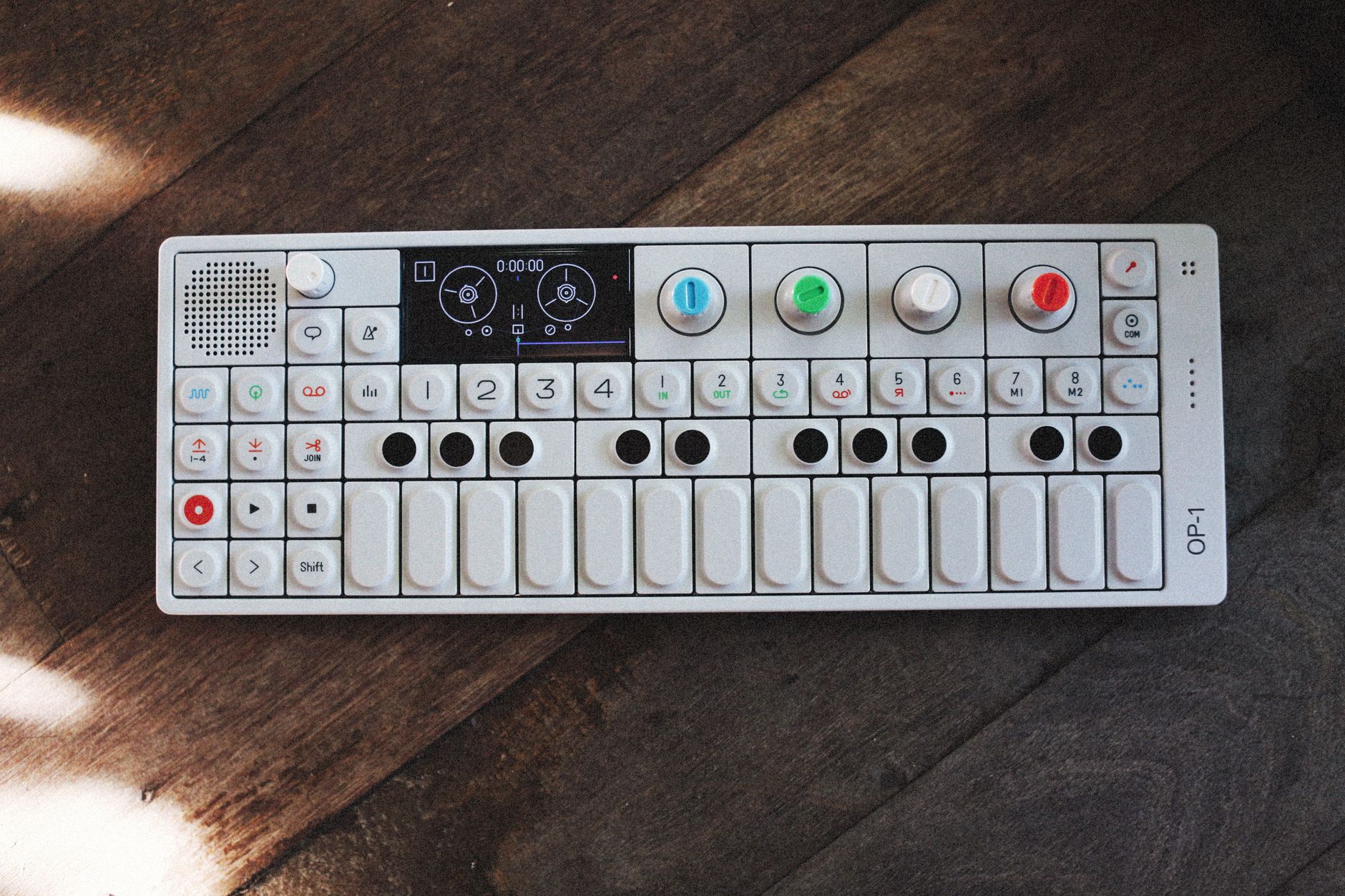 Photo: Alexey Demidov via Pexels
Akai MPK Mini MK3 — Best Overall Under $100
| Spec | Detail |
|---|---|
| Keys | 25 mini-keys, velocity-sensitive |
| Pads | 8 RGB MPC pads |
| Controls | 8 assignable knobs, arpeggiator, chord mode |
| Connection | USB (class-compliant) |
| Bus power | Yes |
| Best For | Producers, beatmakers, small desks |
The MPK Mini MK3 is the default recommendation for a reason: it does everything competently. The MPC pads are genuinely responsive, the arpeggiator is surprisingly deep, and chord mode lets beginners trigger full chords from single keys. Build quality is plastic but solid — published durability testing suggests the mini-keys hold up to regular use better than earlier generations.
The bundled software is worth noting: MPC Beats and a lite version of Ableton Live come included, which means a complete beginner can be recording within an hour of unboxing.
Verdict by archetype:
- First-time beginner: Excellent — software bundle + simple setup
- Bedroom producer: Excellent — compact, feature-rich, proven workflow tool
- Gigging musician: Not ideal — mini-keys limit live performance
- Prosumer: Fine as a secondary controller; primary production rigs usually want more keys
Arturia MiniLab MK3 — Best for DAW Integration
| Spec | Detail |
|---|---|
| Keys | 25 mini-keys, velocity-sensitive |
| Pads | 8 RGB pads |
| Controls | 9 encoders, 2 touch strips |
| Connection | USB-C |
| Bus power | Yes |
| Best For | Ableton, Logic, FL Studio users |
The MiniLab MK3 edges out the MPK Mini for users deep in Arturia’s ecosystem or those who rely heavily on DAW control. The Analog Lab Lite bundle is genuinely good — 500+ synth presets that are immediately usable, not just demo content. The USB-C connection is a practical advantage over micro-USB on competing units.
Where it falls slightly behind the MPK Mini: the pads are smaller and the overall pad feel is less satisfying for beatmaking. If you’re doing more keyboard playing and parameter tweaking than drum programming, it’s the better pick.
M-Audio Keystation 49 MK3 — Best Full-Size Keys Under $150
| Spec | Detail |
|---|---|
| Keys | 49 full-size, semi-weighted |
| Pads | None |
| Controls | Pitch/mod wheels, 9 assignable faders |
| Connection | USB + 5-pin MIDI |
| Bus power | Yes |
| Best For | Piano players, keyboardists, composers |
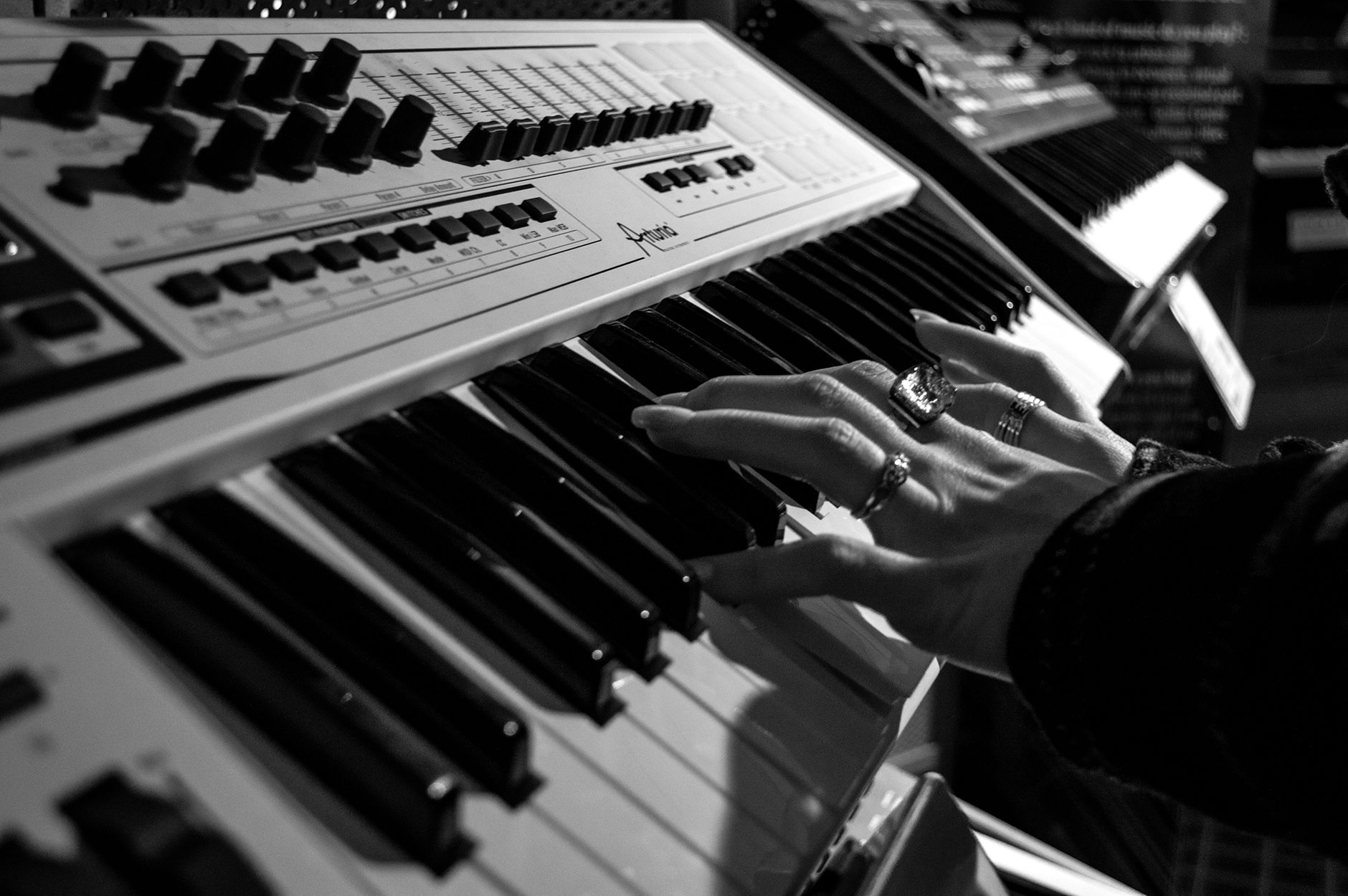 Photo: Stephen Niemeier via Pexels
The Keystation 49 MK3 is the right answer when key feel and range matter more than pads and knobs. Semi-weighted keys give a more piano-like response than the unweighted synth-action you get on mini controllers — a meaningful difference if you’re playing parts rather than programming them.
No pads is a real limitation for beatmakers. But for a composer or keyboardist who wants to sketch arrangements and play VST instruments expressively, this is the cleanest option at the price.
Verdict by archetype:
- First-time beginner: Good — intuitive, piano-like
- Bedroom producer: Good if you play keys; limited for beat-focused production
- Gigging musician: Strong candidate — full range, bus-powered, 5-pin MIDI for hardware
- Prosumer: Solid workhorse controller; lacks aftertouch at this price
Donner DMK25 — Best Under $50
| Spec | Detail |
|---|---|
| Keys | 25 mini-keys, velocity-sensitive |
| Pads | 8 backlit pads |
| Controls | 4 knobs, pitch/mod strips |
| Connection | USB |
| Bus power | Yes |
| Best For | Absolute beginners, tight budgets |
The Donner DMK25 exists in a different category: it’s the controller you buy when $50 is the hard ceiling. According to user reviews, key velocity response is noticeably less refined than the MPK Mini, and the build uses thinner plastics — but it works, it’s plug-and-play, and it includes a software bundle.
If budget is genuinely the constraint, this gets you recording. When the budget opens up, upgrading to the MPK Mini is a meaningful improvement that you’ll feel immediately.
Native Instruments Komplete Kontrol M32 — Best for NI Users
| Spec | Detail |
|---|---|
| Keys | 32 mini-keys, velocity-sensitive |
| Pads | None |
| Controls | Smart Strip, 8 knobs, browser encoder |
| Connection | USB |
| Bus power | Yes |
| Best For | Komplete / Native Instruments users |
The M32 is the narrowest recommendation here — it’s excellent if you’re in the NI ecosystem (Komplete, Maschine, Kontakt), and less compelling if you’re not. The hardware-software integration is genuinely best-in-class at this price: browsing instruments, previewing presets, and mapping parameters all happen directly from the hardware without touching the mouse.
For anyone else, the MPK Mini or MiniLab MK3 offers more versatility per dollar.
Comparison: Best Cheap MIDI Keyboards at a Glance
| Product | Price | Keys | Pads | Bus Power | Best For | Verdict |
|---|---|---|---|---|---|---|
| Akai MPK Mini MK3 | ~$99 | 25 mini | 8 MPC | Yes | All-rounder | Best overall pick |
| Arturia MiniLab MK3 | ~$99 | 25 mini | 8 | Yes | DAW integration | Best for Arturia/Ableton users |
| M-Audio Keystation 49 MK3 | ~$149 | 49 full-size | None | Yes | Piano players | Best full-size keys |
| Donner DMK25 | ~$45 | 25 mini | 8 | Yes | Tight budgets | Best under $50 |
| NI Komplete Kontrol M32 | ~$129 | 32 mini | None | Yes | NI users | Best NI ecosystem pick |
What to Look For When Buying a Cheap MIDI Keyboard
Direct Answer: Prioritize velocity sensitivity, USB bus power, and class-compliant drivers in that order. Key count and size matter based on how you play — composers need more keys, producers can work comfortably with 25. Extras like pads, knobs, and bundled software are worth comparing but shouldn’t override the fundamentals.
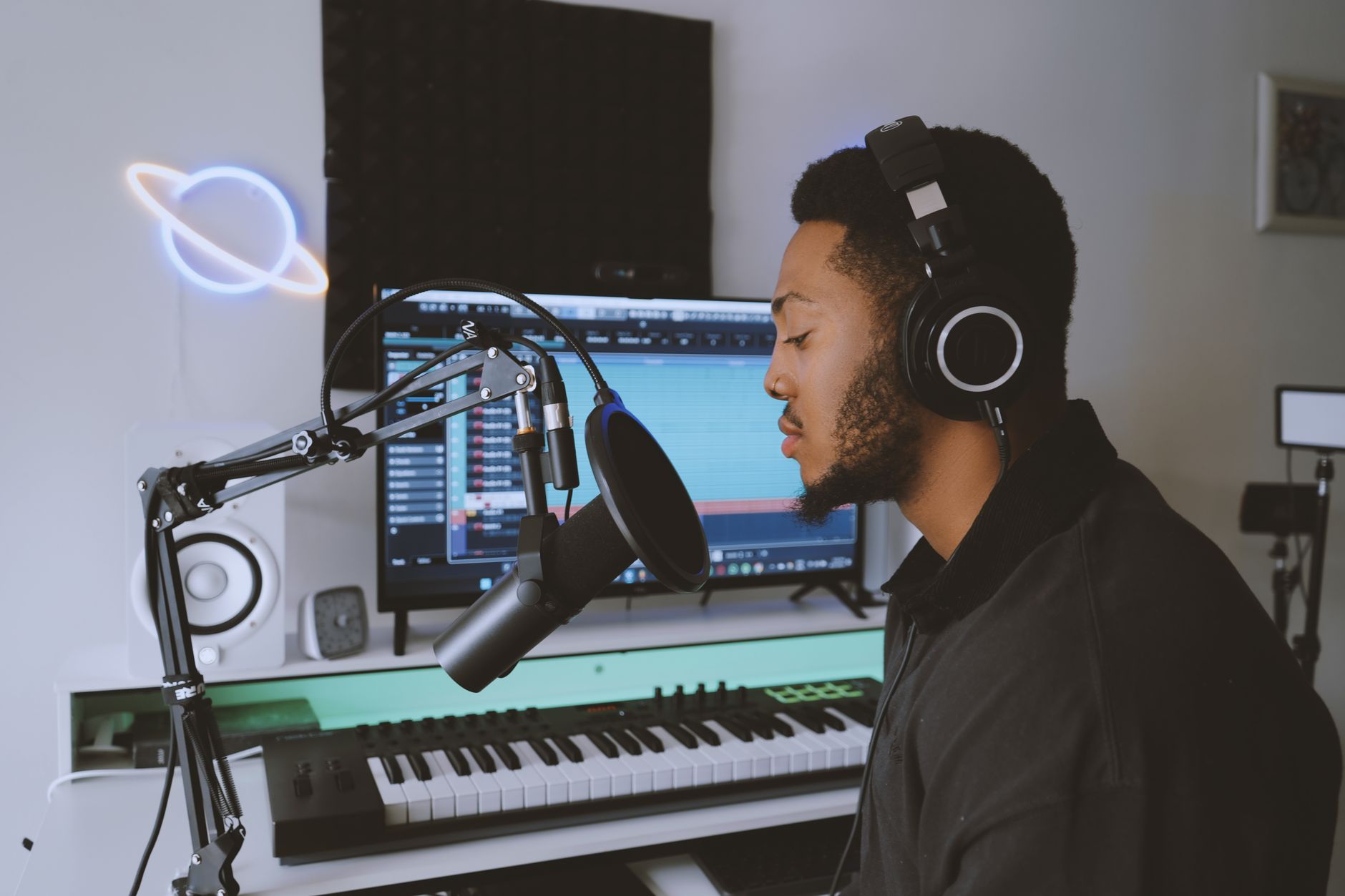 Photo: Precious Usman via Pexels
Key Count and Size
25 keys is the minimum for useful melodic playing — one two-octave range with octave transpose. It’s genuinely enough for most production work because you’re rarely playing more than one octave at a time in a single take.
49 keys is the step-up that matters: four octaves, two hands simultaneously, real piano-style playing. Worth the desk space if you’re composing or arranging rather than programming beats.
61+ keys at budget prices usually means compromised key quality. Manufacturer specifications on key weight and travel distance drop sharply when brands try to hit a low price point with a wide keyboard.
Mini-Keys vs. Full-Size Keys
Mini-keys are approximately 18mm wide vs. 22-23mm for standard. Expert consensus suggests that adult pianists adapting from acoustic instruments find mini-keys genuinely uncomfortable for two-handed playing. For one-handed melody entry and chord triggering, the difference is mostly psychological.
If you learned on piano and finger independence matters to your playing, budget for full-size. Everyone else: mini-keys are fine.
Velocity Sensitivity
Non-velocity-sensitive keys exist at the bottom of the market (under $30). Avoid them unless the use case is purely step-entering MIDI notes, with no intent to play expressively. Velocity data is how a MIDI keyboard communicates dynamics to your DAW and VST instruments — without it, everything sounds robotic.
Pads
Good for: beatmaking, finger drumming, launching clips in Ableton, triggering one-shots. Not needed for: primarily keyboard-based workflows, composers sketching arrangements.
Pad quality matters. Budget pads can be under-sensitive or inconsistently velocity-mapped. According to user reviews, Akai’s MPC pads consistently outperform generic pads at equivalent price points — it’s one reason the MPK Mini remains the standard recommendation.
Bundled Software
At the $50–$150 price point, bundled software has real monetary value:
- Akai MPK Mini MK3: MPC Beats + Ableton Live Lite (~$100 value)
- Arturia MiniLab MK3: Analog Lab Lite (~$99 standalone)
- M-Audio Keystation 49 MK3: Ableton Live Lite + Eleven Lite
- NI Komplete Kontrol M32: Komplete Start (14GB of instruments/effects)
If you don’t already own a DAW, factor the bundle into the effective price.
Do You Need a MIDI Keyboard or an Audio Interface?
These solve different problems. A cheap MIDI keyboard sends note and controller data to software — it has no audio output of its own. An audio interface converts analog signals (microphones, guitars) to digital audio that your computer records.
Most home studio builds need both, but they can be bought in sequence. A MIDI keyboard first makes sense if your priority is programming beats, composing with VST instruments, or learning music production with software. An audio interface first makes sense if your first goal is recording vocals or acoustic instruments.
The two don’t conflict — a MIDI keyboard connects via USB, an audio interface connects via USB (or Thunderbolt), and both run simultaneously without issue.
→ See also:
- The Complete Budget Home Studio Guide (2026)
- Cheapest Way to Start Recording Music
- Best Home Recording Gear Under $50
FAQ
Do I need a MIDI keyboard to produce music? No — you can program MIDI entirely with a mouse using your DAW’s piano roll. A MIDI keyboard speeds up the workflow and makes melodic playing feel natural, but it’s not a requirement. Most producers find it worth the investment once they’ve confirmed they’re serious about making music.
Can I use a cheap MIDI keyboard with GarageBand or Logic Pro? Yes. Every keyboard on this list is class-compliant, meaning macOS recognizes them as MIDI devices instantly without installing drivers. GarageBand and Logic Pro both support any class-compliant MIDI controller out of the box.
What’s the difference between a MIDI keyboard and a synthesizer? A MIDI keyboard (controller) generates no sound on its own — it sends MIDI data to software or hardware that produces audio. A synthesizer has its own built-in sound engine and outputs audio directly. Budget synthesizers (like the Arturia MicroFreak or Teenage Engineering Pocket Operators) overlap with this category but are fundamentally different tools.
Is 25 keys enough for a beginner? For production, beatmaking, and learning music theory: yes. For learning piano technique with two-hand exercises: no — you’ll want at least 49 keys and ideally full-size weighted action. The intended use case determines the right key count more than experience level.
Do cheap MIDI keyboards work with iPads and iPhones? Most class-compliant USB MIDI keyboards work with iOS and iPadOS via a USB-C adapter (or Apple’s Camera Connection Kit for Lightning devices). The Akai MPK Mini MK3, Arturia MiniLab MK3, and M-Audio Keystation 49 MK3 are all confirmed compatible based on manufacturer specifications and published user testing. You may need a powered USB hub if using an older adapter that can’t supply enough current.
What is aftertouch and do I need it on a budget keyboard? Aftertouch is pressure sensitivity after a key is fully depressed — it lets you modulate parameters (vibrato, filter cutoff) by pressing harder. It’s largely absent on cheap MIDI keyboards. For most beginner and intermediate workflows, you won’t miss it. It becomes relevant for expressive synth performance, but by the time that matters to your playing, you’ve likely outgrown the budget tier anyway.
Can a MIDI keyboard replace a piano for practicing? A MIDI keyboard with weighted or semi-weighted keys can substitute for basic technique practice when connected to a piano VST. However, full piano technique — finger strength, touch control, weighted key response — requires a proper digital piano with graded hammer action. A budget MIDI controller is not a substitute for serious piano study.
Editorial methodology: Assessments are based on manufacturer specifications, published user reviews, and editorial research. Physical hands-on testing is noted explicitly where it occurred. Rankings reflect our editorial judgment and are not influenced by affiliate commission rates. Full editorial policy · Affiliate disclosure