Contents
Arturia KeyLab Essential 49 MkII Review (2026)
TL;DR: The Arturia KeyLab Essential 49 MkII is the best entry-level 49-key MIDI controller for producers who want deep DAW integration without the learning curve. It ships with Arturia’s Analog Lab V software, plays well with every major DAW, and punches above its price class on feel and layout. Beginners and budget-conscious bedroom producers get the most from it.
What Is the KeyLab Essential 49 MkII?
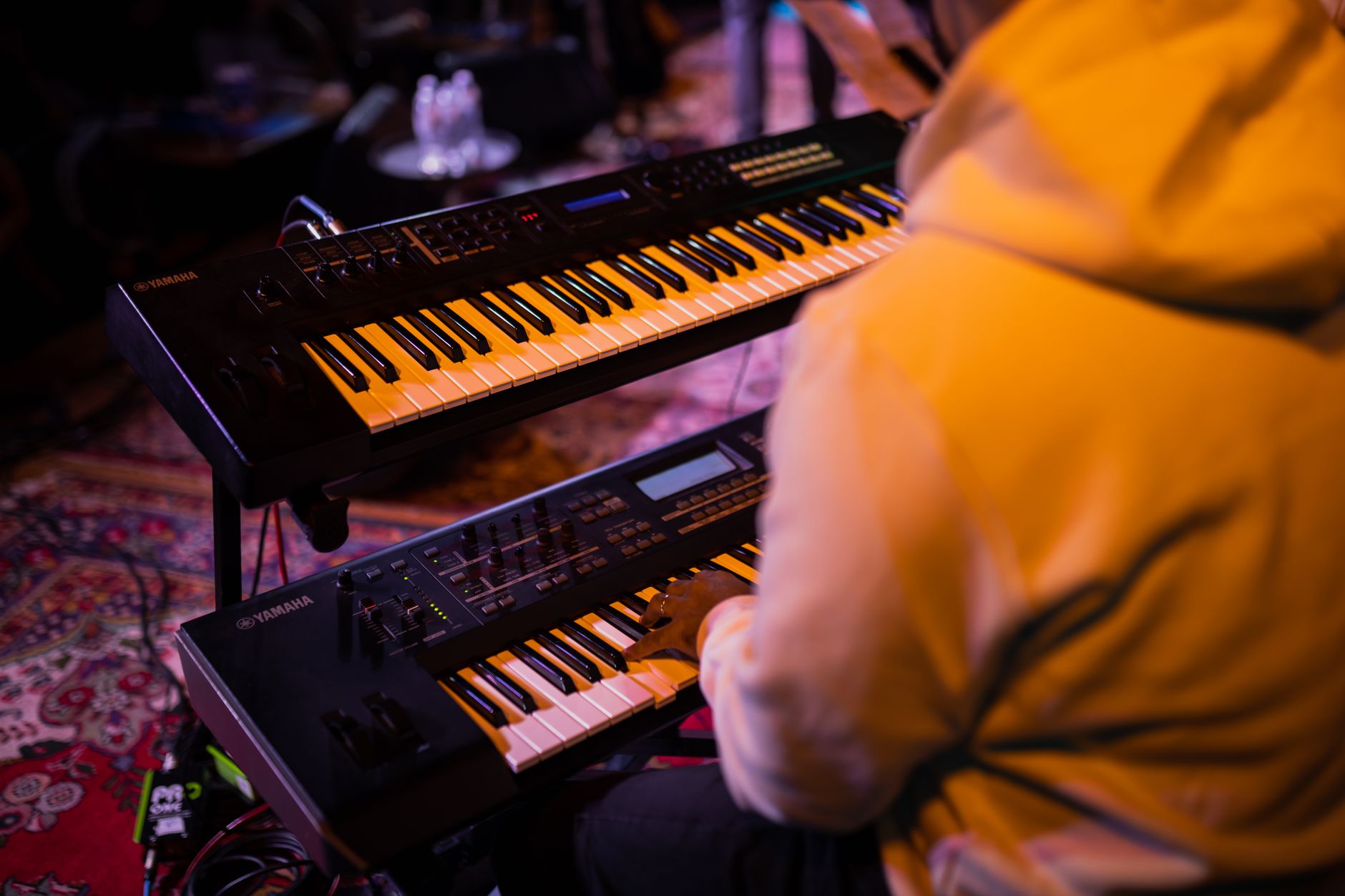
The KeyLab Essential 49 MkII is a 49-key USB-MIDI controller targeting home producers and beginners who need solid keyboard action, DAW transport controls, and bundled software in a compact package. It ships with Analog Lab V (6,500+ presets), a DAW maps automatically to Ableton Live, Logic Pro, and FL Studio, and lists around $199.
 Photo: https://kaboompics.com/ via Pexels
Arturia’s Essential line sits below the flagship KeyLab series — you trade motorized faders and semi-weighted keys for a lower price and a lighter chassis. The MkII generation (released 2021) added a dedicated chord mode, scale mode, and a cleaner control surface layout over the original.
The unit is 49 keys because that’s the production sweet spot: two octaves to hand-stretch a chord voicing, enough range to play a bass line and a lead simultaneously, and a footprint that fits on a typical studio desk without pushing your interface to the edge.
Build Quality and Key Feel
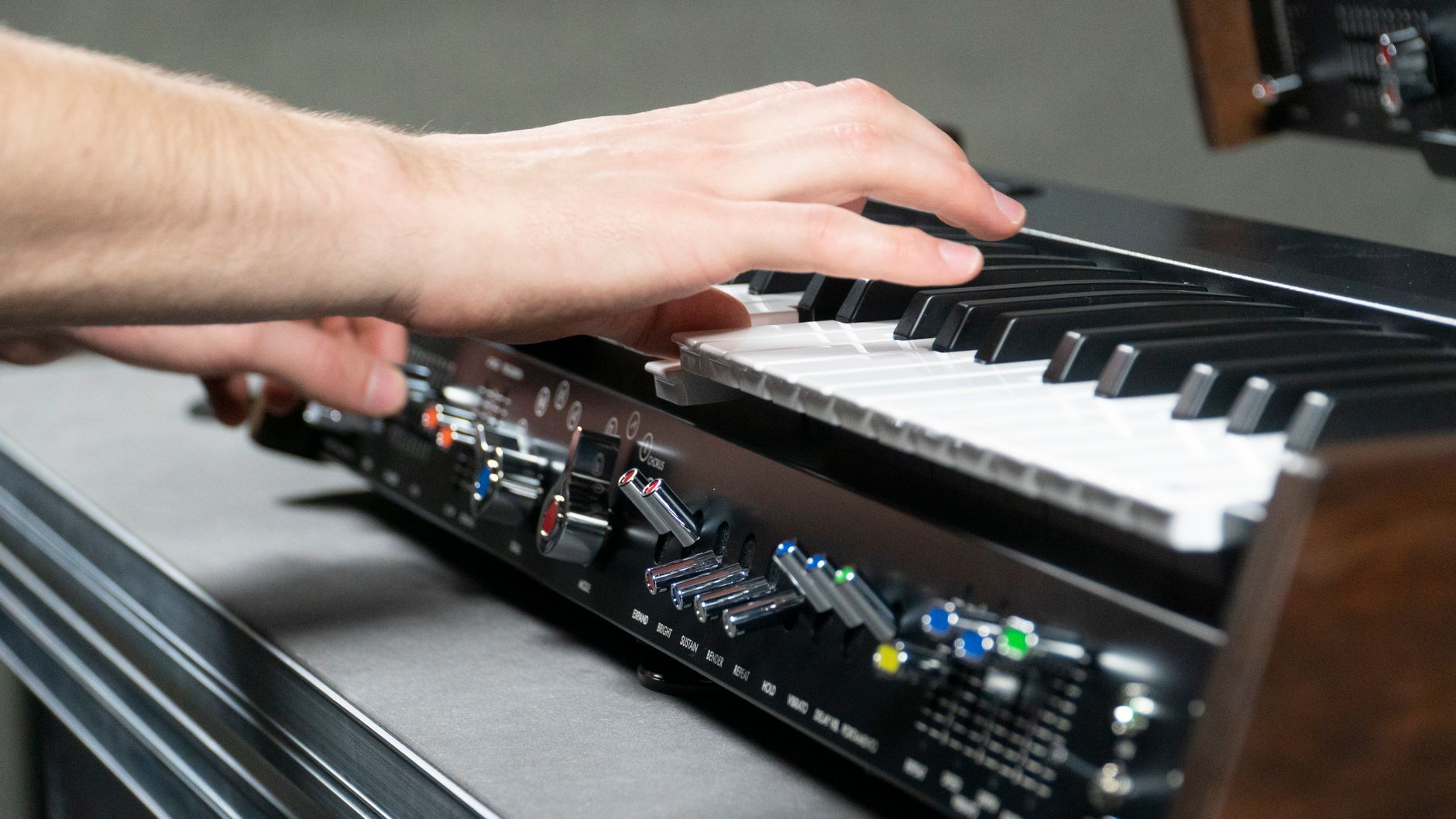
Synth-action unweighted keys — responsive, light, and consistent. The keybed has adequate aftertouch response, and the synth-action suits programming chords and leads faster than playing piano passages. Published specifications list velocity sensitivity across the full dynamic range, which user reviews confirm is uniform across the 49 keys.
 Photo: Phát Trương via Pexels
The chassis is matte black plastic. At 2.1 kg it travels easily, but it won’t stay put on a slick desk without a mat. The knobs use a click-stop design, and the pads have enough throw to register ghost notes per manufacturer specs.
The pitch and mod wheels are full-size and properly gated — the pitch wheel snaps back to center cleanly. Budget controllers often fail here; the Essential 49 MkII does not.
For players coming from weighted piano keys, the transition will feel floaty at first. For producers whose primary instrument is a DAW, it’s immediately at home.
Controls and DAW Integration
Nine assignable knobs, nine fader strips, sixteen velocity-sensitive RGB pads, transport controls, octave/transpose buttons, chord mode, and scale mode — all pre-mapped for Analog Lab V and DAW auto-mapping via HUI. Setup in Ableton Live is plug-and-play: connect USB, select the MIDI profile, done.
 Photo: Boris Hamer via Pexels
The DAW integration story is one of the KeyLab Essential 49 MkII’s genuine strengths at this price. Most controllers at $199 require manual MIDI learn for every knob. Arturia’s MIDI Control Center software ships pre-configured profiles for:
| DAW | Integration Level |
|---|---|
| Ableton Live | Full transport + device control |
| Logic Pro | Full transport + smart controls |
| FL Studio | Full transport + mixer mapping |
| Pro Tools | HUI transport |
| Bitwig | Full transport + device control |
Chord mode lets you trigger up to 16 saved chord shapes from a single key. Scale mode locks the keyboard to a selected scale so every note is in key — genuinely useful when sketching ideas quickly and not useful when you want to play outside the scale deliberately.
Bundled Software
Analog Lab V is a legitimate selling point: 6,500+ presets spanning synths, keyboards, and organs, all from Arturia’s Virtual Instrument collection. It runs standalone or as a plugin, and the KeyLab Essential 49 MkII is pre-mapped to browse, select, and tweak presets without touching a mouse.
 Photo: Sherman Trotz via Pexels
The full bundle also includes a three-month license for Ableton Live Lite and a copy of Native Instruments’ Komplete Start. That’s a functional production environment out of the box, which matters for the beginner audience this controller targets.
Analog Lab V’s presets vary in quality — the piano and electric piano emulations are usable but not best-in-class. The synthesizer presets, particularly the Minimoog and Juno emulations, are production-ready.
Specs
| Spec | Detail |
|---|---|
| Keys | 49 synth-action, velocity sensitive, aftertouch |
| Pads | 16 RGB velocity-sensitive |
| Knobs | 9 assignable |
| Faders | 9 assignable (1 master) |
| Connections | USB-B, sustain pedal input, expression pedal input |
| Bus power | Yes (USB) |
| Dimensions | 802 × 282 × 76 mm |
| Weight | 2.1 kg |
| Software | Analog Lab V, Ableton Live Lite, Komplete Start |
| Street price (2026) | ~$199 |
How It Compares
| Product | Price | Keys | Pads | DAW Maps | Best For |
|---|---|---|---|---|---|
| Arturia KeyLab Essential 49 MkII | ~$199 | 49 synth | 16 RGB | Auto (5 DAWs) | Beginners, DAW producers |
| Akai MPK249 | ~$249 | 49 semi-weighted | 16 MPC | Manual | MPC workflow, finger drummers |
| Native Instruments Komplete Kontrol A49 | ~$199 | 49 synth | None | NI-only | NI plugin users |
| Novation Launchkey 49 MkIII | ~$199 | 49 synth | 16 RGB | Ableton-native | Ableton Live users |
The Novation Launchkey 49 MkIII is the closest rival. It has a better Ableton integration story but lacks Arturia’s software bundle depth and has no fader strips. If your DAW is exclusively Ableton Live, the Launchkey is the stronger pick. For everything else — or if you want the software bundle — the KeyLab Essential 49 MkII wins.
Verdict by Archetype
First-time beginner: Ideal. The Analog Lab V bundle means you can make music immediately without buying plugins, and the scale/chord modes reduce the theory barrier.
Bedroom producer: Strong choice. DAW auto-mapping removes setup friction; nine faders and nine knobs cover mixer and synth automation without a dedicated control surface.
Gigging musician: Adequate, but the lightweight plastic chassis and lack of semi-weighted keys make it a rehearsal tool rather than a live rig centerpiece.
Prosumer: The Essential line’s ceiling shows here. Step up to the KeyLab 49 MkIII for semi-weighted keys, a color display, and more robust build.
→ See also:
- Best MIDI Keyboards and Controllers (2026)
- Best MIDI Keyboard for Beginners
- Best MIDI Keyboard Under $100
FAQ
Is the Arturia KeyLab Essential 49 MkII good for beginners? Yes — it’s one of the most beginner-friendly 49-key controllers available. The bundled Analog Lab V software gives you thousands of production-ready sounds immediately, and the scale and chord modes lower the barrier for players without formal theory training. DAW auto-mapping means you can use it with Ableton Live or Logic Pro in minutes, not hours.
Does the KeyLab Essential 49 MkII work with Mac and Windows? Yes. It’s class-compliant on both platforms — no driver installation required. Arturia MIDI Control Center (free download) handles DAW profile switching and custom assignments, and it runs on both macOS and Windows.
What is the difference between the KeyLab Essential and the KeyLab MkIII? The Essential line uses unweighted synth-action keys and plastic construction; the KeyLab MkIII upgrades to semi-weighted keys, a full-color display for preset browsing, and a more robust metal chassis. The MkIII lists around $349 for 49 keys. If key feel and build longevity matter, the MkIII is worth the premium; if budget is the primary constraint, the Essential 49 MkII delivers most of the workflow at roughly half the cost.
Can I use the KeyLab Essential 49 MkII without a computer? Partially. It’s a USB-MIDI controller — it has no internal sounds. With a USB-MIDI host adapter (or a hardware synthesizer with USB-MIDI device input), it can drive external hardware without a computer. For standalone sound generation you’d need an external module or synthesizer.
Does it come with Ableton Live? It ships with Ableton Live Lite, which supports up to eight tracks and is fully functional for sketching and producing. Users who outgrow the track limit can upgrade to Standard or Suite at a discount through Ableton’s crossgrade program.
Editorial methodology: Assessments are based on manufacturer specifications, published user reviews, and editorial research. Physical hands-on testing is noted explicitly where it occurred. Rankings reflect our editorial judgment and are not influenced by affiliate commission rates. Full editorial policy · Affiliate disclosure