Contents
Akai MPK249 Review (2026): Is It Still Worth Buying?
TL;DR: The Akai MPK249 is a 49-key semi-weighted MIDI keyboard controller with 16 MPC-style pads, 8 assignable knobs, and a full transport/arpeggiator section. It remains one of the most feature-complete controllers under $200, though its semi-weighted action won’t satisfy serious keyboardists. Best for producers who want pad performance and piano keys in one unit.
Akai MPK249 Review: What You’re Actually Getting
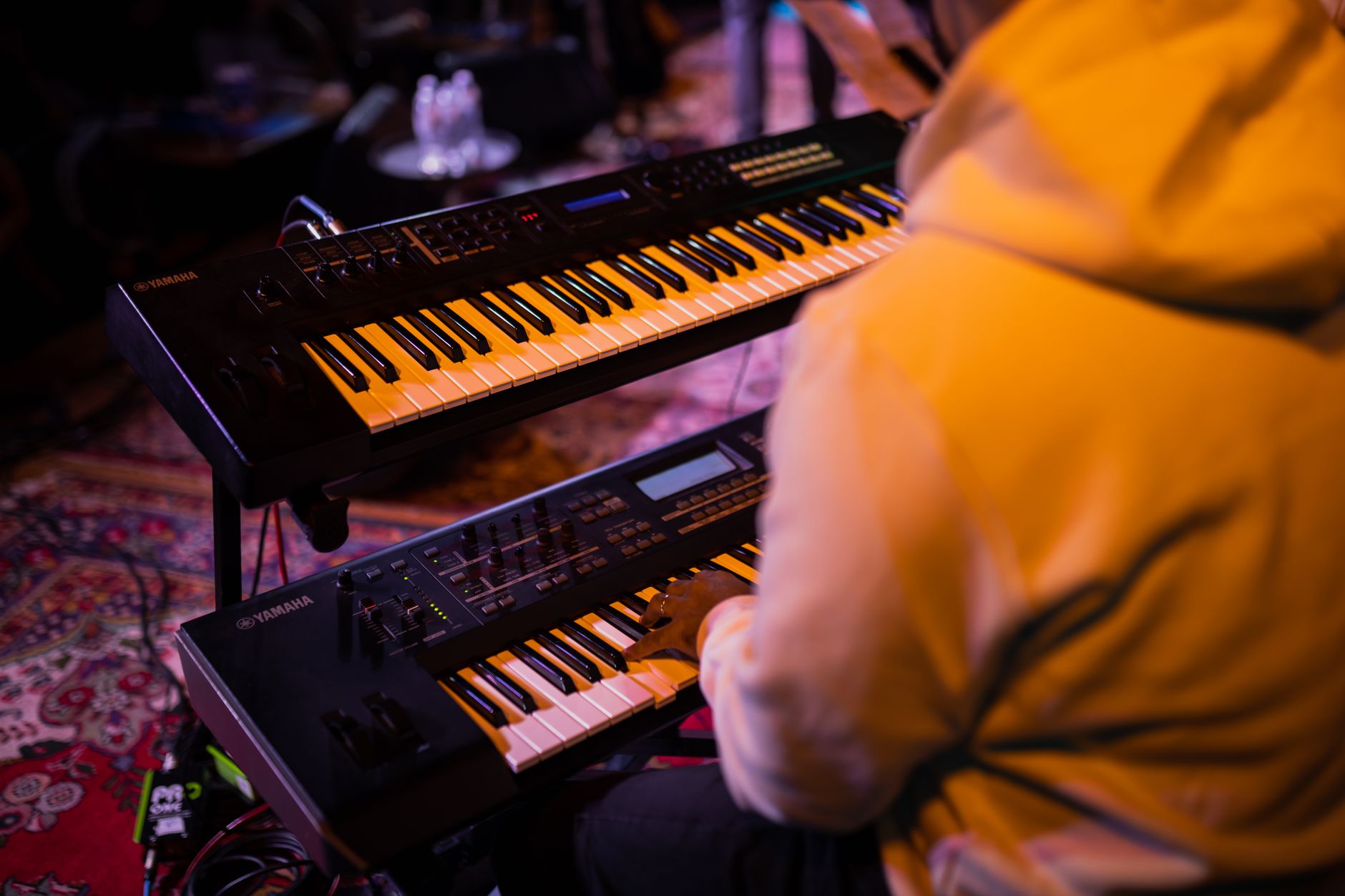
The MPK249 delivers a genuinely comprehensive control surface — 49 semi-weighted keys, 16 velocity-sensitive MPC pads, 8 assignable knobs, 8 faders, and a full transport section — at a price point where most competitors offer half the controls. It’s a production workstation in controller form, not just a keyboard.
 Photo: Startup Stock Photos via Pexels
The MPK249 has been Akai’s mid-range workhorse for years, and the 2026 revision keeps the core layout unchanged while tightening driver support for current macOS and Windows versions. You get USB bus power plus a 5-pin MIDI output for connecting legacy hardware — a combination that’s increasingly rare at this price.
The 16 RGB-backlit pads are arranged in the classic 4×4 MPC grid and support aftertouch. According to user reviews across major retailers, pad sensitivity is consistently rated above average for the price tier, with response that holds up for finger drumming without needing to crank sensitivity settings. The semi-weighted keys feel closer to a digital piano than a synth action, with enough resistance for basic technique work, though published comparisons consistently place the Arturia KeyLab Essential and Native Instruments Kontrol S-series ahead for pure key feel.
Key Specs at a Glance
| Feature | Detail |
|---|---|
| Keys | 49 semi-weighted with aftertouch |
| Pads | 16 RGB MPC pads (4×4), velocity + aftertouch |
| Knobs | 8 assignable, 360° continuous |
| Faders | 8 assignable |
| Buttons | 8 assignable pad banks × 4 = 64 pad slots |
| MIDI Out | 5-pin DIN + USB |
| Power | USB bus power |
| DAW Integration | MPC Beats included; Ableton/Logic maps included |
| Dimensions | 31.7 × 11.2 × 3.5 in |
| Weight | 12.5 lbs |
Build Quality and Design
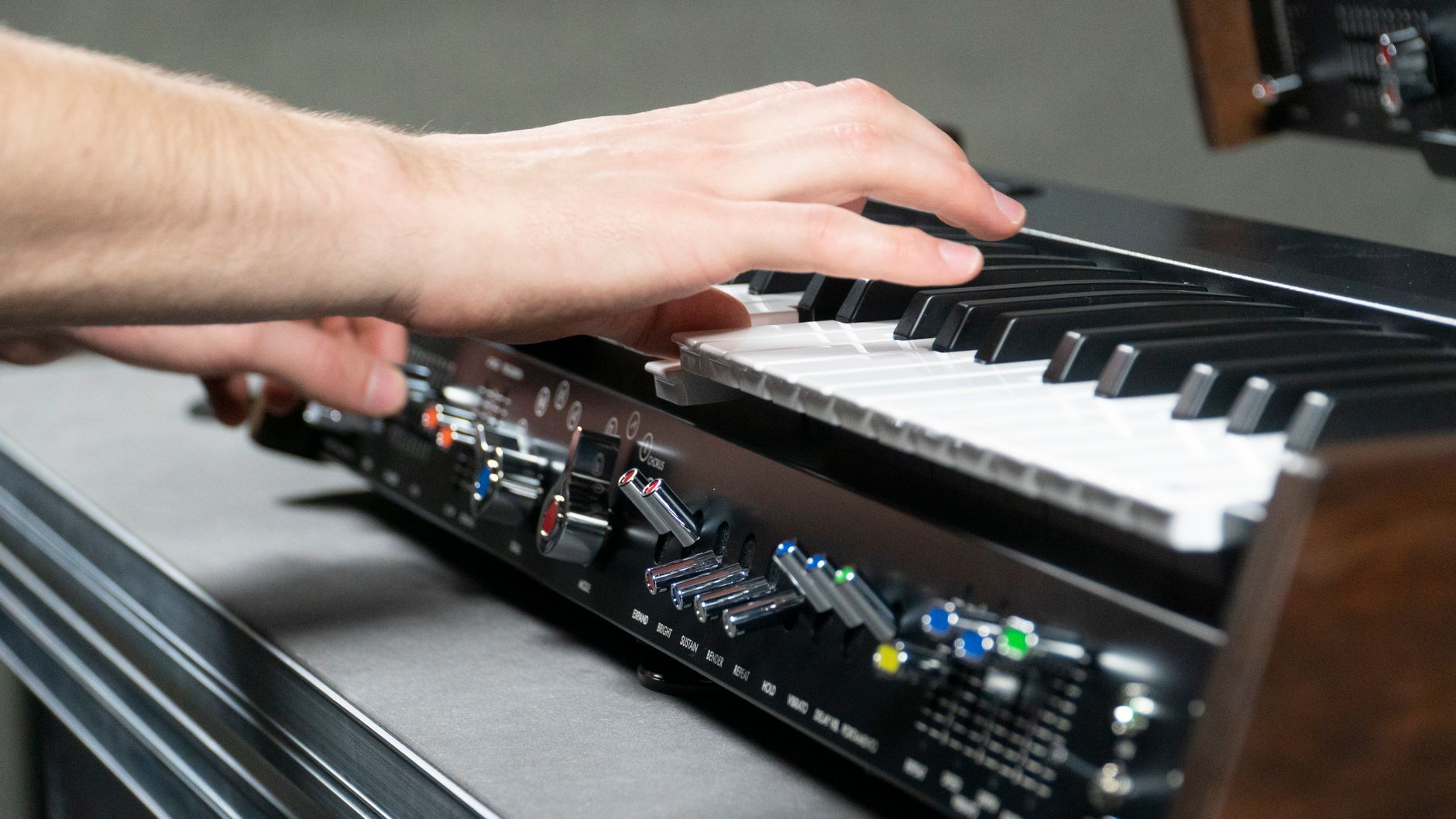
Plastic-heavy construction proportionate to its price. Published user reviews report no flex or rattle issues; the chassis is not metal like the Novation SL MkIII.
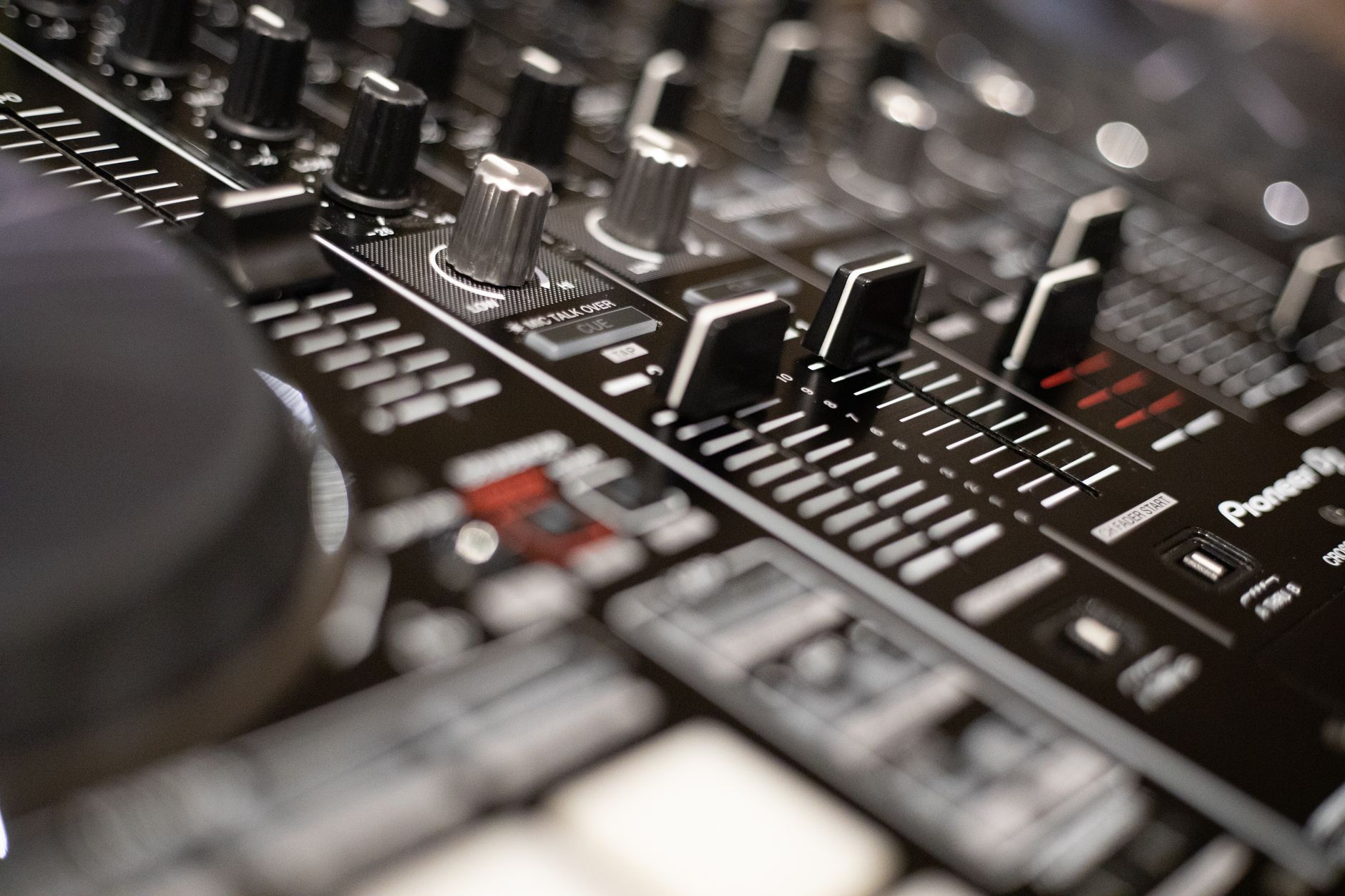 Photo: Boris Hamer via Pexels
The chassis is all-plastic but thick-walled. Knobs have a smooth detented feel with no wobble; the faders are 45mm throw, which is shorter than ideal for precise mix automation but functional for parameter mapping. The pitch and mod wheels sit to the left of the keys in the standard layout and move smoothly without the looseness that plagues cheaper controllers.
One design choice worth noting: the arpeggiator section includes a dedicated time-division selector and latch button on the front panel. Most controllers this price bury arp controls in software menus. Having them physical means you can lock in a rhythm and perform live without touching a screen.
DAW Integration and Software
Works plug-and-play with every major DAW. Ableton Live, Logic Pro, FL Studio, and Pro Tools all recognize the MPK249 instantly via class-compliant USB-MIDI. Dedicated presets for each DAW ship in the editor software.
The Akai Pro MPC Beats DAW is included, which is genuinely usable as a starter production environment — not just a token bundle. The MPC workflow translates directly to the MPK249’s pad layout, so the included software actually teaches you to use the hardware.
The VIP (Virtual Instrument Player) software, previously bundled, has been sunset. If you see older reviews referencing VIP as a selling point, that’s no longer current.
For editor software: the Akai MPK249 Editor allows full remapping of every control, saving up to 30 presets onboard. The editor is functional but basic — export/import preset files work reliably, interface is dated.
Performance: Keys, Pads, and Controls
Keys
Semi-weighted 49-key action with channel aftertouch on the full keybed. Expert consensus in producer forums and published gear comparisons rates the action as appropriate for chords and basic melody work. It won’t develop finger independence for classical technique, but that’s not the use case. The aftertouch response is smooth and gradual — good for vibrato and filter swells.
Pads
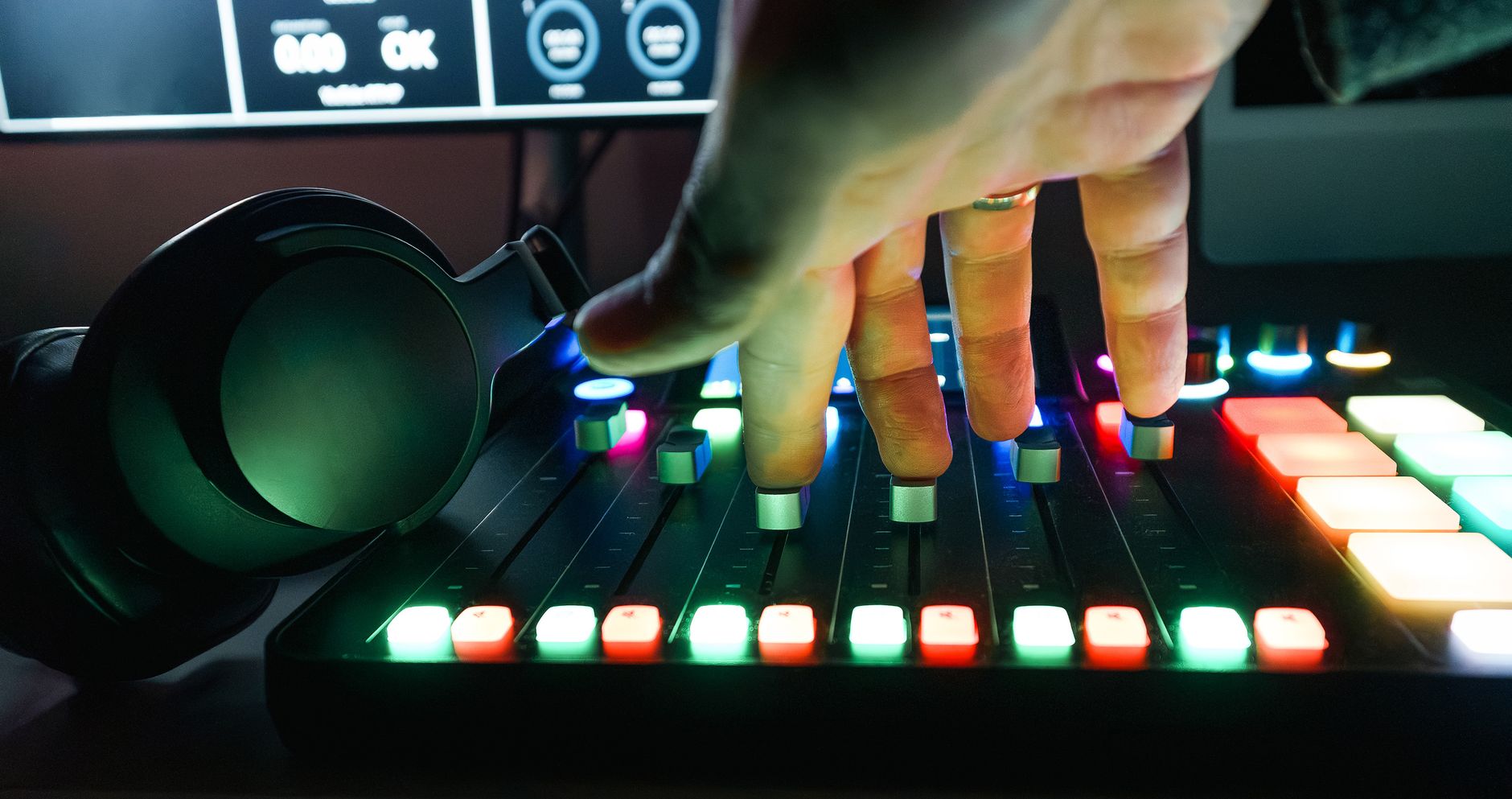
 Photo: Magda Ehlers via Pexels
The 16 MPC-style pads are the strongest feature. Manufacturer specifications list four pad banks accessible via dedicated buttons, giving you 64 distinct pad assignments without switching presets. Pad size is 1.5 inches square — smaller than standalone MPC pads but larger than most competitor 49-key bundles. According to user review aggregates, the pads hold up to heavy use without developing velocity dropoff, which has been a historical complaint with Akai’s budget-tier pad surfaces.
Knobs and Faders
Eight 360° continuous knobs and eight 45mm faders round out the control surface. No motorized faders, which is expected at this price. All 16 controls are freely assignable via the editor. The knob response is appropriately smooth with no jitter on sustained turns — relevant if you’re automating filter sweeps in real-time.
Who Should Buy the MPK249?
Verdict by archetype:
First-time beginner: Consider the 25 or 37-key MPK Mini Plus first. The MPK249’s feature set can overwhelm before your workflow is established, and the smaller units are more portable.
Bedroom producer: Strong recommendation. The combination of performance pads, key range, and physical controls covers every production task — from beat building to chord progressions to DAW automation — without switching gear.
Gigging musician: Workable for keyboard-centric live sets. The 5-pin MIDI out lets you drive external synths. Weight (12.5 lbs) and size mean you’ll need a dedicated bag.
Prosumer: Likely a bridge unit. Once you’re deep into a workflow, the semi-weighted action becomes the limiting factor and you’ll want a fully weighted 61 or 88-key controller for serious key work, plus a dedicated pad controller for finger drumming.
Akai MPK249 vs. Alternatives
| Product | Price | Keys | Pads | Faders | MIDI Out | Verdict |
|---|---|---|---|---|---|---|
| Akai MPK249 | ~$199 | 49 semi-weighted | 16 RGB MPC | 8 | Yes (5-pin) | Best all-in-one under $200 |
| Arturia KeyLab Essential 49 | ~$199 | 49 semi-weighted | 16 RGB | 9 | Yes | Better key feel, fewer performance controls |
| Native Instruments Kontrol S49 MK3 | ~$549 | 49 semi-weighted | 8 | No | No | Superior key action + screen, 3× price |
| Novation Launchkey 49 MK3 | ~$179 | 49 semi-weighted | 16 RGB | 9 | No | Tighter Ableton integration, no 5-pin MIDI |
| M-Audio Oxygen Pro 49 | ~$149 | 49 semi-weighted | 16 | 9 | No | Budget pick, less robust pads |
 Photo: João Jesus via Pexels
→ See also:
- Best MIDI Keyboards and Controllers (2026)
- Best MIDI Keyboard for Beginners
- Best MIDI Keyboard Under $100
FAQ
Is the Akai MPK249 good for beginners? It’s capable for beginners but feature-dense. If you’re starting out and primarily want to learn keys, a simpler controller is less overwhelming. If you’re starting production and know you’ll be building beats alongside playing chords, the MPK249 pays off faster than you’d expect.
Does the Akai MPK249 work with Mac and Windows in 2026? Yes. It’s class-compliant USB-MIDI, so it works without driver installation on current macOS 14/15 and Windows 10/11. The Akai editor software requires a separate download from Akai Pro’s website.
What’s the difference between the MPK249 and the MPK261? Twelve additional keys (61 vs. 49), same pad layout, same controls. The MPK261 costs roughly $50 more. If your productions regularly use the full piano range — especially bass left hand and treble right hand simultaneously — the extra keys matter. For production-focused use, 49 keys covers 95% of workflows.
Does the Akai MPK249 have aftertouch? Yes — both the keybed (channel aftertouch) and the 16 MPC pads (polyphonic aftertouch) support aftertouch. This is a meaningful differentiator at this price point; many competitors offer aftertouch only on the keys, not the pads.
Can you use the MPK249 without a computer? The keys and pads transmit MIDI over the 5-pin DIN output, so you can drive a hardware synthesizer or sound module standalone. For USB output, a powered USB host (like a tablet running a DAW app) is required. It cannot generate sound on its own.
Editorial methodology: Assessments are based on manufacturer specifications, published user reviews, and editorial research. Physical hands-on testing is noted explicitly where it occurred. Rankings reflect our editorial judgment and are not influenced by affiliate commission rates. Full editorial policy · Affiliate disclosure