Contents
Reamping Explained: A Beginner’s Guide
What is reamping? Reamping is the process of recording a clean, direct signal from an instrument — usually guitar — then routing that recorded signal back out through an amplifier later. It separates the performance from the tone, so you can dial in the perfect amp sound after the take is locked in.
What Is Reamping and Why Does It Matter?
Direct answer: Reamping lets you record a dry DI signal first, nail the performance, then send it through any amp or pedal chain after the fact — as many times as you want, with no pressure on the player to get both right simultaneously. It’s one of the most practical tools in a home recording workflow.
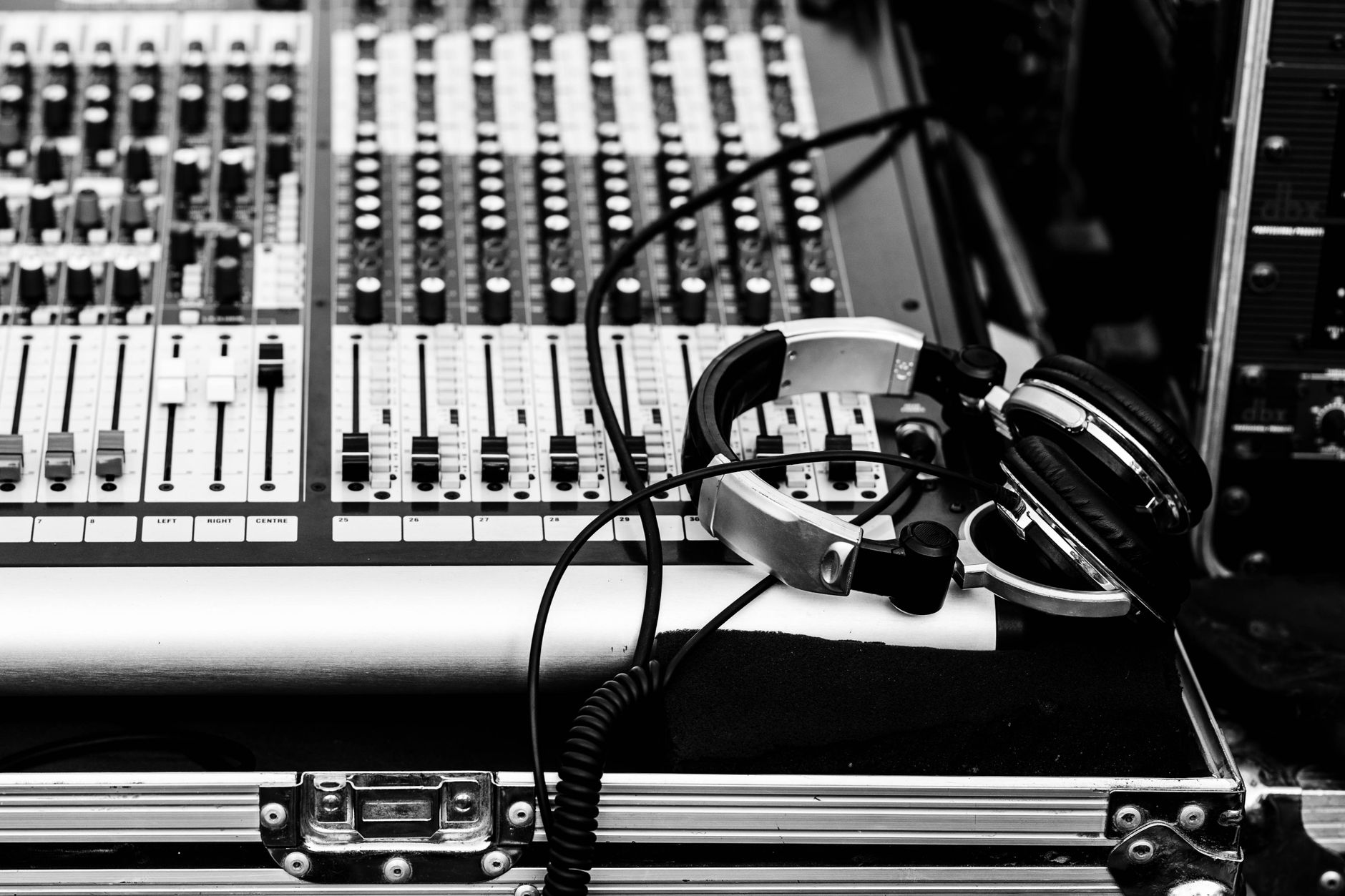
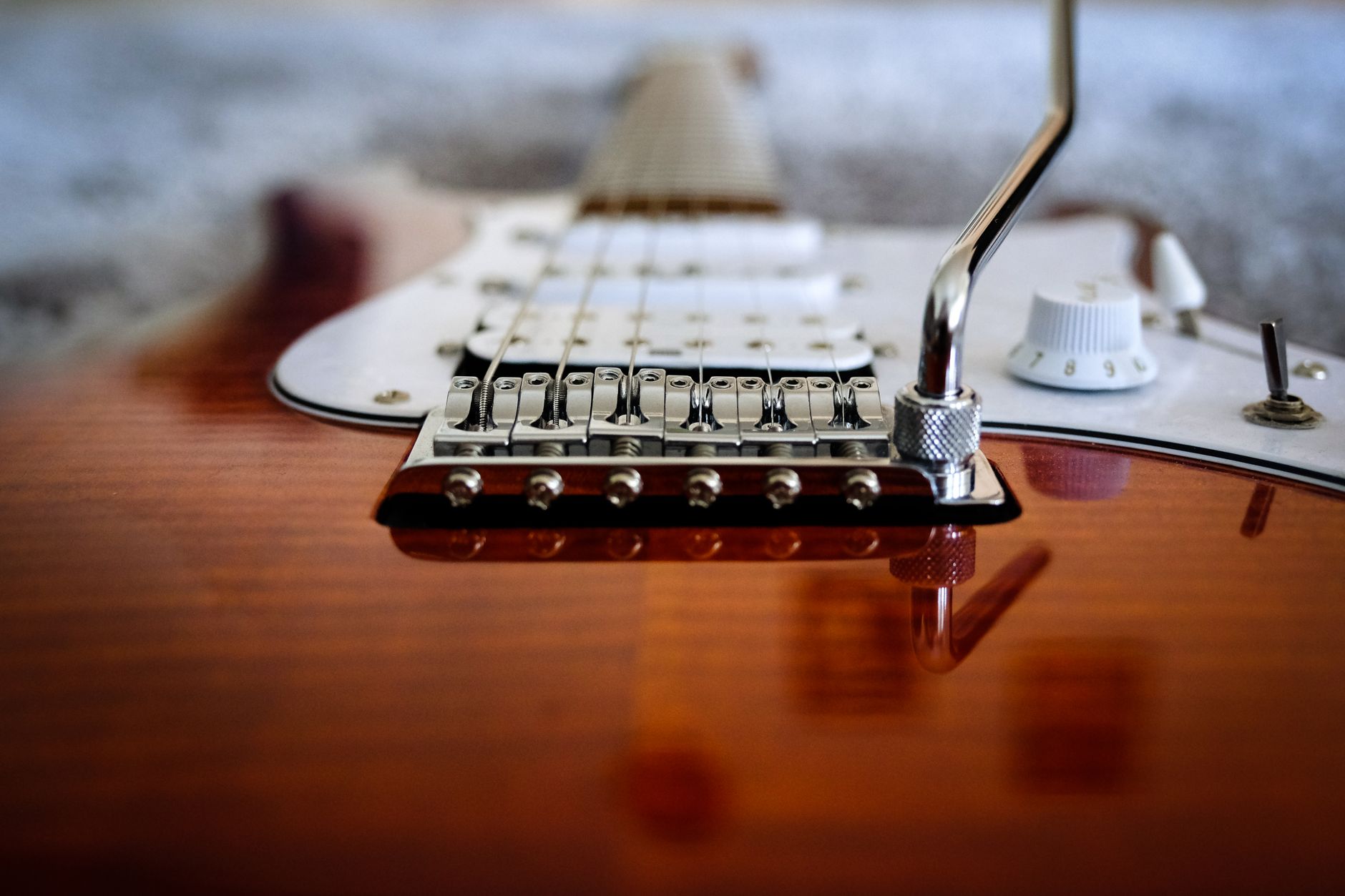 Photo: Konna Jpg via Pexels
This matters because capturing a great guitar performance and dialing in a great guitar tone are two separate problems. Ask any session guitarist: the moment you put someone in front of a loud amp and tell them to play and sound perfect, something suffers. Usually the tone suffers because the player is rushing setup, or the performance suffers because the engineer is still tweaking.
Reamping solves this by splitting the two problems apart. Record the DI — a clean, unamplified signal straight from the instrument. Then, once the performance is confirmed and the player has gone home, route that signal back through your amp, cab, pedals, or a software plugin to find the tone that serves the song.
It’s also a safety net. If a client returns two weeks later wanting a heavier tone or a cleaner bridge section, you don’t need to re-track. You already have the raw performance on disk.
The Signal Chain: How Reamping Actually Works
Direct answer: The full reamping signal chain has two stages. Stage one: guitar → DI box → audio interface (instrument input) + amp output. Stage two: interface output → reamp box → amp → mic → interface (mic input). The reamp box is the critical link — it converts line-level signal back to instrument-level impedance.
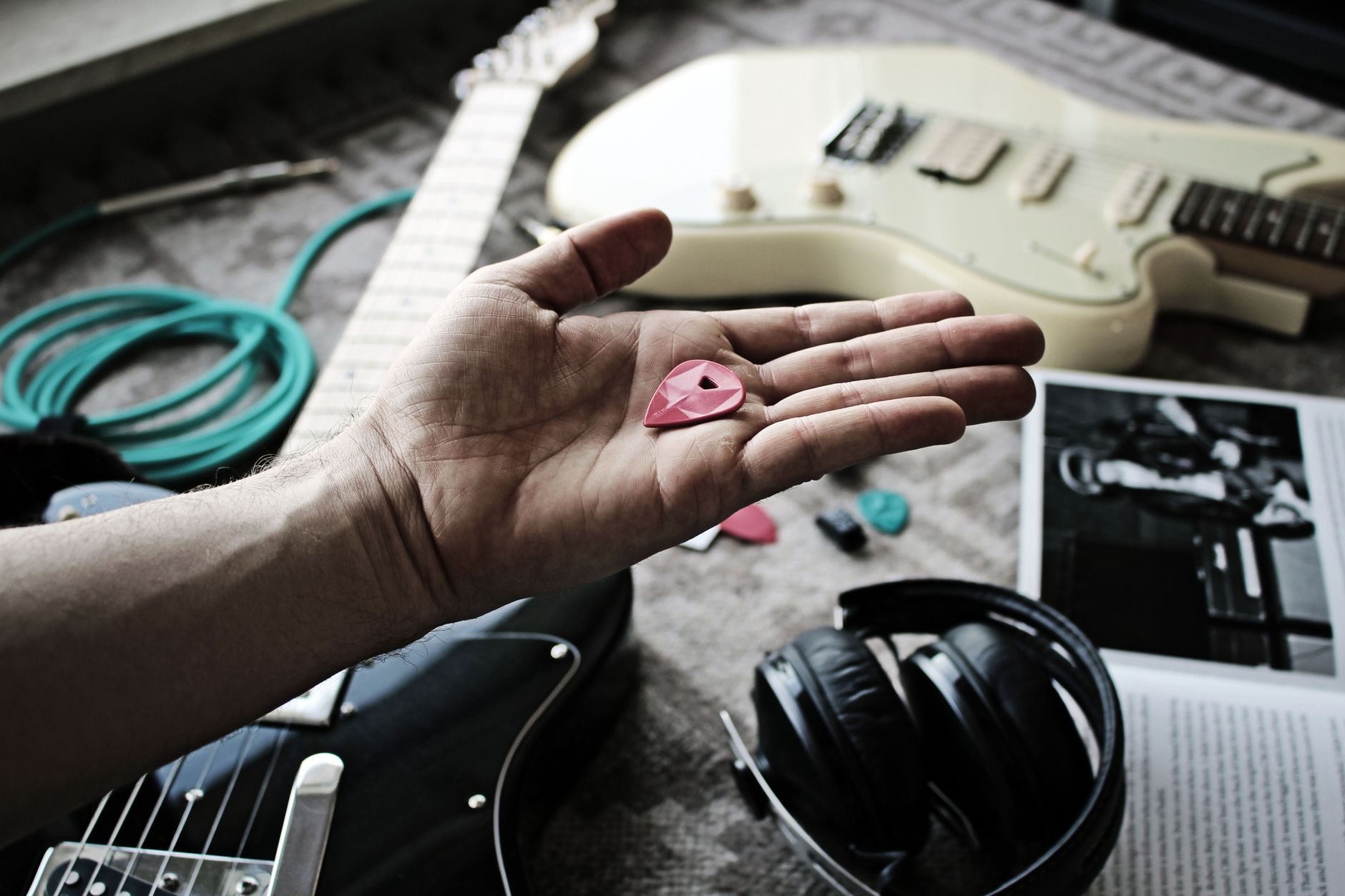
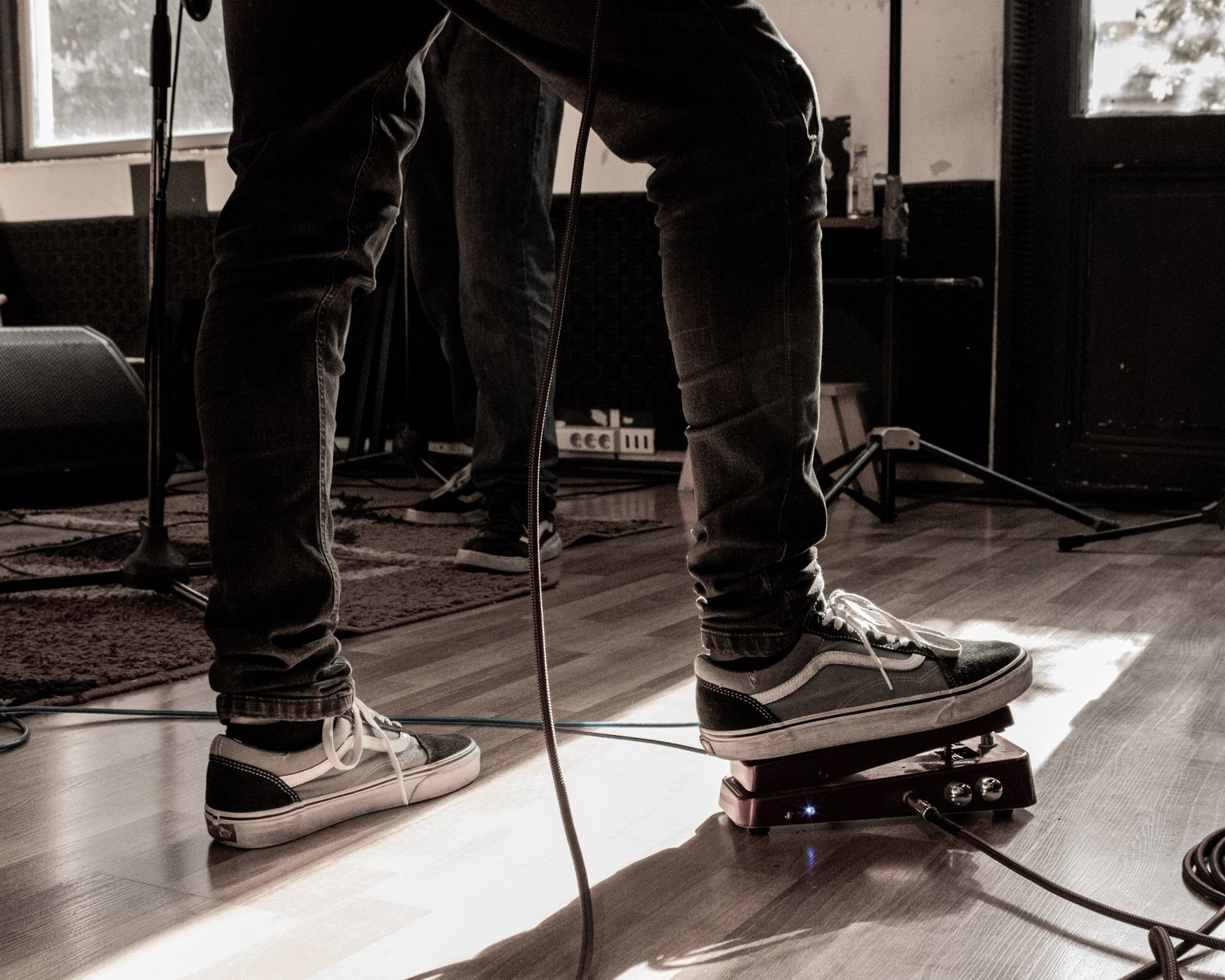 Photo: OjO Turro via Pexels
Stage One: Recording the DI
Here’s what’s happening electrically: a guitar’s output is a high-impedance, instrument-level signal (roughly -20 dBu). Your audio interface’s instrument input is designed to accept exactly that. So for the DI capture, you simply plug the guitar into the interface’s Hi-Z input and record a clean, unprocessed track.
Many engineers also split the signal at this stage — guitar → DI box → amp (for a live amp tone reference) while the DI box’s parallel output feeds the interface. This gives you a rough amp sound during the session and a clean DI to reamp properly later.
Gain staging for the DI: Record the DI at -18 dBFS to -12 dBFS average, with peaks no higher than -6 dBFS. You want headroom — this signal will be processed later, and a clipped DI is unrecoverable.
Stage Two: Sending the Signal Back Out
This is where the reamp box earns its place. Your DAW’s line output is a balanced, low-impedance, +4 dBu signal. An amplifier’s instrument input expects high-impedance, unbalanced, instrument-level (-20 dBu). Plug line-level directly into an amp input and you’ll get a thin, harsh, over-driven tone that doesn’t respond naturally to picking dynamics — because the impedance mismatch is destroying the signal’s character before it even hits the preamp stage.
A reamp box (also called a reamper) does two things: attenuates the level from line to instrument level, and transforms the impedance from low to high. The result is a signal the amp sees as indistinguishable from a real guitar plugged in directly.
Popular options include the Radial ProRMP , the Radial X-Amp , and the passive Milkbox reamp box from Little Labs . For a budget entry point, the Behringer MICROAMP HA400 can work in a pinch, though it lacks the transformer-based impedance matching that higher-end units provide.
What Gear Do You Actually Need?
| Item | Required? | Budget Option | Pro Option |
|---|---|---|---|
| Audio interface (with line output) | Yes | Focusrite Scarlett Solo | Universal Audio Apollo Twin |
| DI box | Recommended | Behringer DI100 | Radial J48 |
| Reamp box | Yes (for hardware amp) | Radial ProRMP | Little Labs Milkbox |
| Amplifier | Hardware reamp only | Any combo amp | Your favorite amp |
| Mic + mic stand | Hardware reamp only | Shure SM57 | Royer R-121 |
| DAW | Yes | Reaper | Pro Tools, Logic Pro |
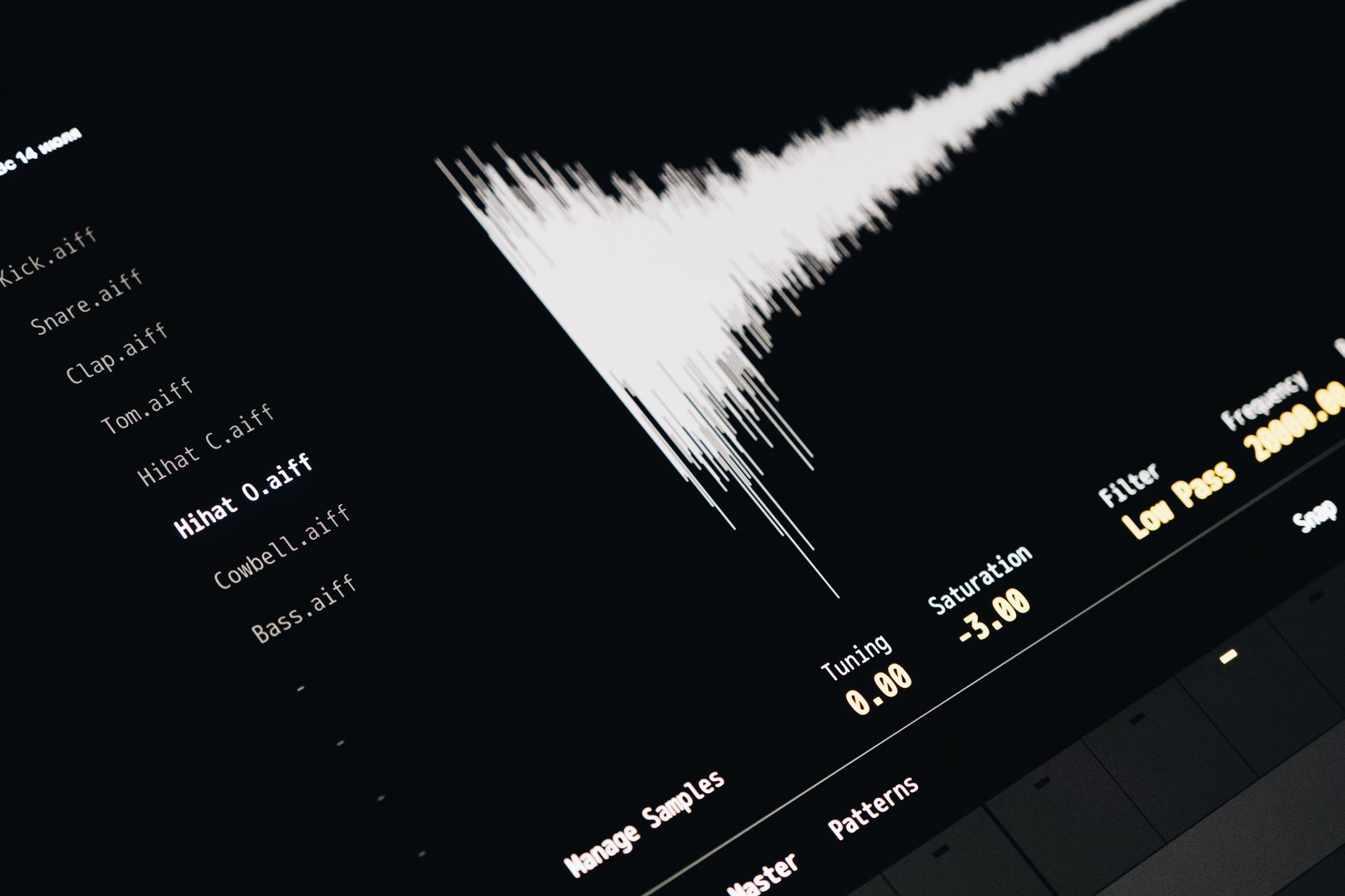
 Photo: Clem Onojeghuo via Pexels
If you’re reamping into software — amp simulators like Neural DSP , Positive Grid BIAS FX , or the built-in amp sims in Logic Pro — you don’t need a reamp box or a physical amp at all. The DI signal goes straight from your interface output into the plugin. This is the path most home recordists take first, and it’s a completely valid workflow.
Step-by-Step: How to Reamp a Guitar Track
Recording the DI (Session Day)
- Connect the guitar to a passive DI box (XLR out to interface mic/line input, parallel thru to amp if monitoring live tone).
- On the interface, engage the Hi-Z or instrument input — not the mic preamp.
- Create a track in your DAW set to record the DI. Disable any amp simulation plugins on this track.
- Set input gain so peaks hit around -10 dBFS. Confirm there’s no clipping on the loudest strums.
- Record the performance. Label the track clearly:
GTR_DI_L/GTR_DI_Ror similar.
Reamping (Post-Session)
- Create a new audio track in your DAW. Route its input to the mic channel you’ll use to capture the amp.
- Set your interface’s line output (the one connected to the reamp box) to nominal level — typically 0 dB in your DAW’s output routing.
- Connect: interface line out → reamp box input → reamp box output → amp input.
- Place a mic in front of the amp cabinet (for a starting point: SM57 at the edge of the dust cap, angled slightly toward the center).
- Play back the DI track in your DAW. Adjust the reamp box output level and amp input gain until the amp responds the way it would to a real guitar — test with a DI recording of hard picking to check for unwanted overdrive.
- Arm the new mic track to record. Hit record, let the DI track play back in full.
- Listen back. Adjust mic position, amp settings, pedals, and repeat until the tone works for the track.
Troubleshooting Common Reamping Problems
| Symptom | Likely Cause | Fix |
|---|---|---|
| Thin, harsh amp tone | No reamp box / impedance mismatch | Insert a proper reamp box between interface and amp |
| Amp sounds over-driven even on clean settings | Output level too hot | Lower the DAW send level or reamp box output attenuator |
| Significant hum / 60 Hz buzz | Ground loop between interface and amp | Use a transformer-isolated reamp box; check cable routing away from power |
| Phase cancellation when blending DI and reamped signal | Polarity flip in chain | Flip polarity on one track in DAW; check cable wiring |
| Reamped signal has latency versus original DI | DAW playback buffer delay | Nudge the reamped track forward by your interface’s reported round-trip latency |
| Signal is too quiet even at maximum reamp level | Passive DI recorded too hot; reamp box can’t recover | Re-record DI at lower gain, or use an active reamp box |
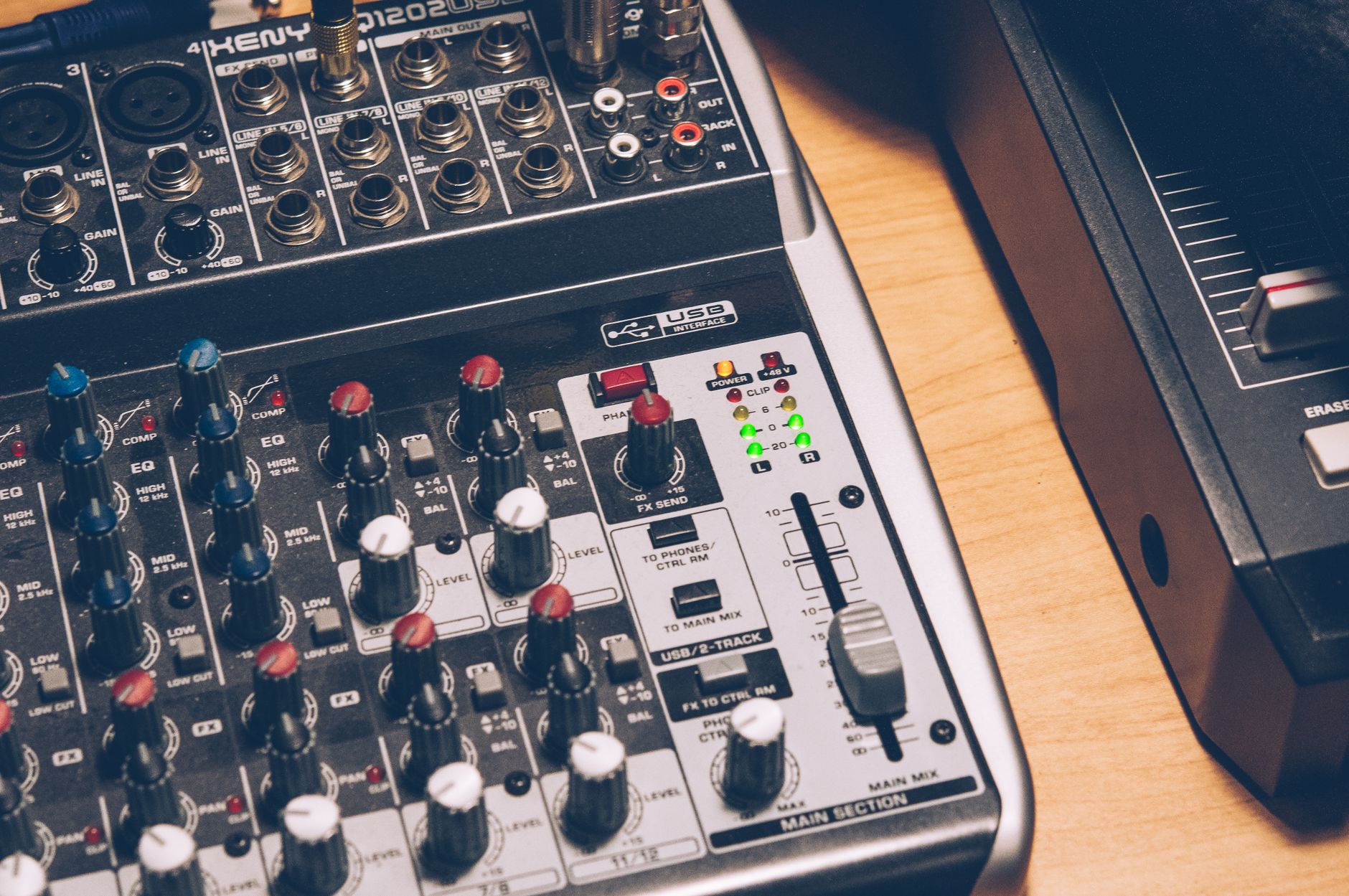
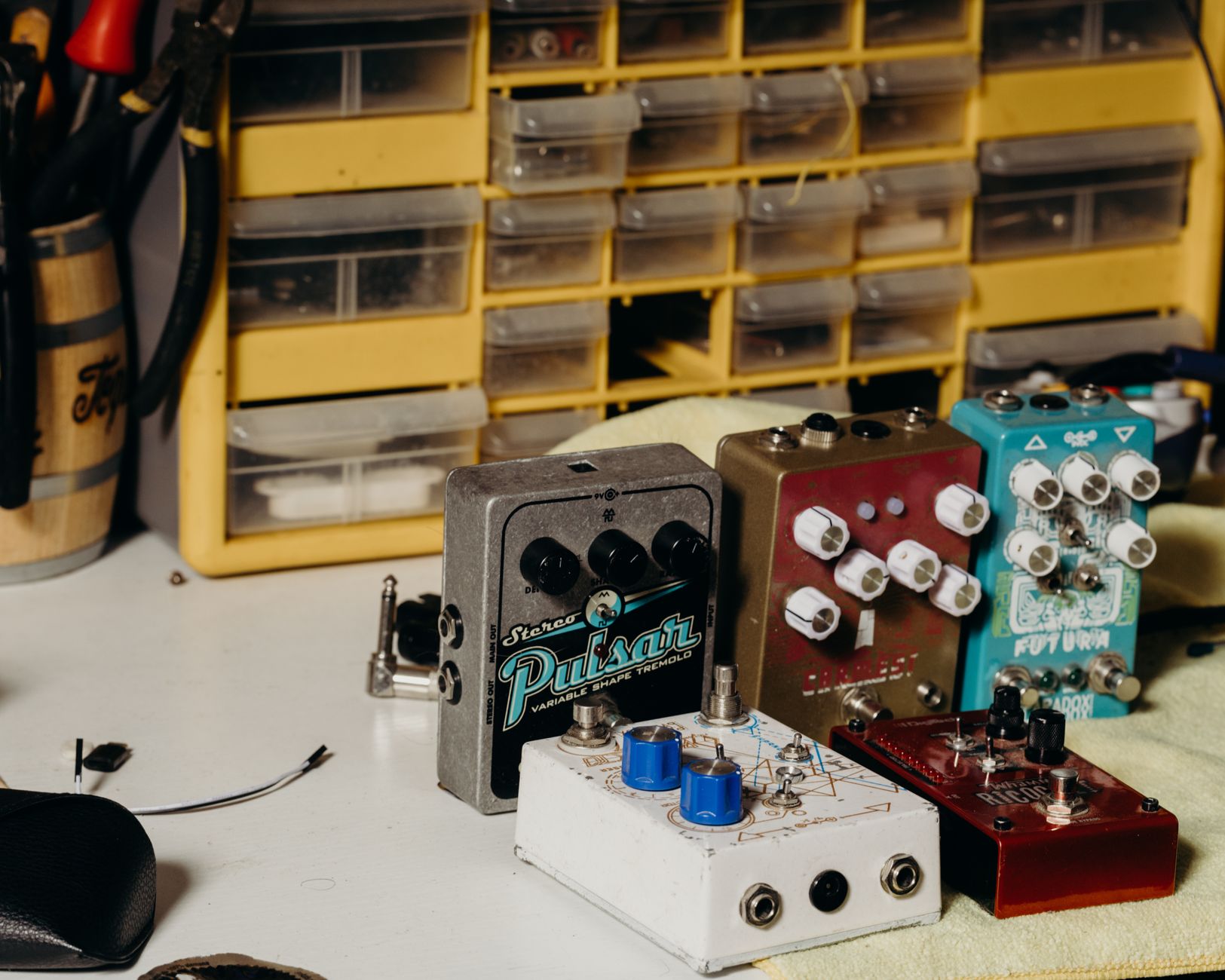 Photo: Studio 31 via Pexels
Reamping Into Amp Sims vs. Hardware Amps
Both approaches work. The choice depends on your studio situation, not on some hierarchy of quality.
Hardware reamping gives you the actual interaction between a specific amp’s preamp stage, power amp, transformer, and speaker — behavior that’s physics-based and responds to picking dynamics in a way that’s difficult to model perfectly. The drawback is room noise, mic placement sensitivity, and the need for more gear.
Software reamping (sending a DI into an amp sim plugin) is faster, silent, and lets you swap between amp models after the fact — effectively reamping indefinitely. Plugins like Neural DSP’s Archetype series and Positive Grid BIAS FX have closed the gap with hardware significantly, based on published blind-test data and professional user consensus. For home studios without acoustic treatment or a space for a loud amp, this is the practical choice.
The workflow is identical for both: record a clean DI first, process later. That principle doesn’t change regardless of whether “the amp” is a 1965 Fender Deluxe Reverb or a plugin.
→ See also:
- How to Record Guitar at Home: The Complete Guide (2026)
- How to Record Electric Guitar at Home
- How to Record Guitar Without an Amp
FAQ
Do I need a reamp box, or can I just use a cable from my interface output to the amp? You need a reamp box for hardware amps. Without one, you’re sending a low-impedance, line-level signal into a high-impedance, instrument-level input — the amp will behave incorrectly, typically sounding harsh, thin, and unresponsive to dynamics. A reamp box corrects both the impedance and the level, making the amp see the signal as a real guitar.
What’s the difference between a DI box and a reamp box? A DI box converts an instrument-level, high-impedance signal to a mic-level, low-impedance balanced signal for recording. A reamp box does the reverse — it takes a line-level, low-impedance signal from your interface and converts it back to instrument-level, high-impedance for an amp input. They’re complementary tools that work in opposite directions.
Can I reamp into software amp simulators without any extra hardware? Yes. If you’re reamping into a plugin, route the DI track’s output internally in your DAW to a new track with the amp sim loaded. No reamp box required — the plugin accepts a line-level signal directly from your interface’s internal routing. You only need the reamp box when connecting to a physical amplifier.
Does reamping affect the performance quality at all? No — the recorded DI contains the full performance exactly as played. Every nuance of pick attack, dynamics, and vibrato is captured in the waveform. Reamping simply reproduces that performance through an amp; the tone changes, the performance doesn’t.
What sample rate and bit depth should I record the DI at? Record at 24-bit depth minimum — this gives you the headroom and dynamic range to work with later. Sample rate is less critical for guitar, but 44.1 kHz or 48 kHz is standard. There’s no meaningful benefit to recording guitar DI at 96 kHz or higher for typical reamping purposes, based on expert consensus in audio engineering communities.
Is reamping only for guitar? No. Bass guitar is reamped constantly in professional recording — the same DI/reamp workflow applies directly. You can also reamp keyboards, synths, or any electronic instrument through guitar pedals or amps to add character. The technique is instrument-agnostic; guitar is just the most common application.
Editorial methodology: Assessments are based on manufacturer specifications, published user reviews, and editorial research. Physical hands-on testing is noted explicitly where it occurred. Rankings reflect our editorial judgment and are not influenced by affiliate commission rates. Full editorial policy · Affiliate disclosure