Contents
What Is a MIDI Controller? A Beginner’s Complete Guide
TL;DR: A MIDI controller is a hardware device that sends musical performance data — notes, velocity, pitch, modulation — to software or hardware instruments, but produces no sound itself. It’s the steering wheel, not the engine. If you’re starting a home studio, a MIDI controller is almost always your first keyboard purchase.
What Is a MIDI Controller, Exactly?
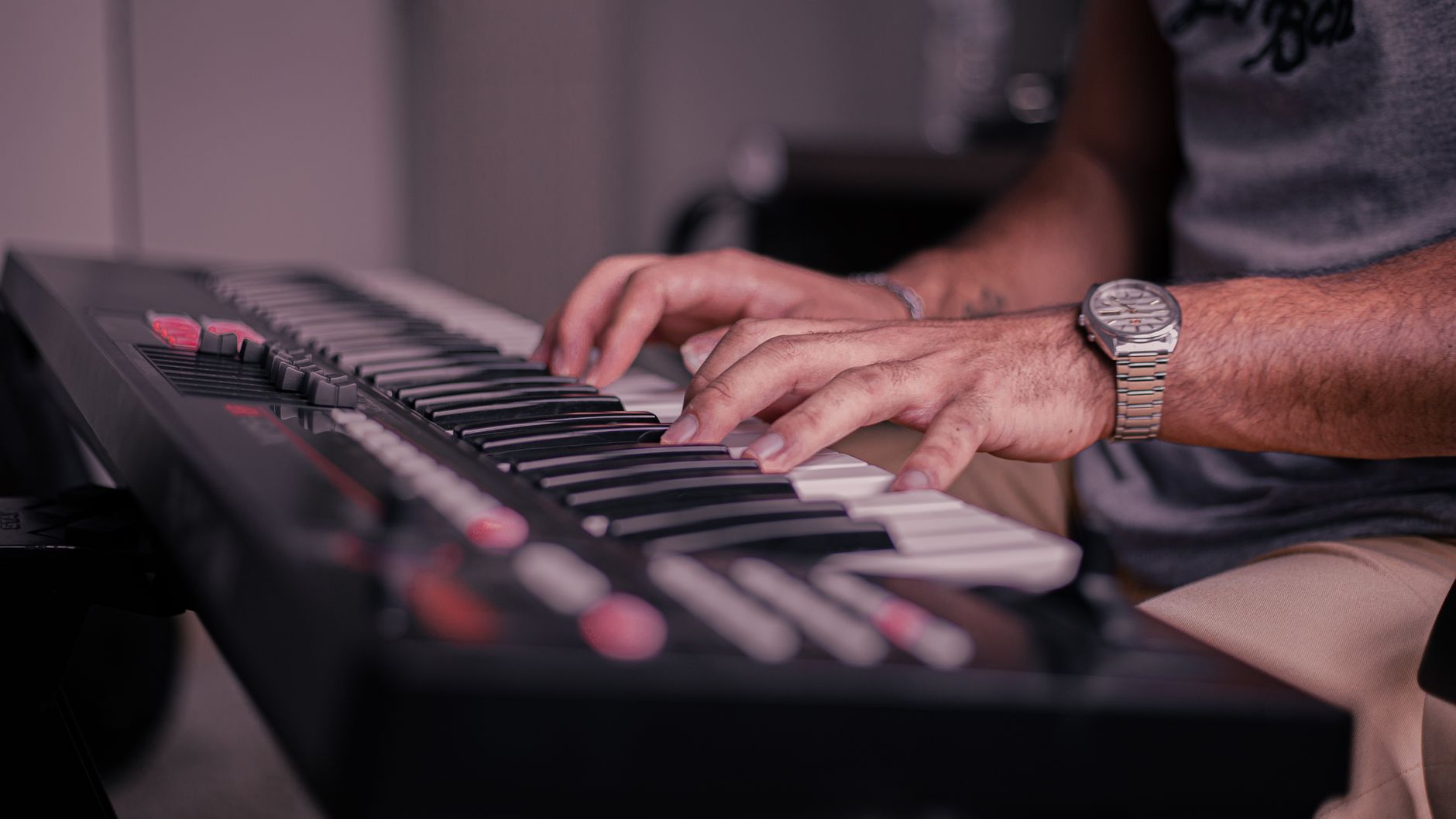
A MIDI controller is any hardware device that transmits MIDI data to trigger or manipulate sounds in another device. It has no internal sound engine — plug it into nothing and you’ll hear silence. Connect it to a DAW with a virtual instrument loaded, and it plays whatever that instrument is.
 Photo: Alexey Demidov via Pexels
MIDI stands for Musical Instrument Digital Interface — a communication protocol standardized in 1983 that hasn’t fundamentally changed since. When you press a key on a MIDI controller, it doesn’t send audio. It sends a small data packet: which note (0–127), how hard you hit it (velocity), and when you released it. That data travels over USB or a 5-pin DIN cable to a receiving device — a DAW like Ableton Live, a hardware synthesizer, or a sampler — which then decides what sound to make.
This separation is the whole point. One controller can play a grand piano, a brass section, a drum kit, or a modular synthesizer patch — all without swapping hardware. You own the controller once; the sounds are software.
How Does a MIDI Controller Work?
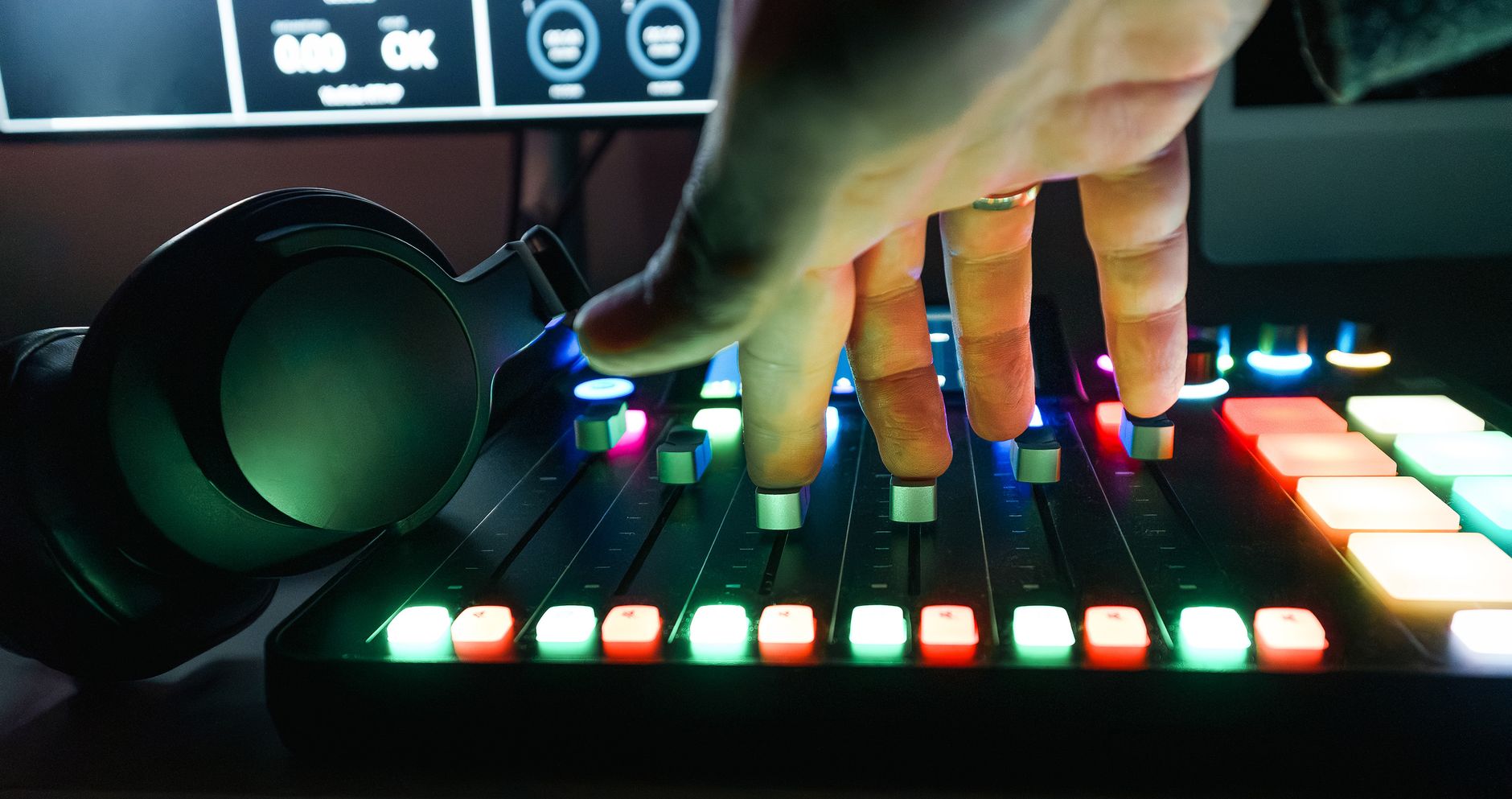
Press a key → the controller generates a MIDI message → that message travels over USB or MIDI cable to your DAW or sound module → the DAW triggers a virtual instrument. The controller itself is silent. All sound generation happens downstream.
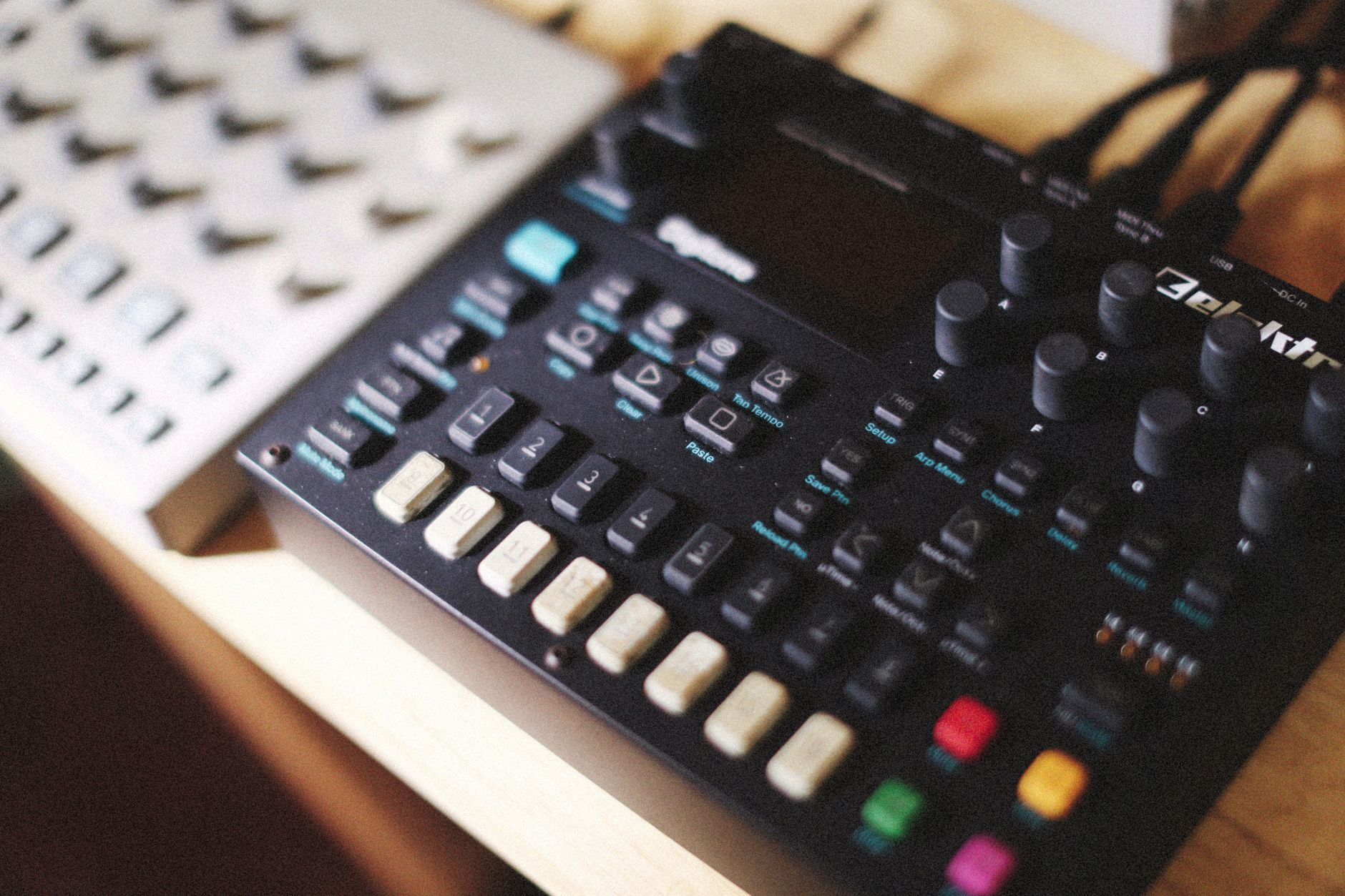 Photo: Alexey Demidov via Pexels
Every key press generates at minimum two messages: Note On (with velocity) and Note Off. More expressive controllers add:
- Aftertouch — pressure applied after a key is down, often mapped to vibrato or filter cutoff
- Pitch bend wheel — semitone-accurate pitch shifts, standard on nearly every keyboard controller
- Modulation wheel — typically mapped to vibrato depth, filter sweep, or tremolo in most instruments
- Knobs and faders — send continuous controller (CC) data, useful for automating plugin parameters in real time
- Pads — velocity-sensitive rubber pads for triggering drums, samples, or clips
Your DAW receives all of this and routes it to whatever virtual instrument is active on the armed track.
Types of MIDI Controllers
Keyboard Controllers
The most common form. They range from 25 keys (two octaves, portable) to 88 keys (full piano range). Key action matters:
| Action Type | Feel | Best For |
|---|---|---|
| Synth action | Light, no resistance | Synth leads, fast passages, portability |
| Semi-weighted | Medium resistance | General production, beginners |
| Fully weighted | Simulates acoustic piano | Piano practice, classical technique |
| Hammer action | Closest to real piano | Pianists who also produce |
Most bedroom producers start with 25–49 keys. You can always shift octaves with a button — you rarely need 88 keys unless you’re practicing piano technique alongside producing.
Pad Controllers
Grids of velocity-sensitive rubber pads. The Ableton Push and Akai MPC are the most recognized examples. Designed for beat-making, finger drumming, and clip launching. Some producers use pad controllers exclusively and never touch a keyboard.
DAW Controllers
Designed to control your DAW’s mixer and transport rather than play instruments — motorized faders, mute/solo buttons, jog wheels. The Mackie Control Universal protocol and HUI are the two legacy standards most DAWs support. These are mixing tools, not playing tools.
Wind and Breath Controllers
Less common but important in context: devices like the Arturia Astrolab or dedicated wind controllers that convert breath pressure and fingering into MIDI. Used by saxophonists and brass players who want natural expression in a digital context.
Do You Need an Audio Interface With a MIDI Controller?
No — if your controller connects via USB, it communicates directly with your computer without an audio interface. You need an audio interface only if you’re also recording microphones, guitars, or other analog sources, or if you want low-latency monitor output.
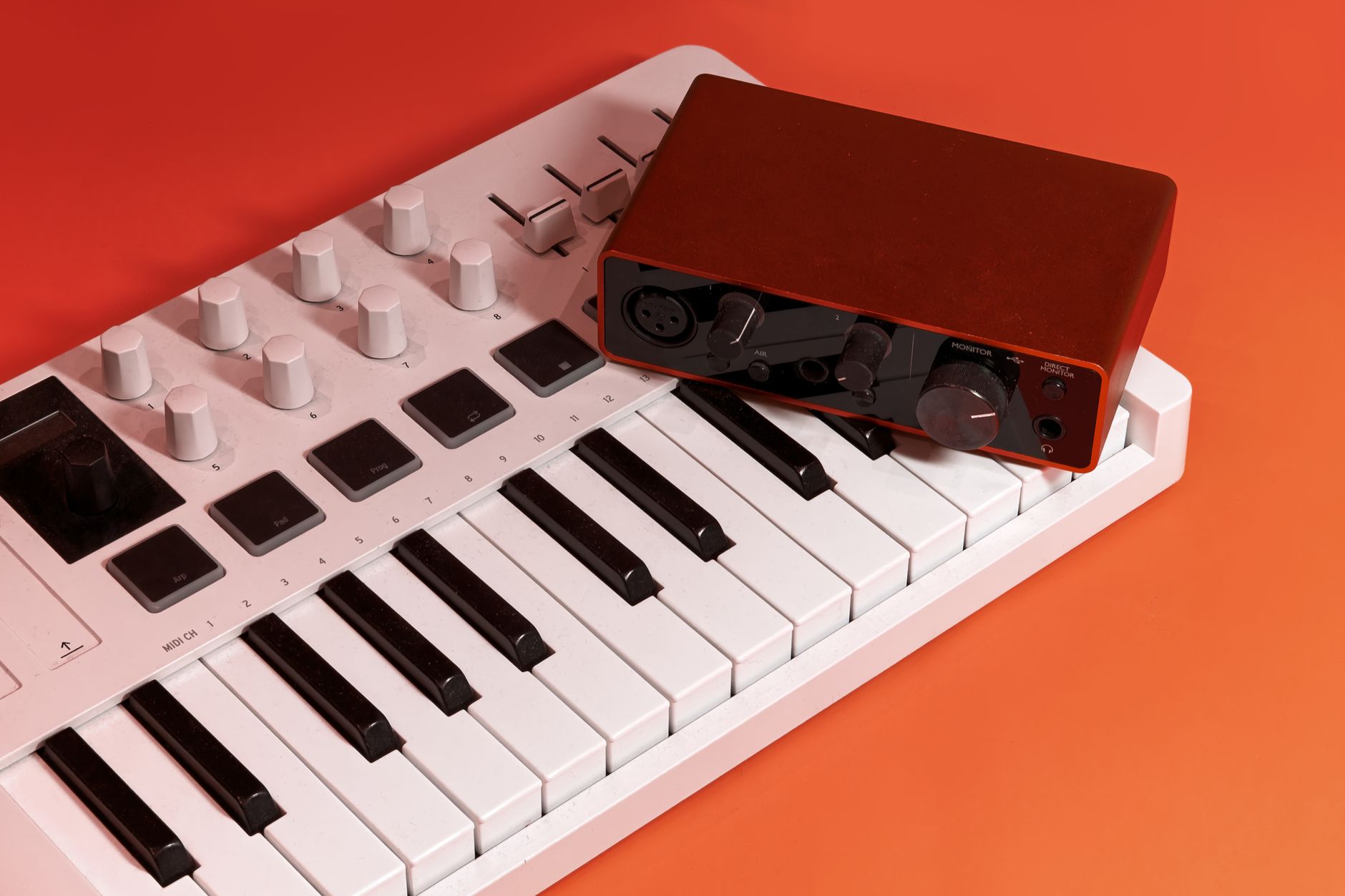 Photo: Primitive Spaces via Pexels
USB class-compliant MIDI controllers (which is most of them made after 2010) show up as MIDI devices the moment you plug them in — no drivers, no interface required. The MIDI data flows over USB. The audio you hear comes out of your computer’s built-in output or, for better quality and lower latency, an audio interface.
If all you’re doing is programming beats and melodies with headphones plugged into your laptop, a controller alone is enough to start.
MIDI Controller vs. MIDI Keyboard vs. Synthesizer
This trips up almost every beginner.
| Device | Makes Sound? | Needs Software? | Has Keys? |
|---|---|---|---|
| MIDI Controller | No | Yes | Usually |
| Synthesizer | Yes | No | Usually |
| MIDI Keyboard | No | Yes | Yes |
| Keyboard Synthesizer | Yes | No | Yes |
| Workstation | Yes | No | Yes |
“MIDI keyboard” and “MIDI controller” are used interchangeably in most retail contexts and both are correct — they’re the same category. A synthesizer has its own sound engine built in. A workstation is a synthesizer with a sequencer. If a product’s listing says “sounds not included” or “requires DAW” — it’s a controller.
Some hybrid devices (the Roland JUNO-X, Arturia KeyLab MkII with integrated sounds) blur this line. They work as controllers and as standalone synths simultaneously.
What Software Do You Need?
Any DAW works — Ableton Live, Logic Pro, FL Studio, GarageBand, Reaper. Most controllers also bundle a lite version of a DAW or a plugin pack. GarageBand (free on Mac) is enough to get started immediately.
 Photo: Elviss Railijs Bitāns via Pexels
For a complete minimal setup:
- A DAW (GarageBand is free; Reaper is $60 with an indefinite trial)
- A virtual instrument plugin (most DAWs include stock ones)
- A USB MIDI controller
That’s the entire chain. Open the DAW, create a MIDI track, load a piano VST, arm the track for recording, press keys — you’re recording MIDI.
Choosing Your First MIDI Controller
For most beginners, the decision comes down to key count and budget:
| Use Case | Recommended Size | Why |
|---|---|---|
| Beat-making only | 25 keys or pad controller | You’ll mostly use pads |
| Songwriting / melody | 49 keys | Enough range, stays portable |
| Full arrangements | 61 keys | Two full octaves of overlap |
| Piano practice + production | 88 weighted | No compromises on technique |
Budget tiers by published user consensus:
- Under $100: Akai MPK Mini MkIII , Arturia MiniLab 3 — 25 keys, solid pads, bus-powered
- $100–$200: Arturia KeyLab Essential 49 , Native Instruments Komplete Kontrol A49 — adds more keys, better integration
- $200–$400: Arturia KeyLab 49 MkII , Native Instruments Komplete Kontrol S49 — semi-weighted keys, deep DAW integration, premium build
For a deeper comparison of specific models, the Best MIDI Keyboards and Controllers (2026) guide covers every major option with full specs. If you’re on a tight budget, see Best MIDI Keyboard Under $100.
→ See Also
- Best MIDI Keyboards and Controllers (2026)
- Best MIDI Keyboard for Beginners
- Best MIDI Keyboard Under $100
FAQ
Do I need to know how to play piano to use a MIDI controller? No. Many producers use MIDI controllers exclusively for programming beats one step at a time, drawing notes into a piano roll, or triggering one-shot samples — none of which requires any keyboard technique. Piano skills help with melody writing, but they’re not a prerequisite for production.
Can a MIDI controller work without a computer? Only if you connect it to a standalone hardware sound module, synthesizer, or drum machine with a MIDI input. Over USB alone, a MIDI controller requires a computer or tablet running software to produce sound. Some controllers include a small built-in sound module (like the Arturia MiniLab 3 bundled with Analog Lab), but the controller section itself still sends MIDI data — the sounds come from the bundled software.
What’s the difference between MIDI and USB MIDI? Traditional MIDI uses a 5-pin DIN connector. USB MIDI carries the same data over a USB cable. Both transmit identical MIDI messages — the cable type is just the physical layer. Modern controllers almost universally use USB because it also powers the device and doesn’t require a separate MIDI interface. The 5-pin DIN connector remains relevant for connecting to older hardware synths and drum machines.
Why does my MIDI controller have latency? Latency in MIDI setups almost always comes from audio processing, not MIDI transmission itself. MIDI messages are tiny and transmit near-instantly. The delay you hear is the time it takes your audio interface driver and DAW to process the audio output. Reduce your DAW’s audio buffer size (try 64 or 128 samples) and use an ASIO driver on Windows (ASIO4ALL is a free option) to bring latency under 10ms — imperceptible in practice.
Can one MIDI controller play multiple instruments at the same time? Yes, through MIDI channels. MIDI supports 16 independent channels per connection. You can split your controller’s keyboard range — low keys trigger a bass synth on channel 1, high keys trigger a piano on channel 2 — or layer two instruments on the same notes. Most DAWs handle this routing within the software rather than requiring hardware configuration.
What is velocity sensitivity and do I need it? Velocity measures how hard you press a key (0–127 in MIDI). A velocity-sensitive controller plays louder or brighter notes when you hit harder, mimicking the dynamic response of a real piano or drum hit. Without velocity sensitivity, every note triggers at the same volume regardless of how hard you play. For any expressive performance or realistic-sounding instrument work, velocity sensitivity is essential — it’s standard on all but the cheapest entry-level controllers.
Editorial methodology: Assessments are based on manufacturer specifications, published user reviews, and editorial research. Physical hands-on testing is noted explicitly where it occurred. Rankings reflect our editorial judgment and are not influenced by affiliate commission rates. Full editorial policy · Affiliate disclosure