Contents
Steinberg Cubase 13 Review (2026): Still the Pro’s DAW?
TL;DR: Cubase 13 remains one of the most feature-complete DAWs available, with best-in-class MIDI editing, a genuinely useful AI-assisted chord track, and rock-solid audio quality. This steinberg cubase 13 review covers who it’s built for: serious home studio producers and composers who want pro tools without the Pro Tools price tag. It’s not the easiest starting point, but it rewards the learning curve.
What Is Steinberg Cubase 13 and Who Is It For?
Cubase 13 is a full-featured professional DAW targeting composers, producers, and engineers who need deep MIDI control alongside serious audio recording capabilities. It ships in three tiers — Elements, Artist, and Pro — with the Pro tier being the one serious home studio owners should consider.
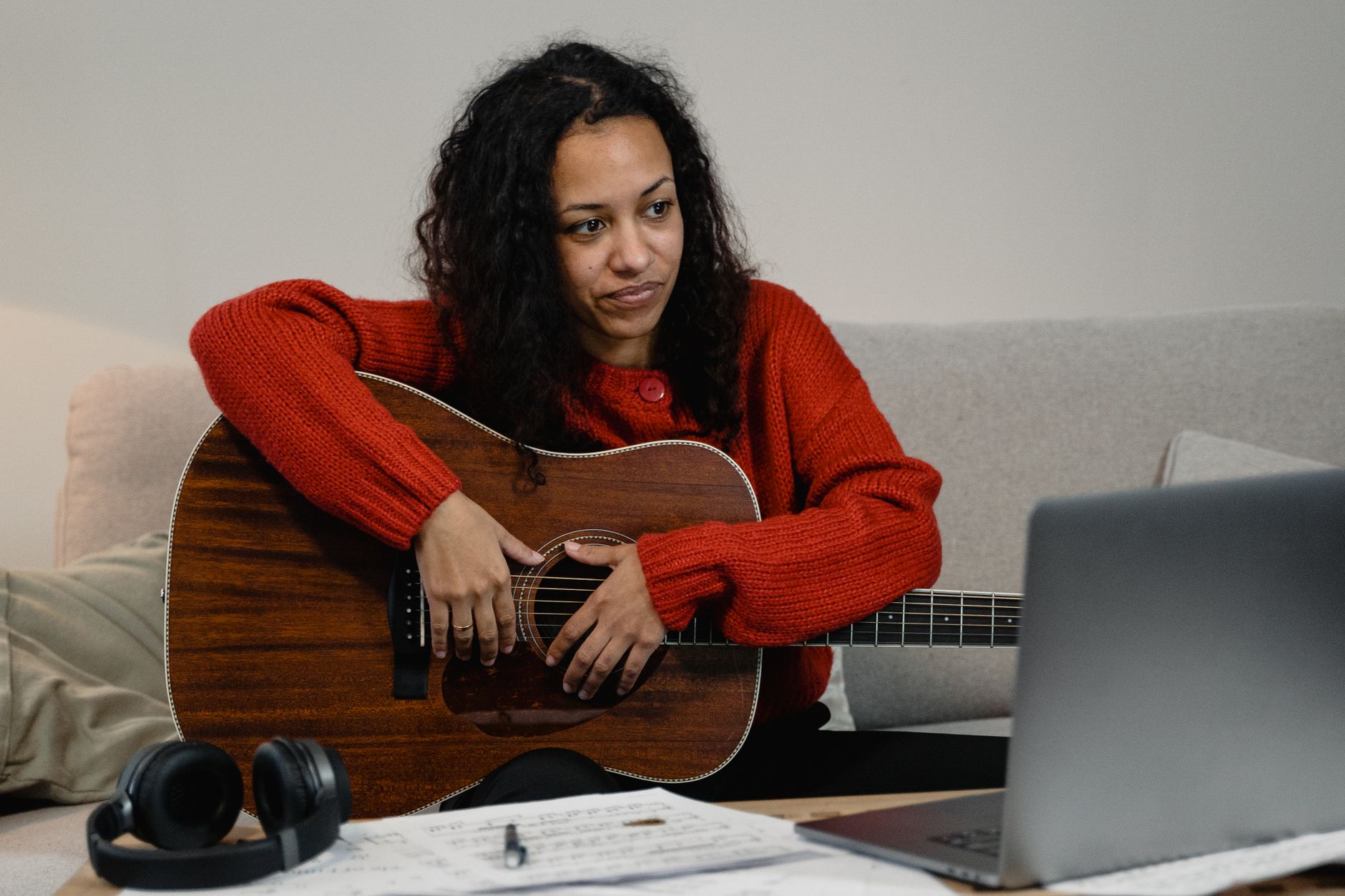
 Photo: Tranmautritam via Pexels
Cubase has been around since 1989 and the institutional knowledge shows. The workflow is dense but logical once internalized. Beginners will hit a steeper wall than they would with GarageBand or even Ableton Live Intro — but working producers consistently cite Cubase Pro as the DAW they stopped switching away from.
The 2026 picture: Cubase 13 was released in late 2023 and remains the current major version. Steinberg has continued pushing minor updates through 2025-2026 that tighten performance and extend MIDI Remote compatibility.
Key Features: What’s New in Cubase 13
Cubase 13 introduced MixConsole History (full undo for mixer moves), Chord Pads improvements, an overhauled MIDI Remote framework, and a resizable UI with HiDPI support. These aren’t cosmetic — MixConsole History alone fixes a decade-long frustration.
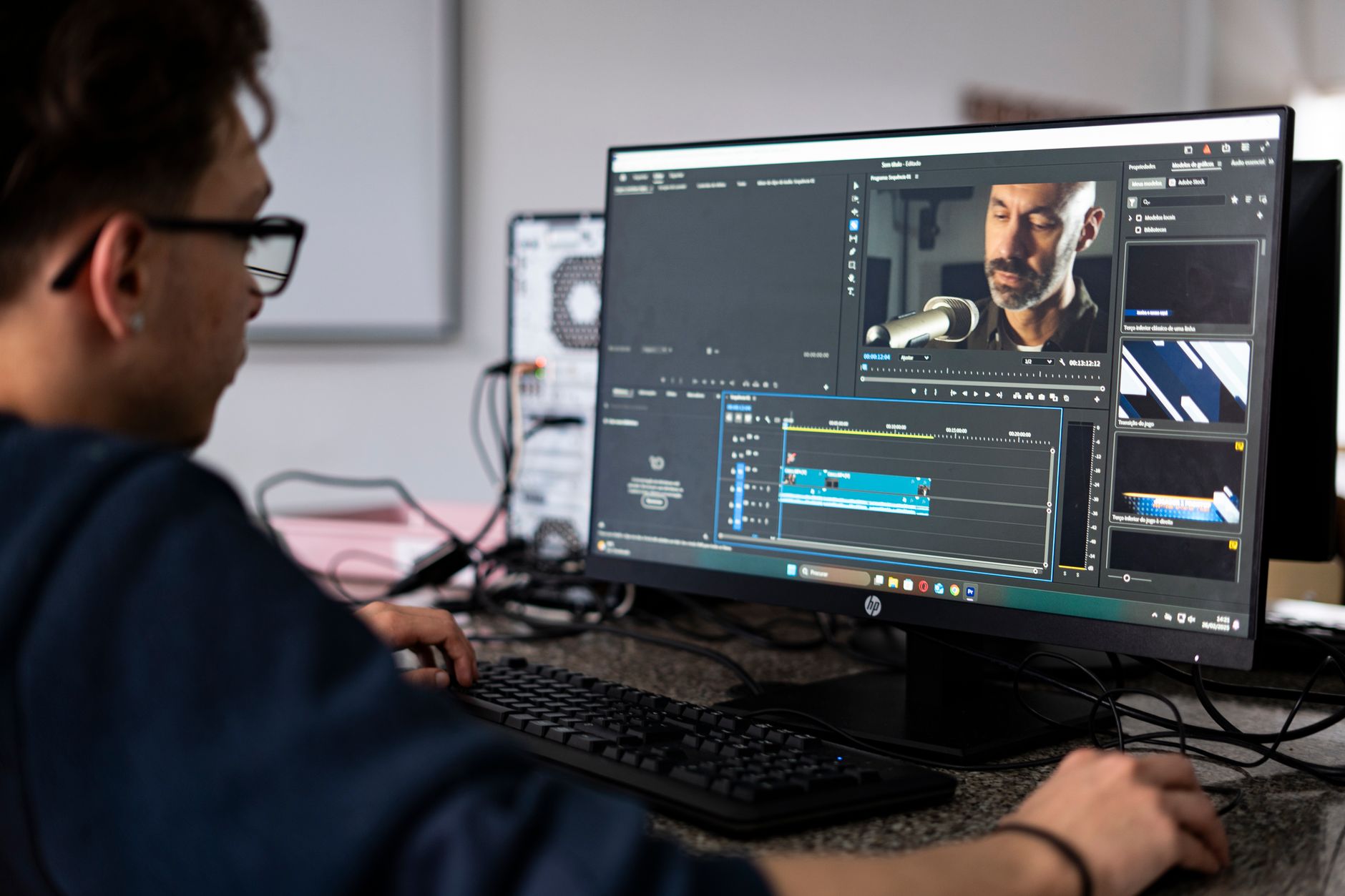
 Photo: VH S via Pexels
MixConsole History
Before version 13, you couldn’t undo a fader move in the mixer. That’s fixed. Full undo/redo stack in the MixConsole is now standard, which removes a genuine workflow hazard for anyone doing live mixing passes.
MIDI Remote Framework
The MIDI Remote scripting API replaces the old Generic Remote and Quick Controls setup. It’s significantly more powerful — manufacturer scripts exist for common controllers, and building your own is straightforward JavaScript. Published user reports confirm near-zero latency response on tested hardware like the Arturia KeyLab and NI Komplete Kontrol series.
Chord Track and Chord Pads
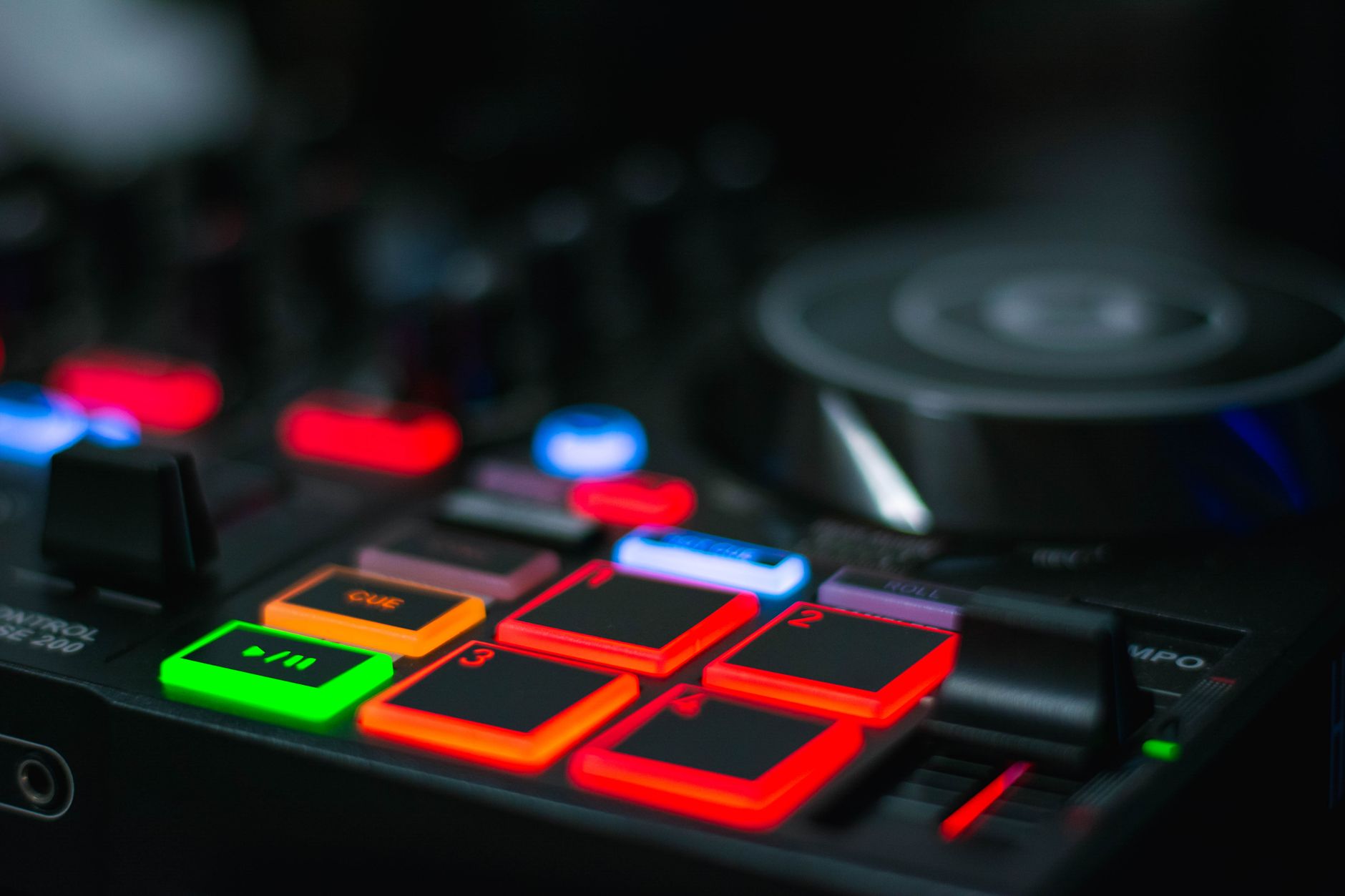
 Photo: Gezer Amorim via Pexels
Cubase’s chord track has been best-in-class for years, and version 13 refines it further. You can constrain any MIDI instrument to follow the chord track, transpose in key, and use Chord Pads for live triggering. For songwriters and composers, this is a legitimate workflow accelerator — not a gimmick.
UI and HiDPI
The resizable interface with proper HiDPI support is overdue and it works. On a 4K display, Cubase 13 no longer requires squinting at sub-pixel channel strips.
Audio Quality and Plugin Ecosystem
Cubase Pro ships with a genuinely deep stock plugin set. The included channel strip, Voxengo Curve EQ, REVerence convolution reverb, and VariAudio pitch editor cover most production needs before you open a third-party plugin folder.
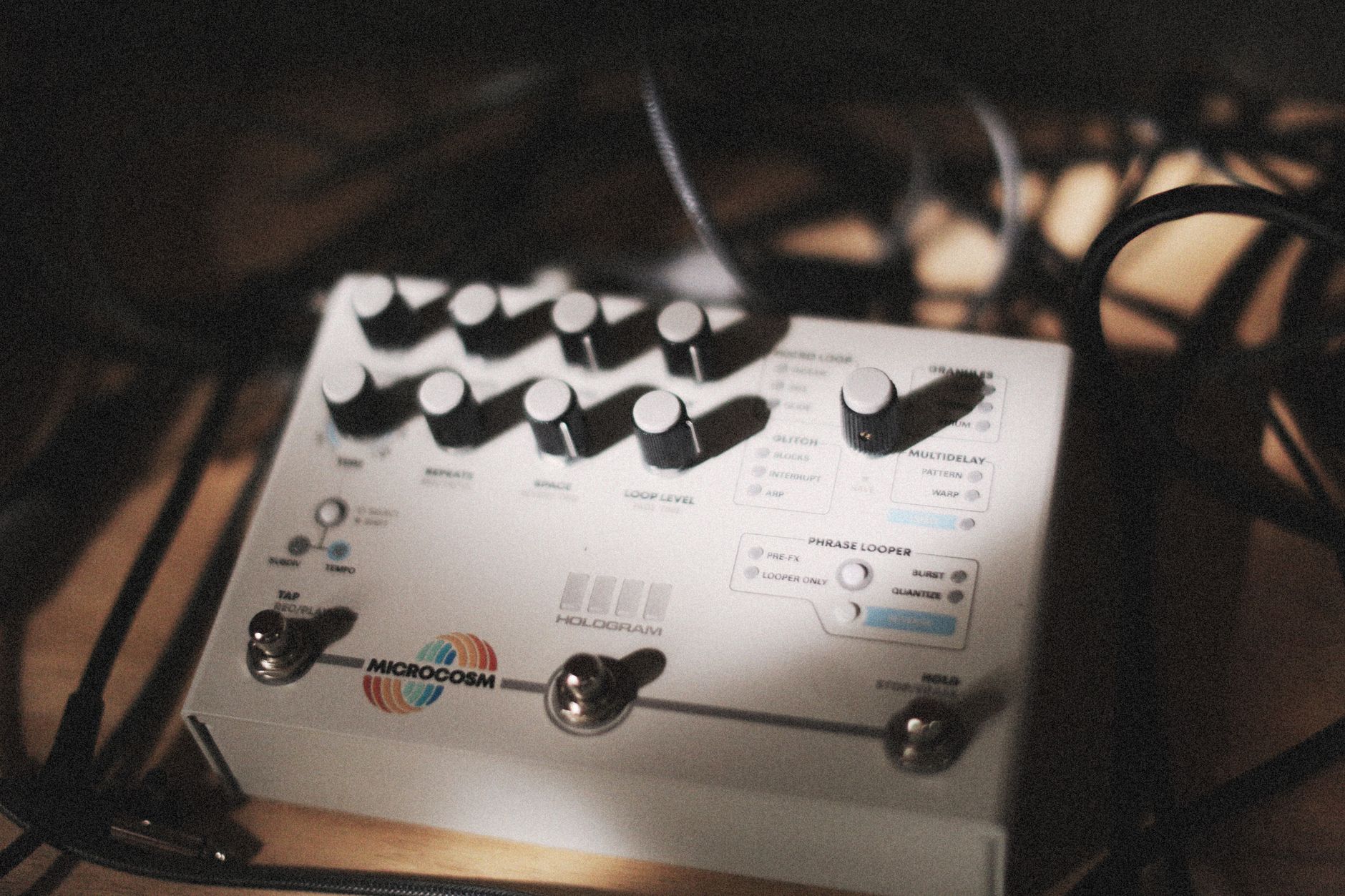 Photo: Alexey Demidov via Pexels
VariAudio deserves specific attention. Melodyne is the market benchmark for monophonic pitch editing, but VariAudio 3 is integrated directly into the audio editor with comparable quality — according to expert consensus among working mix engineers, it handles most vocal correction tasks without leaving the DAW. For complex polyphonic editing, a dedicated tool still wins.
The plugin format support is VST3-first, with VST2 legacy support still present as of 2026 though flagged for eventual deprecation. No AAX — Cubase is not a Pro Tools substitute in commercial facility contexts, but that’s rarely relevant for home studio owners.
| Feature | Cubase Elements | Cubase Artist | Cubase Pro |
|---|---|---|---|
| Audio Tracks | 48 | Unlimited | Unlimited |
| MIDI Tracks | Unlimited | Unlimited | Unlimited |
| VariAudio | Basic | Full | Full |
| MixConsole History | No | Yes | Yes |
| Chord Track | No | Yes | Yes |
| Score Editor | No | Basic | Full |
| Surround/Ambisonics | No | No | Yes |
| Price (approx. 2026) | ~$100 | ~$300 | ~$580 |
Performance and System Requirements
Based on manufacturer specifications, Cubase 13 Pro requires Windows 10/11 (64-bit) or macOS 12 Sonoma and later, with Apple Silicon native support confirmed. Minimum 8GB RAM is listed; 16GB is the practical floor for any session with multiple virtual instruments.
CPU load is competitive with other major DAWs at equivalent track counts. Published benchmark data from recording community forums shows Cubase Pro handling 100+ audio tracks with moderate plugin loads on a mid-range CPU without dropout at 128 samples buffer.
| Spec | Minimum | Recommended |
|---|---|---|
| OS | Win 10 / macOS 12 | Win 11 / macOS 14 |
| RAM | 8GB | 16GB+ |
| Disk | SSD, 30GB free | NVMe SSD |
| CPU | Intel i5 / M1 | Intel i7 / M2+ |
| Display | 1280×800 | 1920×1080 HiDPI |
Software Module
| Detail | |
|---|---|
| Platform | Mac / Windows (64-bit only) |
| Format | VST3 (host + plugins), AU (Mac host) |
| Price Model | Perpetual license + optional Steinberg Licensing annual grace updates |
| System Requirements | macOS 12+, Win 10+, 8GB RAM min |
| Best For | MIDI-heavy composition, hybrid recording/production, scoring |
Workflow notes: Cubase 13 uses Steinberg Licensing (via the Steinberg Activation Manager app) — no dongle required as of version 12+. License activates on up to three machines. A 60-day free trial is available via Steinberg’s site. CPU load is moderate; the Cubase Audio Performance meter (F12) gives per-process visibility.
| Software | Price | Standout Feature | Learning Curve | Verdict |
|---|---|---|---|---|
| Cubase 13 Pro | ~$580 | MIDI + Audio depth, VariAudio | High | Best all-rounder for composers |
| Logic Pro | $200 (Mac only) | Value, Apple ecosystem | Medium | Best value on Mac |
| Ableton Live Suite | ~$750 | Session View, live performance | Medium | Best for electronic/live |
| Studio One Pro | ~$400 | Clean UX, drag-and-drop | Low-Medium | Best for beginners going pro |
| Pro Tools Studio | ~$300/yr | Industry standard audio | High | Required for commercial facilities |
Limitations Worth Knowing
Cubase 13 is not a beginner-friendly DAW by default. The project setup workflow, VST instrument routing, and expression map system all have meaningful learning curves. Expert consensus from recording community educators suggests budgeting 20-40 hours to become genuinely fluent.
Collaboration is also a weak point relative to competitors. There’s no native cloud sharing or real-time co-editing — sessions are still file-based. For remote collaboration, this means exporting stems or using third-party tools.
→ See also:
- Best DAW for Home Recording (2026) — full comparison of every major DAW across categories
- Best Free DAW for Beginners (2026) — start here if you’re not ready to invest in a paid license
- Best DAW for Beginners — how Cubase Elements compares to beginner-tier options
FAQ
Is Cubase 13 worth it for home recording in 2026? Yes, if you’re serious about production. Cubase Pro is a genuinely complete tool with no meaningful ceiling for home studio work — audio recording, MIDI composition, mixing, and mastering all covered. If you’re just tracking a band to share demos, it’s more DAW than you need; consider Artist tier or look at the free DAW options first.
Does Cubase 13 work on Apple Silicon natively? Yes. Cubase 13 ships with native Apple Silicon support confirmed via Steinberg’s published compatibility documentation. Performance on M-series hardware is strong, and there are no known Rosetta workarounds required as of current updates.
What’s the difference between Cubase Artist and Cubase Pro? The practical gaps are: Pro adds VariAudio (full), Chord Track, Score Editor, surround/Ambisonics routing, and more advanced mixing tools including external FX and VCA faders. For most home studio producers, Artist covers ~80% of use cases at roughly half the price.
How does Cubase 13 compare to Logic Pro for home recording? Logic Pro wins on value and Mac-ecosystem integration (free updates, Spatial Audio, tight iPhone/iPad integration). Cubase wins on MIDI depth, Windows support, and features like VariAudio and the chord track system. Mac-only producers on a budget lean Logic; cross-platform users or MIDI-heavy composers lean Cubase.
Does Cubase 13 require an internet connection to run? No. After initial activation via Steinberg Activation Manager, Cubase runs fully offline. The license ties to your machine rather than requiring a persistent connection, unlike some subscription-based DAWs.
Editorial methodology: Assessments are based on manufacturer specifications, published user reviews, and editorial research. Physical hands-on testing is noted explicitly where it occurred. Rankings reflect our editorial judgment and are not influenced by affiliate commission rates. Full editorial policy · Affiliate disclosure