Contents
Pro Tools Review (2026): Still Worth It for Home Studios?
TL;DR: Pro Tools remains the industry standard DAW for professional recording and post-production, but its value for home studio producers depends entirely on your workflow. The subscription model is polarizing, performance on Apple Silicon is now excellent, and the free Intro tier makes it easier to try before committing. If you need seamless session exchange with commercial studios, no other DAW competes.
What Is Pro Tools and Who Is It Actually For?
Pro Tools is Avid’s professional DAW, dominating commercial recording studios, film/TV post-production, and major-label tracking sessions since the 1990s. For anyone regularly exchanging sessions with professional facilities, it’s less a choice than a requirement. For self-contained home producers, the case is less clear-cut.
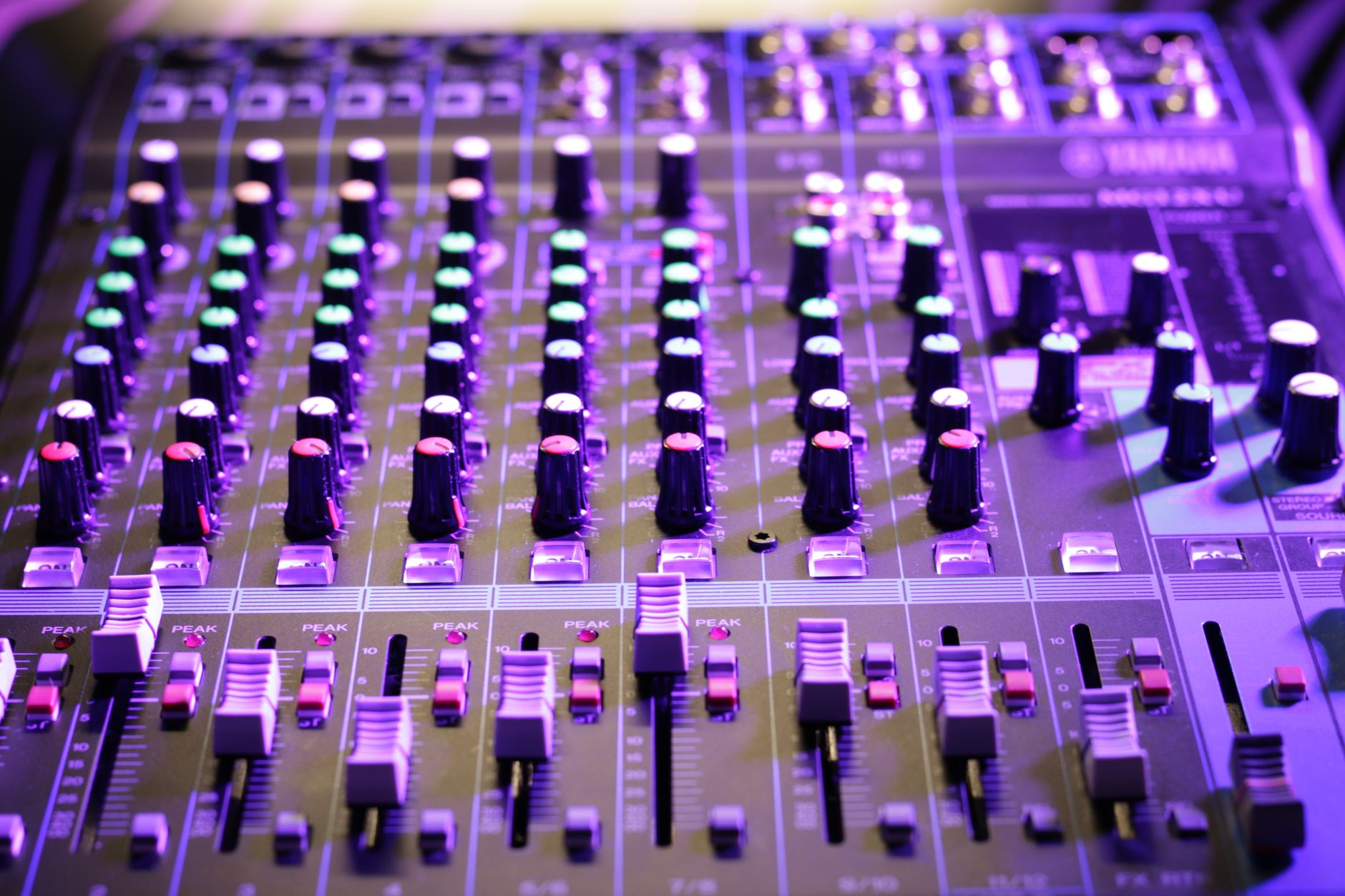 Photo: Антон Леонардович Варфоломеев via Pexels
Pro Tools divides its market into two camps cleanly. If your sessions regularly leave your room — going to a mixing engineer, a commercial studio for overdubs, or a post-production house — the .ptx session format is the lingua franca and working natively eliminates translate-and-pray conversion workflows. Drummer tracks, plug-in routing, clip gain, and region grouping all survive intact.
For producers who live and die inside their own room, the calculus shifts. Logic Pro, Ableton Live, and FL Studio each offer competitive core feature sets at lower lifetime cost, without subscription lock-in.
Pro Tools Versions: Which Tier Do You Need?
Three tiers exist in 2026: Intro (free), Artist ($9.99/month), and Studio ($39.99/month). A perpetual Studio license is available at $599. Most home recording users land somewhere between Artist and Studio depending on track count needs and plug-in requirements.
| Feature | Intro | Artist | Studio |
|---|---|---|---|
| Audio tracks | 16 | 32 | Unlimited |
| MIDI tracks | 16 | 32 | Unlimited |
| Plug-in formats | AAX only | AAX only | AAX only |
| Dolby Atmos | No | No | Yes |
| Cloud Collaboration | Limited | Yes | Yes |
| Price | Free | $9.99/mo | $39.99/mo or $599 perpetual |
The perpetual license deserves attention. At $599, Studio perpetual breaks even against the subscription in roughly 15 months. If you use Pro Tools as your primary DAW for more than a year, the math favors buying outright — and you keep working if a subscription lapses.
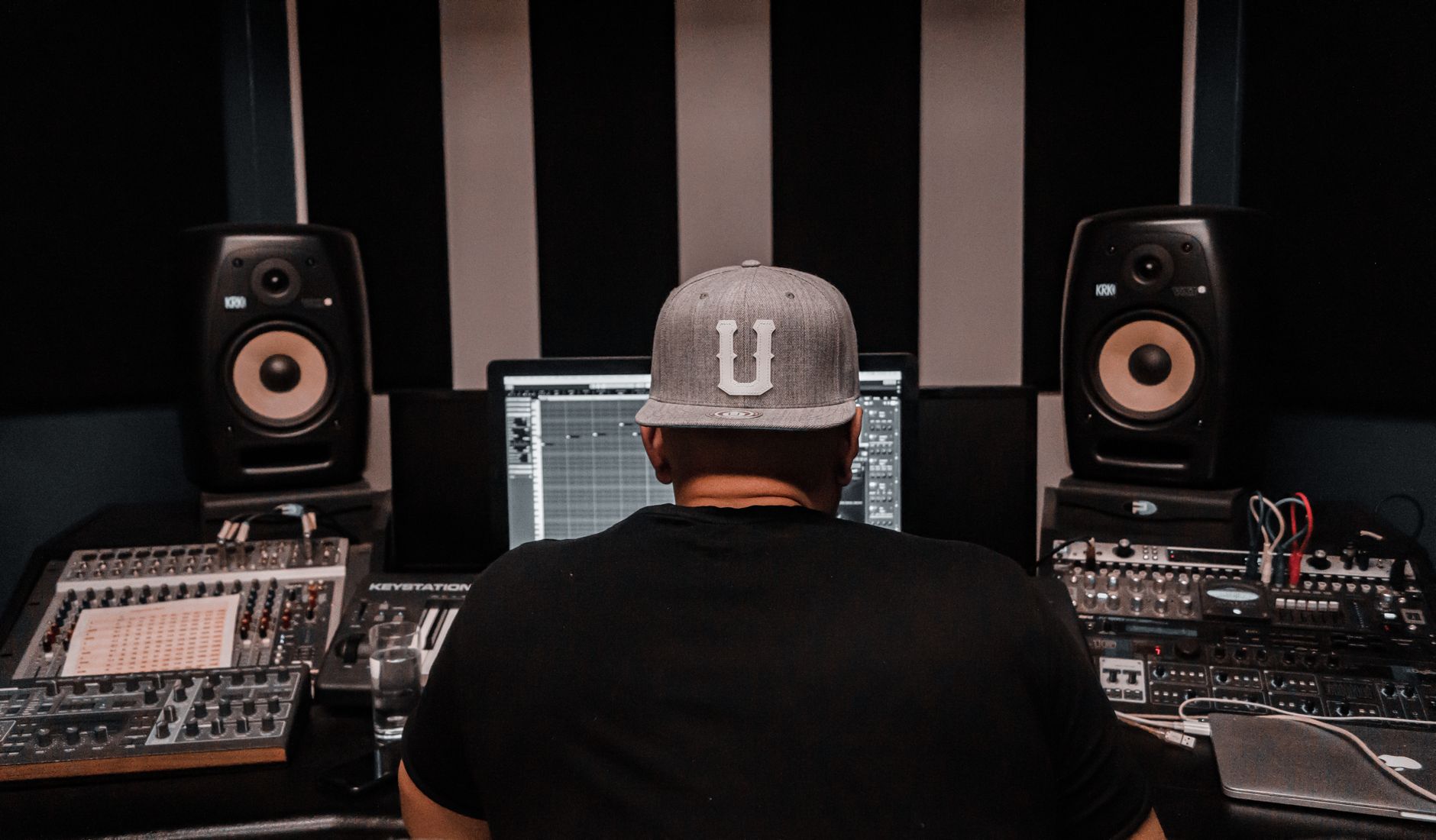 Photo: Jean Cont via Pexels
Pro Tools Intro is a genuine try-before-you-buy path, not a crippled demo. Sixteen tracks is sufficient for most acoustic tracking sessions and basic production work. The limitation that stings is AAX-only plug-in support across all tiers — your VST/VST3 library doesn’t transfer without a bridge like Blue Cat’s Patchwork .
Audio Engine and Latency Performance
Pro Tools’ core audio engine remains best-in-class for low-latency tracking. Buffer sizes as low as 32 samples are stable on modern hardware, and the hardware-accelerated I/O monitoring path through Avid interfaces is essentially zero-latency for live tracking.
The Avid HDX and MTRX hardware ecosystem remains the reference standard for large-format studio work, but most home studio users run Pro Tools with third-party audio interfaces. On Apple Silicon (M2/M3/M4 Macs), native ARM performance is substantially improved over the Rosetta 2 era — CPU headroom on complex sessions is now genuinely competitive with Logic Pro.
Published benchmark data from independent DAW comparison testing shows Pro Tools Studio handling 200+ audio tracks with real-time processing at buffer sizes that would cause dropouts in DAWs with less optimized I/O scheduling. The architectural advantage is real, though increasingly relevant only at scale.
Editing Workflow: Where Pro Tools Leads
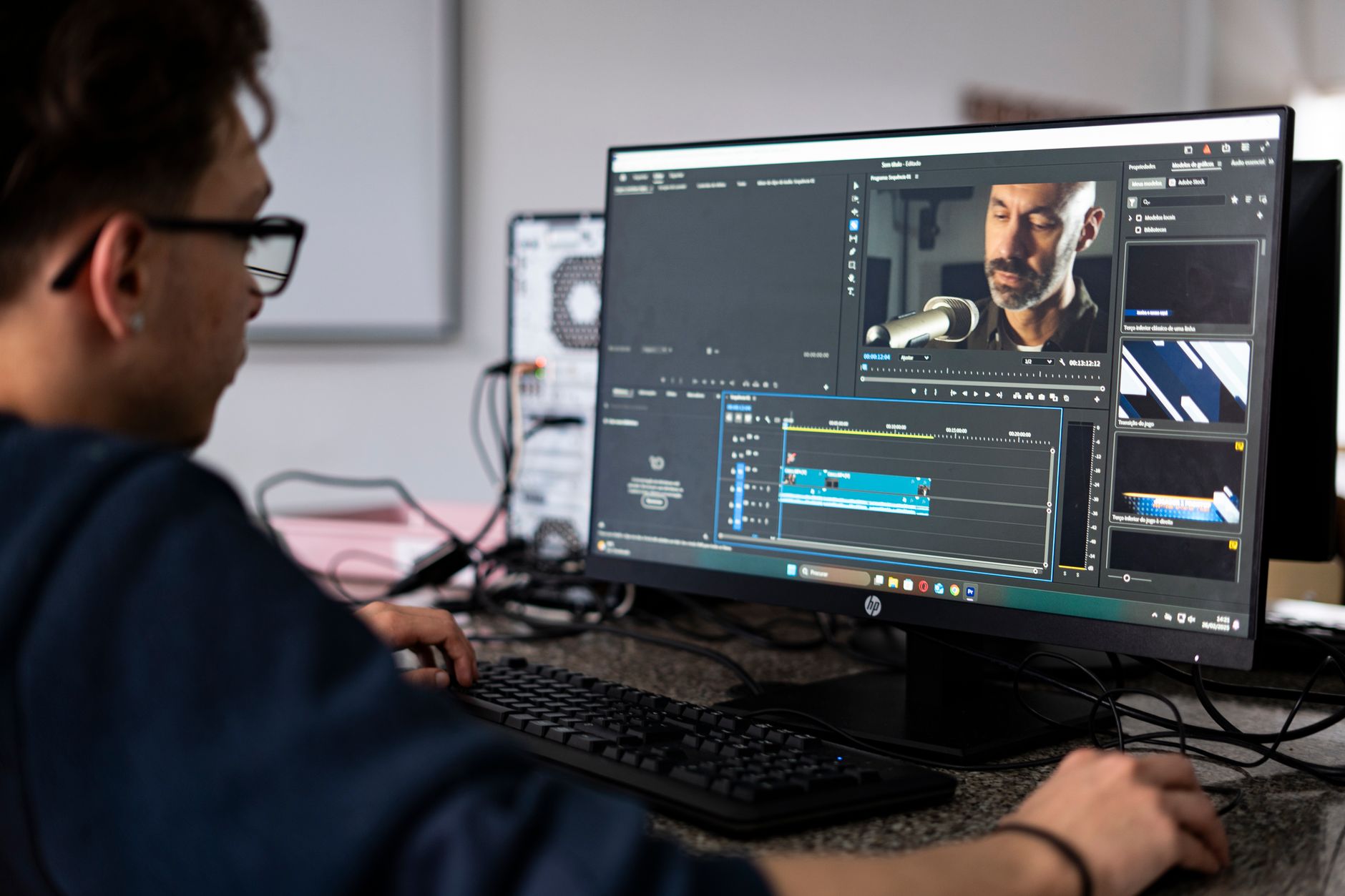
The Edit window’s clip-based non-destructive workflow, grid/slip/shuffle edit modes, and Tab-to-Transient navigation remain the fastest path through dense multi-track editing. Dialogue editing, ADR conform, and music production assembly that involves heavy clip manipulation are still faster here than any competing DAW.
 Photo: Ivan Mudruk via Pexels
The Smart Tool behavior — hover zones that switch between selection, trimming, and fades without leaving keyboard position — is muscle memory for engineers who learned on Pro Tools and a meaningful productivity advantage over comparable mode-switching in Cubase or Studio One.
Elastic Audio, Pro Tools’ time-stretching engine, uses the same algorithm as competitors but benefits from tighter transient detection on percussive material. According to documented user reports and forum consensus, Elastic Audio on drums produces fewer artifacts at up to ±25% stretch compared to stock algorithms in Logic and Ableton, though iZotope’s RX or Melodyne achieve superior results for heavy pitch correction work.
MIDI and Instrument Production: The Honest Limitation
MIDI workflow in Pro Tools has improved substantially since 2022, but it remains behind Logic Pro, Ableton, and FL Studio for purely MIDI-heavy production. Piano Roll editing is functional; it is not fast.
The MIDI editor lacks the piano roll polish of Cubase’s Key Editor or Logic’s Piano Roll. Chord input, quantize workflows, and MIDI expression editing all require more clicks than competing DAWs. For beat producers, pop writers, or anyone whose primary output is MIDI-driven, this is a genuine daily friction point.
Clip-based MIDI recording and loop-based production workflows that define Ableton Live’s Session View have no equivalent in Pro Tools. The linear timeline-only paradigm suits tracking and mixing but actively works against sketch-to-finish production workflows.
Plug-in Ecosystem: AAX Only
The AAX-only plug-in format is the single biggest ecosystem friction point for anyone switching from a VST-based DAW. The AAX library is comprehensive for professional applications but lags VST3 in total options, and the lack of native VST support means your existing library requires bridging or replacement.
| Category | Strong AAX Options | VST Gap |
|---|---|---|
| Dynamics | Waves, FabFilter, UAD | Minor |
| Reverb | Lexicon, Eventide, Exponential Audio | Minor |
| Synthesis | Arturia, Native Instruments | Moderate |
| Spectral Repair | iZotope RX (AAX) | None |
| Creative FX | Soundtoys (AAX) | Minor |
| Budget/Free | Limited native options | Significant |
For producers moving to Pro Tools from Ableton or FL Studio, budget for either re-purchasing key plug-ins in AAX format or a VST bridge solution. Blue Cat’s Patchwork and jBridge (Windows) are the most reliable bridging options, but bridged plug-ins add latency and reduce stability compared to native AAX.
Software Module
Platform and Format Details
| Spec | Detail |
|---|---|
| Platform | Mac (Apple Silicon native), Windows 10/11 |
| Format | AAX only (Native and DSP) |
| Price model | Subscription ($9.99–$39.99/mo) or perpetual ($599 Studio) |
| System requirements | macOS 13+, Windows 10 22H2+; 16GB RAM minimum, 32GB recommended |
| Best For | Professional tracking, mixing, post-production, commercial studio session exchange |
DAW Comparison
| DAW | Price | Standout Feature | Learning Curve | Verdict |
|---|---|---|---|---|
| Pro Tools Studio | $39.99/mo or $599 | Session exchange standard, edit speed | Steep | Best for pro exchange, post |
| Logic Pro | $199.99 (perpetual) | Value, Apple Silicon, MIDI | Moderate | Best Mac all-rounder |
| Ableton Live Suite | $749 (perpetual) | Loop-based production, performance | Moderate | Best for electronic/live |
| Cubase Pro | $559.99 (perpetual) | MIDI editing, scoring | Steep | Best for MIDI-heavy work |
| Studio One Pro | $399.99 (perpetual) | Drag-and-drop workflow, value | Low | Best for singer-songwriters |
 Photo: Jakub Zerdzicki via Pexels
Workflow Notes
Install/authorize: iLok Cloud is supported, removing the physical dongle requirement for most use cases. iLok License Manager must be installed; cloud activation works offline for up to 30 days.
CPU load: AAX Native plug-ins run on CPU like any other DAW. Pro Tools’ “Playback Engine” buffer settings are the primary CPU management lever. 512–1024 samples for mixing, 64–128 for tracking is standard practice.
Free trial: Pro Tools Intro is permanently free with no time limit. A 30-day trial of Pro Tools Studio is available without credit card.
→ See also:
- Best DAW for Home Recording (2026) — full comparison of all major DAWs
- Best Free DAW for Beginners (2026) — zero-cost options including Pro Tools Intro
- Best DAW for Beginners — which DAW to learn first
FAQ
Is Pro Tools worth it for home studios in 2026? It depends on whether you exchange sessions with commercial studios. If you do, Pro Tools pays for itself in time saved on session translation. If you work entirely in your own room, Logic Pro (Mac) or Studio One offer comparable mixing capability at lower cost without AAX-only plug-in constraints.
What is the difference between Pro Tools Artist and Studio? The primary differences are track count (32 vs unlimited audio tracks), Dolby Atmos production support (Studio only), and access to Avid’s full plug-in suite. For most home recording workflows under 32 tracks, Artist is sufficient — the perpetual Studio license is worth considering only if you need Atmos or consistently push beyond 32 tracks.
Can you use VST plug-ins in Pro Tools? Not natively. Pro Tools only supports the AAX format. VST plug-ins can be run inside Pro Tools using bridging utilities like Blue Cat’s Patchwork, but this adds latency and reduces stability compared to native AAX operation. If your plug-in library is VST-heavy, factor in re-purchase or bridging costs when evaluating the switch.
How does Pro Tools perform on Apple Silicon Macs? Very well as of 2024–2025 updates. Pro Tools runs natively on Apple Silicon (M1/M2/M3/M4), and published benchmark comparisons show CPU performance on par with or exceeding Logic Pro on equivalent hardware for large-format audio sessions. The Rosetta 2 performance penalty that affected earlier versions is no longer a factor.
Is there a free version of Pro Tools? Yes. Pro Tools Intro is permanently free, supports 16 audio and 16 MIDI tracks, includes a core set of Avid plug-ins, and has no time limit. It is a fully functional DAW for smaller sessions, not a trial version, and sessions are compatible with paid tiers.
Editorial methodology: Assessments are based on manufacturer specifications, published user reviews, and editorial research. Physical hands-on testing is noted explicitly where it occurred. Rankings reflect our editorial judgment and are not influenced by affiliate commission rates. Full editorial policy · Affiliate disclosure