Contents
Reaper vs Ableton Live: Which Should You Buy?
TL;DR: Reaper wins on price and flexibility; Ableton Live wins on workflow speed for electronic music and live performance. If you produce beats, DJ, or perform live, Ableton Live’s Session View is worth the premium. If you record bands, score to picture, or want a fully customizable DAW at a fraction of the cost, Reaper is the smarter buy. There is no wrong answer — only the wrong DAW for your workflow.
Price: Reaper Is Not Even Close
Reaper costs $60 for a discounted license (individuals/small businesses under $20k annual revenue) and $225 for a commercial license. Ableton Live 12 starts at $99 (Intro), $449 (Standard), or $749 (Suite). For the equivalent feature depth, you are looking at a 5–7× price gap. Reaper also offers a fully functional 60-day trial; no features locked.
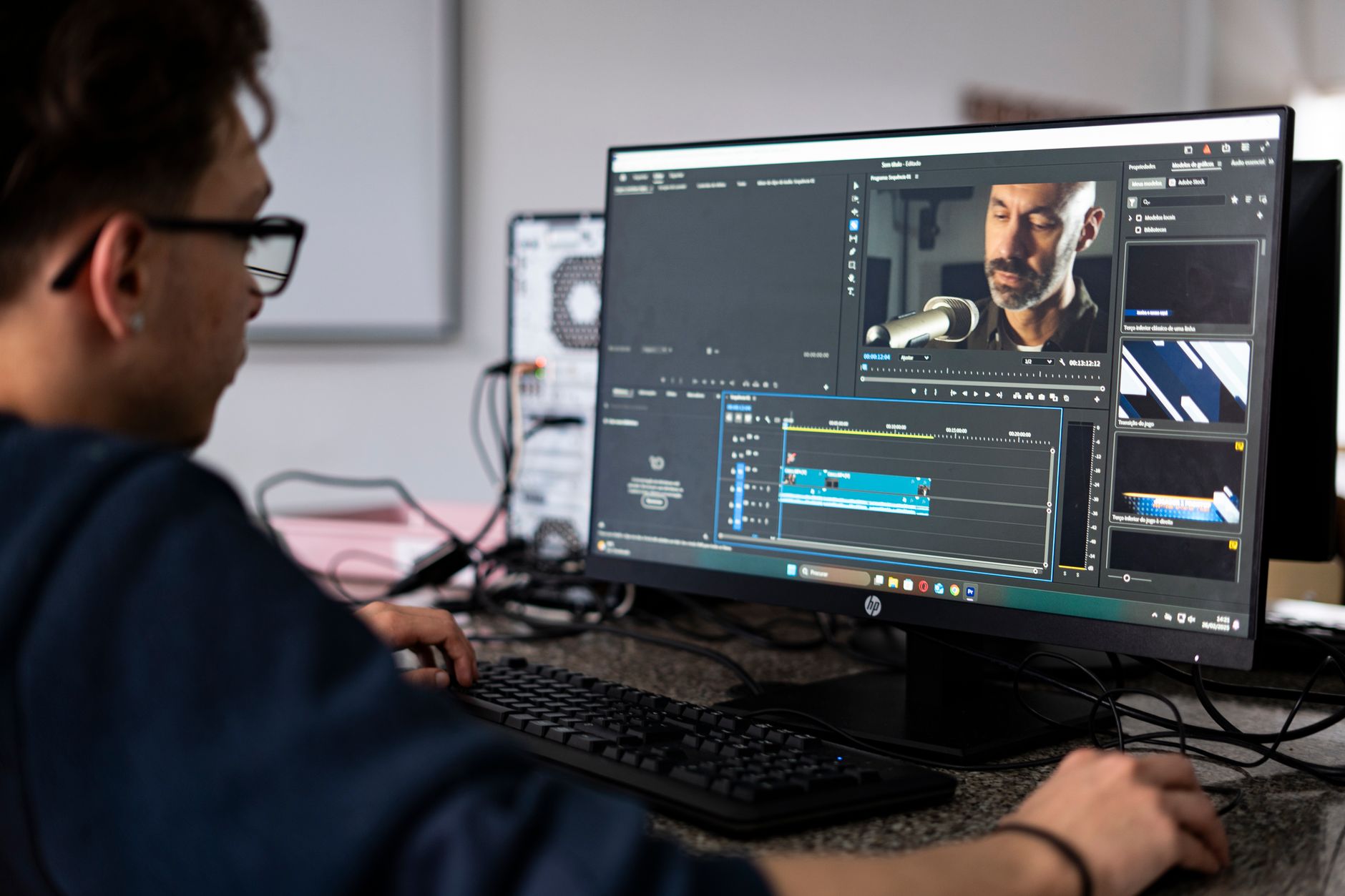
 Photo: Amar Preciado via Pexels
Ableton’s tiered pricing adds friction. Live Intro caps you at 16 tracks and omits key instruments. Standard removes the track cap but lacks Max for Live, the modular environment that powers much of the production community’s favorite devices. Suite bundles everything, but $749 is a real commitment.
| License Type | Reaper | Ableton Live |
|---|---|---|
| Entry price | $60 (discounted) | $99 (Intro, capped) |
| Mid-tier | $225 (commercial) | $449 (Standard) |
| Full feature set | $225 | $749 (Suite) |
| Upgrade policy | Free minor updates | Paid major upgrades |
| Trial | 60-day unlimited | 30-day unlimited |
Reaper’s upgrade policy is another practical advantage: minor updates are free indefinitely, and major version upgrades are deeply discounted for existing license holders. Published user community data consistently puts total Reaper ownership cost below $300 over a five-year span, versus $750–$900 for Ableton Suite including a major version upgrade.
Workflow and Interface
Ableton Live’s dual-view design — Session View and Arrangement View — is the DAW’s defining feature. Session View lets you trigger clips and loops non-linearly, which is genuinely transformative for beat-making, improvisation, and live performance. Reaper has no equivalent. Its single-window timeline is familiar to anyone who has used Pro Tools or Logic, which makes onboarding faster for recording engineers coming from those platforms.
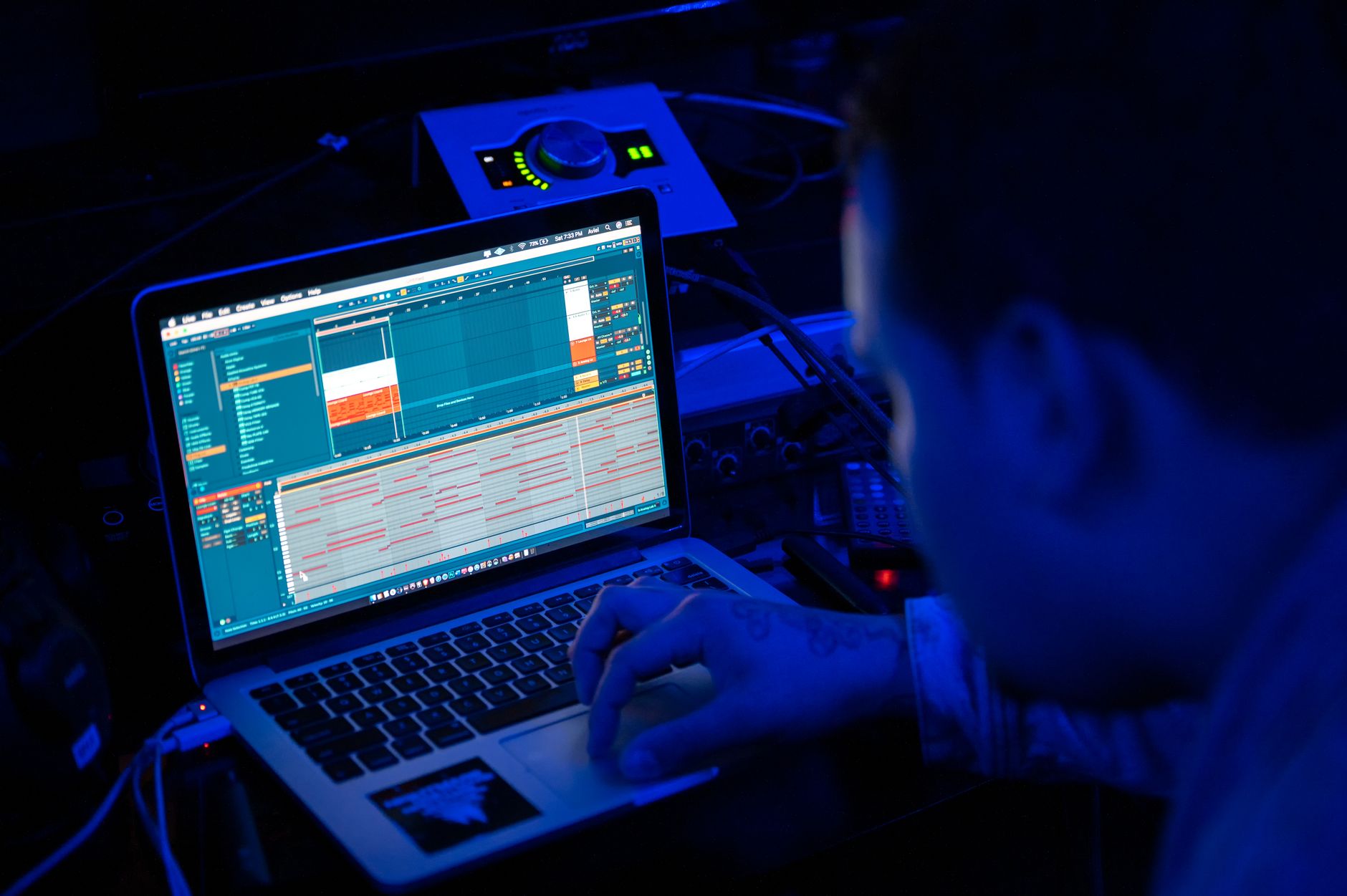 Photo: Brett Sayles via Pexels
Ableton Live’s interface is deliberately minimal. Instruments, effects, and clips snap into a visual grid that matches how electronic producers think: loops, scenes, launch quantization. For a producer building tracks from samples and MIDI, this is the most frictionless DAW on the market.
Reaper’s interface is the opposite: dense, customizable, and initially overwhelming. Almost every element — toolbar, menus, colors, layouts, keyboard shortcuts — can be reassigned or hidden. The community maintains hundreds of free themes and action scripts that transform Reaper into workflows that resemble other DAWs entirely. Expert consensus among power users is that Reaper’s ceiling is higher than any other DAW at its price point; the cost is a steeper initial learning curve.
MIDI and Instrument Workflow
Ableton Live’s MIDI editing and instrument integration is smoother out of the box. Push 2 and Push 3 hardware controllers integrate natively with Live, giving producers a tactile workflow without additional setup. The built-in instruments (Drift, Meld, Analog, Wavetable, and the full Max for Live library in Suite) cover most electronic production needs without third-party plugins.
Reaper ships with a lean set of native effects (ReaEQ, ReaComp, ReaVerb, ReaPitch) that are utilitarian and CPU-efficient, but it has no flagship synthesizer. Nearly every Reaper user runs third-party instruments — which is fine, since Reaper handles plugin management better than most DAWs, including per-plugin sandboxing that prevents a crashed plugin from taking down your session.
Audio Recording and Editing
For multitrack recording, comping, and audio editing, Reaper matches or exceeds Ableton Live at a fraction of the cost. Its track grouping, routing matrix, and automation system are exceptionally deep. Session drummer tracking, podcast production, film scoring, and band recording workflows are better served by Reaper’s timeline-first approach.
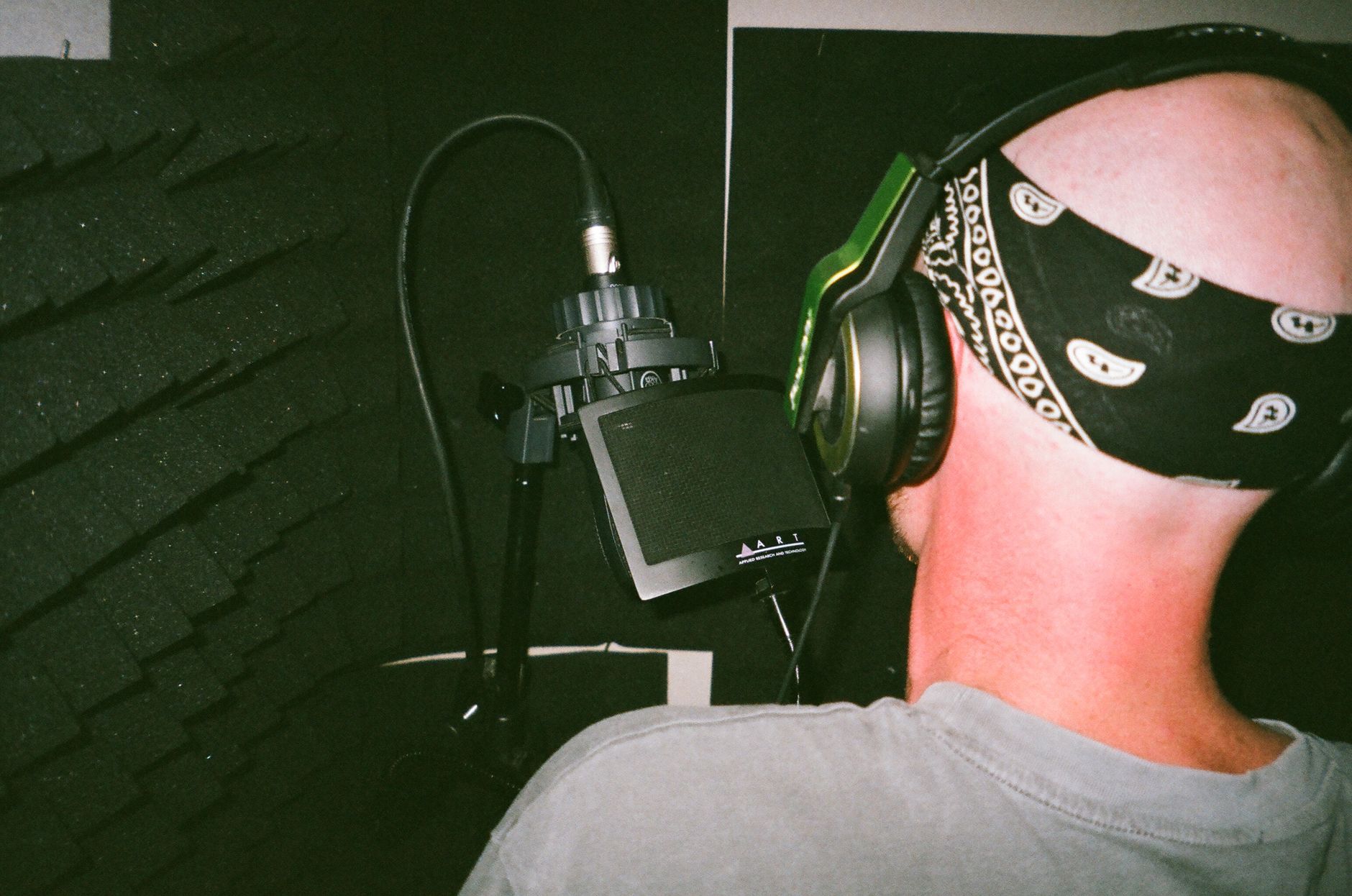 Photo: Aleksandr Neplokhov via Pexels
Ableton Live records audio well but was designed around loop-based production first. Its warping engine — which time-stretches audio clips to match session tempo — is industry-leading and used by DJs and producers constantly. For free recording into an Arrangement View timeline, Live works fine; for surgical editing with complex routing, Reaper is more capable.
| Feature | Reaper | Ableton Live (Standard+) |
|---|---|---|
| Multitrack recording | Unlimited tracks | Unlimited tracks |
| Audio comping | Yes, native | Yes, native |
| MIDI editing | Deep, highly customizable | Smooth, beginner-friendly |
| Audio warping | Basic stretch only | Best-in-class Complex Pro warp |
| Routing matrix | Full hardware-grade routing | Standard send/return |
| Video scoring | Native video track + sync | No native video track |
| Plugin sandboxing | Yes (per-plugin) | No |
| Surround/spatial | Up to 64 channels | Stereo focus, limited spatial |
Software Modules
Reaper 7
| Attribute | Detail |
|---|---|
| Platform | Mac (Intel/Apple Silicon), Windows, Linux |
| Format | VST2, VST3, AU, CLAP, LV2, JS |
| Price model | One-time ($60 discounted / $225 commercial) |
| System requirements | macOS 10.14+ / Windows 7+ / Any modern Linux |
| Best For | Recording, scoring, complex routing, budget-conscious producers |
Ableton Live 12
| Attribute | Detail |
|---|---|
| Platform | Mac (Apple Silicon native), Windows |
| Format | VST2, VST3, AU, Max for Live |
| Price model | One-time (Intro $99 / Standard $449 / Suite $749) |
| System requirements | macOS 11.0+ / Windows 10+ (64-bit) |
| Best For | Electronic production, live performance, beat-making, DJ sets |
Head-to-Head Comparison
| Feature | Reaper 7 | Ableton Live 12 Standard | Ableton Live 12 Suite |
|---|---|---|---|
| Price | $60–$225 | $449 | $749 |
| Session/clip launcher | No | Yes | Yes |
| Bundled instruments | ReaSynth (basic) | Operator, Wavetable, etc. | Full library + Max for Live |
| Audio warping | Basic | Complex Pro warp modes | Complex Pro warp modes |
| Live performance | Adequate | Excellent | Excellent |
| Customizability | Extreme | Limited | Limited |
| Linux support | Yes | No | No |
| Learning curve | High | Medium | Medium–High (Max for Live) |
| Verdict | Best value DAW available | Best for electronic music | Best all-in-one studio suite |
Workflow Notes
Reaper: Download from reaper.fm, install, runs immediately with no activation server — the license is honor-system based. CPU load is notably low; Reaper is frequently cited in published benchmarks as the most CPU-efficient DAW for equivalent plugin loads. Free 60-day trial is completely unlocked.
Ableton Live: Requires an Ableton account and license activation via the Ableton desktop app. Authorization is tied to two machines simultaneously. Live’s CPU behavior is good but varies significantly by project complexity; Max for Live devices can be expensive depending on the patch. The 30-day demo is fully functional except for save/export.
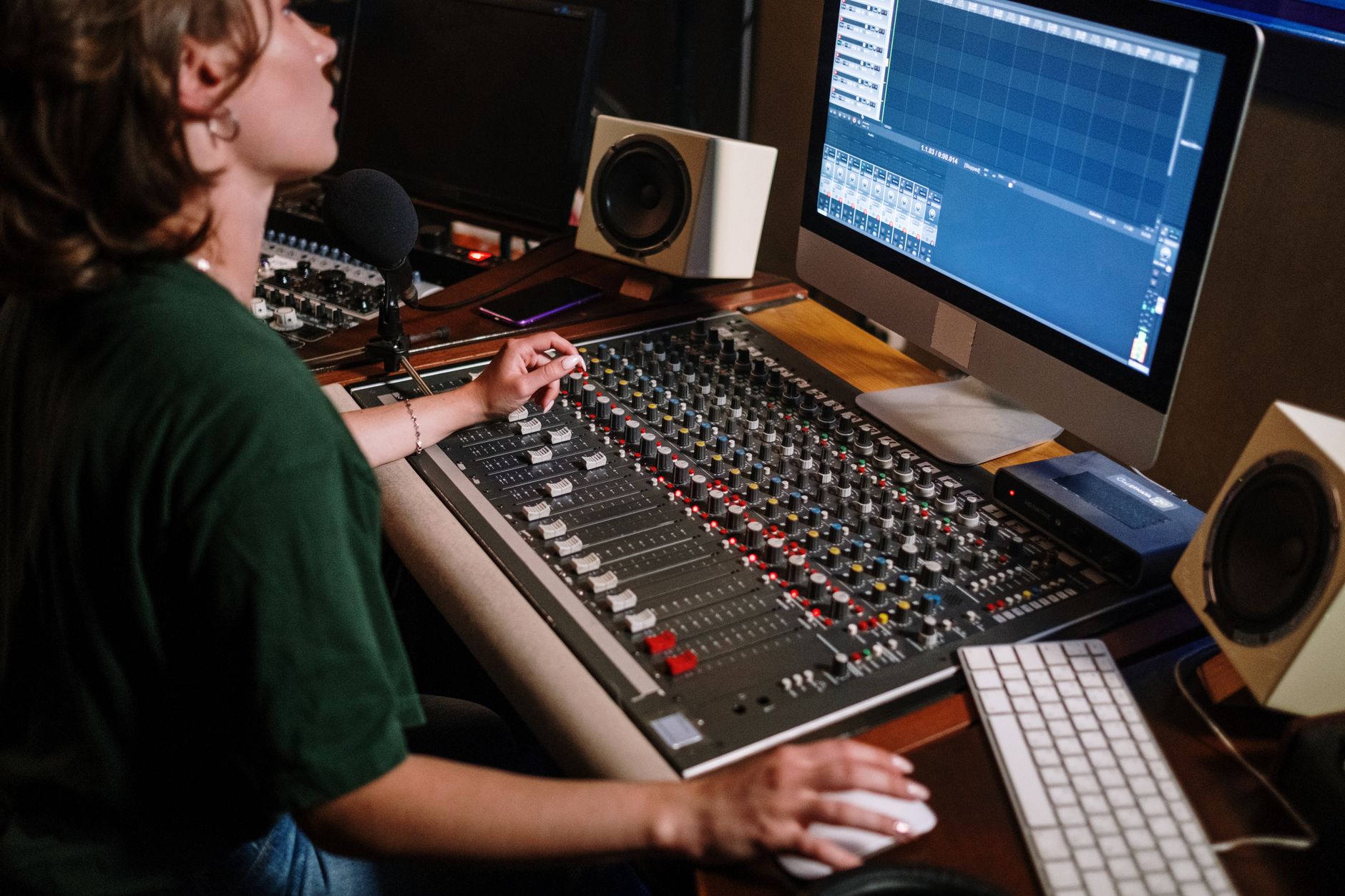
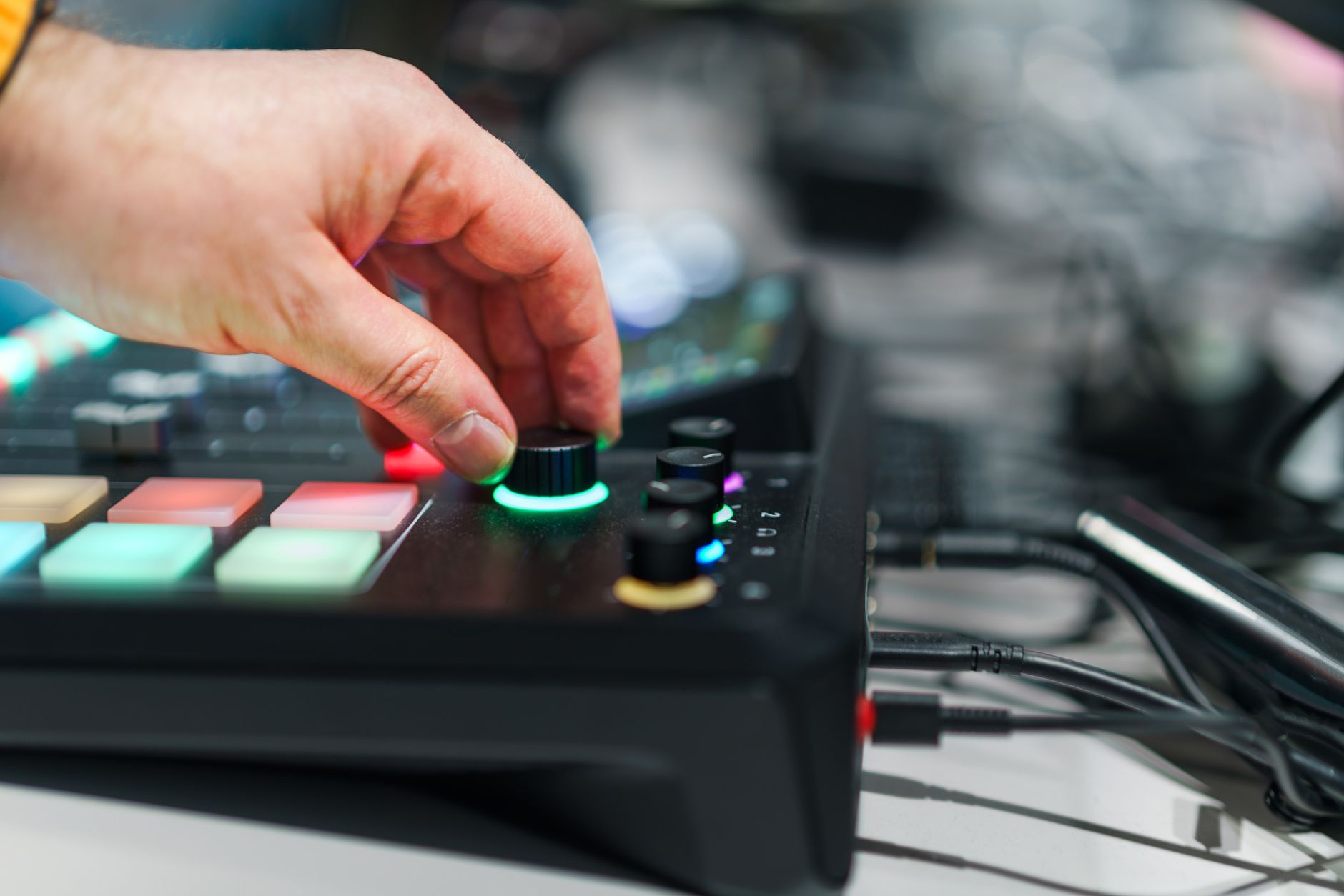 Photo: Jakub Zerdzicki via Pexels
Which Should You Buy?
Choose Reaper if: you record live instruments, produce music across multiple genres, need Linux support, want deep routing for podcast or broadcast work, are on a tight budget, or plan to score video.
Choose Ableton Live if: you produce primarily electronic music, perform live with a laptop, rely on loop-based composition, use hardware controllers like Push, or value a large ecosystem of certified Max for Live instruments and effects.
Choose Ableton Live Suite specifically if: you want Max for Live’s modular environment, need the full instrument library without third-party purchases, or plan to use Live as both a studio and a live rig.
There is no hybrid DAW that does both perfectly. Expert consensus among working producers is that if you start in electronic music, Ableton Live is the right call — and if you start in recording or scoring, Reaper is the smarter investment. Many producers who reach an advanced level own both.
→ See also
- Best DAW for Home Recording (2026) — full comparison of every major DAW across recording, production, and scoring workflows
- Best Free DAW for Beginners (2026) — if neither Reaper’s $60 nor Ableton’s $99 fits your budget right now
- Best DAW for Beginners — how Reaper and Ableton Live stack up against beginner-focused options like GarageBand and Studio One Prime
FAQ
Is Reaper better than Ableton for beginners? Ableton Live is generally easier for beginners starting in electronic music — its interface is more visual and the built-in instruments cover common ground quickly. Reaper has a steeper learning curve but the community documentation (particularly the Kenny Gioia tutorial series) is extensive and free. If you are recording a band or podcast, Reaper is actually the faster onramp because it follows a conventional timeline model.
Can Reaper do what Ableton Live does? For most production tasks, yes. The one genuine gap is Session View — Reaper has no clip launcher equivalent for non-linear loop triggering. There are community workarounds, but they are not comparable to Live’s native implementation. For live performance and loop-based composition, Ableton Live has a structural advantage that no amount of Reaper customization fully replicates.
Does Ableton Live work better with hardware? For Ableton-certified hardware — Push 2, Push 3, and a growing list of Ableton-linked devices — yes, integration is seamless. For generic MIDI controllers, both DAWs handle mapping similarly. Reaper’s action system is arguably more powerful for custom MIDI controller mappings, but it requires manual configuration that Ableton often handles automatically.
Is the Reaper discounted license legal for professionals? Yes. The discounted license ($60) is legal for any individual or business earning under $20,000 annually from commercial use. Beyond that threshold, the commercial license is $225 — still dramatically less expensive than Ableton Suite. Cockos has maintained this pricing model since Reaper’s initial release, and there is no enforcement mechanism; it operates on the honor system.
Which DAW has better plugins and instruments included? Ableton Suite wins by a wide margin for bundled content: Wavetable, Operator, Drift, Meld, Analog, Sampler, Simpler, and the entire Max for Live library add up to a production-ready toolkit. Reaper’s bundled effects are capable (ReaEQ and ReaComp are underrated) but it ships with no synthesizer worth using for professional production. Budget $0–$200 for a third-party instrument if you go with Reaper.
Will Ableton Live run on older hardware? Live 12 requires macOS 11.0 or Windows 10 (64-bit). Manufacturer specifications list 8 GB RAM as the minimum, with 16 GB recommended for larger projects. Reaper runs on significantly older hardware — Windows 7 and macOS 10.14 are supported — and its low CPU overhead makes it more viable on aging machines. If your computer is more than five years old, Reaper is the more practical choice.
Editorial methodology: Assessments are based on manufacturer specifications, published user reviews, and editorial research. Physical hands-on testing is noted explicitly where it occurred. Rankings reflect our editorial judgment and are not influenced by affiliate commission rates. Full editorial policy · Affiliate disclosure