Contents
Pro Tools vs Logic Pro: Which Should You Buy?
TL;DR: For most home studio owners, Logic Pro wins on value — $199.99 one-time for a Mac-only powerhouse with world-class plugins included. Pro Tools is the industry standard for professional studio work and post-production, but its subscription pricing and steeper learning curve make it harder to justify unless you’re billing sessions or collaborating with major studios.
Pro Tools vs Logic Pro: The Core Difference
The short answer: Pro Tools is built for professional audio engineering and studio collaboration; Logic Pro is built for music production on Mac. If your work involves handing off sessions to commercial studios, tracking live bands with a dedicated engineer, or working in post-production, Pro Tools is the right tool. If you’re producing, songwriting, or recording at home on a Mac, Logic Pro almost certainly serves you better for a fraction of the ongoing cost.
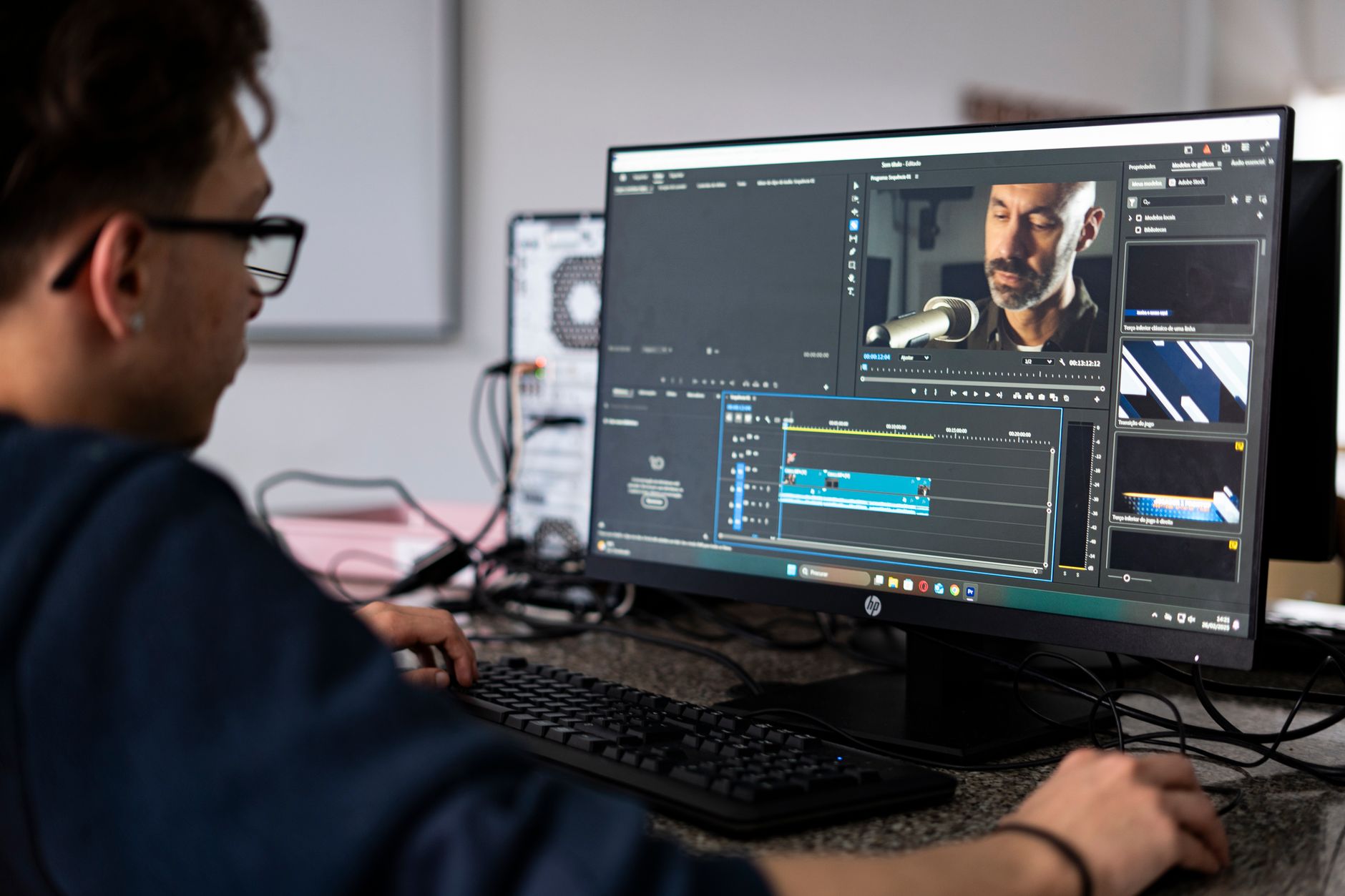
 Photo: Alexis Emanuel Salinas via Pexels
The pro tools vs logic pro debate has defined DAW conversations for two decades. Both are professional-grade tools capable of Grammy-winning results. The difference is in workflow philosophy, pricing, and where each dominates in the real world.
Pro Tools, developed by Avid, remains the session standard in commercial recording studios, film scoring stages, and broadcast facilities worldwide. Logic Pro, Apple’s flagship DAW, dominates the Mac-based home studio and songwriter market. Knowing which environment you operate in — or want to move toward — resolves most of the decision immediately.
Pricing and Licensing
Pro Tools has shifted to a subscription model that adds up fast. Logic Pro is a one-time purchase. Over five years, Logic Pro costs roughly $200; Pro Tools can cost $300–$1,250+ depending on the tier. For home studios, this gap is hard to ignore.
| Pro Tools | Logic Pro | |
|---|---|---|
| Entry price | $9.99/mo (Artist) | $199.99 one-time |
| Pro tier | $39.99/mo (Studio) | — |
| Ultimate / perpetual | $799+ (perpetual license) | N/A |
| Free tier | Pro Tools Intro (track limits) | 90-day free trial |
| 5-year cost | ~$600–$2,400 | $199.99 |
Pro Tools Intro is free with significant limitations: 16 audio tracks, no third-party plugins, no offline mode. Pro Tools Artist removes most limits but caps you at 32 audio tracks and lacks Dolby Atmos support. Pro Tools Studio is the full professional tier.
Logic Pro is $199.99 as a one-time Mac App Store purchase. That price includes every bundled instrument, plugin, and loop library — a collection that would cost thousands if licensed separately.
Platform and System Requirements
Pro Tools runs on both Mac and Windows; Logic Pro is Mac-only. This is a hard constraint — if you’re on Windows or want cross-platform flexibility, Logic Pro is not an option.
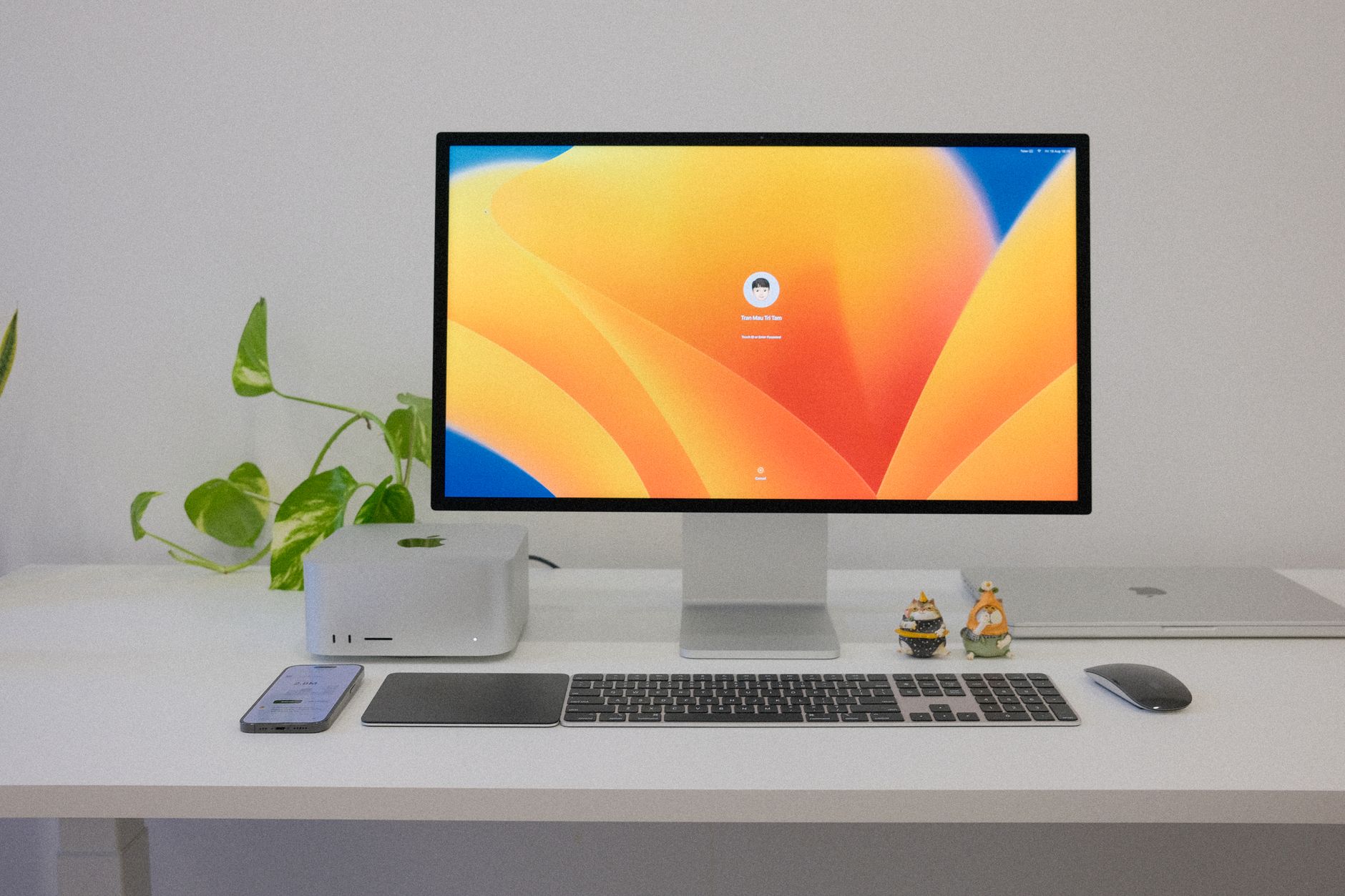 Photo: Tranmautritam via Pexels
| Pro Tools | Logic Pro | |
|---|---|---|
| Mac | Yes | Yes |
| Windows | Yes | No |
| Apple Silicon native | Yes (M1+) | Yes (M1+, optimized) |
| Minimum RAM | 16 GB recommended | 8 GB (16 GB recommended) |
| Storage | 15 GB+ | 72 GB (full content) |
| iLok required | Yes (Artist/Studio) | No |
The iLok requirement for Pro Tools is worth noting. Pro Tools Artist and Studio require an iLok account; some older perpetual licenses required a physical iLok USB dongle. Logic Pro has no additional authorization — purchase once, install on any Mac signed into your Apple ID.
Built-In Plugins and Sounds
Logic Pro ships with one of the best bundled plugin suites in any DAW — Alchemy synthesizer, Vintage Keys, Space Designer reverb, Vintage EQs, Drum Machine Designer, and over 10,000 loops. Pro Tools’ bundled content is competent but notably thinner, and many engineers run it primarily as a recording and editing platform rather than a production environment.
 Photo: Bert Christiaens via Pexels
Logic Pro’s included instruments alone justify the price for many producers. Alchemy is a world-class synthesizer. The Vintage EQ collection (modeled on Neve, API, and SSL hardware) competes with third-party emulations costing $200+ each. Drum Machine Designer and the Drummer tracks handle production needs without a single additional plugin purchase.
Pro Tools ships with the AIR Creative Collection — a set of effects and instruments that cover the basics. For dedicated recording and mixing engineers who rely on their own plugin libraries, this is fine. For a producer building a production environment from scratch, the gap is significant.
Bundled plugin comparison:
| Category | Pro Tools | Logic Pro |
|---|---|---|
| EQ/Dynamics | Channel Strip, EQ III | Channel EQ, Vintage EQs, Compressor |
| Reverb | D-Verb, Space | Space Designer |
| Synthesizers | Vacuum, Mini Grand, DB-33 | Alchemy, ES2, Retro Synth, Analog |
| Drum instruments | Strike 3 (not included in base) | Drum Machine Designer, Drummer |
| Sample library | Limited | 10,000+ Apple Loops |
Editing and Workflow
Pro Tools’ editing workflow — particularly the separation of Edit and Mix windows, clip-based editing, and track-count scalability — is unmatched for audio post-production and large-format recording sessions. Logic Pro’s workflow is faster for MIDI production, arrangement, and songwriting.
 Photo: Anna Pou via Pexels
Pro Tools pioneered the non-linear editing paradigm that the entire industry now uses. The Edit window’s clip gain, elastic audio, and the precision of its region-based editing are still the benchmark for dialogue editing, sound design, and large live recording sessions. Engineers who need to conform cuts to video, manage hundreds of tracks, or turn around broadcast deliverables work in Pro Tools because that’s what the clients expect.
Logic Pro’s Smart Tempo, Flex Pitch, and the Arrangement view make it genuinely faster for tracking ideas, building song sections, and iterating on productions. The Score Editor and MIDI Transform tools serve composers working with notation. Cycle recording, region looping, and pattern-based drum programming feel more fluid than in Pro Tools for most production tasks.
For mixing, both platforms are professional-grade. Logic Pro’s mixer and automation are entirely capable for commercial releases. Pro Tools’ mix engine has a reputation for its summing characteristics, though published testing data and expert consensus suggest differences in modern floating-point environments are largely inaudible in controlled listening tests.
Studio Compatibility and Collaboration
If you plan to send sessions to commercial recording studios or mix engineers, Pro Tools session format (.ptx) is the safest choice. Most professional studios run Pro Tools. Logic Pro sessions can be exported as stems or AAF, but native session interchange is rare outside of Apple-centric facilities.
This is the single strongest argument for choosing Pro Tools over Logic Pro regardless of workflow preference. If you’re recording albums intended for professional mixing and mastering, producing music for sync licensing with facility deliverables, or working in TV/film post-production, the session handoff advantage of Pro Tools is real and practical.
For home studio owners who mix their own material or work with mix engineers comfortable with stems, this constraint disappears. Most Logic Pro users export stems (WAV/AIFF) and never need native session transfer.
Software Feature Comparison
| Feature | Pro Tools | Logic Pro |
|---|---|---|
| Platform | Mac / Windows | Mac only |
| Format | VST3, AAX | VST3, AU, AAX |
| Price model | Subscription / perpetual | One-time purchase |
| Track count | Unlimited (Studio) | Unlimited |
| Built-in instruments | Limited (AIR suite) | Extensive (Alchemy, ES2, Retro Synth, etc.) |
| Notation / Score | Sibelius integration | Built-in Score Editor |
| Dolby Atmos | Yes (Studio tier) | Yes |
| Video engine | Pro (post-production grade) | Standard |
| Free trial | Pro Tools Intro (permanent, limited) | 90-day full trial |
| iLok required | Yes (Artist/Studio) | No |
| Best for | Pro studios, post-production, large sessions | Mac-based production, songwriting, home studio |
Verdict comparison:
| DAW | Price | Standout Feature | Learning Curve | Verdict |
|---|---|---|---|---|
| Pro Tools Studio | $39.99/mo | Industry-standard session format, post-production | Steep | Best for pro studio / post work |
| Logic Pro | $199.99 one-time | Bundled instruments, value, Mac integration | Moderate | Best for most home studio producers |
Workflow notes: Pro Tools Artist and Studio require iLok account authorization. CPU load is comparable on Apple Silicon; Logic Pro benefits from tighter macOS optimization on M-series chips. Both offer demo/trial access before committing.
→ See also:
FAQ
Is Pro Tools worth it for home recording? For most home studio owners, Pro Tools is harder to justify. The subscription cost adds up quickly, and the workflow advantages Pro Tools offers — large-session scalability, industry-standard collaboration — matter most in commercial studio contexts. If you’re recording at home and mixing your own material, Logic Pro delivers more value on a Mac.
Can Logic Pro replace Pro Tools? For music production, home recording, and most songwriter workflows on Mac, yes. For professional post-production, large commercial studio sessions, or any workflow requiring Pro Tools session-format interchange with other facilities, no. The two tools occupy different primary use cases despite overlapping capabilities.
Does Logic Pro work with Pro Tools sessions? Not natively. Pro Tools uses the .ptx session format, which Logic Pro cannot open. Collaboration typically requires exporting stems as WAV files or using an AAF interchange file, which transfers audio regions and basic edits but loses plugin settings and automation.
Which DAW do professional producers use? It depends on the discipline. According to industry surveys and published interviews, Pro Tools dominates in commercial recording studios, film/TV post-production, and broadcast. Logic Pro is widely used by pop, hip-hop, and electronic music producers — many major-label releases are produced entirely in Logic Pro.
Is Pro Tools harder to learn than Logic Pro? Based on user reviews and educator consensus, Pro Tools has a steeper initial learning curve, particularly the separation of Edit and Mix windows and the clip-based workflow. Logic Pro’s interface is considered more intuitive for beginners, especially those coming from GarageBand, which uses a near-identical layout and many of the same instruments.
Can I use third-party plugins with both DAWs? Yes, with some differences. Logic Pro supports AU and VST3 formats. Pro Tools requires AAX-format plugins — most major plugin developers (Waves, iZotope, Slate, Universal Audio) publish AAX versions, but some boutique developers do not. Before switching to Pro Tools, verify that your existing plugin library includes AAX versions.
Editorial methodology: Assessments are based on manufacturer specifications, published user reviews, and editorial research. Physical hands-on testing is noted explicitly where it occurred. Rankings reflect our editorial judgment and are not influenced by affiliate commission rates. Full editorial policy · Affiliate disclosure