Contents
How to EQ Electric Guitar in a Mix
TL;DR: To EQ electric guitar effectively, cut the mud below 150 Hz, tame harsh frequencies around 2–4 kHz, and add presence between 5–8 kHz. The goal is a guitar that cuts through the mix without fighting the vocals or bass. Get the fundamentals right and you’ll rarely need more than four or five moves.
Why Your Guitar Sounds Muddy (And How to Fix It)
Direct answer: Mud on electric guitar almost always lives between 100–300 Hz. A high-pass filter (HPF) at 80–120 Hz cleans up low-end clutter that belongs to the bass and kick drum. A narrow cut around 200–250 Hz removes the “boxy” honk that makes rhythms sound indistinct in a full mix.
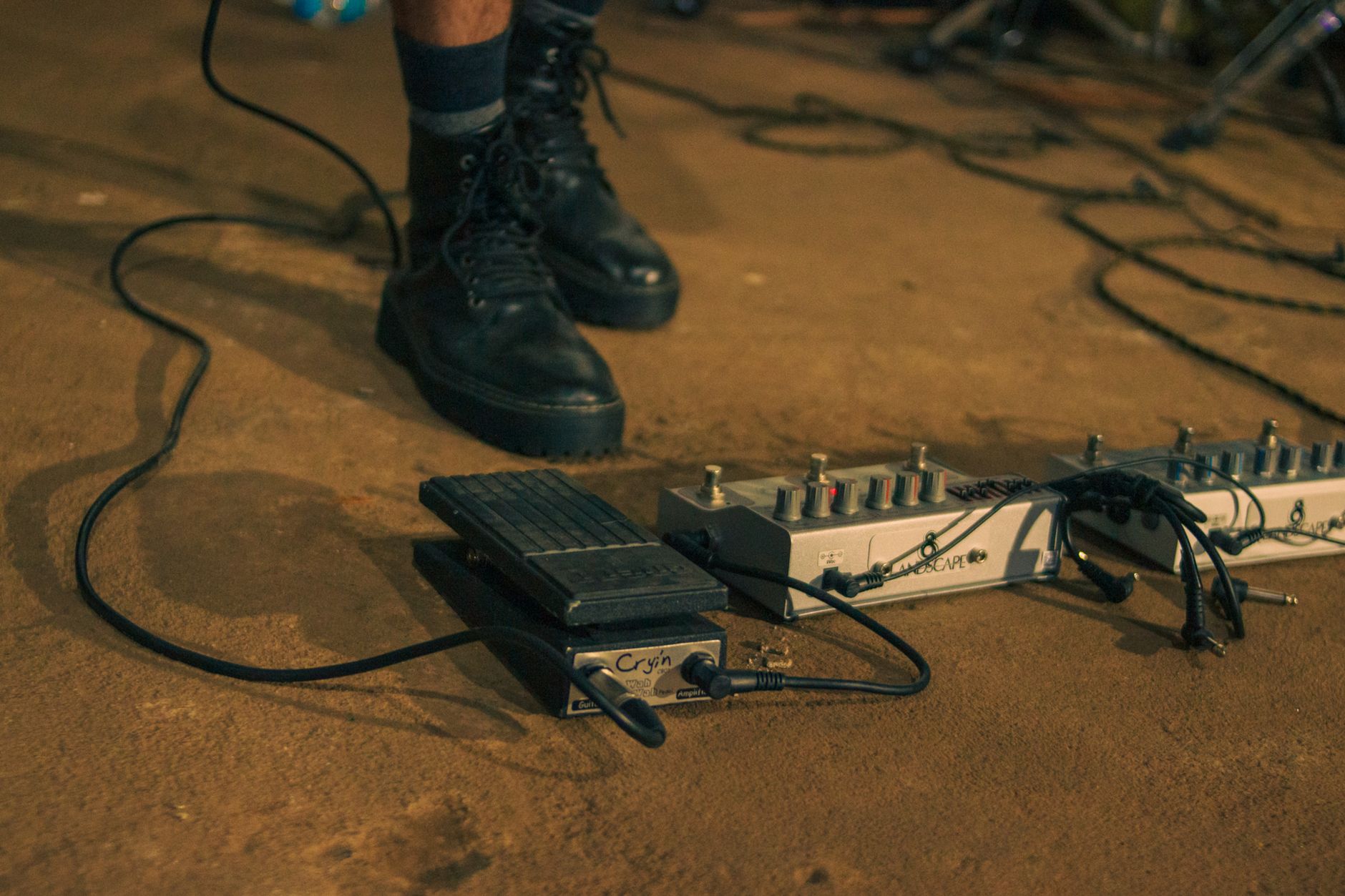 Photo: Tamara Delfino via Pexels
Most guitar tones that sound great in isolation become a problem in context because of low-mid buildup. The amp cabinet generates more low-end than the arrangement needs, and that energy collides with bass guitar and kick drum every time they hit together.
Start every guitar EQ with these two moves:
- High-pass filter at 80–120 Hz — use 12–24 dB/oct slope. For single-coil guitars and thin rhythm parts, push this to 150 Hz. For a Les Paul into a cranked Marshall, stay closer to 80 Hz.
- Narrow cut at 200–250 Hz, –3 to –6 dB — sweep this slowly while the mix plays. When the boxiness clears, stop there.
Neither of these cuts affects the perceptible guitar tone much in isolation, but the mix gains immediate clarity.
The Harshness Zone: Controlling 2–5 kHz
Direct answer: The 2–5 kHz range is where electric guitar can shred listeners’ ears on loud mixes. A broad cut of –2 to –4 dB centered around 3 kHz softens aggressive distorted tones without killing the pick attack you need for definition.
 Photo: Big Bag Films via Pexels
This range is also where the human ear is most sensitive, so even small boosts become fatiguing fast. Distorted guitars generate heavy harmonic content here — the more gain on the amp, the worse this gets.
What to listen for: If the guitar makes you reach for the volume knob after 30 seconds, the problem is in this range. Sweep a boost across 2–5 kHz until you find the spike, then flip it to a cut.
Cutting vs. Boosting in the Presence Range
For most distorted rhythm parts, cut rather than boost in the 2–5 kHz range. The exception is a clean or lightly overdriven guitar that’s sitting too far back in the mix — a gentle +1 to +2 dB boost at 3.5 kHz can bring it forward without adding harshness.
For lead guitar meant to cut above the rhythm tracks, a shelf boost starting at 5 kHz works better than a narrow peak. It adds air and separation without creating a brittle spike.
 Photo: Irina Iriser via Pexels
Adding Presence and Air
Direct answer: Presence on electric guitar comes from the 5–8 kHz range. A broad boost of +2 to +3 dB here adds definition and helps the guitar sit above the low-mid density of a busy mix. Above 10 kHz, a gentle air boost can add sparkle to clean tones but rarely helps distorted parts.
The presence range is where pick attack lives. If the guitar feels like it’s disappearing in the mix but the level sounds right, this is the first place to look. A broad bell curve (Q of 0.7–1.0) centered at 6 kHz typically delivers more natural results than a narrow peak.
For clean guitar tones — Stratocaster rhythms, jazz chord work, country picking — a high-shelf boost starting at 8 kHz adds the “glassy” quality that distinguishes a well-recorded DI from a muffled amp recording.
EQ Signal Chain and Workflow
Signal Chain
Guitar → Amp/Cab (or amp sim) → Interface/DAW → EQ → Compression → Send FXGain staging note: Apply EQ before compression in most cases. The compressor then responds to a tonally balanced signal, and you avoid pumping caused by uncontrolled low-mid spikes triggering the threshold unevenly. Exception: some engineers place a corrective EQ after compression to address resonances that compression makes more audible.
Step-by-Step EQ Workflow
- Bypass everything and listen to the raw guitar track in the context of the full mix — not soloed.
- Place an HPF at 80 Hz and sweep it up while monitoring the mix. Stop when the kick and bass get noticeably cleaner underneath the guitar.
- Find the mud: Insert a narrow bell boost (Q ≈ 4, +8 dB) and sweep from 150–400 Hz. Find the resonant peak — where the tone suddenly sounds boxy or nasal — and cut there at –3 to –6 dB with Q ≈ 2.
- Check the harshness zone: Same narrow boost technique in 2–5 kHz. Find the spike and cut at –2 to –4 dB.
- Add presence: Insert a broad bell (Q ≈ 0.8) at 6 kHz, boost +2 dB, and listen to whether the guitar gains useful definition or just brightness. Adjust accordingly.
- Check the high shelf: For clean tones, try a +1.5 dB shelf at 10 kHz. For distorted parts, this is usually unnecessary.
- Flip back to the full mix and listen at a lower volume. Everything that needed fixing should be clearer; if you’re reaching for the solo button, you’ve over-EQ’d.
 Photo: Anna Pou via Pexels
Troubleshooting Matrix
| Symptom | Likely Cause | Fix |
|---|---|---|
| Guitar sounds muddy in mix but fine soloed | Low-mid buildup 200–300 Hz | Cut –4 dB at 250 Hz, Q = 2; extend HPF to 120 Hz |
| Harsh and fatiguing on distorted parts | 3–4 kHz resonance | Broad cut –3 dB, Q = 1, centered at 3.5 kHz |
| Guitar disappears when other instruments play | Insufficient presence, mid scoop | +2 dB bell at 6 kHz; check 1–2 kHz isn’t over-cut |
| Boxy, nasal tone on close-miked cab | Proximity effect + cabinet resonance | Cut 300–500 Hz; reposition mic slightly off-axis |
| Thin rhythm guitar with no body | HPF set too high | Drop HPF to 80 Hz; gentle +1.5 dB at 180 Hz |
| No pick attack on lead parts | 4–6 kHz is too flat or cut | +2 dB broad bell at 5–6 kHz |
| Phase issues with double-tracked guitars | Polarity flip, slight timing offset | Check polarity; nudge one track a few ms; use a correlation meter |
| Clean guitar sounds dull in a bright mix | High frequencies rolled off at source | +2 dB shelf at 8 kHz; check tone pot on guitar |
Stereo Guitar Tracks and Mid/Side EQ
When you’re working with double-tracked guitars panned left and right, standard L/R EQ applies equally to both. But for a single guitar track centered or slightly off-center, mid/side EQ becomes a useful tool.
Cut mud and harshness in the mid channel only — this cleans up the center of the mix without affecting the stereo width. A gentle high-shelf boost in the side channel can widen a mono guitar recording that sounds narrow, though the effect is subtle.
 Photo: arghavan borumand via Pexels
For rhythm guitar beds recorded twice (classic rock double-tracking), apply the same EQ settings to both tracks but not identically — a 10–15 Hz difference in your cut frequencies between left and right guitars adds natural-sounding variation that sterile identical processing can’t replicate.
→ See also:
- How to Record Guitar at Home: The Complete Guide (2026)
- How to Record Electric Guitar at Home
- How to Record Guitar Without an Amp
FAQ
What frequencies should I cut when EQing electric guitar? Start with a high-pass filter at 80–120 Hz to remove sub-bass. Then cut 200–250 Hz to reduce boxiness, and cut 2–4 kHz to control harshness on distorted tones. These three moves solve the most common electric guitar EQ problems in any genre.
Should I EQ guitar before or after compression? EQ before compression in most cases. The compressor then acts on a balanced signal, which prevents the threshold from being triggered unevenly by uncontrolled low-mid buildup. Some engineers add a second, lighter EQ pass after compression to catch resonances that the compressor reveals.
How do I make guitar sit in the mix without fighting vocals? Vocals occupy the 1–5 kHz presence range heavily. Cut the guitar slightly in the 1–2 kHz range to create space, and avoid boosting above 3 kHz unless you’re trying to make a lead guitar cut through. A gentle high-pass on the guitar at 150 Hz also frees up low-mid energy that vocals don’t need competing with.
Why does my guitar sound thin after EQing? You’ve likely set the high-pass filter too high — 150 Hz or above removes the body frequencies around 80–150 Hz that give electric guitar its weight. Drop the HPF to 80 Hz. If the thin quality persists, check whether a mid scoop at 500–800 Hz is too deep; that range provides thickness on fuller guitar tones.
Do I need a different EQ approach for clean guitar vs. distorted guitar? Yes. Distorted guitar generates dense harmonic content across the entire spectrum and usually needs more aggressive cuts in the 200–400 Hz and 2–4 kHz regions. Clean guitar is more sensitive to high-frequency EQ — boosting above 8 kHz adds sparkle that works on clean tones but turns harsh on heavy distortion. Use a high shelf for clean guitar; use bell curves and cuts for distorted.
How do I EQ guitar on a mix with bass that has a lot of low-mid energy? Use a spectrum analyzer on both tracks simultaneously and look for where they overlap. If the bass has significant energy at 200–300 Hz, cut that same range on the guitar by 3–4 dB. The tracks share spectrum, so reducing guitar in the bass’s territory lets both breathe. Some engineers use dynamic EQ triggered by the bass signal to automatically duck the guitar at 200 Hz when the bass plays — this is effective but adds complexity.
Editorial methodology: Assessments are based on manufacturer specifications, published user reviews, and editorial research. Physical hands-on testing is noted explicitly where it occurred. Rankings reflect our editorial judgment and are not influenced by affiliate commission rates. Full editorial policy · Affiliate disclosure