Contents
How to Record Bass Guitar at Home
TL;DR: The fastest path to great bass tone is a direct box (DI) into your audio interface — no amp required. Run the output into your DAW, set input gain until the signal peaks around −18 dBFS, then use a bass amp sim or EQ to shape the tone. A cheap passive DI plus a decent interface is all most home producers need to learn how to record bass at home.
The Best Way to Record Bass at Home
Direct injection is the standard for home bass recording. Plug your bass into a DI box, run the XLR output into an interface mic preamp, and monitor with low latency. It kills bleed, gives you a clean signal to re-amp or process later, and works in any apartment. Amp recording is viable but demands room treatment and a quiet building.
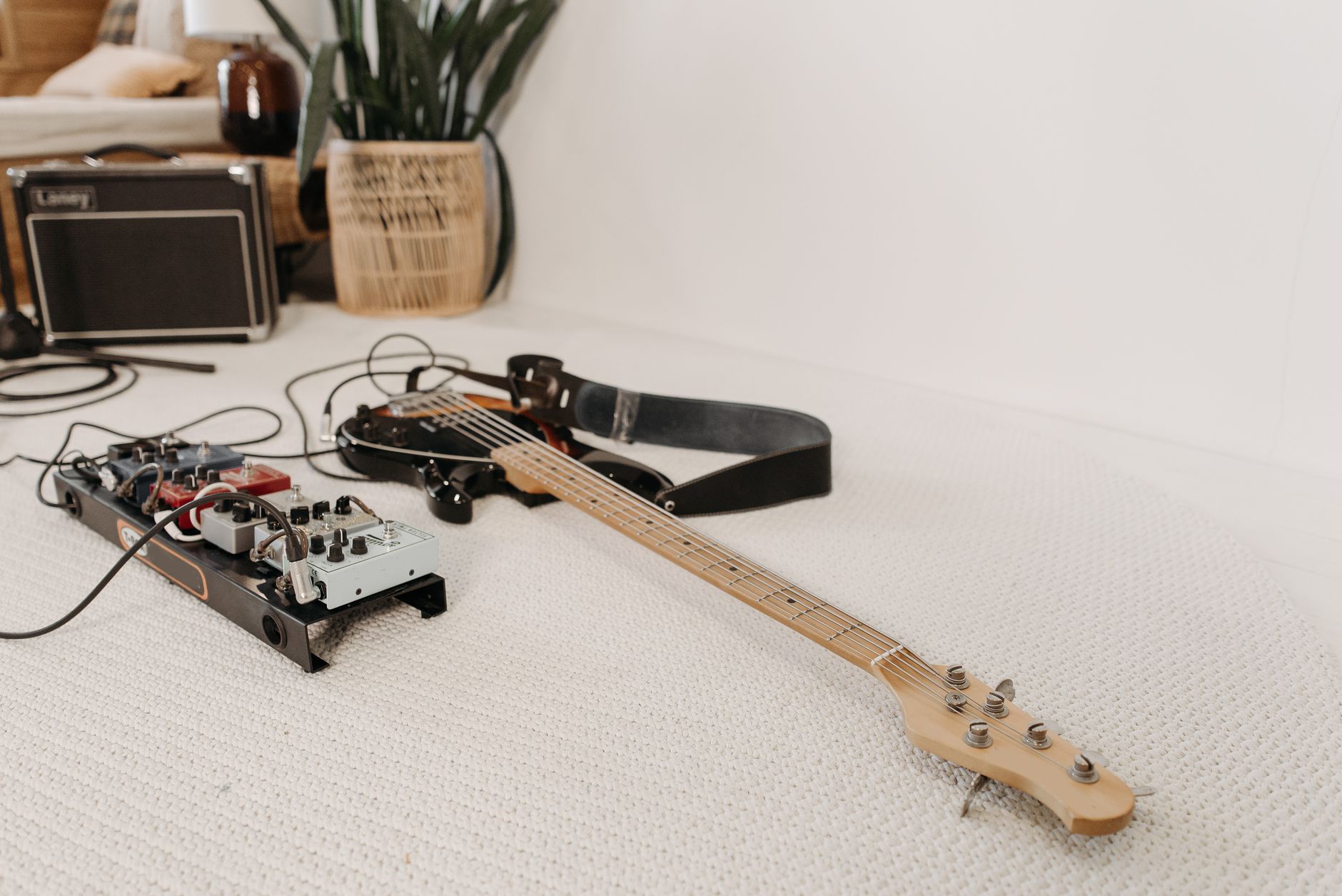
 Photo: Andy Pinaria via Pexels
Most professional bass tracks — including on major releases — start as a raw DI signal. The amp sound gets added later via plugins or re-amping. This is good news for home producers: your recordings are not at a disadvantage.
DI vs. Amp: Which Should You Use?
| Method | Pros | Cons | Best For |
|---|---|---|---|
| Passive DI | Cheap, simple, zero latency coloring | Less character | Rock, pop, tight modern tones |
| Active DI | Buffers high-impedance basses better | Needs phantom or battery | Active basses, studio work |
| Amp + mic | Real amp character, natural saturation | Bleed, room noise, neighbors | Home studios with treatment |
| Amp sim only | Fast, no hardware beyond interface | Requires good clean DI signal | Apartment sessions |
For most home setups, a passive DI like the Radial J48 or the budget-friendly Behringer DI100 handles 90% of sessions without issue.
What Gear You Actually Need
You need: bass, cable, DI box, audio interface, DAW. That is the entire signal chain. A condenser or dynamic mic is optional if you want to blend an amp. Everything else — compressors, amp sims, EQ — is software.
 Photo: Alexis Emanuel Salinas via Pexels
Minimum Gear List
- Bass guitar — passive or active, any style
- Instrument cable — patch the bass to the DI input
- DI box — passive is fine for passive basses; active for high-output or active electronics
- Audio interface with at least one combo XLR/TS input — the Focusrite Scarlett Solo is the entry-level default; the Universal Audio Volt 176 adds onboard compression useful for bass
- DAW — Logic, Reaper, Ableton, Studio One all work
- Headphones or monitors for playback
You do not need an amp to record usable bass. If you own one and can run it quietly, a Shure SM57 in front of the speaker adds warmth you can blend with the DI.
How to Record Bass Guitar at Home: Step-by-Step
Signal Chain
Bass → Instrument Cable → DI Box (Input)
      DI Box (XLR Out) → Interface Mic Pre (Phantom Off for Passive DI)
      DI Box (Thru) → Amp (optional blend)
      Interface → DAW Track (mono, 24-bit/48 kHz)
Gain staging note: Set preamp gain so peaks hit −18 to −12 dBFS on loud notes. Bass has significant transient spikes — leave headroom. Never let the signal clip the preamp; fix it at the source, not in post.
Recording Workflow
-
Tune up and check intonation. Low-frequency pitch issues are harder to correct in a mix than guitar. Use a clip-on or plugin tuner before every take.
-
Set the DI gain. Play your hardest passage — a slapped note or root-fifth jump on the lowest string. Adjust interface gain until the loudest hit sits around −12 dBFS. Back off further if the player is aggressive.
-
Check for ground hum. If you hear 50/60 Hz hum, engage the ground lift on the DI. If it persists, check cable routing away from power supplies.
-
Record a test take and check the waveform. Zoom in and verify there are no clipped samples (flat tops on transients). Re-adjust gain if needed.
-
Disable input monitoring through the DAW if your interface offers direct monitoring — this eliminates software latency on the headphone feed.
-
Record with a click or drum loop. Bass timing against kick is the first thing a mix engineer checks. Lock in before worrying about tone.
-
Capture at least one clean DI take unprocessed. Apply amp sims on a duplicate track or using non-destructive plugins. The dry DI is your safety net for re-amping or switching plugins later.
-
Do a comp pass. Punch in on fluffed notes or timing misses. Most DAWs let you record multiple takes to lanes and comp after.
Tone Shaping: Amp Sims and EQ
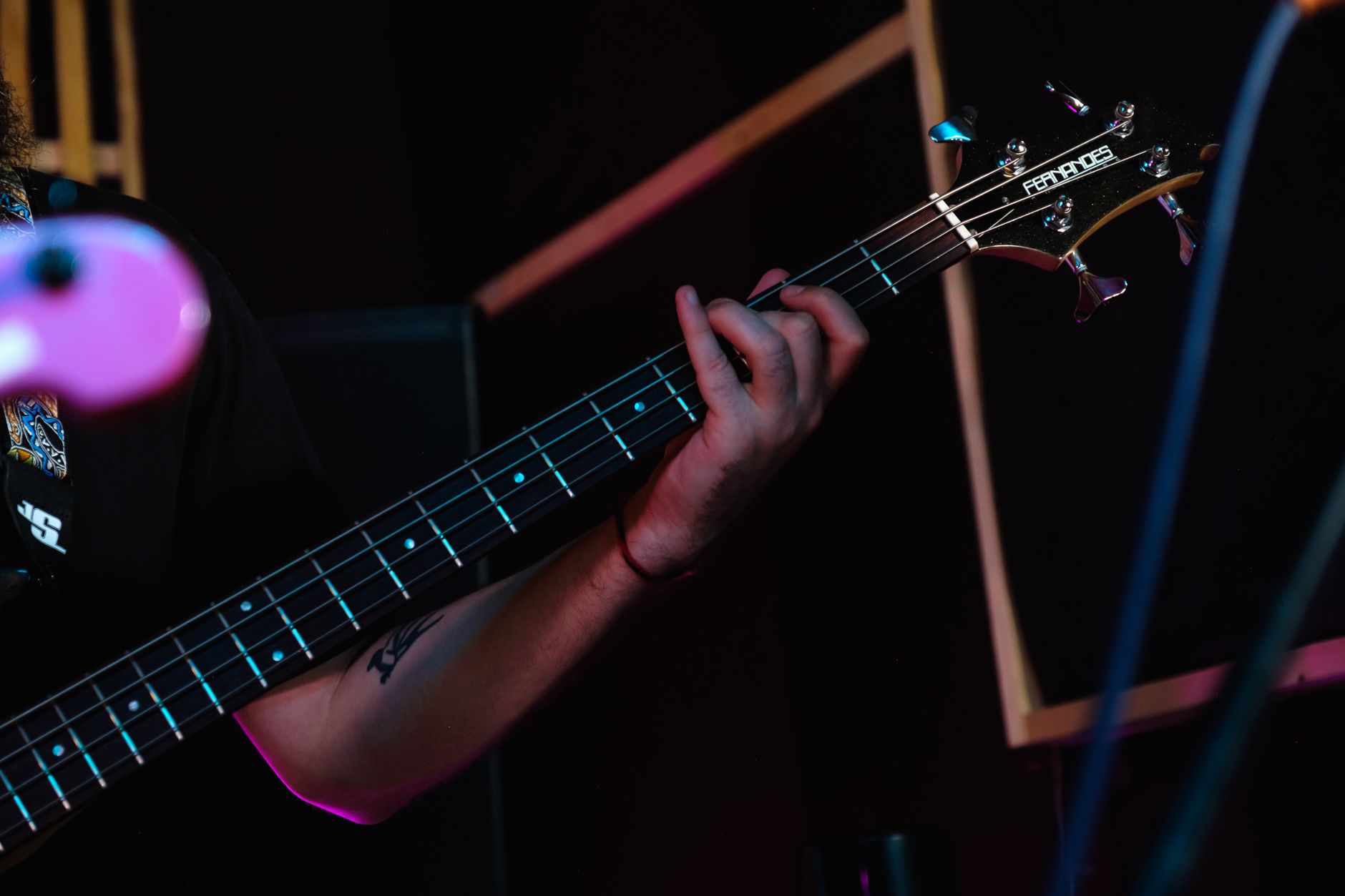 Photo: Big Bag Films via Pexels
Once you have a clean DI signal, the tone lives in your plugin chain.
Recommended Plugin Chain Order
DI Track → Amp Sim (or bass pre plugin) → EQ → Compression → Saturation (optional)Amp sim options by budget:
| Plugin | Price | Character |
|---|---|---|
| Darkglass Suite | ~$199 | Modern aggressive, metal/rock |
| Ampeg SVT-VR (IK Multimedia) | ~$149 | Classic SVT warmth |
| Neural DSP Parallax | ~$99 | Transparent to heavy |
| LABS Bass (Spitfire, free) | Free | Clean, sample-based option |
EQ starting points for bass:
- High-pass at 30–40 Hz to remove subsonic rumble
- Small cut at 200–300 Hz if the tone sounds tubby or muddy
- Presence boost at 700 Hz–1 kHz for pick or finger attack
- Air shelf boost at 4 kHz+ for definition in dense mixes
Troubleshooting: Common Bass Recording Problems
| Symptom | Likely Cause | Fix |
|---|---|---|
| Loud 60 Hz hum | Ground loop or unlifted ground | Engage ground lift on DI; try a different outlet |
| No signal | Cable fault or phantom power on passive DI | Replace cable; check phantom is off for passive DI |
| Clipping on loud notes | Gain too high | Drop interface gain 6 dB; check output level on active bass |
| Thin, weak tone | Loading mismatch (passive bass → wrong DI) | Use a buffered/active DI or high-impedance input |
| Latency on headphone monitor | Software monitoring enabled | Switch to direct/hardware monitoring on the interface |
| Phase cancelation when blending DI + amp | Polarity flip between signals | Flip phase on one track (180° switch); align visually in DAW |
| Low-end disappears in mix | Competing with kick drum | Sidechain compress bass to kick; EQ notch at kick fundamental |
Recording Bass With an Amp at Home
If you have an amp and the space allows it, blending a miked cab with the DI adds harmonic richness that plugins approximate but don’t fully replicate.
 Photo: Pavel Danilyuk via Pexels
Mic placement basics:
- SM57 on-axis, center of cone — bright, attack-forward sound
- SM57 off-axis, toward edge of cone — rounder, less midrange bite
- Large-diaphragm condenser 12–18 inches back — captures room and full low-end body; only useful if the room isn’t reflective
Keep amp volume low enough that you do not need to treat the room for bleed into other mics. The DI handles the low-end weight; the mic adds texture.
Align the DI and mic tracks in your DAW — zoom in and visually match transients to avoid comb filtering. Most DAWs have a sample-accurate nudge function; shift the mic track forward (earlier in time) until the waveforms align.
→ See also:
- How to Record Guitar at Home: The Complete Guide (2026)
- How to Record Electric Guitar at Home
- How to Record Guitar Without an Amp
FAQ
Do I need a DI box or can I plug bass directly into my audio interface? Most modern audio interfaces have a high-impedance instrument input (often labeled “Hi-Z” or “Inst”) that accepts a bass directly without a DI box. A dedicated DI box gives you a better impedance match, a ground lift switch for hum, and a thru output for an amp — worth adding if you have hum issues or want to run an amp simultaneously, but not mandatory to get started.
What sample rate and bit depth should I use for bass recording? Record at 24-bit/48 kHz. 24-bit gives you enough dynamic range that you don’t need to ride the fader while tracking, and 48 kHz matches most video project standards. There is no audible benefit to 96 kHz for bass and it doubles your file sizes.
Why does my bass sound muddy and undefined in the mix? Muddiness in bass most often comes from excess energy in the 150–300 Hz range combined with no high-pass filter removing subsonic content below 40 Hz. Start with a high-pass filter at 30–40 Hz, then cut 2–4 dB with a narrow bell at whatever frequency sounds thick. Also check that your studio monitors can actually reproduce bass accurately — near-field monitors under 5 inches often deceive you about low-end weight.
Should I compress bass while recording or wait until mixing? Record without compression unless you are tracking to a final mix destination with no option to re-process. A compressor on the way in can tame large level swings and let you set a lower gain without clipping, but it locks in that processing permanently. Recording clean and compressing in the DAW gives you full control. If your interface has onboard compression (like the UA Volt series), the hardware limiting on the way in is a useful safety net — just keep the threshold conservative.
How do I get a tight, punchy bass tone for modern pop or hip-hop? Start with a clean DI signal. Roll off below 40 Hz. Add a fast-attack, medium-release compressor (attack 10–20 ms, release 80–120 ms) to control dynamics without killing the transient. Boost presence at 800 Hz–1 kHz for note definition. For modern pop, parallel compression — blending a heavily compressed copy with the dry DI — gives the punch and sustain simultaneously. Darkglass-style overdrive at low blend levels adds harmonic content that translates well on earbuds and laptop speakers.
Can I record bass with just headphones and no monitors? Yes, and for bass specifically, closed-back headphones often give you a more accurate low-end picture than small near-field monitors. The Sony MDR-7506 and Beyerdynamic DT 770 Pro are the benchmark options at this price point — both reproduce bass frequencies accurately enough for tracking and rough mixing decisions. Translate your mix on both headphones and a phone speaker before calling it done.
Editorial methodology: Assessments are based on manufacturer specifications, published user reviews, and editorial research. Physical hands-on testing is noted explicitly where it occurred. Rankings reflect our editorial judgment and are not influenced by affiliate commission rates. Full editorial policy · Affiliate disclosure