Contents
Double Tracking Guitars: The Complete Technique
TL;DR: To double track guitar, record the same part twice on separate tracks and pan them hard left and right. The natural timing and pitch micro-variations between takes create width and thickness that no plugin can fully replicate. It’s the single most impactful recording technique for making guitars sound huge without any additional gear.
What Is Double Tracking and Why Does It Work?
Double tracking records an identical guitar performance twice, panning take one hard left and take two hard right. Human imperfection does the heavy lifting — tiny timing discrepancies (1–15ms) and subtle pitch drift between takes cause comb filtering that the brain reads as width and depth, not as sloppiness.
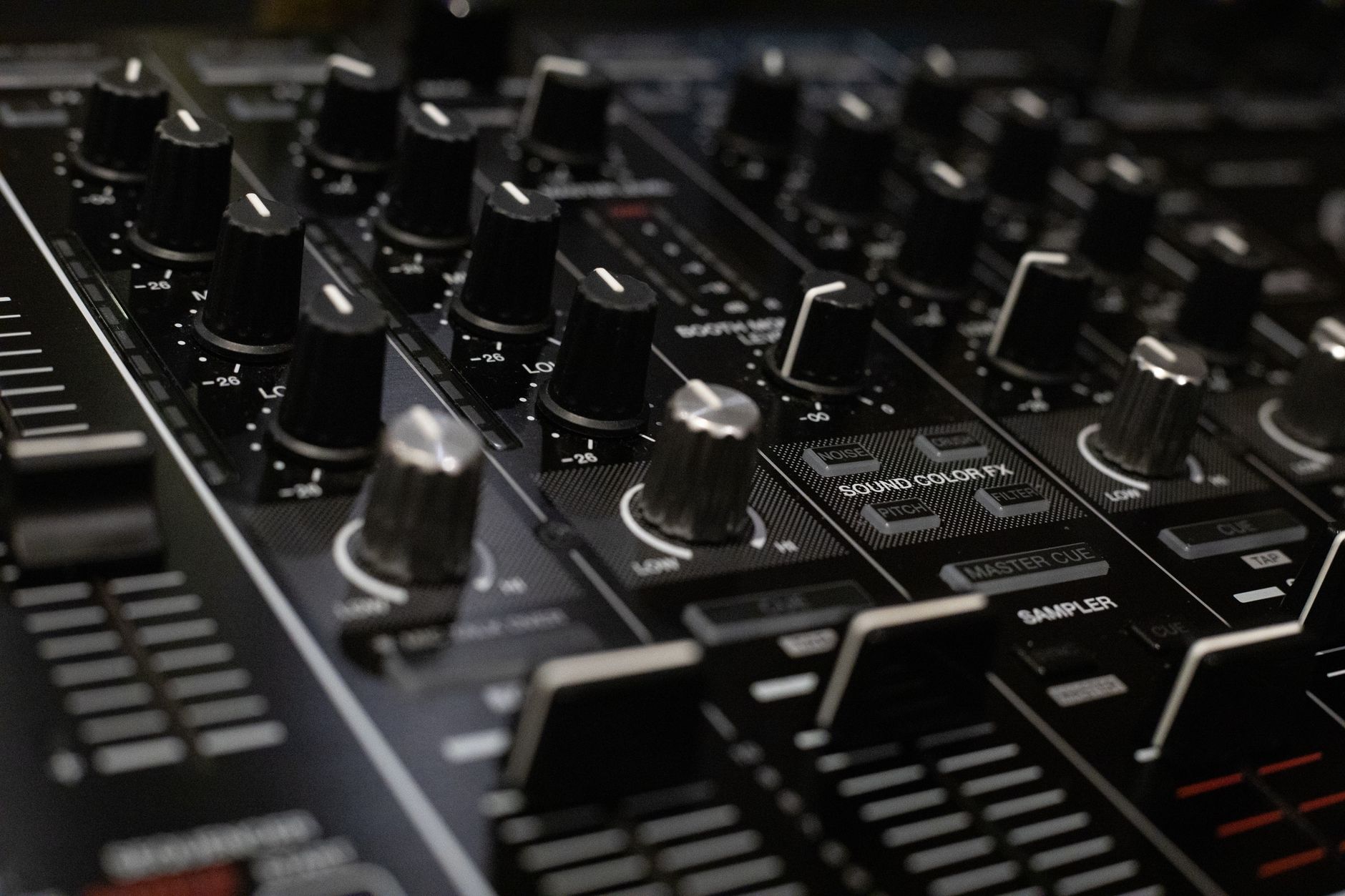 Photo: Boris Hamer via Pexels
The physics are simple: two slightly out-of-phase waveforms occupying different stereo positions create a wide image that a single mono track — even one duplicated and panned — can’t replicate. Mono plugins like chorus and ADT (Automatic Double Tracking) simulate this, but they loop the same audio with a delay. A real double track uses two independent performances, so no two moments are identical.
This is why double tracking is standard on virtually every major rock and metal record. The Beatles popularized ADT (a tape-delay approximation) out of necessity, but committed double tracking has been the session standard since the mid-70s.
How to Double Track Guitar: Step-by-Step
Record your first take clean and locked. Commit it to a track, don’t move on. Then record the same riff or rhythm part again from scratch, with no intention of it being “perfect” — just identical in feel, dynamics, and articulation.
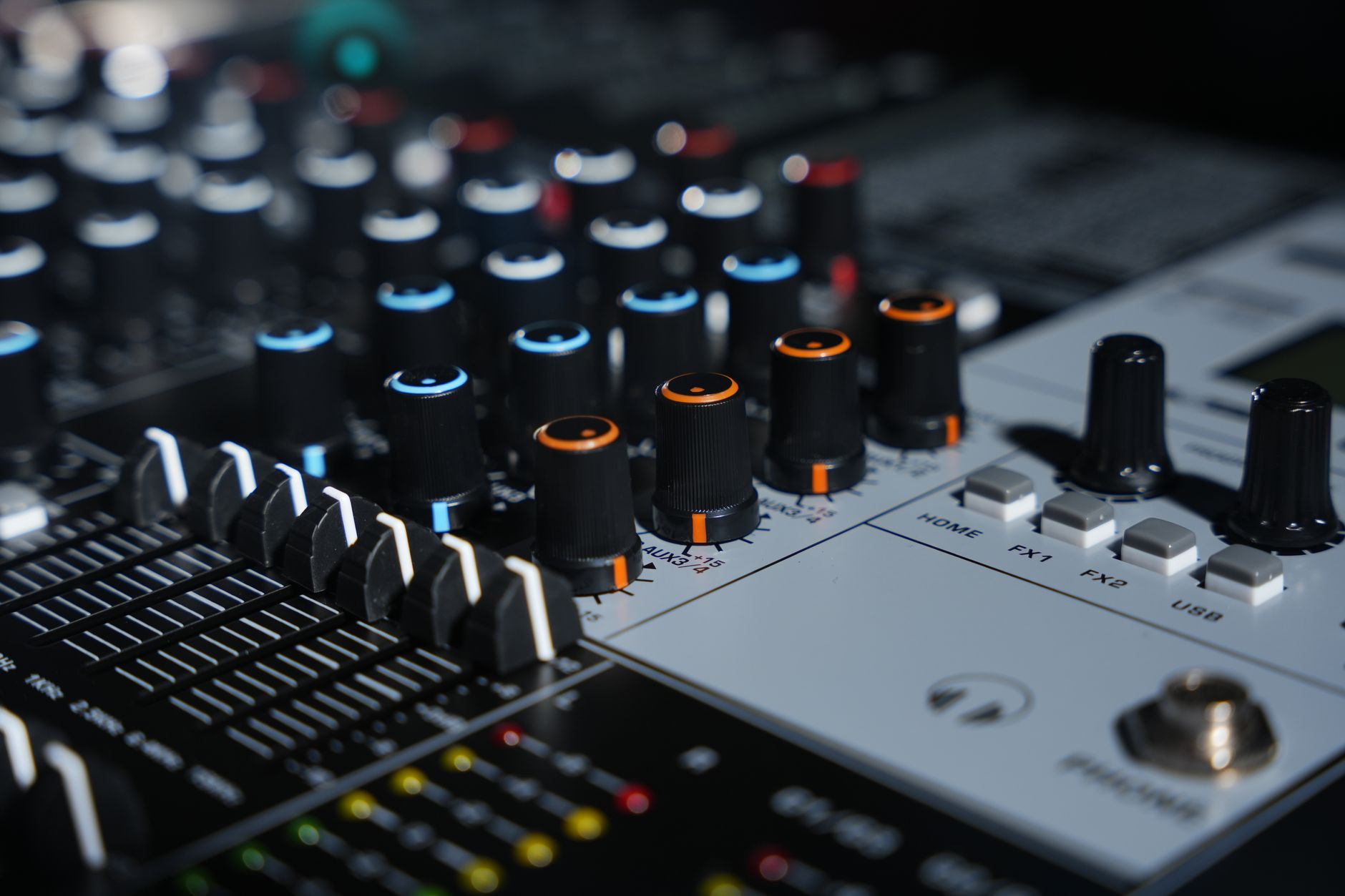 Photo: TUAN HOANG NGUYEN via Pexels
Signal Chain
Guitar → Audio Interface (DI) → DAW → Amp Sim / Cab Sim
         OR
Guitar → Amp → Mic (SM57 on speaker cone) → Interface → DAW
Gain staging notes:
- DI input: aim for peaks around -12 dBFS to leave headroom for amp sim processing
- Mic’d amp: set interface preamp gain so the hottest transients don’t exceed -6 dBFS
- Record both takes dry — no reverb or delay in the recording chain
- Apply identical processing (same amp sim preset, same EQ) to both tracks after recording
The Workflow
- Lock in your part before rolling. Play the riff until it’s automatic — stumbles in take one will compound in take two.
- Set a click track. Both takes live or die by the same grid. 120 BPM feels different after three hours; the click doesn’t.
- Record take one. Set the pan to center for now. Don’t edit, don’t comp.
- Return to the top and record take two immediately. Don’t listen back to take one first — you want muscle memory, not imitation.
- Pan take one hard left (L100), take two hard right (R100).
- Listen for the width. You should hear a naturally wide stereo image with center-locked bass.
- Check in mono. Hit the mono bus. The guitars should sum cleanly without turning to mush. If phase cancellation hollows out the mids, your takes are drifting too much — see the troubleshooting matrix below.
- Apply identical processing. Same amp sim, same EQ curve, same compression settings on both tracks. Identical processing preserves the natural variation; asymmetric processing creates tonal imbalance.
- Avoid time-aligning takes. The whole point is the variation. Nudging takes into alignment kills the width.
 Photo: Guillaume Pierre LEROY via Pexels
Mic’d Amp vs. DI + Amp Sim
| Method | Pros | Cons |
|---|---|---|
| Mic’d amp (SM57) | Phase-coherent room sound, natural dynamics | Room bleed, two-mic phase issues, requires quiet space |
| DI + amp sim | Consistent tone across takes, no room noise, re-amping possible | Risk of over-editing kills natural feel |
| DI → hardware reamp → mic | Best of both, re-amping means identical signal path | More gear, more setup time |
For home recording, DI with an amp sim is the practical choice. Re-amping through a real cab later is a clean upgrade path if needed.
Common Double Tracking Mistakes
Most double tracking problems come from one of three sources: imitation instead of independent performance, over-editing to “fix” the natural variation, or mismatched processing that makes one side tonally dominant.
 Photo: Arjen Klijs via Pexels
When Takes Sound Too Similar (Weak Width)
If you listened back to take one before recording take two, you likely imitated rather than performed. The takes are too aligned — timing, dynamics, and pick attack are nearly identical, leaving nothing for the stereo field to work with.
Fix: Record take two without auditioning take one. Use a click but trust your hands. Alternate pick directions slightly, let your pick attack breathe naturally.
When Guitars Sound Phasey or Thin in Mono
Excessive timing variation (takes drifting more than ~20ms apart consistently) creates audible comb filtering. In mono, this reads as a hollow, filtered sound rather than natural thickness.
Fix: Tighten the performance, not the edits. If one riff section is badly out, re-record that section rather than nudging it in the DAW.
Troubleshooting Matrix
| Symptom | Likely Cause | Fix |
|---|---|---|
| Thin, hollow mono sum | Takes too far apart in time, comb filtering | Re-record tighter; don’t nudge edits |
| No perceivable width | Takes nearly identical (imitation, not performance) | Record take 2 without auditioning take 1 |
| One side dominates | Asymmetric processing or dynamics | Match gain, EQ, and plugin chain exactly |
| Click artifacts or timing drift | Tempo map issues or no click | Enable click; confirm tempo map is locked |
| Phase issues with bass | Guitar bleed into bass mic, or harmonic phase | High-pass guitars at 80–100 Hz; check bass phase |
| Too wide, everything diffuse | Pans too aggressive for the arrangement | Bring pans to L70/R70 and add a mono center guitar |
Advanced Variations
Four-Guitar Stacking
Record four total takes: two lighter rhythm takes panned L100/R100 and two heavier, slightly more aggressive takes panned L60/R60 inside them. This is the basic approach behind the wall-of-sound tones on 90s and 2000s metal records.
Use this carefully — four takes of a sloppy part create a muddy wall, not a wide one. The technique amplifies what’s already there.
The Center Guitar
For tracks that need a guitar locked in the center — lead lines, featured riffs — a mono track panned center behind doubled rhythms creates depth without competing with the wide image. Keep it lower in the mix so the double-tracked width stays prominent.
Pan Variation by Song Section
Verses: bring the pans in to L70/R70 for intimacy. Chorus: open to L100/R100 for maximum width. This creates a physical sense of expansion at the chorus without touching a single fader.
Double Tracking Acoustic Guitar
Same technique, same rules — but acoustic has far more natural resonance, so timing variation shows up faster. Keep the BPM locked and use a consistent picking position relative to the soundhole on both takes. Strumming patterns work well doubled; fingerpicked parts often don’t unless the player is very consistent.
 Photo: Tima Miroshnichenko via Pexels
When Not to Double Track
Double tracking every guitar in a mix is a common beginner trap. It works best on rhythm guitars and riff-based parts. Avoid it when:
- The part is melodic or expressive. Bends, vibrato, and sustained notes double awkwardly — the pitch variation reads as out-of-tune, not wide.
- The arrangement is already dense. Adding width to a busy mix increases mud before it increases presence.
- The player isn’t locked in. Double tracking reveals every inconsistency. If the first take is shaky, the second take makes it twice as shaky.
→ See also:
- How to Record Guitar at Home: The Complete Guide (2026)
- How to Record Electric Guitar at Home
- How to Record Guitar Without an Amp
FAQ
Does double tracking work with amp sims? Yes — DI recording with amp sims is actually ideal for double tracking. Record both takes dry and apply the same sim preset to each. The sim gives you consistent tone while the performances provide the natural variation that creates width.
Can I fake double tracking with a plugin? Chorus, ADT, and stereo-spread plugins create a similar effect but are audibly different from true double tracking. They use the same audio source with pitch and time modulation, which produces a more synthetic shimmer. True double tracking uses two independent performances — the variation is natural and non-repeating. For demo work or when time is tight, ADT is acceptable; for a final mix, real double tracking is audibly superior.
How tight does my timing need to be? You don’t need metronomic perfection — you need consistent feel. Aim for takes that groove together rather than simply land exactly on the grid. Micro-variations of 5–15ms are natural and beneficial. Consistent drift beyond 20ms starts to create audible phase problems in mono. A click track keeps both takes living in the same time universe.
Should I use the same guitar and same settings for both takes? Yes. Use the identical guitar, same pickup, same tone and volume knob positions, same pick, same amp sim preset. Intentional tonal differences between takes can work as an advanced technique, but when starting out, make the only variable be the performance itself.
Do I need to edit or comp my double tracks? Minimal editing is fine — cutting out obvious mistakes or fixing a single measure that fell apart. But don’t comp heavily and don’t nudge takes into alignment. The natural variation is the technique. Heavily edited double tracks often end up thinner than a single good take because the variation has been surgically removed.
What’s the loudness difference between a doubled and single guitar? Two hard-panned guitars summed to mono are approximately 3–6 dB louder than a single track depending on phase coherence. Account for this when setting levels against bass and vocals, and leave enough headroom in the bus before limiting.
Editorial methodology: Assessments are based on manufacturer specifications, published user reviews, and editorial research. Physical hands-on testing is noted explicitly where it occurred. Rankings reflect our editorial judgment and are not influenced by affiliate commission rates. Full editorial policy · Affiliate disclosure