Contents
Cakewalk by BandLab Review (2026): Still Free, Still Capable?
TL;DR: Cakewalk by BandLab is a fully-featured, professional-grade DAW available at no cost — no subscription, no feature locks. For Windows users who want a complete recording environment without spending anything, it remains one of the strongest free options available. The main caveats: Windows-only, and development has been inconsistent since BandLab acquired it.
What Is Cakewalk by BandLab?
Cakewalk by BandLab is the reborn version of SONAR Platinum — a professional DAW that retailed for $500 before Gibson shut it down in 2017. BandLab acquired the codebase and relaunched it as a free product in 2018. You get the full SONAR feature set: unlimited tracks, professional mixing tools, VST3 support, and a complete MIDI environment.
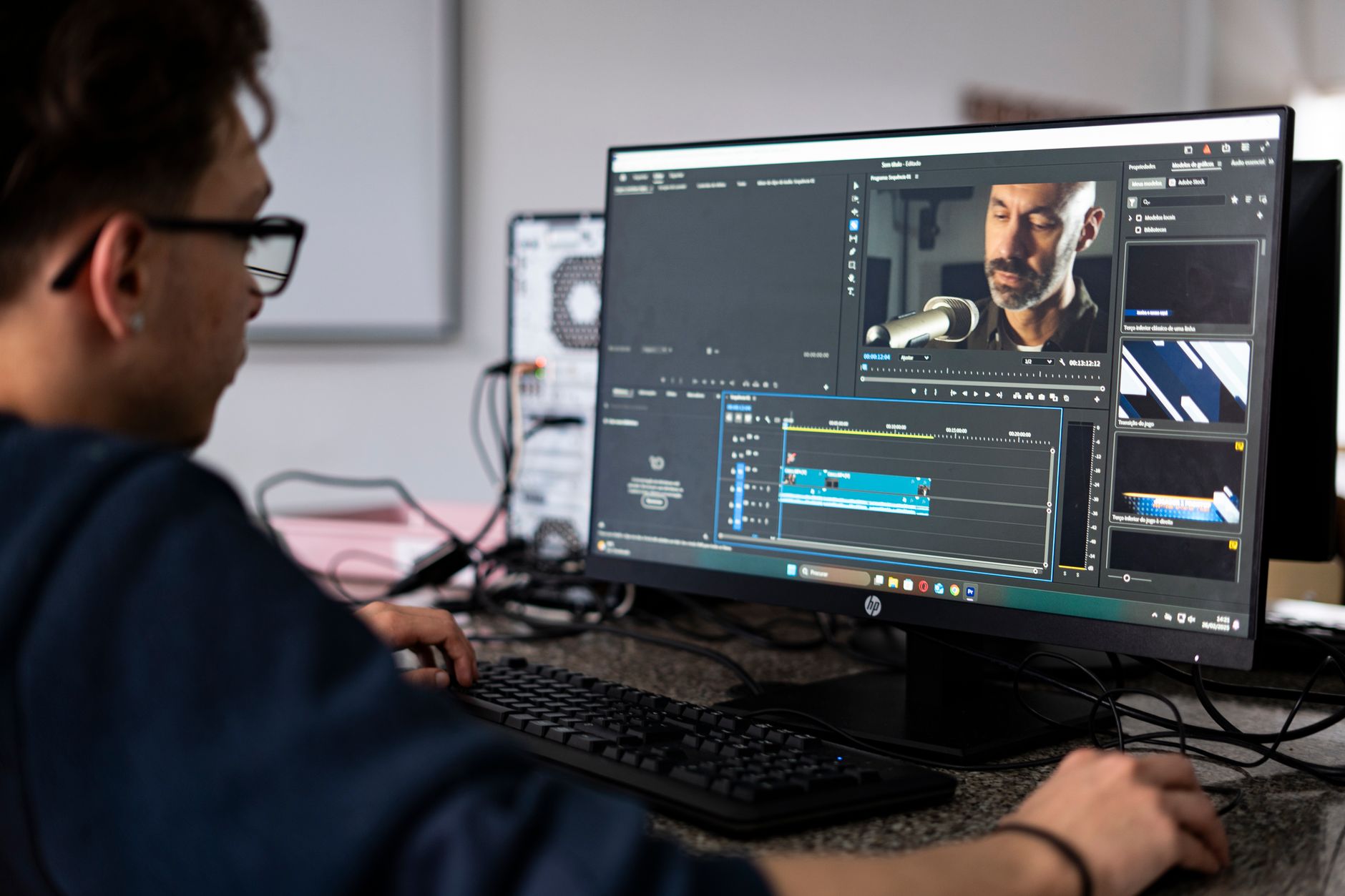
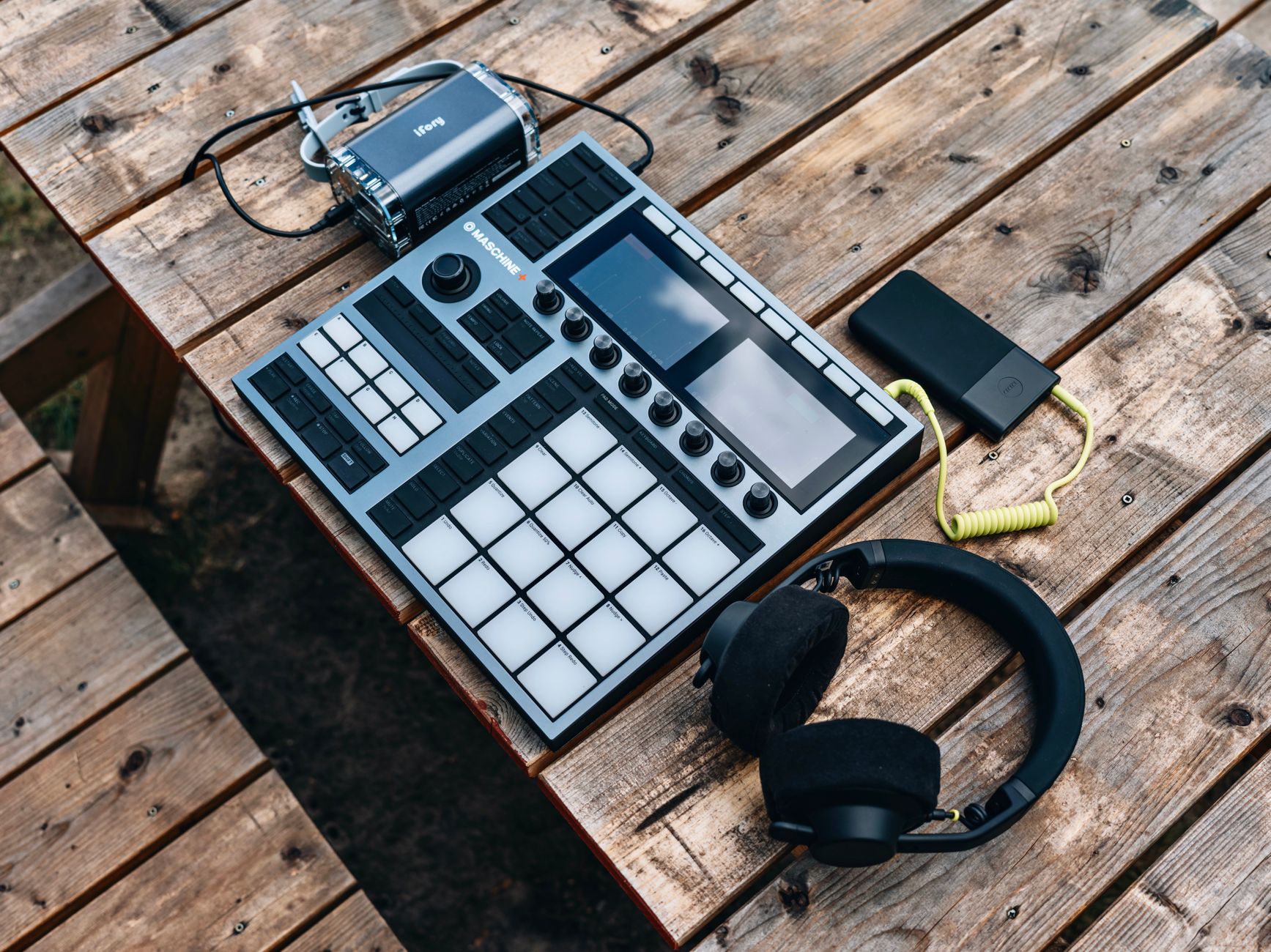 Photo: Egor Komarov via Pexels
The backstory matters for one reason: this isn’t a stripped-down freemium product. Cakewalk by BandLab was built as a commercial flagship. The feature set reflects that lineage, which is why it consistently outpunches every other free DAW on raw capability.
What you get out of the box:
- Unlimited audio and MIDI tracks
- ProChannel console strip — a fully parametric channel strip with EQ, compression, and tape emulation on every channel
- 64-bit double-precision audio engine
- VST, VST3, and DirectX plugin support
- Full MIDI editing — piano roll, step sequencer, event list
- Melodyne Essential bundled (pitch correction)
- CA-2A and CA-XpandR compressor and expander plugins included
Cakewalk Interface and Workflow
The interface is functional but not modern. It rewards time spent — once you’ve mapped the layout, session management and routing are fast. Newcomers will find the learning curve steeper than Garageband or even Reaper, but the logic is consistent once it clicks.
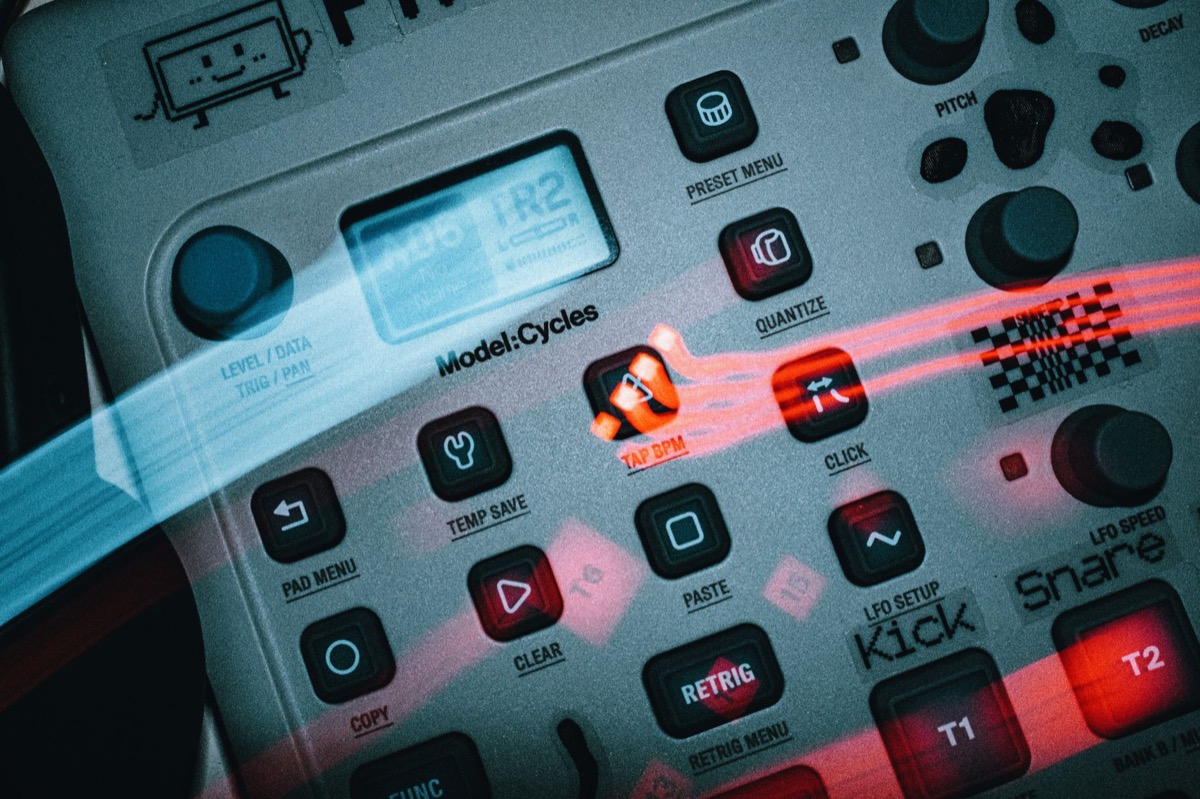
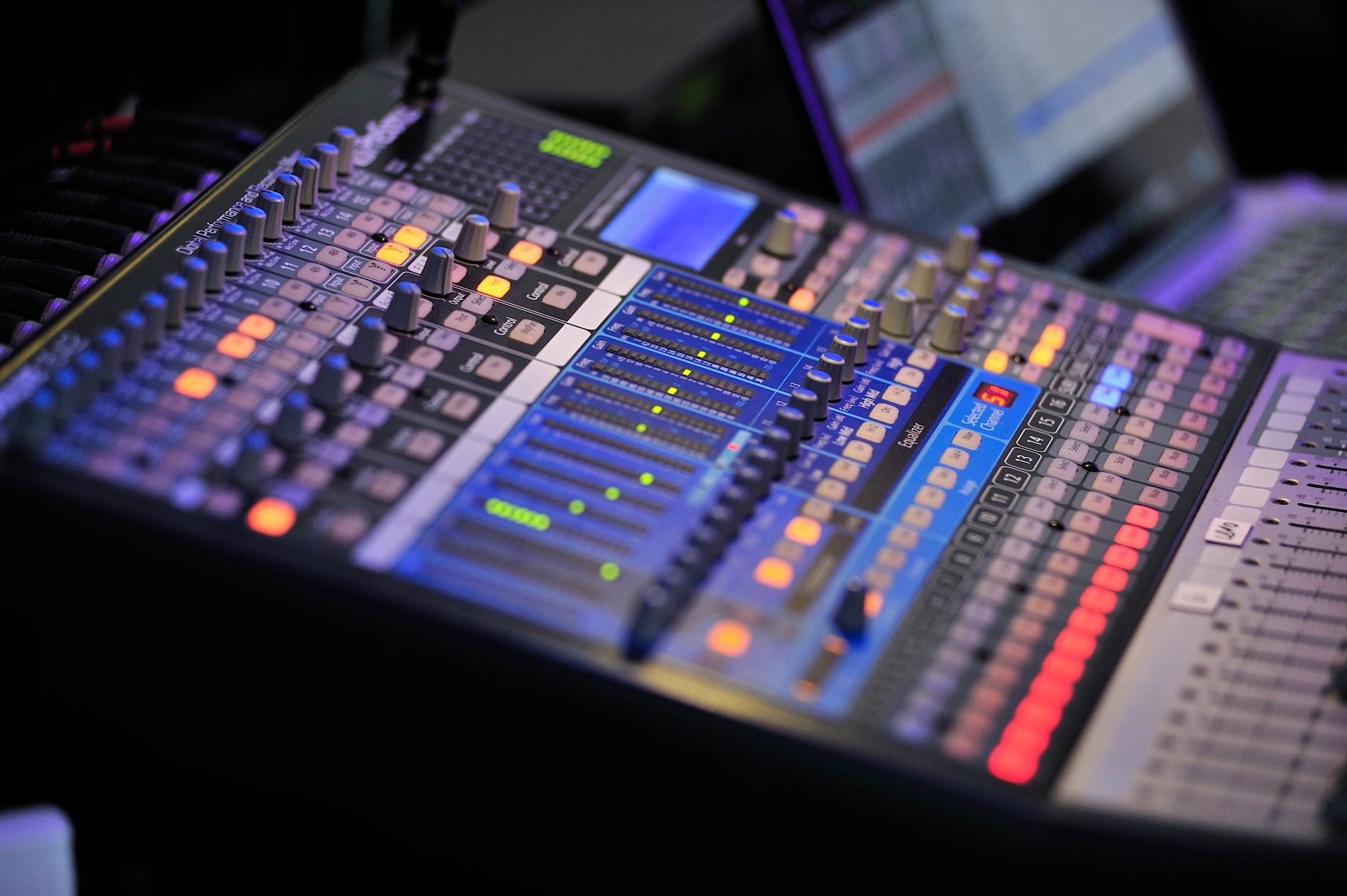 Photo: Alexander Zvir via Pexels
The Track View is your primary workspace: audio clips, MIDI regions, and automation lanes sit here. The Console View gives you a hardware-style mixer with the ProChannel strips visible per channel. Switching between them is the core workflow loop.
ProChannel Strip
The ProChannel is the sleeper feature most users undervalue. Every channel gets:
- PC4K S-Type Bus Compressor — SSL-modeled bus compression
- PC76 U-Type Channel Compressor — 1176-style FET compression
- QuadCurve EQ — four-band parametric plus high/low shelf
These aren’t toys. Published comparisons against dedicated EQ and compression plugins place ProChannel quality firmly in the “professional, usable on release material” range. For a free DAW, this is extraordinary.
MIDI Editing
The Piano Roll in Cakewalk is deep. Velocity, pitch bend, aftertouch, and CC automation are all editable per-note. The MIDI Transform tools let you run pattern-based operations across selections — useful for humanizing programmed drums or transposing chord voicings in bulk.
MIDI routing is flexible but complex. VSTi routing, multi-out instruments, and drum maps all work — but expect to spend an hour reading the manual before it behaves the way you want.
Audio Recording Performance
Cakewalk handles tracking sessions well at standard buffer sizes. With a mid-range USB audio interface, 128-sample buffer performance is solid for live tracking. ASIO driver support is full, and WDM/KS is available for simpler setups.
 Photo: FOX ^.ᆽ.^= ∫ via Pexels
Latency performance depends almost entirely on your audio interface and driver quality, not Cakewalk itself. According to documented user benchmarks and manufacturer specifications, the engine introduces negligible additional latency beyond the driver round-trip.
The input monitoring path supports hardware monitoring bypass — you can route wet FX for headphone monitoring while recording a dry signal to disk. This matters for vocalists and guitarists who want to hear reverb or amp simulation during takes.
Plugin Ecosystem and Compatibility
VST3 support is complete. The majority of third-party plugins install without issues. Published compatibility reports show strong performance with major plugin vendors — Native Instruments, iZotope, FabFilter, Waves — with no significant compatibility exceptions for modern releases.
Plugin scanning is sequential and can be slow on large plugin libraries — this is a known limitation documented in BandLab’s support forums. The workaround is to use the plugin exclusion list aggressively: scan once, exclude anything that crashes, move on.
DirectX plugin support is legacy-forward compatibility — it’s there if you have old DX plugins, but new installations won’t need it.
The included Rapture Session synth and SI instrument series (SI-Bass Guitar, SI-Drum Kit, SI-Electric Piano, SI-String Section) are basic but functional for sketching. They’re not mixdown-ready instruments, but they’re useful for getting ideas down fast.
Mixing and Mastering Workflow
The mixing environment is full-featured. Buses, sends, and parallel processing chains behave exactly as expected from a commercial DAW. Surround mixing is supported (up to 7.1), which is unusual at any price point.
 Photo: Luke Yanko via Pexels
The ProChannel strips on the master bus make a real difference. Running the PC4K bus compressor on the mix bus with the QuadCurve EQ for broad tonal shaping gives a usable starting point for mastering without leaving Cakewalk. For bedroom producers finishing tracks internally, this workflow is entirely viable.
Automation is clip-based and envelope-based. Write, Touch, Latch, and Read modes are all available. The automation workflow feels dated compared to modern DAWs like Ableton or Studio One, but it works.
Software Specs
| Feature | Detail |
|---|---|
| Platform | Windows only (10/11) |
| Formats | VST, VST3, DirectX |
| Price | Free (BandLab account required) |
| Audio Engine | 64-bit double-precision |
| System Requirements | Windows 10/11, 4GB RAM min (8GB recommended), 2.8GHz CPU |
| Best For | Windows users wanting a professional free DAW |
Cakewalk vs. Competing Free DAWs
| DAW | Price | Standout Feature | Learning Curve | Platform |
|---|---|---|---|---|
| Cakewalk by BandLab | Free | ProChannel + full SONAR feature set | Steep | Windows only |
| GarageBand | Free | Simplicity, Live Loops | Gentle | Mac only |
| Reaper | $60 (discounted) | Extreme customizability | Steep | Windows/Mac |
| LMMS | Free | DAW + step sequencer hybrid | Moderate | Win/Mac/Linux |
| Ardour | Donation-based | Linux/pro audio integration | Steep | Win/Mac/Linux |
For Windows-only users, the comparison isn’t close on feature count. Cakewalk by BandLab delivers more included tools, better stock plugins, and a more complete professional workflow than any other free option.
The single meaningful competition is Reaper — which costs $60 at the discounted personal license but offers a more modern engine, better performance on large sessions, and active development. If budget is genuinely zero, Cakewalk wins. If $60 is on the table, Reaper is worth the comparison.
The Development Concern
One honest caveat: BandLab’s development pace on Cakewalk has been uneven. There were stretches between 2021 and 2024 with minimal updates. The codebase is stable for existing features, but new functionality has been slow. Expert consensus in the production community suggests treating Cakewalk as a mature, feature-complete tool rather than an actively evolving platform.
This isn’t a dealbreaker — the feature set was already professional-grade when it was acquired. But it’s worth knowing if you’re planning your production environment long-term.
→ See also:
FAQ
Is Cakewalk by BandLab actually free? Yes — fully free with no feature locks, no subscription, and no trial expiration. You need a free BandLab account to download and activate it, but there are no hidden costs. The complete SONAR Platinum feature set is included.
Does Cakewalk work on Mac? No. Cakewalk by BandLab is Windows-only. Mac users should look at GarageBand (free, included with macOS) or Logic Pro ($199.99, one-time purchase) as alternatives. There is no official roadmap for a Mac version.
Is Cakewalk good for beginners? It can be, but it’s not the gentlest starting point. The interface is dense, and the signal flow logic takes time to learn. Beginners who commit to learning it will have a professional-grade skill set when they’re done — but GarageBand or a dedicated beginner DAW will feel less overwhelming on day one.
Can you use third-party VST plugins with Cakewalk? Yes — VST, VST3, and DirectX formats are fully supported. The vast majority of commercial and free plugins install and run without issues. Plugin scanning can be slow on large libraries, but compatibility with major vendors is well-documented and reliable.
How does Cakewalk compare to Pro Tools for home recording? For home recording purposes, Cakewalk covers everything most bedroom producers need. Pro Tools is the industry standard in professional studios largely due to HD hardware integration and session interchange — advantages that don’t apply to home setups. For recording, editing, and mixing at home, the functional gap is much smaller than the price gap.
Editorial methodology: Assessments are based on manufacturer specifications, published user reviews, and editorial research. Physical hands-on testing is noted explicitly where it occurred. Rankings reflect our editorial judgment and are not influenced by affiliate commission rates. Full editorial policy · Affiliate disclosure