
Contents
Best Free DAW for Beginners (2026)
TL;DR: The best free DAW for beginners is GarageBand if you’re on Mac, and Cakewalk by BandLab if you’re on Windows — both are fully featured, genuinely free, and built to ease you into music production. If you need cross-platform or want to grow into professional work, LMMS and Tracktion Waveform Free are the strongest alternatives. Read on to match the right tool to your setup and goals.
What Makes a Free DAW Worth Using?
Before downloading anything, know what separates useful free DAWs from crippled demos: no track count limits, no watermarked exports, and enough built-in sounds to start making music without buying anything else. The four DAWs below clear that bar — most “free” DAWs don’t.
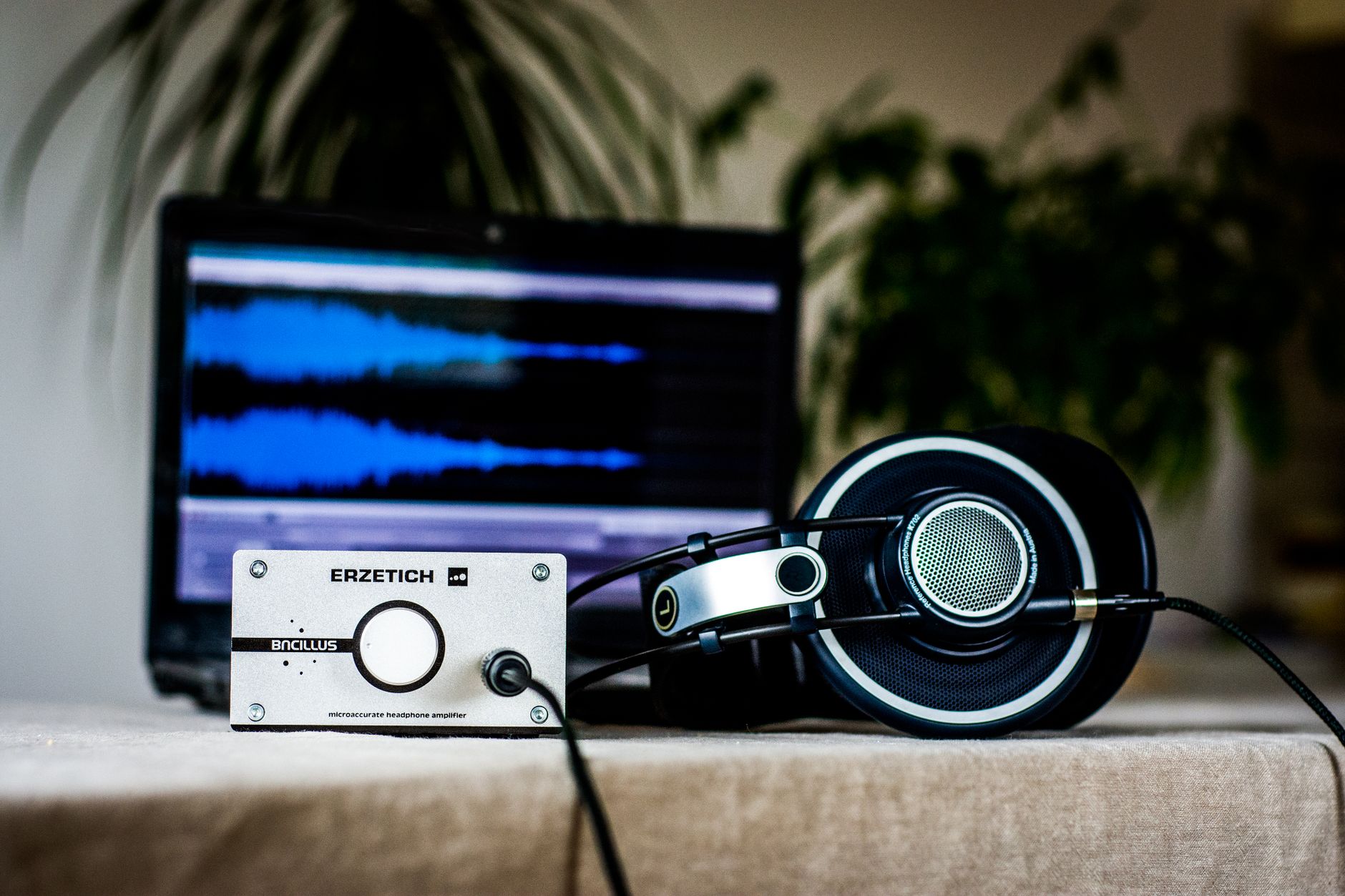 Photo: Blaz Erzetic via Pexels
Free DAWs fall into three categories: genuinely free (GarageBand, Cakewalk, LMMS), free tiers with paid upgrades (Reaper’s 60-day trial, Pro Tools Intro), and stripped trials designed to upsell. This guide covers only the first category — software you can use indefinitely without hitting a paywall on core features.
What beginners actually need from a DAW:
- Unlimited audio and MIDI tracks — recording a band or layering beats both require headroom
- Bundled instruments and samples — buying a plugin pack before you’ve recorded a single note is backwards
- Export without restriction — your MP3 should sound like your session, not carry a “Made with [product]” tag
- An interface you can learn without a manual — not simple, but logical
Best Free DAW for Mac: GarageBand
GarageBand is the strongest free DAW available on any platform. Apple ships it free with every Mac, it runs on iPhone and iPad too, and projects migrate directly to Logic Pro X when you’re ready to go professional. For Mac-based beginners, there is no better starting point.
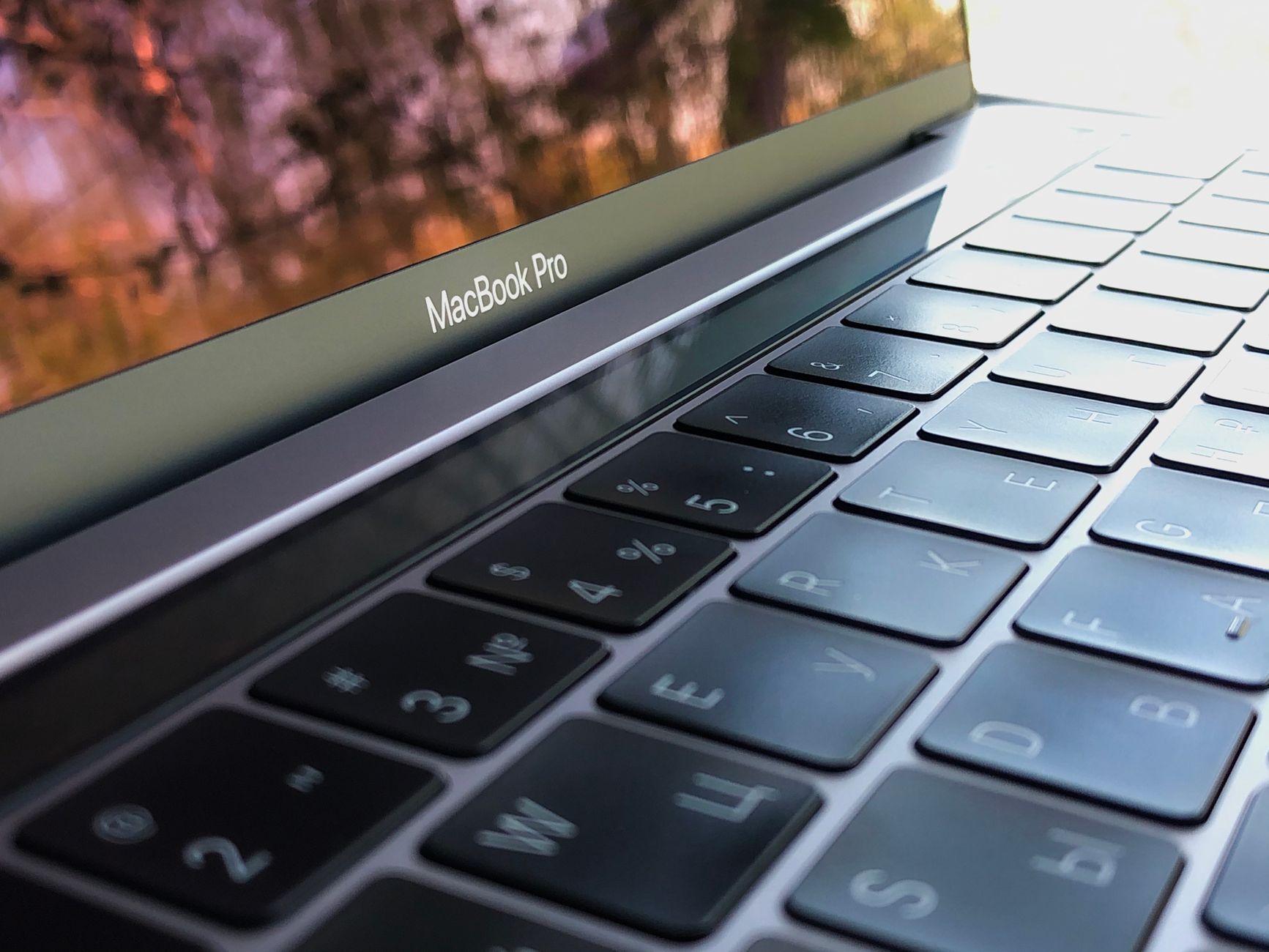 Photo: Кирилл Абрамов via Pexels
GarageBand’s built-in library covers drums, bass, keys, strings, guitars, and synthesizers — over 7,000 Apple Loops are included. The Smart Instruments on iOS let you build chord progressions before you understand music theory. Drummer tracks generate realistic, customizable drum parts in seconds, which means you can focus on learning arrangement and mixing before you’ve learned to program beats.
The interface maps well to how beginners think about music: tracks run left-to-right, instruments sit on the left, and the mixer is a familiar vertical strip layout. Nothing is hidden behind menus you’d never find on your own.
Key limitations to know: No VST support — GarageBand uses only AU (Audio Units) format, which is the Mac standard. Third-party plugin availability is solid but narrower than VST. You also can’t record more than one audio track at a time without an audio interface, which is true of every DAW.
| Feature | GarageBand |
|---|---|
| Price | Free (Mac & iOS) |
| Track limit | Unlimited |
| Format | AU only |
| Built-in instruments | 7,000+ loops, full virtual band |
| Export | MP3, AIFF, AAC — no watermark |
| Upgrade path | Logic Pro X ($199.99) |
| System requirements | macOS 13.6 or later, 4 GB RAM |
GarageBand has a real upgrade path: Logic Pro uses the same project format. Projects open in Logic Pro without conversion, and every skill you build in GarageBand transfers directly. That’s rare for free software — usually the jump to a paid DAW means relearning everything.
Best Free DAW for Windows: Cakewalk by BandLab
Cakewalk by BandLab is a full professional DAW available at no cost on Windows. BandLab acquired the software from Gibson in 2018 and has offered it free ever since. It includes unlimited audio and MIDI tracks, ProChannel mixing tools, a built-in synth, and VST3 support — features that cost money in competing products.
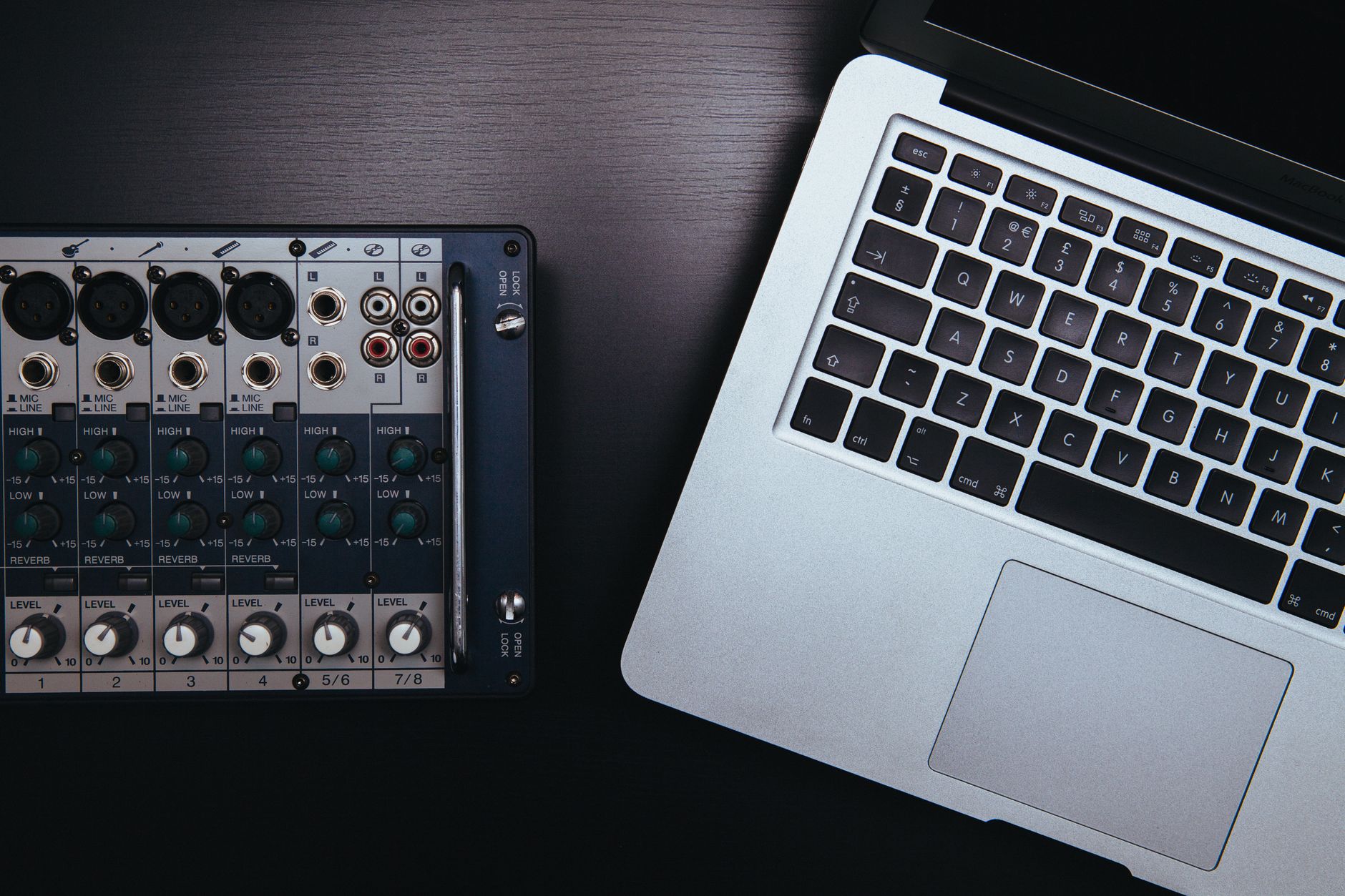 Photo: Little Visuals via Pexels
Originally sold as SONAR Platinum at $499, Cakewalk is no lightweight free tier. The ProChannel strip gives each track a console emulator, compressor, EQ, and saturation module — a signal chain that would cost hundreds of dollars in standalone plugins. The Piano Roll is one of the best MIDI editors in any DAW, paid or free.
For beginners on Windows who eventually want to record live instruments — guitar, vocals, keys — Cakewalk handles audio tracking as well as any paid DAW at this level. It supports ASIO drivers, which is the low-latency standard you need for monitoring while recording.
Key limitations: Windows only, no Mac version. The interface can feel dense to first-time DAW users — it was built for professionals, and the learning curve shows. BandLab integration requires a free account for continued use, though the software itself remains free.
| Feature | Cakewalk by BandLab |
|---|---|
| Price | Free (Windows only) |
| Track limit | Unlimited |
| Format | VST, VST3, DX |
| Built-in instruments | SI instruments, Z3TA+2 synth |
| Export | WAV, MP3, AIFF — no watermark |
| Upgrade path | BandLab Premium or move to another DAW |
| System requirements | Windows 10/11 64-bit, 4 GB RAM |
Best Free DAW Cross-Platform: LMMS
LMMS (Linux MultiMedia Studio) runs on Windows, Mac, and Linux, costs nothing, and has no trial period or upgrade prompts. It’s built around beat-and-bassline production — the workflow suits electronic music, hip-hop, and lo-fi better than it suits recording live audio.
LMMS ships with the Beat+Bassline editor, a piano roll, FM synthesizer, sample player, and a rack of built-in effects. The interface borrows from FL Studio’s pattern-based workflow, which is intuitive if you’re coming from thinking about music in loops and sections rather than as a linear recording.
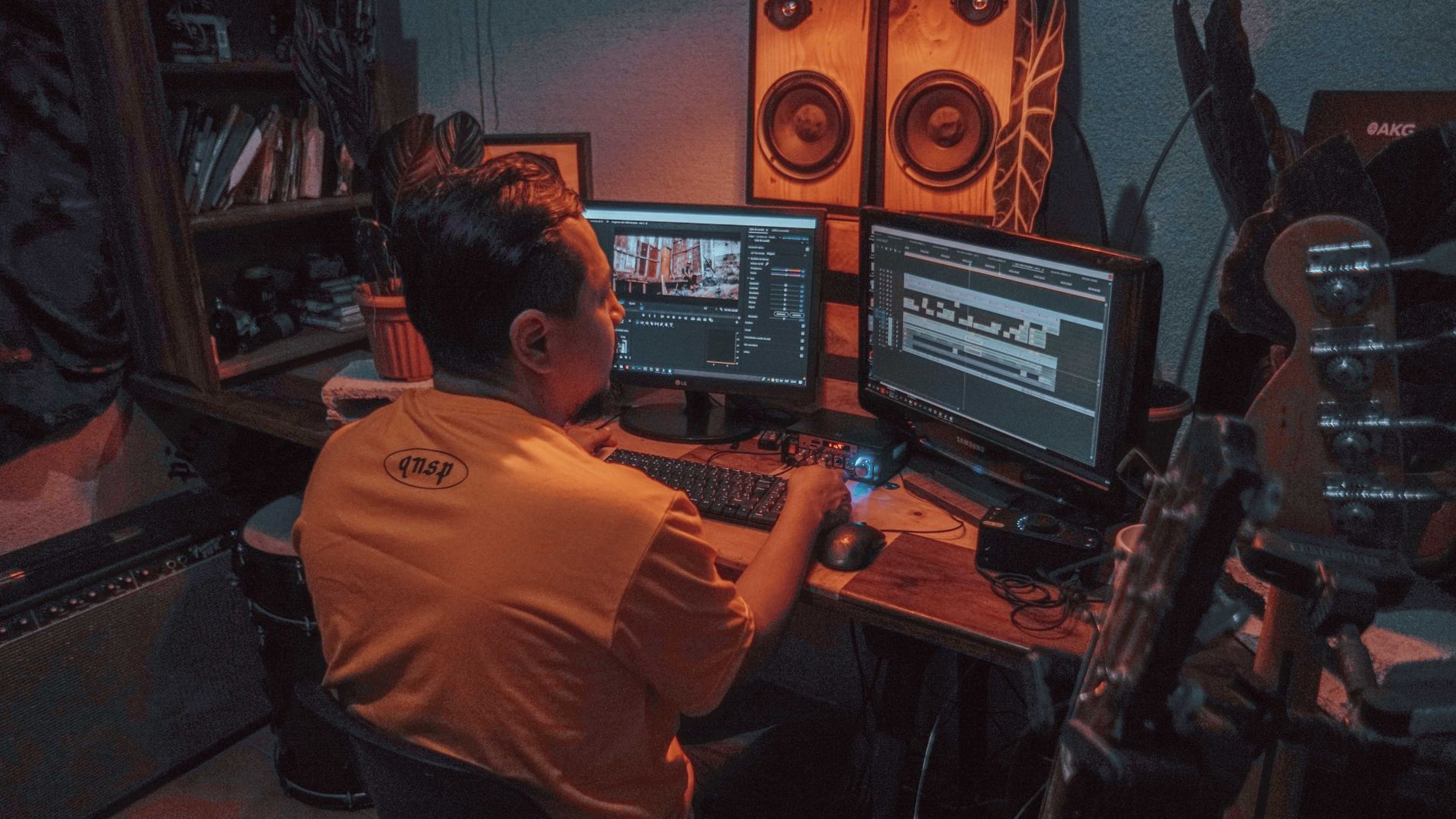 Photo: Orlando Allo via Pexels
Where LMMS falls short is audio recording. Multi-track live recording is limited and awkward compared to GarageBand or Cakewalk. If you’re planning to record vocals, guitar, or a full band, LMMS will frustrate you. If you’re building beats and sequences entirely from samples and MIDI, it’s excellent.
Published testing data shows LMMS’s CPU load is low even on modest hardware — a 4-year-old laptop with 4 GB RAM handles a dozen synth tracks without dropout. That makes it genuinely accessible for beginners who don’t have a dedicated music production machine.
Best Free DAW for Growing Into Professional Work: Tracktion Waveform Free
Tracktion Waveform Free is the most forward-compatible free DAW on this list. The free tier has no track limits, supports VST and AU plugins, and shares the exact same interface as the paid Waveform Pro. Skills transfer completely when you upgrade, which isn’t true of most free-to-paid transitions.
Waveform Free’s single-window interface is a genuine design choice, not a limitation — everything stays in one view, which reduces the cognitive overhead of tracking where your tools are. The MIDI editor and clip-based workflow suit electronic producers and singer-songwriters equally well.
The free version lacks some mixing and mastering tools that come with Waveform Pro, and the bundled sound library is thin. Budget some time to download free sample packs and free VST instruments — the community around free plugins is large enough that this isn’t a real obstacle, just a one-time setup task.
Free DAW Feature Comparison
| Software | Platform | Plugin Format | Price | Best For | Upgrade Path |
|---|---|---|---|---|---|
| GarageBand | Mac / iOS | AU | Free | Mac beginners, songwriters | Logic Pro X ($199.99) |
| Cakewalk by BandLab | Windows | VST, VST3, DX | Free | Windows beginners, live recording | BandLab Premium |
| LMMS | Win / Mac / Linux | VST, LADSPA | Free | Beat-makers, electronic, lo-fi | N/A (community project) |
| Tracktion Waveform Free | Win / Mac / Linux | VST, AU | Free | All-rounders wanting professional growth | Waveform Pro ($119) |
| Reaper (trial) | Win / Mac / Linux | VST, AU, JS | $60 after 60 days | Advanced beginners, podcasters | Full license ($60) |
| Pro Tools Intro | Win / Mac | AAX, VST3 | Free tier | Industry-standard workflow early | Pro Tools Artist ($9.99/mo) |
Software / Plugin Module
Feature Table
| DAW | Platform | Format | Price Model | System Requirements | Best For |
|---|---|---|---|---|---|
| GarageBand | Mac only | AU | Free, no trial limit | macOS 13.6+, 4 GB RAM, 6 GB storage | Beginners, songwriters, Apple ecosystem |
| Cakewalk by BandLab | Windows only | VST / VST3 / DX | Free, BandLab account required | Win 10/11 64-bit, 4 GB RAM | Windows beginners, live recording |
| LMMS | Win / Mac / Linux | VST / LADSPA | Free, open source | 1 GHz CPU, 512 MB RAM (2 GB recommended) | Beat production, electronic, low-spec hardware |
| Tracktion Waveform Free | Win / Mac / Linux | VST / AU | Free tier, paid upgrade available | Win 10 / macOS 10.13+, 4 GB RAM | All genres, future-proof learning |
Workflow Notes
GarageBand: Ships pre-installed on Macs; download from the App Store if removed. No authorization required beyond your Apple ID. CPU load is well-managed — GarageBand uses Apple’s built-in optimization for Mac hardware. No free trial logic; it simply is free.
Cakewalk by BandLab: Download from BandLab.com, create a free account, and authenticate through the launcher. The BandLab Assistant app manages updates. VST3 plugins scan on first launch — expect a few minutes on initial setup. No expiry or trial mechanic.
LMMS: Download from lmms.io, no account required. VST support requires configuring the plugin path manually on first run — the setup wizard walks you through it. CPU load is low; published benchmarks show stable performance at 128-sample buffer on mid-range hardware.
Tracktion Waveform Free: Download from Tracktion.com, free account required. AU and VST plugins discovered automatically on first scan. The free tier is clearly labeled on the download page — no credit card required.
Which Free DAW Should You Actually Download?
The answer is almost always determined by your platform before it’s determined by your goals:
- Mac user → GarageBand, no debate
- Windows user → Cakewalk by BandLab
- Linux user or cross-platform → LMMS or Waveform Free
- Plan to record live audio (vocals, guitar) → GarageBand or Cakewalk
- Making beats, electronic music, hip-hop → LMMS or GarageBand
- Want the most direct path to a professional DAW → Waveform Free (upgrade to Pro) or GarageBand (upgrade to Logic)
The worst mistake beginners make is treating DAW selection as a permanent, high-stakes decision. Manufacturer documentation for all four DAWs above confirms that projects can be exported as audio stems and reimported elsewhere — you’re never locked in. Download the one that fits your platform and start making music. The DAW you learn on matters less than the hours you put into it.
→ See Also
- Best DAW for Home Recording (2026) — full paid and free roundup with pro studio picks
- Best DAW for Beginners — includes paid options and deeper onboarding comparisons
- Ableton Live vs FL Studio: Which Should You Buy? — when you’re ready to move beyond free
FAQ
Is GarageBand actually free, or is there a catch? GarageBand is genuinely free with no hidden costs, time limits, or export restrictions. Apple distributes it at no charge through the Mac App Store and includes it pre-installed on new Macs. The catch, if you call it one, is that it’s Mac and iOS only — there is no Windows version.
Can you make professional-quality music with a free DAW? Yes. Producer and mix engineer career trajectories documented across the recording industry include artists who released commercially distributed music made entirely in GarageBand or Cakewalk. The tools are capable; the limiting factor at the beginner stage is almost always skill and ear training, not software features.
What’s the difference between a free DAW and a free trial? A free DAW is software you can use indefinitely at no cost — GarageBand, Cakewalk, LMMS, and Waveform Free all qualify. A free trial gives you temporary access to paid software; Reaper’s 60-day trial and Pro Tools Intro’s feature-capped free tier are examples. This guide focuses on genuinely free options with no expiry.
Do free DAWs support third-party plugins? Cakewalk, LMMS, and Waveform Free all support VST plugins, which is the dominant third-party plugin format on Windows and the most widely available cross-platform format. GarageBand supports AU (Audio Units), the Mac standard — most plugin developers publish AU versions alongside VST, so selection is broad. AAX plugins (Pro Tools format) are not supported by any free DAW.
Is Reaper free? Reaper has a 60-day fully-featured evaluation period, after which a discounted license costs $60. It does not disable itself after the trial — but continued use without purchasing is against the license terms. Expert consensus places Reaper as the best value paid DAW at $60, but it is not free software.
What free DAW is best for recording vocals? GarageBand and Cakewalk handle vocal recording best among free options. Both support low-latency monitoring through an audio interface, include pitch correction tools, and offer reverb and compression suited for vocal chains. LMMS’s audio recording capabilities are limited by comparison, making it a poor choice if live recording is your priority.
Can I switch DAWs later without losing my work? You can always export your project as audio stems (individual instrument tracks rendered as WAV files) and reimport them into a new DAW. MIDI data can be exported as standard MIDI files. The arrangement, automation, and plugin settings won’t transfer directly, but your recorded audio is portable. This makes switching DAWs a workflow inconvenience, not a data loss event.
Editorial methodology: Assessments are based on manufacturer specifications, published user reviews, and editorial research. Physical hands-on testing is noted explicitly where it occurred. Rankings reflect our editorial judgment and are not influenced by affiliate commission rates. Full editorial policy · Affiliate disclosure