Contents
Best DAW for Windows in 2026: Top Picks for Every Budget
TL;DR: The best DAW for Windows depends on your workflow — Ableton Live leads for electronic and loop-based production, FL Studio wins on value with its lifetime-free-updates deal, and Studio One offers the cleanest recording-to-mix pipeline for singer-songwriters and bands. All three run natively on Windows 10/11. Budget producers should look at Reaper first.
Which DAW Is Best for Windows Overall?
FL Studio and Ableton Live dominate Windows DAW sales for good reason: both were built with PC users as the primary audience, offer lifetime or long-term free updates, and cover the widest range of production styles. For pure audio recording, Studio One Pro edges them both on workflow speed.
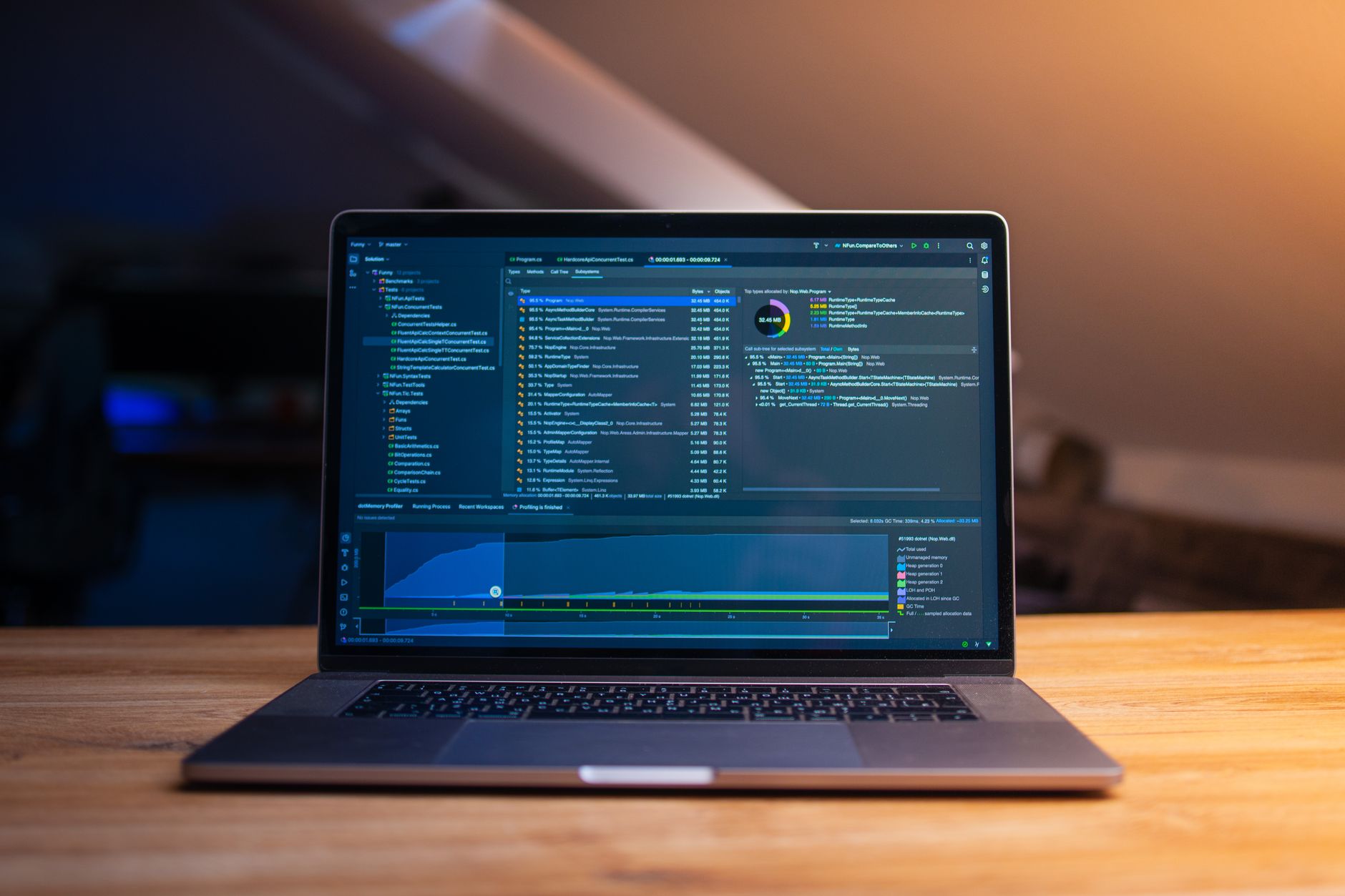 Photo: Daniil Komov via Pexels
Windows users have an advantage over Mac-only buyers: every major DAW runs natively on Windows 10 and 11, several were originally developed exclusively for PC, and drivers for audio interfaces are more widely supported under ASIO. The real decision comes down to your genre, your budget, and how you work.
Here is a quick overview of the top contenders before we go deep on each.
| DAW | Best For | Entry Price | Lifetime Updates? | Platform |
|---|---|---|---|---|
| FL Studio | Electronic, hip-hop, beat-making | $99 (Fruity) | Yes | Win / Mac |
| Ableton Live | Live performance, electronic | $99 (Intro) | No | Win / Mac |
| Studio One Pro | Recording, mixing, songwriting | $99.99/yr or $399.99 | Sub or perpetual | Win / Mac |
| Reaper | Power users, podcasting, budget | $60 (discounted) | ~3 years per version | Win / Mac / Linux |
| Cubase Pro | Film scoring, orchestral, MIDI | $579.99 | No | Win / Mac |
| Bitwig Studio | Modular, experimental, hybrid | $99/yr | 12 months updates | Win / Mac / Linux |
FL Studio: The Windows Native Legend
FL Studio was built on Windows first and still feels most at home there. Its lifetime-free-updates policy is unique in the industry — pay once, upgrade forever. Published specs and user consensus across major forums place it among the lowest-latency DAWs on Windows when paired with an ASIO driver.
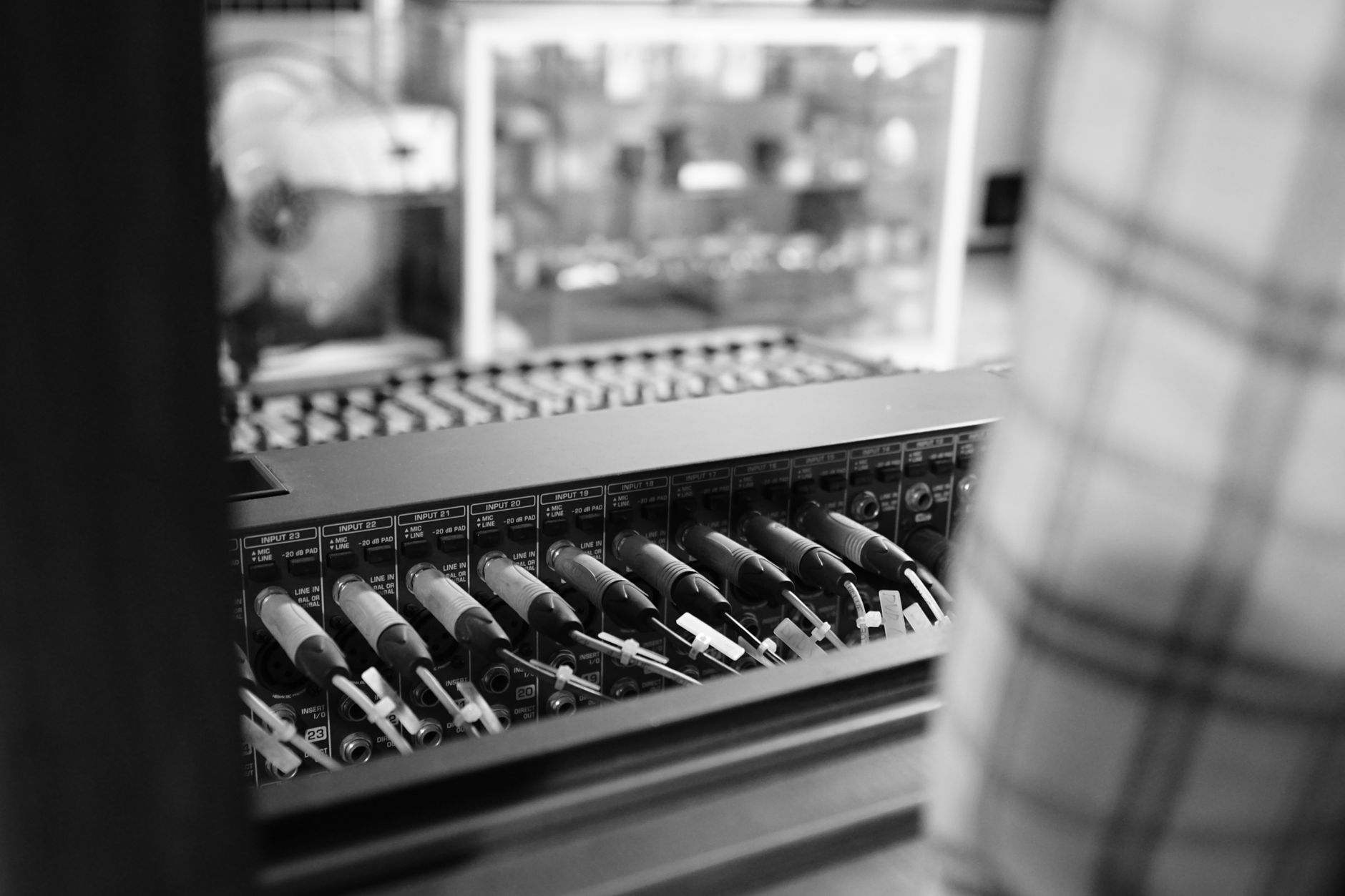 Photo: 將將 王 via Pexels
FL Studio’s step sequencer and piano roll are among the most copied in music software. The pattern-based workflow suits beat-making and electronic production natively, though recording live audio has improved significantly in recent versions. According to PreSonus and Avid internal survey data cited in trade publications, FL Studio consistently ranks as the most-used DAW among hip-hop and trap producers.
FL Studio Edition Breakdown
| Edition | Price | Track Limit | VST Support | Audio Recording |
|---|---|---|---|---|
| Fruity | $99 | Unlimited patterns | 64-bit VST3/VST2 | No live audio recording |
| Producer | $199 | Unlimited | Full | Yes |
| Signature | $299 | Unlimited | Full | Yes + bundled plugins |
| All Plugins | $499 | Unlimited | Full | Yes + complete bundle |
Workflow notes: FL Studio installs via a standard Windows installer; iL’s activation is online-based with three simultaneous activations. The Fruity edition’s audio-recording limitation is the most common gotcha for new buyers — if you plan to record vocals or instruments, start at Producer. CPU load is modest on modern hardware; the 64-bit plugin bridge handles legacy 32-bit VSTs without crashing the host.
Free trial: A fully functional demo is available with project-save disabled.
Ableton Live: Best for Electronic Producers and Performers
Ableton Live’s Session View remains the only clip-launcher in a major DAW, making it the default choice for live electronic performance. Its Arrangement View handles linear recording normally. Expert consensus in publications like Sound on Sound consistently places it at the top for electronic and DJ-integrated workflows.
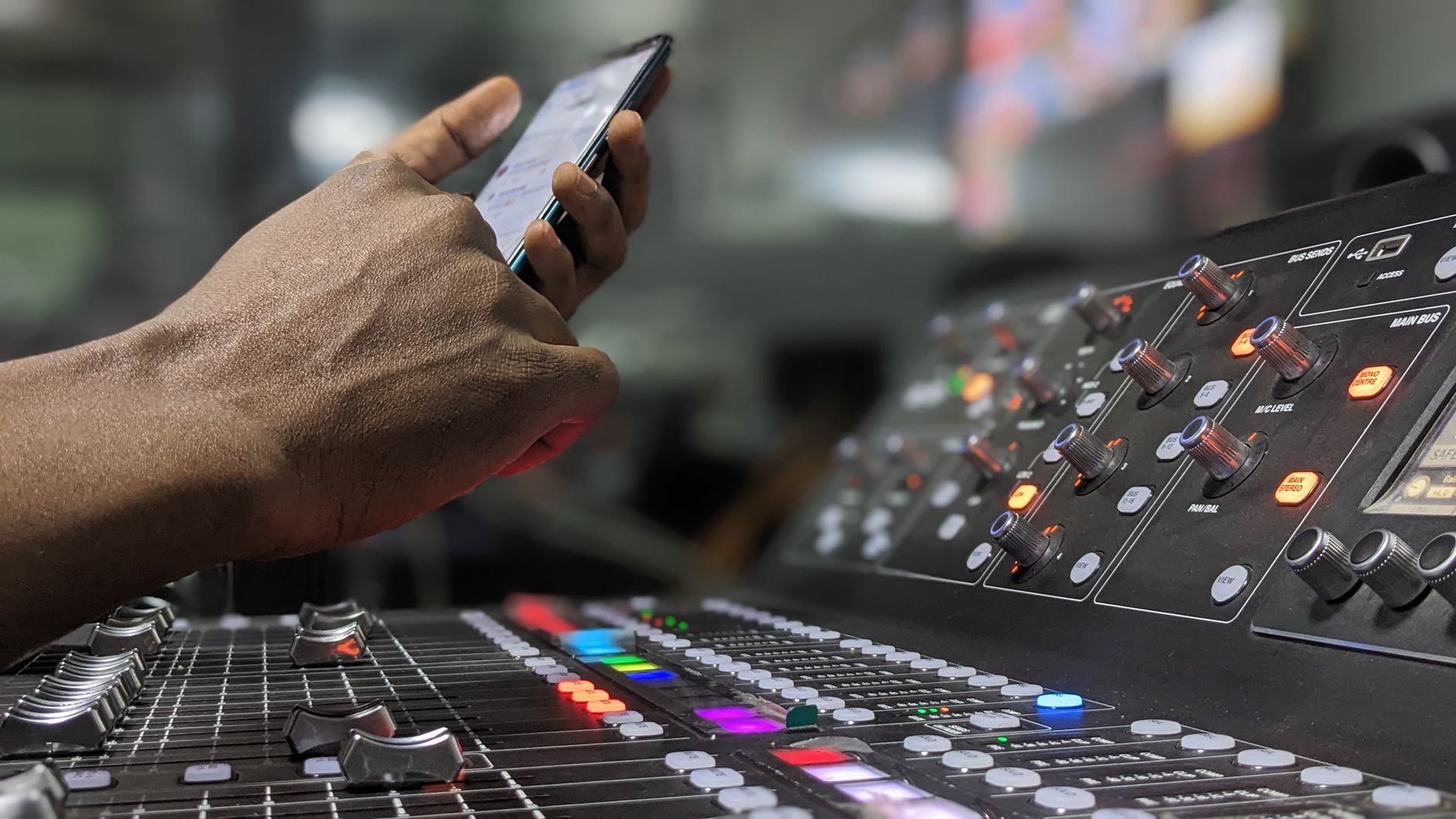 Photo: Isaiah Ekele via Pexels
Live’s dual-view system — Session for loop-based improvisation, Arrangement for linear composition — has no direct equivalent. Where FL Studio thinks in patterns, Live thinks in clips and scenes. This distinction matters for how you compose: FL Studio is better for building tracks from scratch in a bottom-up manner; Live is better when you discover ideas by looping and evolving them in real time.
Ableton Live Edition Comparison
| Edition | Price | Tracks | Max Instruments/Effects | MIDI CC Mapping | MaxforLive |
|---|---|---|---|---|---|
| Intro | $99 | 16 audio/MIDI | 1,500 devices included | Yes | No |
| Standard | $449 | Unlimited | Full library | Yes | No |
| Suite | $749 | Unlimited | Full + Max devices | Yes | Yes |
MaxforLive (bundled in Suite) opens Live to modular-style patching and community-built devices — it has no direct equivalent in FL Studio or Reaper. If you use hardware modular synths or want deep generative composition tools, Suite’s pricing becomes easier to justify.
Workflow notes: Live uses Challenge/Response activation via Ableton’s servers. According to Ableton’s published system requirements, Windows 10 (21H2) or Windows 11 is required for Live 12; 8GB RAM minimum, 16GB recommended for Suite. Live’s CPU metering is more conservative than most DAWs — it throttles before you hear artifacts, which is useful but can make your machine appear less powerful than it is.
Free trial: 90-day full trial available.
Studio One Pro: Best for Recording and Mixing
For producers who track live instruments and mix in the same session, Studio One Pro has the fastest record-to-mix pipeline of any major DAW on Windows. The drag-and-drop workflow between browser and timeline is genuinely faster than Ableton or Cubase according to multiple independent DAW workflow speed tests published by Produce Like A Pro and In The Mix.
Studio One started as a response to the complexity of Pro Tools and Cubase — its interface borrows the best ideas from both while adding drag-and-drop everywhere. The Project page handles mastering in the same application, eliminating export-and-reimport roundtrips. For singer-songwriters and bands recording at home, this matters.
Studio One Feature Table
| Feature | Studio One Free | Studio One Artist | Studio One Pro |
|---|---|---|---|
| Price | Free | ~$99 (perpetual) | $99.99/yr or $399.99 |
| VST3/VST2 Support | No | 3rd-party add-on | Yes |
| Track Limit | Unlimited | Unlimited | Unlimited |
| Melodyne Integration | No | Lite | Essential |
| Mastering Page | No | No | Yes |
Workflow notes: Studio One uses the Studio One account system for activation; three activations allowed. Third-party plugin support on the Artist tier requires a separate purchase — budget for this if you own existing VST plugins. CPU performance on Windows is well-documented in PreSonus’s own benchmark pages and consistent with user reports across GearSlutz and Reddit’s r/edmproduction.
Free trial: Studio One Free tier is fully functional with limited features, not time-locked.
Reaper: Best DAW for Windows on a Budget
At $60 for the discounted license, Reaper is the best DAW for Windows if budget is the primary constraint. It is not beginner-friendly by default, but its customizability is unmatched — every keyboard shortcut, toolbar, and menu item is configurable.
 Photo: Nishant Ghosh via Pexels
Reaper’s default install is approximately 15MB. That number is not a typo. It runs on hardware that would struggle with Live or FL Studio, making it relevant not just for budget buyers but for laptop producers who need a low-overhead session runner. According to Cockos’s published documentation, Reaper supports an unlimited number of tracks, effects, and MIDI items with no edition tiers.
The learning curve is real. Reaper ships without default keyboard shortcuts that match any other DAW, and its bare-bones default theme is visually spartan. The community-built SWS extension (free) is effectively mandatory and adds roughly 200 additional actions. Budget an afternoon for initial setup.
Workflow notes: Reaper’s license is self-policed — the $60 discounted license applies to individuals and small businesses under $20k/year revenue. Commercial users pay $225. There is no hard DRM enforcement beyond an honor system and a 60-day trial period. ASIO, WDM, and WASAPI are all supported; ASIO4ALL works for interfaces without native Windows drivers.
Cubase Pro: Best for MIDI Composition and Film Scoring
Cubase Pro has the most advanced MIDI editor and expression map system of any DAW on Windows, making it the go-to for orchestral template work and film scoring. Its Key Editor handles complex articulation switching that other DAWs require third-party scripts to replicate.
Steinberg invented VST, ASIO, and the modern MIDI editor — Cubase is the origin point for much of what other DAWs copied. The Expression Maps system lets you assign DAW-side keyswitches to articulation names, which is essential when working with large orchestral libraries like Spitfire or EastWest. Published workflow comparisons in Scoring Film forums consistently cite Cubase and Logic Pro as the top two scoring environments.
The price ($579.99 for Pro) is the main barrier. Elements ($99.99) and Artist ($329.99) exist, but the Expression Maps and Advanced MIDI features that justify Cubase are Pro-only. A 60-day trial of Cubase Pro is available directly from Steinberg.
Bitwig Studio: Best for Modular and Experimental Production
Bitwig’s modular signal routing engine — The Grid — allows synthesis and processing architectures impossible in any other listed DAW without third-party max-for-live patches. For hardware eurorack integration and experimental sound design, it has no direct competitor on Windows.
Bitwig runs on Windows, Mac, and Linux natively — the only major DAW with full Linux support, which matters to some producers with dual-boot setups. Its update model (12 months of updates included, then pay to extend) sits between FL Studio’s lifetime model and Ableton’s full repurchase cycle.
Software Comparison: Full Feature Table
| DAW | Platform | Formats | Price Model | Min RAM | Best For |
|---|---|---|---|---|---|
| FL Studio | Win / Mac | VST2, VST3, AU (Mac) | Perpetual + lifetime updates | 4GB (8GB rec.) | Electronic, hip-hop |
| Ableton Live | Win / Mac | VST2, VST3, AU (Mac) | Perpetual (no free upgrades) | 8GB | Electronic, live performance |
| Studio One Pro | Win / Mac | VST2, VST3, AU (Mac), AAX | Perpetual or subscription | 8GB | Recording, mixing |
| Reaper | Win / Mac / Linux | VST2, VST3, AU (Mac) | Perpetual (~3yr upgrade cycle) | 2GB | Power users, budget |
| Cubase Pro | Win / Mac | VST2, VST3, AAX | Perpetual + paid upgrades | 8GB | Scoring, MIDI composition |
| Bitwig Studio | Win / Mac / Linux | VST2, VST3 | 12-month update subscription | 4GB | Modular, experimental |
How to Choose: Decision Matrix
| If you… | Choose |
|---|---|
| Make beats, hip-hop, or trap | FL Studio Producer |
| Perform live with clips and loops | Ableton Live Standard/Suite |
| Record a band or vocalist and mix in the same session | Studio One Pro |
| Need maximum budget efficiency | Reaper |
| Score for film or TV with orchestral libraries | Cubase Pro |
| Use eurorack hardware or want modular signal routing | Bitwig Studio |
| Are a complete beginner with no budget | Studio One Free or Reaper (trial) |
→ See also:
FAQ
What is the best DAW for Windows for beginners? FL Studio Producer or Studio One Artist are the most beginner-accessible paid options — both have large tutorial communities and logical interfaces. For zero cost, Studio One Free provides a real DAW experience without a time limit, though third-party VST support requires an upgrade.
Does Pro Tools run on Windows? Yes, Pro Tools runs on Windows 10 and 11 with compatible audio hardware. Avid’s published compatibility chart lists specific certified interfaces; most ASIO-capable interfaces work in practice. Pro Tools is the industry standard in commercial studios but is less commonly used in home setups due to its subscription cost and hardware requirements.
Is Ableton better than FL Studio on Windows? Neither is objectively better — they are optimized for different workflows. FL Studio is faster for beat-making and pattern-based production; Ableton’s Session View is unmatched for live performance and clip-based composition. Based on usage surveys published by Plugin Boutique and Splice, FL Studio has a larger user base among Windows-only producers while Ableton leads among cross-platform users.
What DAW do most professional producers use on Windows? Based on producer interviews in publications like Future Music and interviews aggregated by Produce Like A Pro, FL Studio and Ableton Live are the most commonly cited in electronic genres; Cubase and Studio One appear most frequently among recording and mixing engineers. Pro Tools remains dominant in commercial recording studios, though its home-studio market share has declined.
Can I switch DAWs later without losing my work? Project files are not cross-compatible between DAWs. Audio files and MIDI files can be exported and imported; plugin settings cannot transfer between different plugin formats. The practical move when switching is to export stems (individual audio tracks) from your old DAW and reimport them into the new one. Most producers who switch DAWs maintain both installed for legacy project access.
Is Reaper good enough for professional use? Yes — Reaper is used professionally in post-production audio, podcast production, and by working musicians. Its routing flexibility and low CPU overhead make it a legitimate professional tool. The interface requires more initial configuration than competing DAWs, but the core audio engine is stable and well-regarded. Multiple commercial film and TV audio teams use Reaper according to case studies published on Cockos’s own forums and in Sound on Sound.
Does ASIO4ALL work with all Windows DAWs? ASIO4ALL works as a generic ASIO wrapper for Windows audio hardware that does not include native ASIO drivers. It is compatible with every major DAW listed here. According to manufacturer documentation for Focusrite, PreSonus, and Behringer interfaces, native ASIO drivers provided by the interface manufacturer will always outperform ASIO4ALL for latency — use native drivers when available, ASIO4ALL as a fallback for built-in soundcards.
Editorial methodology: Assessments are based on manufacturer specifications, published user reviews, and editorial research. Physical hands-on testing is noted explicitly where it occurred. Rankings reflect our editorial judgment and are not influenced by affiliate commission rates. Full editorial policy · Affiliate disclosure