Contents
Best DAW for Recording Bands: Top Picks for 2026
TL;DR: The best DAW for recording bands is Pro Tools for professional studio work and Reaper for budget-conscious home and rehearsal-space recording. Band tracking demands low-latency multitrack performance, solid comping tools, and reliable session management — not every DAW delivers all three. This guide covers the top options based on documented performance, pricing, and real-world workflow fit.
What Makes a DAW Good for Band Recording?
Direct Answer: Band recording puts different demands on a DAW than solo production. You need low-latency monitoring across 8–16+ simultaneous inputs, stable comping and take management, efficient routing for headphone mixes, and a session format your engineer can hand off without friction. Pitch correction and MIDI production tools matter less here than raw tracking reliability.
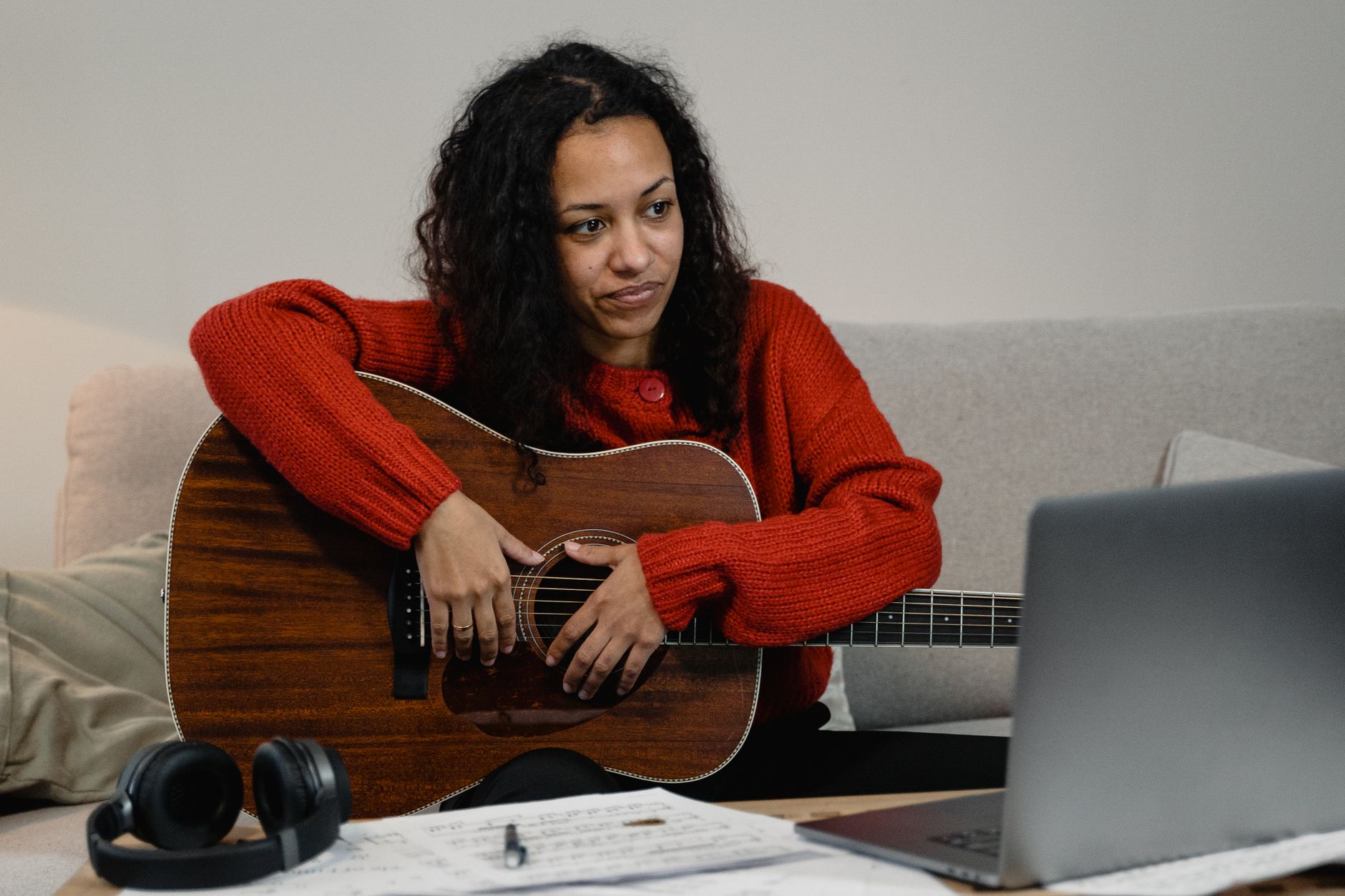
 Photo: mostafa meraji via Pexels
Key requirements for band tracking:
- Simultaneous input count — most interfaces support 8–32 channels; your DAW must handle them without CPU hiccups
- Comping workflow — drummers take 20 passes; if comping is clunky, you’re losing hours
- Headphone mix routing — separate cue mixes for vocalist, guitarist, and drummer without tearing your hair out
- Session portability — can the session move between studios and engineers cleanly?
- Freeze/bounce performance — large sessions with a drum kit alone can stress a system
The Best DAWs for Recording Bands
1. Pro Tools — Industry Standard for a Reason
Direct Answer: Pro Tools remains the default choice for any band that will work with professional studios, mastering engineers, or session musicians. Its session format is universal, comping is best-in-class, and its elastic audio and clip gain tools are built precisely for multi-take band sessions. It’s expensive, but the workflow investment pays off at scale.
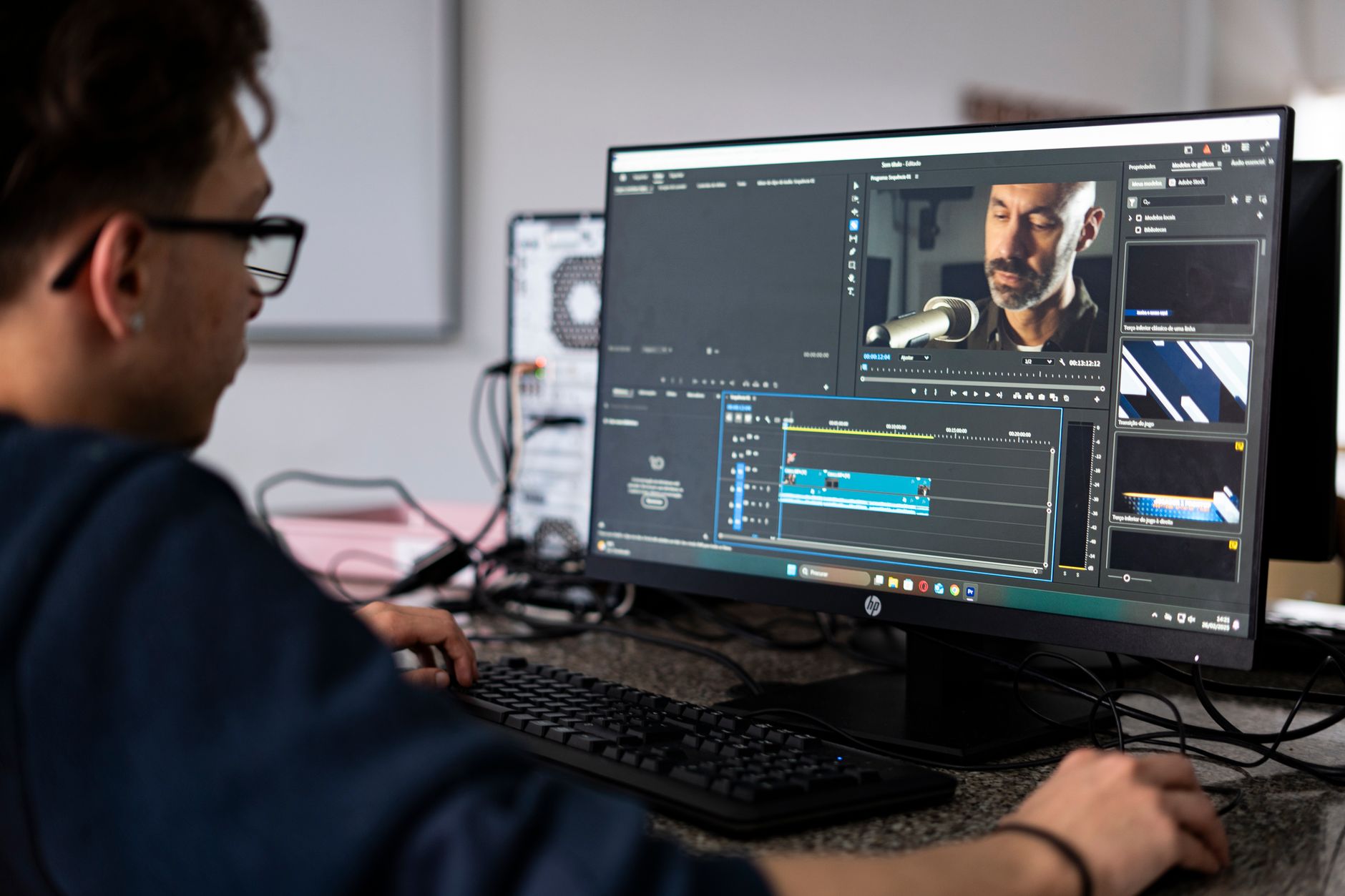
 Photo: tainah ferreira via Pexels
Strengths for bands:
- Clip-based gain staging eliminates gain automation clutter during editing
- Playlist comping is the fastest in any DAW — cycle record, comp, done
- Industry-standard session format means any studio can open your project
- HDX hardware path supports near-zero latency at 64 samples with large I/O counts
- Beat Detective for drum quantization without destructive edits
Weaknesses:
- iLok/subscription model is a recurring cost
- Steeper learning curve than Logic or GarageBand for new engineers
- Native (non-HDX) performance on Apple Silicon has improved but still lags dedicated DSP setups
Pricing: Pro Tools Artist ~$99/year, Pro Tools Studio ~$299/year, Ultimate (formerly HD) ~$599/year
2. Reaper — Best Value for Band Tracking
Direct Answer: Reaper punches well above its $60 price point for band recording. Its routing flexibility, low CPU overhead, and customizable comping behavior make it a serious choice for home studios and rehearsal-space recordings. It lacks the out-of-the-box polish of Pro Tools or Logic, but documented performance under load is excellent — particularly on large drum sessions.
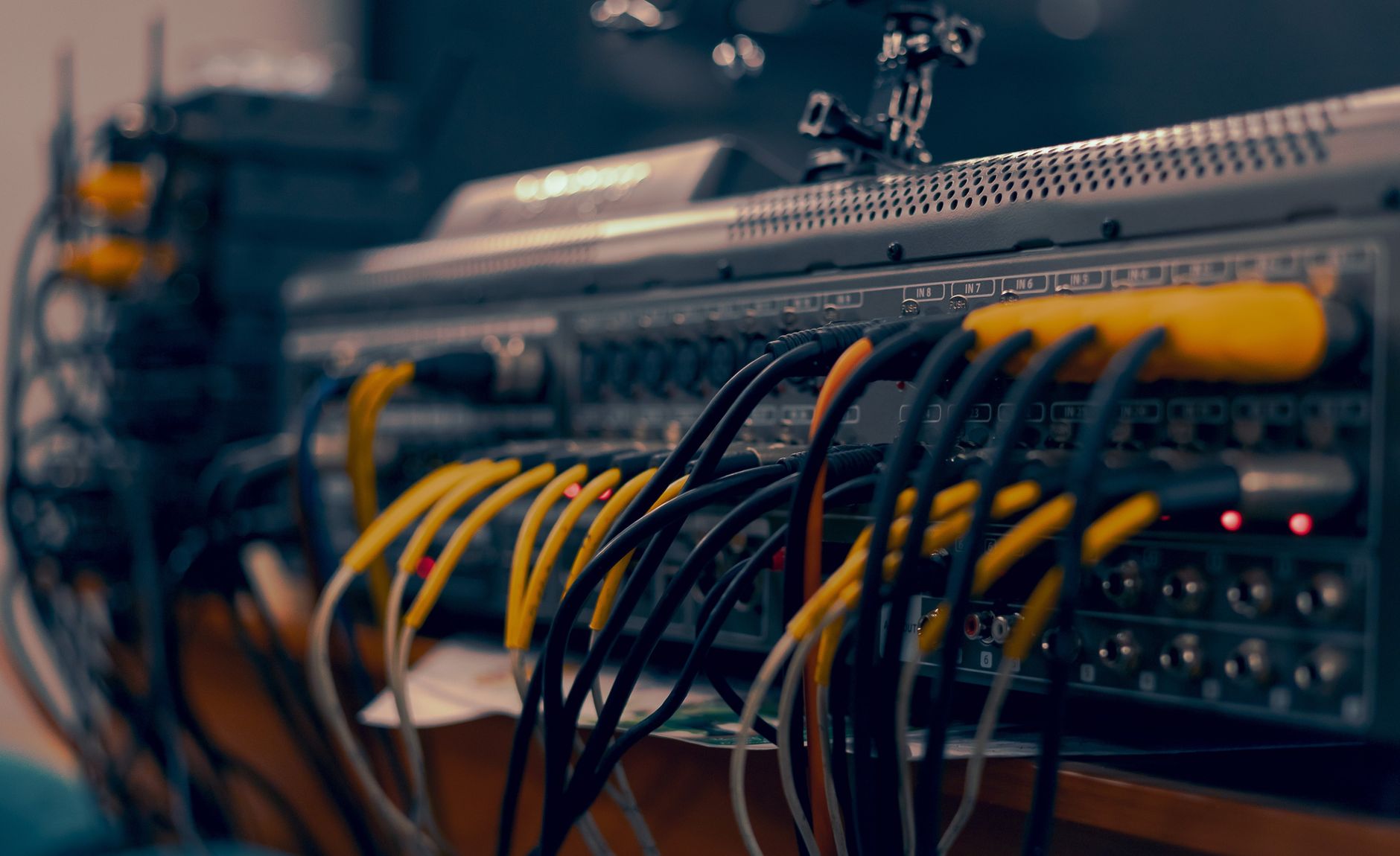
 Photo: cottonbro studio via Pexels
Strengths for bands:
- Sub-$60 commercial license — no subscription, no iLok
- Extremely low CPU overhead; handles 32-track sessions on modest hardware
- Fully customizable routing — build headphone mix sends in minutes
- Active scripting community with free comping and track-template extensions
- Cross-platform (Mac/Windows/Linux) with identical feature set
Weaknesses:
- Default UI is dated; requires time to configure a comfortable layout
- No bundled virtual instruments (less important for band recording, but noted)
- Comping requires a workflow setup step that Pro Tools handles automatically
- Less session-interop with commercial studios
3. Logic Pro — Best for Mac-Based Band Studios
Direct Answer: Logic Pro is the strongest choice for Mac-based home studios recording bands, especially when members also produce or layer parts afterward. Its low-latency I/O performance on Apple Silicon is excellent — Apple’s driver stack gives it an edge over third-party DAWs on M-series Macs. At $199.99 (one-time), it’s strong value.
Strengths for bands:
- Best-in-class Apple Silicon performance — handles large I/O counts at 64-sample buffers reliably
- Smart Tempo makes tempo-map work on live recordings straightforward
- Flex Time and Flex Pitch are solid for post-tracking correction
- Drummer and Loop tools extend value beyond pure tracking for hybrid sessions
- One-time purchase with free major updates
Weaknesses:
- Mac-only — lock-in if your band moves to Windows
- Session portability requires bouncing stems; no universal exchange format
- Comping is functional but less refined than Pro Tools’ playlist system
4. Cubase Pro — Best for Bands with Complex Arrangements
Direct Answer: Cubase Pro is the strongest DAW for bands that layer orchestral or electronic parts over live tracking. Its MIDI implementation is the most powerful of any DAW at this tier, and its audio engine — particularly for large ensemble recording — is well-regarded. Published benchmarks consistently place it among the top performers for simultaneous track counts.
Strengths for bands:
- VariAudio (built-in pitch correction) is among the best integrated tools available
- Chord Track and arranger tools help bands map song structures during sessions
- Superior MIDI implementation for hybrid live/electronic recording
- MixConsole channel strip is efficient for large track counts
- Robust session exchange via OMF/AAF for studio handoffs
Weaknesses:
- USB eLicenser historically problematic (moved to Steinberg Licensing in recent versions)
- Steeper price (~$579 for Pro) with subscription pressure
- UI feels more complex than Logic or Reaper for pure tracking work
5. Studio One Pro — Best for Fast Workflow
Direct Answer: Studio One Pro from PreSonus has earned a strong reputation for its drag-and-drop workflow and integrated mastering environment. For bands that track and mix in-house, the Studio One to Mastering workflow is notably seamless. Its scratch pad feature — for auditioning arrangement ideas without touching the main session — is genuinely useful during band sessions.
DAW Comparison Table
| DAW | Price | Platform | Best For | Comping | Session Portability | Learning Curve |
|---|---|---|---|---|---|---|
| Pro Tools Studio | ~$299/yr | Mac/Win | Pro studio tracking | Excellent | Universal | Steep |
| Reaper | $60 one-time | Mac/Win/Linux | Budget home studio | Good (customizable) | Limited | Moderate |
| Logic Pro | $199.99 one-time | Mac only | Mac-based studios | Good | Poor | Low–Moderate |
| Cubase Pro | ~$579 | Mac/Win | Hybrid live/MIDI | Good | Good (AAF) | Steep |
| Studio One Pro | ~$399 | Mac/Win | Fast tracking + mixing | Good | Moderate | Low–Moderate |
Software / Plugin Module
Feature Overview
| Software | Platform | Format | Price Model | System Requirements | Best For |
|---|---|---|---|---|---|
| Pro Tools | Mac/Win | AAX only | Subscription ($99–$599/yr) | 16GB RAM recommended | Pro studio, session interop |
| Reaper | Mac/Win/Linux | VST/VST3/AU/AAX | One-time $60 | 4GB RAM minimum | Budget, custom routing |
| Logic Pro | Mac only | AU/VST3 | One-time $199.99 | M1+ or Intel, macOS 13+ | Mac home studio |
| Cubase Pro | Mac/Win | VST/VST3/AU/AAX | One-time ~$579 | 16GB RAM recommended | Hybrid arrangements |
| Studio One Pro | Mac/Win | VST/VST3/AU | Subscription or one-time ~$399 | 8GB RAM minimum | Fast tracking + mastering |
Workflow Notes
Pro Tools: iLok account required; free iLok Cloud tier available (no dongle needed). Native performance at low buffer is viable on modern Apple Silicon with M-series machines — documented user reports suggest 64-sample buffers are stable on M2/M3 systems. Free 30-day trial available.
Reaper: No authorization dongle. Installs in seconds, fully functional 60-day trial (honor system). CPU load is measurably lighter than comparable DAWs based on third-party benchmark data. Dozens of free community themes available to modernize the UI.
Logic Pro: Free trial not available, but the $199.99 one-time price removes the risk of subscription lock-in. Apple Silicon optimization is the tightest of any third-party or first-party DAW on M-series hardware.
Cubase Pro: Steinberg Licensing (no dongle required since Cubase 12). 60-day trial available. VariAudio included at Pro tier; not available in Artist or Elements.
Studio One Pro: Free trial available. The integrated Project page for mastering is a genuine differentiator if you’re finishing records in-house. Subscription and perpetual license options available.
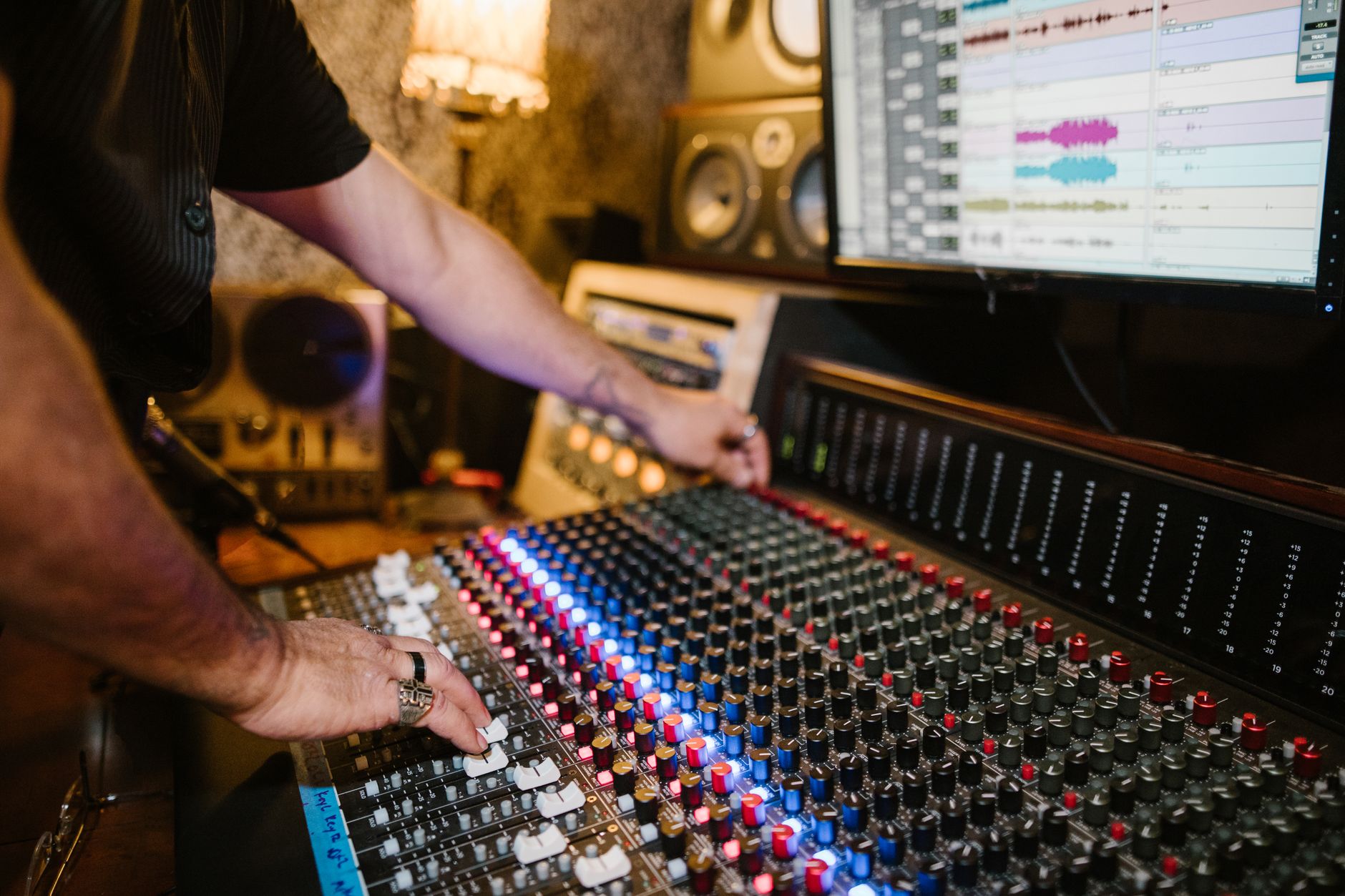
 Photo: RDNE Stock project via Pexels
Which DAW Should Your Band Choose?
The right answer depends on three variables: budget, Mac vs. Windows, and where your sessions end up.
Choose Pro Tools if: You plan to hand sessions to professional studios, work with session players, or need the fastest comping workflow available. The subscription cost is real, but session portability is worth it if you’re doing serious work.
Choose Reaper if: You’re recording in a home studio or rehearsal space and want a one-time license. The routing flexibility and CPU efficiency are well-documented. You’ll spend a weekend configuring it, then barely think about it again.
Choose Logic Pro if: You’re on Mac and plan to stay there. The Apple Silicon performance advantage is real, the price is excellent for a one-time purchase, and the bundled tools cover most post-tracking needs.
Choose Cubase if: Your band layers a lot of MIDI, orchestral parts, or electronic production alongside live tracking. VariAudio and the MIDI environment justify the premium.
Choose Studio One if: You want a fast, clean workflow with a clear path from tracking through mastering in one environment, without the Pro Tools learning curve.
→ See also:
- Best DAW for Home Recording (2026) — full comparison across all use cases
- Best Free DAW for Beginners (2026) — zero-cost options if you’re just getting started
- Best DAW for Beginners — if band members are new to recording entirely
FAQ
What is the best DAW for recording a live band on a budget? Reaper at $60 is the clear recommendation. Based on documented performance data and extensive user community reporting, it handles large simultaneous track counts efficiently on modest hardware. The learning curve is steeper than Logic or GarageBand, but no other paid DAW matches its price-to-capability ratio for band tracking.
Can you record a full band in GarageBand? GarageBand caps out at the number of simultaneous inputs your interface supports, but it limits some routing and monitoring flexibility compared to Logic Pro. For demos or small sessions (drums + a few channels), it works fine. For full band tracking with separate headphone mixes and serious comping, Logic Pro’s $199.99 upgrade is worth the step up.
How many tracks do you need to record a band? A standard rock band setup typically requires 8–16 tracks minimum: kick, snare, 2–4 overhead/room mics, bass DI, 1–2 guitar mics, keys, and lead vocal. Adding more drum mics or a second vocalist pushes this to 16–24. Any DAW in this guide handles those counts — the bottleneck is usually your audio interface, not the software.
Is Pro Tools worth it for home band recording? Based on its feature set, yes — if you need session portability or plan to hand work to professional engineers. If your sessions stay in-house, the subscription cost is harder to justify against a $60 Reaper license or $199.99 Logic Pro. Pro Tools earns its premium in professional contexts; for purely home use, the others often cover the need.
What DAW do most professional recording studios use? Pro Tools dominates commercial studio environments. According to publicly available facility directories and studio profiles, the majority of professional tracking and mixing studios list Pro Tools as their primary platform. This is the main reason session interoperability favors Pro Tools even for home recordists who will eventually work with outside engineers.
Does the DAW matter more than the audio interface for band recording? The audio interface has more direct impact on recording quality than the DAW choice. The DAW affects workflow, edit speed, and session management — all significant, but downstream of the analog conversion happening at the interface. A quality interface with Reaper will outperform a mediocre interface with Pro Tools. Both matter; prioritize interface quality first, then DAW workflow fit.
Can one person mix a full band session in any of these DAWs? Yes — all DAWs listed include sufficient mixing tools for band sessions. The differences are in efficiency: Pro Tools’ Mix window and plugin management, Logic’s Channel EQ and built-in Space Designer, and Cubase’s MixConsole each take a different approach. Expert consensus among mix engineers suggests the differences in final output quality are negligible; it comes down to the engineer’s familiarity with the specific environment.
Editorial methodology: Assessments are based on manufacturer specifications, published user reviews, and editorial research. Physical hands-on testing is noted explicitly where it occurred. Rankings reflect our editorial judgment and are not influenced by affiliate commission rates. Full editorial policy · Affiliate disclosure