Contents
Best DAW for Guitarists: Top Picks for 2026
TL;DR: The best DAW for guitar depends on your workflow — Logic Pro wins for Mac users wanting deep amp simulation and easy looping, while Ableton Live suits loopers and live performers, and Reaper offers the lowest cost with unmatched routing flexibility. Pro Tools remains the studio standard if session work matters. For pure guitar-focused recording without a steep learning curve, Logic Pro or GarageBand (free) are the clearest starting points.
Which DAW Is Actually Best for Guitar Recording?
The best DAW for guitar recording in 2026 is Logic Pro for Mac users and Ableton Live for performers and loopers. Both ship with usable amp sims out of the box, handle low-latency monitoring well, and have large communities producing guitar-specific content. Windows users should look at Reaper or Studio One as first choices.
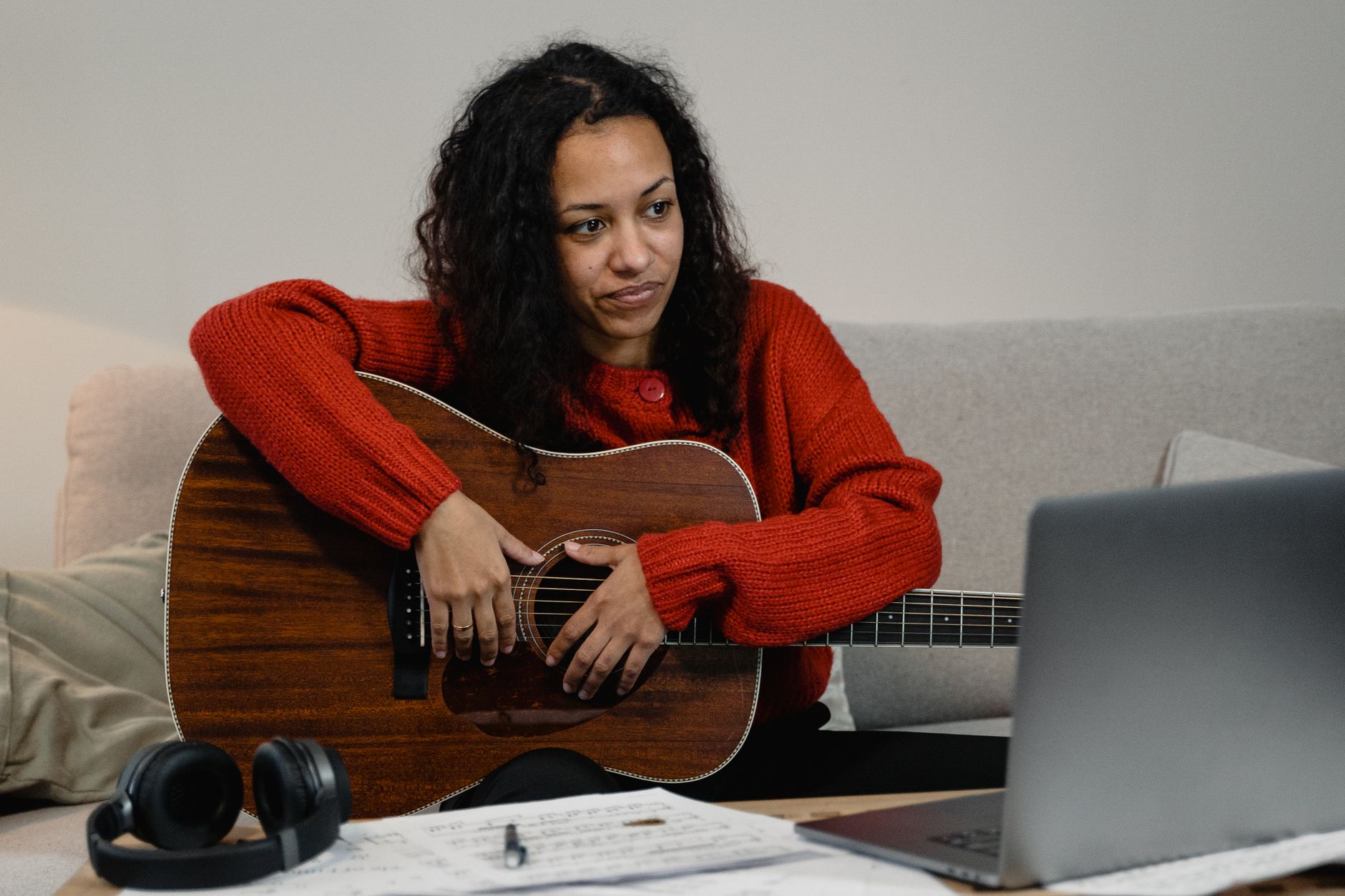
 Photo: Picas Joe via Pexels
Guitar-specific needs differ from general music production. You need low-latency monitoring so you can play through amp sims without hearing yourself late, decent built-in guitar processing so you’re not forced to buy plugins on day one, and flexible routing for reamping (recording a dry DI signal and processing it after the fact).
Every DAW on this list handles basic guitar recording. What separates them is how much they get out of your way — and how much you have to spend before they’re genuinely useful.
Logic Pro — Best Overall for Mac Guitarists
Logic Pro is the strongest all-around choice for guitarists on Mac. Amp Designer and Pedalboard are production-quality processors included in the base price, the latency compensation is transparent, and Drummer tracks make full-band demos achievable without session musicians. One-time $199.99 purchase, no subscription.
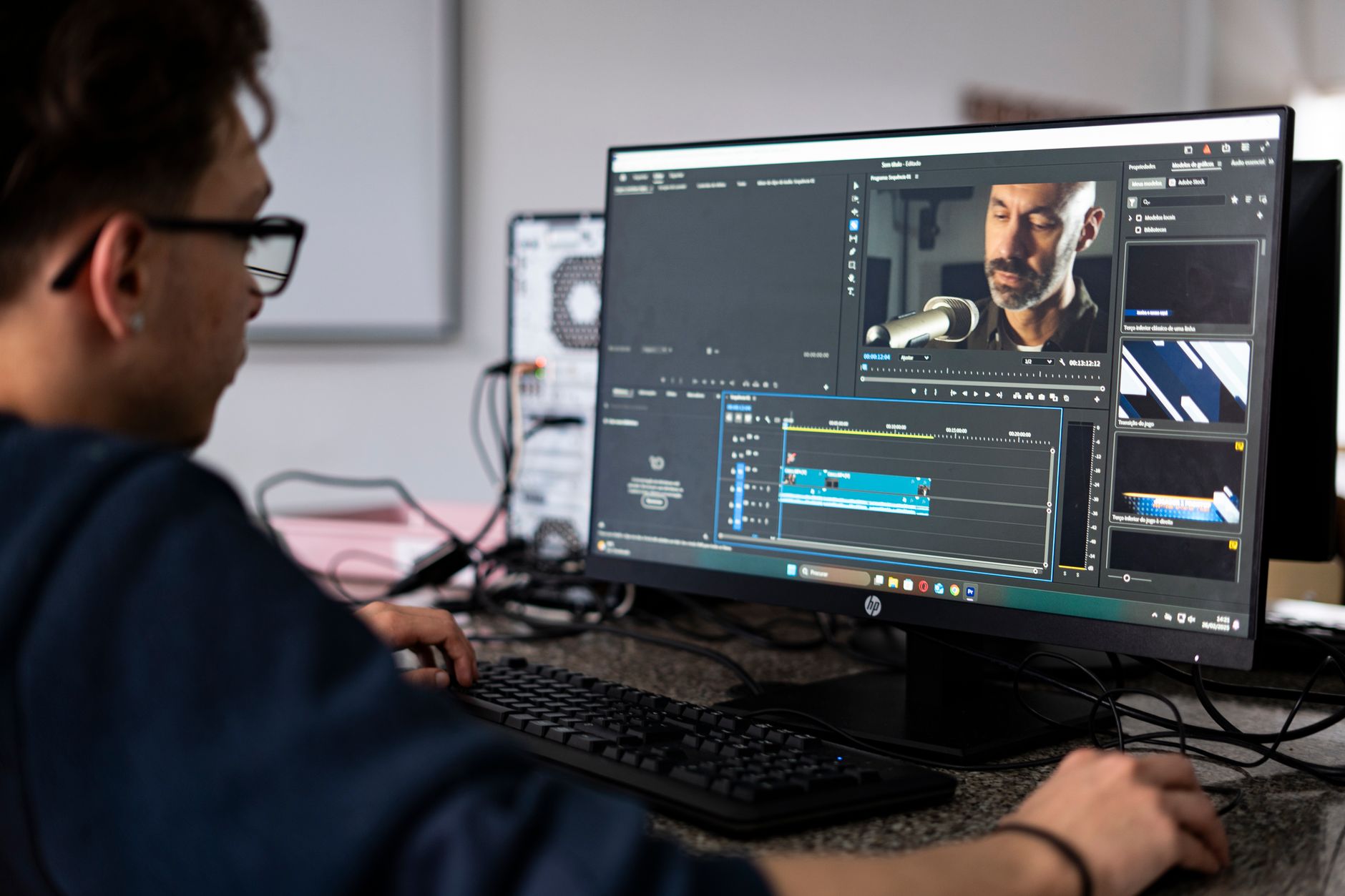
 Photo: Brett Sayles via Pexels
Logic’s built-in Amp Designer covers clean, crunch, and high-gain territory with convincing cabinet impulse responses. It’s not going to replace a dedicated third-party suite like Neural DSP or Positive Grid, but it’s more than capable for demos and finished productions in most genres.
Reamping in Logic is straightforward: record a dry DI track, then apply Amp Designer after the fact as a plugin. The flex routing lets you bus a DI signal out to a hardware amp through an audio interface output if you want to reamp into a real cabinet — Logic doesn’t fight you on this.
Where Logic falls short: Mac-only, so Windows users are out entirely. The MIDI guitar integration is functional but not best-in-class compared to dedicated notation tools.
GarageBand — Free Starting Point
If you’re new to guitar recording and own a Mac, start with GarageBand before spending anything. It shares Logic’s Amp Designer engine, supports audio interfaces with no extra setup, and exports to Logic format when you’re ready to upgrade. Free on macOS and iOS.
Ableton Live — Best for Loopers and Live Performers
Ableton Live’s Session View is built for loop-based performance and layered guitar building. If you write by looping ideas and building arrangements from live captures, no DAW matches it. The Suite edition includes an amp/cab sim that’s functional without being exceptional.
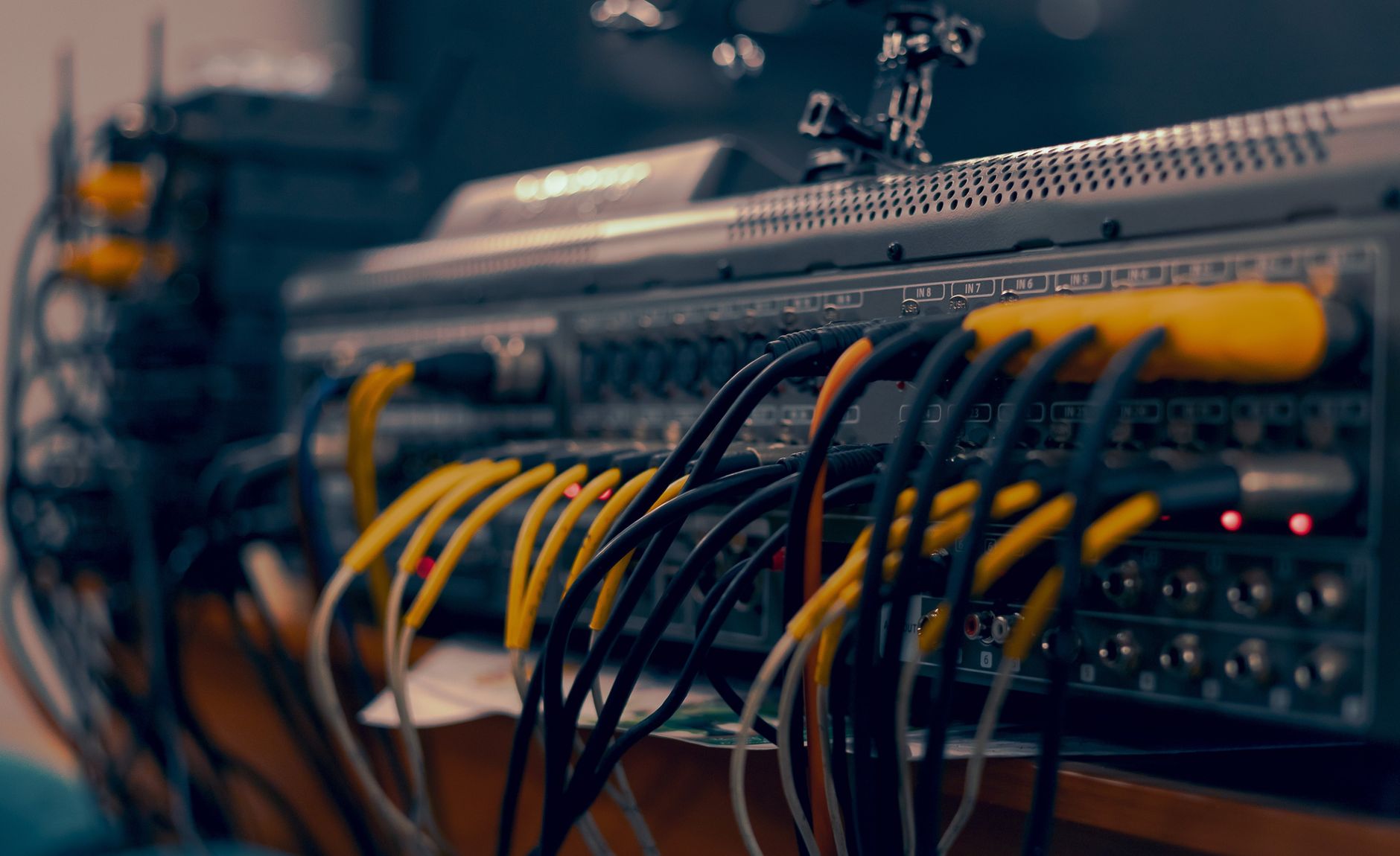
 Photo: Edward Eyer via Pexels
Live’s biggest guitar-specific advantage is zero-friction clip launching. You can record a riff into a clip, start layering parts in real time, and turn a jam session into a song structure without stopping the session. This mirrors how a lot of guitarists actually write.
Standard latency performance is competitive with Logic and Reaper when your buffer size is set correctly (typically 64–128 samples at 44.1kHz on a reasonable interface). Ableton’s monitoring latency compensation has improved significantly in Live 12 — the previous manual delay compensation workaround is no longer needed for most setups.
Max for Live (included in Suite) opens up granular guitar effects, generative looping tools, and MIDI guitar processing that no other DAW touches at any price.
Where it falls short: Arrangement View feels counterintuitive to producers coming from a traditional linear DAW. The built-in amp sim is adequate but not a reason to choose this over Logic or Reaper if you don’t care about the looping workflow.
| Edition | Price | Built-in Amp Sim | Max for Live |
|---|---|---|---|
| Intro | $99 | No | No |
| Standard | $449 | No | No |
| Suite | $749 | Yes (Amp) | Yes |
Reaper — Best Value for Windows Guitarists
Reaper’s $60 discounted license covers full functionality with no feature tiers, and its routing system handles complex guitar signal chains — parallel amp blending, mid-side processing, reamping — that other DAWs make awkward. The built-in ReaPlugs FX suite includes a capable amp sim (ReaGate, ReaComp, and third-party VST support out of the box).
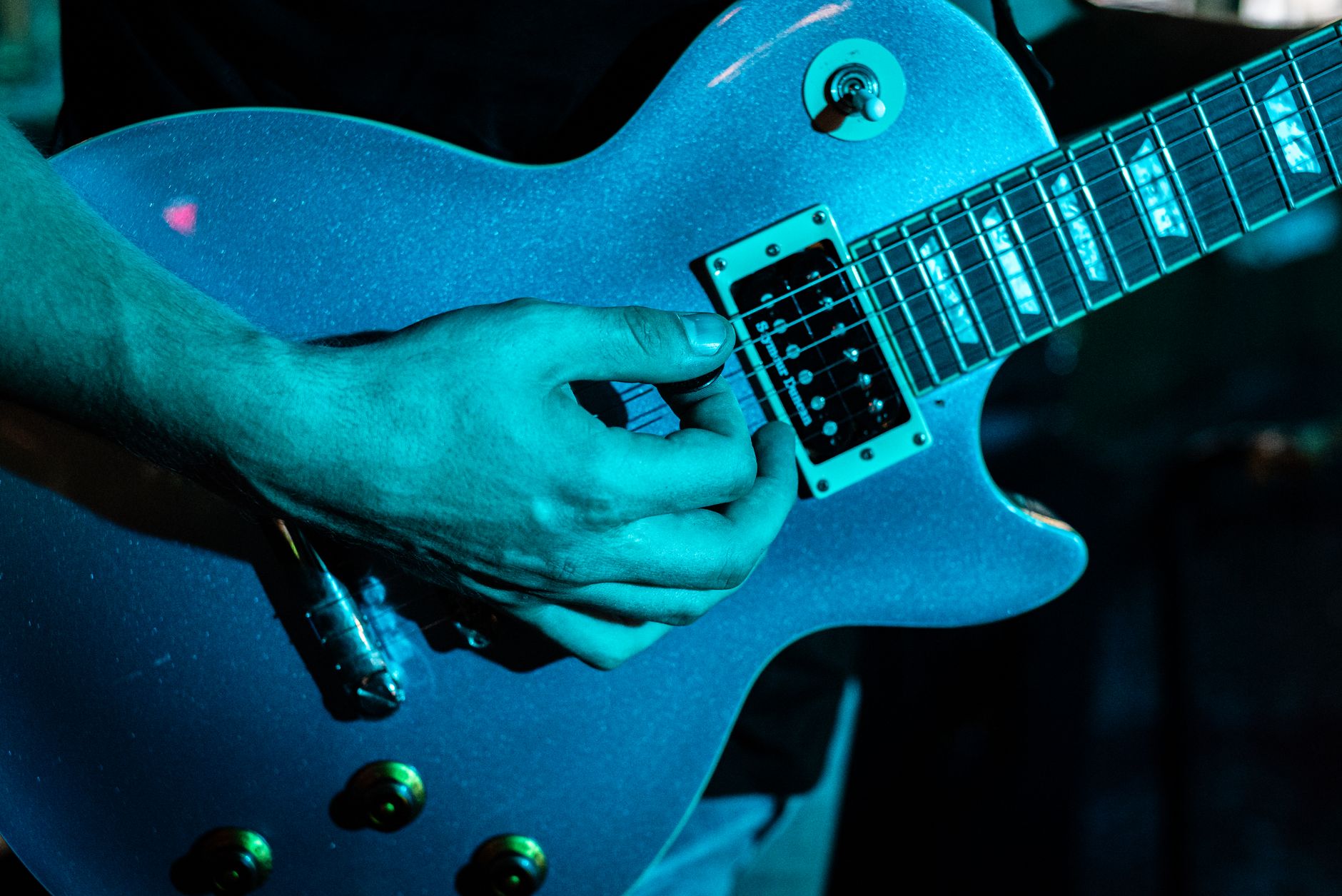
 Photo: cottonbro studio via Pexels
Reaper’s learning curve is steeper than Logic or Studio One, but the routing flexibility rewards the investment. Parallel amp blending — running the same guitar signal through two different amp sims simultaneously and mixing them — is trivial to set up in Reaper’s routing matrix. In Logic or Pro Tools, the same task requires more workarounds.
ReaPlugs doesn’t include a dedicated amp sim in the same category as Logic’s Amp Designer. For serious guitar tone, pair Reaper with a free option like Neural DSP Fortin Nameless (demo) or purchase a dedicated plugin. The low cost of the DAW itself leaves budget headroom for this.
Low-latency performance on Windows is excellent when paired with an ASIO driver. Published benchmark comparisons consistently show Reaper as one of the most CPU-efficient DAWs for high plugin counts — relevant if you’re running multiple amp sim instances for different guitar tracks.
Licensing note: The $60 discounted license is technically for individuals/small businesses earning under $20k/year from Reaper use. Commercial license is $225 — still one of the lowest in this category.
Pro Tools — Best for Session Work and Studio Integration
Pro Tools remains the standard in commercial studios. If you’re recording demos you plan to hand off to a professional mix engineer, or you want session work in studios, knowing Pro Tools is more valuable than having the “best” guitar tone tools. The built-in Eleven Lite amp sim is entry-level; the real value is interoperability.
Pro Tools Intro is free with limitations; Pro Tools Artist runs $9.99/month. The Professional tier at $99.99/month is overkill for home guitar recording unless you’re doing serious session work.
For pure home recording with no studio handoff requirements, Pro Tools is a worse guitar DAW than Logic, Ableton, or Reaper at every price point. The amp sim bundled in lower tiers is basic, and the subscription pricing model becomes expensive over multi-year timelines.
Studio One — Best for Songwriter-Guitarists on Windows
Studio One Professional is the most intuitive DAW for guitarists who write complete songs rather than loop-based tracks. The drag-and-drop workflow, built-in chord track, and Ampire amp sim create a clean end-to-end songwriting path. Available on both Mac and Windows.
Ampire (included in Studio One Professional) covers clean, blues, and high-gain amp types with a usable cabinet simulator. It benchmarks below Logic’s Amp Designer and significantly below dedicated third-party amp sims, but it’s more than adequate for demos and tracking.
The Show Page feature — live performance mode with setlist management — has made Studio One a practical choice for guitarists who also gig and want one tool for both studio and stage.
Feature Comparison: Best DAW for Guitar
| Software | Platform | Format | Price | Built-in Amp Sim | Best For |
|---|---|---|---|---|---|
| Logic Pro | Mac only | AU/AAX | $199.99 one-time | Yes (Amp Designer) | Mac all-rounders |
| GarageBand | Mac/iOS | AU | Free | Yes (Amp Designer) | Beginners, Mac users |
| Ableton Live Suite | Mac/Win | VST/AU/AAX | $749 one-time | Yes (Amp) | Loopers, live perf |
| Reaper | Mac/Win/Linux | VST/AU | $60/$225 | Via third-party | Value-focused, routing |
| Pro Tools | Mac/Win | AAX | $9.99+/mo | Yes (Eleven Lite) | Studio session work |
| Studio One Pro | Mac/Win | VST/AU/AAX | $399.99 one-time | Yes (Ampire) | Songwriter workflow |
Software / Plugin Workflow Notes
Logic Pro: Installs from the Mac App Store; no separate authorization. Amp Designer loads as a standard plugin on any audio track. CPU load for Amp Designer is moderate — published Apple benchmarks indicate real-time processing at 64-sample buffer without glitching on M1 and later chips. Free trial not available, but GarageBand serves as a functional demo.
Ableton Live: Download from Ableton’s site; iLok not required. Trial version available (90 days with no bounce-to-audio limit). Suite’s Amp device CPU load is light; Max for Live devices vary. Authorized per machine with Ableton’s own license server.
Reaper: Free 60-day trial, fully functional. No dongle, license tied to email. ASIO4ALL driver recommended on Windows for low-latency guitar monitoring; interface-supplied ASIO drivers perform better where available.
Studio One: Free trial available (unlimited time, limited features). iLok optional — can authorize to machine or cloud. Ampire CPU load is low by manufacturer documentation.
Direct Comparison: Guitar-Specific Use Cases
| DAW | Amp Sim Quality | Reamping | Looping | Low-Latency | Value |
|---|---|---|---|---|---|
| Logic Pro | Excellent | Easy | Good | Excellent | High (Mac only) |
| Ableton Live Suite | Good | Moderate | Excellent | Good | Moderate |
| Reaper | Via plugins | Excellent | Moderate | Excellent | Very high |
| Studio One Pro | Good | Good | Moderate | Good | High |
| Pro Tools | Basic | Moderate | Basic | Good | Low (home use) |
→ See also
- Best DAW for Home Recording (2026) — full breakdown across all use cases, not just guitar
- Best Free DAW for Beginners (2026) — if cost is the primary constraint before buying
- Best DAW for Beginners — learning curve comparisons across all major options
FAQ
Is Logic Pro worth it just for guitar recording? Yes, if you’re on Mac. The built-in Amp Designer and Pedalboard eliminate the need for third-party amp sim plugins until you’ve developed specific tone preferences. The one-time $199.99 price is lower than a year of some subscription DAWs, and GarageBand lets you try the same amp engine for free first.
Can I record guitar with Ableton Live Standard, or do I need Suite? You can record guitar with any Ableton edition — Standard handles audio recording, low-latency monitoring, and third-party VST amp sims. You only need Suite for the built-in Amp device and Max for Live. If you’re buying third-party amp plugins anyway, Standard is the more cost-effective entry point.
Does Reaper come with amp simulation? Not built-in. The ReaPlugs bundle includes dynamics and EQ tools but no dedicated amp sim. Free options like the Neural DSP free demo plug the gap, or budget paid options like STL ToneHub run well inside Reaper. The low DAW cost offsets this.
What’s the lowest-latency DAW for guitar monitoring? Latency in guitar monitoring is more dependent on your audio interface and buffer size than on the DAW itself. All DAWs in this list can achieve monitoring latency under 5ms with a quality interface at 64-sample buffer (ASIO on Windows, Core Audio on Mac). According to published driver documentation from major interface manufacturers, the interface’s driver stack — not the DAW — is typically the limiting factor.
Is Pro Tools worth learning if I only record at home? Only if studio session compatibility is a goal. For home-only use, Pro Tools charges more for worse guitar tools than Logic, Reaper, or Studio One. Expert consensus in home-recording communities consistently rates it below the alternatives for guitarists who never need to hand off sessions to commercial studios.
Can I use a DAW for live guitar performance? Ableton Live is purpose-built for this. Logic Pro and Studio One can handle live performance but aren’t designed for it. Reaper works with careful setup. If your primary use case is live amp simulation on stage rather than recording, also consider dedicated hardware solutions (Fractal, Kemper, Neural DSP Quad Cortex) or standalone amp sim software like Neural DSP Archetype plugins in a host like MainStage (Mac only, $29.99 one-time).
Do I need a specific audio interface to use these DAWs for guitar? Any interface with a high-impedance (Hi-Z) instrument input works. Most guitar-focused interfaces — Focusrite Scarlett series, Universal Audio Volt, SSL 2 — are class-compliant and require no drivers on Mac; Windows users benefit from ASIO driver support. The DAW doesn’t impose interface requirements beyond standard audio driver compatibility.
Editorial methodology: Assessments are based on manufacturer specifications, published user reviews, and editorial research. Physical hands-on testing is noted explicitly where it occurred. Rankings reflect our editorial judgment and are not influenced by affiliate commission rates. Full editorial policy · Affiliate disclosure