Contents
Best DAW for Home Recording (2026)
TL;DR: The best DAW for home recording depends on your OS, budget, and workflow — but Logic Pro leads for Mac users, Ableton Live for producers who perform live or make loops, and Reaper for anyone who wants professional results at a fraction of the cost. For Windows users without a clear pull toward one workflow, Studio One is the most complete all-rounder right now.
What Makes the Best DAW for Home Recording?
The best DAW is the one that stays out of your way. For home studios, that means low latency performance on consumer hardware, an intuitive recording workflow, solid stock plugins, and a price that doesn’t require a label deal. Ease of routing, MIDI editing quality, and how well the DAW handles audio comping separate the serious contenders from the also-rans.
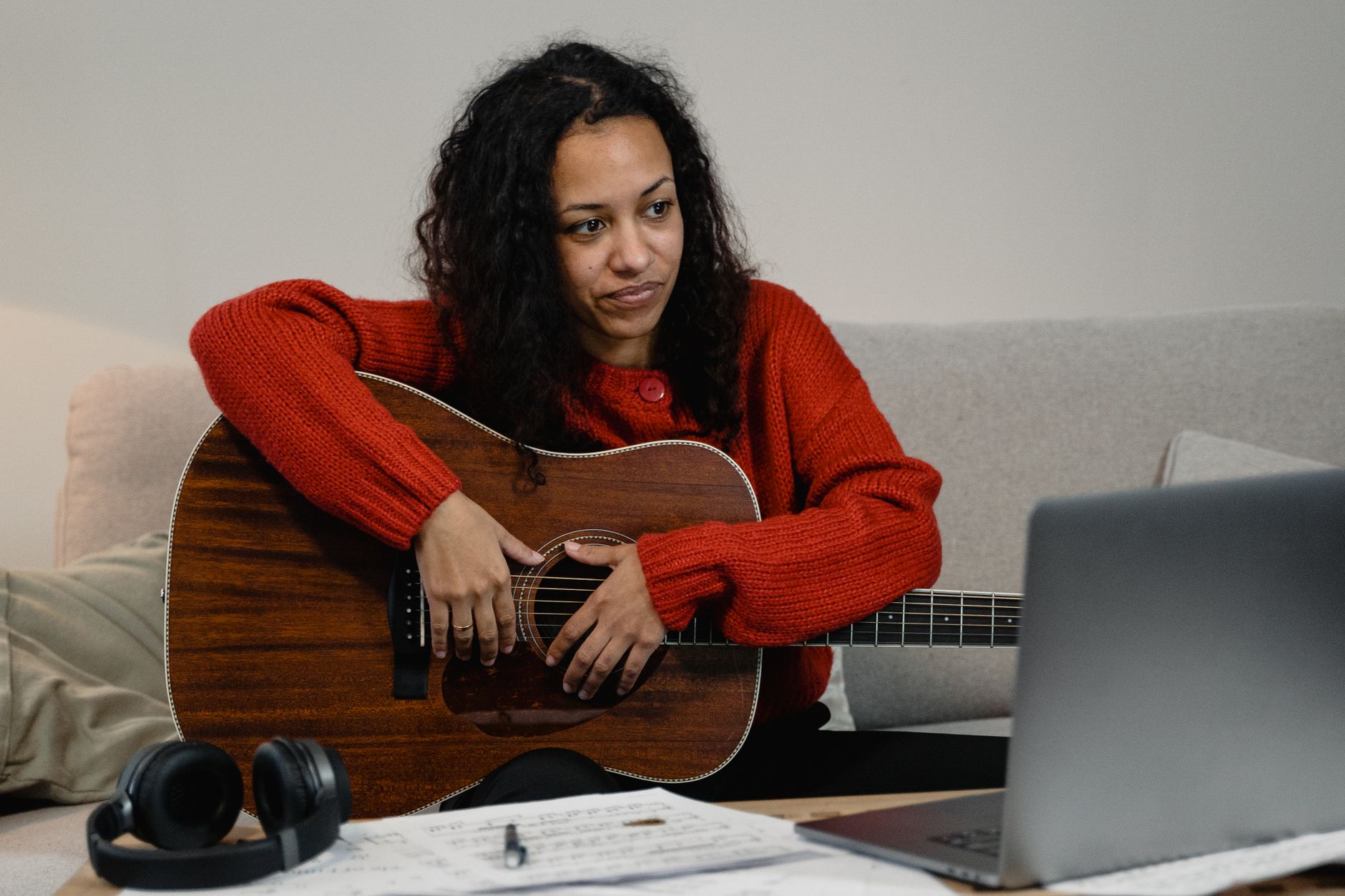
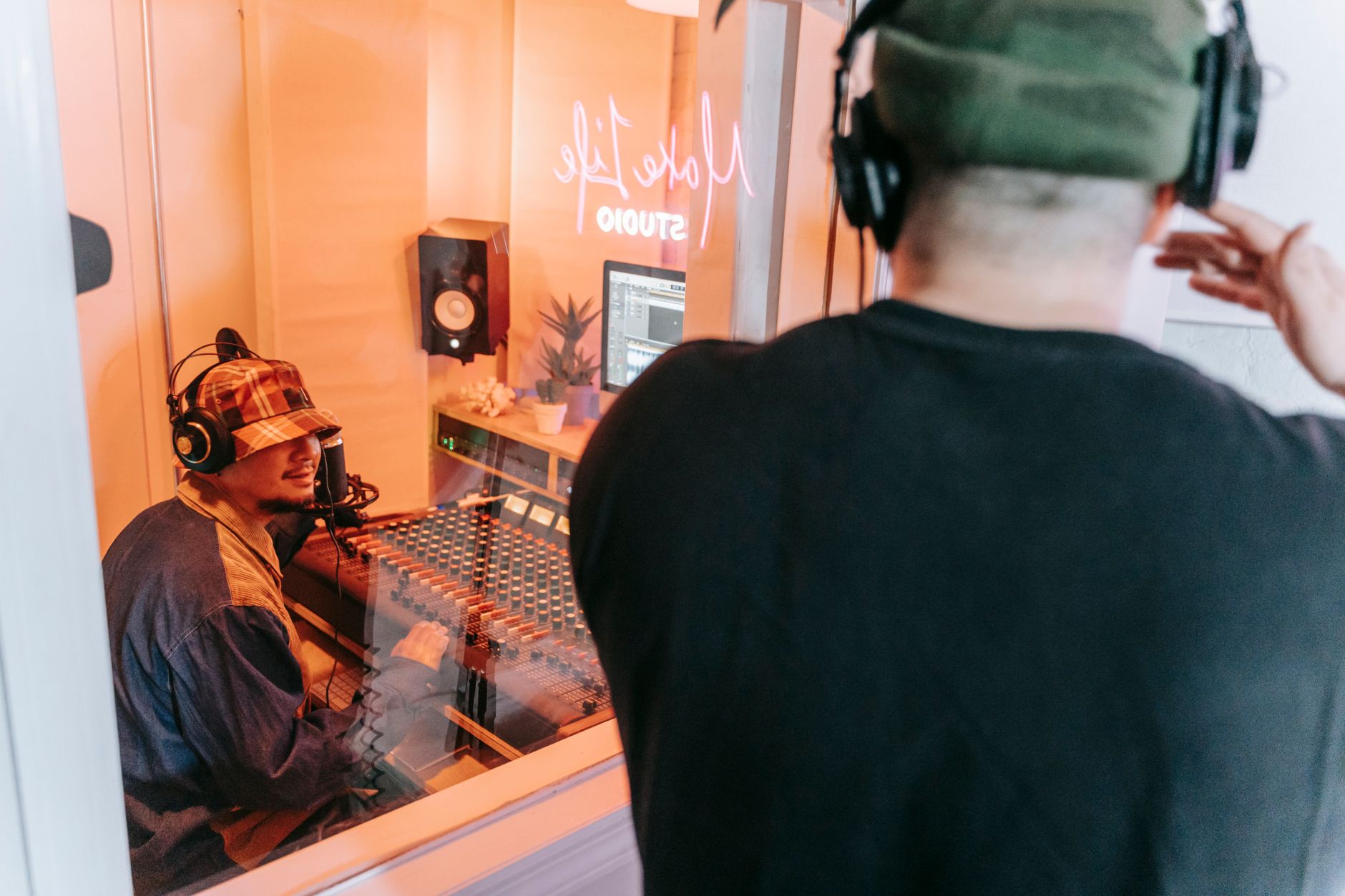 Photo: Anna Pou via Pexels
Every DAW on this list can record a vocal, edit a guitar take, and mix a full production. The differences come down to workflow philosophy: linear vs. session-based, MIDI-centric vs. audio-first, deep customization vs. opinionated structure. Those distinctions matter more than any spec sheet.
Criteria used in this evaluation:
| Criterion | Why It Matters for Home Recording |
|---|---|
| Latency performance | Consumer interfaces need efficient audio engines |
| Stock plugin quality | Reduces spend on third-party tools |
| MIDI editing depth | Essential for anyone using virtual instruments |
| Audio comping workflow | Core task for vocal and instrument tracking |
| Price / value | Home studio budgets are real constraints |
| Learning curve | Slower onboarding = slower output |
| Cross-platform support | Mac vs. Windows vs. both |
Logic Pro — Best DAW for Mac Home Studios
Logic Pro is the most complete DAW at its price point — period. At a one-time $199.99, it ships with a plugin library that would cost $1,000+ to replicate elsewhere: Vintage EQs, Space Designer convolution reverb, Alchemy synth, and Drummer — an AI drummer that responds to your arrangement. For Mac-only home producers, it’s the default-correct answer.
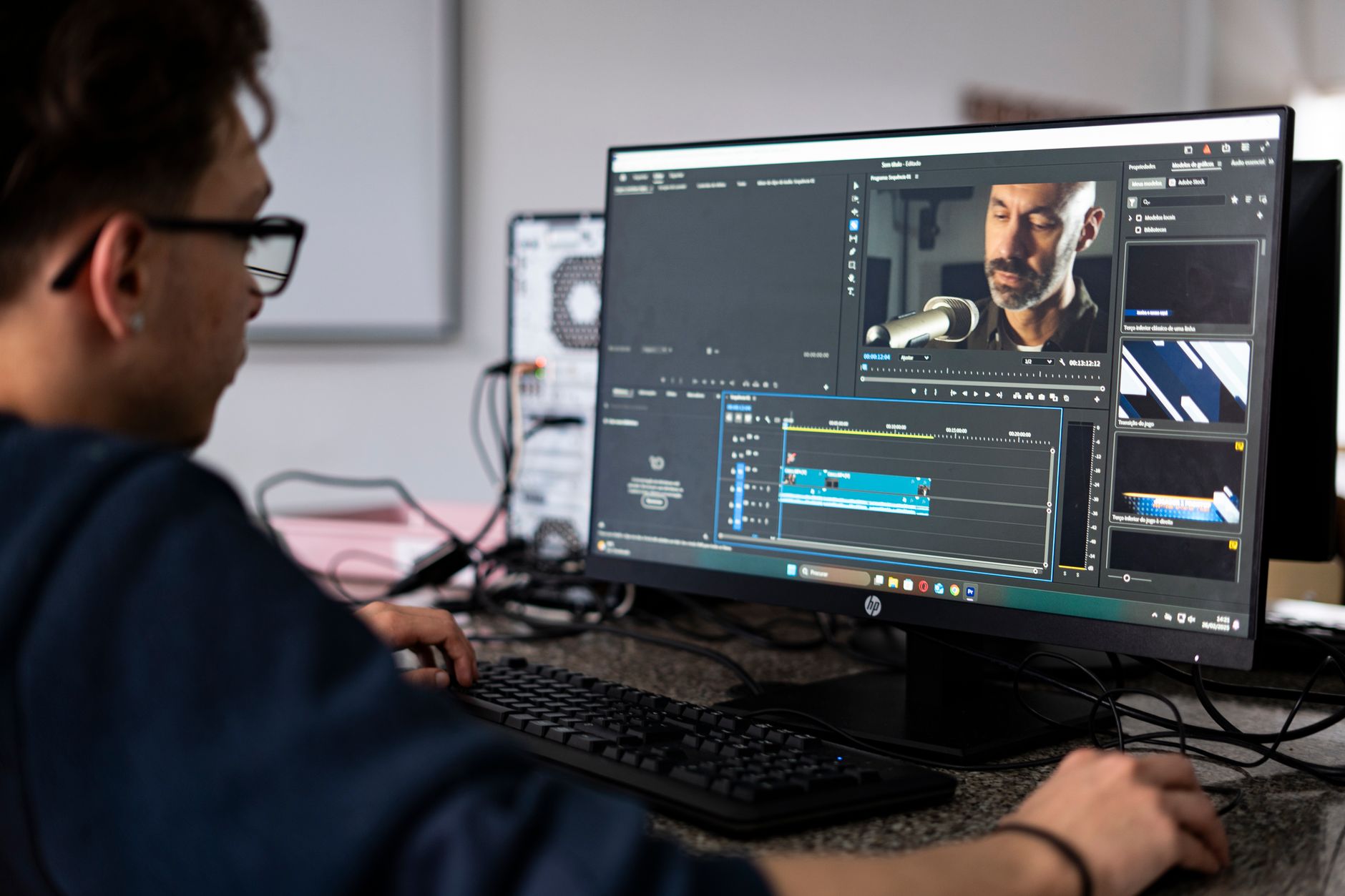
 Photo: cottonbro studio via Pexels
Logic Pro X is optimized at the driver level for Apple Silicon, with M-series Macs delivering near-zero latency buffer performance. The comping workflow (take folder system) is among the best in class — record multiple passes, swipe to comp the best phrases, and bounce to one clean track without any modal menus.
What Logic does exceptionally well:
- Flex Time and Flex Pitch for audio editing without leaving the arrangement
- Smart Tempo — drop in any audio and Logic maps the tempo automatically
- Drummer track + Drum Machine Designer covers beats without a sampler
- 70+ GB of sampled instruments and loops included
- Seamless GarageBand project import (Apple’s ecosystem flywheel)
Where it falls short: Logic is Mac-only — full stop. No Windows build, no cross-platform project portability with collaborators on other DAWs. And while the MIDI editor is solid, it doesn’t match the depth of Ableton’s MIDI Transform tools or the score editing of Sibelius/Finale for notation-heavy work.
| Spec | Detail |
|---|---|
| Platform | Mac only |
| Format support | AU (native), VST3 (macOS 13.6+) |
| Price | $199.99 one-time |
| System requirements | macOS 13.6+, Apple Silicon or Intel Mac, 6 GB storage minimum |
| Best for | Mac-based singer-songwriters, home producers, podcasters |
Ableton Live — Best DAW for Producers and Performers
Ableton Live is the best DAW for anyone who makes loop-based music, performs live, or wants to build tracks from samples and scenes rather than a traditional linear timeline. Its Session View — a grid of clips that can be triggered in any order — has no real equivalent in other DAWs, and its MIDI transformation tools are the best available anywhere.
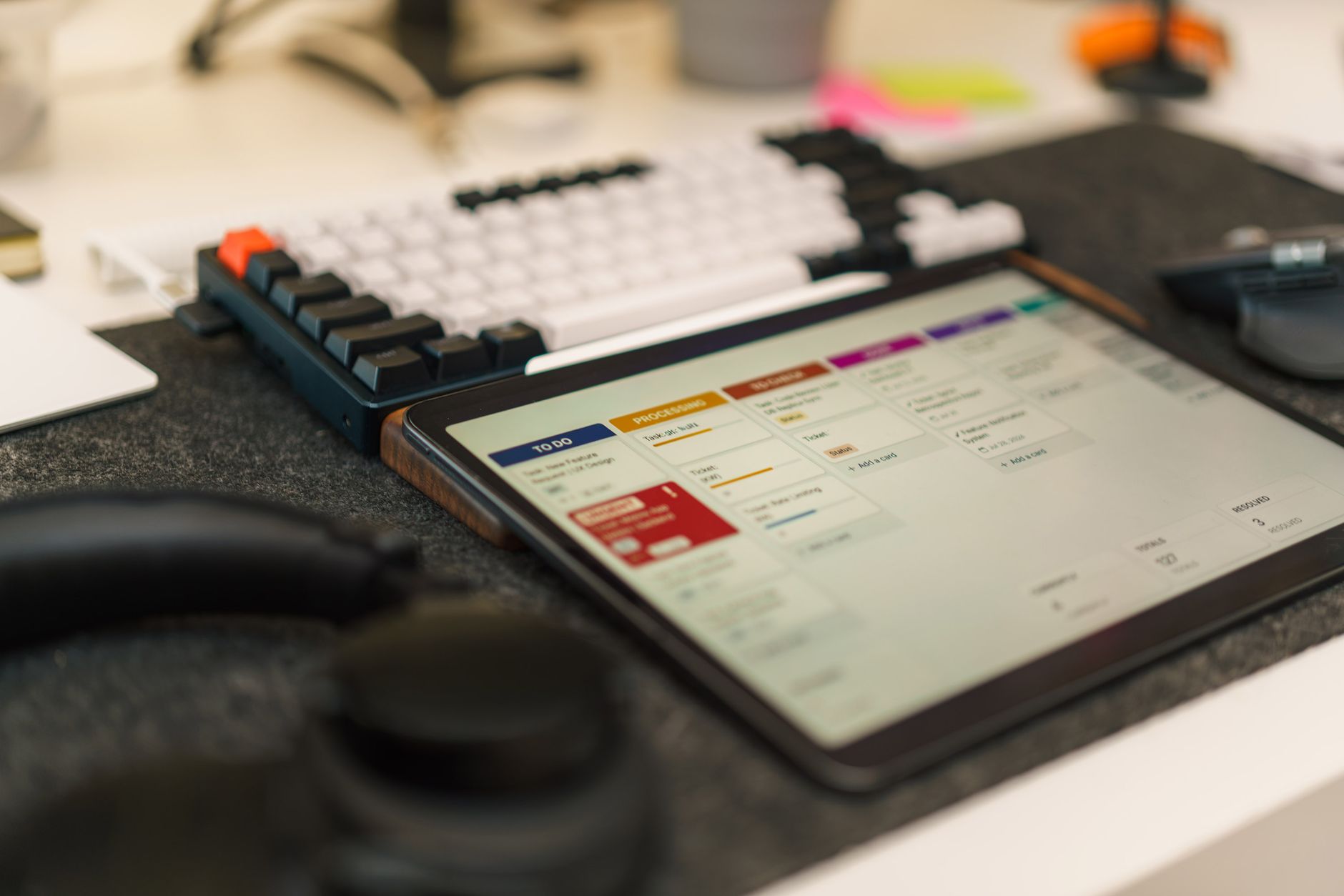 Photo: Jakub Zerdzicki via Pexels
Ableton Live comes in three tiers: Intro ($99), Standard ($449), and Suite ($749). For home recording with real instruments, Standard is the minimum viable entry point — Intro lacks the audio effect racks and comping tools you’ll actually use. Suite unlocks the full Wavetable synth, Meld, and the Max for Live integration that turns Live into an infinitely extensible environment.
The Arrangement View gives you the linear timeline you need for song structure, and you can move clips freely between Session and Arrangement — a workflow that encourages experimentation at the sketch stage, then refinement in the arrangement.
Where Ableton leads:
- MIDI probability, velocity randomization, and note chance parameters
- Warp modes for pitch/time manipulation that feel musical, not surgical
- Push 2/3 hardware integration is seamless — the deepest controller tie-in in any DAW
- Excellent for electronic production, beatmaking, sample-based composition
- Max for Live (Suite) extends the environment with community-built devices
Where it lags: Comping audio takes is genuinely worse than Logic or Studio One. The mixer is functional but not as ergonomic for mixing engineers who live in the channel strip. Stock plugin selection (non-Suite) is thinner than Logic’s.
| Spec | Detail |
|---|---|
| Platform | Mac and Windows |
| Format support | VST2, VST3, AU (Mac), AAX (not supported) |
| Price | $99 / $449 / $749 (Intro / Standard / Suite) |
| System requirements | macOS 11+ or Windows 10+, 8 GB RAM recommended |
| Best for | Electronic producers, live performers, beatmakers |
Studio One — Best All-Around DAW for Windows Home Studios
Studio One by PreSonus is the best all-around DAW for Windows-first home studios in 2026. Its drag-and-drop workflow is the most frictionless of any paid DAW, the Project page (mastering suite) is built in, and the audio comping tools rival Logic. Version 7 introduced AI-assisted separation and MIDI humanization that punch above what competitors charge for separately.
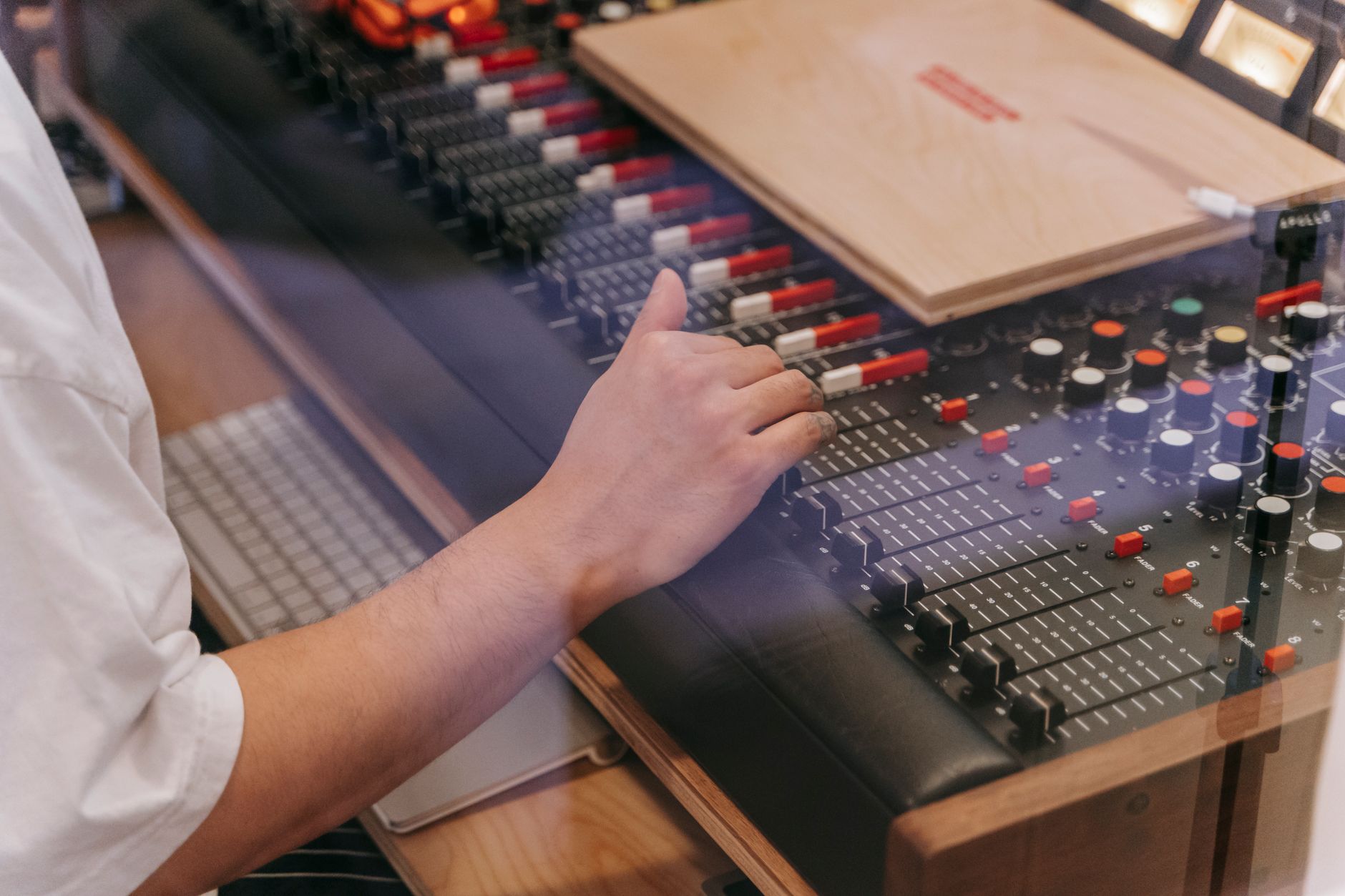 Photo: Anna Pou via Pexels
Studio One Professional is $399.95 as a perpetual license, with a subscription option at $14.99/month. The free “Prime” tier exists but is too restricted for real production work — no third-party plugin support. The Artist tier ($99.95) covers basic recording and works well for home studios that aren’t mixing with third-party plugins.
PreSonus bundles the Fat Channel XT channel strip, Ampire amp sims, and the Presence XT sample player — not as deep as Logic’s stock library, but solid enough to start.
Studio One standout features:
- Scratch pads: non-destructive arrangement experiments without duplicate tracks
- Project page: mix → master in one app with DDP/streaming export
- MIDI transform tools competitive with Ableton
- Strong VST3 implementation and low-latency ASIO performance on Windows
- Notion integration for score editing
| Spec | Detail |
|---|---|
| Platform | Mac and Windows |
| Format support | VST2, VST3, AU (Mac), AAX (not supported natively) |
| Price | $14.99/mo or $399.95 perpetual (Professional) |
| System requirements | macOS 11+ or Windows 10, 4 GB RAM minimum |
| Best for | Windows-based home studios, singer-songwriters, mixing-focused producers |
Reaper — Best Budget DAW for Home Recording
Reaper is the best DAW for home recording if your budget is the binding constraint — or if you want a deeply customizable engine that doesn’t force any workflow on you. At $60 for a discounted personal license (up to $20K revenue), it’s the lowest cost-to-capability ratio in the industry. Published user benchmarks consistently show CPU efficiency 20–40% better than equivalent sessions in Pro Tools or Cubase.
Reaper has no stock virtual instruments worth mentioning, and its default theme is utilitarian to the point of austerity. What it does have: one of the most efficient audio engines built, near-infinite routing flexibility via track sends and receives, a built-in JSFX scripting environment for custom processing, and a community that has built thousands of free scripts, themes, and extensions.
The ReaPlugs suite (free, runs outside Reaper too) covers metering, compression, EQ, and reverb at quality levels that match paid options.
Reaper is ideal for:
- Home studios on tight budgets who want professional routing depth
- Podcast and location recording workflows (lightweight, portable install)
- Engineers who want full control over signal flow
- Multi-format content creators (video scoring, ADR, broadcast)
What you give up: No real proprietary instruments or sample content. Steeper initial learning curve because Reaper doesn’t impose structure — you have to know what you want. The UI, even with community themes, requires investment to feel polished.
| Spec | Detail |
|---|---|
| Platform | Mac, Windows, Linux |
| Format support | VST2, VST3, AU (Mac), JS |
| Price | $60 (discounted) / $225 (commercial) |
| System requirements | Any modern OS, extremely lightweight (~20 MB install) |
| Best for | Budget-conscious home studios, location recording, advanced routing needs |
Pro Tools — Industry Standard Worth Knowing
Pro Tools remains the audio post-production standard, but for home recording it’s rarely the right first choice. Its strength — session compatibility with professional studios, ADC, and broadcast facilities — matters most when you’re handing off sessions or working professionally. For a home studio that stays home, the recurring cost and steeper hardware requirements are hard to justify over Logic or Studio One.
Pro Tools now ships as Pro Tools Artist ($9.99/month), Pro Tools Studio ($39.99/month), or Pro Tools Flex ($99.99/month). The free Pro Tools Intro tier limits tracks and plugins. The AAX plugin format means some third-party plugins aren’t available, though the major vendors (Waves, FabFilter, iZotope) all support it.
Pro Tools excels at audio editing precision — its Beat Detective, Elastic Audio, and Clip Gain tools are benchmark features borrowed by every other DAW. For home studios doing remote session work, voiceover, or audio-for-picture, the session compatibility argument has real weight.
| Spec | Detail |
|---|---|
| Platform | Mac and Windows |
| Format support | AAX only for audio plugins |
| Price | $9.99–$99.99/month (subscription) |
| System requirements | macOS 12+ or Windows 10, iLok required for Studio/Flex |
| Best for | Remote session work, audio post, professional collaboration |
FL Studio — Best DAW for Beatmakers and Producers
FL Studio is the dominant DAW in hip-hop, trap, and electronic production — not because it’s the most technically sophisticated, but because its pattern-based sequencer, Piano Roll, and lifetime free updates make it one of the best long-term value propositions in software. Producer Edition ($199) is the practical entry point; Signature Bundle ($299) adds Harmor, Gross Beat, and Parametric EQ 2.
FL Studio by Image-Line ships with a Piano Roll that most producers cite as the best available anywhere — deep enough for full orchestral MIDI editing, visual enough for beginners. The step sequencer is fast for drum programming. The pattern-based workflow differs from Logic or Studio One’s linear approach: you build patterns, then arrange them in the Playlist.
For live instrument recording, FL Studio works but isn’t its natural habitat. Recording a full band demo in FL is possible; it’s just more awkward than in a DAW designed around linear audio tracks from day one.
Lifetime free updates is the headline policy: pay once, own it forever including all future versions. No subscription, no upgrade path — just pay once and keep receiving updates.
| Spec | Detail |
|---|---|
| Platform | Mac (native Apple Silicon) and Windows |
| Format support | VST2, VST3, AU (Mac) |
| Price | $99–$499 (Fruity to All Plugins) |
| System requirements | macOS 10.15+ or Windows 8.1+, 4 GB RAM |
| Best for | Hip-hop and electronic producers, beatmakers, MIDI-heavy production |
DAW Comparison Table
| DAW | Price | Platform | Format | Best For | Learning Curve | Verdict |
|---|---|---|---|---|---|---|
| Logic Pro | $199.99 one-time | Mac only | AU, VST3 | Mac home producers, songwriters | Low–Medium | Best Mac value |
| Ableton Live Suite | $749 one-time | Mac + Win | VST2/3, AU | Electronic, live performance | Medium | Best for producers |
| Studio One Pro | $399.95 / $14.99mo | Mac + Win | VST2/3, AU | Windows studios, mixing | Low | Best all-rounder |
| Reaper | $60–$225 | Mac/Win/Linux | VST2/3, AU, JS | Budget, advanced routing | High | Best value |
| Pro Tools Studio | $39.99/mo | Mac + Win | AAX | Session work, post | Medium–High | Industry standard |
| FL Studio Signature | $299 one-time | Mac + Win | VST2/3, AU | Beatmaking, electronic | Medium | Best Piano Roll |
| Cubase Pro | $579.99 | Mac + Win | VST3, AU | MIDI composition, scoring | High | Best MIDI depth |
| GarageBand | Free | Mac only | AU | Absolute beginners | Very Low | Best free entry |
DAW Software Module
Feature Details
| Software | Platform (Mac/Win) | Format | Price Model | System Requirements | Best For |
|---|---|---|---|---|---|
| Logic Pro | Mac only | AU, VST3 | One-time $199.99 | macOS 13.6+, 6 GB storage | Mac-based home recording |
| Ableton Live Suite | Mac + Win | VST2, VST3, AU | One-time $749 | macOS 11+, Win 10+, 8 GB RAM | Electronic production |
| Studio One Pro | Mac + Win | VST2, VST3, AU | One-time $399.95 or $14.99/mo | macOS 11+, Win 10, 4 GB RAM | All-round home studio |
| Reaper | Mac/Win/Linux | VST2, VST3, AU, JS | One-time $60 | Any modern OS, ~20 MB | Budget studios, advanced routing |
| Pro Tools Studio | Mac + Win | AAX | $39.99/mo | macOS 12+, Win 10, iLok | Professional session work |
| FL Studio Signature | Mac + Win | VST2, VST3, AU | One-time $299 | macOS 10.15+, Win 8.1+ | Beatmakers, producers |
Workflow Notes
Logic Pro: Downloads from the Mac App Store — no iLok or separate license manager. Third-party AU plugins install to ~/Library/Audio/Plug-Ins/Components. Apple Silicon native; Rosetta not needed. CPU load on M-series chips is exceptionally low. Free 90-day trial available via Mac App Store.
Ableton Live: Requires an Ableton account for license management. VST3 support is solid from Live 11.1 onward. Push hardware connects via USB — no extra software needed. The 90-day free trial is full Suite minus save/export. Packs (additional instruments/sounds) are purchased separately from the DAW.
Studio One: License managed through My PreSonus account portal. ASIO performance on Windows is among the best of any DAW. Free Prime tier available with no time limit; upgrade to Artist or Professional unlocks third-party plugins. 30-day trial for Professional is available.
Reaper: Unrestricted 60-day evaluation — full feature, no nag until day 61. Install is portable (USB stick or Dropbox) — no system-level install required. JSFX effects are CPU-light. Extensive community scripts available at ReaPack (package manager, installable from within Reaper).
Pro Tools: iLok account required even for the free Intro tier; hardware iLok dongle required for Studio and Flex tiers. AAX plugin format means verifying compatibility before purchasing third-party tools. First-party Avid plugins are solid; Elastic Audio and Beat Detective remain industry benchmarks.
FL Studio: Image-Line account manages the license. Apple Silicon native as of FL Studio 21. The DAW ships with a very large set of stock samples and synths (ZGameEditor Visualizer, Harmor, Sytrus). No iLok or secondary license manager.
How to Choose: Decision Framework?
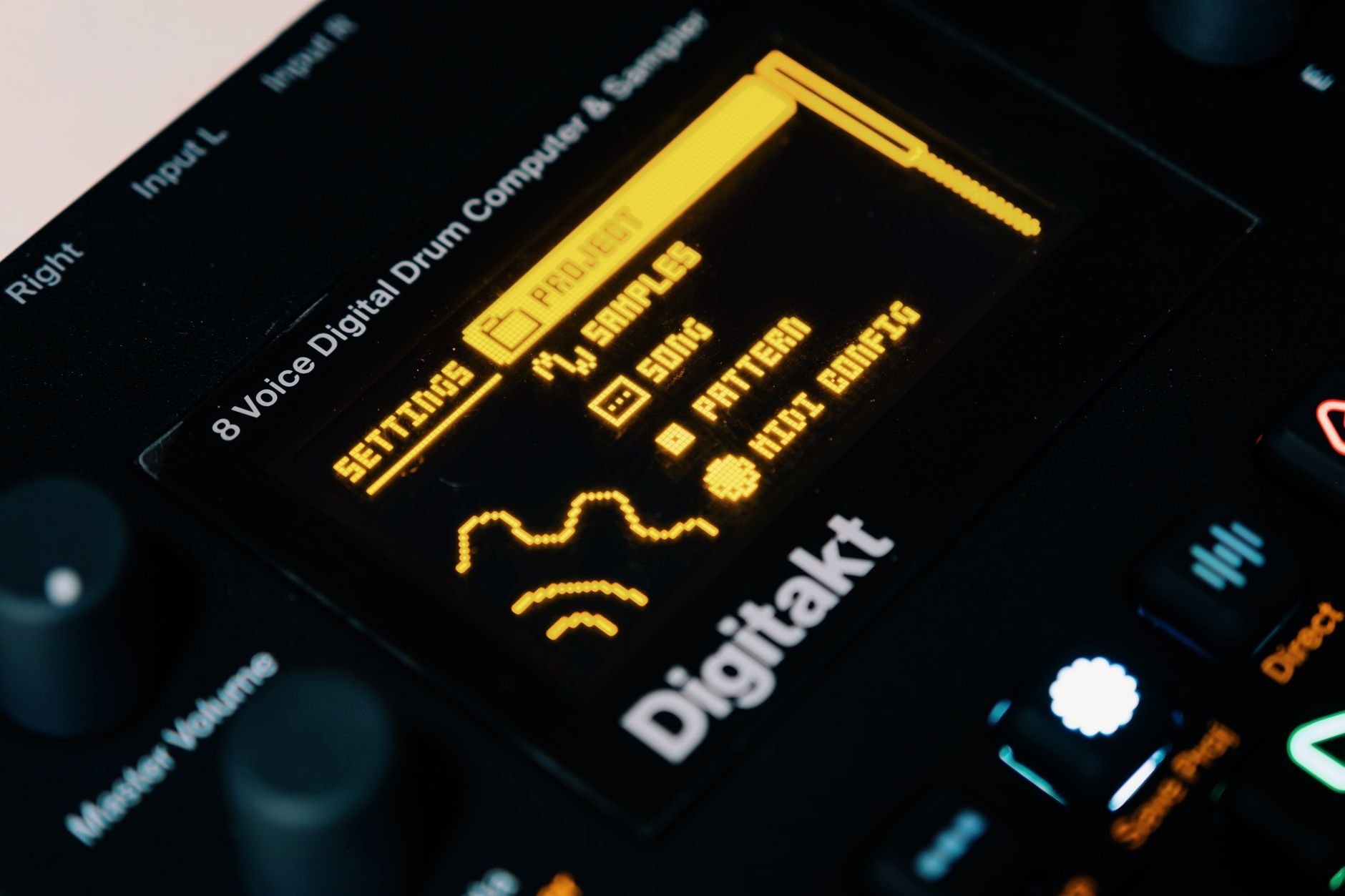 Photo: Egor Komarov via Pexels
Mac or Windows first. If you’re on Mac and want to stay there, Logic Pro is almost impossible to beat at $199. If you’re on Windows or want cross-platform flexibility, Studio One or Reaper are the two clearest picks depending on budget.
What do you mostly record? Live instruments (vocals, guitar, bass, drums) favor Logic, Studio One, or Pro Tools — their audio comping, take management, and punch-in/out workflows are built for this. Beats, samples, and synth-based production favor Ableton or FL Studio.
Budget reality:
- Under $100: Reaper ($60) or wait for a Ableton Live Intro sale
- $100–$300: Logic Pro (Mac) or FL Studio Signature (Mac/Win)
- $300–$500: Studio One Pro or Ableton Live Standard
- Subscription OK: Pro Tools Artist ($9.99) is genuinely capable for the price
Collaboration matters: If you’re sending sessions to a professional studio or working with session players who use Pro Tools, AAX compatibility and .ptx session format matter. For personal projects that stay in-house, it’s irrelevant.
Free DAWs Worth Knowing
GarageBand (Mac, free) is Logic’s little sibling — uses the same audio engine, supports AU plugins, and imports directly into Logic when you’re ready to upgrade. For anyone starting on Mac, there’s no reason not to begin here.
Cakewalk by BandLab (Windows, free) is a full-featured professional DAW with AAX plugin support and no meaningful feature restrictions. It’s an outlier — genuinely professional software at zero cost.
Tracktion Waveform Free (Mac/Win/Linux) offers unlimited tracks, VST3 support, and a clean interface. It’s a genuine starting point, not just a demo.
→ See also: Best Free DAW for Beginners (2026) | Best DAW for Beginners
FAQ
What is the best DAW for home recording overall? For Mac users, Logic Pro is the clear winner — unmatched value at $199 with a plugin library that covers most home studio needs out of the box. For Windows users, Studio One Professional offers the most complete workflow without a subscription. There is no single universal answer because OS, workflow, and genre genuinely change the right call.
Is a more expensive DAW better for home recording? Not necessarily. Reaper at $60 has a more efficient audio engine than Pro Tools at $39.99/month by most published benchmarks. What you pay for at higher price points is typically the stock content library, workflow polish, and for Pro Tools, session compatibility. Core recording and mixing capability is present across all major DAWs.
Can I switch DAWs later without losing my work? You can always export stems (printed audio tracks) from one DAW and import them into another. MIDI data exports via standard MIDI files. What you lose in a DAW switch is the session structure, automation, and any proprietary plugin settings — so the audio exists, but the session doesn’t transfer cleanly. Most producers stick with one DAW as their main environment for this reason.
Which DAW has the best plugins included? Logic Pro’s stock library is the most comprehensive at its price point — Space Designer, Alchemy, Vintage EQs, ES2, and the Drummer track cover most production scenarios without spending a dollar more. FL Studio’s Signature Bundle is a close second for synth depth (Harmor, Sytrus, Gross Beat). Ableton Suite’s instruments are excellent but the suite tier costs $749.
Is Ableton Live good for recording live instruments? Yes, but it’s not its strength. Ableton’s comping tools have improved in recent versions, and MIDI overdubbing is intuitive. For straightforward multitrack recording of live instruments, Logic, Studio One, or Pro Tools handle the workflow more naturally. Ableton shines when live instruments are combined with electronic elements, samples, and clips — hybrid sessions where you need both worlds.
Do I need a powerful computer to run a DAW? Entry-level modern hardware handles most home recording sessions without strain — a 2020 or newer Mac with Apple Silicon, or a Windows machine with a current-gen i5/Ryzen 5 and 8 GB RAM will run any DAW on this list. Complexity matters more than raw track count: heavy plugin use, large sample-based instruments, and high virtual instrument polyphony are what stress a system. Reaper is notably more efficient than average; Pro Tools and Cubase are historically heavier.
What’s the difference between a DAW subscription and a perpetual license? A perpetual license (Logic, Reaper, FL Studio, Studio One, Ableton) is a one-time payment — you own that version forever and pay for major upgrades optionally. A subscription (Pro Tools, Studio One with the monthly plan) requires ongoing payment but includes all updates and sometimes cloud features. For home studios on a long time horizon, perpetual licenses usually win on total cost. FL Studio’s lifetime free updates policy is the best long-term deal in the industry by a significant margin.
Which DAW is best for recording podcasts and voiceover? Reaper is the go-to recommendation in the podcast and broadcast community — lightweight, excellent routing, and a portable install that runs from a USB drive. Adobe Audition is the other common pick for spoken-word work, with strong noise reduction tools. Logic and GarageBand handle podcasting well for Mac users who want a single tool for music and speech. Pro Tools is used in professional broadcast facilities but is overkill for home podcast production.
Editorial methodology: Assessments are based on manufacturer specifications, published user reviews, and editorial research. Physical hands-on testing is noted explicitly where it occurred. Rankings reflect our editorial judgment and are not influenced by affiliate commission rates. Full editorial policy · Affiliate disclosure