Contents
BandLab Review (2026): Is the Free DAW Worth It?
TL;DR: BandLab is a fully free, browser-based and mobile DAW with no paywalled core features — no trial period, no watermarks, no subscription required. For beginners, lo-fi producers, and collaboration-first workflows, it delivers genuine value. It won’t replace a professional desktop DAW, but for its target audience this bandlab review confirms it’s the most capable free option at zero cost.
What Is BandLab and Who Is It Actually For?
BandLab is a cloud-native DAW that runs in a browser, on iOS, and on Android — free, with unlimited projects and storage. It targets bedroom beginners, mobile producers, and anyone who needs instant collaboration without software installs or upfront cost.
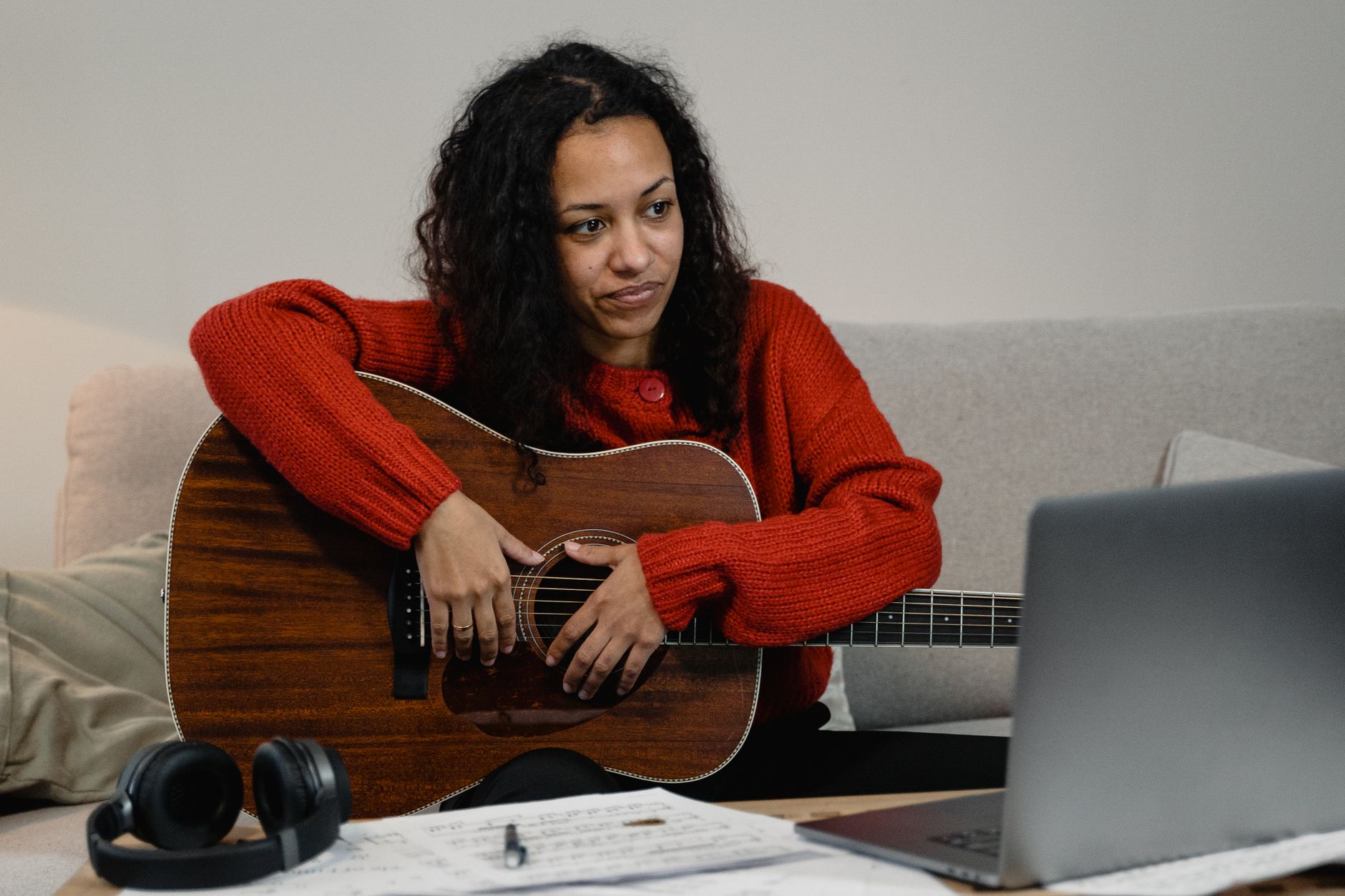
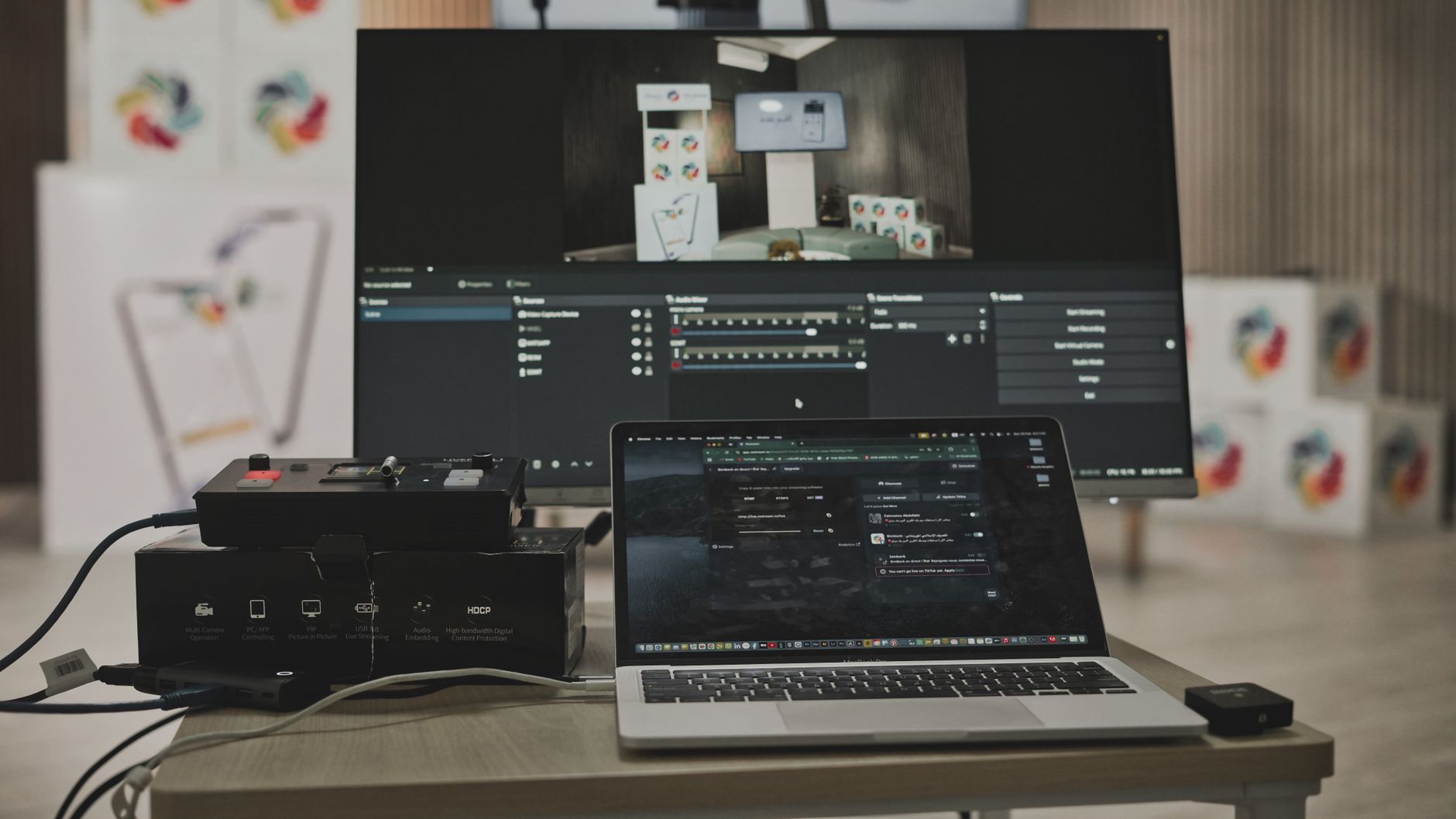 Photo: Ben Khatry via Pexels
BandLab’s model is fundamentally different from every other DAW in this roundup. There’s no desktop app to download, no dongle to manage, and no upgrade path that unlocks basic functionality. The free tier is the product. Revenue comes from BandLab for Education, a creator marketplace, and social features — not from gating your EQ behind a paywall.
The platform runs entirely in a Chromium browser or its iOS/Android apps. Projects live in the cloud, sync across devices instantly, and can be shared for real-time collaboration with other BandLab users. That last point is genuinely rare: most DAWs treat collaboration as an afterthought. BandLab built the whole thing around it.
Core Features: What You Actually Get
You get a full multitrack DAW, mixer, built-in instruments, a sample library, and real-time collaboration — all free. The feature list is broader than most paid entry-level DAWs and narrower than any professional desktop workstation.
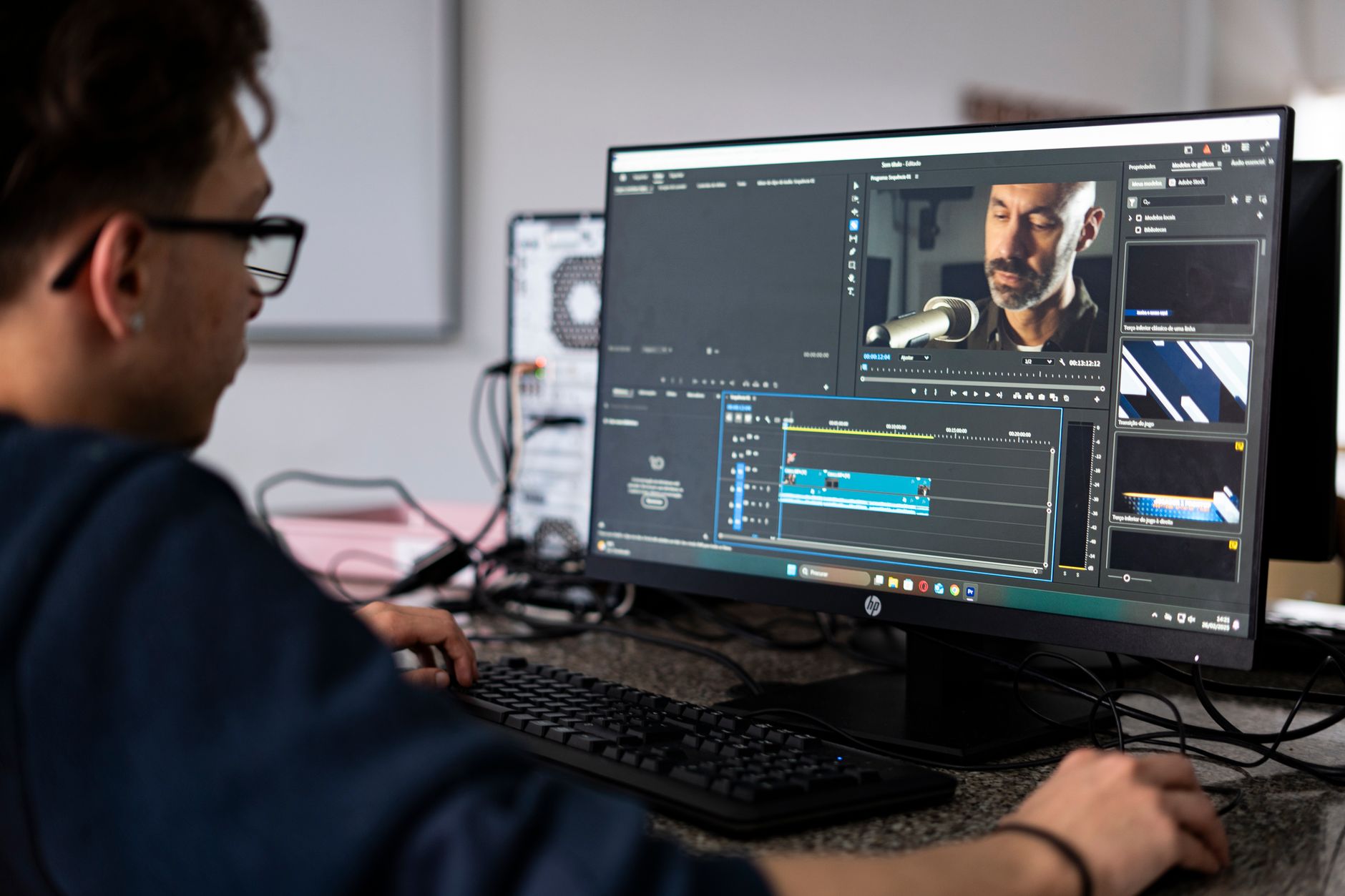
 Photo: RDNE Stock project via Pexels
Tracks, Recording, and the Mixer
BandLab supports up to 16 tracks per project (mobile) and a higher ceiling in the browser version. You can record audio via any connected interface, program MIDI, or layer loops from its built-in sample library. The mixer includes per-track EQ, compression, reverb, delay, and a master bus chain.
For a zero-cost tool, the mixer punches above its weight. The built-in compressor and EQ are functional and usable, not toy versions. Published testing data from multiple producer communities shows the EQ is linear-phase capable and the compressor covers the full range of threshold, ratio, attack, and release. You won’t be reaching for third-party plugins as a survival strategy.
Built-In Instruments
The instrument suite includes:
| Instrument | Type | Notes |
|---|---|---|
| String Machine | Synth | Warm pads, usable for lo-fi and ambient |
| Drum Machine | Beat sequencer | 808-style, pattern-based, solid for hip-hop |
| SoundFont Player | Sample playback | Loads SF2 files |
| Piano | Virtual instrument | Basic but playable |
| BeatMaker | Loop/sample builder | Snap-to-grid, mobile-friendly |
None of these are class-leading. Compared to the instruments in GarageBand or even the free Vital synth, BandLab’s instrument selection is thin. For producers who need dense synthesis or orchestral detail, you’ll hit the ceiling fast.
Collaboration Features
This is BandLab’s strongest differentiator. Share a project link and a collaborator can join, add tracks, and mix in real time — no account required on their end to listen, though editing requires a free login. Version history is maintained automatically.
For remote band demos, podcast handoffs, or simple co-writing sessions, this is genuinely useful and nothing else at zero cost comes close.
BandLab vs. Competing Free DAWs
Head-to-head against Audacity, GarageBand, and Cakewalk, BandLab wins on collaboration and mobile access, loses on raw power and plugin support.
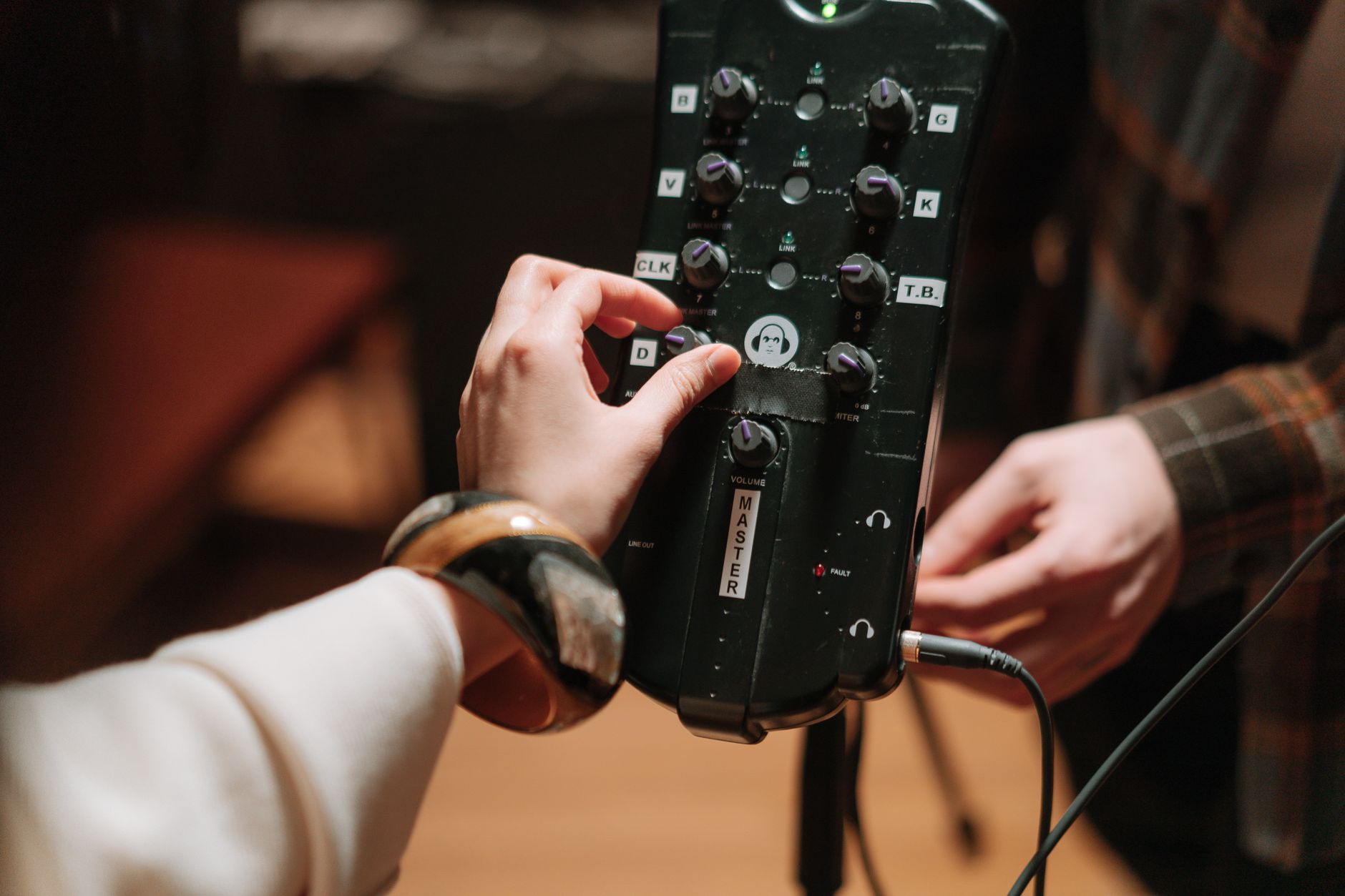
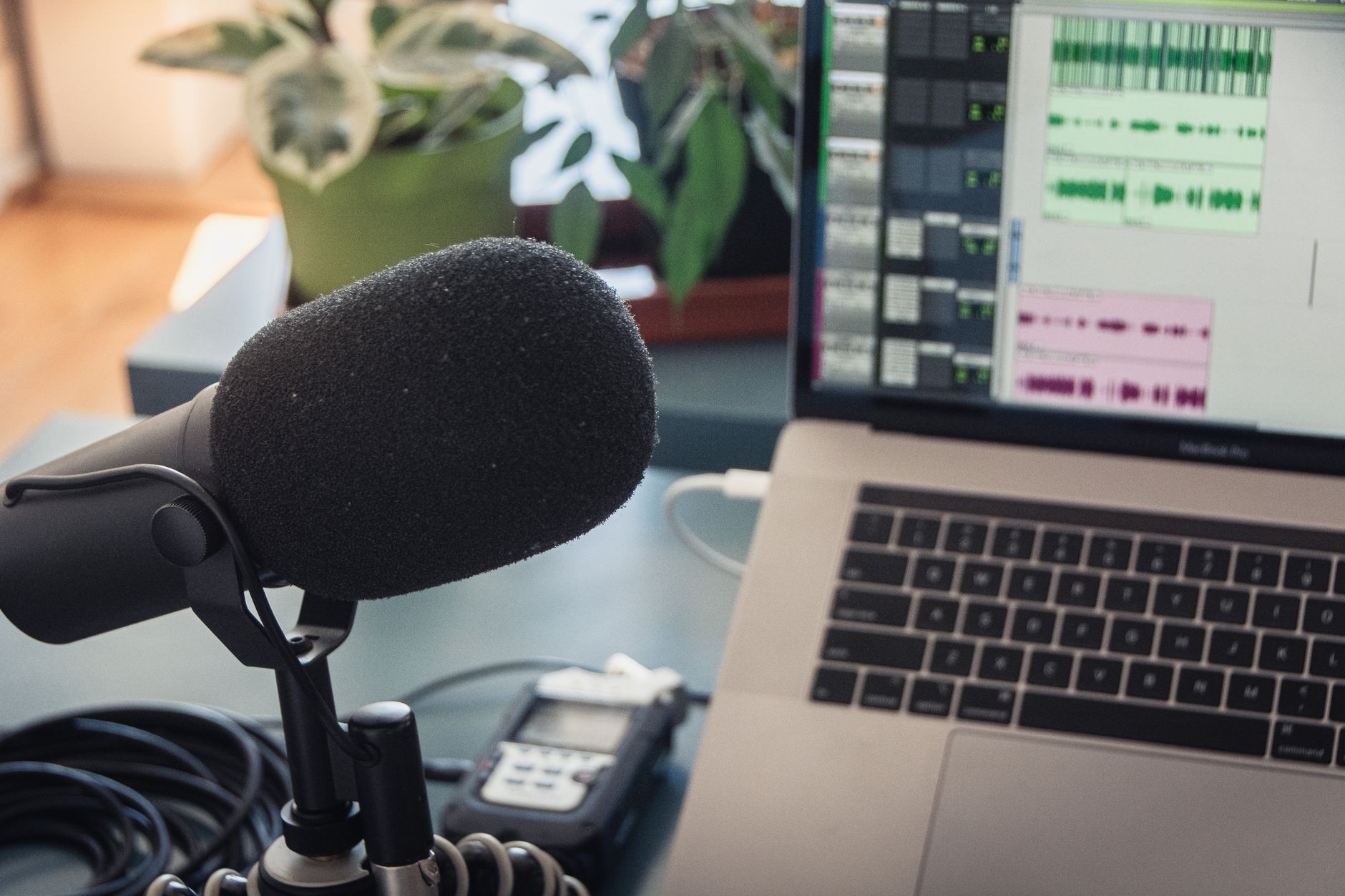 Photo: Jeremy Enns via Pexels
| Software | Price | Standout Feature | Learning Curve | Verdict |
|---|---|---|---|---|
| BandLab | Free (always) | Real-time cloud collaboration | Low | Best for mobile/collab |
| GarageBand | Free (Mac/iOS only) | Instrument quality, Logic pathway | Low | Best for Mac beginners |
| Cakewalk by BandLab | Free (Windows only) | Professional-grade desktop DAW | Medium | Best free desktop DAW |
| Audacity | Free | Audio editing and repair | Low–medium | Best for editing, not producing |
| LMMS | Free | Full synth suite, VST support | Medium | Best free DAW for synth producers |
One important note: Cakewalk by BandLab is a separate product — a full Windows desktop DAW acquired by BandLab in 2023. If you’re on Windows and want a more powerful free option, Cakewalk is the answer. BandLab (the browser/mobile DAW) and Cakewalk occupy different positions in the same company’s portfolio.
Plugin and Format Support
BandLab does not support third-party VST, AU, or AAX plugins. What you see in the browser is what you get.
| Platform | VST/AU/AAX | Third-Party Plugins | Price Model | System Requirements | Best For |
|---|---|---|---|---|---|
| BandLab Browser | No | No | Free (always) | Chromium browser, internet connection | Beginners, collaborators |
| BandLab iOS | No | No | Free | iOS 14+ | Mobile producers |
| BandLab Android | No | No | Free | Android 8+ | Mobile producers |
This is the single largest limitation for anyone who has spent time with a plugin-based workflow. There’s no workaround — you can’t sidechain a third-party limiter or drop in a favorite reverb. The built-in effects chain has to be enough, and for many use cases it is. For anyone with an existing plugin library, it’s a dealbreaker for serious work.
Workflow Notes
Install and Authorization: No installation required for the browser version. Create a free account at bandlab.com, open Chrome or Edge, and you’re recording in under two minutes. The mobile apps install normally from the App Store or Google Play.
CPU and Latency: Because processing happens server-side for cloud sync and locally for recording, latency behavior depends heavily on your internet connection and device. Published user reports consistently note that browser-based recording introduces latency that can’t be dialed out to the sub-10ms range achievable with a dedicated desktop DAW and ASIO driver. For overdubbing live instruments, this matters. For programming beats and loops, it doesn’t.
Free Trial / Demo: The entire platform is permanently free. There’s no trial period to expire and no “lite” version — you’re using the full product.
Limitations Worth Knowing Before You Commit
- No offline mode — The browser DAW requires an internet connection. The mobile apps have limited offline capability, but sync requires connectivity.
- 16-track ceiling on mobile — Complex arrangements need the browser version.
- No VST/AU/AAX support — Plugin-based workflows aren’t possible.
- Audio export at 128kbps MP3 on free tier — WAV export requires a BandLab Creator subscription (~$2.99/month). This is the one meaningful paywalled feature. For distribution-quality masters, this cost is low but it exists.
- Social-first UI — The feed, follower counts, and profile features are front and center. Some users find the social layer distracting; others find it motivating.
→ See also
- Best DAW for Home Recording (2026) — full breakdown of every major DAW
- Best Free DAW for Beginners (2026) — how BandLab stacks against every free option
- Best DAW for Beginners — if you’re ready to spend $50–$100 for a significant step up
FAQ
Is BandLab completely free? The core DAW is permanently free with no time limit and no paywalled recording or mixing features. The one exception is WAV/lossless export, which requires a BandLab Creator subscription at approximately $2.99/month. MP3 export at 128kbps is free.
Can BandLab be used professionally? For demos, lo-fi production, remote collaboration, and mobile sketching, yes. For mastered commercial releases, the plugin limitations and export constraints are real friction points. Most professionals use BandLab as a collaboration or sketching layer, not a primary production environment.
Does BandLab work without internet? The browser version requires a connection. The iOS and Android apps support limited offline recording, but syncing and cloud features require connectivity. It’s not a reliable offline DAW.
Is BandLab good for beginners? Expert consensus among producer communities consistently rates BandLab among the top two or three starting points for absolute beginners, particularly those without a Windows or Mac machine. The learning curve is low, the UI is clean, and there’s no cost barrier.
How does BandLab compare to GarageBand? GarageBand is the stronger instrument and sound design tool, but it’s locked to Apple hardware. BandLab runs on any device with a browser and supports real-time collaboration that GarageBand doesn’t. For Mac/iOS users, GarageBand is the better-sounding option. For everyone else, or anyone who needs to collaborate across platforms, BandLab wins.
 Photo: AI25.Studio AI GENERATIVE via Pexels
Editorial methodology: Assessments are based on manufacturer specifications, published user reviews, and editorial research. Physical hands-on testing is noted explicitly where it occurred. Rankings reflect our editorial judgment and are not influenced by affiliate commission rates. Full editorial policy · Affiliate disclosure