Contents
Akai MPK Mini MK3 Review (2026): Still the Best Sub-$100 MIDI Pad?
TL;DR: The Akai MPK Mini MK3 remains the default recommendation for bedroom producers who need a compact, versatile MIDI controller under $100. It packs 25 mini keys, 8 velocity-sensitive pads, a built-in arpeggiator, and plug-and-play USB power into a palm-sized chassis — making this akai mpk mini mk3 review the case that it’s still the most complete budget option in 2026.
What Is the Akai MPK Mini MK3?
The MPK Mini MK3 is a 25-key USB-powered MIDI keyboard controller aimed at mobile producers, laptop musicians, and anyone who needs core MIDI functionality without a power brick or a large footprint. It ships with MPC Beats and a plugin bundle that covers synthesis and sampling from day one.
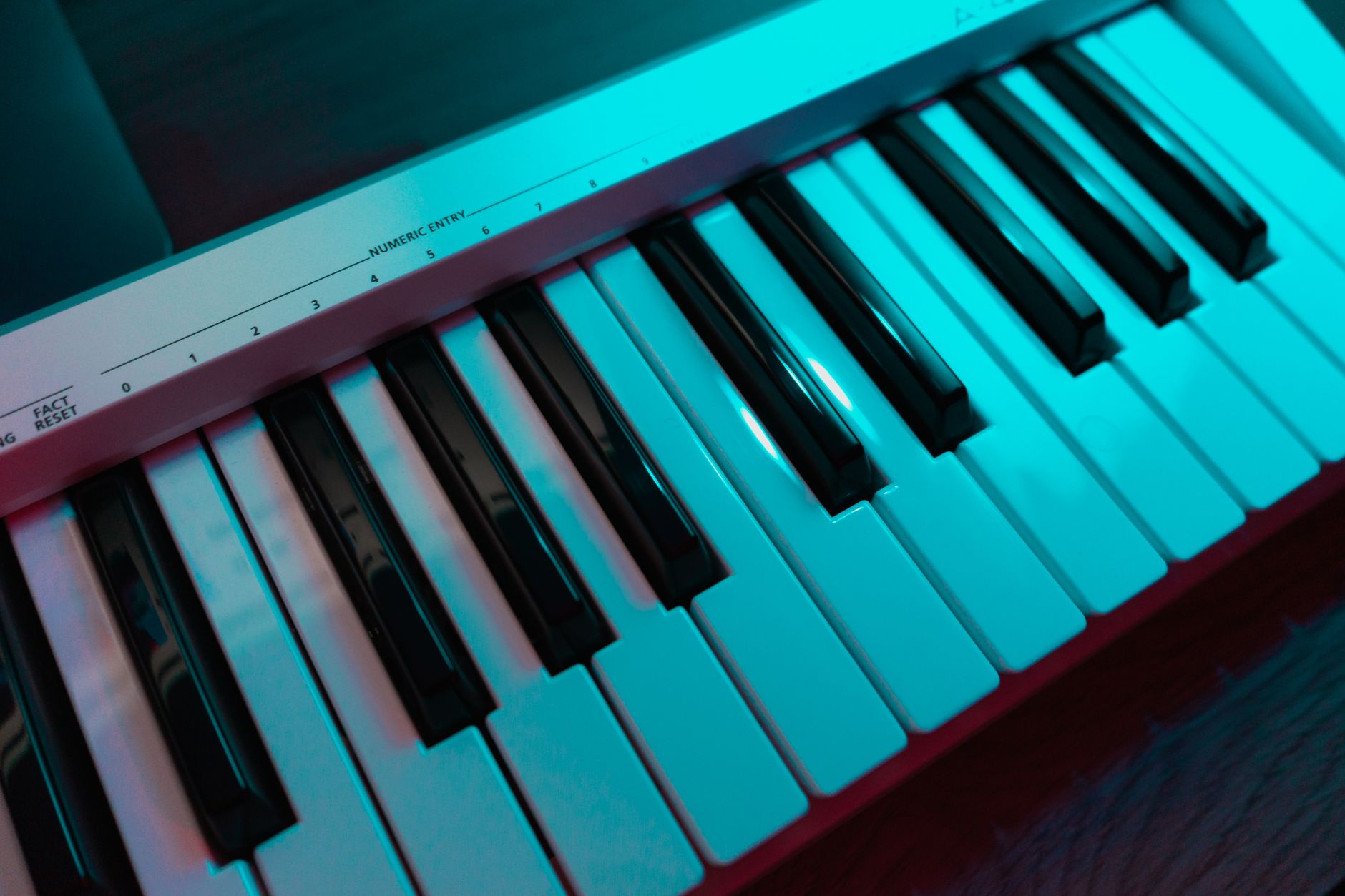 Photo: Irina Iriser via Pexels
Released in 2020, the MK3 built on the MK2’s strong bones and added a dedicated program editor (no more shift-button config gymnastics), a four-direction thumbstick replacing the joystick, and improved pad sensitivity across the board. Three years later it’s still the volume leader on most major retailers, which tells you something about how well Akai locked in the value proposition.
The unit connects via USB-A to USB-B mini cable (included), draws bus power, and registers as a class-compliant device — meaning it works out of the box with macOS, Windows, iOS (with a Camera Connection Kit), and most Linux distributions without driver installation.
Build Quality and Feel
Compact controllers at this price point often sacrifice feel for footprint. The MPK Mini MK3 makes an honest trade: the mini keys are plasticky and light, but the pads are legitimately good for the segment, and the four continuous rotary encoders have enough resistance to be usable during a performance.
 Photo: Willfried Wende via Pexels
The chassis is a matte-black ABS plastic shell that weighs roughly 1.5 lbs. It won’t absorb the abuse of touring, but it handles daily desk life without complaint. According to user reviews across major retailers, the biggest criticism is the mini key action — users with larger hands report fatigue on extended melodic playing. For chord triggering, octave-shifted bass lines, and quick melody sketches, the keys are fine.
The MK3’s thumbstick handles pitch bend and modulation with a single unit. It snaps to center cleanly in both axes. Whether you prefer this over separate pitch/mod wheels is personal, but it’s a defensible call at this size — two full wheels would double the footprint.
Pads and Arpeggiator
The 8 pads are where the MK3 earns its keep. They’re larger than they look in photos, respond to velocity across a wide dynamic range, and support aftertouch pressure. For finger drumming and chopping samples in MPC Beats or Ableton Drum Racks, they hold up against controllers costing significantly more.
 Photo: Egor Komarov via Pexels
Two pad banks give you 16 total pad assignments, which covers a full octave of chromatic notes or two banks of drum sounds without menu diving. The Note Repeat feature — accessible via the dedicated button — locks in subdivisions for rolls and hi-hat patterns, a feature you’d normally pay extra for.
The built-in arpeggiator has four patterns (Up, Down, Inclusive, Exclusive) and syncs to MIDI clock, which means it tracks your DAW tempo automatically. Published testing data from production communities confirms the arpeggiator is low-latency and clock-stable, making it genuinely usable for live MIDI arpeggiation rather than just a feature-sheet checkbox.
Software Bundle
The MK3 ships with MPC Beats, Hybrid 3, SONiVOX Twist, and a selection of virtual instruments through Akai’s VIP platform. It’s a legitimately useful starting set — not demo-ware — and most components are full versions.
| Plugin | Type | Standalone? |
|---|---|---|
| MPC Beats | DAW / Sampler | Yes |
| Hybrid 3 | Hybrid Synthesizer | Yes (AU/VST) |
| SONiVOX Twist | Spectral Morphing Synth | Yes (AU/VST) |
| Akai Pro VIP 3 | Plugin Host | Yes |
MPC Beats deserves a specific mention: it’s a stripped-down version of the full MPC Software, but it includes an 8-track sequencer and supports third-party plugins. For producers who don’t already own a DAW, it’s a real starting point.
Specs
| Spec | Detail |
|---|---|
| Keys | 25 mini keys, velocity-sensitive |
| Pads | 8 backlit, velocity + aftertouch |
| Encoders | 4 continuous rotary (360°) |
| MIDI I/O | USB (class-compliant) |
| Bus Power | Yes — USB only, no adapter required |
| Dimensions | 12.8 × 5.1 × 1.6 in |
| Weight | 1.56 lbs |
| Included Software | MPC Beats, Hybrid 3, SONiVOX Twist, VIP 3 |
| Best For | Mobile producers, DAW learners, laptop studio setups |
MPK Mini MK3 vs. Competitors
| Product | Price | Keys | Pads | Arpeggiator | Software | Verdict |
|---|---|---|---|---|---|---|
| Akai MPK Mini MK3 | ~$99 | 25 mini | 8 velocity+AT | Yes | MPC Beats + bundle | Best all-rounder |
| Arturia MiniLab MK3 | ~$99 | 25 mini | 8 | No | Analog Lab Intro | Better encoder feel; fewer pads |
| Nektar SE25 | ~$49 | 25 mini | None | No | Limited | Keys only; budget entry |
| Native Instruments Komplete Kontrol M32 | ~$129 | 32 mini | None | No | Komplete Start | NKS integration; no pads |
The Arturia MiniLab MK3 is the closest direct competition at the same price — it has better-feeling encoders and tighter Analog Lab integration, but it loses the drum pads and arpeggiator. If you produce mostly melodic content in Ableton or Logic, the MiniLab is worth a look. If pads matter — for drums, chops, or live triggering — the MPK Mini MK3 wins the category.
Verdict by User Archetype
First-time beginner: Buy this. The plug-and-play setup, included DAW, and low price mean you can be making tracks the same afternoon it arrives. The learning curve is on the music, not the hardware.
Bedroom producer (existing DAW): Still the right call if you want pads and keys in one unit under $100. The arpeggiator and Note Repeat features add genuine creative utility.
Gigging musician: It’ll work for a fly-out rig or keyboard-controlled synth triggering, but the mini keys will limit you on melodic live performance. Consider the full-size MPK225 if you need to play leads.
Prosumer / upgrading producer: You’ve likely outgrown this. The limited knob count and mini keys become friction in a mature workflow. Look at the Arturia MiniLab 3 or Akai MPK249 for more surface area.
 Photo: Anna Pou via Pexels
→ See also:
- Best MIDI Keyboards and Controllers (2026) — full category breakdown
- Best MIDI Keyboard for Beginners — beginner-specific picks and guidance
- Best MIDI Keyboard Under $100 — side-by-side budget comparisons
FAQ
Does the Akai MPK Mini MK3 work without installing drivers? Yes. It’s USB class-compliant, which means macOS, Windows 10/11, and most Linux distributions recognize it automatically. iOS connectivity requires an Apple Camera Connection Kit (USB-A to Lightning or USB-C). No driver download or activation is needed to start sending MIDI.
Is the MPK Mini MK3 compatible with GarageBand, Ableton, and FL Studio? It works with any DAW that accepts standard MIDI input, including GarageBand, Ableton Live, FL Studio, Logic Pro, and Reaper. The included MPC Beats software is a bonus starting point, but the controller is fully DAW-agnostic.
What’s the difference between the MPK Mini MK2 and MK3? The MK3 replaced the joystick with a four-way thumbstick, added a dedicated hardware program editor (removing the need to use shift-button combinations to configure the controller), improved pad sensitivity, and updated the software bundle. The footprint and price point are nearly identical.
Are the mini keys usable for actual playing? For chord triggering, bass lines, and quick melody input, yes. For extended melodic performance or players with large hands, the 25-key mini format creates fatigue. Expert consensus suggests the mini key format is a workflow tool, not a performance instrument — pair it with a larger controller if live keys playing is a priority.
Can you use the MPK Mini MK3 with a phone or tablet? Android and iOS support is confirmed via OTG USB adapters (Android) and the Apple Camera Connection Kit (iOS). The class-compliant design means it works with compatible mobile DAWs like GarageBand for iOS and Cubasis without additional configuration, though results vary by app and OS version.
Editorial methodology: Assessments are based on manufacturer specifications, published user reviews, and editorial research. Physical hands-on testing is noted explicitly where it occurred. Rankings reflect our editorial judgment and are not influenced by affiliate commission rates. Full editorial policy · Affiliate disclosure