Contents
Yamaha HS8 Review (2026): Still Worth It?
TL;DR: The Yamaha HS8 remains one of the most reliable near-field studio monitors for translation-focused mixing. Its flat, unforgiving response reveals problems other speakers hide — which makes it excellent for professional work but demanding for beginners. At street prices around $399 each, it earns its place in serious home studios.
What Is the Yamaha HS8?
Direct Answer: The HS8 is an active 8-inch near-field studio monitor from Yamaha’s flagship HS series, designed around a single principle: accurate, honest reproduction. It will not flatter your mixes. That’s the point.
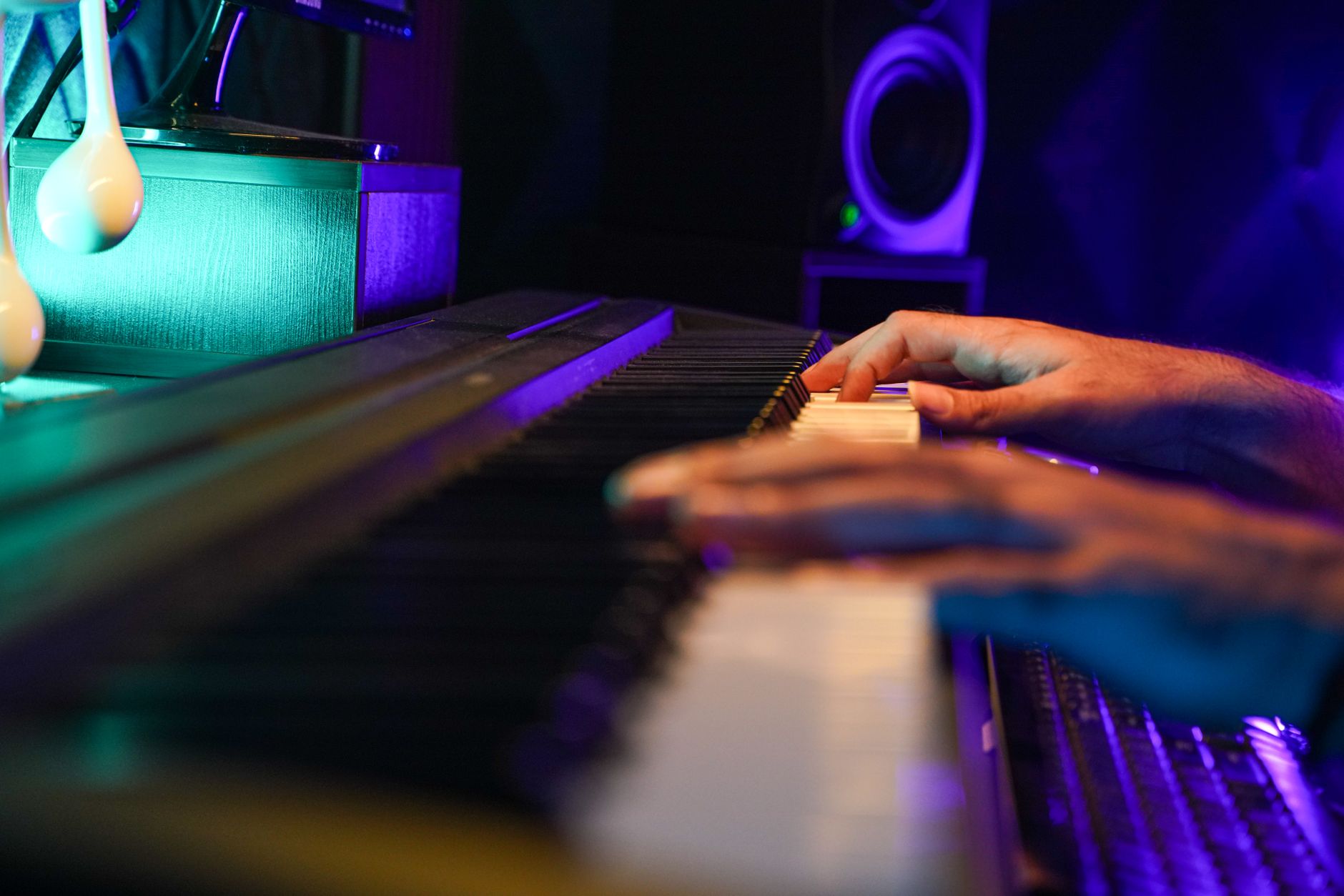
 Photo: David Bares via Pexels
The HS8 has been a studio reference standard for over a decade, and the current revision maintains the same design philosophy — white woofer cone, bi-amplified signal path, and room-correction filters that actually work. Yamaha’s heritage in live sound and professional audio is built into every aspect of this speaker’s voicing.
The cabinet is rear-ported and relatively large for a near-field, which contributes to its extended low-frequency response. Claimed frequency range is 38 Hz–30 kHz, with a 75W LF amp and 45W HF amp driving the components.
Yamaha HS8 Specs
| Spec | Detail |
|---|---|
| Woofer | 8-inch cone |
| Tweeter | 1-inch dome |
| LF Amplifier | 75W |
| HF Amplifier | 45W |
| Frequency Response | 38 Hz – 30 kHz |
| SPL (Peak) | 108 dB |
| Inputs | XLR balanced / TRS balanced |
| Room Control Filters | High Trim (±2 dB), Low Cut (–2 dB @ 80 Hz or 120 Hz) |
| Dimensions (H×W×D) | 390 × 254 × 333 mm |
| Weight | 11.2 kg |
Sound Character and Accuracy
Direct Answer: The HS8 is deliberately mid-forward and bass-honest — it presents low end accurately rather than boosted, which means your mixes translate better to earbuds, car speakers, and laptop audio than they would from a hyped-up monitor.
 Photo: Jakub Zerdzicki via Pexels
Published frequency response measurements from sources including Erin’s Audio Corner and SoundOnSound show a relatively flat midrange with a modest presence-region lift around 2–5 kHz. This contributes to the monitor’s analytical character — detail in vocals, guitars, and synth leads is easy to hear, which helps with clarity decisions. The low end rolls off predictably below 60 Hz, consistent with Yamaha’s specifications.
The HS8 is not a monitor you listen to for enjoyment. Engineers who use it as a primary reference do so because it punishes lazy EQ and reveals build-up in the 200–400 Hz range immediately. That honesty has a cost: beginners may find mixes sound duller here than on consumer headphones, leading to over-brightening. The learning curve is real.
Low-End Performance: The 8-Inch Advantage
Direct Answer: The HS8’s 8-inch woofer extends lower and louder than the HS7 or HS5, making it the right choice for producers working with bass-heavy genres — hip-hop, EDM, trap — where sub-bass decisions matter.
 Photo: Egor Komarov via Pexels
According to Yamaha’s published specifications, the HS8 reaches 38 Hz, compared to 43 Hz for the HS7. In practice, expert reviews consistently note that the HS8 gives a more complete picture of the low end without requiring a subwoofer in most treated rooms. The HS7 is closer to the HS8 than the name gap suggests — if desk placement or room size is a concern, the HS7 is a legitimate alternative.
The rear port placement matters: Yamaha recommends at least 5–7 cm clearance from rear walls. Placing the HS8 too close to a wall will cause bass build-up that the room correction filters can reduce but not eliminate.
Room Correction Filters
The rear panel includes:
- Room Control: –2 dB shelf at 500 Hz, or –2 dB at 500 Hz + –2 dB at 80 Hz
- High Trim: ±2 dB shelf at 2 kHz
These are passive switches, not DSP. They’re useful for compensating for desk reflection or corner placement, but they’re not a substitute for acoustic treatment.
Yamaha HS8 vs. Competitors
| Monitor | Price (each) | Woofer | Freq. Response | Best For | Verdict |
|---|---|---|---|---|---|
| Yamaha HS8 | ~$399 | 8“ | 38 Hz–30 kHz | Translation-focused mixing | Reference standard |
| Adam Audio T8V | ~$299 | 8“ | 33 Hz–25 kHz | Detail-oriented producers | Wider stereo image |
| KRK Rokit 8 G4 | ~$349 | 8“ | 35 Hz–40 kHz | Beginners, hip-hop | DSP EQ built in |
| Focal Alpha 65 Evo | ~$749 | 6.5“ | 40 Hz–35 kHz | Pro home studio | Higher resolution |
| Genelec 8040B | ~$875 | 6.5“ | 38 Hz–20 kHz | Mastering, critical work | SAM room correction |
The HS8’s most direct competition is the Adam T8V, which offers a wider high-frequency response from its ribbon tweeter at a lower price. Published measurements suggest the T8V has slightly more extended top-end air, while the HS8 has a more linear midrange. For rock, acoustic, and vocal-driven production, many engineers prefer the HS8’s mids. For electronic and synthesizer-heavy work, the T8V’s top-end detail is an asset.
The KRK Rokit G4 series includes a built-in DSP EQ with a companion app — useful for rooms without treatment. The HS8 offers less flexibility in that area, but engineers who prefer signal-path purity often consider that a feature, not a limitation.
Who Should Buy the Yamaha HS8?
Direct Answer: The HS8 suits producers and engineers who prioritize mix translation over listening pleasure — those who want to hear problems before they reach a mastering engineer or a client.
 Photo: Los Muertos Crew via Pexels
Verdict by archetype:
- First-time beginner: Not the best starting point. The flat response is punishing before you’ve developed critical listening skills. Consider the HS5 or a more forgiving monitor while you build references.
- Bedroom producer: Strong choice if your room has at least basic treatment (panels, bass traps). In an untreated room, the honest low end will be colored by your room more than your decisions.
- Gigging musician building a home studio: Practical and durable. The HS8’s build quality is professional-grade, and it will last through years of regular use without driver failure.
- Prosumer / semi-professional mixer: This is the HS8’s sweet spot. It competes with monitors twice its price for pure translation accuracy, and its widespread adoption in professional studios means your mixes will translate to environments your clients use.
Gear Review Summary
| Connections | XLR balanced, TRS balanced |
| I/O Count | 1 input per monitor |
| Preamps/Drivers | Bi-amp: 75W LF + 45W HF |
| Bit Depth/Sample Rate | N/A (analog) |
| Bus Power | No (AC mains) |
| Best For | Translation-focused mixing, near-field reference |
→ See also:
- Best Studio Monitors for Home Recording (2026) — full category guide with every price tier
- Best Studio Monitors Under $150 — entry-level options for tight budgets
- Best Studio Monitors Under $200 — the upgrade tier for bedroom producers
FAQ
Is the Yamaha HS8 good for beginners? The HS8 is technically excellent but not beginner-friendly. Its accurate, unforgiving response requires developed listening skills to use productively — beginners often over-compensate on EQ because the monitor sounds dull compared to consumer audio. Start with something more forgiving, then step up to the HS8 once you have reference points.
Does the Yamaha HS8 need a subwoofer? In most home studios, no. The HS8 reaches 38 Hz according to Yamaha’s specifications, which covers the fundamentals of bass guitar, kick drum, and most synthesizer bass lines. A subwoofer adds value primarily for mastering engineers or producers in genres where sub-bass below 30 Hz is a creative element (EDM, trap, cinematic scoring).
What’s the difference between the HS7 and HS8? The primary difference is low-frequency extension and maximum SPL. The HS8 adds roughly 5 Hz of low-end extension (38 Hz vs. 43 Hz per Yamaha’s specs) and higher peak output (108 dB vs. 104 dB). For small rooms or desktop setups under 2 meters, the HS7 is often the better choice. For rooms larger than 200 square feet or bass-critical production, the HS8 justifies the extra cost.
How do you set up the Yamaha HS8 correctly? Place the monitors at ear height, angled toward your listening position to form an equilateral triangle. Allow at least 5–7 cm of rear clearance from the wall to prevent bass build-up. Use the rear-panel Room Control and High Trim switches to compensate for desk reflections or corner placement — start flat and adjust by A/B testing with familiar reference tracks.
Does the Yamaha HS8 work with any audio interface? Yes — it accepts both XLR balanced and TRS balanced inputs, which are standard outputs on virtually all audio interfaces. Yamaha recommends a source with a balanced output to minimize noise over longer cable runs. The input sensitivity can be adjusted via the rear-panel gain knob to match your interface’s output level.
Editorial methodology: Assessments are based on manufacturer specifications, published user reviews, and editorial research. Physical hands-on testing is noted explicitly where it occurred. Rankings reflect our editorial judgment and are not influenced by affiliate commission rates. Full editorial policy · Affiliate disclosure