Contents
XLR vs USB Microphone: Which Is Better for Home Recording?
TL;DR: For most home studio and streaming setups, XLR microphones paired with an audio interface deliver better sound quality, lower noise floors, and a clear upgrade path — but USB microphones win on simplicity, portability, and zero-friction setup. The right choice comes down to your workflow, not a spec sheet.
XLR vs USB Microphone: The Core Difference
XLR microphones output a balanced analog signal that travels to an audio interface or mixer, which handles analog-to-digital conversion. USB microphones contain a built-in preamp and ADC inside the mic body, converting audio to digital before it ever reaches your computer. XLR gives you control over every stage of the chain; USB compresses that chain into one device.
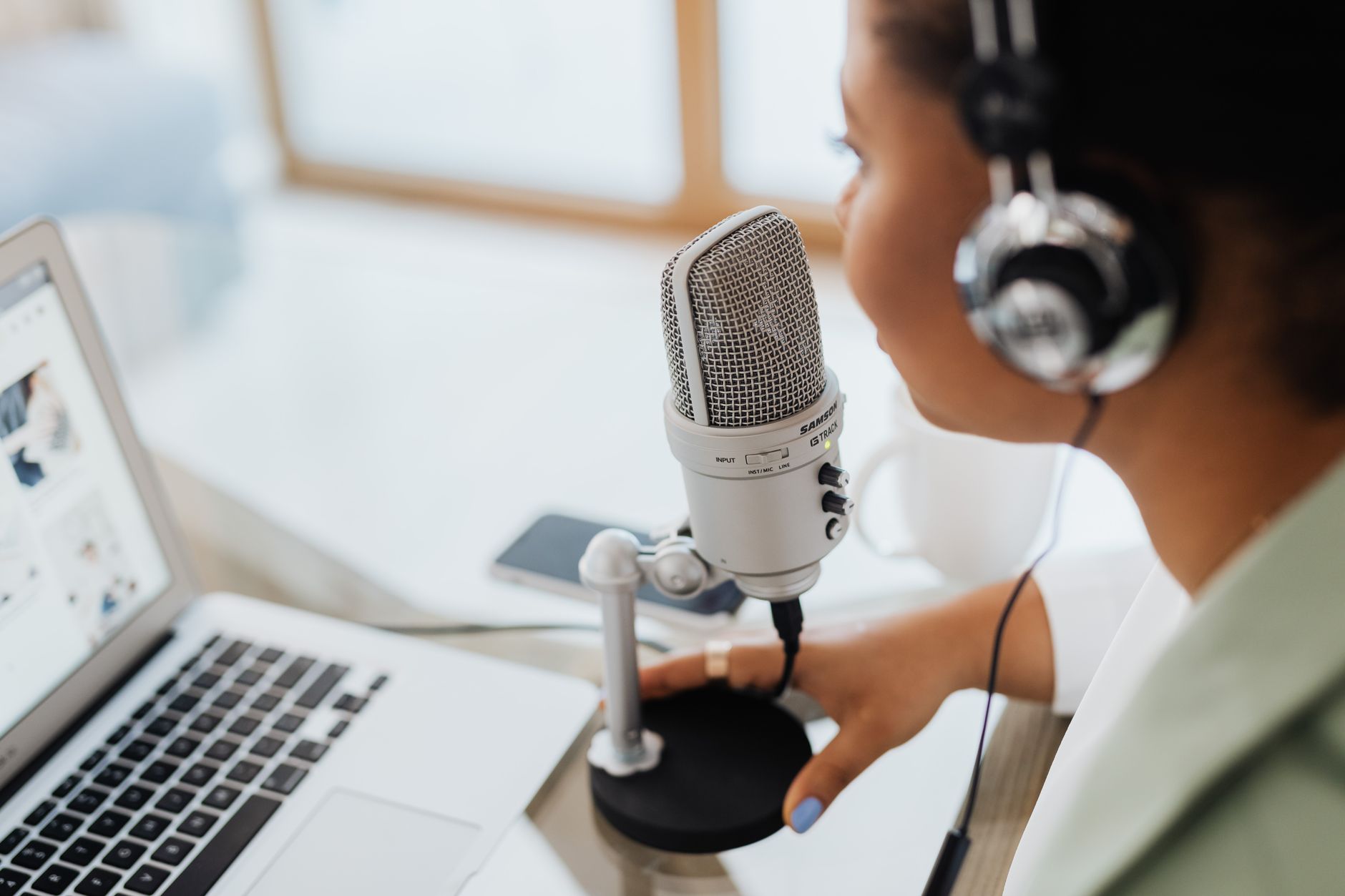
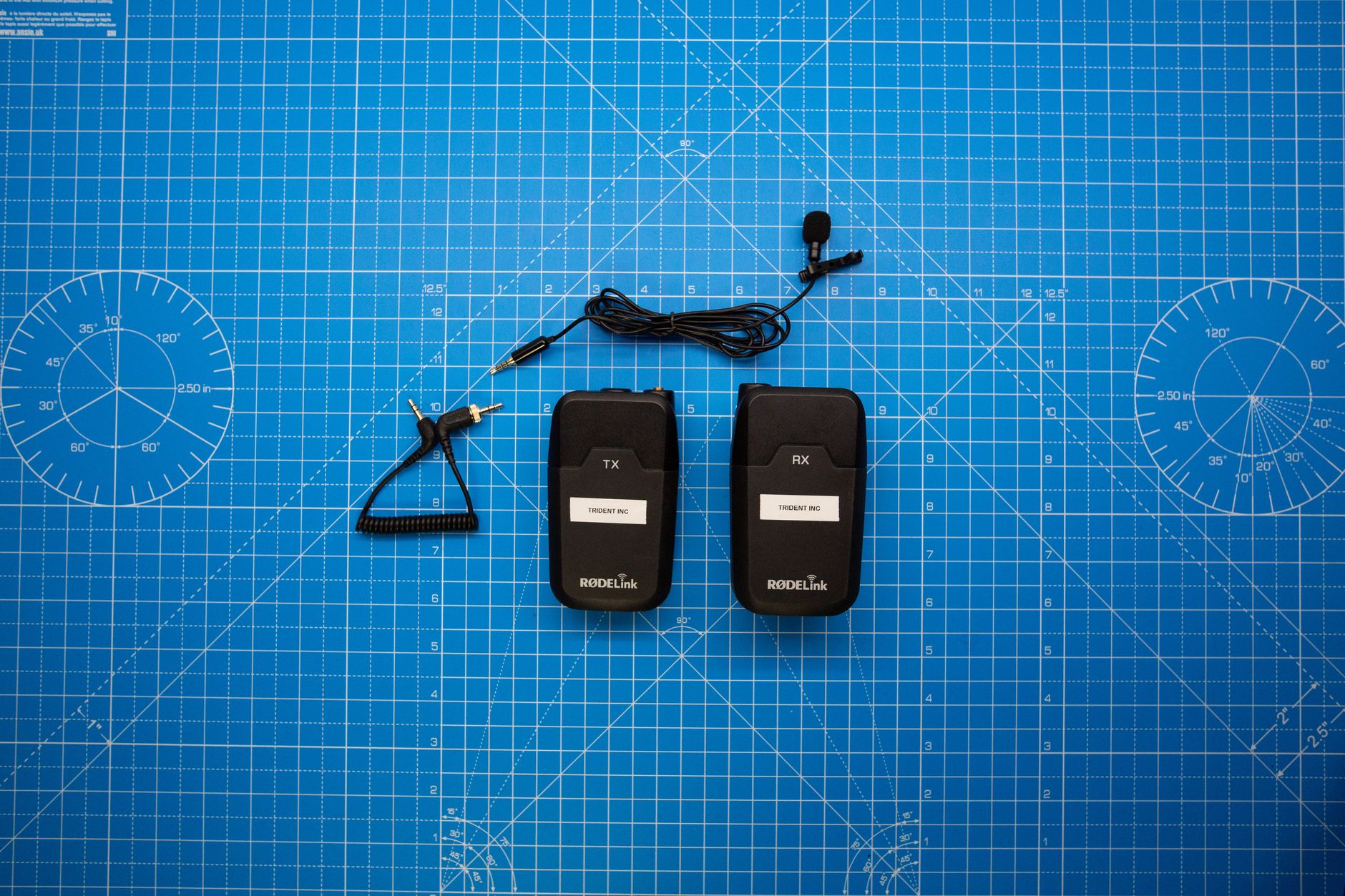 Photo: Looking For Feferences via Pexels
The connector type is a symptom of the architecture, not the architecture itself. An XLR mic needs a separate device to do the heavy lifting — clean preamp gain, phantom power (+48V for condensers), and conversion. A USB mic handles all of that internally, which is both its strength and its ceiling.
For recording vocals, podcasting, voice-over, streaming, or instrument capture at home, this architectural difference determines your noise floor, your upgrade path, and how much gear you’re carrying.
Sound Quality: Does XLR Actually Sound Better?
At equivalent price points above $100, XLR microphones consistently outperform USB counterparts in dynamic range and noise floor — because dedicated external preamps simply have more headroom and better components than the miniaturized circuits squeezed inside a USB mic body. Below $100, the gap narrows significantly.
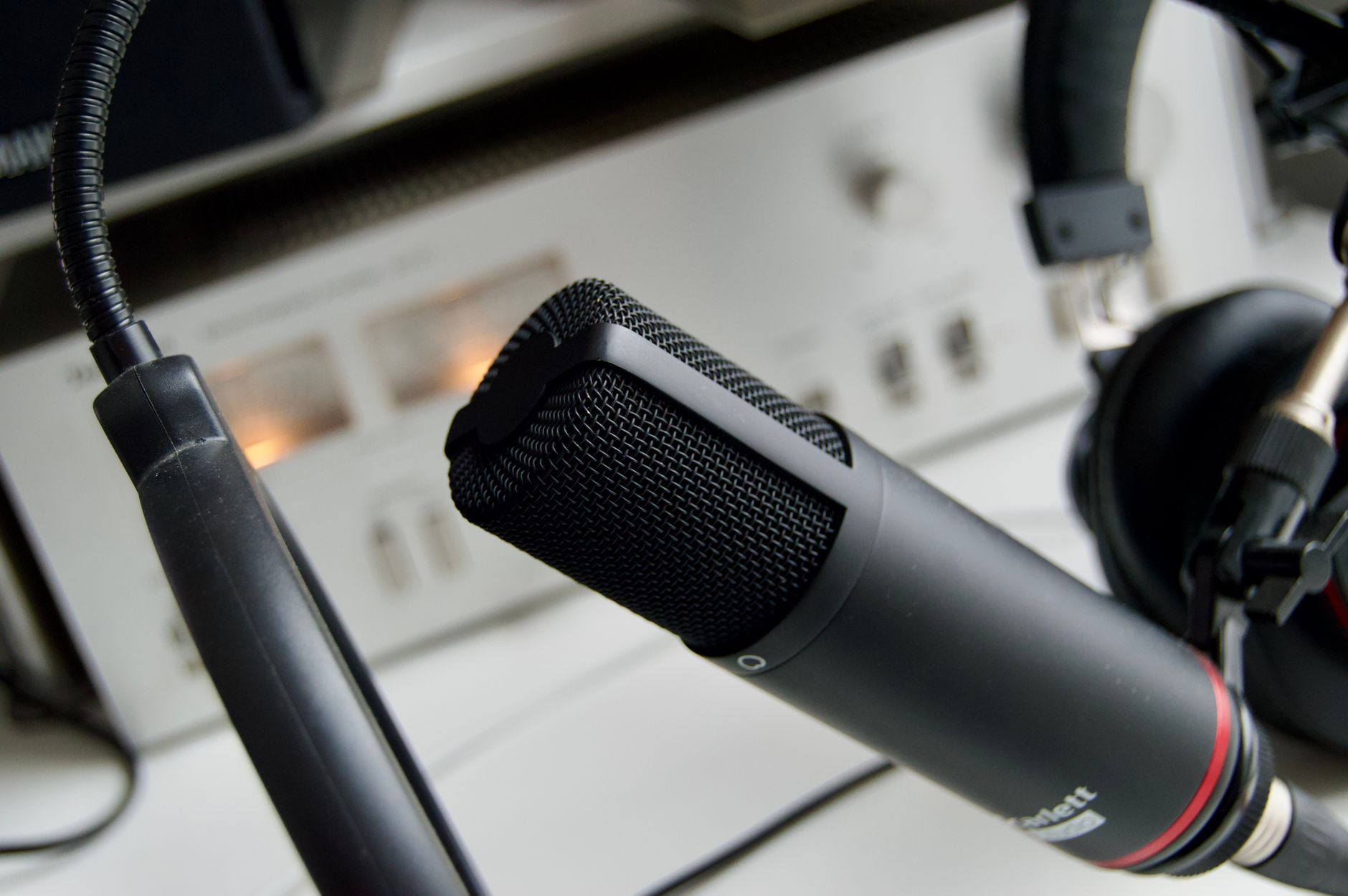
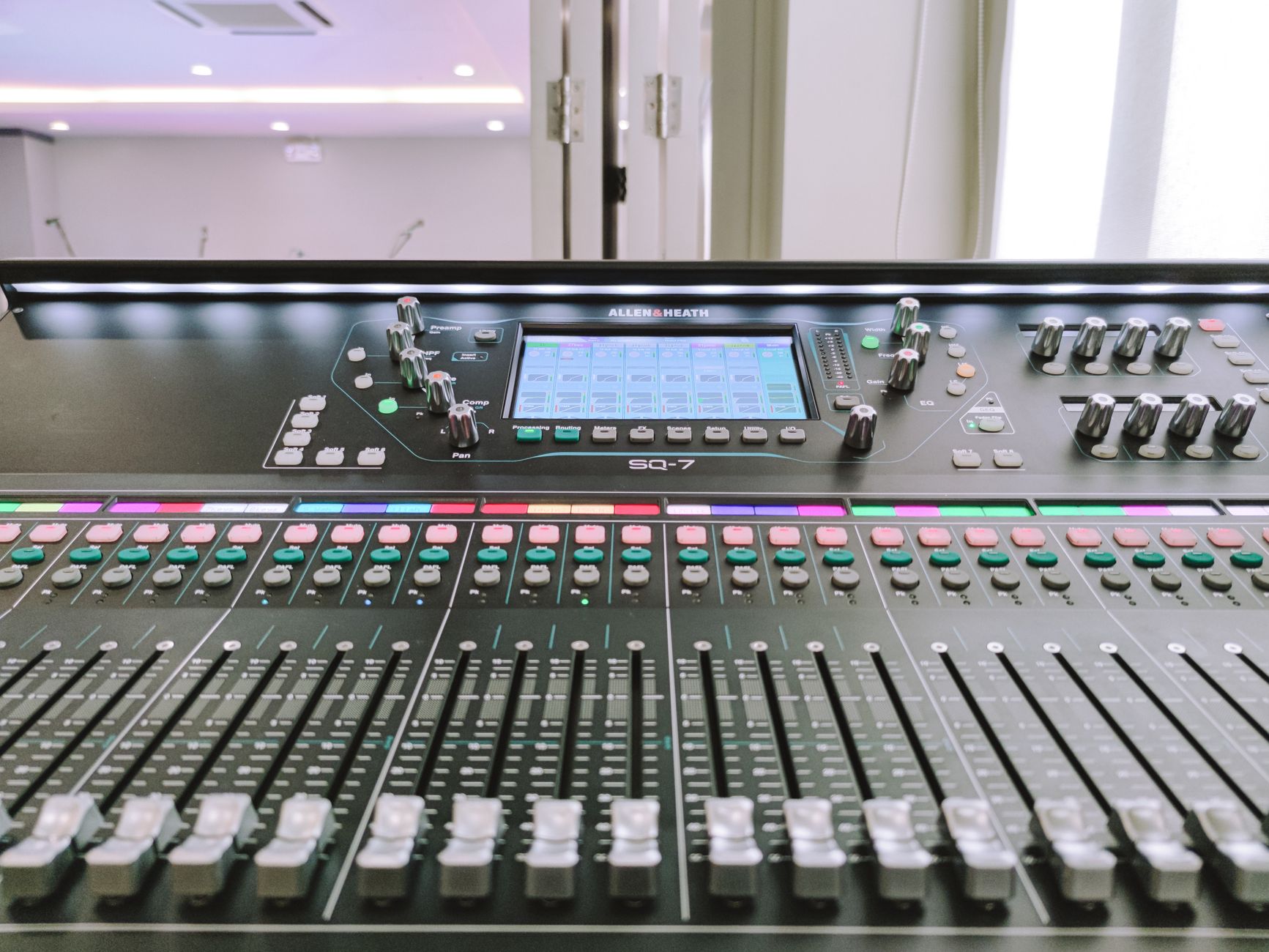 Photo: Marian Villa via Pexels
The internal preamp in a USB mic is constrained by the chassis — heat dissipation, component size, and cost all work against it. A standalone audio interface like the Focusrite Scarlett Solo can dedicate far more board space and power budget to its preamp stage. Published measurements from sources like Audio Science Review confirm that even mid-range interfaces achieve equivalent input noise (EIN) figures around -130 dBu, which most consumer USB mics can’t match.
That said, for spoken-word content — podcasting, voiceover, streaming commentary — the practical difference at moderate gain levels is smaller than spec sheets suggest. Where XLR pulls ahead noticeably is in quiet instrument recording, where you’re pushing gain harder and the noise floor becomes audible.
Ease of Setup: Where USB Wins
Plug a USB microphone into any laptop or desktop and it works. No drivers, no interface, no phantom power to configure, no gain staging to understand. For a journalist, a first-time podcaster, or anyone recording on the road, that zero-friction setup has real, repeatable value.
The Shure MV7 and Blue Yeti are the canonical examples of USB mics that earn their place precisely because they eliminate complexity. Expert consensus in audio forums and professional podcast communities consistently recommends USB for interview-based workflows where portability and reliability under time pressure matter more than studio-grade fidelity.
XLR chains require:
- An audio interface (or mixer with USB out)
- XLR cable(s)
- Driver installation on some platforms
- Understanding gain structure to avoid clipping or excessive noise
None of this is hard — but it’s more than USB asks of you.
Upgrade Path and Flexibility
XLR microphones outlast the rest of your gear. The mic itself doesn’t become obsolete when you upgrade your interface, switch DAWs, or move from home recording to a professional studio. USB microphones are tethered to whatever ADC is built into them.
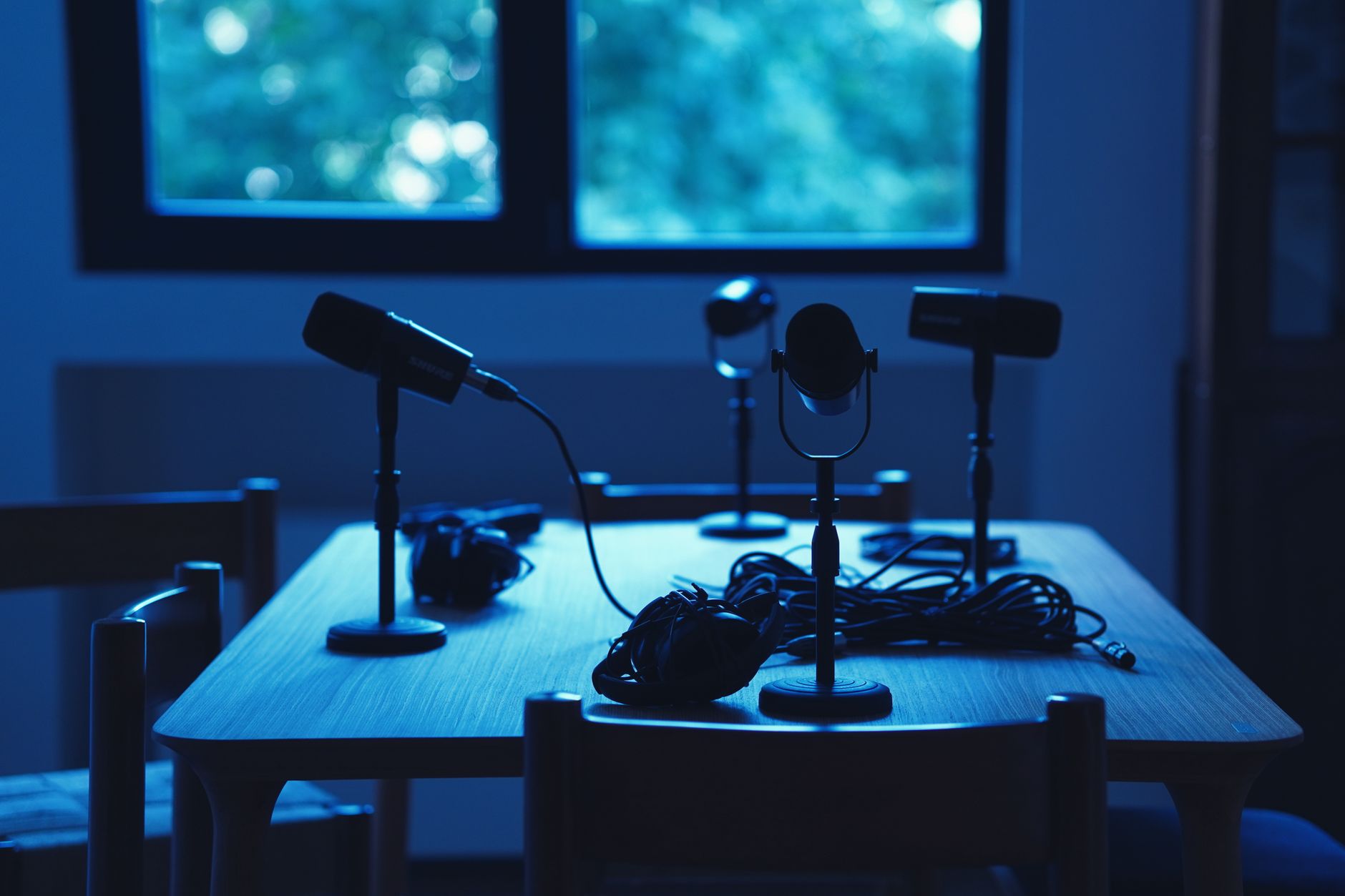
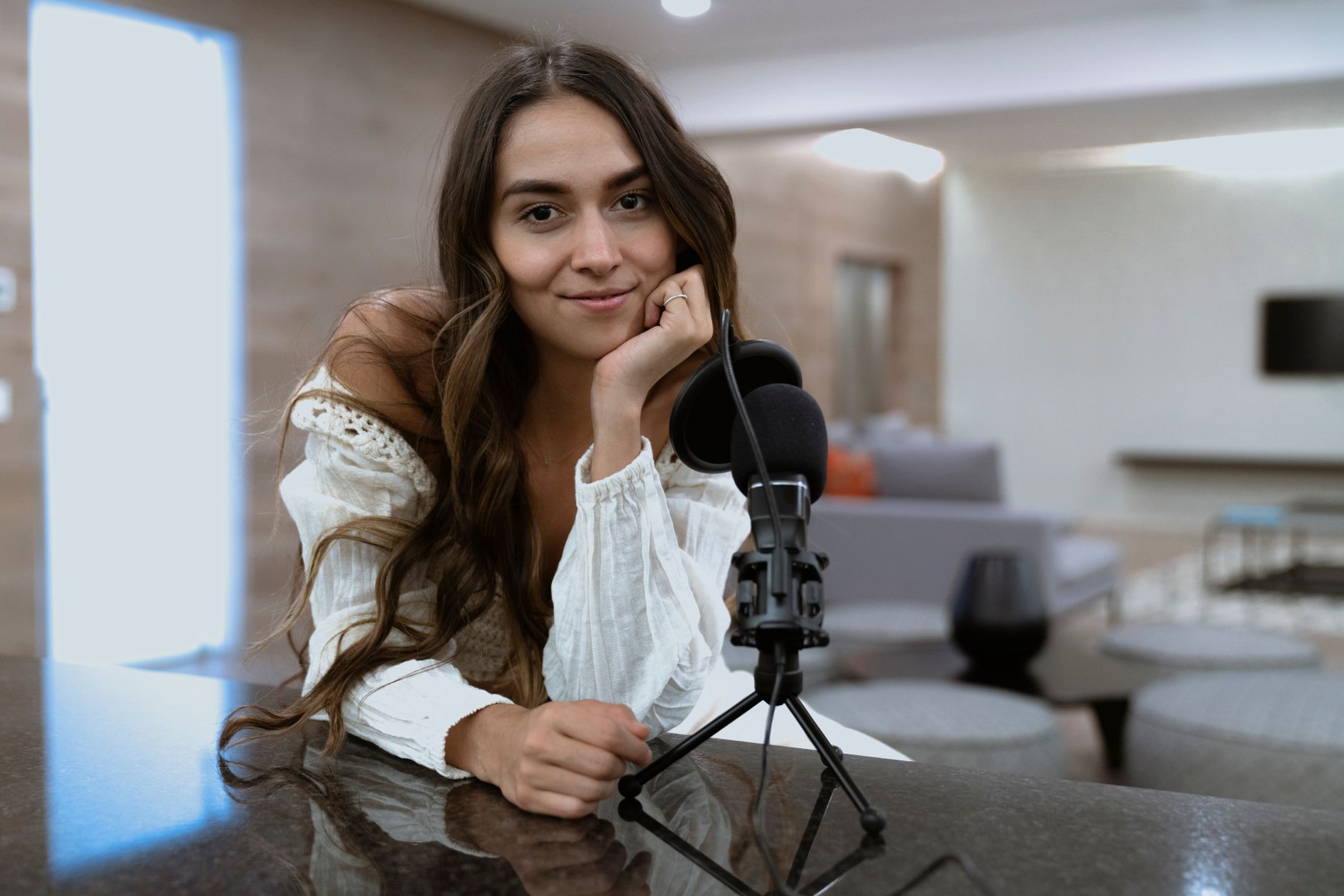 Photo: Los Muertos Crew via Pexels
This is the decisive argument for XLR if you intend to grow. A well-built XLR condenser like the Audio-Technica AT2020 will perform the same whether it’s plugged into a $120 Focusrite Scarlett or a $2,000 Universal Audio Apollo. The upgrade path is always additive — better interface, better preamp, better conversion — and the microphone stays relevant throughout.
With USB, a single component contains your preamp, your converter, and your signal chain. When the ADC inside a USB mic falls short, your only move is a new mic.
For multi-mic setups — recording a podcast with two guests, tracking a band, capturing room mics alongside close mics — XLR is the only practical option. USB microphones don’t daisy-chain. You’d need multiple USB ports and careful software routing to run two simultaneously, and latency mismatch creates alignment problems that require manual correction in post.
XLR vs USB: Head-to-Head Comparison
| Feature | XLR Microphone | USB Microphone |
|---|---|---|
| Setup complexity | Moderate — requires interface | Minimal — plug and play |
| Sound quality ceiling | High | Moderate |
| Noise floor | Lower (with good interface) | Higher (built-in ADC limitation) |
| Upgrade path | Excellent — modular | None — single device |
| Portability | Moderate | High |
| Multi-mic capability | Unlimited | Limited, complex |
| Cost to start | $150–$300 (mic + interface) | $80–$250 (mic only) |
| Latency monitoring | Interface handles it | Varies by USB mic model |
| Compatible with phone/tablet | Via adapter | Some models, USB-C variants |
| Best for | Studio recording, voice-over, music | Podcasting, streaming, travel |
Gear Review: Best XLR Starter Kit vs Best USB Microphone
XLR Starter Bundle: AT2020 + Focusrite Scarlett Solo
| Spec | AT2020 (XLR) | Focusrite Scarlett Solo (Interface) |
|---|---|---|
| Connections | XLR | USB-C to computer; XLR + 1/4“ inputs |
| I/O count | 1 output | 1 mic input, 1 instrument input, 2 outputs |
| Preamp/Drivers | Passive (interface provides) | Air-mode preamp, class-compliant |
| Bit depth / Sample rate | Up to 24-bit/192kHz (interface-limited) | 24-bit / 192kHz |
| Bus power | Phantom 48V via interface | USB bus-powered |
| Best For | Vocals, voice-over, acoustic instruments | First home studio interface |
USB Comparison: Shure MV7 vs Blue Yeti
| Product | Price | Key Spec | I/O | Best For | Verdict |
|---|---|---|---|---|---|
| Shure MV7 | ~$249 | Dynamic capsule, XLR+USB hybrid | USB-A / XLR | Podcasters, streamers who want upgrade path | Best-in-class USB; dual connection future-proofs it |
| Blue Yeti | ~$129 | Multi-pattern condenser | USB-A | Streaming, voiceover, interviews | Most versatile USB mic at its price |
| Rode NT-USB Mini | ~$99 | Condenser, cardioid only | USB-C | Desktop recording, minimal desk space | Clean, compact, works with iPad |
Verdict by User Archetype
First-time beginner: USB microphone (Blue Yeti or Rode NT-USB Mini). Spend zero time on gain staging and driver troubleshooting. Make content.
Bedroom producer recording vocals or instruments: XLR setup — AT2020 or similar condenser into a Focusrite Scarlett Solo. The noise floor difference matters when you’re pushing gain on acoustic guitars.
Podcaster / streamer: Shure MV7 if budget allows — its XLR/USB hybrid gives you a USB workflow today and an XLR upgrade path when you’re ready. Blue Yeti if you want the most flexibility per dollar.
Prosumer moving toward professional work: XLR exclusively. Budget for a quality interface (Focusrite Scarlett 2i2 or UA Volt 276 ), learn gain structure, and invest in the microphone that will still be relevant in ten years.
 Photo: FOX ^.ᆽ.^= ∫ via Pexels
→ See Also
- Best Microphones for Home Recording (2026) — full comparison across every category and price point
- Best Budget Condenser Microphone (2026) — XLR condensers under $100 that outperform their price
- Audio-Technica AT2020 Review (2026) — the most-recommended entry XLR condenser in depth
FAQ
Q: Can I plug an XLR microphone directly into my computer? No — XLR connectors carry a balanced analog signal, and computers don’t have XLR inputs. You need an audio interface (or a USB-XLR adapter like the Shure X2u, which functions as a minimal interface) to convert the signal to USB. Going without an interface bypasses proper preamp gain and phantom power, leaving most condenser mics unable to work at all.
Q: Is XLR always better than USB? Not automatically. Below $100, a well-engineered USB microphone can outperform a cheap XLR mic with an underpowered interface — the total chain matters more than the connector type. At equivalent investment levels above $150 all-in, XLR wins on noise floor and flexibility. According to published measurements on sites like Wirecutter and AudioScienceReview, mid-tier XLR setups typically achieve 10–15 dB lower noise floors than comparably priced USB mics.
Q: Do USB microphones work with audio interfaces? No — USB microphones bypass the interface entirely. They connect directly to a USB port and present as their own audio device to your computer. You can’t route a USB mic through an interface’s preamp or include it in an interface’s monitoring mix natively; some users work around this in software (e.g., using Loopback or Voicemeeter), but it adds complexity that defeats the purpose.
Q: Which is better for streaming — XLR or USB? For solo streaming from a fixed desk, either works. USB microphones are the dominant choice in the streaming community because OBS and streaming platforms treat them as plug-and-play devices. If you want to also use your microphone for music production or professional recording, the Shure MV7’s XLR/USB hybrid design lets you start USB and transition to an XLR chain without buying a new microphone.
Q: What’s the latency difference between XLR and USB microphones? XLR setups running through a modern audio interface typically achieve round-trip latency under 5ms at standard buffer sizes (128 samples / 44.1kHz), which is imperceptible. USB microphone latency varies by model and host OS — most fall in the 10–20ms range for direct monitor output. For tracking and real-time monitoring, XLR through a quality interface has the measurable edge; for recording without live monitoring (podcast-style), the difference is irrelevant.
Q: Can I use an XLR microphone on an iPhone or iPad? Yes, with the right interface. Apple’s USB-C to 3.5mm adapter doesn’t support XLR, but compact bus-powered interfaces like the Focusrite Scarlett Solo or iRig Pro Duo work with iOS and iPadOS via USB-C or Lightning adapters. USB microphones with USB-C connectors (like the Rode NT-USB Mini) connect directly to modern iPads without any intermediary hardware.
Editorial methodology: Assessments are based on manufacturer specifications, published user reviews, and editorial research. Physical hands-on testing is noted explicitly where it occurred. Rankings reflect our editorial judgment and are not influenced by affiliate commission rates. Full editorial policy · Affiliate disclosure