
Contents
Studio Monitors vs Regular Speakers: What Actually Matters
TL;DR: Studio monitors are designed for accuracy — flat frequency response, no hyped bass or boosted highs — so you hear exactly what’s in your recording. Regular speakers (hi-fi, Bluetooth, soundbars) are tuned to sound pleasing, not truthful. If you’re mixing or recording, studio monitors will expose problems your consumer speakers are hiding.
What’s the Real Difference Between Studio Monitors and Speakers?
Studio monitors reproduce audio as accurately as possible — no frequency enhancement, no coloration. Consumer speakers shape sound to make music enjoyable to listen to, which means boosted lows and sparkly highs that flatter recordings rather than reveal them. That distinction determines every engineering decision in how each is built.
 Photo: Anna Pou via Pexels
Every consumer speaker is tuned to a “house curve” — a frequency response that sounds good on pop music in a living room. Bass is emphasized. Highs are brightened. Mids, which carry vocal intelligibility and mix density, are often slightly scooped.
Studio monitors target a flat response. When you play a 1kHz sine wave and a 200Hz sine wave, they should come back at the same relative volume as recorded. Deviations exist — no speaker is perfectly flat — but the intent and tuning philosophy are opposite.
This matters because mixing decisions are made relative to what you hear. If your speakers add 4dB at 80Hz, you’ll cut 80Hz to compensate, and your mix will sound thin everywhere else. Flat monitors let you make corrections that translate — that sound right on earbuds, car stereos, and laptop speakers.
How Studio Monitors Are Built Differently
Studio monitors use active (powered) amplification matched precisely to their drivers, purpose-built enclosures with controlled bass ports, and signal paths optimized for low coloration. Consumer speakers are often passive, designed for aesthetic appeal, and built to cost targets that prioritize perceived loudness over accuracy.
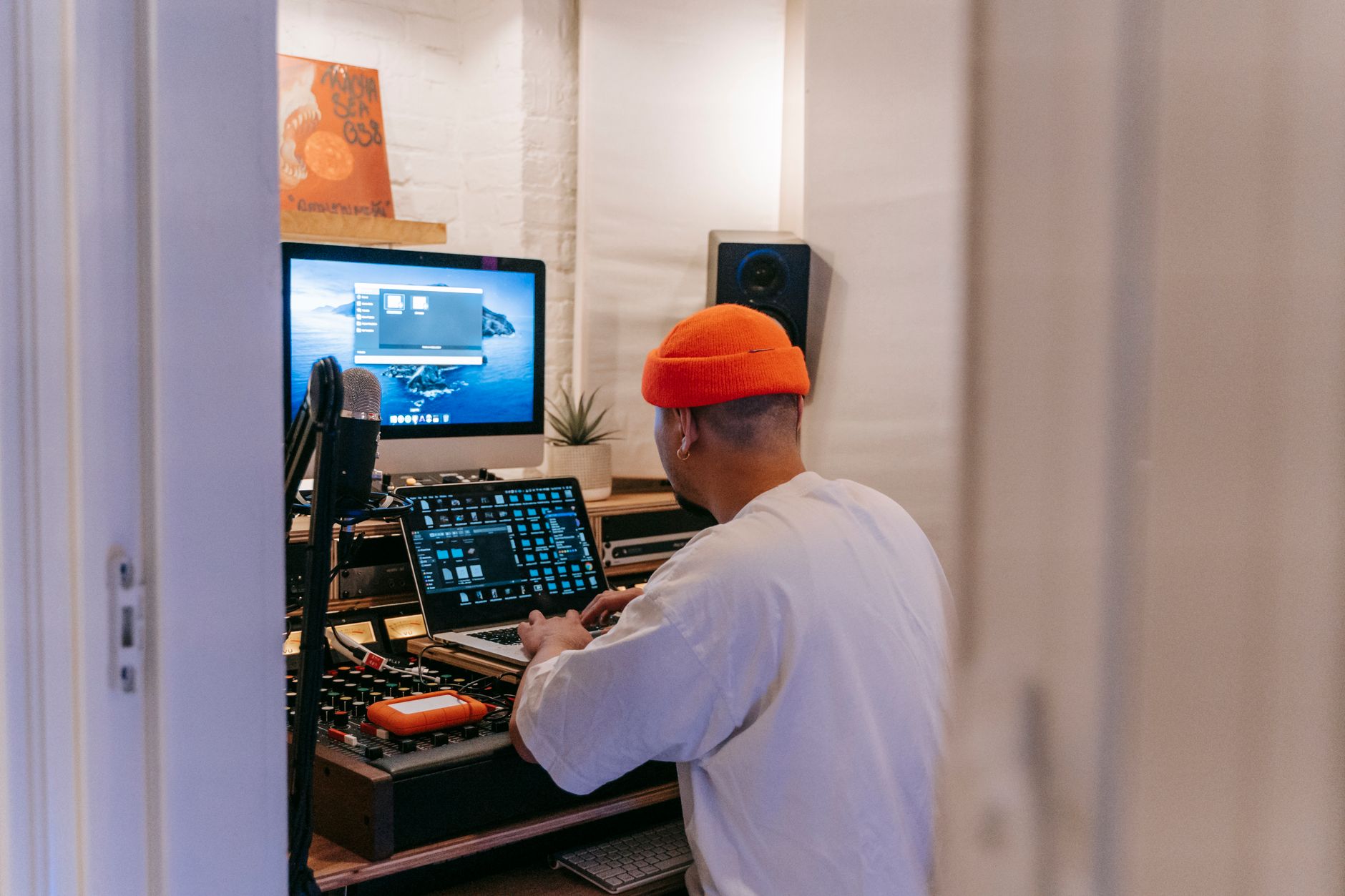 Photo: Anna Pou via Pexels
Active vs Passive Design
Most studio monitors are active — the amp is built in and matched to the specific drivers. This means the crossover (the circuit that splits frequencies between woofer and tweeter) is designed in the powered domain, not the passive domain. Crossover slopes, driver time-alignment, and limiting are all optimized as a single system.
Consumer bookshelf speakers are frequently passive. You add your own amp or receiver, which introduces a variable the manufacturer can’t control. Matching isn’t guaranteed, and coloration from the external amp compounds any coloration in the speaker.
Enclosure Design
Studio monitor enclosures are engineered around the specific drivers and target response. Bass port tuning, internal damping, and cabinet resonance are controlled parameters. Consumer speaker cabinets often prioritize look, size, and build cost over acoustic behavior.
Cheap monitors aren’t immune to cabinet resonance — but the design intent and measurement validation process is more rigorous for pro-audio products where engineers buying them will immediately notice problems.
Driver Materials and Magnets
Professional woofer drivers use stiffer cones (often woven aramid, aluminum, or polypropylene composites) for lower distortion at higher SPL. Tweeters are frequently silk dome or metal dome designs with wide, controlled dispersion. Consumer drivers sometimes use the same materials, but spec sheets for pro-audio products are verified against documented testing standards.
When Regular Speakers Are Fine (And When They’re Not)
For casual listening, regular speakers are perfectly fine — often better, since their coloration makes music sound more engaging. For any mixing, mastering, or critical production decision, they will mislead you. The problem isn’t that consumer speakers sound bad; it’s that they hide information you need.
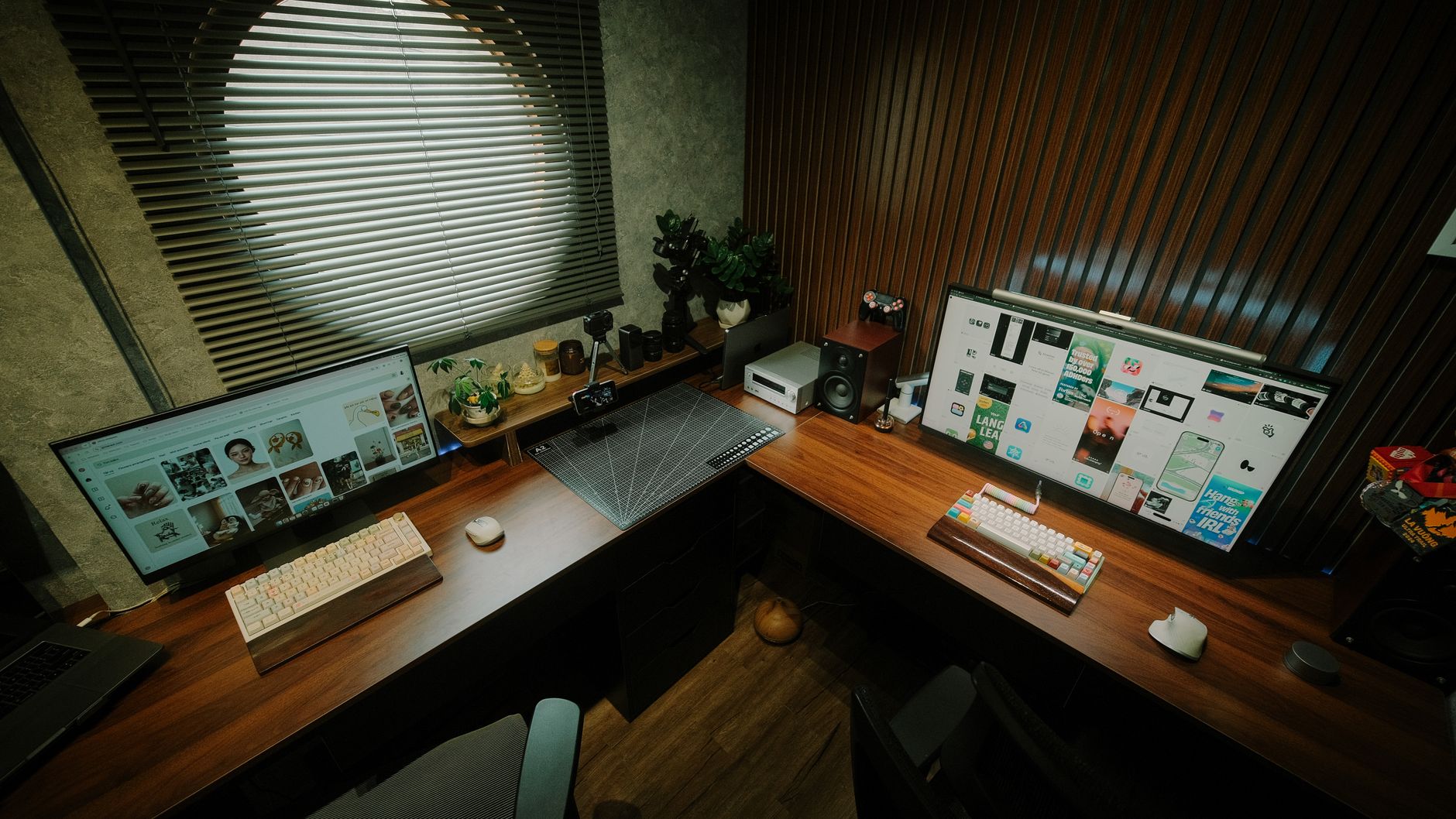 Photo: Pew Nguyen via Pexels
Use Consumer Speakers When:
- You’re listening to finished music, podcasts, or video content
- You’re doing reference listening — checking how your mix translates to a consumer system
- Budget is the primary constraint and you’re not yet mixing seriously
- You’re recording live sources and don’t need to make EQ/compression judgments
Use Studio Monitors When:
- You’re mixing any recorded material
- You’re doing audio post-production for video
- You’re mastering, even at a basic level
- You’re making EQ decisions on samples, synths, or sound design
- You need to judge stereo width, low-end balance, or transient accuracy
Many engineers recommend checking mixes on multiple playback systems — including consumer earbuds and laptop speakers. But those checks supplement monitor mixing; they don’t replace it.
Studio Monitors vs Speakers: Spec Comparison
| Feature | Studio Monitors | Consumer Speakers |
|---|---|---|
| Frequency response goal | Flat (±3dB or better) | Colored / house curve |
| Amplification | Built-in (active) | Usually passive (separate amp) |
| Crossover | Active, driver-matched | Passive, variable |
| Bass tuning | Accuracy-focused port design | Emphasis on perceived impact |
| Driver materials | Pro-grade, low distortion spec | Variable, cost-driven |
| Primary use case | Critical listening / mixing | Enjoyable playback |
| Typical price range | $100–$2,000+ per pair | $50–$5,000+ per pair |
Best Studio Monitors for Home Recording: Quick Picks
Yamaha HS5
The HS5 is one of the most widely used references in home studios. Its famously forward midrange and controlled bass make it a reliable translation checker — mixes that sound good on HS5s tend to hold up elsewhere. It’s not the flattest monitor on the market, but its particular character is well-understood by producers globally, which gives it diagnostic value beyond raw accuracy.
Specs:
| Spec | Value |
|---|---|
| Woofer | 5-inch cone |
| Tweeter | 1-inch dome |
| Frequency response | 54Hz – 30kHz |
| Amplification | 45W (LF) + 25W (HF) |
| Connections | XLR + TRS |
| Best For | Small to medium home studios, translation checking |
KRK Rokit 5 G4
The Rokit 5 G4 adds built-in DSP EQ via an iOS/Android app — useful for tuning response to your room. It has a slightly warmer low-end character than the HS5, which some producers prefer for electronic and hip-hop work where low-end judgment is critical. Published testing data shows good performance in its class for sub-$200 monitors.
Adam Audio T5V
The T5V uses Adam’s ribbon-derived A-X ART tweeter, which delivers a notably extended and smooth high-frequency response. User reviews consistently note superior stereo imaging and high-frequency resolution compared to comparably priced cone-tweeter monitors. Strong choice for mix engineers working with detailed reverb tails and complex spatial content.
Verdict by User Type
| User Type | Recommendation |
|---|---|
| First-time beginner | KRK Rokit 5 G4 — forgiving response, onboard EQ for untreated rooms |
| Bedroom producer | Adam Audio T5V — high-frequency detail aids mix decision-making |
| Gigging musician (monitoring) | Yamaha HS5 — battle-tested, widely known response |
| Prosumer / home mastering | Adam T7V or Yamaha HS7 — larger driver, lower bass extension |
 Photo: David Bartus via Pexels
Do Room Acoustics Change the Answer?
Yes — significantly. A flat studio monitor in an untreated room will sound worse for mixing than a consumer speaker in a treated room. Room acoustics affect what you hear more than the speaker’s frequency response in many cases. Acoustic treatment is the multiplier on any monitor investment.
Bass frequencies in particular cause standing waves in small rectangular rooms. A 100Hz buildup at your mix position will make you cut 100Hz everywhere, thinning out your low-mids globally. Monitor placement (distance from walls, height relative to ears, equilateral triangle with your head) matters at least as much as monitor brand.
If you can’t treat your room, consider:
- Nearfield monitoring (1–1.5m listening distance) to reduce room contribution
- Room correction software like Sonarworks SoundID Reference to compensate for measurement-verified room response
- Monitors with onboard EQ (KRK Rokit G4, Focal Alpha series) to trim bass shelf for boundary effects
→ See also:
- Best Studio Monitors for Home Recording (2026)
- Best Studio Monitors Under $150
- Best Studio Monitors Under $200
FAQ
Do I need studio monitors if I only record vocals? Not necessarily for tracking — headphones work well for recording and monitoring through a session. But if you’re mixing the vocal into a song, adjusting EQ, or making compression decisions, flat-response monitors will give you more reliable results than consumer speakers.
Can I use studio monitors as regular speakers for music listening? Yes, but most people find them less enjoyable than consumer speakers for casual listening. The flat response that makes them accurate for mixing makes music sound analytical rather than exciting. Using them for both is fine; just know that after hours of critical listening, consumer speakers may feel more relaxing.
Are expensive studio monitors always better than cheap ones? Not always, and not linearly. According to expert consensus, room treatment and monitor placement often matter more than the speaker’s price tier. A $300 monitor in a treated room frequently outperforms a $1,000 monitor in an untreated one. Budget for both if possible.
What’s the minimum budget for usable studio monitors? Based on current user reviews and published performance data, $150–$200 per pair is where monitors become genuinely useful for mix decisions. Below that, the tradeoffs in driver quality and amplification start to limit accuracy in ways that approach consumer speaker territory.
Do studio monitors need a separate audio interface? They benefit from one, yes. Studio monitors accept balanced XLR or TRS connections, which offer significantly lower noise than unbalanced consumer outputs (3.5mm, RCA). Running balanced from an audio interface also gives you proper gain staging and clean headroom. Connecting directly to a laptop’s headphone output works, but you’ll likely hear noise and lose dynamic range.
How do I know if a studio monitor is actually flat? Check manufacturer-published frequency response graphs, and cross-reference with third-party published testing data from sources like Audioholics, SoundOnSound, or Erin’s Audio Corner. Look for the ±dB tolerance spec — ±3dB across the stated range is a reasonable benchmark for an honest flat-response claim. Many manufacturers publish optimistic specs; independent measurement data is more reliable.
Editorial methodology: Assessments are based on manufacturer specifications, published user reviews, and editorial research. Physical hands-on testing is noted explicitly where it occurred. Rankings reflect our editorial judgment and are not influenced by affiliate commission rates. Full editorial policy · Affiliate disclosure