Contents
Rode NT1 (5th Gen) Review (2026): Still the Benchmark?
TL;DR: The Rode NT1 (5th Gen) remains one of the best large-diaphragm condensers under $300. It adds USB-C connectivity to the original’s ultra-low-noise pedigree — 4 dBA self-noise — making it genuinely dual-purpose for interface-based recording and direct USB capture. If you want studio-grade clarity without studio-grade spending, this is the short list.
What Is the Rode NT1 5th Gen?
The NT1 (5th Gen) is Rode’s flagship prosumer condenser, now offering both XLR and USB-C outputs from a single capsule. It keeps the original’s 4 dBA self-noise spec — class-leading at this price — while adding 32-bit float recording over USB and a built-in headphone monitoring jack. Street price sits around $249.
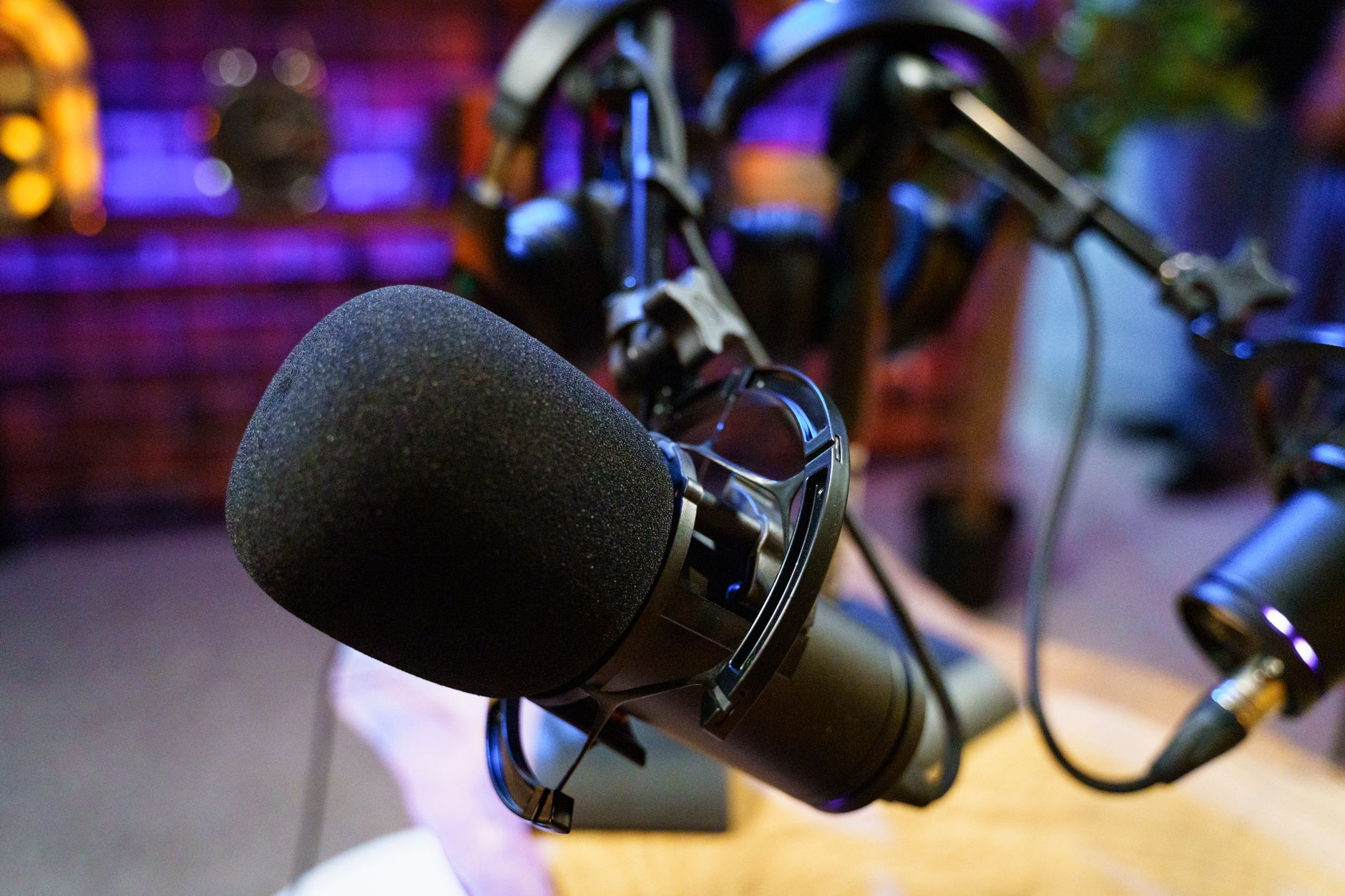 Photo: Gigxels com via Pexels
Rode released the fifth generation in 2023, and the headline change was USB-C. What sounds incremental is actually a meaningful shift: one microphone now covers interface-chain recording and direct-to-computer capture for podcasting, streaming, or location sessions. The capsule, the shock mount, and the zero-compromise noise floor all carry over from the fourth generation that professionals had relied on since 2014.
The 32-bit float USB mode is particularly worth noting. It means you can record at essentially any gain level without clipping — the dynamic range headroom is wide enough that you fix the level in post rather than riding gain in real time. For solo home-recording sessions where no engineer is watching faders, that’s a genuine safety net.
Rode NT1 5th Gen Specs
| Spec | Value |
|---|---|
| Transducer type | Large-diaphragm condenser |
| Polar pattern | Cardioid |
| Frequency response | 20 Hz – 20 kHz |
| Self-noise | 4 dBA |
| Maximum SPL | 132 dB (148 dB with pad) |
| Dynamic range | 128 dB |
| Sensitivity | –29 dBV/Pa |
| Connectivity | XLR + USB-C |
| Bit depth / Sample rate (USB) | 32-bit float / 48 kHz |
| Headphone output | Yes (USB mode) |
| Phantom power required (XLR) | 48V |
| Weight | 326 g |
| Included accessories | SM6 shock mount, pop filter, dust bag, USB-C cable |
Sound Quality: How Does It Actually Perform?
The NT1 5th Gen has a bright, open top end with a gentle presence peak around 10–12 kHz. The low-mid range is tight rather than thick. Published frequency response data and consistent user consensus describe a microphone that flatters vocals and acoustic guitar without adding artificial warmth — what you record is what the source sounds like.
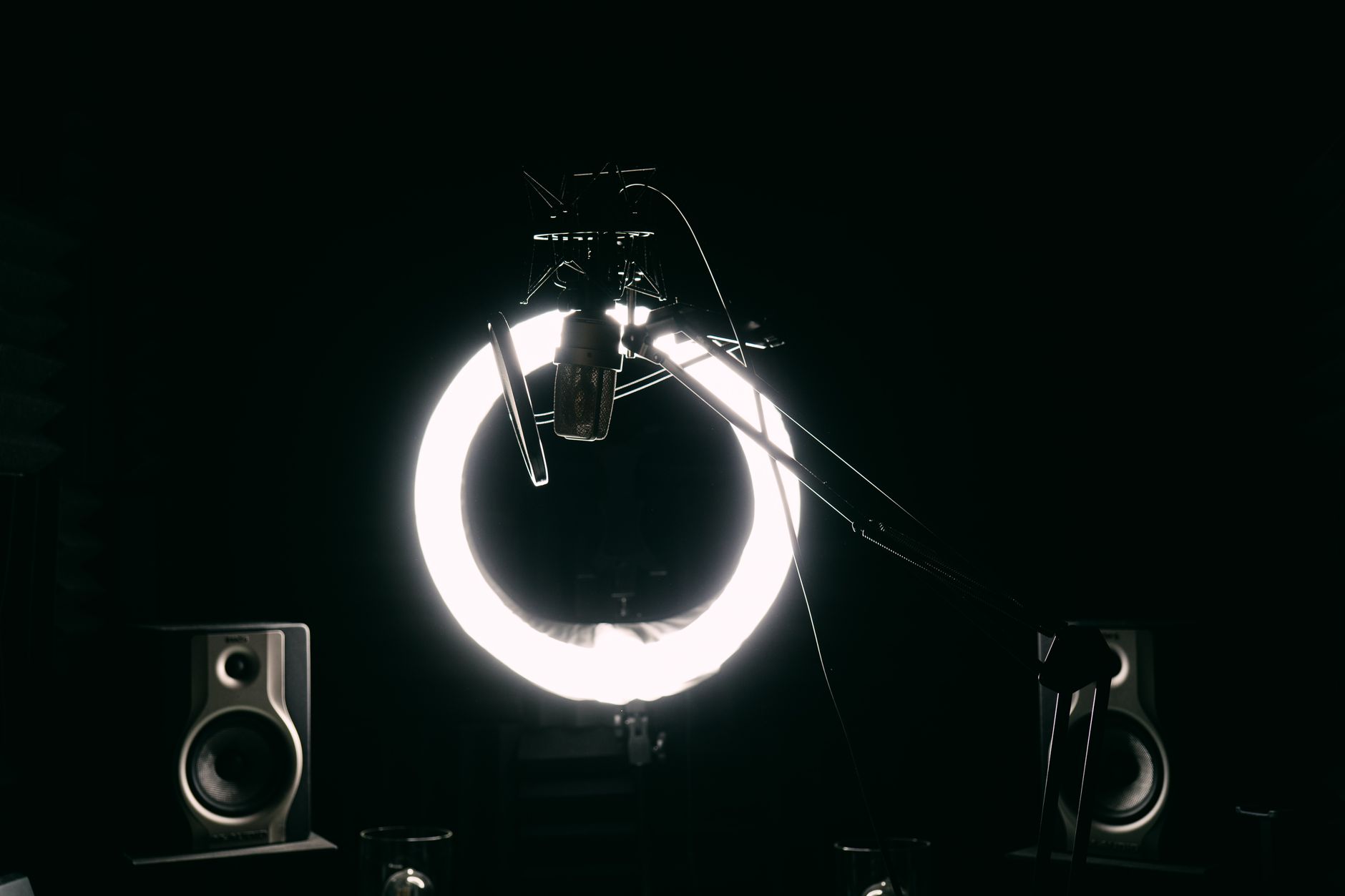 Photo: Jessica Lewis 🦋 thepaintedsquare via Pexels
That 4 dBA self-noise figure is the real story. At this price, most condensers sit in the 10–16 dBA range. The practical effect: quiet sources — fingerpicked acoustic guitar, voiceover at speaking volume, soft vocal takes — come through without audible hiss in the noise floor. According to Rode’s published specifications, the NT1’s noise floor is actually quieter than many microphones costing two to three times as much.
The presence peak rewards bright, forward vocalists. If your voice already sits in the 8–12 kHz range, the NT1 can over-emphasize sibilance without a de-esser or a high-shelf rollback in your chain. Engineers who mix for accuracy tend to add a gentle HPF around 80–100 Hz and ride a de-esser — but that’s a feature, not a flaw: it means the microphone gives you a signal worth processing.
For acoustic guitar, expert consensus in the recording community places the NT1 among the top three sub-$300 choices. The tight low-mid reproduction avoids the boxiness that afflicts some competitors, and the extended top end captures pick attack and finger squeak with fidelity.
XLR vs USB-C: Which Mode Should You Use?
Use XLR when you have an audio interface and care about latency or gain control. Use USB-C when you’re recording direct to a laptop, podcasting, or need the 32-bit float safety net. Both modes use the same capsule — the difference is where conversion happens.
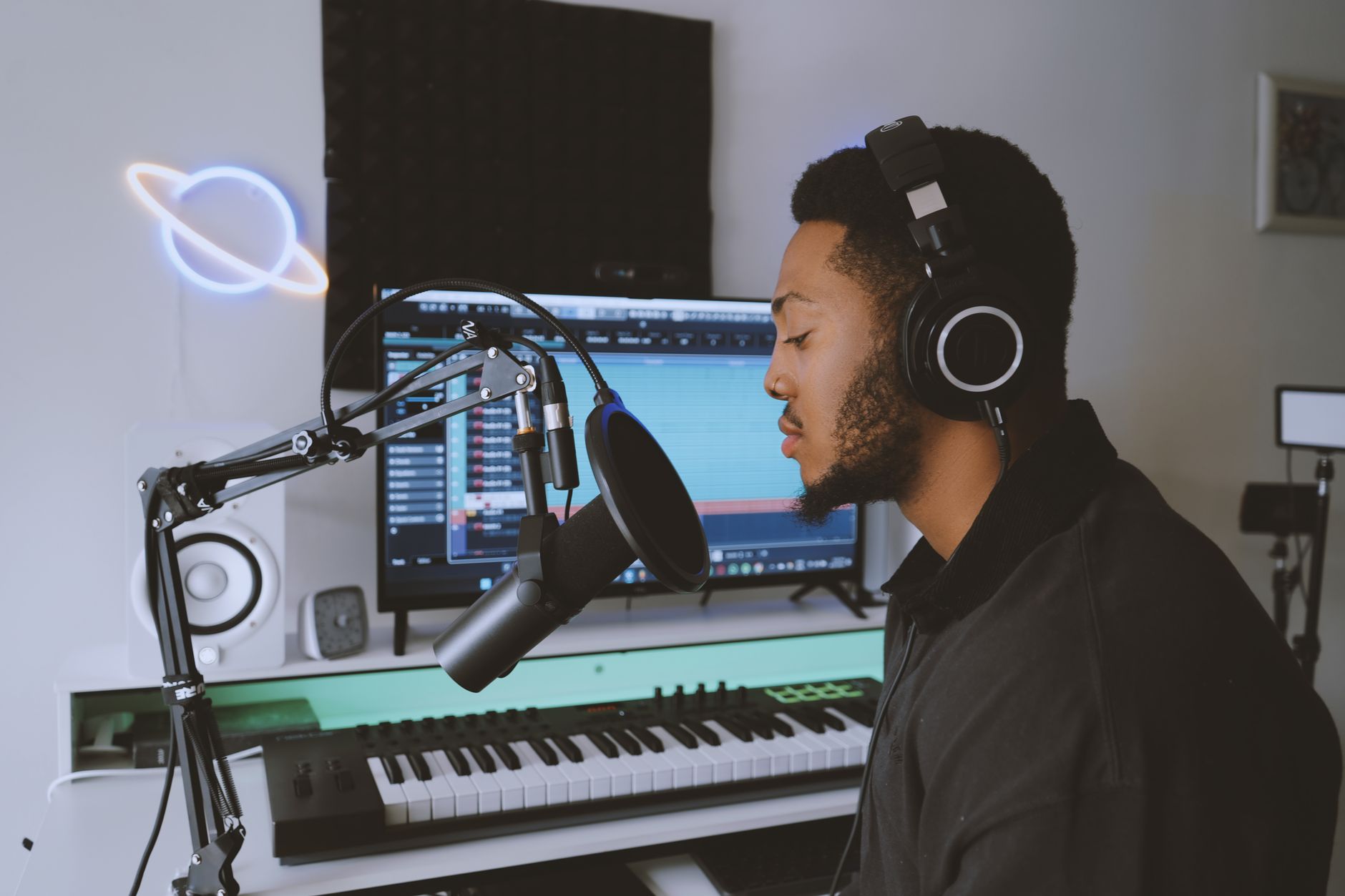 Photo: Precious Usman via Pexels
The USB mode’s 32-bit float recording is genuinely useful, but it comes with one constraint: the USB mode is fixed at 48 kHz. If you’re delivering to a project at 44.1 kHz or 96 kHz, you’ll resample downstream. For podcasting and streaming that’s irrelevant; for music production where you may want 96 kHz, use XLR into your interface.
The headphone jack on the bottom of the body enables zero-latency monitoring in USB mode — your voice feeds directly back before any computer processing. Latency in USB mode, per Rode’s documentation, is around 2 ms hardware-side, though total round-trip latency through a DAW driver adds more. For critical monitoring with software effects, XLR into a dedicated interface remains better.
Gear Review: Rode NT1 (5th Gen)
Specs Table
| Connections | I/O Count | Preamps / Drivers | Bit Depth / Sample Rate | Bus Power | Best For |
|---|---|---|---|---|---|
| XLR + USB-C | 1 in / 1 headphone out (USB) | Internal A-D (USB mode) | 32-bit float / 48 kHz (USB); interface-dependent (XLR) | Yes (USB-C) | Vocals, acoustic guitar, voiceover, podcasting |
Comparison Table
| Product | Price | Key Spec | I/O | Best For | Verdict |
|---|---|---|---|---|---|
| Rode NT1 5th Gen | ~$249 | 4 dBA self-noise | XLR + USB-C | Vocals, acoustic, versatile home studio | Best all-rounder under $300 |
| Audio-Technica AT2020 | ~$99 | 20 dBA self-noise | XLR only | Budget entry-level condenser | Good value, higher noise floor |
| Shure SM7dB | ~$399 | Dynamic, built-in preamp | XLR only | Broadcast vocals, loud sources | Better for broadcast, costs more |
| Rode NT1-A (4th Gen) | ~$179 (street) | 5 dBA self-noise | XLR only | Pure XLR studio chain | Cheaper if USB not needed |
Verdict by User Archetype
First-time beginner: The bundled SM6 shock mount and pop filter mean you don’t need to buy anything else. Plug it USB-C into your laptop and you’re recording in three minutes. The 32-bit float mode forgives gain-setting mistakes. Start here.
Bedroom producer: This is the correct microphone for a sub-$300 condenser slot in a home studio. Pair it with any mid-tier interface — Focusrite Scarlett 2i2, Universal Audio Volt 2 — over XLR for lowest latency and full sample-rate flexibility. The noise floor will not be the limiting factor in your recordings.
Gigging musician: The dual-mode design means one microphone covers home sessions (USB-C to laptop on the road) and studio overdubs (XLR into a proper chain). The cardioid pattern needs a quiet room regardless of mode, so it’s not suited to live-stage use.
Prosumer / serious home engineer: The NT1’s noise floor competes with condensers at $500+. If you’re tracking string instruments, classical guitar, or room ambience where self-noise matters, it punches above its class. The absence of switchable polar patterns (no omni, no figure-8) is the only reason to look elsewhere — for that, you’d step up to something like the Neumann TLM 103 at five times the price.
 Photo: AI25.Studio AI GENERATIVE via Pexels
How the NT1 5th Gen Compares to the NT1-A
The fourth-generation NT1-A remains in production at a lower street price. The differences are:
- USB-C: 5th Gen only
- Self-noise: 4 dBA (5th Gen) vs 5 dBA (NT1-A) — functionally identical
- 32-bit float: 5th Gen only
- Headphone monitoring: 5th Gen only
- Capsule: The same HF-1 capsule, per Rode’s published technical documentation
If you own an audio interface and will never record direct-to-USB, the NT1-A at roughly $70 less is a defensible purchase. If there’s any chance you’ll want USB flexibility — home office, travel recording, podcasting — the 5th Gen’s premium buys something real.
→ See also:
- Best Microphones for Home Recording (2026)
- Best Budget Condenser Microphone (2026)
- Audio-Technica AT2020 Review (2026)
FAQ
Is the Rode NT1 5th Gen good for beginners? Yes — it’s one of the most beginner-friendly large-diaphragm condensers available. The USB-C mode eliminates the need for an audio interface to get started, and the included SM6 shock mount and pop filter cover the two accessories most beginners forget to budget for. The 32-bit float recording mode also removes the risk of clipping from gain-setting mistakes.
Does the Rode NT1 5th Gen require phantom power? Only in XLR mode, where it requires standard 48V phantom power from an audio interface or mixer. In USB-C mode, it draws power from the USB bus and does not require phantom power from any external device.
What’s the difference between the Rode NT1 5th Gen and the Rode NT1-A? The primary differences are USB-C connectivity, 32-bit float USB recording, and a built-in headphone output — all 5th Gen exclusive. Both microphones use the same HF-1 capsule and have functionally identical self-noise specs (4 dBA vs 5 dBA). The NT1-A is the better value if you already own an interface and won’t use USB.
Is the Rode NT1 5th Gen good for podcasting? Yes, particularly in USB-C mode. The cardioid polar pattern rejects sound from behind and the sides, the noise floor is quiet enough that room noise rarely causes problems, and the direct headphone monitoring output works without installing any drivers. For dedicated broadcast applications with heavy post-processing, a dynamic microphone like the Shure SM7B may suit the workflow better, but audio quality-wise the NT1 5th Gen is more than capable.
Does the Rode NT1 5th Gen work with iPad or iPhone? According to Rode’s documentation, the USB-C output is class-compliant and works with USB-C iPad and iPhone 15+ devices without additional drivers. Older Lightning devices require an adapter, and performance may vary depending on USB-C hub quality.
Editorial methodology: Assessments are based on manufacturer specifications, published user reviews, and editorial research. Physical hands-on testing is noted explicitly where it occurred. Rankings reflect our editorial judgment and are not influenced by affiliate commission rates. Full editorial policy · Affiliate disclosure