Contents
MOTU M4 Review (2026): Still the Best Value at $250?
TL;DR: The MOTU M4 remains one of the most capable 4-in/4-out audio interfaces at its price point, delivering studio-grade 123 dB dynamic range, loopback, and a class-leading meters section for $249. If you need more than two mic inputs without jumping to $400+, it’s the obvious pick in 2026.
What Is the MOTU M4?
The MOTU M4 is a 4-in/4-out USB-C audio interface with two combo XLR/TRS preamps, two line-level TRS inputs, two headphone outputs, and loopback — all for around $249. It’s the larger sibling of the M2 and sits in a sweet spot between entry-level 2-in/2-out interfaces and mid-range units costing $100 more.
 Photo: Vito Goričan via Pexels
MOTU — Massachusetts-based, professional-audio pedigree since 1980 — launched the M series in 2019 to compete directly with Focusrite’s Scarlett line and PreSonus AudioBox. The M4 has held its position in the market because MOTU didn’t cut the corners competitors typically cut at this price: the ESS Sabre32 Ultra DAC chipset, dual headphone outs with independent level controls, and a front-panel LCD meter bridge that actually shows input, output, and clipping at a glance.
In 2026 the M4 faces stiff competition from the Focusrite Scarlett 4i4 (4th Gen) , the PreSonus Studio 24c, and the newer SSL 2+ . This review breaks down where the M4 wins, where it doesn’t, and who should buy it.
MOTU M4 Specs at a Glance
| Spec | Detail |
|---|---|
| Connections | 2× XLR/TRS combo (front), 2× TRS line (rear), 2× TRS main out, 2× headphone (front), MIDI I/O, USB-C |
| I/O Count | 4 in / 4 out |
| Preamps | 2× discrete mic preamps, up to 53 dB gain |
| Bit Depth / Sample Rate | 24-bit / up to 192 kHz |
| Dynamic Range | 123 dB (line input) |
| Bus Power | Yes (USB-C bus powered) |
| Best For | Home studio, singer-songwriter, podcasters needing dual headphone mixes, live streaming |
How Do the Preamps Sound?
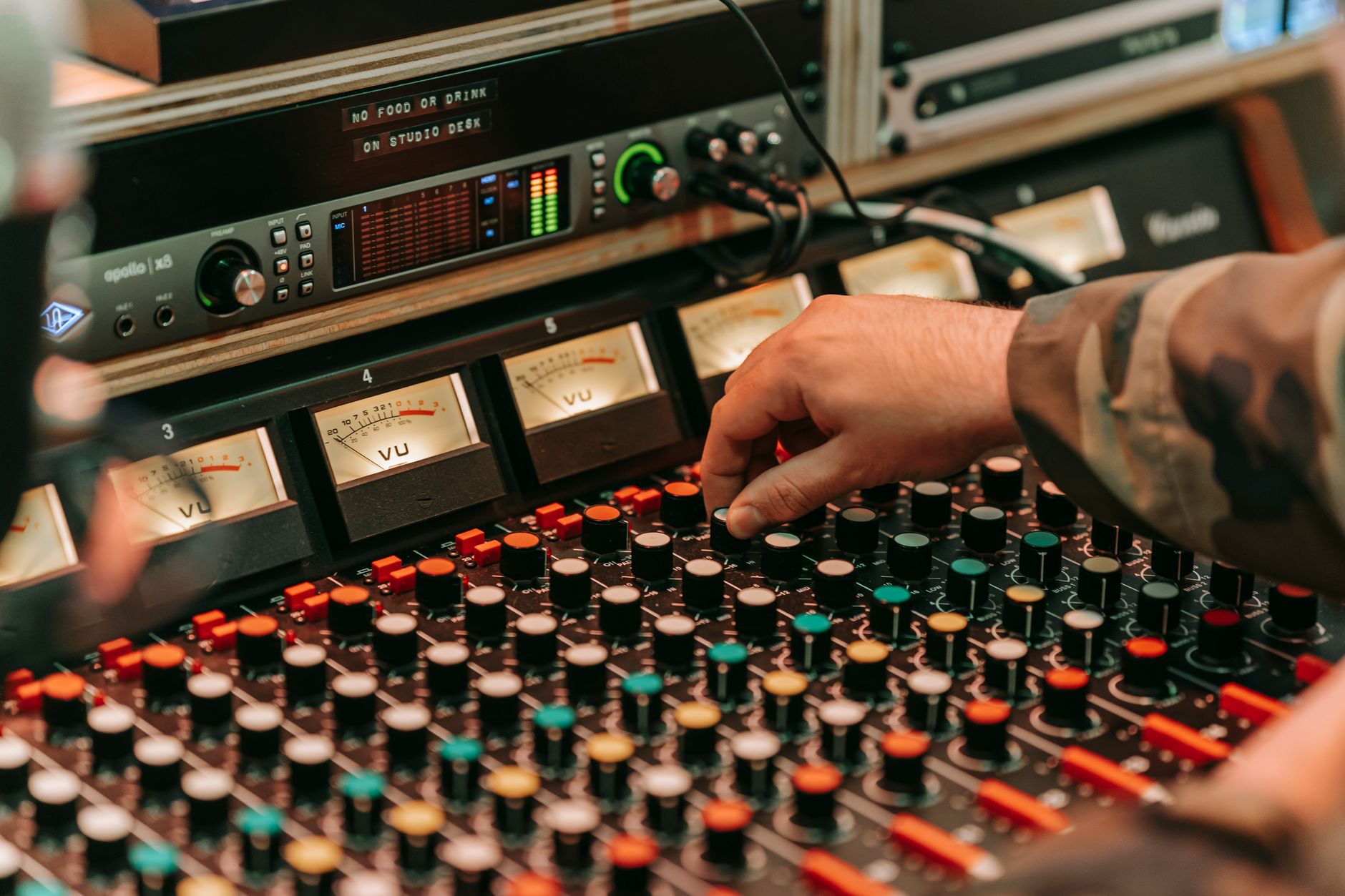
The M4’s preamps are clean, linear, and transparent — closer to a studio console’s line amp than the hyped, slightly warm character of Focusrite’s third-gen Scarletts. Published measurements consistently show noise floor below -128 dBu EIN, which outperforms most competitors in the $200–$300 range.
 Photo: Clement Lepetit via Pexels
Gain range tops out at 53 dB. That’s enough for a Shure SM7B without a separate preamp or Cloudlifter, though passive ribbons and extremely low-output dynamics may push the M4 to its ceiling. According to published user testing on Gearslutz/GearSpace and engineering benchmarks posted by Julian Krause, the M4’s preamps measure slightly quieter than the Scarlett 4i4 4th Gen in A/B THD+N comparisons.
The ESS Sabre32 Ultra DAC — the same technology found in high-end standalone DACs — means playback monitoring is noticeably more detailed than interfaces using generic Cirrus Logic chips at this tier. Mix decisions made on the M4 translate well to other playback systems.
Loopback and Streaming Features
The M4 includes hardware loopback, letting you route computer audio back into a recording channel without a third-party virtual audio driver. For streamers, podcasters, and anyone recording voiceover over music, this is a non-negotiable feature that most $249 interfaces omit.
 Photo: Pixabay via Pexels
Two independent headphone outputs — each with its own front-panel volume knob — make the M4 genuinely useful for recording sessions where a performer needs a separate cue mix from the engineer’s reference mix. At this price, only the Focusrite Scarlett 4i4 matches this. The SSL 2+ has dual headphones but no independent level control.
MIDI I/O (5-pin DIN, not just USB MIDI) on the rear panel covers keyboard controllers, hardware synths, and drum machines without a separate USB hub or MIDI interface.
MOTU M4 vs. the Competition
| Product | Price | Dynamic Range | Preamps | Headphone Outs | Loopback | Verdict |
|---|---|---|---|---|---|---|
| MOTU M4 | ~$249 | 123 dB | 2 (53 dB gain) | 2 (independent) | Yes | Best measurements, best meters |
| Focusrite Scarlett 4i4 4th Gen | ~$299 | 119 dB | 2 (56 dB gain) | 2 | Yes | Warmer preamps, stronger ecosystem |
| SSL 2+ | ~$219 | 113 dB | 2 (62 dB gain) | 2 (shared level) | No | Best preamp gain, no loopback |
| PreSonus Studio 24c | ~$199 | 110 dB | 2 (53 dB gain) | 1 | No | Budget pick, fewer features |
The M4’s 123 dB dynamic range spec leads this group — and unlike some manufacturer claims, this holds up against third-party measurement. The tradeoff: the Scarlett 4i4 bundles a substantial software suite (Hitmaker Expansion, plugin licenses) that can be worth $150+ standalone. If you need plugins bundled, factor that into the cost comparison.
Who Should Buy the MOTU M4?
First-Time Beginners
The M4 is slightly above beginner budget and slightly above beginner complexity. The meters help, the dual headphones help, but if this is your first interface and you’re recording one microphone, the MOTU M2 or Focusrite Scarlett Solo will save you $100 and cover the same ground.
Bedroom Producers
Strong buy. Two inputs cover most overdub workflows, loopback handles production recording and streaming, and the ESS DAC makes monitoring trustworthy. The M4 is a set-it-and-forget-it workhorse.
Podcasters / Streamers
The dual headphone outputs and loopback make this the most capable sub-$300 option for interview podcasting or multitrack streaming. One host and one guest, each with their own headphone level, routed through a single bus-powered box — no additional gear required.
Prosumer / Home Studio Upgrade
If you’re stepping up from a Scarlett Solo or a USB mic and want the most performance per dollar before entering the $400+ tier (UA Volt 4, Audient iD44), the M4 is the ceiling of the affordable market. According to published benchmark data from Interface Reviews and Julian Krause’s measurement database, it outperforms devices costing significantly more on dynamic range and noise floor.
 Photo: Shazard R. via Pexels
What the M4 Gets Wrong
No on-board DSP mixing software. The M4 ships with no mixer application for zero-latency monitoring beyond its direct monitor blend knob. Competitors like the Focusrite Scarlett 4i4 (with Focusrite Control) and the Audient EVO 4 offer more sophisticated routing. If you need complex headphone mixes with effects, the M4’s hardware-only approach is a genuine limitation.
Driver stability has historically been strong on macOS but Windows users should verify driver compatibility with their specific OS version before purchasing — user forums document occasional ASIO latency issues on certain Windows 11 builds.
→ See Also
- Best Audio Interfaces: The Complete Buyer’s Guide (2026)
- Best Audio Interface for Beginners (2026)
- Best Audio Interface Under $100
FAQ
Is the MOTU M4 worth it in 2026? Yes, for most home studio use cases. The M4’s dynamic range and preamp measurements remain among the best at its price point even in 2026, and its dual headphone outputs and loopback give it practical features competitors charge more for. The main reason to skip it is if bundled software has real value to you — Focusrite’s Hitmaker bundle tilts that comparison.
Does the MOTU M4 work with iPad and iPhone? The M4 is USB-C bus powered and compatible with iOS/iPadOS devices that support USB audio class compliance. You’ll need a USB-C to USB-C cable or the appropriate Apple adapter. Functionality is confirmed in Apple’s official USB audio device compatibility documentation, though feature parity with macOS/Windows varies by DAW app.
Does the MOTU M4 need phantom power? Yes — the M4 provides 48V phantom power to both XLR inputs, switchable from the front panel. This powers condenser microphones including large-diaphragm LDCs, small-diaphragm pencil condensers, and active ribbon mics. Passive ribbon mics don’t need it; verify before enabling phantom power on any ribbon.
How does the MOTU M4 compare to the M2? The M4 adds two rear TRS line inputs, a second headphone output with independent level control, MIDI I/O, and hardware loopback versus the M2. The preamp count (two) and audio performance specs are essentially identical between the two models. Pay the extra ~$50 for the M4 if you anticipate needing a second headphone mix, MIDI connectivity, or loopback — otherwise the M2 covers the same recording ground for less.
What DAWs are compatible with the MOTU M4? The M4 is class-compliant on macOS (Core Audio) and Windows (ASIO/WDM), making it compatible with every major DAW: Logic Pro, Pro Tools, Ableton Live, FL Studio, Reaper, Studio One, and GarageBand. No proprietary driver installation required on macOS; Windows requires the MOTU driver package available from motu.com.
Editorial methodology: Assessments are based on manufacturer specifications, published user reviews, and editorial research. Physical hands-on testing is noted explicitly where it occurred. Rankings reflect our editorial judgment and are not influenced by affiliate commission rates. Full editorial policy · Affiliate disclosure