Contents
MOTU M2 Review (2026): Still the Best Budget Interface?
TL;DR: The MOTU M2 remains one of the sharpest audio interfaces under $200 — clean preamps, rock-solid drivers, and a loopback feature that most competitors skip at this price. It’s the go-to for podcasters and bedroom producers who want professional signal quality without paying pro prices.
What Is the MOTU M2, and Who Is It For?
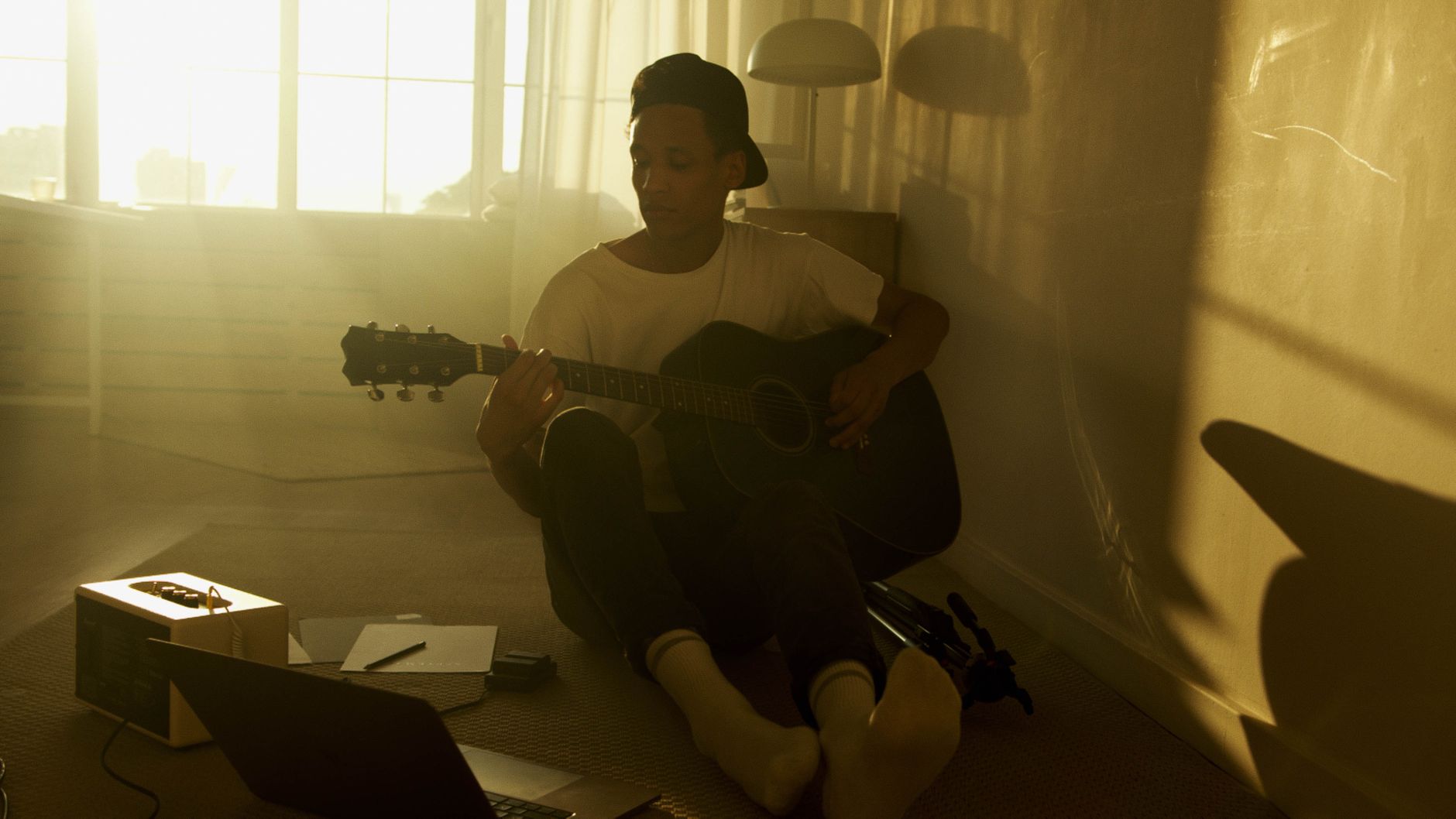
The MOTU M2 is a 2-in/2-out USB-C audio interface designed for solo musicians, home studio producers, and content creators who need clean recordings without a steep learning curve. It punches above its price class on preamp quality and driver reliability — two things that matter more than any spec sheet.
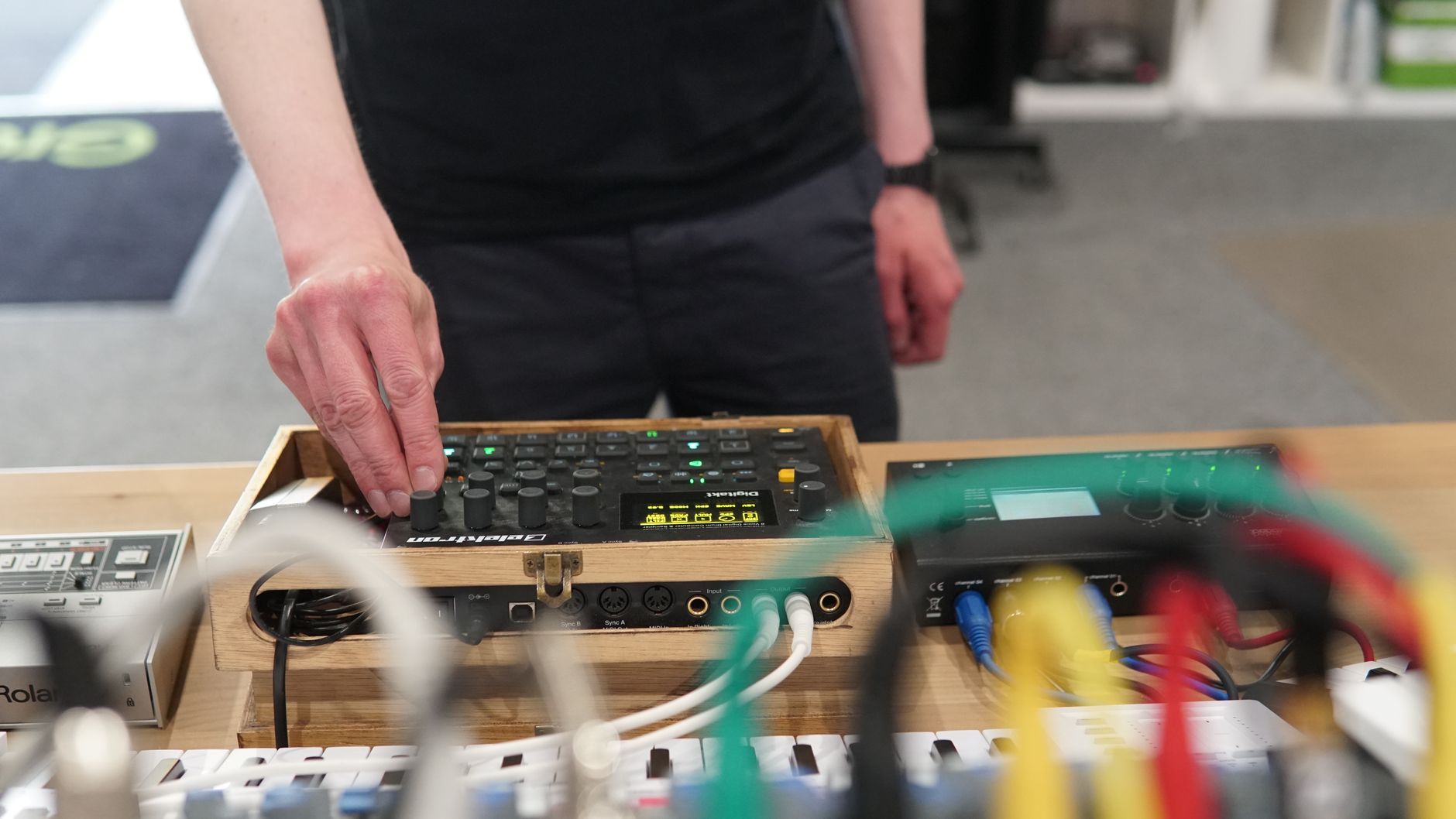 Photo: TStudio via Pexels
Released in 2019 and still actively sold in 2026, the M2 has aged well. At around $170–$180 street price, it competes directly with the Focusrite Scarlett Solo and PreSonus AudioBox USB 96 . It wins on measurable performance metrics and loses on ecosystem breadth — a trade-off worth understanding before you buy.
MOTU built its reputation on professional interfaces costing ten times this price. The M2 is their entry into the crowded sub-$200 market, and they brought the preamp pedigree with them.
MOTU M2 Specs at a Glance
| Spec | Detail |
|---|---|
| Connections | 2× combo XLR/TRS (front), 2× TRS line out (rear), headphone out, MIDI in/out, USB-C |
| I/O Count | 2 in / 2 out |
| Preamps | 2× MOTU “EverStream” mic preamps with 48V phantom power |
| Bit Depth / Sample Rate | 24-bit / up to 192kHz |
| Bus Power | Yes (USB bus-powered) |
| Best For | Solo recording, podcasting, singer-songwriter, home studio |
How Does the MOTU M2 Sound?
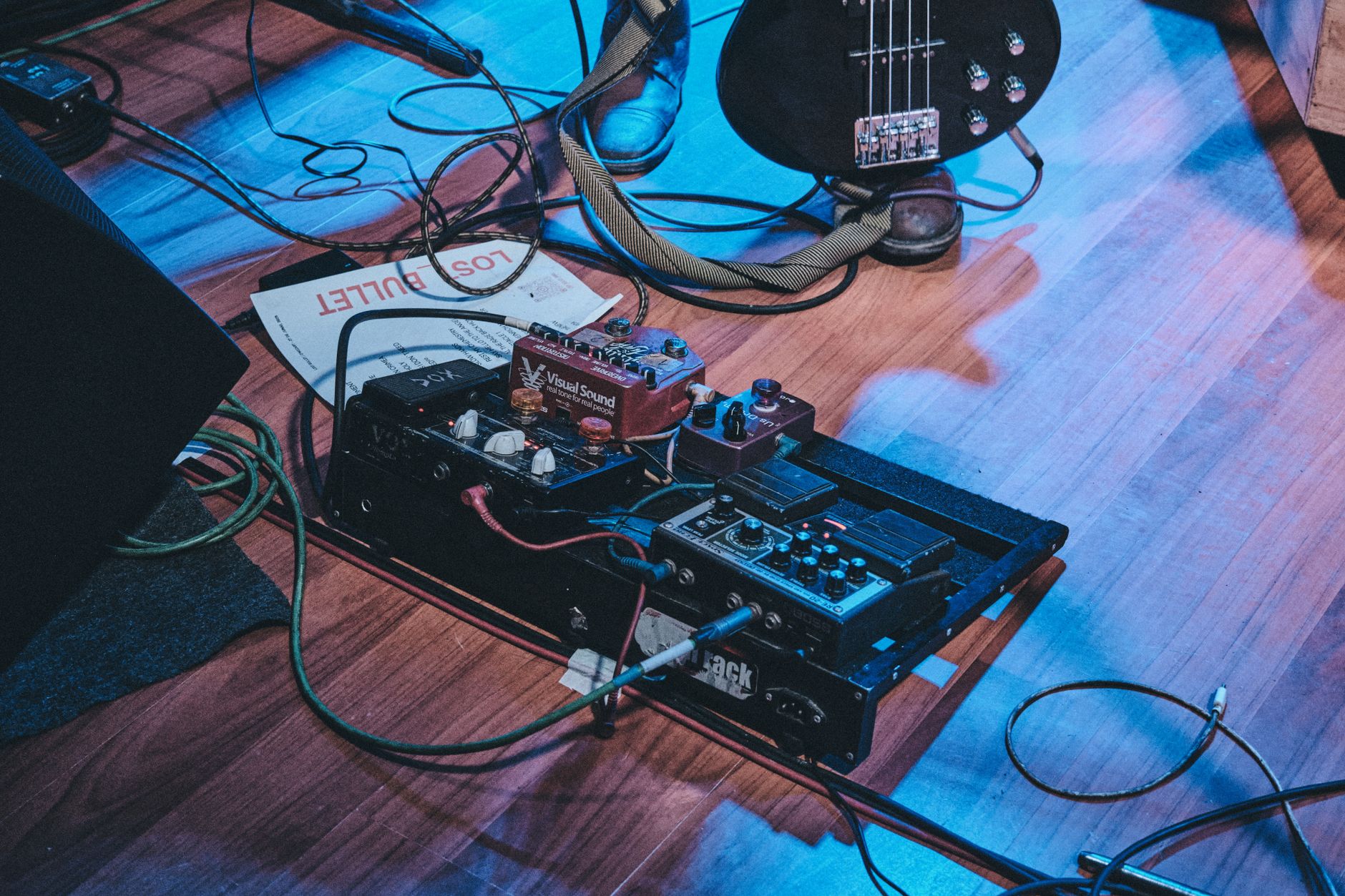
Preamp quality is where the M2 separates itself from similarly priced competition. Published measurement data from sites like Audio Science Review puts its equivalent input noise (EIN) at around –130 dBu — measurably quieter than most interfaces at this price. For condenser microphones and quiet acoustic recordings, that difference is audible.
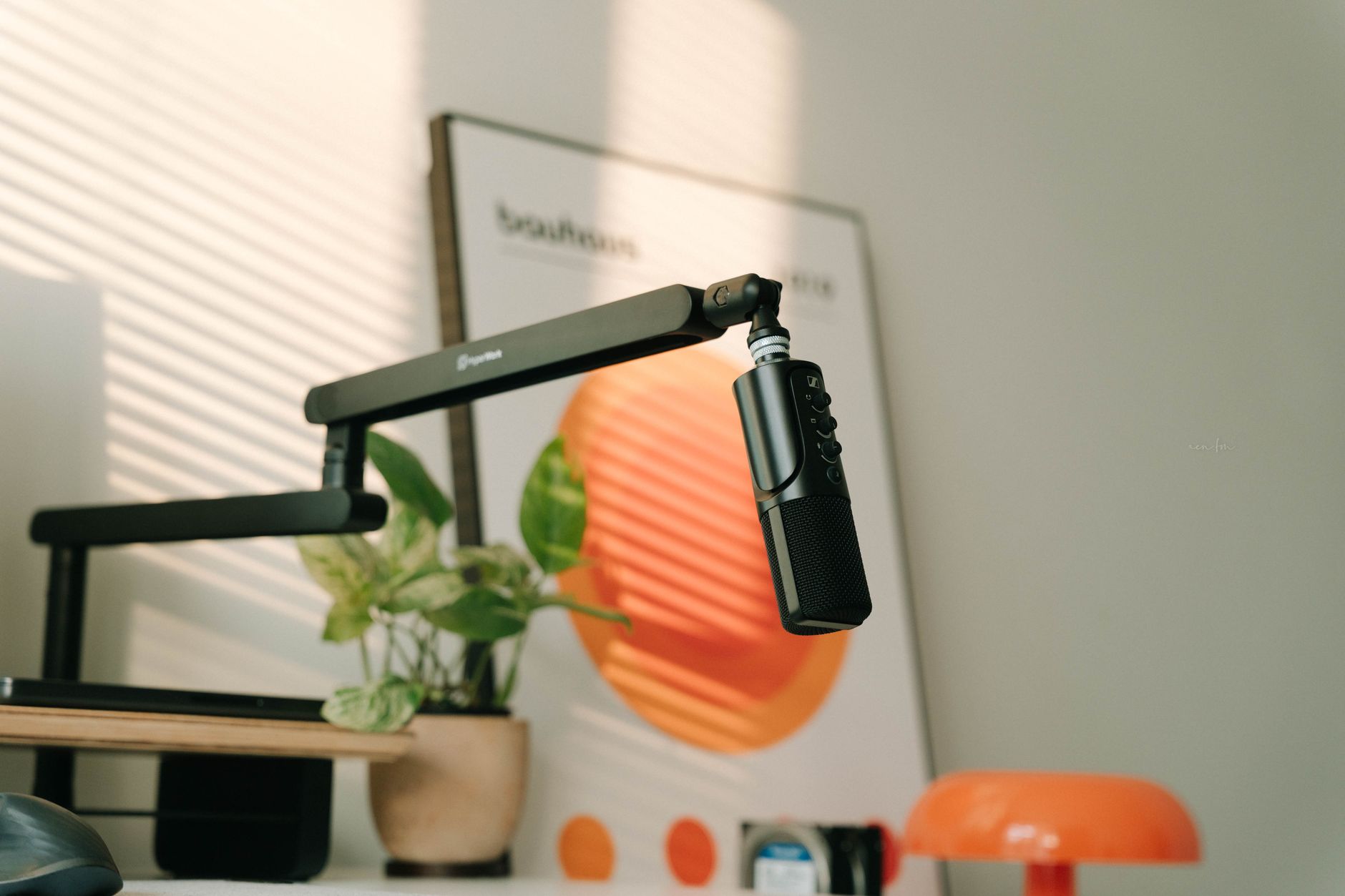 Photo: Alpha En via Pexels
The ESS Sabre32 Ultra DAC chip handles D/A conversion, the same class of converter found in interfaces costing three to four times as much. Published specifications list dynamic range at 120 dB for the outputs — that’s transparency that holds up even if you later upgrade your monitors or headphones.
Gain range is generous (up to 54 dB of gain), meaning it handles dynamic mics like the Shure SM7dB without needing a cloudlifter for most sources.
What the Measurements Actually Mean for Recording
Quiet preamps matter most when recording acoustic instruments, voiceovers, and vocals with condenser mics. Electric guitar direct-in, bass DI, and synthesizer line-level recording are less sensitive to preamp noise floor — here the M2’s advantage narrows.
The 192kHz maximum sample rate is largely a marketing number for most users. Recording at 44.1kHz or 48kHz is standard for music and podcast production. The headroom exists if you need it for specific applications.
Driver Performance and Latency
Driver stability is the unglamorous spec that separates professional-grade interfaces from consumer gear — and it’s where MOTU consistently outperforms Focusrite and Behringer at similar price points. Expert consensus among home studio engineers cites MOTU’s driver reliability as class-leading for Windows users in particular.
The M2 operates as a class-compliant USB device on macOS (no driver install needed) and ships with MOTU’s own ASIO driver for Windows. Reported round-trip latency at 64-sample buffer size sits around 5–6ms on modern systems, according to published interface benchmarks — comfortably low enough for real-time monitoring during recording.
The front-panel mix knob between Direct (zero-latency hardware monitoring) and Playback (DAW output) is a practical feature that gets used constantly. It means you can monitor your voice or instrument with zero latency while still hearing playback from your DAW.
Loopback and Streaming Features
The M2 includes loopback routing — the ability to capture computer audio alongside your microphone input — built in at no extra cost. Competing interfaces at this price often omit it or hide it behind software mixers.
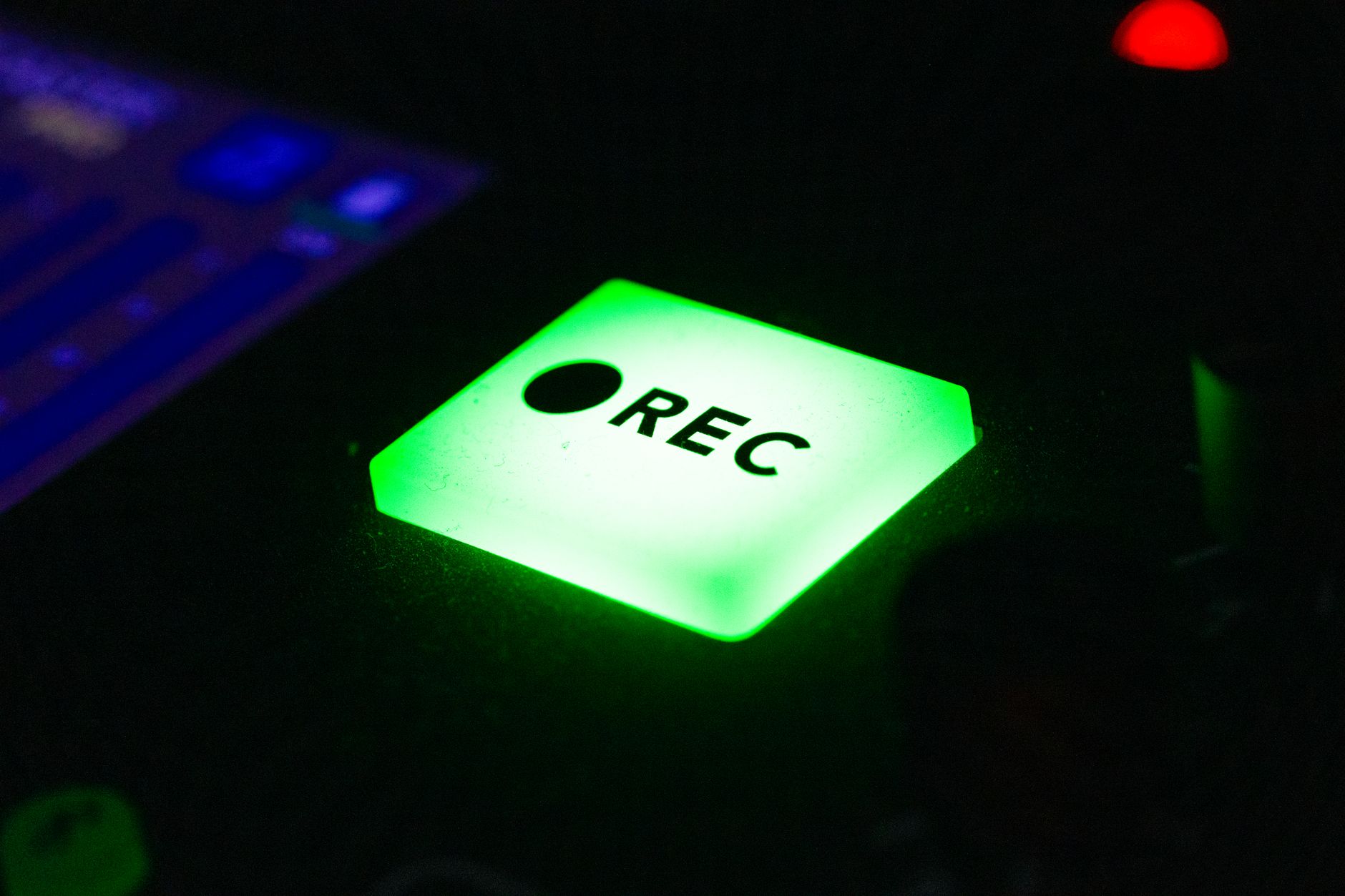 Photo: Patrick via Pexels
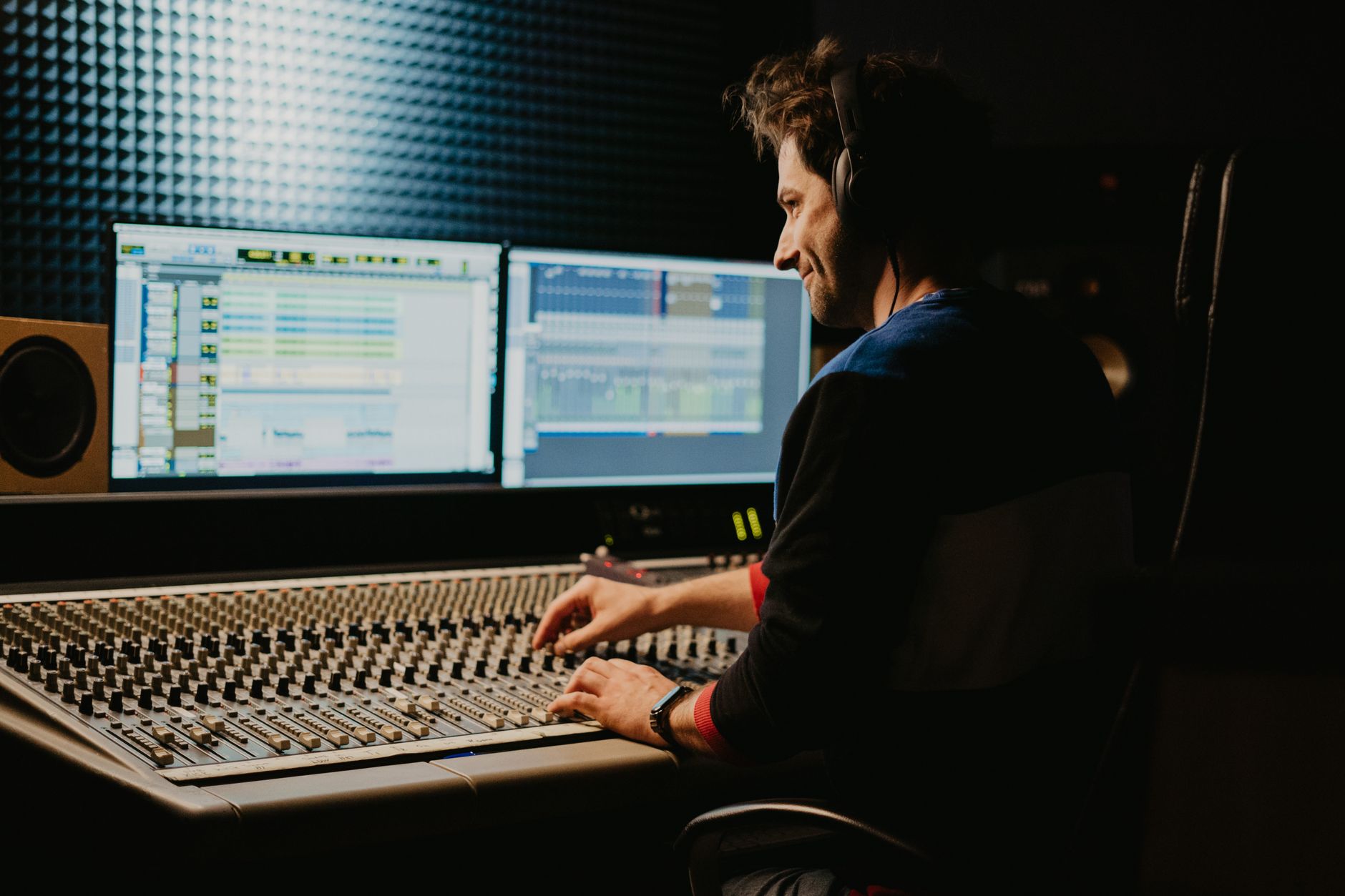
For podcasters doing remote interviews via Zoom or Riverside.fm, loopback means you can record both your microphone and your guest’s return audio to separate DAW tracks without additional software. Streamers on Twitch or YouTube use it to capture game audio alongside commentary.
This single feature makes the M2 meaningfully more capable than the Focusrite Scarlett Solo for content creation workflows.
MOTU M2 vs. the Competition
| Product | Price (approx.) | Preamp EIN | Loopback | MIDI I/O | Best For |
|---|---|---|---|---|---|
| MOTU M2 | ~$175 | ~–130 dBu | Yes | Yes | Clean recordings, streaming, versatility |
| Focusrite Scarlett Solo (4th gen) | ~$120 | ~–128 dBu | No (Solo) | No | First-time simplicity, Mac ecosystem |
| PreSonus AudioBox USB 96 | ~$100 | ~–125 dBu | No | Yes | Studio One users, budget-first |
| Audient iD4 MKII | ~$200 | ~–131 dBu | Yes | No | Tracking quality, headphone power |
The Audient iD4 MKII is the M2’s closest direct competitor on audio quality and price. The iD4 has a slight edge in headphone output power; the M2 wins on MIDI connectivity and loopback implementation.
Physical Build and Usability
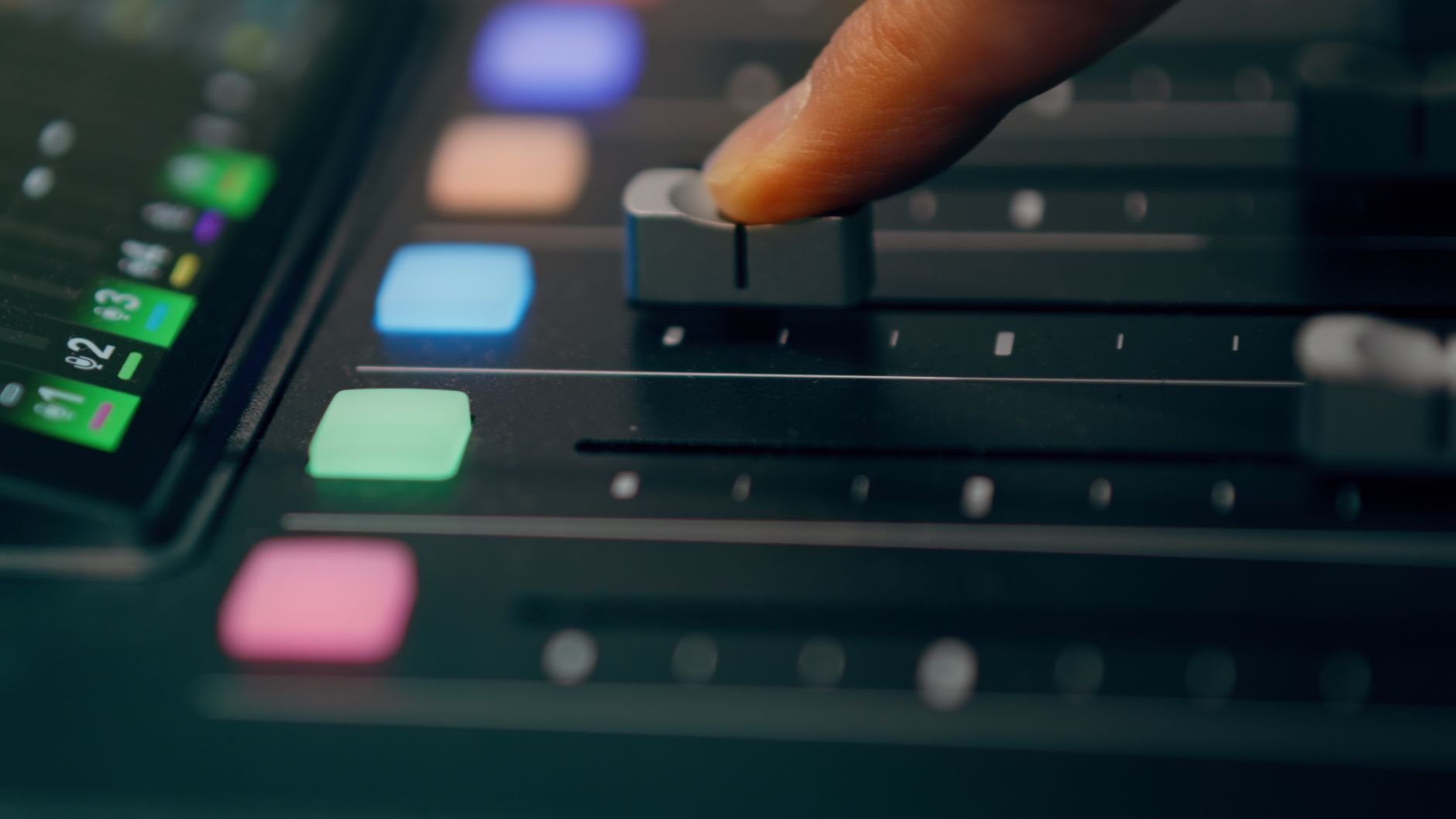 Photo: Jakub Zerdzicki via Pexels
The M2’s chassis is metal — aluminum faceplate, steel enclosure. The metal chassis contrasts with the plastic-bodied Scarlett Solo at a similar price. The front-panel LED meters display input level in real time, which is more useful than clip lights alone for gain staging.
One genuine limitation: only two combo inputs. If you need to record two microphones simultaneously (acoustic guitar and voice, two vocalists, drum overhead pair), the M2 hits its ceiling. For that use case, the MOTU M4 adds two more inputs for roughly $60 more and is worth the step up.
The USB-C connection is a practical upgrade over micro-USB — cables are easier to find and more durable. Bus power works reliably on current MacBooks and USB-C Windows laptops without a separate power supply.
Verdict by User Type
First-time beginner: The M2 is slightly more than the cheapest options, but the driver stability and clean preamps mean you won’t be fighting gear when you’re learning. The Focusrite Scarlett Solo is easier to find in stores and has more tutorials online — that’s a real advantage if you need hand-holding. The M2 rewards you for choosing it once you know what you’re doing.
Bedroom producer: This is the target user. Two inputs, clean preamps, solid converters, loopback for sampling and streaming — the M2 handles every typical home studio task without compromise.
Gigging musician: The M2 works for laptop-based live setups, but there are no dedicated instrument-level controls on the hardware for DI-first workflows. Still capable; not optimized for stage use.
Prosumer / upgrading from an entry interface: If you’re coming from a Behringer UMC22 or a basic Focusrite and you’ve started noticing the noise floor or driver instability, the M2 is a logical step up. Beyond this tier, you’re looking at the UA Volt 276 or the Focusrite Scarlett 2i2 4th gen at similar price points, though neither beats the M2 on measured performance per dollar.
→ See Also
- Best Audio Interfaces: The Complete Buyer’s Guide (2026)
- Best Audio Interface for Beginners (2026)
- Best Audio Interface Under $100
FAQ
Is the MOTU M2 good for vocals? Yes — the low noise floor and 48V phantom power make it well-suited for condenser microphones commonly used for vocals. Based on published measurement data, the preamps perform above average for this price tier, meaning quiet sources like acoustic vocals come through cleanly.
Does the MOTU M2 work without drivers on Mac? Yes. The M2 is class-compliant on macOS, so it functions as plug-and-play via USB-C without installing any drivers. On Windows, MOTU’s ASIO driver is required for low-latency operation and is available as a free download.
Is the MOTU M2 good for podcasting? It’s one of the better sub-$200 options for podcasting specifically because of its loopback feature. You can route remote guest audio back through the interface alongside your own mic, making it straightforward to record both sides of an interview to separate tracks in your DAW.
How does the MOTU M2 compare to the Focusrite Scarlett 2i2? The M2 and Scarlett 2i2 (4th gen) compete directly at similar price points. Published performance data gives the M2 a slight edge in output dynamic range, while the Scarlett benefits from a larger user community, more bundled software, and better beginner documentation. For pure audio quality, expert consensus generally favors the M2; for ecosystem and ease of entry, the Scarlett remains the default recommendation.
Does the MOTU M2 have MIDI? Yes — MIDI in/out ports are on the rear panel, which is uncommon at this price point. This makes the M2 useful for connecting hardware synthesizers and MIDI controllers directly without a separate MIDI interface.
Editorial methodology: Assessments are based on manufacturer specifications, published user reviews, and editorial research. Physical hands-on testing is noted explicitly where it occurred. Rankings reflect our editorial judgment and are not influenced by affiliate commission rates. Full editorial policy · Affiliate disclosure