Contents
Logic Pro Review (2026): Still the Best DAW for Mac?
TL;DR: Logic Pro remains the most feature-complete DAW at its price point for Mac users — a one-time $199.99 purchase that competes with subscriptions costing twice as much annually. For home studio producers on Apple hardware, it’s the default recommendation. Windows users should stop reading now.
What Is Logic Pro and Who Is It For?
Logic Pro is Apple’s professional DAW, exclusive to macOS and iPadOS. At $199.99 (one-time), it includes a full mixing and mastering suite, 100+ GB of sounds, and a plugin library that would cost thousands if purchased separately. It targets intermediate-to-professional producers who are locked into the Apple ecosystem and want maximum value from that commitment.
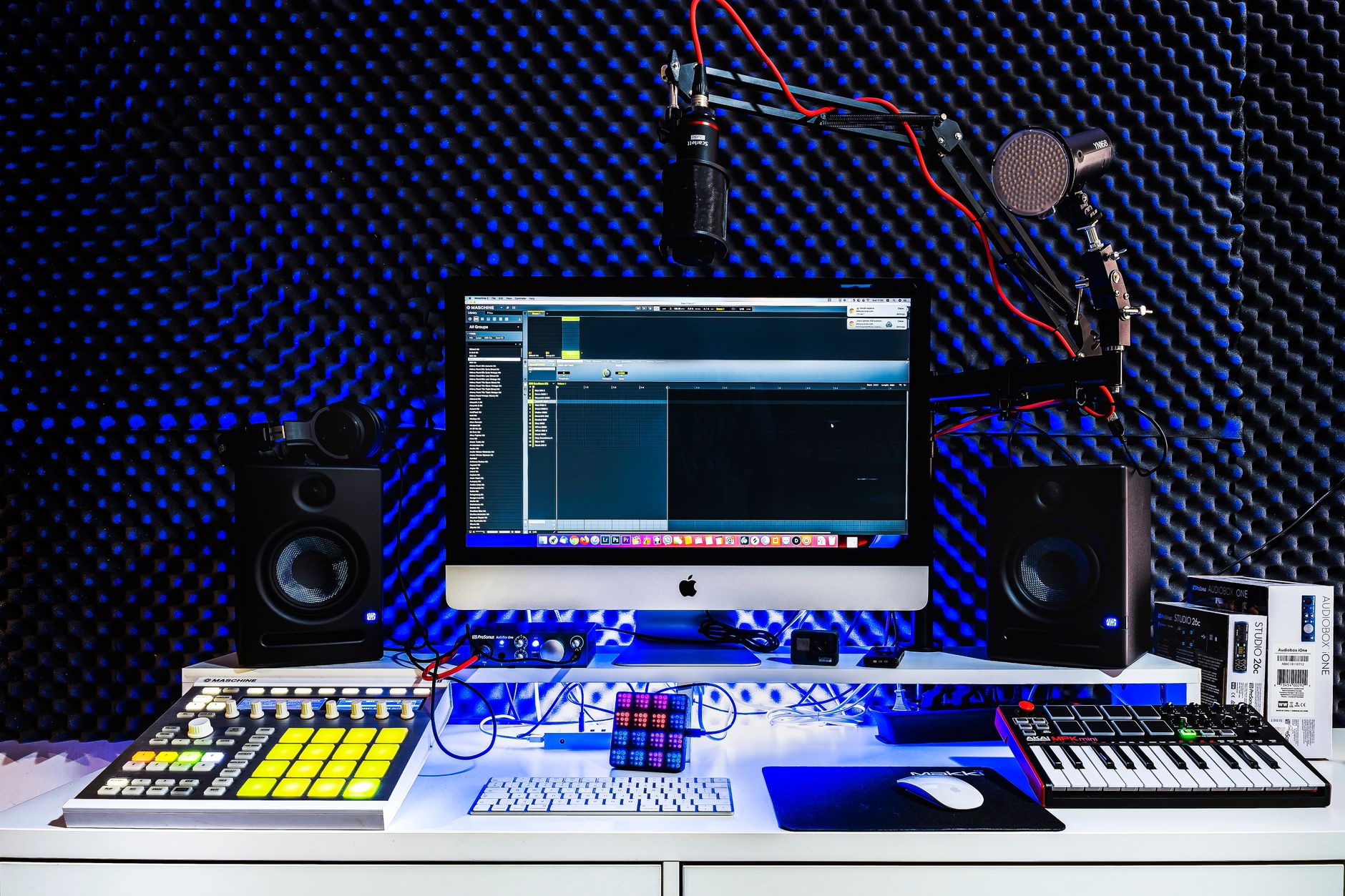
 Photo: Daniil Komov via Pexels
Logic Pro’s user base has two distinct camps: bedroom producers who outgrew GarageBand (which Logic is architecturally descended from) and professional engineers who need a capable multitrack environment without a subscription. The 2026 release adds stem splitter improvements and deeper Apple Silicon optimization, but the core proposition hasn’t changed — it’s a workhorse built for Mac.
If you’re on Windows, this logic pro review ends here: Logic doesn’t run on Windows, and no workarounds are stable enough to recommend.
Performance and Stability on Apple Silicon
Logic Pro on M-series Macs is fast. Apple’s direct control of both the OS and the application layer means the DAW is tuned specifically for the hardware it runs on. Published benchmarks show M3 MacBook Pro handling 200+ simultaneous tracks with real-time plugins before hitting CPU limits — headroom that most home studio sessions will never approach.
 Photo: Helena Lopes via Pexels
The performance gain from Apple Silicon isn’t marginal. Sessions that previously required freezing tracks or bouncing stems can run hot indefinitely on M2/M3 hardware. Low-latency monitoring with third-party AU plugins — historically Logic’s Achilles heel — is substantially more reliable since the 2024 builds.
Stability is excellent by DAW standards. Crashes are rare, autosave is aggressive, and project recovery is reliable. Logic’s bias toward stability over bleeding-edge feature adoption is a deliberate trade-off Apple has always made here.
The iPad Version
Logic Pro for iPad launched in 2023 and has matured into a genuinely capable composition tool. The touch interface works well for MIDI programming and basic mixing; professional engineers use it for sketching ideas on the road and finishing in the desktop version. Session projects transfer cleanly between platforms via iCloud.
The iPad version runs on a subscription ($4.99/month) rather than a one-time purchase — the only context where Logic competes on a recurring-cost model.
Built-In Plugin and Sound Library
No DAW at this price includes a comparable stock plugin set. Logic ships with Vintage Mellotron, Vintage Electric Piano, a Buchla-inspired synthesizer (ES2), Retro Synth, Alchemy (a full-featured sample synthesis engine), and complete channel strip dynamics. The sample library exceeds 100 GB and spans orchestral, electronic, and session instrument content.
 Photo: Alexey Demidov via Pexels
Alchemy alone justifies serious attention — it’s a spectral/granular/additive/sample engine that shipped as a $200 standalone instrument before Apple acquired it. Getting it bundled changes the plugin acquisition math for new producers substantially.
The Drummer virtual instrument (algorithmic session drummer with genre-specific groove libraries) and the Amp Designer (guitar amp modeling) are both production-quality. Expert consensus in the recording community rates Logic’s stock reverbs and channel strip as competitive with third-party alternatives in the $100–200 range.
What Logic doesn’t include: competitive metering beyond basic VU/PPM display, a dedicated mastering limiter (Stock Adaptive Limiter is adequate but not transparent at high gain reduction), and linear-phase EQ options. Professional mastering chains still typically reach for third-party tools.
Workflow Features Worth Noting
Logic’s Flex Time and Flex Pitch are the best-integrated pitch and time manipulation tools in any DAW at this price. Both work non-destructively in the main arrangement view without routing audio to a separate editor — a workflow advantage over Pro Tools and Ableton Live that shows up in every editing session.
Drummer Tracks + Drum Machine Designer provide a complete beat production workflow that competes with dedicated software. The Step Sequencer added in recent versions handles MIDI pattern programming with a hardware-sequencer feel that Ableton’s clip grid approximates differently.
The 64-bit summing engine, flexible routing via the Environment (legacy but still functional), and deep MIDI transform capabilities make Logic a serious tool for complex arrangements — not just a beginner’s entry point.
Software Module
Feature Overview
| Feature | Detail |
|---|---|
| Platform | macOS only (iPadOS for tablet version) |
| Format | AU (Audio Units) — VST/VST3/AAX not supported |
| Price Model | One-time $199.99 (desktop); $4.99/month (iPad) |
| System Requirements | macOS 13.6 or later, Apple Silicon or Intel, 6 GB RAM minimum (16 GB recommended) |
| Best For | Mac-committed producers, singer-songwriters, hybrid electronic/acoustic production |
DAW Comparison
| DAW | Price | Standout Feature | Learning Curve | Verdict |
|---|---|---|---|---|
| Logic Pro | $199.99 one-time | Stock plugin depth, Apple Silicon perf | Moderate | Best value on Mac |
| Ableton Live Suite | $749 one-time | Session View for live performance | Moderate | Best for electronic/live |
| Pro Tools Studio | $299/year | Industry-standard session compatibility | Steep | Best for studio/film work |
| FL Studio All Plugins | $499 one-time | Lifetime free updates | Moderate | Best value on Windows |
| Reaper | $60 one-time | Scriptable, ultra-lightweight | Steep | Best budget option cross-platform |
Workflow Notes
- Install/authorize: App Store purchase; no iLok, no separate authorization. Re-download on any Mac signed into your Apple ID.
- CPU load: Apple Silicon handles heavy plugin loads well. Intel Macs show strain above 50–60 tracks with heavy third-party plugin loads.
- Free trial: 90-day free trial available direct from Apple. Full-featured — not crippled. The most generous trial in the DAW market by duration.
- Third-party plugin compatibility: AU only. Most major plugin manufacturers (Waves, iZotope, FabFilter, Native Instruments) provide AU versions. VST-only plugins require a wrapper (e.g., Blue Cat’s Patchwork) with added latency.
 Photo: Roktim | রক্তিম 🇧🇩 via Pexels
→ See also:
- Best DAW for Home Recording (2026) — full comparison across all major platforms
- Best Free DAW for Beginners (2026) — GarageBand and alternatives before you commit $200
- Best DAW for Beginners — how Logic compares against beginner-focused options
FAQ
Is Logic Pro worth it in 2026? For Mac users producing music seriously, yes — the one-time $199.99 cost undercuts annual DAW subscriptions that deliver less stock content. The 90-day free trial removes the risk entirely. The only reason to pass is if you need Pro Tools session compatibility for professional studio work.
Does Logic Pro work on Windows? No. Logic Pro is macOS-exclusive and has been since Apple acquired it from Emagic in 2002. There is no supported path to running it on Windows; unofficial workarounds via Hackintosh or virtualization are unstable and violate Apple’s terms of service.
What’s the difference between Logic Pro and GarageBand? GarageBand is Logic Pro with the advanced features locked out — they share the same audio engine and project format. Logic adds unlimited tracks, full plugin and environment routing, Flex Time/Pitch, all professional instruments, Dolby Atmos support, and the complete 100 GB sound library. GarageBand projects open in Logic without conversion.
Can Logic Pro handle professional mixing and mastering? Mixing: yes, without reservation. The channel strip, Flex processing, and routing capabilities meet professional standards. Mastering: Logic covers the basics competently, but most professional mastering engineers supplement it with dedicated metering (Nugen, iZotope Ozone) and transparent limiting. Logic’s stock tools are adequate for release-quality masters at the bedroom studio level.
Does Logic Pro support third-party VST plugins? No — Logic only loads Audio Unit (AU) format plugins. Most major plugin developers release AU versions alongside VST3, so the practical impact is limited. Niche developers who release VST-only plugins require a bridging host, which adds complexity and potential latency.
Editorial methodology: Assessments are based on manufacturer specifications, published user reviews, and editorial research. Physical hands-on testing is noted explicitly where it occurred. Rankings reflect our editorial judgment and are not influenced by affiliate commission rates. Full editorial policy · Affiliate disclosure