Contents
JBL 305P MkII Review: Still Worth It in 2026?
TL;DR: The JBL 305P MkII remains one of the best value studio monitors under $150 per speaker. Its 3-Series Image Control Waveguide delivers imaging that punches well above its price class, the low-end extension is honest for a 5-inch driver, and the EQ switches handle problematic rooms without extra gear. For bedroom producers and beginners, it’s a hard monitor to beat at this price.
What Is the JBL 305P MkII?
The JBL 305P MkII is a powered nearfield studio monitor with a 5-inch woofer and 1-inch tweeter, producing 82W of Class-D amplification. It targets home studio producers who need accurate, fatigue-free monitoring without spending prosumer money. Street price sits around $99–$109 per speaker (2026), making it one of the most cost-competitive reference monitors in its class.
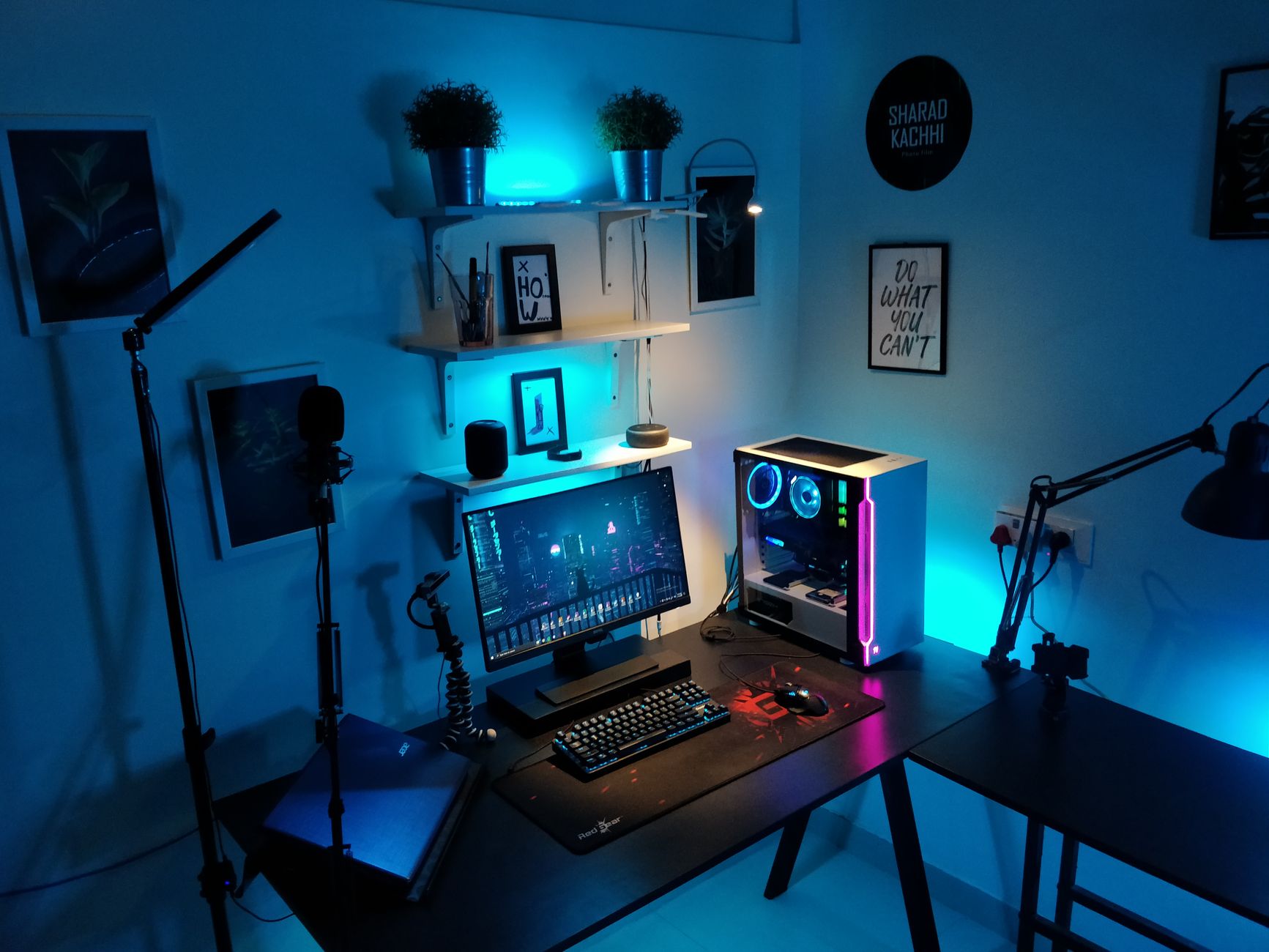 Photo: Sharad Kachhi via Pexels
JBL launched the 305P MkII as an update to the original 305, refining the boundary EQ switches, tweaking the low-frequency response, and carrying over the waveguide design inherited from JBL’s professional M2 reference monitors. It’s been a staple recommendation since 2017, and the fact that it still competes in 2026 speaks to how well the core design holds up.
The front-firing bass port eliminates the “must place it 8 inches from the wall” constraint that rear-ported monitors impose — a real quality-of-life win for small rooms.
Sound Characteristics
Tonally, the 305P MkII is balanced and honest. The low-mids are clean without being hyped, the top end is detailed without harshness, and the stereo image is wider than most competitors at this price point. Mixes translate well across systems — the real-world test that matters.
 Photo: cottonbro studio via Pexels
Low End
For a 5-inch driver, the low-end extension is respectable. JBL specifies a -10 dB point at 43 Hz, which means you’ll hear the presence of kick drums and bass guitars without the full picture. At -3 dB (approximately 49 Hz), the rolloff begins — sub-bass below 50 Hz requires either headphone supplementation or a subwoofer if accuracy there matters to your work.
What the 305P MkII does well is not lying about what it can’t reproduce. There’s no exaggerated low-mid bump to fake warmth. The bass you hear is the bass that’s there, which is exactly what you want from a reference monitor.
Published frequency response data confirms the rolloff is gradual rather than abrupt, making the transition predictable rather than a cliff edge.
Midrange and High End
The midrange is where the 305P MkII earns its reputation. Vocals, guitars, and synth leads sit forward and defined — the Image Control Waveguide aligns the high-frequency and low-frequency drivers so the crossover region (around 1.7 kHz) stays coherent. You don’t get that blurry “hole in the middle” common in cheaper monitors.
The 1-inch tweeter rolls off gracefully above 20 kHz. High hats and cymbals are present without the metallic edge that fatigues ears after long sessions.
Stereo Imaging
This is the 305P MkII’s headline feature. The waveguide widens the sweet spot so small head movements don’t collapse the stereo image. For engineers mixing in smaller rooms where the optimal listening triangle is sometimes compromised by desk placement, this matters.
 Photo: Anna Pou via Pexels
Room Correction and EQ Switches
Two rear-panel switches — HF Trim and Boundary EQ — let you correct for room acoustics without acoustic treatment or a hardware EQ. HF Trim adjusts high-frequency output (+2/0/-2 dB); Boundary EQ rolls off low frequencies when the speaker is placed near walls.
| Switch | Settings | Use Case |
|---|---|---|
| HF Trim | +2 dB / 0 / -2 dB | Bright rooms: -2 dB; Dead rooms: +2 dB |
| Boundary EQ | Normal / -2 dB | Near a wall (within ~1m): -2 dB |
Most users will set Boundary EQ to -2 dB and leave it. The default 0 setting assumes free-field placement — if you’re on a desk with a wall behind the monitors (every bedroom studio), the bass buildup from boundary reinforcement muddies the low end. The switch corrects this.
Specifications
| Spec | Detail |
|---|---|
| Connections | XLR balanced, TRS balanced, unbalanced RCA |
| I/O Count | 1 input per unit |
| Amplification | 82W Class-D (56W LF + 26W HF) |
| Frequency Response | 49 Hz – 20 kHz (±3 dB) |
| Woofer | 5-inch polypropylene cone |
| Tweeter | 1-inch composite dome |
| Bit Depth / Sample Rate | N/A (analog input) |
| Bus Power | No — IEC mains power |
| Best For | Bedroom producers, home studio mixing, reference monitoring on a budget |
How It Compares
| Monitor | Price (per speaker) | Low End | Imaging | Room EQ | Best For |
|---|---|---|---|---|---|
| JBL 305P MkII | ~$109 | Honest, 49 Hz -3dB | Excellent waveguide | HF Trim + Boundary EQ | Overall balance + value |
| Yamaha HS5 | ~$199 | Tight, slightly thin | Good | Room Control, High Trim | Mix translation, flat reference |
| Adam Audio T5V | ~$99 | Extended, slight emphasis | Good | HF/LF shelving | Detail, ribbon-like top end |
| KRK Rokit 5 G4 | ~$149 | Hyped, bass-forward | Moderate | DSP EQ via app | Bass-heavy genres, hip-hop |
The Yamaha HS5 is the most neutral option but costs nearly twice as much per speaker and sounds thin until you’re in a well-treated space. The Adam T5V competes directly on price — its ribbon-derived tweeter gives it an edge on high-frequency detail, but user reviews consistently report more setup sensitivity. The KRK Rokit 5 G4’s DSP EQ app is genuinely useful, but its bass emphasis makes it a suboptimal choice for translation work.
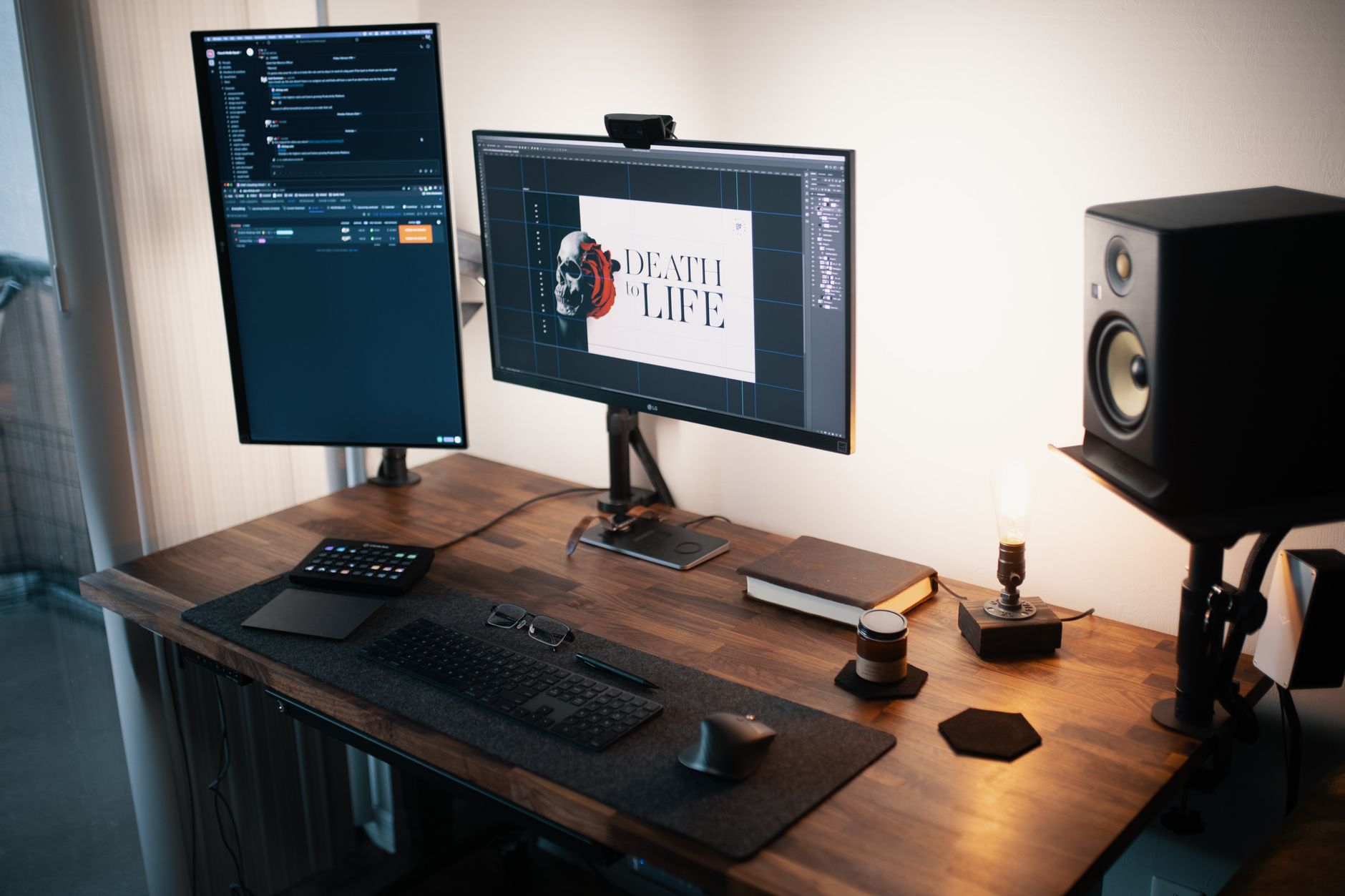 Photo: Josh Sorenson via Pexels
Verdict by User Type
First-time beginner: Buy these. The front-firing port, wide sweet spot, and included EQ switches mean they’ll work in a less-than-ideal room with minimal fuss. The price won’t hurt if your listening habits change.
Bedroom producer: Still the default recommendation under $250/pair. The imaging gives you reliable stereo placement without headphone dependency. If your room is acoustically rough, set Boundary EQ to -2 dB and add a subwoofer if bass accuracy matters to your genre.
Gigging musician: Not the right category — you want PA or stage monitors. For home reference when writing and recording, the 305P MkII works.
Prosumer / advancing engineer: At this stage you’re likely outgrowing the 5-inch low-end extension. The Adam Audio T7V or Yamaha HS7 make more sense. The 305P MkII can stay as a secondary reference.
→ See also:
- Best Studio Monitors for Home Recording (2026)
- Best Studio Monitors Under $150
- Best Studio Monitors Under $200
FAQ
Is the JBL 305P MkII good for beginners? Yes — it’s one of the top beginner recommendations at its price point. The front-firing bass port is forgiving of desk placement, the waveguide widens the sweet spot so the stereo image doesn’t collapse with slight head movement, and the EQ switches handle common room problems without extra gear.
Do you need a subwoofer with the JBL 305P MkII? For most genres, no. The -3 dB point at 49 Hz covers the fundamental range of most instruments. If you’re producing electronic music, hip-hop, or any bass-heavy material where sub-bass accuracy below 50 Hz matters, a subwoofer like the JBL LSR310S will fill the gap the 5-inch woofer can’t reproduce.
What’s the difference between the JBL 305P MkII and the 306P MkII? The 306P MkII uses a 6.5-inch woofer versus the 305P’s 5-inch driver. The larger driver extends low-frequency response and increases maximum SPL. According to JBL’s published specifications, the 306P MkII reaches approximately 47 Hz at -3 dB compared to 49 Hz for the 305P MkII — a modest difference. The 306P MkII is worth the price step (roughly $50–$60 more per speaker) if room size allows proper placement and low-end accuracy is a priority.
Should I use XLR or TRS to connect the JBL 305P MkII to my interface? XLR balanced if your audio interface outputs XLR. TRS balanced if it outputs TRS. Either balanced connection will reject cable noise over long runs — the difference in practice is negligible. Avoid unbalanced RCA unless your interface offers no balanced output option; unbalanced connections are more susceptible to hum and interference.
How should I position the JBL 305P MkII? Tweeters at ear level, forming an equilateral triangle with your head — typically 3–4 feet between the speakers and 3–4 feet to the listening position. Angle them in 30 degrees. Set Boundary EQ to -2 dB if they’re within a meter of a wall behind them. The front-firing port means the 8-inch-from-wall rule that applies to rear-ported monitors doesn’t apply here, though some distance still helps.
Editorial methodology: Assessments are based on manufacturer specifications, published user reviews, and editorial research. Physical hands-on testing is noted explicitly where it occurred. Rankings reflect our editorial judgment and are not influenced by affiliate commission rates. Full editorial policy · Affiliate disclosure