Contents
FL Studio 21 Review (2026): Is It Still Worth It?
TL;DR: FL Studio 21 remains one of the best DAWs for producers who prioritize workflow speed and pattern-based composition. Its lifetime free updates policy is unmatched in the industry, the piano roll is class-leading, and version 21 adds meaningful mixing and mastering improvements. The main limitations are a steeper learning curve for audio recording and a quirky audio engine architecture — but for beatmakers and electronic producers, it’s hard to beat.
What Is FL Studio 21 and Who Is It For?
FL Studio 21 is a Windows and macOS DAW developed by Image-Line, built around a pattern-based sequencer, a legendary piano roll, and a lifetime free updates policy. It excels at beat production, electronic music, and loop-based workflows. Engineers who track live bands or work primarily in linear arrange-mode may find other DAWs more intuitive.
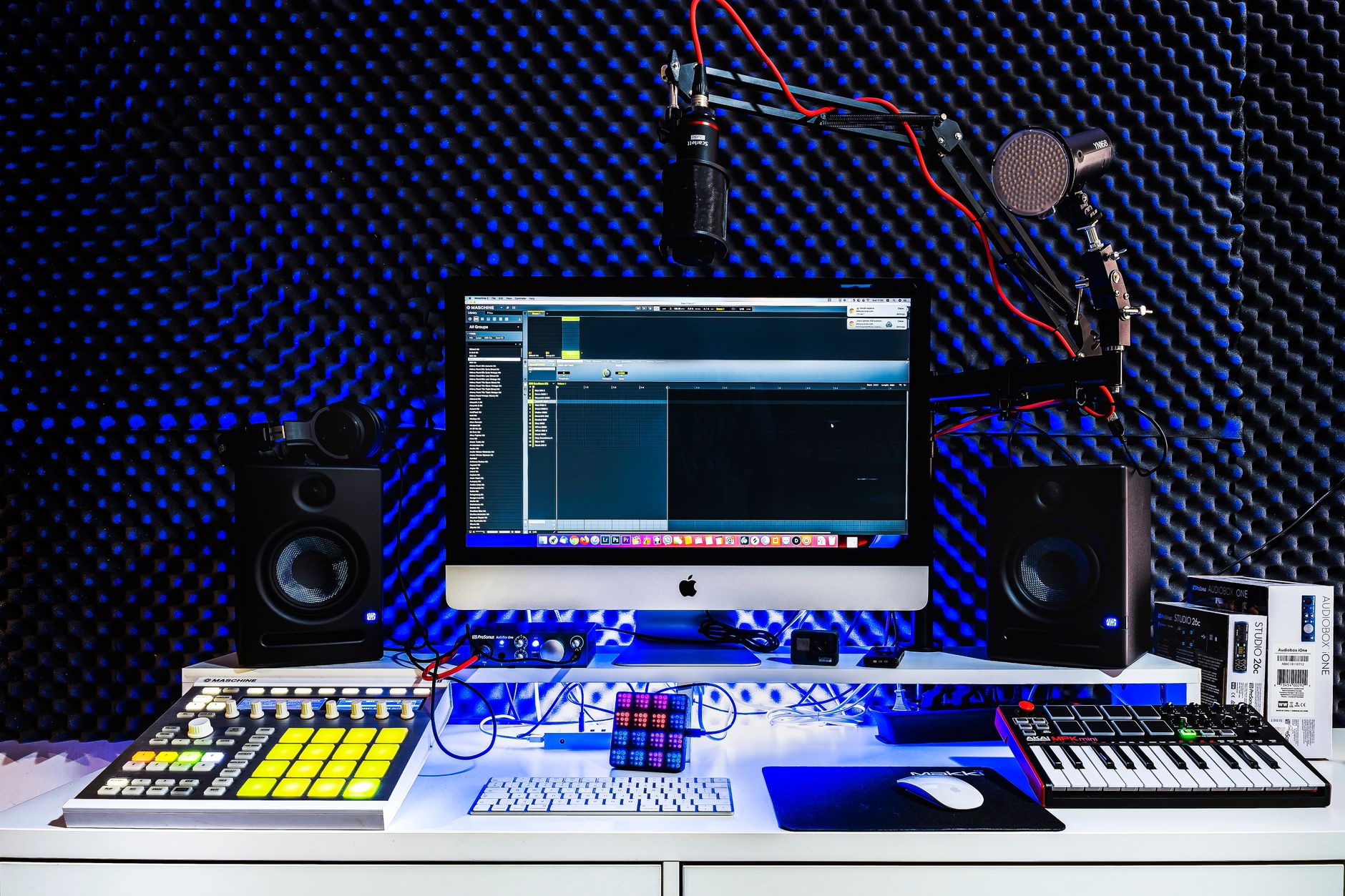
 Photo: AS Photography via Pexels
FL Studio has been a fixture in hip-hop, EDM, and trap production for over two decades. Version 21, released in 2023 and still actively updated into 2026, added several notable features: a new audio clip properties panel, improved automation clip handling, a refreshed plugin browser, and Vintage Chorus plus Plateaux (a granular reverb) as bundled effects.
The architecture is still fundamentally pattern-based: you build patterns in the Step Sequencer or Piano Roll, then arrange them in the Playlist. This is different from how most traditional DAWs (Logic, Pro Tools, Cubase) work — and that difference is worth understanding before you buy.
FL Studio 21 Pricing and Editions
FL Studio 21 ships in four tiers. The $99 Fruity edition covers basic sequencing; most producers need at least the $199 Producer edition for audio recording and full VST support. The $299 Signature bundle adds premium plugins. All editions include lifetime free updates — you pay once, own it forever.
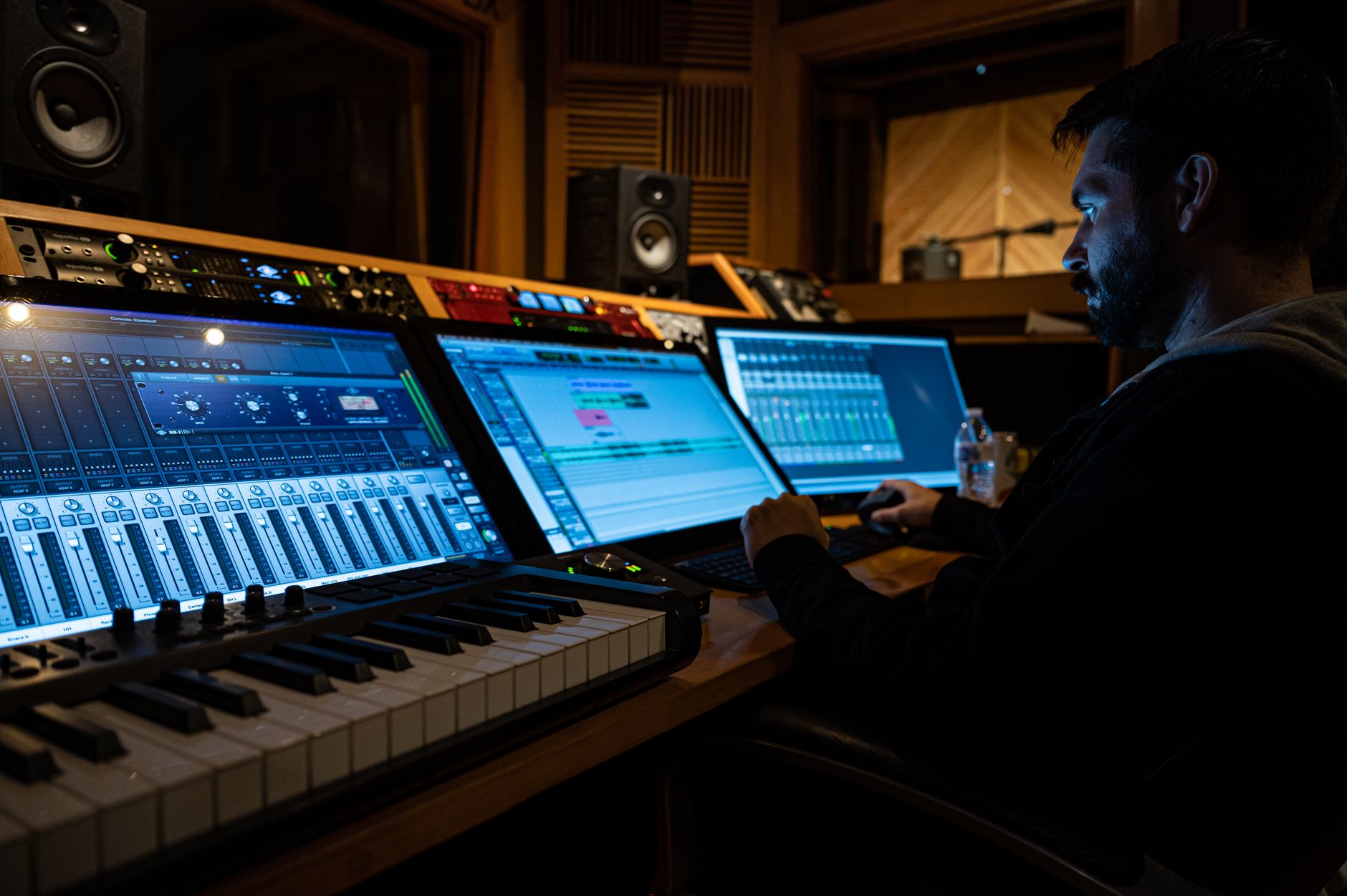
 Photo: John Taran via Pexels
| Edition | Price (USD) | Audio Recording | VST Plugin Hosting | Key Additions |
|---|---|---|---|---|
| Fruity | $99 | No | No | Step Sequencer, Piano Roll, 8 plugins |
| Producer | $199 | Yes (audio clips) | Yes (VST2/VST3) | Full arrange + recording |
| Signature | $299 | Yes | Yes | Harmor, Sytrus, DirectWave, more |
| All Plugins | $499 | Yes | Yes | Every Image-Line plugin included |
The lifetime updates policy is the real differentiator. Users who bought FL Studio in 2008 received FL Studio 21 for free. No subscription, no upgrade fee. For long-term cost of ownership, this is hard to match — Ableton and Logic charge for major version upgrades; only Image-Line gives them away indefinitely.
Piano Roll and MIDI Editing
The FL Studio piano roll is widely regarded as the best in any DAW. Note properties (velocity, pan, pitch, fine pitch) are editable per-note without leaving the window, and the tools for scaling, stamping, and transforming MIDI are extensive. For melodic and harmonic composition, it sets the bar.
 Photo: Karyme França via Pexels
Version 21 refined the selection tools and added better multi-channel MIDI support, letting you view and edit notes from multiple instruments on a single piano roll canvas. This is particularly useful when composing chord stacks or layered synth patches — you can see how parts interact without bouncing between windows.
Chord stamping, scale highlighting, and the Strum tool for velocity humanization make tasks that require manual work in other DAWs into a few clicks here.
Audio Recording and Mixing
Audio recording in FL Studio works but is not its strongest suit. The Edison audio editor is capable, and the Mixer is genuinely powerful with per-track sidechain routing and a flexible insert/send structure. However, the relationship between audio clips in the Playlist and the Mixer is less intuitive than in DAWs designed around linear recording.
For home studio producers layering vocals over beats, FL Studio handles the job fine. Audio clips can be routed to Mixer channels, comping is possible, and Edison provides non-destructive recording and editing.
Where producers sometimes hit friction: FL Studio uses a “declarative” routing model where instruments and audio clips explicitly point to Mixer tracks by number. This is flexible but takes time to internalize if you’re coming from Pro Tools or Logic, where recording to a track automatically routes through that channel strip.
The Mixer itself is well-featured: up to 10 insert slots per channel, parallel routing via send tracks, and a peak controller for dynamics-based automation. Version 21 improved the EQ visualizer and added spectrum analysis directly within the Parametric EQ 2 interface.
Bundled Plugins and Sound Design
FL Studio’s bundled synths are production-ready. Harmor and Sytrus (Signature and above) are deep, professional synthesizers. Flex (included in Producer and up) covers bread-and-butter preset browsing. The Fruity series effects cover the basics, and Plateaux granular reverb added in version 21 is genuinely excellent.
 Photo: Egor Komarov via Pexels
| Synth / Plugin | Included In | Type | Standout Feature |
|---|---|---|---|
| FLEX | Producer+ | Sample-based | Preset browser, zero setup |
| Sytrus | Signature+ | FM/subtractive hybrid | Complex modulation matrix |
| Harmor | Signature+ | Additive/resynthesis | Image-to-sound, blur/prism |
| DirectWave | Signature+ | Sampler | Full SFZ/SF2 support |
| Plateaux | All editions (v21) | Granular reverb | Lush textural ambience |
| Vintage Chorus | All editions (v21) | Chorus | Analog-modeled warmth |
Third-party VST support in FL Studio has always been strong. VST2, VST3, and AU (macOS) plugins load without issue in Producer edition and above. FL Studio does not support AAX natively, so Pro Tools users working in hybrid setups should note that limitation.
Software Specs and System Requirements
| Attribute | Details |
|---|---|
| Platform | Windows 10/11, macOS 10.15.7+ |
| Plugin formats | VST2, VST3, AU (macOS), ReWire |
| Price model | One-time purchase, lifetime updates |
| Min RAM | 4 GB (8 GB+ recommended) |
| CPU | Intel Core i5 or AMD equivalent |
| GPU | OpenGL 2.0 compatible |
| Best For | Beat production, electronic, hip-hop, EDM |
FL Studio 21’s CPU behavior is worth noting: it uses a single-threaded audio engine by default (SmartDisable compensates somewhat), though multicore processing support was significantly improved in recent versions. On modern Apple Silicon Macs via Rosetta 2, performance is solid; a native Apple Silicon version has been a long-running work-in-progress, with Image-Line making incremental progress.
FL Studio 21 vs. The Competition
| DAW | Price | Strengths | Weaknesses | Verdict |
|---|---|---|---|---|
| FL Studio 21 | $199 (Producer) | Piano roll, lifetime updates, workflow speed | Audio recording UX, no AAX | Best for beatmakers |
| Ableton Live 12 | $449 (Standard) | Live performance, session view, audio warping | Subscription pressure, expensive upgrades | Best for live performance / electronic |
| Logic Pro X | $199.99 (one-time) | Full-featured, Apple Silicon native, Mac-only | macOS only, upgrade fee for major versions | Best value for Mac producers |
| Reaper | $60 | Lightweight, highly customizable, cheap | Steep config learning curve, dated UI | Best budget option |
| Studio One 7 | $199 | Linear workflow, mastering suite built-in | Subscription tier confusion | Best for singer-songwriters |
→ See Also
- Best DAW for Home Recording (2026) — full comparison of every major DAW across use cases
- Best Free DAW for Beginners (2026) — if you’re not ready to spend $199 yet
- Best DAW for Beginners — how FL Studio stacks up for first-time producers
FAQ
Is FL Studio 21 good for beginners? FL Studio has a steeper initial learning curve than GarageBand or Ableton, but once the pattern-based workflow clicks, it’s fast and rewarding. The free trial is fully functional (you can’t reopen saved projects, but every feature works), so beginners can learn the interface before spending anything. Published user reviews consistently note the community tutorials and Image-Line’s documentation as strong learning resources.
Does FL Studio 21 work on Mac? Yes — FL Studio 21 runs on macOS 10.15.7 and later via Rosetta 2 on Apple Silicon machines. Performance based on documented user reports is generally good, though not equivalent to native ARM execution. A native Apple Silicon build is in development but was not fully released as of mid-2026.
Is the lifetime free updates deal real? It is. Image-Line has honored this since the early 2000s. Users who bought any edition of FL Studio prior to version 21 received it as a free update. The catch: the lifetime license applies to the edition you purchased — upgrading from Fruity to Producer still costs the price difference.
How does FL Studio 21 handle large sample libraries? FL Studio’s browser and DirectWave sampler support large libraries, but initial scan times on massive collections can be slow. Third-party samplers (Kontakt, Decent Sampler) load without issues via VST3. According to user reports on the Image-Line forums, setting custom search folders rather than scanning entire drives significantly improves browser performance.
Can you record a full band in FL Studio? You can, but it requires more setup than in Pro Tools or Logic. FL Studio supports multi-channel audio interfaces and simultaneous multi-track recording — the workflow just involves manually routing each audio clip to a dedicated Mixer track. For engineers whose primary work is tracking live instruments, a DAW built around linear recording will be more efficient. For hybrid producers who record occasional vocals or guitar over programmed beats, FL Studio handles it without issues.
Editorial methodology: Assessments are based on manufacturer specifications, published user reviews, and editorial research. Physical hands-on testing is noted explicitly where it occurred. Rankings reflect our editorial judgment and are not influenced by affiliate commission rates. Full editorial policy · Affiliate disclosure