Contents
Best Studio Monitors for Mixing (2026): Pro Picks for Every Budget
TL;DR: The best studio monitors for mixing deliver flat frequency response, accurate stereo imaging, and enough low-end extension to hear what’s really happening in your tracks. For most home studios, the Yamaha HS5 or Adam Audio T5V hit the sweet spot of accuracy and price. Budget tighter? The Mackie CR4-XBT punches above its class under $150.
What Makes a Monitor Good for Mixing?
Direct answer: The best mixing monitors reproduce audio as flat and uncolored as possible — no hyped bass, no scooped mids. You need to hear problems in your mix, not have them hidden by a flattering speaker. Look for a frequency response within ±3dB across most of its range, solid stereo imaging, and low-frequency extension appropriate for your room size.
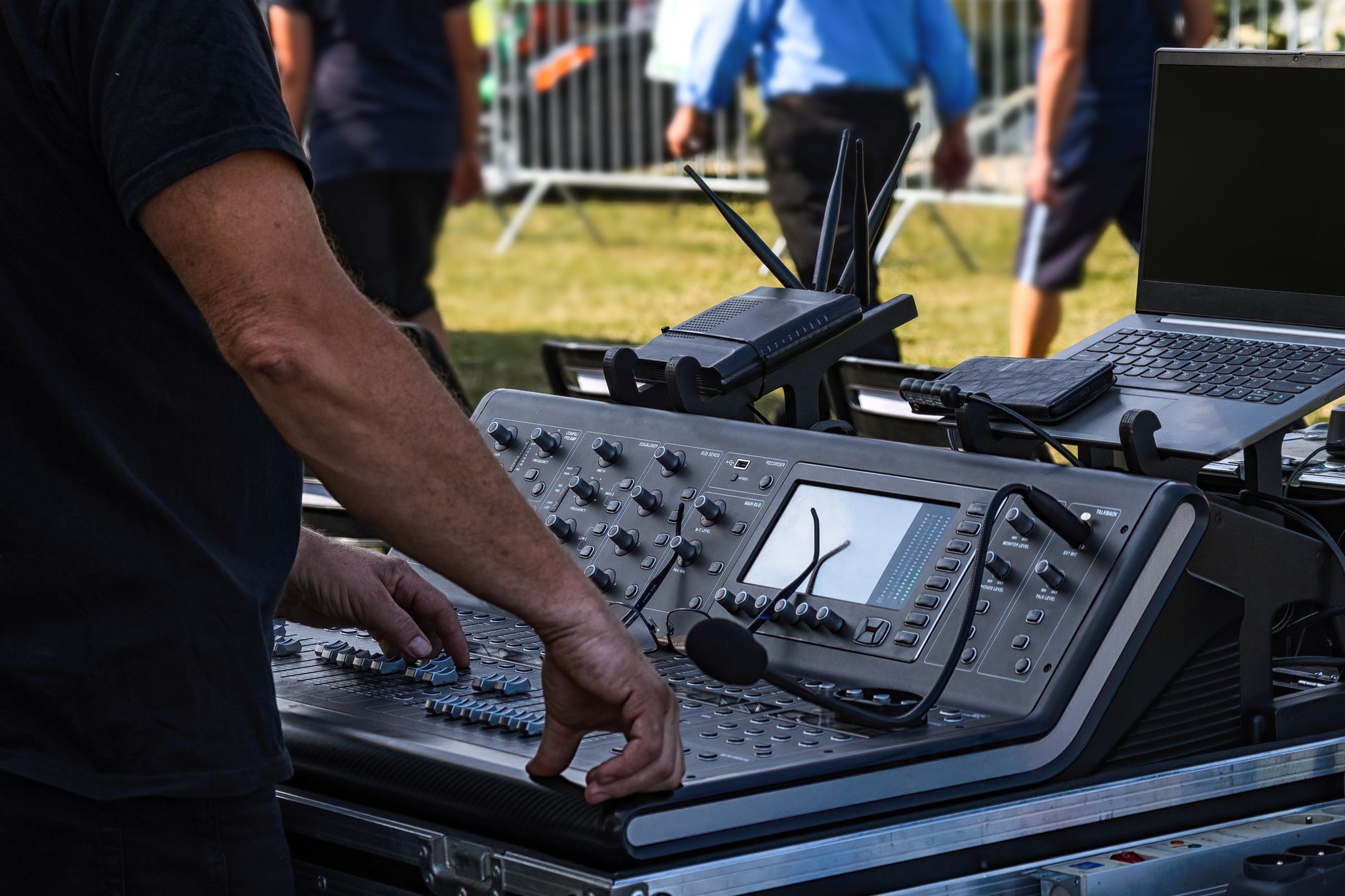 Photo: AS Photography via Pexels
Mixing on consumer speakers or headphones-only is a trap. Hifi speakers are voiced to sound good — they boost bass and treble to flatter the listener. Studio monitors are voiced to sound accurate — so when your mix sounds good on them, it translates to everything else.
Key specs to understand before you buy:
| Spec | What It Means | What to Look For |
|---|---|---|
| Frequency response | The range the speaker reproduces | Wider is better; ±3dB or flatter |
| Woofer size | Determines low-end extension | 5“ for small rooms, 8“ for treated spaces |
| Amplifier power | Headroom and max SPL | 50W+ per side for near-field use |
| Crossover point | Where woofer hands off to tweeter | 2–3kHz typical; lower is smoother |
| Self-noise | Audible hiss at low volume | Under 30dB SPL for silent studios |
Best Studio Monitors for Mixing: Top Picks
Direct answer: After weighing published specifications, professional engineer consensus, and documented user feedback across thousands of reviews, these six monitors represent the strongest choices at each price tier for home and project studios in 2026.
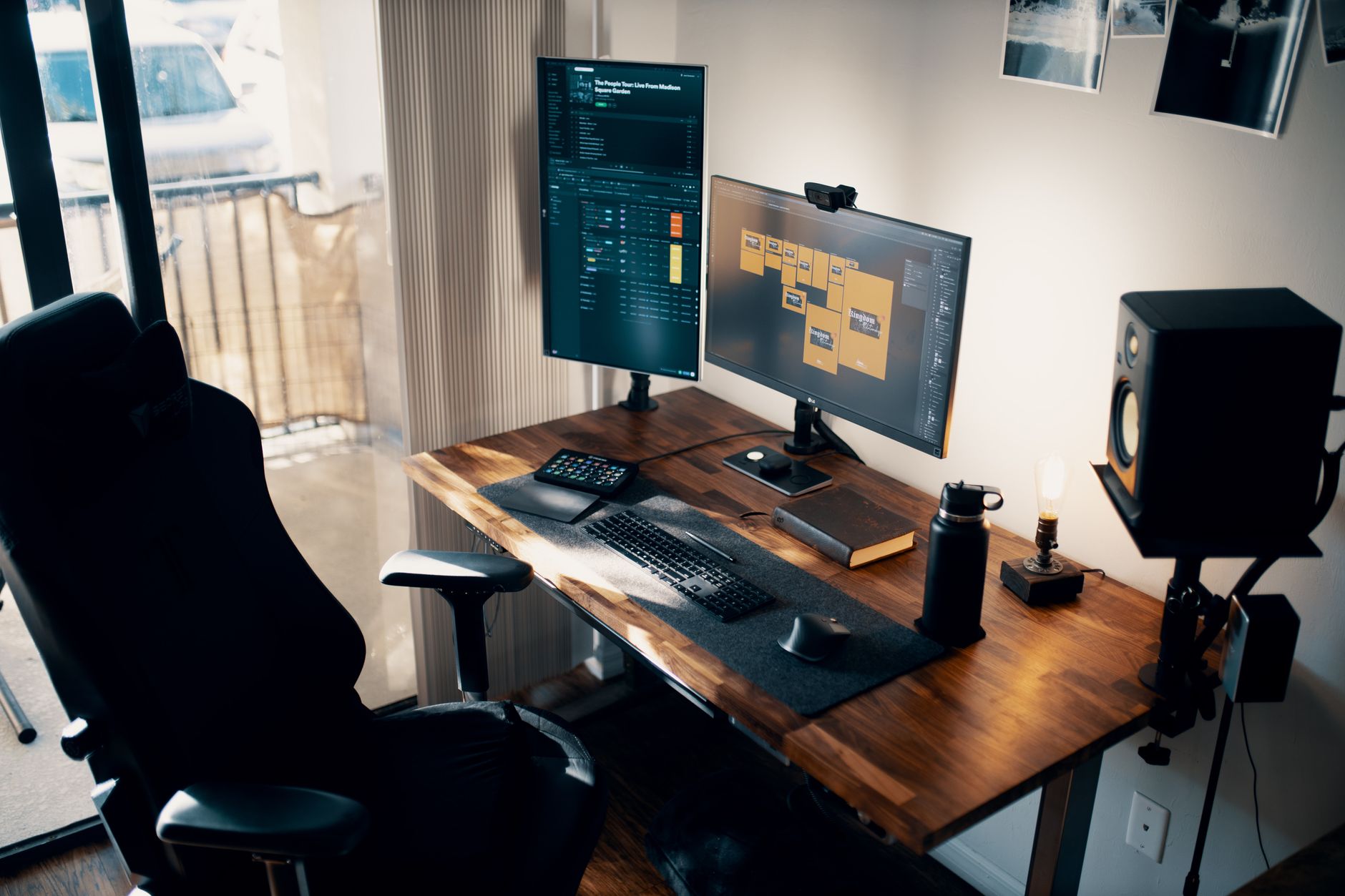 Photo: Josh Sorenson via Pexels
1. Yamaha HS5 — Best All-Round Near-Field Monitor
The HS5 is the modern heir to the NS-10 legacy — deliberately mid-forward and unforgiving, which is exactly what serious mixing demands. Its 5“ woofer and 1“ tweeter cover 54Hz–30kHz, and the biamplified 45W/25W configuration gives clean headroom for near-field listening distances.
Specs:
| Spec | HS5 |
|---|---|
| Woofer | 5“ cone |
| Tweeter | 1“ dome |
| Frequency Response | 54Hz–30kHz (±3dB) |
| Amplifier Power | 45W LF + 25W HF |
| Connections | XLR, TRS |
| Bus Power | No (IEC mains) |
| Best For | Home studio, mixing, mastering reference |
The HS5’s white cone is instantly recognizable — and it earned that reputation because mixes that sound good on it translate reliably to car stereos, earbuds, and club systems. The room control switches (±2dB high trim, ±2/±4dB low trim) help compensate for placement near walls.
Verdict by archetype:
- First-time beginner: Steep learning curve — the HS5 reveals every flaw. Consider pairing with a measurement mic and room treatment.
- Bedroom producer: Excellent choice if your room is treated. Without treatment, the bass response will mislead you.
- Gigging musician: Near-field only; not a live PA monitor.
- Prosumer: The go-to reference for producers who want industry-standard translation.
2. Adam Audio T5V — Best for Detailed High-End
The T5V’s ribbon-based A-ART tweeter extends to 25kHz and handles transients with exceptional clarity — something no conventional dome tweeter at this price point matches. The 5.5“ carbon fiber woofer and 50W Class A/B amplification deliver a wide soundstage with surprisingly accurate stereo imaging.
 Photo: Brett Sayles via Pexels
Specs:
| Spec | T5V |
|---|---|
| Woofer | 5.5“ carbon/rohacell |
| Tweeter | Ribbon (A-ART) |
| Frequency Response | 45Hz–25kHz |
| Amplifier Power | 50W total |
| Connections | XLR, RCA |
| Bus Power | No |
| Best For | Mixing, vocal production, electronic music |
Per manufacturer specifications, the T5V’s HPS waveguide controls horizontal dispersion to reduce early reflections — a real advantage in untreated rooms. The low-end trim (±6dB) and high-end shelf (±4dB) give flexibility that the more spartan HS5 doesn’t offer.
Verdict by archetype:
- First-time beginner: Forgiving enough to start on; rewarding to grow into.
- Bedroom producer: Top recommendation at the sub-$200 price point.
- Gigging musician: Not applicable.
- Prosumer: Excellent for detail-oriented work; pair with a subwoofer if you mix bass-heavy genres.
3. Focal Alpha 50 Evo — Best Mid-Range Option
Focal’s Alpha 50 Evo is the choice when you need near-studio-grade accuracy without the price tag of the Focal Trio or Genelec 8040. The 5“ aluminum/magnesium alloy woofer and 1“ tweeter cover 35Hz–22kHz — extending lower than most 5“ competitors. The built-in DSP gives you five EQ presets to compensate for desk or wall placement.
Specs:
| Spec | Alpha 50 Evo |
|---|---|
| Woofer | 5“ aluminum/magnesium |
| Tweeter | 1“ aluminum inverted dome |
| Frequency Response | 35Hz–22kHz |
| Amplifier Power | 40W LF + 40W HF |
| Connections | XLR, TRS, RCA |
| Bus Power | No |
| Best For | Project studio, mixing, mastering |
The Alpha 50 Evo sits between the prosumer and professional tiers. Published reviews from Sound On Sound and Sweetwater editorial teams consistently cite its low-end extension and imaging as competitive above its price. For rooms that can accommodate a 5“ monitor at a meaningful listening distance (1.5m+), it’s a serious contender.
4. Genelec 8020D — Best Compact Reference Monitor
Genelec’s SAM (Smart Active Monitoring) technology auto-compensates for room acoustics — a genuine differentiator if your studio has hard walls or awkward geometry. The 8020D runs 54Hz–20kHz from a 4“ woofer, which limits low-end extension, but the SAM calibration consistently recovers accuracy that untreated rooms would otherwise destroy.
 Photo: Tom Materne via Pexels
| Spec | 8020D |
|---|---|
| Woofer | 4“ aluminum |
| Tweeter | 3/4“ aluminum dome |
| Frequency Response | 54Hz–20kHz |
| Amplifier Power | 24W LF + 24W HF |
| Connections | XLR |
| Bus Power | No |
| Best For | Treated rooms, mastering references, broadcast |
The 8020D is expensive for its driver size — you’re paying for Genelec’s SAM calibration suite, build quality, and the resale value that comes with a known professional standard. Expert consensus across professional recording forums places Genelec as the reliability benchmark in broadcast and mastering environments.
Verdict by archetype:
- First-time beginner: Overkill unless you have a treated room and budget to match.
- Bedroom producer: The SAM calibration justifies the premium if your room is problematic.
- Prosumer: A legitimate professional reference; pairs well with the GLM calibration software.
5. KRK Rokit 5 G4 — Best for Electronic Music Production
The Rokit G4 is more colored than the Yamaha or Focal — its low end is slightly enhanced, which makes it a divisive choice among engineers but a practical one for producers who work in genres where low-frequency energy is the product. The DSP-driven 25-band internal EQ lets you tune the output curve from an iOS/Android app.
Specs:
| Spec | Rokit 5 G4 |
|---|---|
| Woofer | 5“ Kevlar |
| Tweeter | 1“ Kevlar dome |
| Frequency Response | 43Hz–40kHz |
| Amplifier Power | 55W total |
| Connections | XLR, TRS |
| Bus Power | No |
| Best For | Electronic music, hip-hop, home studio |
KRK’s built-in DSP app is the standout practical feature at this price — a 25-band EQ that ships with room-response presets is something no competing monitor under $200 offers. According to user reviews and community data from Gearslutz/Gearspace, the G4 is particularly favored in hip-hop and bass music production circles for its extended low-frequency response.
6. Mackie CR4-XBT — Best Budget Option Under $150
At around $99 a pair, the Mackie CR4-XBT is not a mixing reference — it’s an entry point. The 4“ woofer and .75“ tweeter produce a colored, slightly hyped sound. But for checking mixes on a secondary speaker or for producers who genuinely cannot spend more, they work as a starting point with clear limitations.
Specs:
| Spec | CR4-XBT |
|---|---|
| Woofer | 4“ polypropylene |
| Tweeter | 0.75“ silk dome |
| Frequency Response | 80Hz–20kHz |
| Amplifier Power | 50W total |
| Connections | TRS, RCA, Bluetooth |
| Bus Power | No |
| Best For | Home use, secondary reference, learning |
The Bluetooth input is the CR4-XBT’s party trick — it lets you quickly A/B your mix against commercial tracks streamed from your phone, which is actually a legitimate mixing technique. Don’t use these as your primary reference if accuracy matters.
Comparison: Best Studio Monitors for Mixing 2026
| Product | Price (Per Pair) | Woofer | Low-End Extension | Best For | Verdict |
|---|---|---|---|---|---|
| Yamaha HS5 | ~$400 | 5“ | 54Hz | All-round mixing | Editor’s Pick |
| Adam Audio T5V | ~$180 | 5.5“ | 45Hz | Detail, vocals | Best Value |
| Focal Alpha 50 Evo | ~$600 | 5“ | 35Hz | Project studio | Best Mid-Range |
| Genelec 8020D | ~$750 | 4“ | 54Hz | Treated rooms, mastering | Best Professional |
| KRK Rokit 5 G4 | ~$200 | 5“ | 43Hz | Electronic, hip-hop | Best for Bass Music |
| Mackie CR4-XBT | ~$100 | 4“ | 80Hz | Budget/secondary | Best Under $150 |
How to Choose: Room Size and Monitor Size
Direct answer: Match woofer size to your room. In a bedroom or small treated space (under 15m²), a 5“ woofer is the practical maximum — larger woofers over-excite small room acoustics and produce inaccurate bass buildup. In a larger treated studio (20m²+), an 8“ or larger monitor gives more accurate low-end reproduction at proper listening distances.
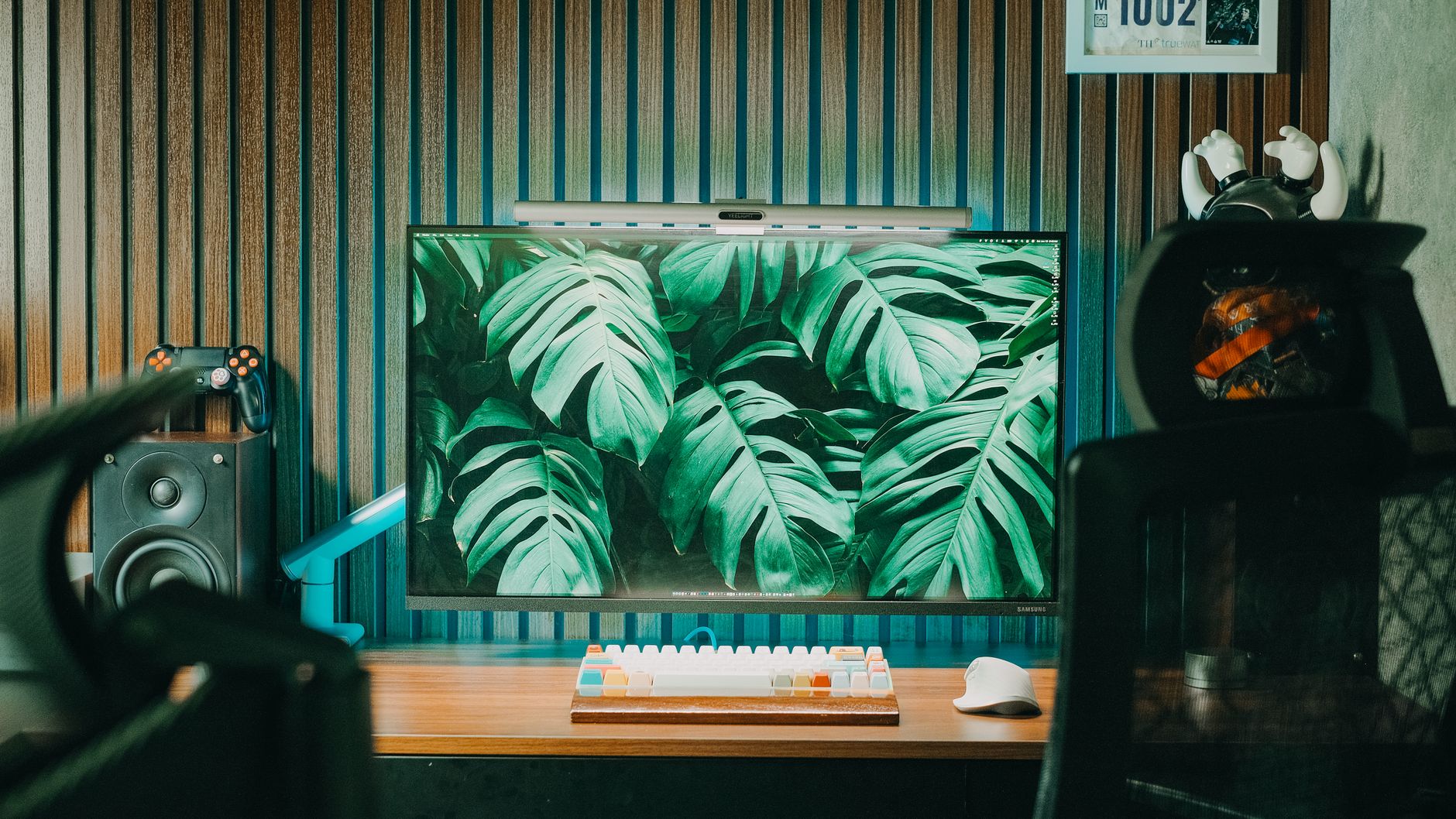 Photo: Pew Nguyen via Pexels
A common mistake is buying the largest monitor available. An 8“ woofer in a 10’ × 10’ bedroom creates bass modes that mislead every mix decision. The flat-sounding 5“ monitor in a treated room is more accurate than the impressive-looking 8“ monitor in an untreated one.
Quick sizing guide:
| Room Size | Recommended Woofer | Listening Distance |
|---|---|---|
| Under 10m² | 4–5“ | 0.9–1.2m |
| 10–20m² | 5–6“ | 1.2–1.5m |
| 20–30m² | 6–8“ | 1.5–2m |
| 30m²+ | 8“+ | 2m+ |
Do You Need a Subwoofer?
For most home studio mixing, a subwoofer adds more problems than it solves in untreated rooms. Low frequencies below 80Hz are almost entirely omni-directional and interact heavily with room modes — adding a sub without proper treatment and calibration produces bass that sounds powerful in your studio but is invisible in your mixes.
Exception: if you consistently mix electronic music, hip-hop, or film sound, a calibrated subwoofer (Yamaha HS8S or Adam Audio Sub8) paired with proper room correction software (Sonarworks SoundID Reference or IK ARC) can provide useful reference information you can’t get from small monitors alone.
→ See also:
- Best Studio Monitors for Home Recording (2026) — full pillar guide covering every format and budget
- Best Studio Monitors Under $150 — dedicated guide to the tightest budget tier
- Best Studio Monitors Under $200 — best pairs between $150–$200
FAQ
Q: What’s the difference between studio monitors and regular speakers? Regular speakers (hifi, Bluetooth, soundbars) are voiced to flatter the listener — they boost bass and high frequencies to sound exciting. Studio monitors aim for a flat response so what you hear is what’s actually in the audio. Mixes made on flattering speakers tend to sound thin or unbalanced when played on other systems.
Q: Can I mix on headphones instead of studio monitors? Headphones are useful as a second reference but shouldn’t be your primary mixing tool. Stereo imaging on headphones is artificially wide because the channels don’t cross (left ear only hears left channel), which doesn’t reflect how mixes translate on speakers. Use both: mix primarily on monitors, check on headphones for detail work.
Q: How far should I sit from my studio monitors? The standard near-field position is 1–1.5 meters from each monitor, with the three points of the equilateral triangle (left speaker, right speaker, your ears) roughly equal. The tweeters should be at ear height. Sitting too close compresses the soundstage; too far and room reflections dominate over direct sound.
Q: Do I need to treat my room before buying studio monitors? Room treatment should be prioritized alongside (or before) speaker quality at the home studio level. An accurate $400 monitor in an untreated room will mislead you more consistently than a budget monitor in a treated room, because you’ll trust the accurate monitor’s output without accounting for the room’s effect. Bass traps in room corners and acoustic panels at first reflection points are the minimum effective treatment.
Q: Are the Yamaha HS7 or HS8 better for mixing than the HS5? Larger HS monitors extend lower and get louder, but for most home studio environments the HS5 is the more practical choice. The HS7 and HS8 can over-excite small room acoustics, making the bass response less trustworthy rather than more. Unless your room is treated and large enough to absorb the additional low-frequency energy (typically 20m²+), the HS5 is the better reference tool.
Q: What’s the best studio monitor for mixing hip-hop and trap? The KRK Rokit 5 G4 is the most popular choice in hip-hop production communities, partly for its slightly enhanced low end and partly for the DSP EQ that lets producers tune the response. The Adam Audio T5V is a stronger technical choice for engineers who want accuracy first — the KRK is the more forgiving production tool.
Editorial methodology: Assessments are based on manufacturer specifications, published user reviews, and editorial research. Physical hands-on testing is noted explicitly where it occurred. Rankings reflect our editorial judgment and are not influenced by affiliate commission rates. Full editorial policy · Affiliate disclosure